

Luminex Hall Effect Switch 2 Pro Controller
Product description
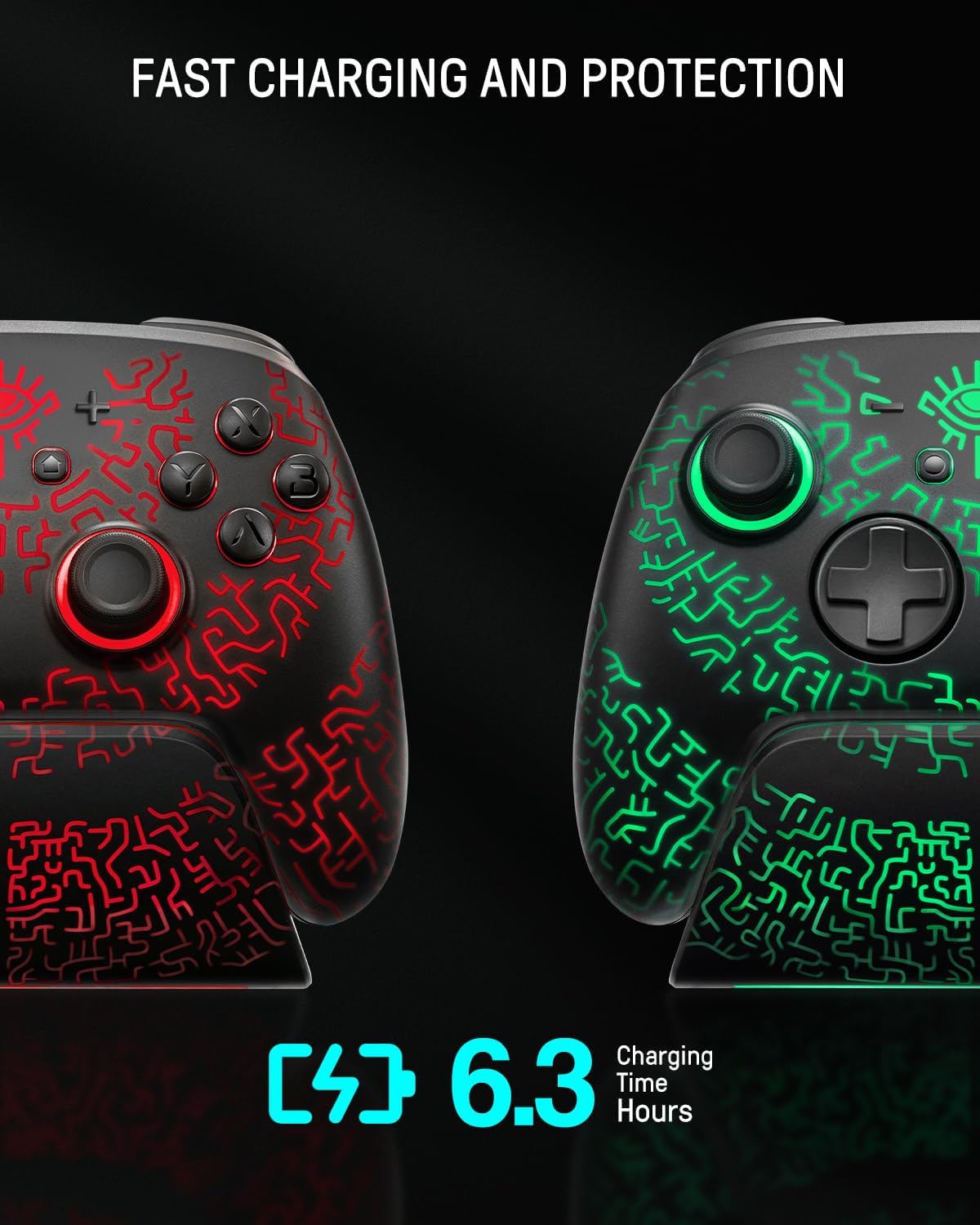
This wireless Switch 2 controller brings Hall effect sensing and a multi-functional charging dock together to enhance precision and convenience for extended play sessions. Designed for players who want drift-free sticks and ambient RGB while charging between rounds, it suits both casual and competitive use.
Key Points
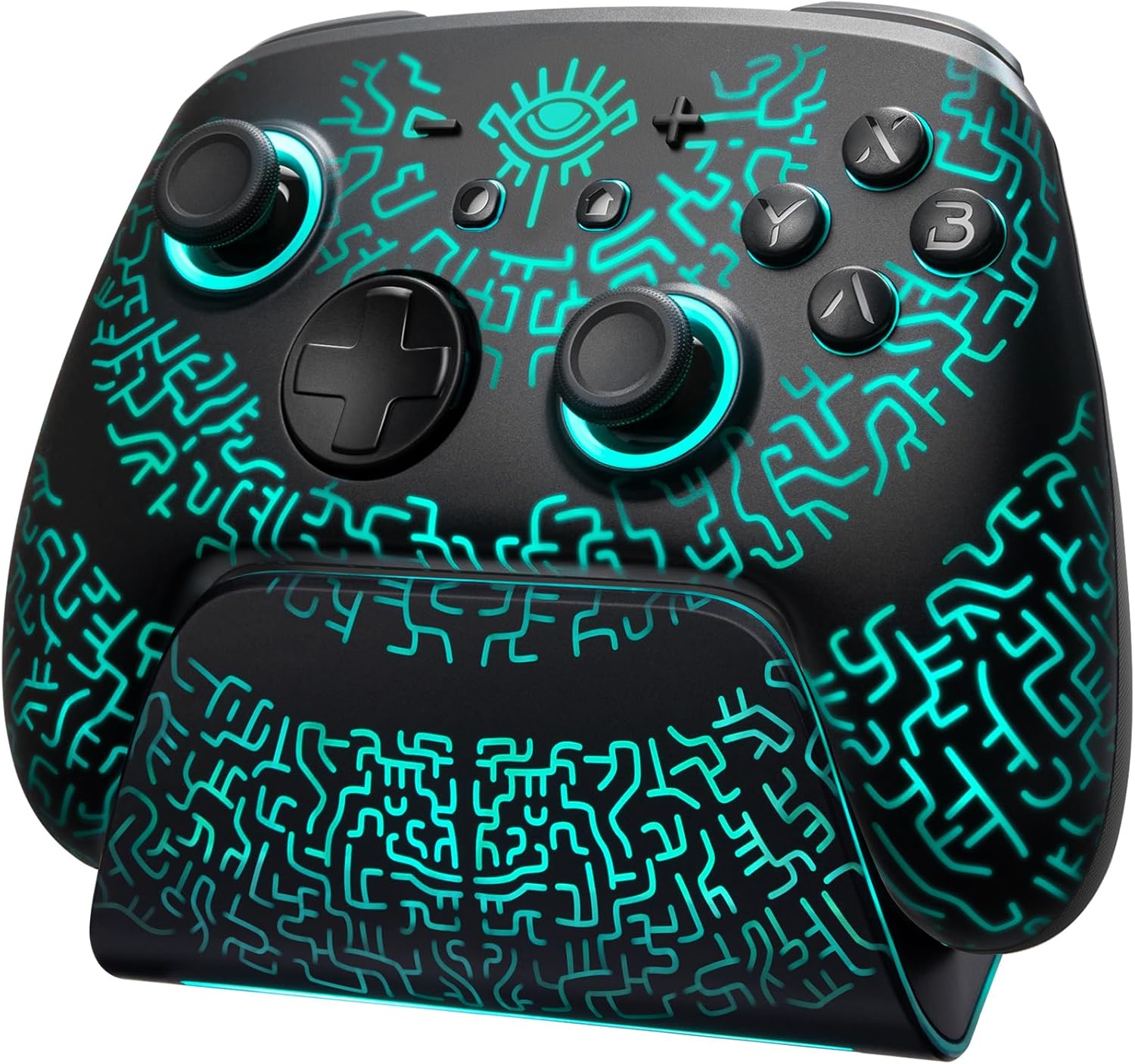
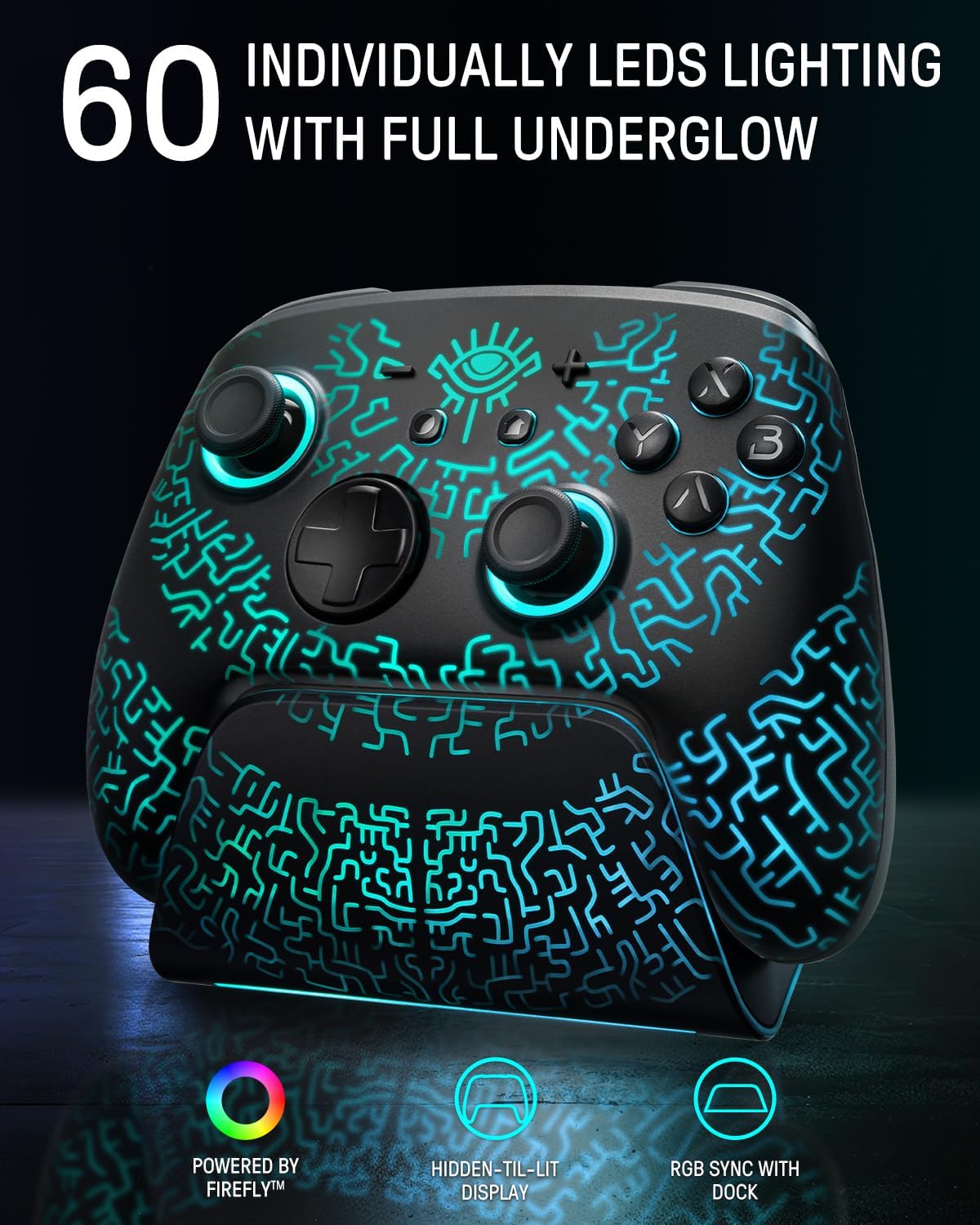
The controller uses Hall effect joysticks to deliver responsive, drift-resistant movement, which helps maintain consistent input over long periods. It includes a dock that charges and synchronises the controller’s lighting, creating a tidy display on a shelf or desk. The unit features adaptive functions such as turbo and programmable macros to simplify repeated or complex in-game actions. 🎮
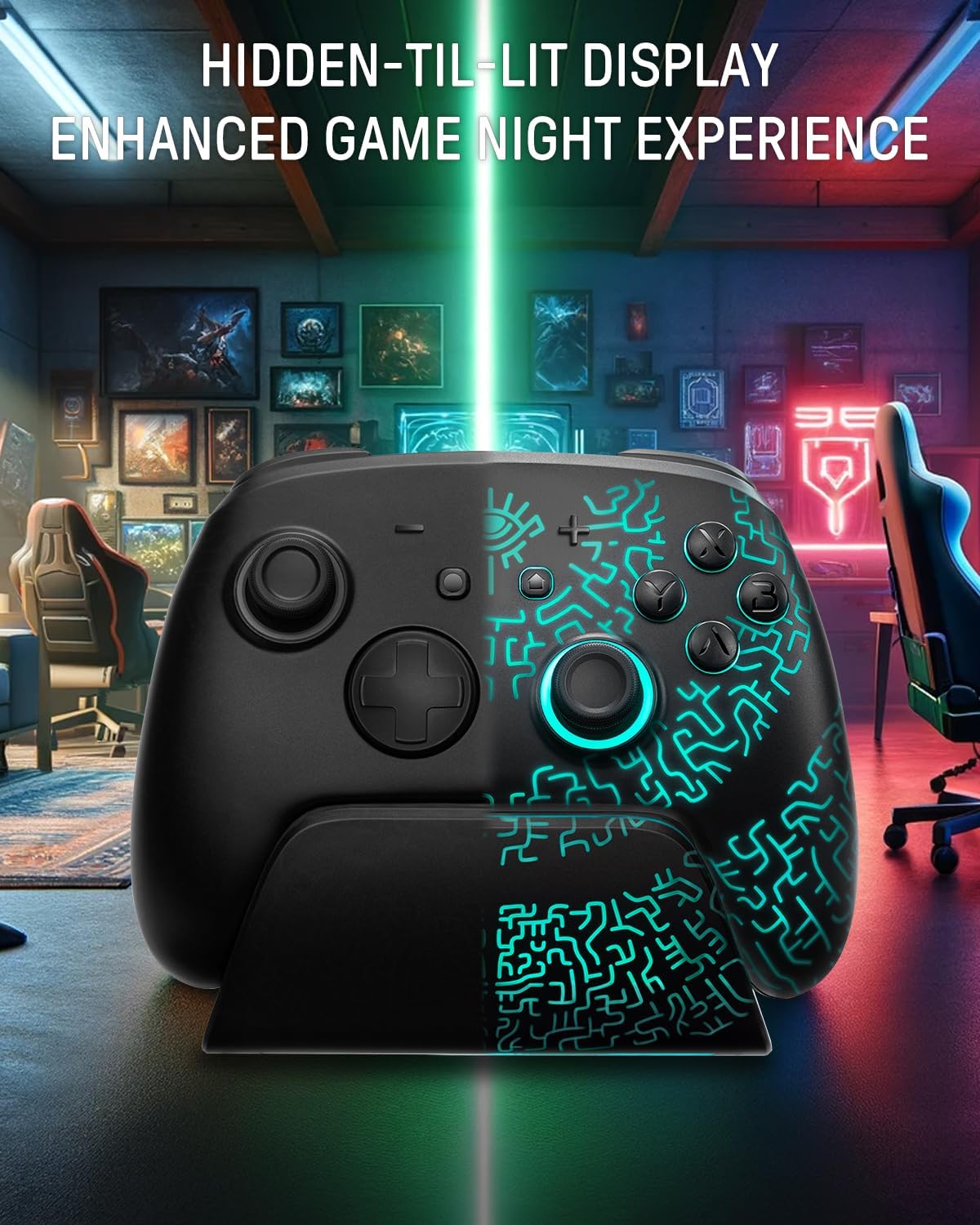
Connectivity is versatile, with Bluetooth pairing for wireless play and an app link that allows remapping, sensitivity tuning, motor control and LED customisation. The dock has hidden LEDs that cycle through seven colours and three modes, so you can pick a subtle tone or a more dynamic look to match your setup. Note that some advanced settings are managed via the companion app according to the manufacturer.
Technical Specifications
- Name: Hall Effect Switch 2 Pro Controller with Charging Dock
- Sensor type: Hall effect joysticks
- Lighting: 60-LED hidden RGB, 7 colours, 3 modes
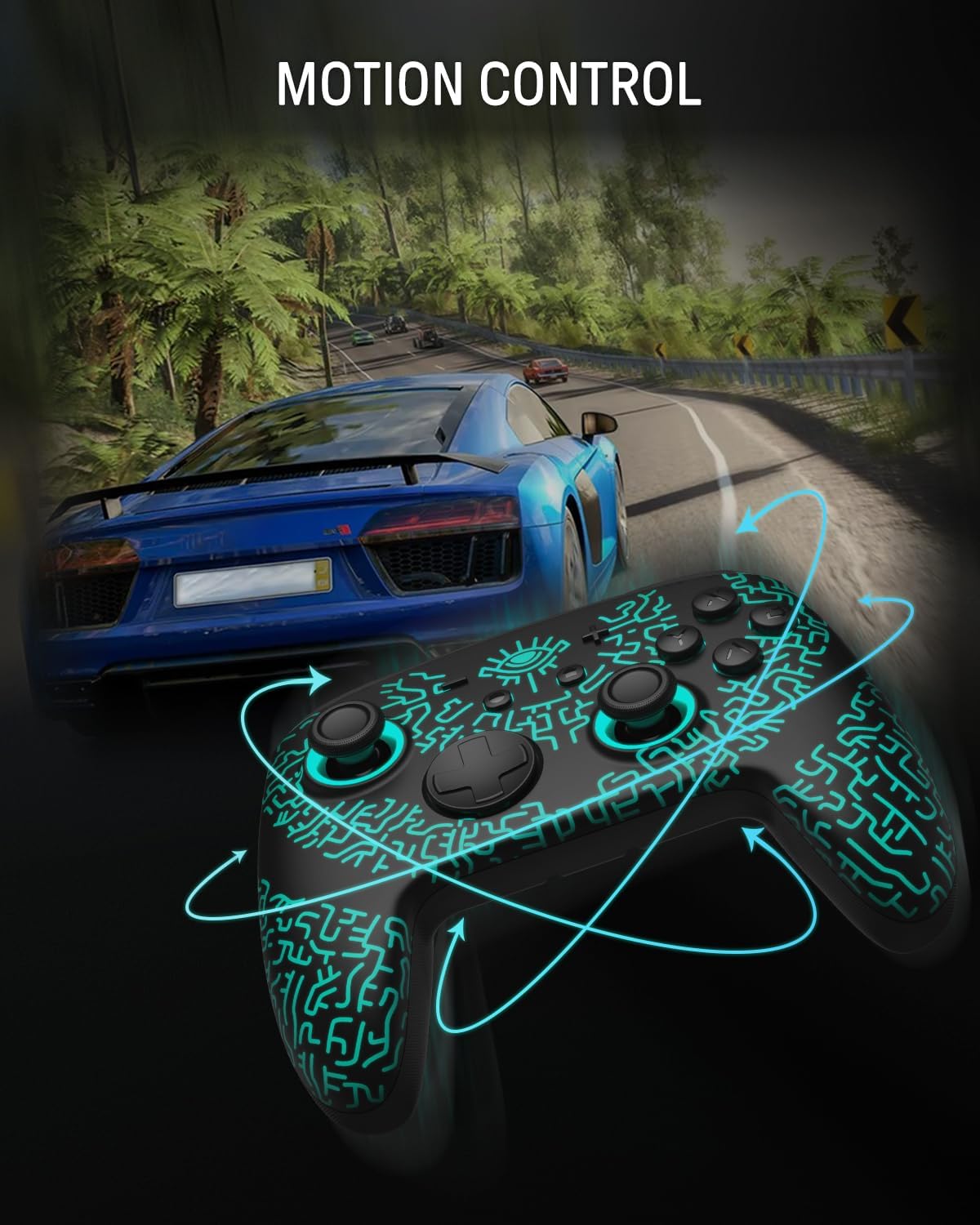
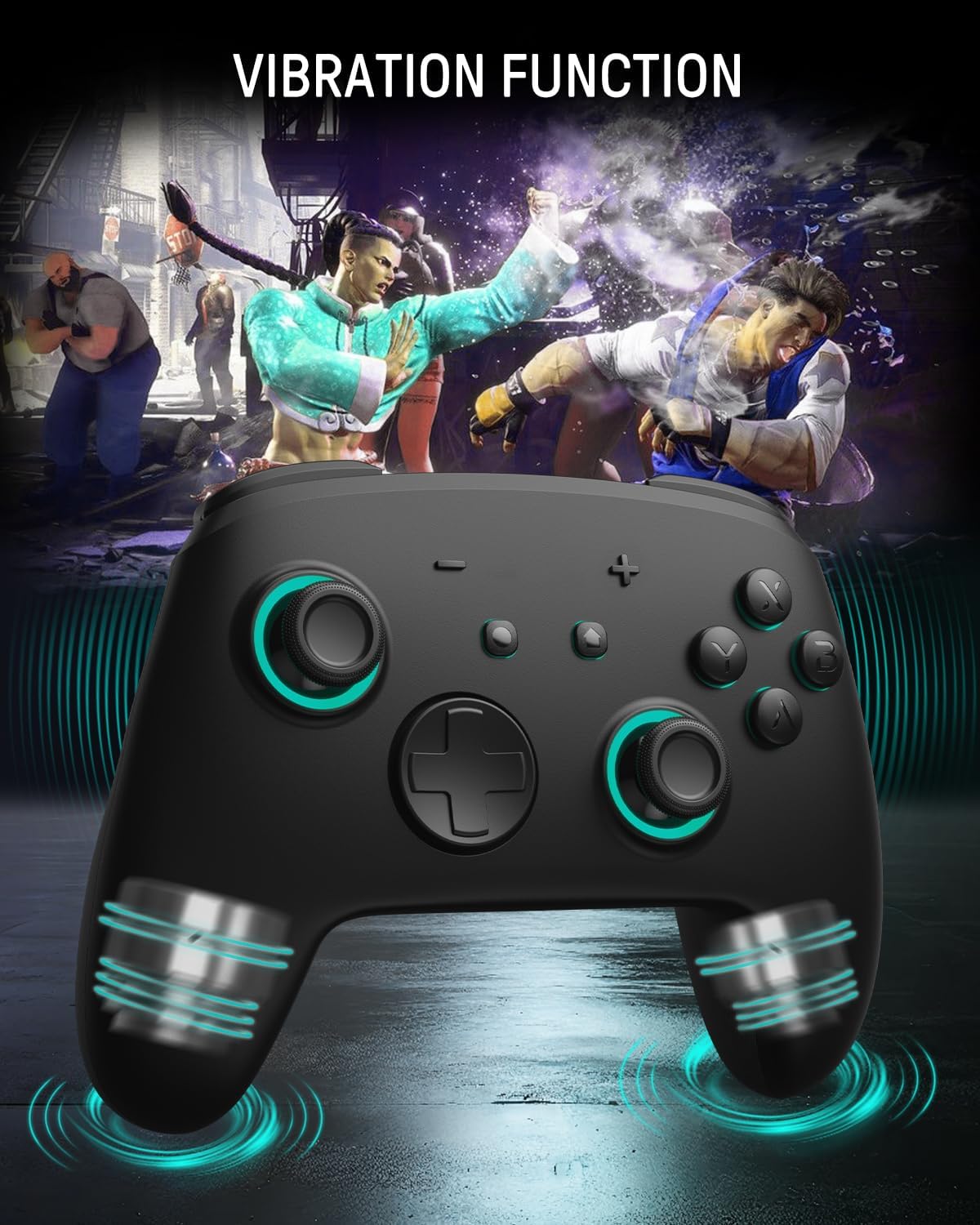
- Features: Turbo, programmable macros, motion control, dual shock vibration
- Connectivity: Bluetooth (app link for configuration)
- Accessories: Multi-functional charging dock with sync lighting
Benefits
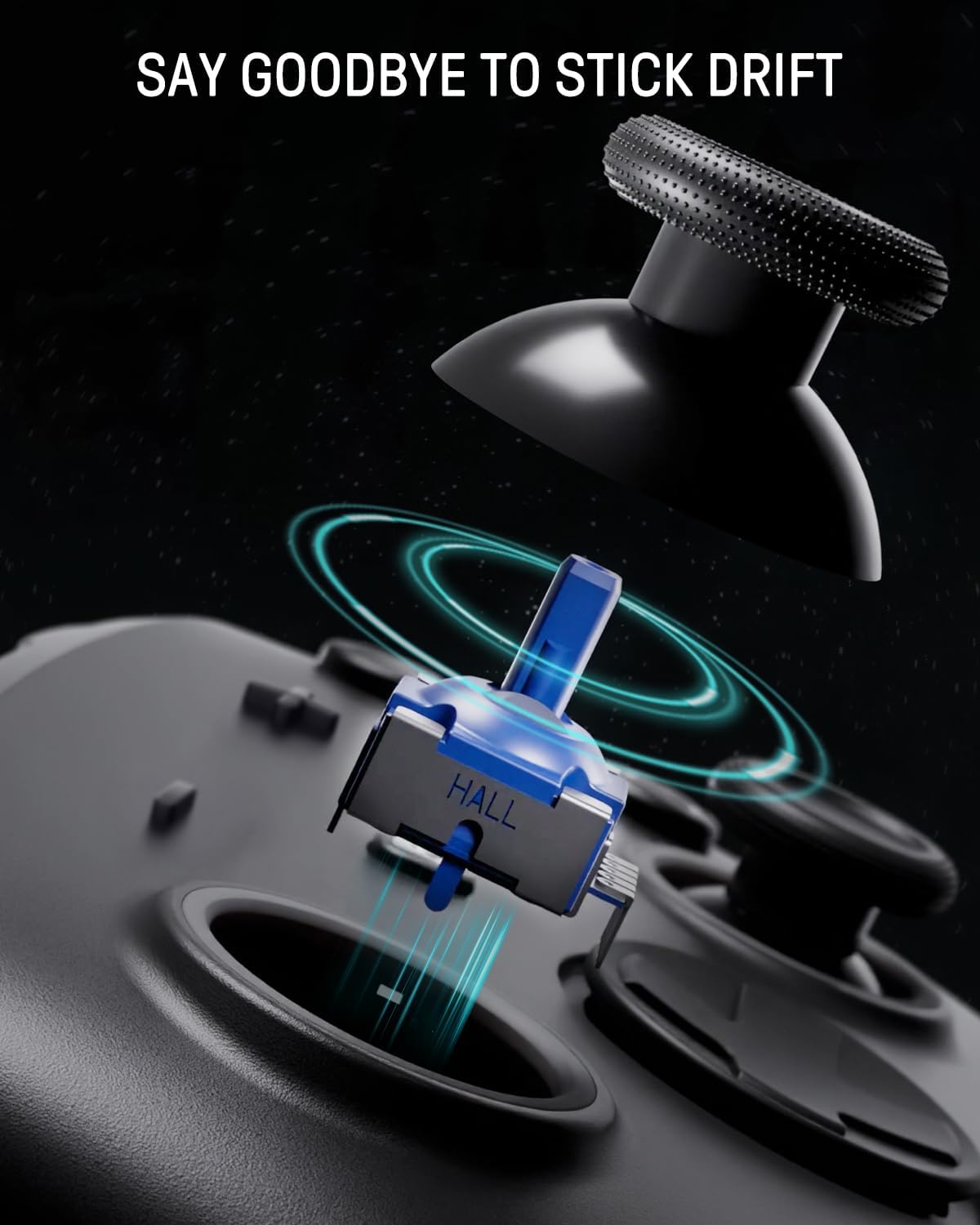
Using Hall effect sensors tends to reduce mechanical wear and the risk of stick drift, which means steadier long-term performance and fewer maintenance concerns. The programmable macros are useful for mapping sequences to a single button, saving time in games that involve repetitive combos. Vibration feedback and motion control add tactile and motion-sensitive interaction for compatible titles, making gameplay more immersive. ✨
The dock doubles as a display stand, so it keeps the controller charged and ready while contributing to a cohesive desk appearance. Lighting synchronisation between dock and controller can be adjusted for brightness and mode in the app, giving you control over ambience without extra software on your console.
Usage Recommendations
For best results, pair the controller with the official app to unlock remapping and LED control. If you mainly play on handheld mode without docking, consider that the RGB dock is an aesthetic and charging accessory rather than a gameplay necessity. The turbo and macro functions are powerful, but check game rules for competitive play as some tournaments restrict programmable inputs. Also consider that app-based features may require periodic firmware updates according to the manufacturer.