


FIDO2 Security Key with Folding Design by Thetis – Universal USB Type A 2FA for Windows, Linux, and more
Product description
What this is and what it’s for
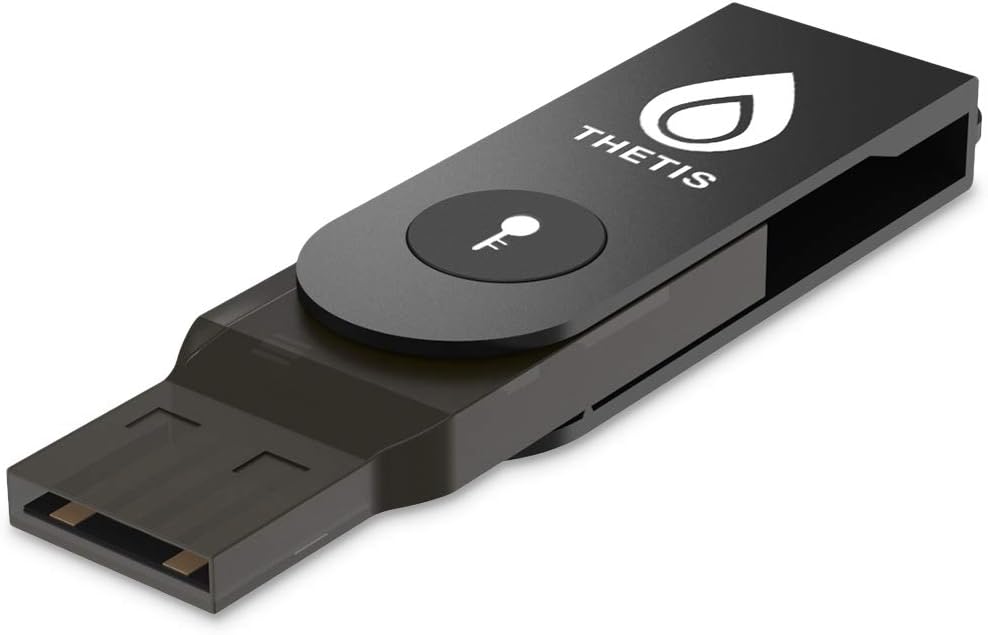
Thetis presents a FIDO2 security key with a folding aluminium design. It’s a USB Type A 2FA device intended to replace passwords with a more phishing‑resistant login flow across compatible services and browsers. On the surface, it’s a compact hardware key that you can carry on a keyring, in practice, it aims to simplify multi‑factor authentication while boosting protection against credential theft.
How it works in real life
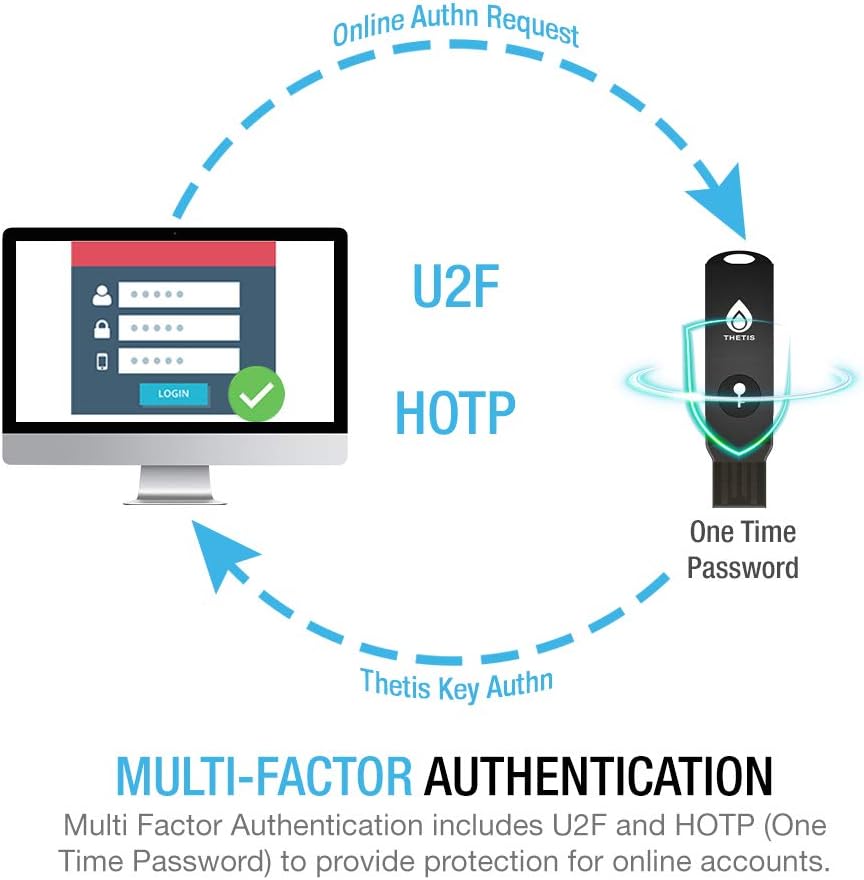
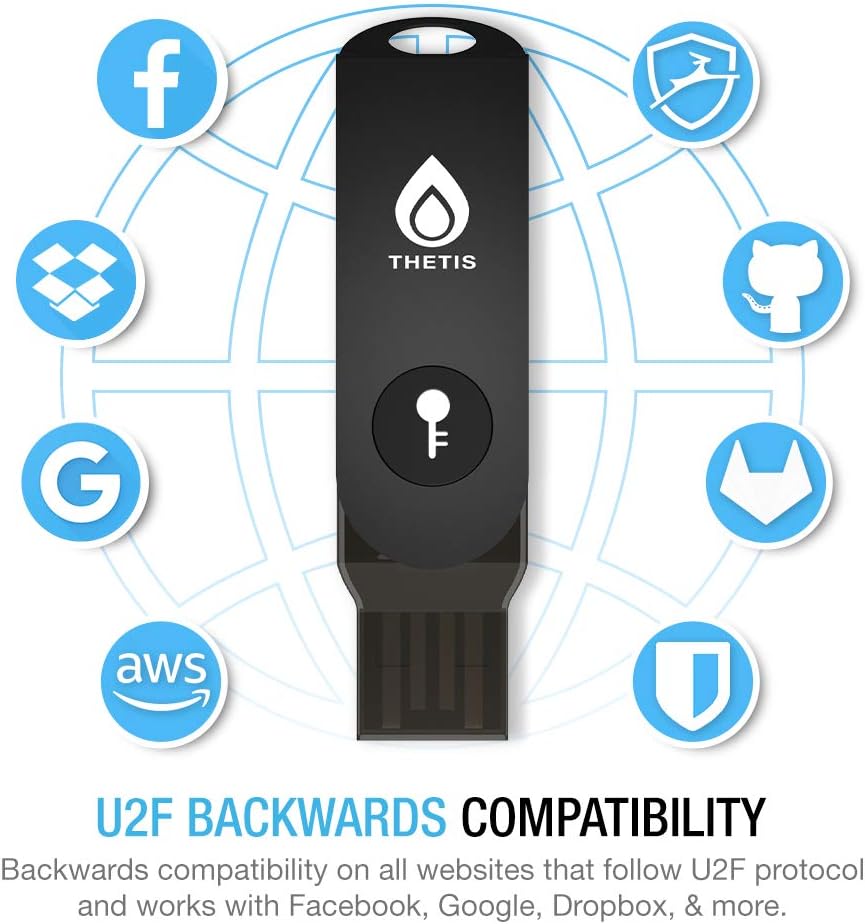
The device is FIDO2 certified and backward compatible with U2F. That means it should work with many sites and services that support those protocols, particularly in environments where Chrome‑based browsers are common. A notable caveat is that Mac log‑in via this key isn’t supported, which matters if macOS login is a primary goal for you. The device also includes built‑in HOTP for an additional layer of one‑time password verification, giving multi‑factor protection that isn’t solely dependent on a single factor.
What stands out on paper
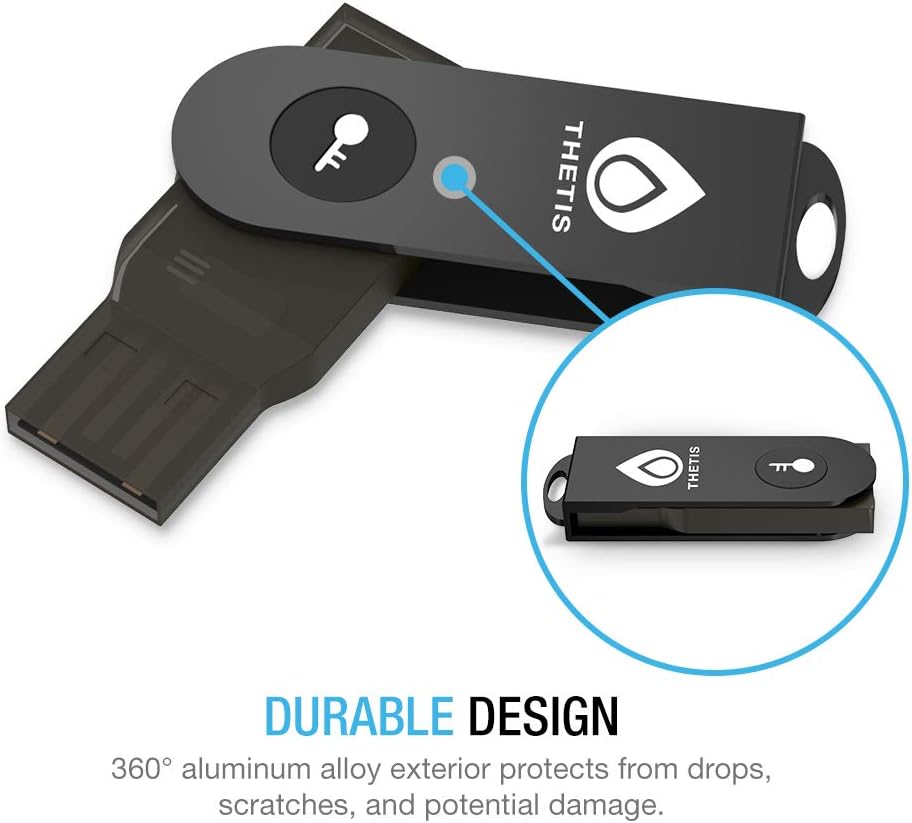
Durability and portability are central to this model: a 360° folding design with an aluminium alloy cover protects the USB connector when not in use. This combination helps the key survive daily carry and occasional drops, which is practical for people who travel or commute with their security keys. The folding mechanism is meant to keep the connector shielded and reduce pocket wear—useful if you rely on hardware keys every day.
The best match for whom
If you rely on passwordless sign‑in where supported, and you don’t require Mac login via the key, this model can be a sensible addition to your security toolkit. It’s particularly suited to users who already operate within Windows, Linux, or Chrome‑driven ecosystems and who want a discreet, portable second factor that travels easily.
Where it may fall short
There are legitimate limitations to consider. The macOS login via this key is not supported, which could be a deal‑breaker for Mac‑heavy workflows. Enterprise users may encounter Azure Active Directory restrictions if Windows Hello integration is a priority. If you specifically need seamless sign‑in on Apple devices or explicit native Windows Hello compatibility, you might want to weigh alternatives or expect a partial fit.
When it makes sense to buy
Purchase makes sense if you want a straightforward hardware key as part of a broader security posture, particularly for Windows/Linux environments and services that support FIDO2/U2F. If you value portability, rugged build, and a simple physical authentication step, this could be a convenient option for keepers of multiple accounts across personal and professional contexts.
What to review before buying
- Confirm the sites and services you use support FIDO2/U2F to ensure compatibility.
- Check whether Mac login via a security key is required for you, given the noted limitation.
- Consider how you’ll manage backup authentication methods in case the key is lost or damaged.
- Think about the form factor and whether the folding design fits your everyday carry without snagging.
Practical use case
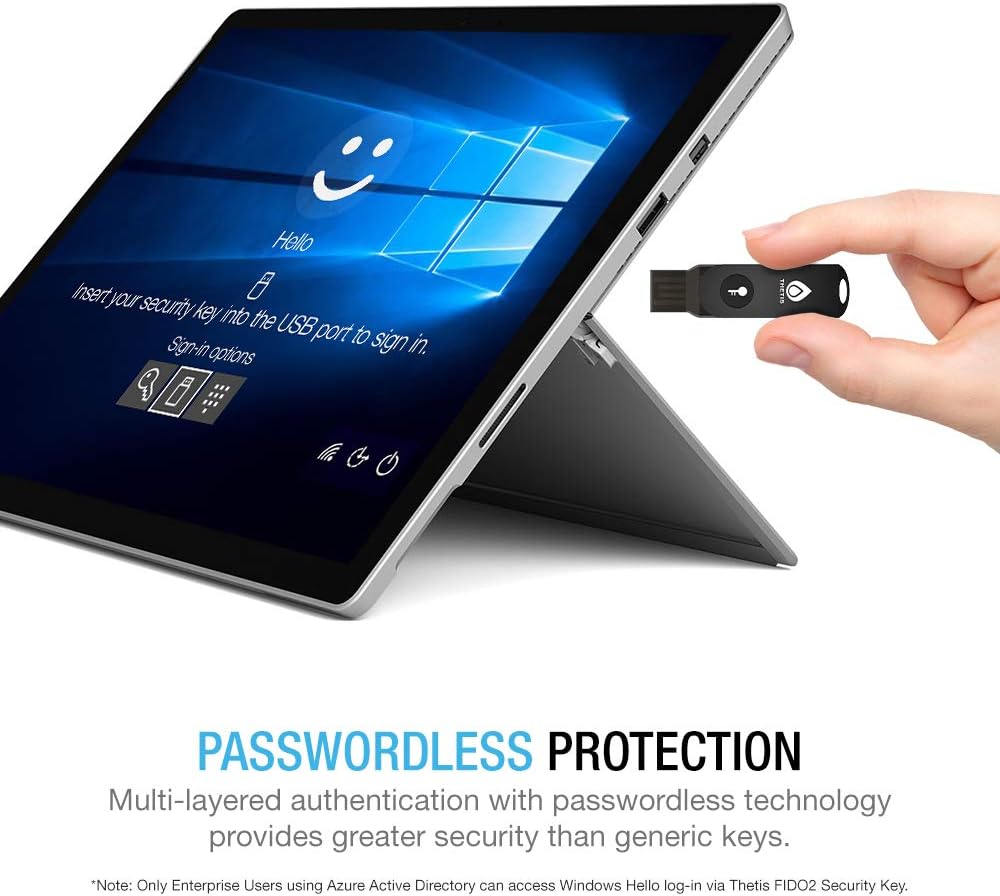
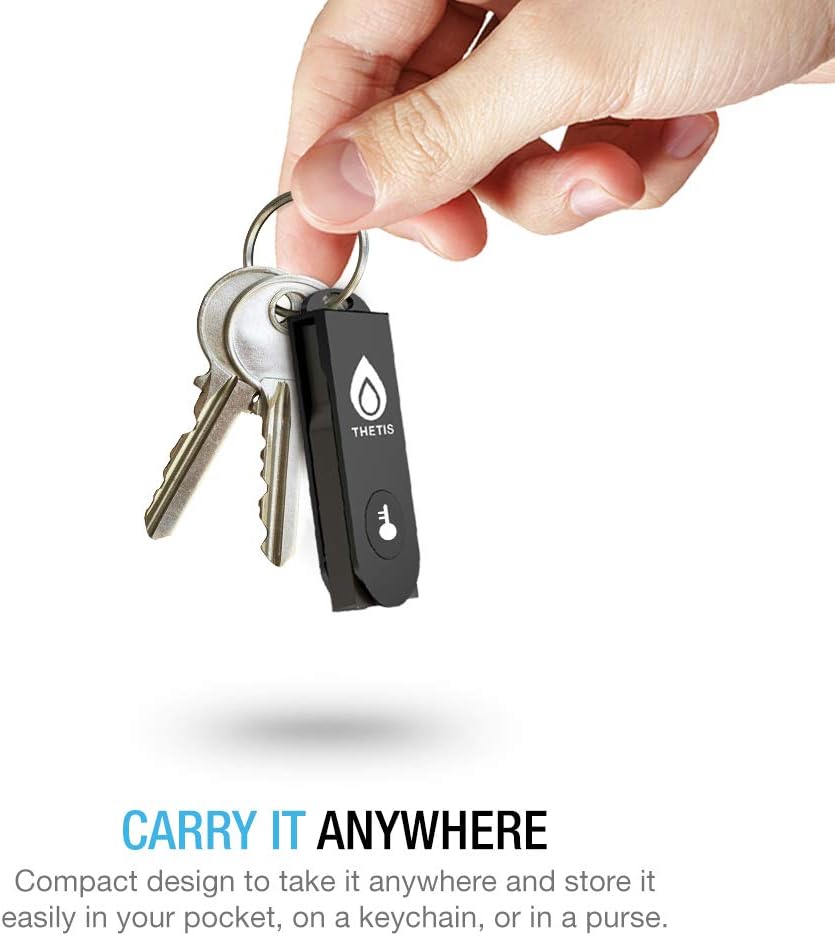
Imagine you’re logging into email, cloud storage, and code repositories from a laptop. You insert the key, touch the metal surface when prompted, and you’re granted access without typing a password. It’s a small friction point that reduces phishing risk and speeds up routine sign‑ins, especially during travel or in shared workspaces.
What you’ll notice in use
- Pros: physical protection when not in use, compact footprint, clear two‑factor authentication flow tied to compatible services.
- Cons: not suitable for Mac login, some enterprise configurations may limit features.
FAQ (quick answers for common questions)
- Does it work with macOS log‑in? Not for Mac login, compatibility is limited to general web authentication and supported platforms.
- Is it safe for everyday use? Yes, as part of a multi‑factor approach, but no single security measure is flawless. Keep backup options available.
- Can I use it with multiple browsers and accounts? It should work with sites supporting FIDO2/U2F, verify each service’s own setup flow.
Decision time
Should you buy it?
It makes sense if you prioritise portable, durable hardware authentication and operate primarily in Windows/Linux ecosystems with web services that support FIDO2/U2F. If Mac login is essential or you need integrated Windows Hello support, you may want to explore alternatives or additional options.