

Laptok Android 15 Kids Tablet (10 inch) with Parental Control, Face ID, WiFi 6 and Dual Cameras
Product description
The essentials for kids’ learning and entertainment
A kids’ tablet lives and dies by two things: how smoothly it runs day to day, and how much parents can rein in what happens on-screen. This Laptok Android 15 Kids Tablet is built around that idea, pairing a kid-focused Android 15 setup with a parental control system, a Face ID unlock approach, and a fairly big “learning-first” storage mix. It’s aimed at children’s learning, web browsing and multitasking, rather than just streaming cartoons.
On paper, it also tries to reduce the little headaches that parents get with entry-level tablets: smoother performance than older systems (the brand claims lag and background crashes are reduced), more sensitive touch response, and a simplified interface designed to help kids navigate independently.
Key features that matter in real life
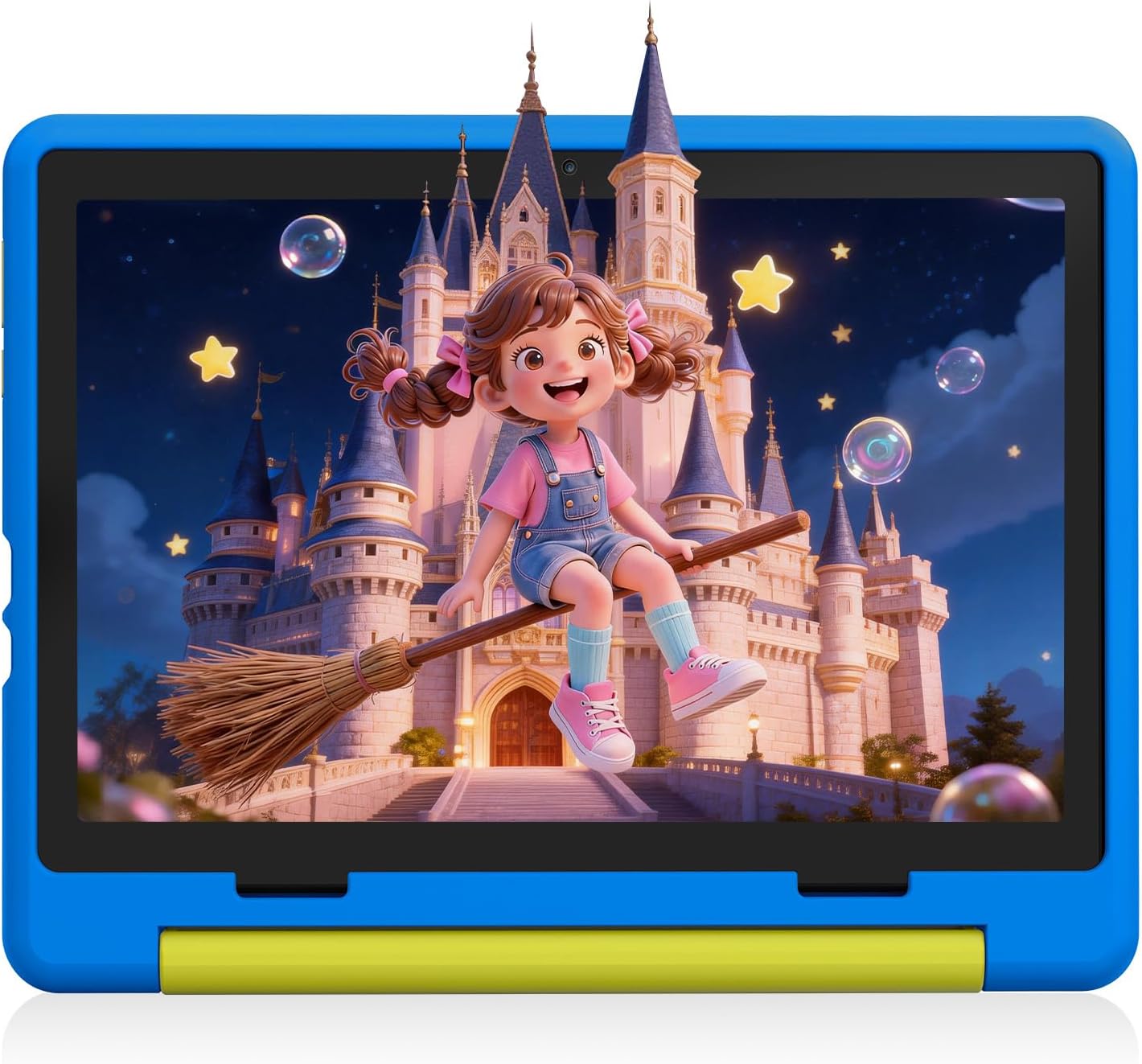
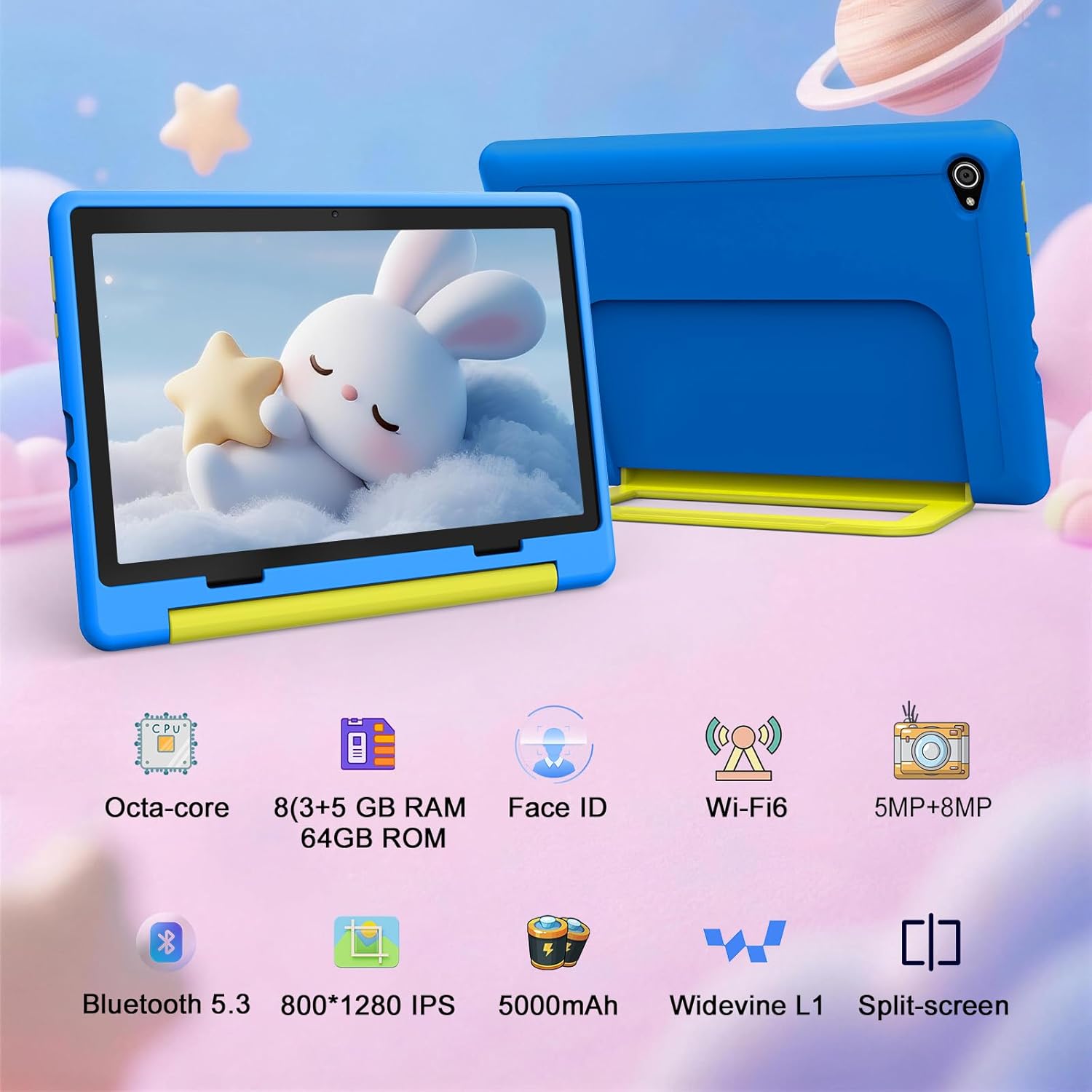
The headline here is Android 15 for kids’ use, plus an octa-core processor for day-to-day tasks like reading courseware, watching full-frame video and doing split-screen learning. There’s also an anti-blue light screen listed at 1280×800 resolution, which is relevant if your child will be on the tablet for longer learning sessions.
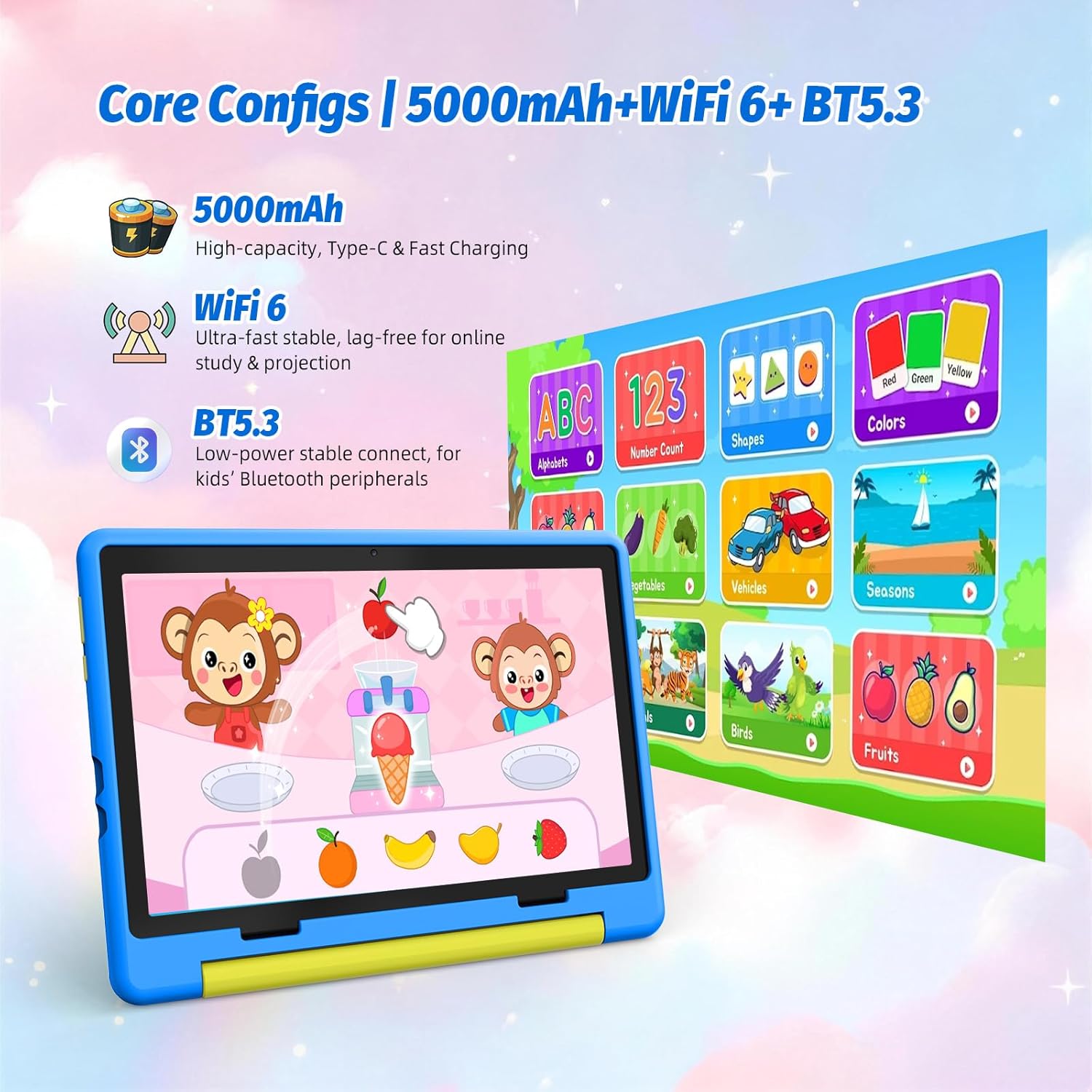
For connectivity, you get WiFi 6 and BT 5.3, which is useful if you want more stable streaming or you plan to pair wireless accessories like children’s headphones. The device also comes with a 5000mAh battery and Type-C fast charging, so it’s not meant to be constantly plugged in.
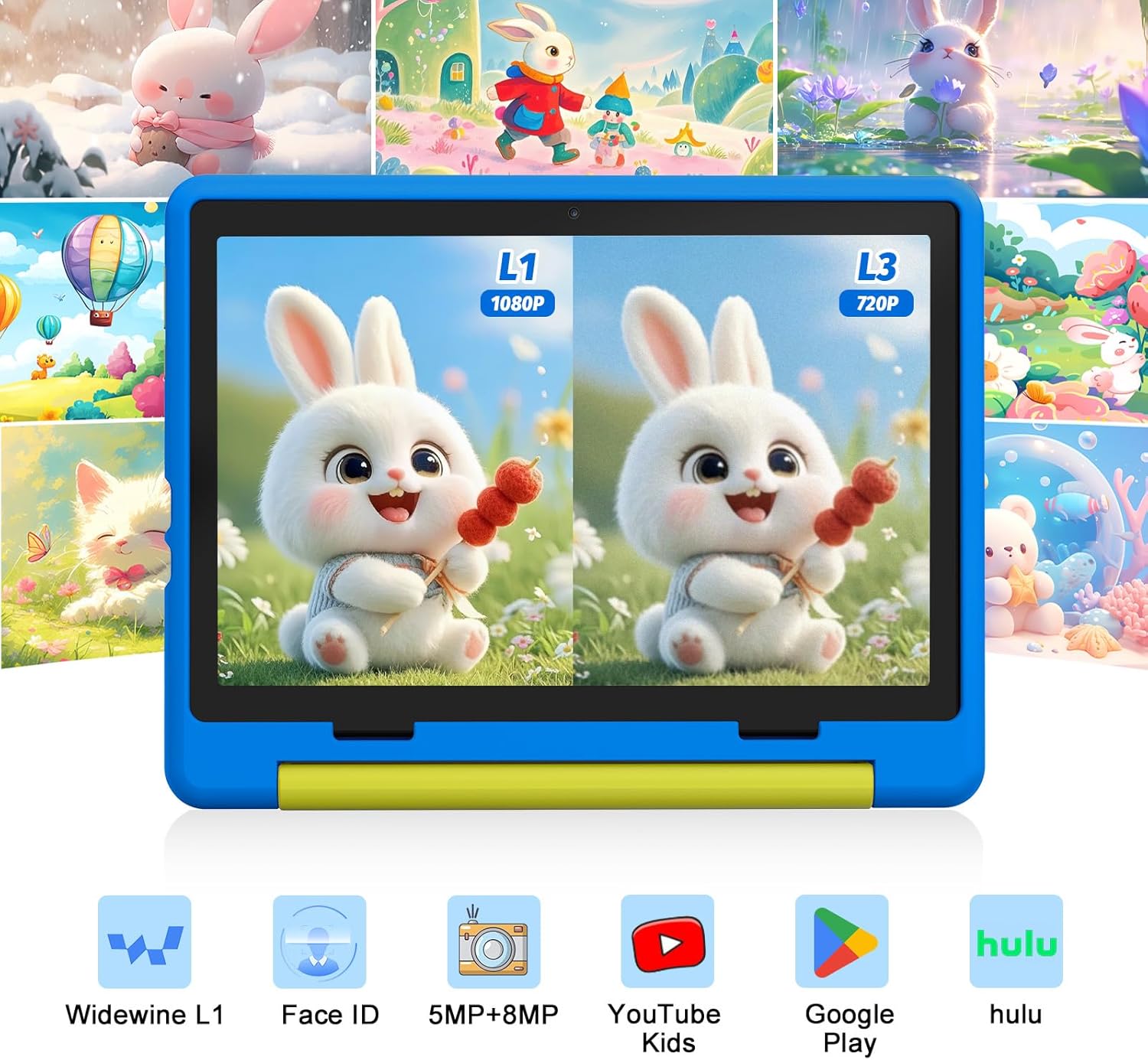
For camera needs, it offers a 5MP front camera and an 8MP rear camera. That’s the kind of setup you’d realistically use for homework uploads, quick photo moments, and occasional video submissions.
Storage and educational apps: where it aims to save you hassle
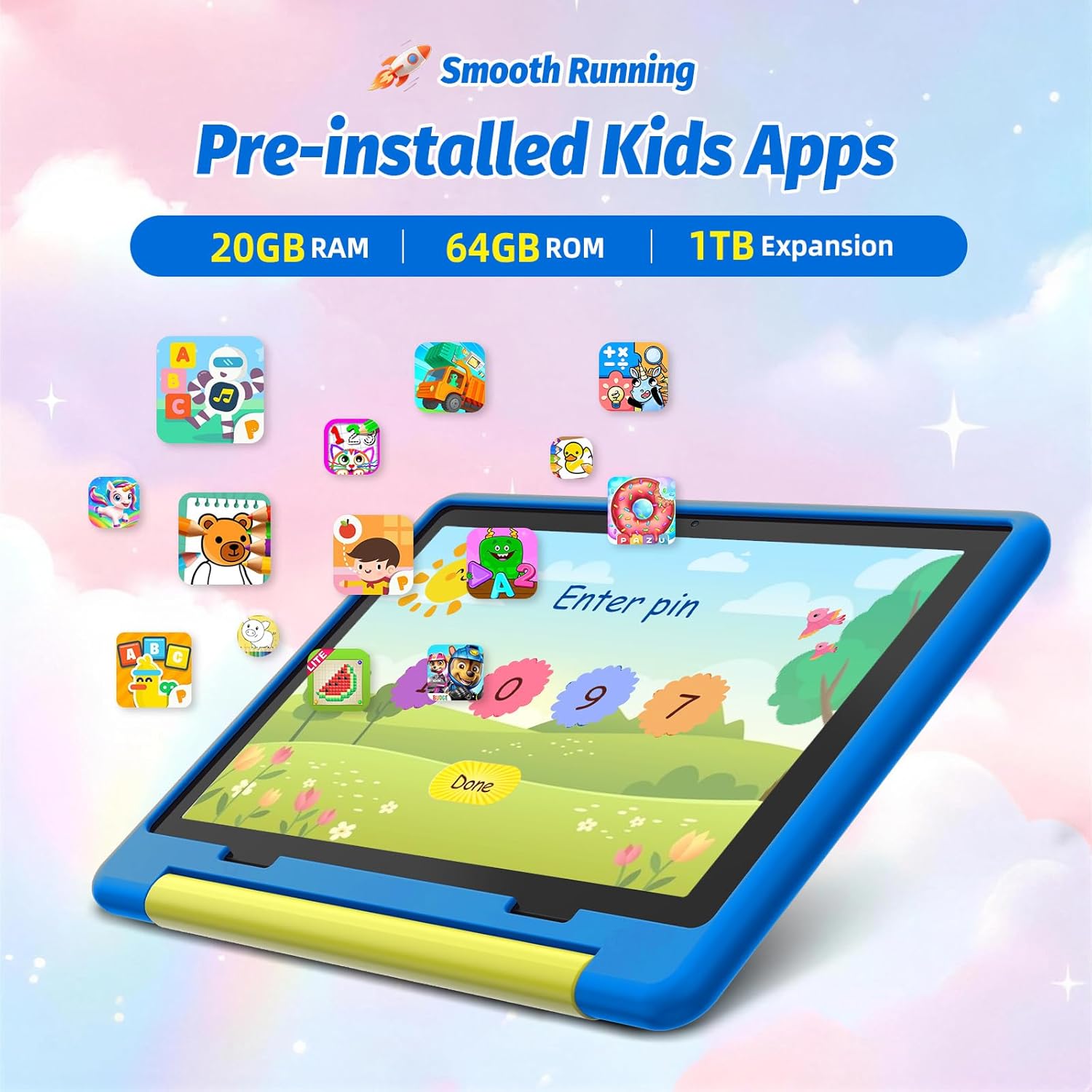
Storage is one area where kids’ tablets often feel frustratingly small once videos, photos and learning materials pile up. This one is marketed with 20GB (3+17) + 64GB + 1TB expandable storage, plus “over 20” pre-installed educational apps.
There’s also mention of compatibility with mainstream children’s applications via GMS certification, with the intent of reducing the risk of unauthorised software. That’s a sensible direction if you’d rather avoid a situation where the tablet becomes a constant exercise in hunting for the “right” apps.
Worth noting: you’ll still want to check which educational apps actually matter for your child’s schoolwork style, because “over 20” can mean different things depending on what they include.
Parental control and Face ID: helpful, but check how you’ll use it
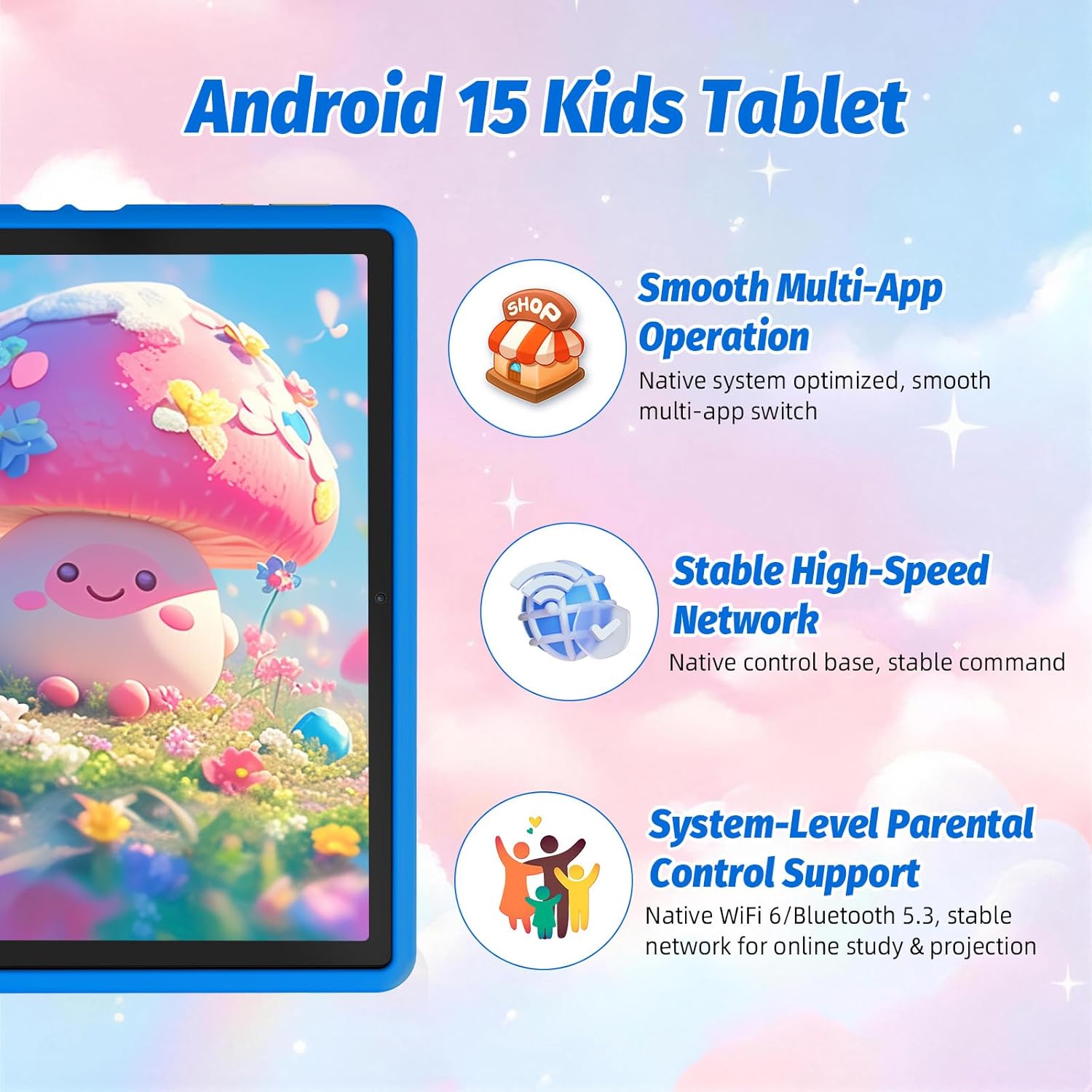
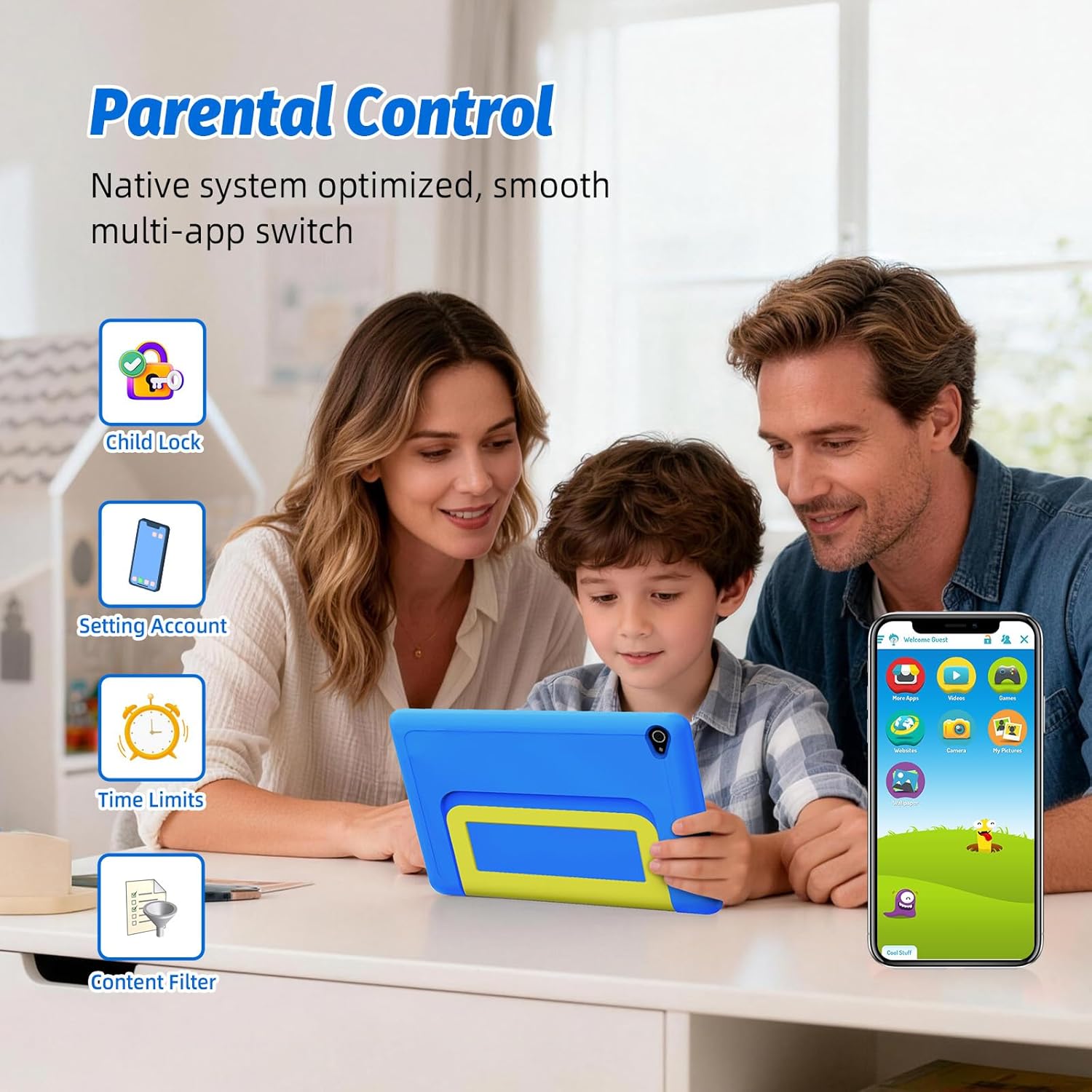
Parents get a professional parental control system to manage screen time, filter inappropriate content, and monitor learning progress. The tablet also includes Face ID so the child can unlock it quickly and (in theory) more safely than guessing pins.
This combination could be a strong fit if you want boundaries without constantly taking the tablet away. It’s not perfect, though—any system like this only really works as well as your routine of setting rules and keeping an eye on what changes over time.
A practical example: if you schedule 30–45 minutes after school for courseware reading, you can use screen time controls and content filtering, then let your child use the simplified interface to navigate and complete tasks without you logging in every time.
What stands out (and what could feel limiting)
What you’ll notice day to day: - Android 15 with a focus on smoother, stable operation for learning and browsing - Anti-blue light screen approach aimed at reducing eye fatigue during longer use - WiFi 6 / BT 5.3 for better day-to-day connectivity - A storage and educational-app package meant to get started quickly
Possible limitations to be aware of: - If you’re expecting a “top-end tablet experience” with the most demanding apps, this is positioned as a kids’ tablet first, so it may feel more like a solid mid-range family tool than a power-user device. - The pre-installed apps and “kid-tailored” interface are helpful, but personal preference matters—some children will want different apps sooner than others. - Face ID convenience is great for unlocking, but you should consider how you’ll manage it if siblings share the tablet or if you’d prefer password-only access.
Tech specs (quick facts to sanity-check)
- Name: Laptok Android 15 Kids Tablet
- Type: Kids tablet
- Display: 10.1 inch anti-blue light screen
- Resolution: 1280×800
- Processor: Octa-core (as stated)
- Battery capacity: 5000mAh
- Charging: Type-C fast charging
- Cameras: 5MP front + 8MP rear
- Wireless: WiFi 6, BT 5.3
- Storage: 20GB (3+17) + 64GB + 1TB expand (as stated)
Who it’s for, and who should look elsewhere
It makes sense if you want a dedicated kids’ Android tablet with parental control, a kid-friendly interface, and a screen designed for everyday learning and entertainment. If your child needs a larger display for reading courseware, watching videos, or basic split-screen learning, the 10.1 inch size is a practical choice.
It might not suit you if you’re looking for a tablet that will mainly be used for heavy creative software, very demanding gaming, or you need deep control over every app from day one. In that case, you may prefer a more flexible “adult-style” device approach and add parental controls separately.
Buying verdict
This Laptok Android 15 Kids Tablet looks like it’s built for parents who want a straightforward way to handle learning time, content filtering and unlocking—without overcomplicating the experience for the child. The combination of Android 15, anti-blue light display, WiFi 6/BT 5.3, and the large storage + educational apps bundle is the sort of package that can reduce setup pain.
You should buy it if you’re specifically shopping for a kids’ tablet with built-in parental control and you expect regular learning and video time. You may want to skip it if you’re chasing maximum performance or you’re unsure about relying on the pre-installed app set.
Mini FAQ
Is Android 15 suitable for kids’ use?
The tablet is marketed with a simplified, kid-focused interface and parental control tools, so it’s designed around kids’ learning and basic multitasking rather than a fully custom setup.
Does it support headphones?
It includes BT 5.3, which should make pairing wireless accessories like children’s headphones more straightforward.
How does the storage work?
The listing mentions 20GB (3+17) + 64GB plus 1TB expandable storage, alongside pre-installed educational apps.
What cameras is it using?
It’s listed with a 5MP front camera and an 8MP rear camera, mainly suited to photos, video submissions and homework-related capture.
Does it have any screen protection for long sessions?
Yes, the screen is described as anti-blue light with 1280×800 resolution, aimed at easing eye fatigue during extended use.