

KTRIO Excel Shortcuts Mousepad (900 x 400 mm) with non-slip base and stitched edges
Reviews
Price
Product description
Quick overview
If you spend a lot of time in Excel, a normal mouse mat can feel a bit… pointless. This KTRIO Excel Shortcuts Mousepad is built around a simple idea: keep key Excel shortcuts and commonly used actions visible under your hand, so you don’t have to pause to remember tricky key combinations.
On the surface, it’s a large extended mousepad with a textured micro-weave cloth top. The twist is the printed “Excel shortcuts” guidance across the mat, aimed at helping both newer users and experienced office workers move faster through everyday spreadsheet tasks.
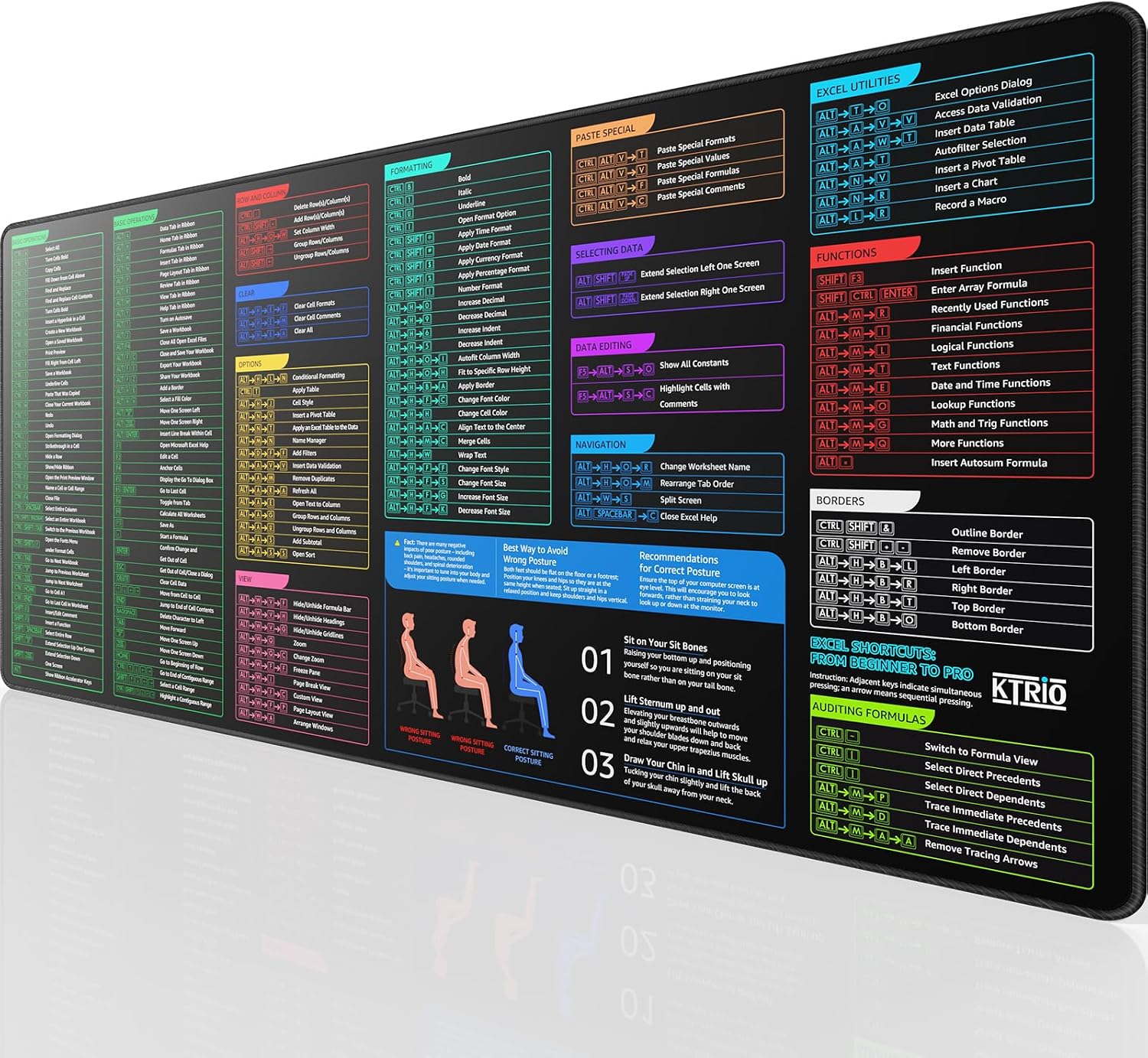
What you’ll notice day to day
The main benefit is the shortcut guide. Instead of relying entirely on memory, you can glance down and work from a visual reference for frequent operations, navigation and data selection, plus formatting/functions where applicable.
It’s especially useful in those moments when you know there’s a shortcut for what you’re trying to do, but you can’t immediately recall the exact keys. With a mat like this, the “searching your brain” part gets reduced to a quick look.
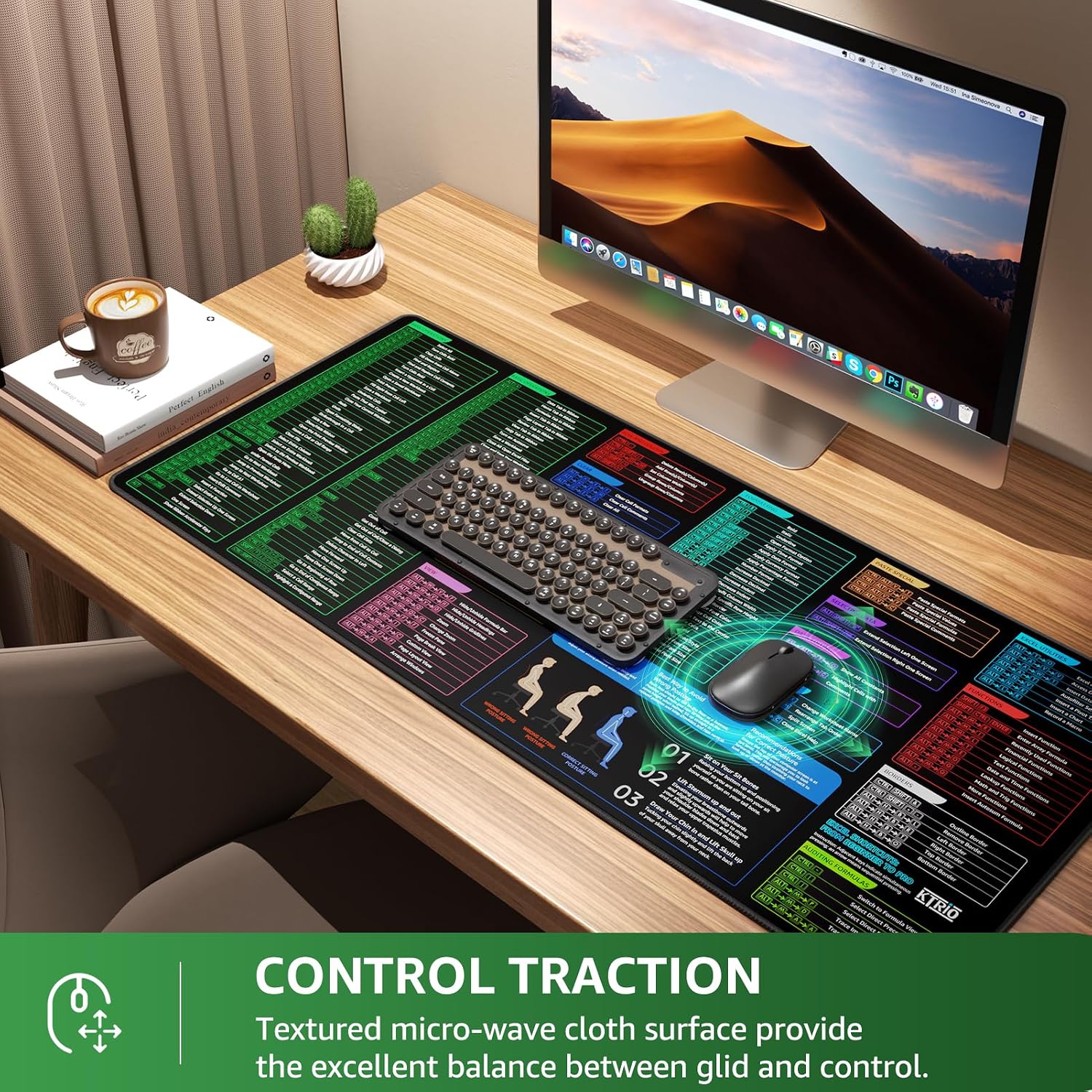
There’s also a practical, tactile side to it: the micro-weave cloth surface is designed to offer a balance between glide and control. If you like a predictable surface for everyday mouse movement (rather than something ultra-slick), this is the sort of mat that tends to feel comfortable for long sessions.
Key features that make it more than just printed fabric
Several choices here are aimed at longevity and real-world desk use:
- Extended size (900 x 400 mm) gives you room for mouse movement without constantly running out of surface area.
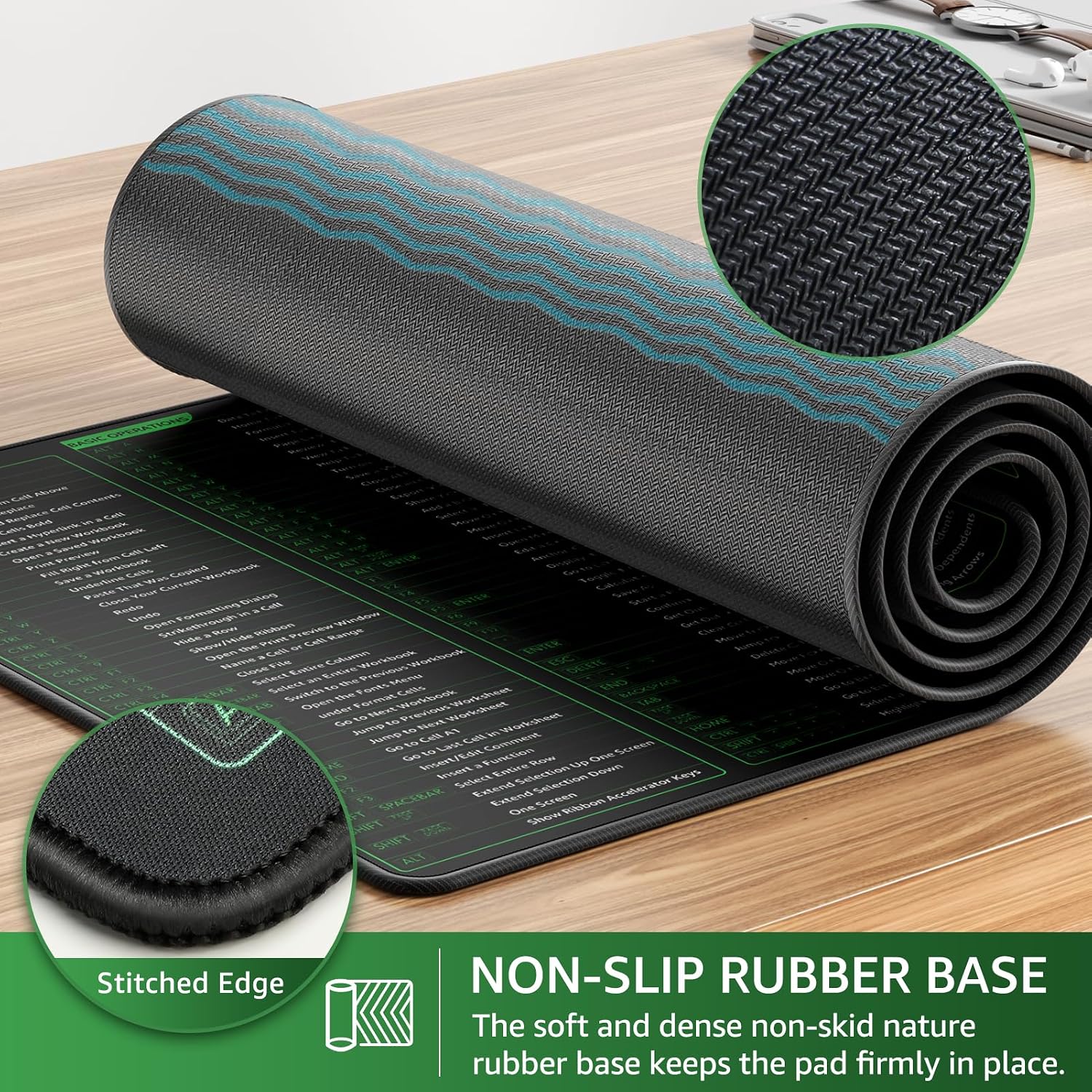
- Stitched edges are there to help prevent fraying along the sides, which is a common weakness on cheaper mats.
- Non-slip base helps keep the pad in place during work.
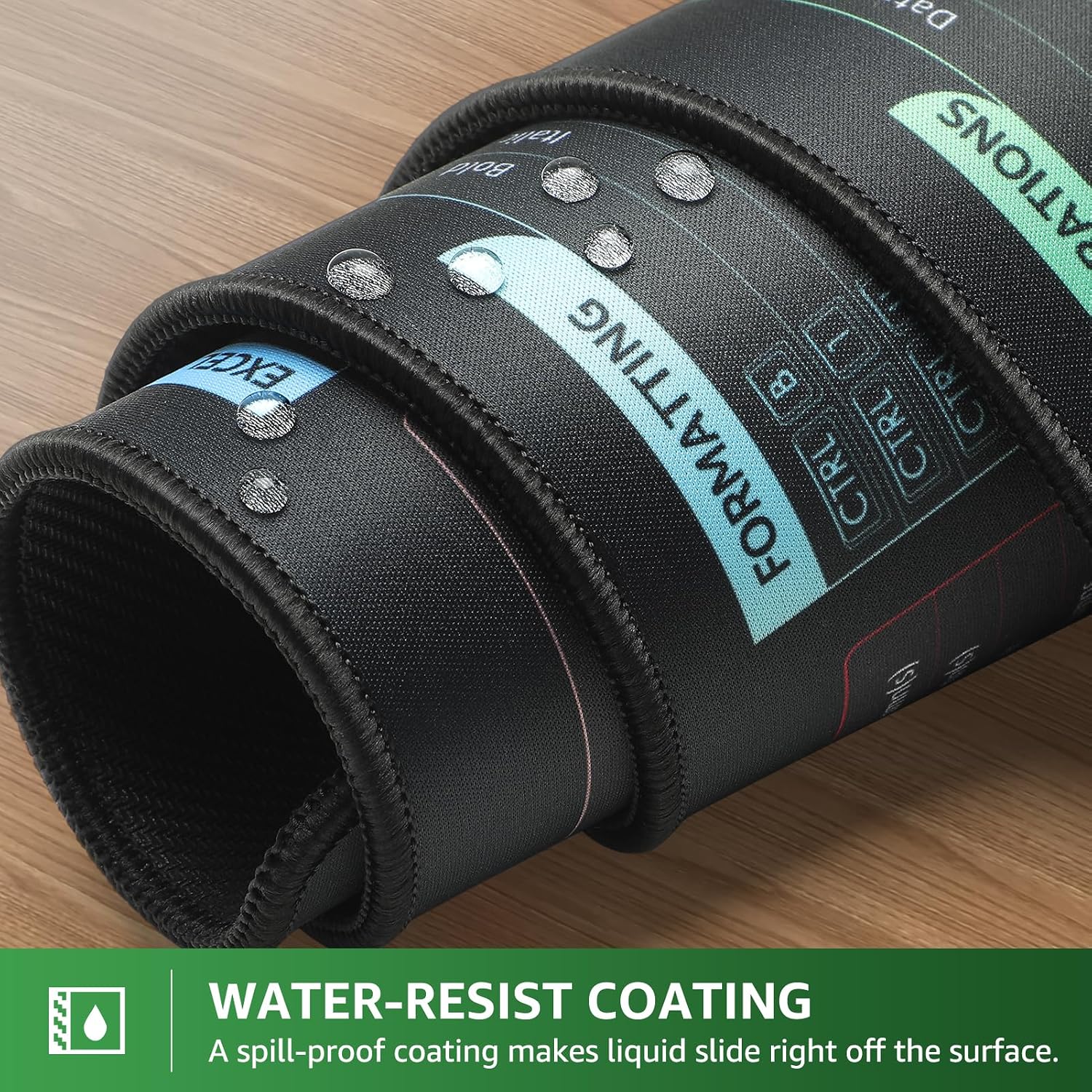
- Water-resistant coating is intended to help with small spills, with the idea that liquid should bead and slide rather than soaking straight in.
- Easy cleaning is described as wiping with a damp cloth.
A sensible point to consider, though: if you spill a lot or let liquid sit for a while, “water-resistant” doesn’t mean “submersible”. It’s more about coping with accidents than treating it like a waterproof tray.
Who it suits (and who might want to skip it)
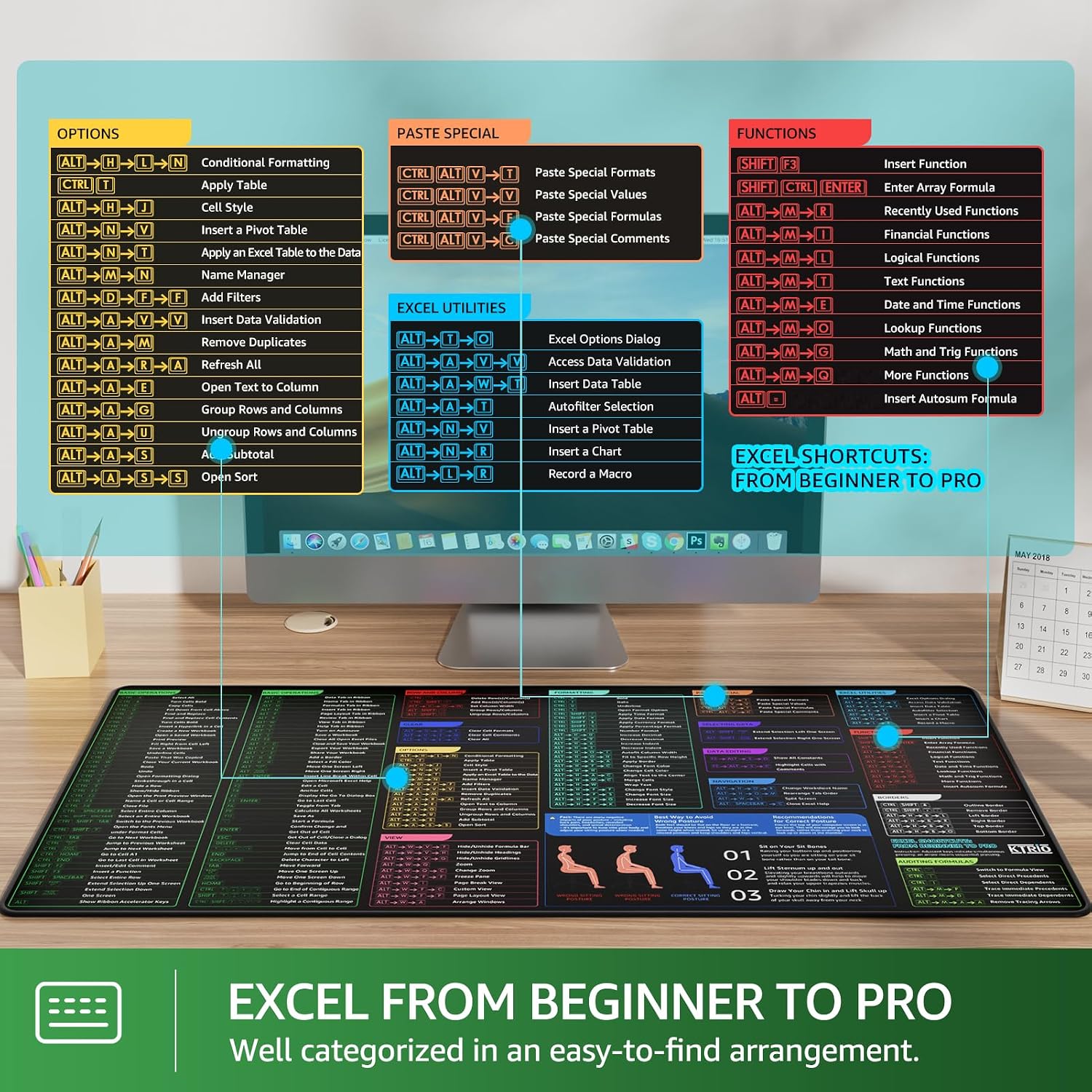
It makes the most sense if you’re using Excel daily and want a quick visual reference to support your workflow. That includes beginners who are learning the rhythm of shortcuts, and also experienced users who prefer reducing friction for frequent tasks.
It may not be the best match if you’re someone who already has every key combo memorised and doesn’t really look at on-screen/desk references. Also, if your mouse movement is very sensitive to texture or you prefer a particular low-friction gaming-style feel, the cloth finish might not be what you want—on paper it’s balanced, but personal preference matters.
Practical usage example
Picture a typical morning: you open a workbook, filter a table, and then need to format a section consistently. Instead of switching back to a keyboard shortcut cheat sheet, you keep your hand on the mouse, glance at the printed shortcut guidance on the mat, and execute the next step. Over time, that small reduction in “check and rethink” can make sessions feel more continuous.
Care and buying checklist
Before you buy, it’s worth thinking through a couple of practical questions:
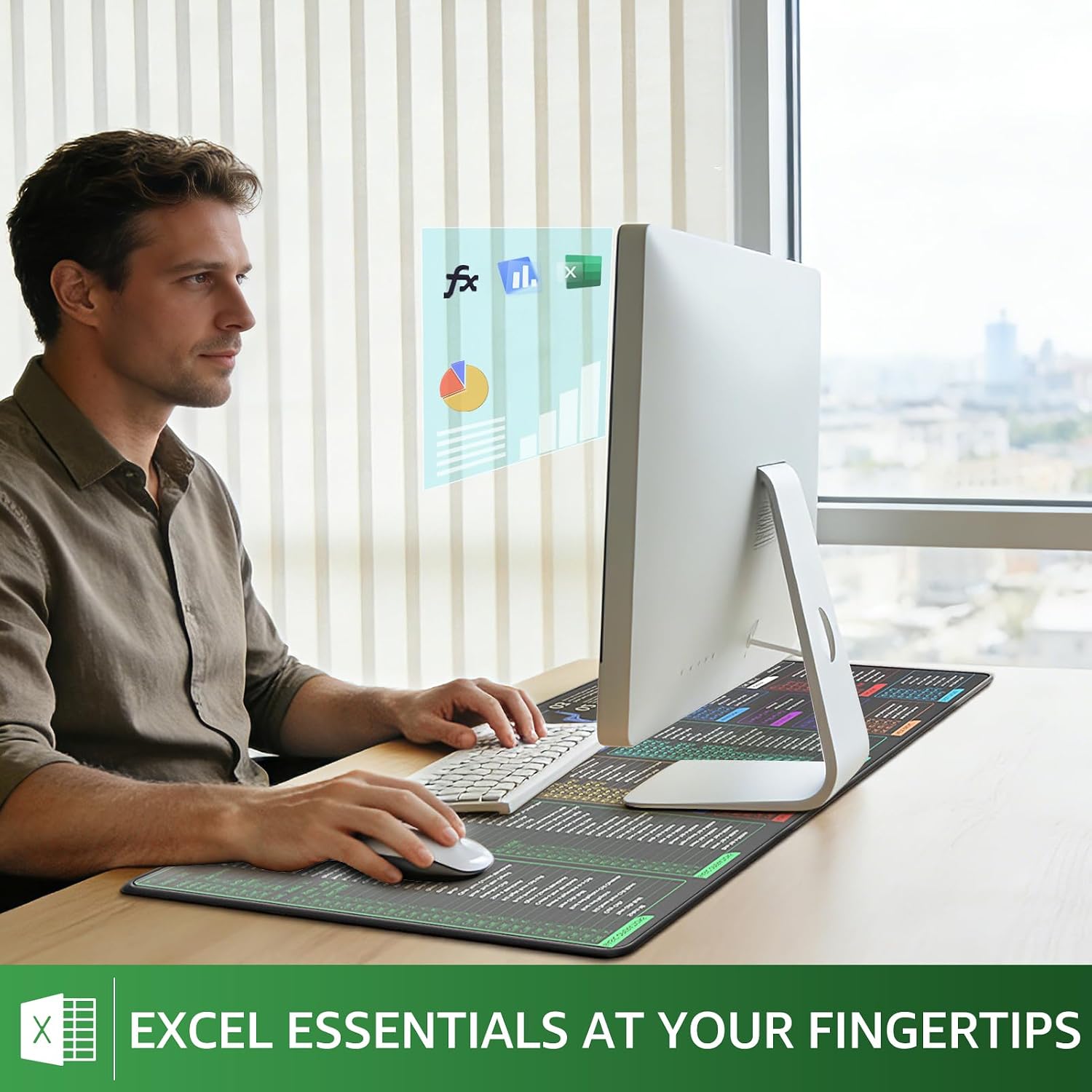
- Do you actually want shortcut guidance under your mouse? If you’re the type who likes a quick reference nearby, you’ll likely use it. If not, it becomes less valuable.
- Is the size right for your desk? Extended mats are great for tracking space, but they also take up a larger footprint.
- Will you be wiping it down occasionally? The mat is described as easy to clean with a damp cloth, which is handy for everyday office mess.
One more “value check”: the durability approach (stitched edges and a non-slip base) is aimed at preventing the usual wear issues. If you’re currently replacing mats due to fraying or movement, this design is at least trying to solve that.
Final verdict
Worth considering if you’re an Excel-heavy user and you’d genuinely benefit from seeing essential shortcuts and common actions in your peripheral vision while working. The combination of a large extended layout, stitched edges, a non-slip base, and spill-resistant protection makes it feel geared towards everyday office and home use.
It may not suit you if you don’t like visual clutter on your desk, you already work purely from muscle memory, or you prefer a very specific mouse surface feel. In that case, you might be happier with a simpler extended mousepad and your shortcuts elsewhere.
If you want a single desk accessory that supports focus as well as comfort, this KTRIO mat’s idea is straightforward—and it’s the sort of purchase that can pay off quickly for Excel users.