

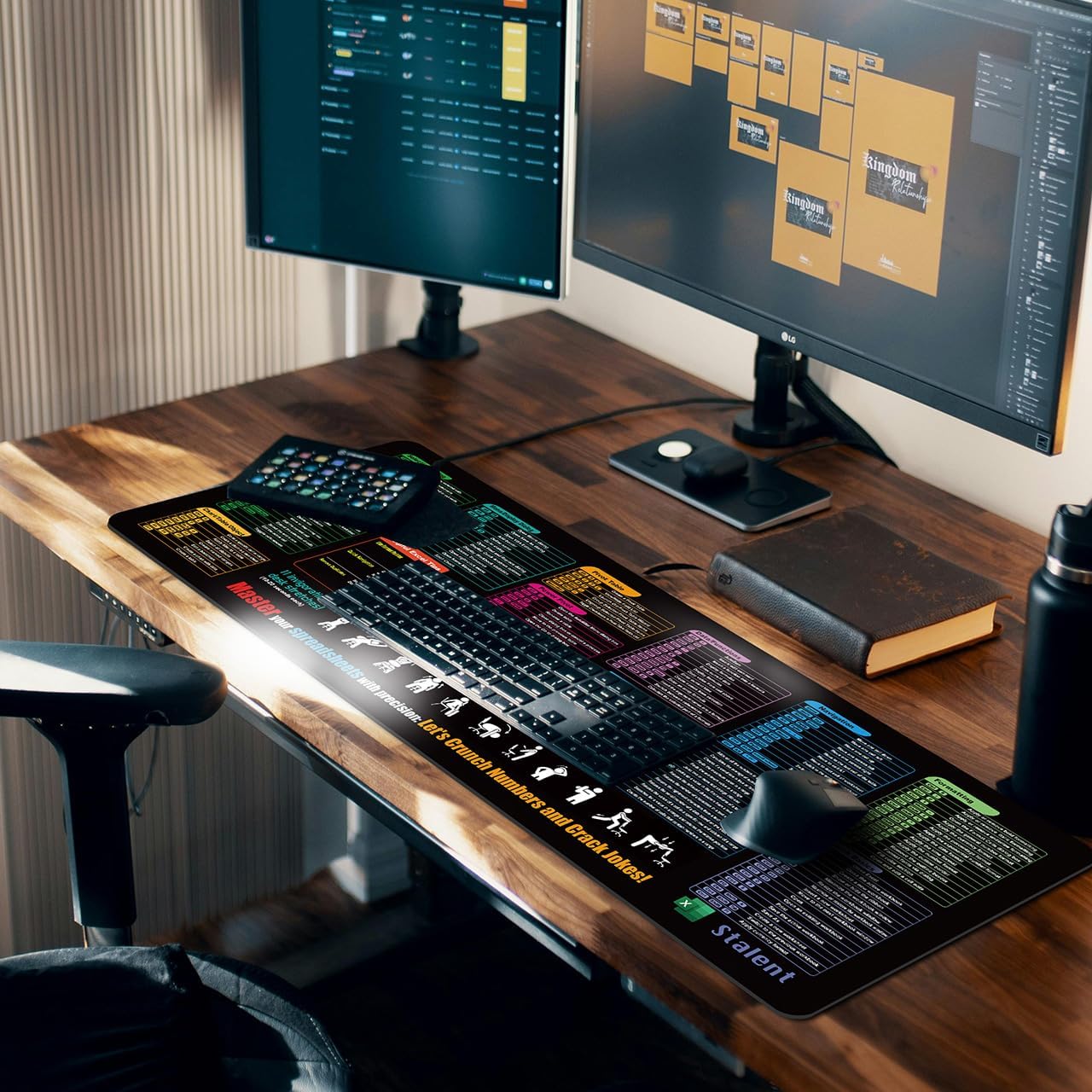
Zoolyx Excel Cheat Sheet Desk Mat (XL 80x30cm) – Extended mouse pad with non-slip base
Product description
What it is and why people buy it
The Zoolyx Excel Cheat Sheet Desk Mat is an XL desk pad designed to do two jobs at once: give you a smooth, extended mouse surface and act as a visible Excel shortcut reference while you work. On paper, it’s meant for people who live in spreadsheets—accountants, data analysts, admins, and students—where repeatedly switching tabs to look up syntax gets old fast.
At 80x30cm, it’s built for a more complete desk coverage than a small mouse mat. That matters because it can help define your working area: you can place a full-sized keyboard, a mouse, and often a laptop within the same “safe zone” for scratches and everyday spill risk. Just keep expectations realistic: it’s still a desk mat, not a substitute for screen productivity tools.
The essentials: size, print style and day-to-day usability
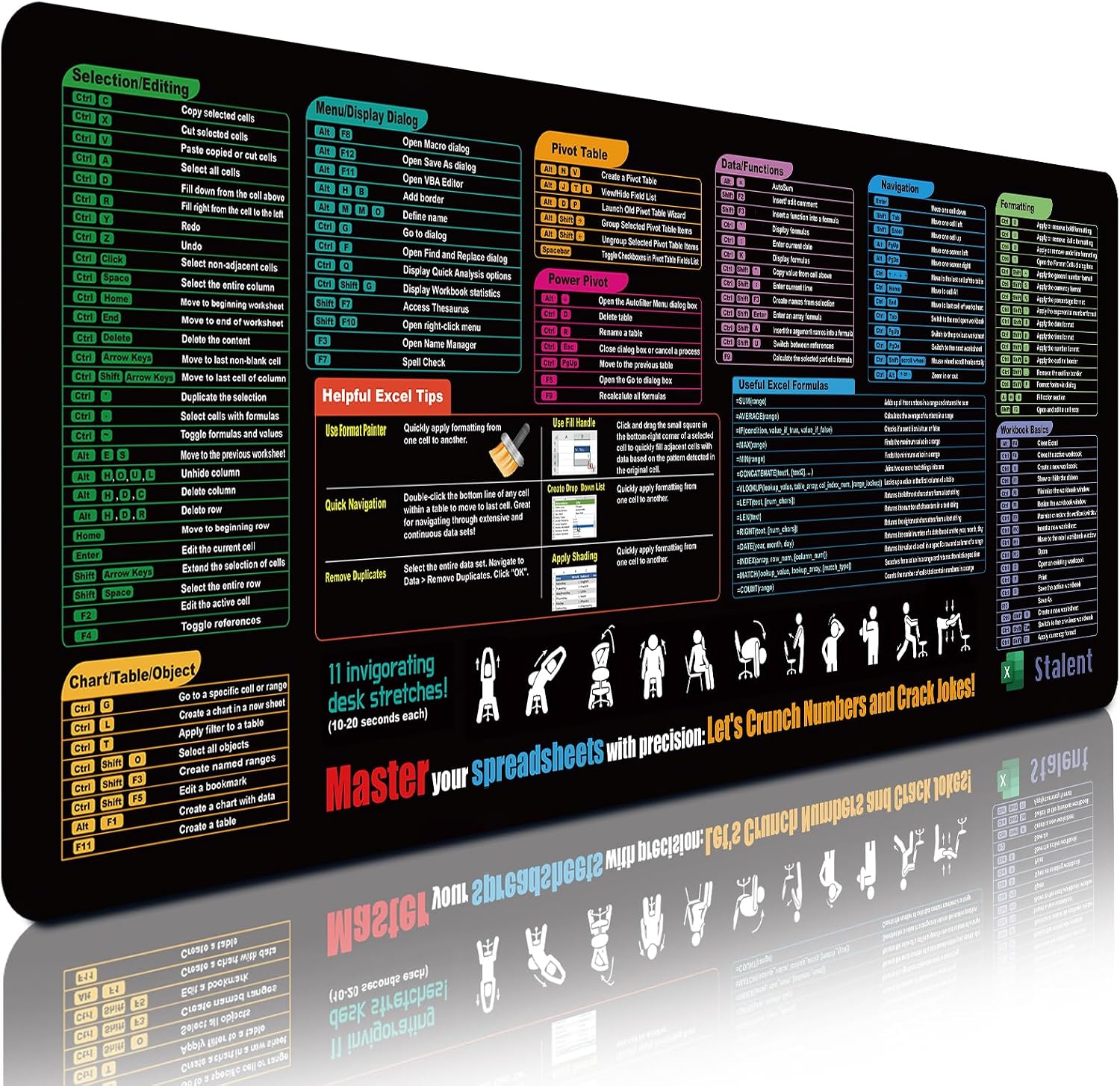
This is an extended pad at 80x30cm with a thickness of 0.3cm. The manufacturer positions it as an Excel shortcut desk helper with 9 clear categories, including advanced functions, formula syntax, and navigation tips.
What you’ll likely notice day to day is how the mat turns a “search and forget” task into “glance and carry on”. Instead of hunting online, you have the common bits of Excel knowledge in your peripheral vision. It’s the sort of set-up that can work well in busy offices where you want to keep workflow moving, especially during repetitive tasks.
One caveat to consider: if your work relies on very niche formulas or you use Excel in a highly specialised way, a cheat sheet approach can only take you so far. It’s more of a practical reference for frequent shortcuts than a comprehensive training resource.
What stands out in use
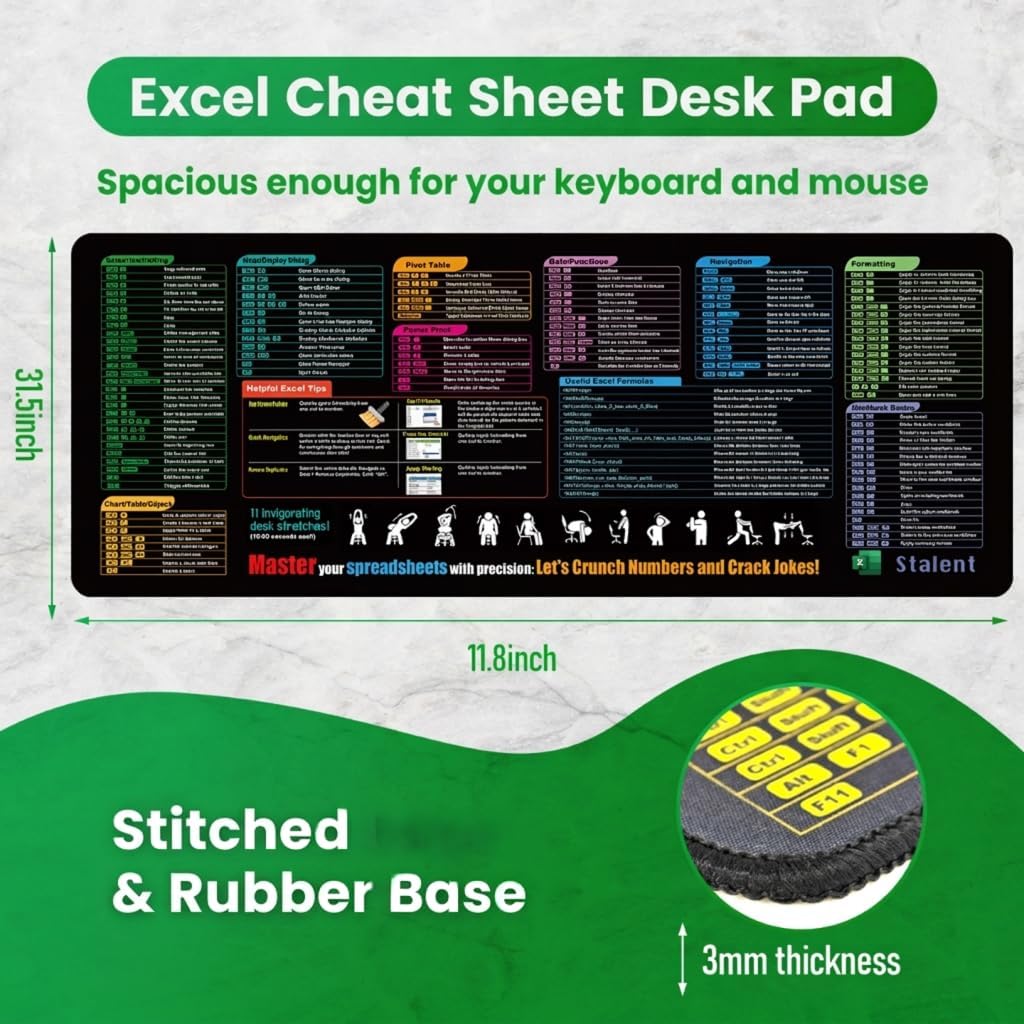
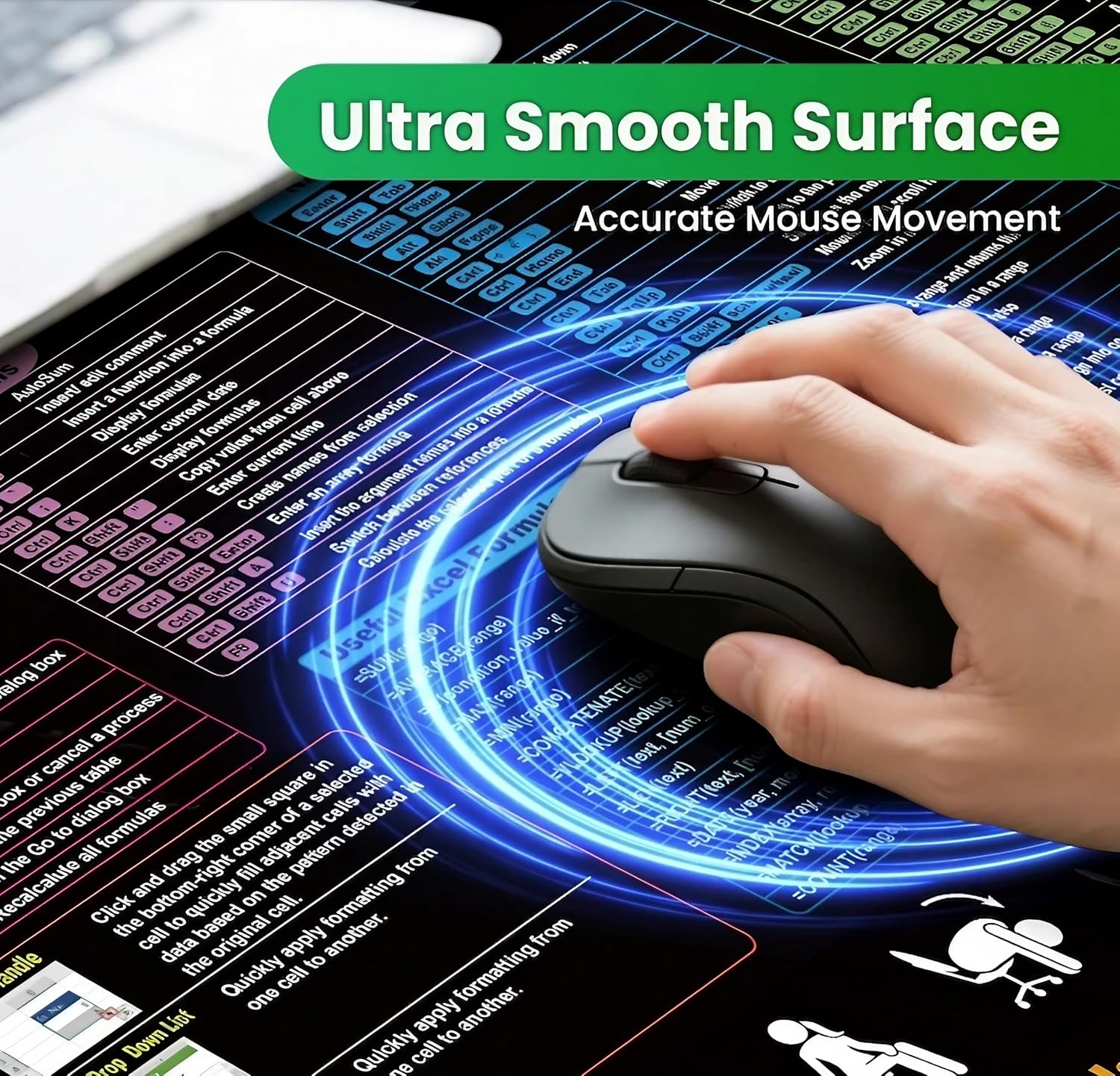
The surface is described as ultra-smooth, micro-woven cloth to support low friction mouse control. If you’re doing spreadsheet work for hours, you’ll probably appreciate the “steady” glide rather than a grabby texture that fights your hand.
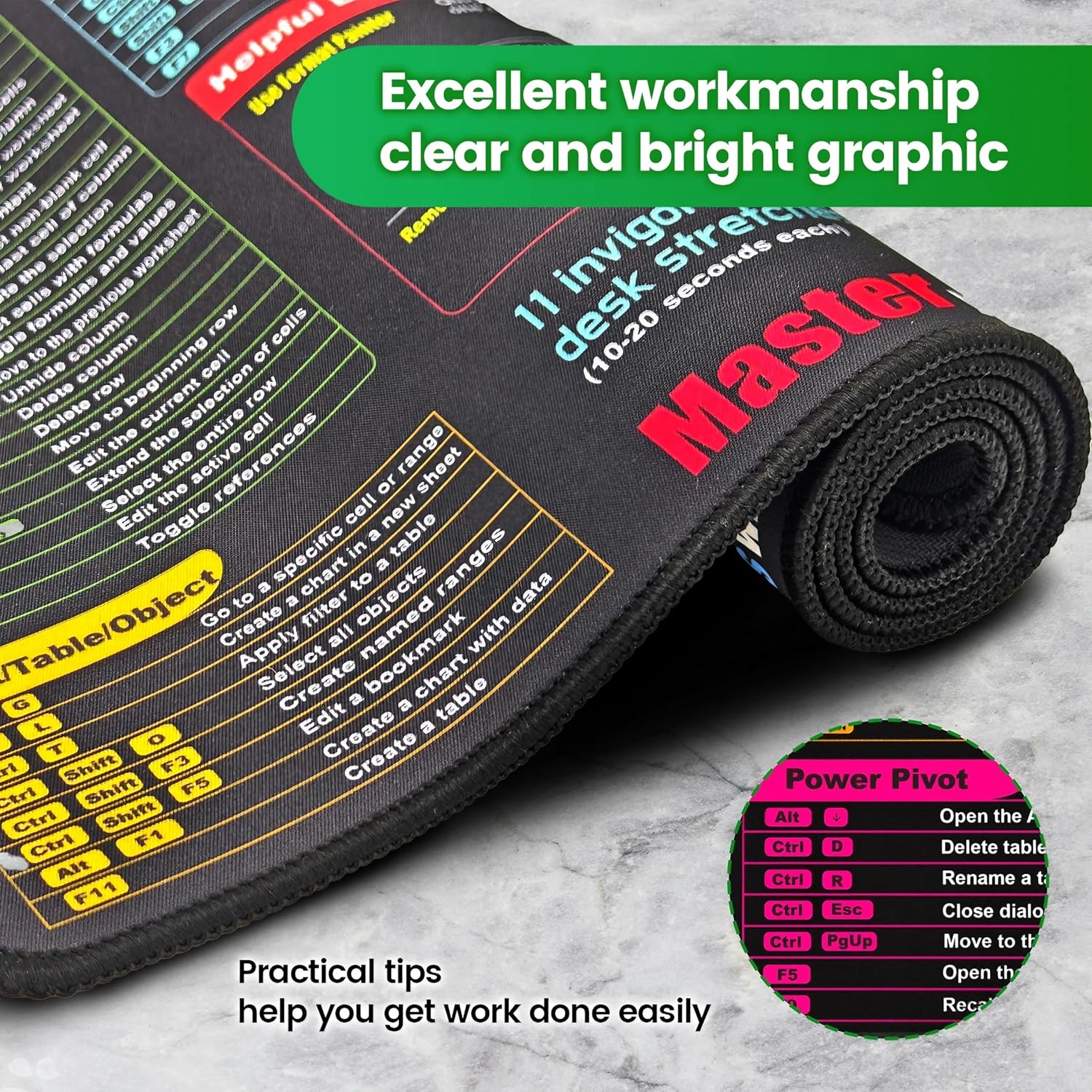
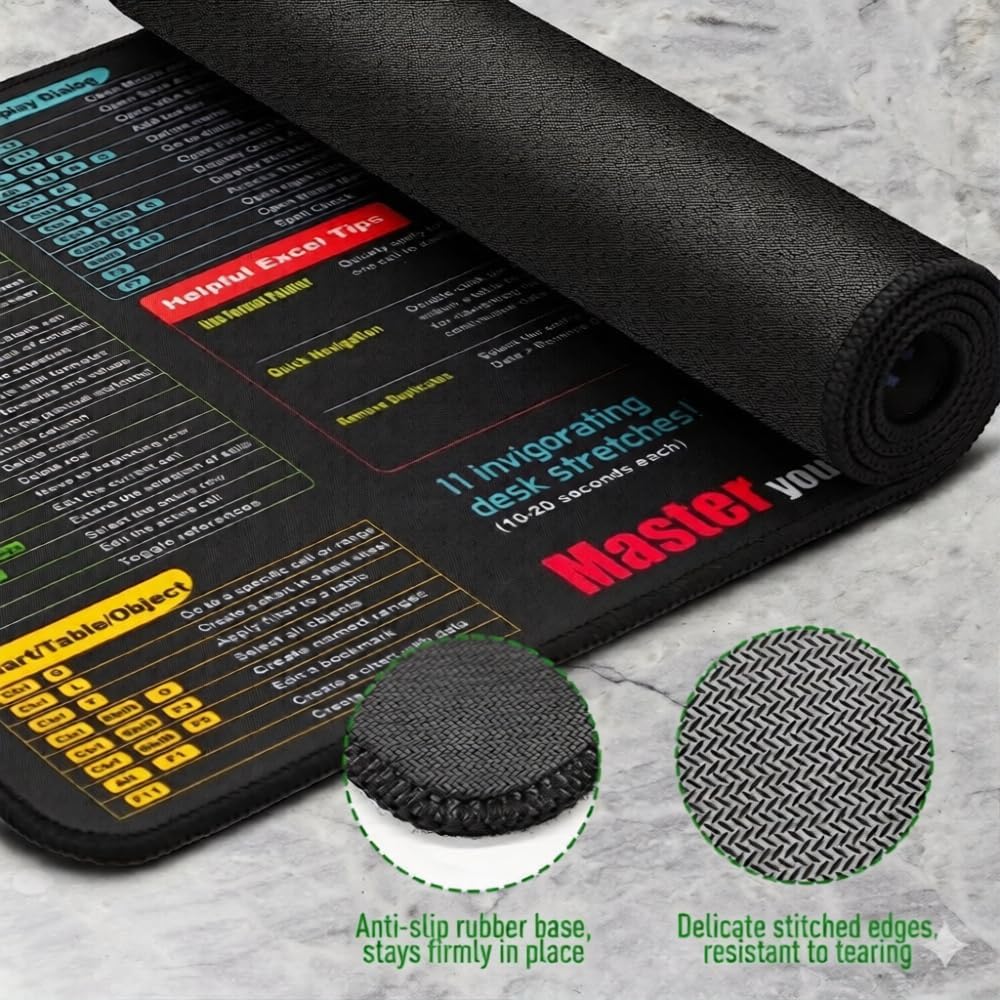
It also includes stitched edges and a dense, textured natural rubber base with a non-slip grip. For everyday use, that combination is there to reduce shifting when you type and move the mouse quickly. And if you’ve ever nudged a mat out of place mid-shift, this is the kind of detail that actually makes a difference.
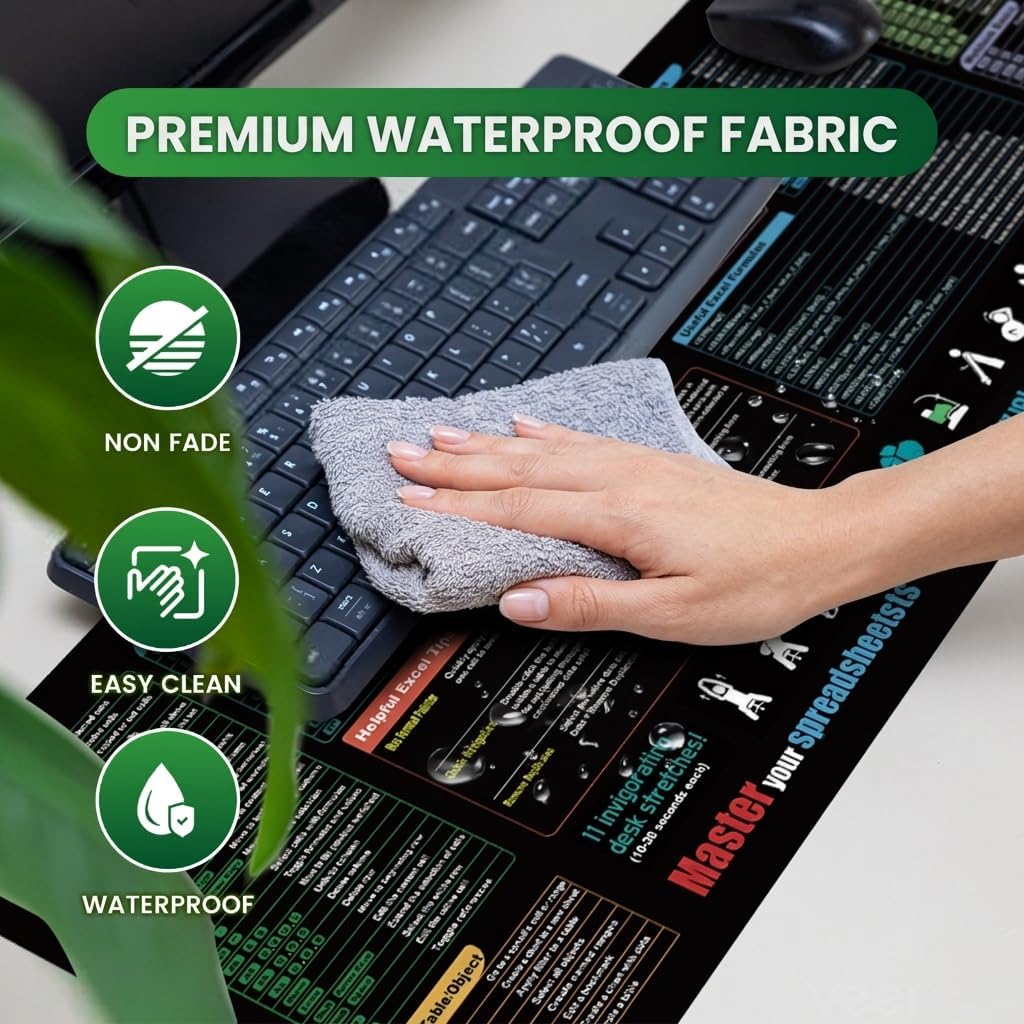
There’s also a waterproof/spill-resistant coating so you can wipe away tea, coffee, or water with a damp cloth. That won’t make you reckless, but it does mean small accidents are less likely to turn into a long-term desk issue.
The weaker points to keep in mind
This mat is built around printed Excel help. That’s brilliant for visibility, but it does impose a layout style: your desk setup needs to leave enough room for the mat so the content is actually usable at a glance.
Also, while the ink is described as fade-resistant and embedded into the fabric, “long-term” results depend on your environment (direct sunlight, harsh cleaning habits, frequency of wiping). If you tend to aggressively scrub desk accessories, you may want to be gentler with this one.
Care & practical buying considerations
Before you buy, it’s worth checking whether the 80x30cm footprint fits your desk and whether you want the shortcut reference in your main line of sight. A larger mat can be great value if you share your workspace across keyboard and mouse—or if you often work with a laptop on the same surface.
For cleaning, stick to wiping with a damp cloth as described, rather than soaking. That aligns with the spill-resistant intent and should help preserve the print.
If you’re choosing between a standard mouse mat and something extended, the decision usually comes down to whether you want the mat to protect and frame your whole workstation, not just your mouse hand.
Is it worth it?
It’s worth buying the Zoolyx Excel Cheat Sheet Desk Mat if you regularly use Excel and you prefer learning-by-reference—having common formula syntax, navigation tips, and advanced-function shortcuts within reach. It’s a strong fit for home offices, students, and corporate environments where small workflow improvements add up, and where an extended surface is useful for keeping your desk tidy.
You may want to skip it if you don’t rely on Excel day-to-day, or if your desk space is tight and an 80x30cm pad will feel like overkill. It might not be a great match if you’re looking for a neutral, minimalist desk accessory with no educational content, because the cheat-sheet design is the point.
Mini FAQ
How useful are the Excel shortcut categories?
The mat includes 9 categories covering things like formula syntax and navigation tips. If your work involves frequent spreadsheet steps, that tends to be the most helpful kind of reference. If you only use Excel occasionally, it may feel more like decoration than a tool.
Can I wipe spills off it?
It’s described as spill-resistant/waterproof with a coating, so tea, coffee, or water can be wiped away with a damp cloth. The safest approach is to wipe promptly rather than leaving it.
Will it move around while I’m working?
The base is described as non-slip with a textured natural rubber grip. That’s designed to help it stay put during normal typing and mouse movement.
Is it suitable for gaming as well as office work?
The surface is positioned for low-friction, smooth mouse control, which can suit both office use and casual gaming. If you’re after highly specialised competitive gaming surfaces, you may find dedicated gaming mats better tuned.
What desks does the size suit best?
With 80x30cm coverage, it suits desks where you can spread your keyboard and mouse across a larger area. If your desk is small or you prefer a minimal footprint, you may want to measure first.