

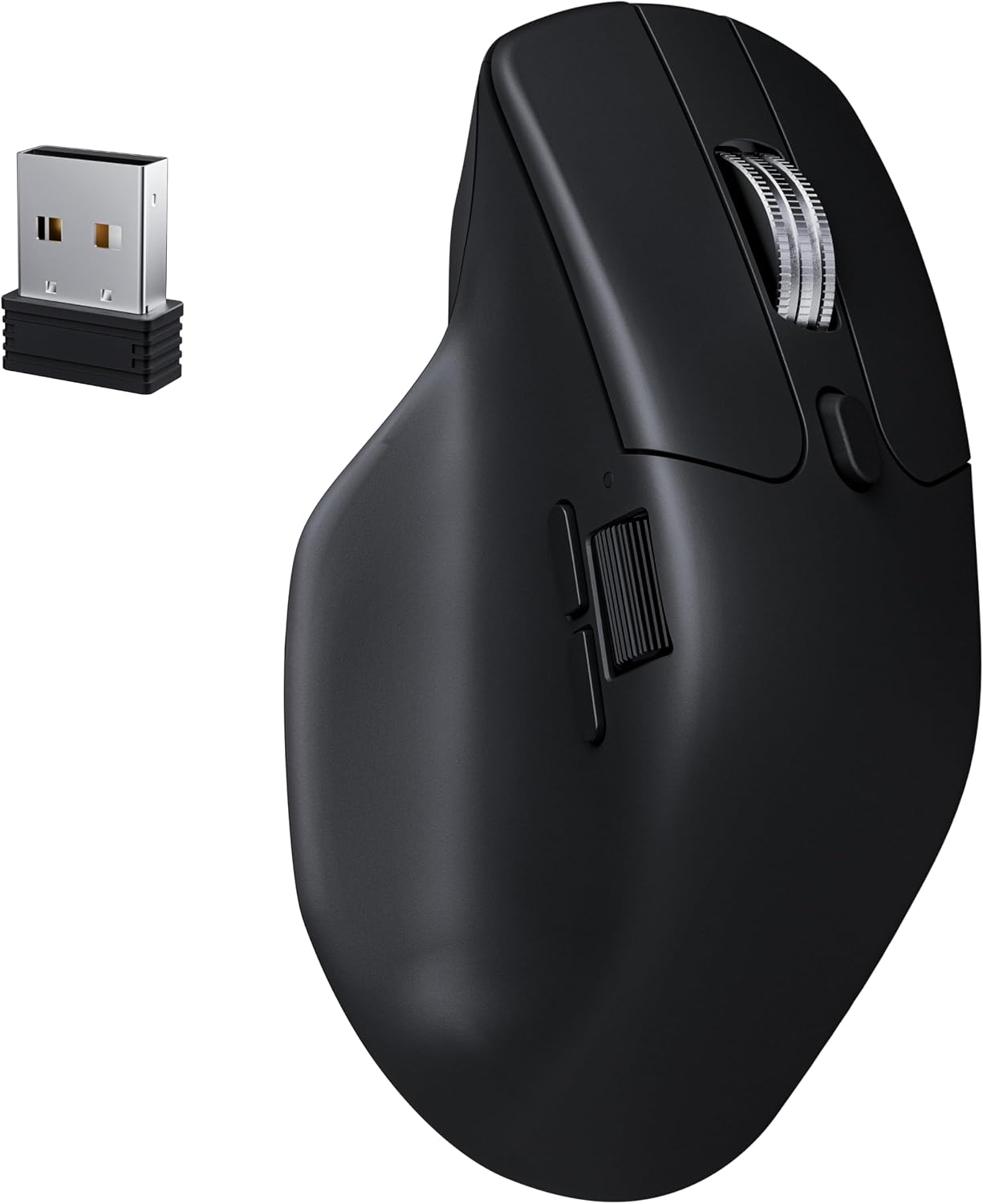
Keychron M6 1000 Hz silent wireless optical mouse (Bluetooth 5.1 / 2.4 GHz) with PixArt 3395 sensor
Product description
What it is and why you’d buy it
The Keychron M6 is a lightweight wireless optical mouse built around a high-refresh, low-latency idea: connect over 2.4 GHz for responsive use, or switch to Bluetooth 5.1 when you want a simpler wireless setup. On paper it’s aimed at people who do a mix of work and gaming, and don’t want a heavy mouse slowing them down.
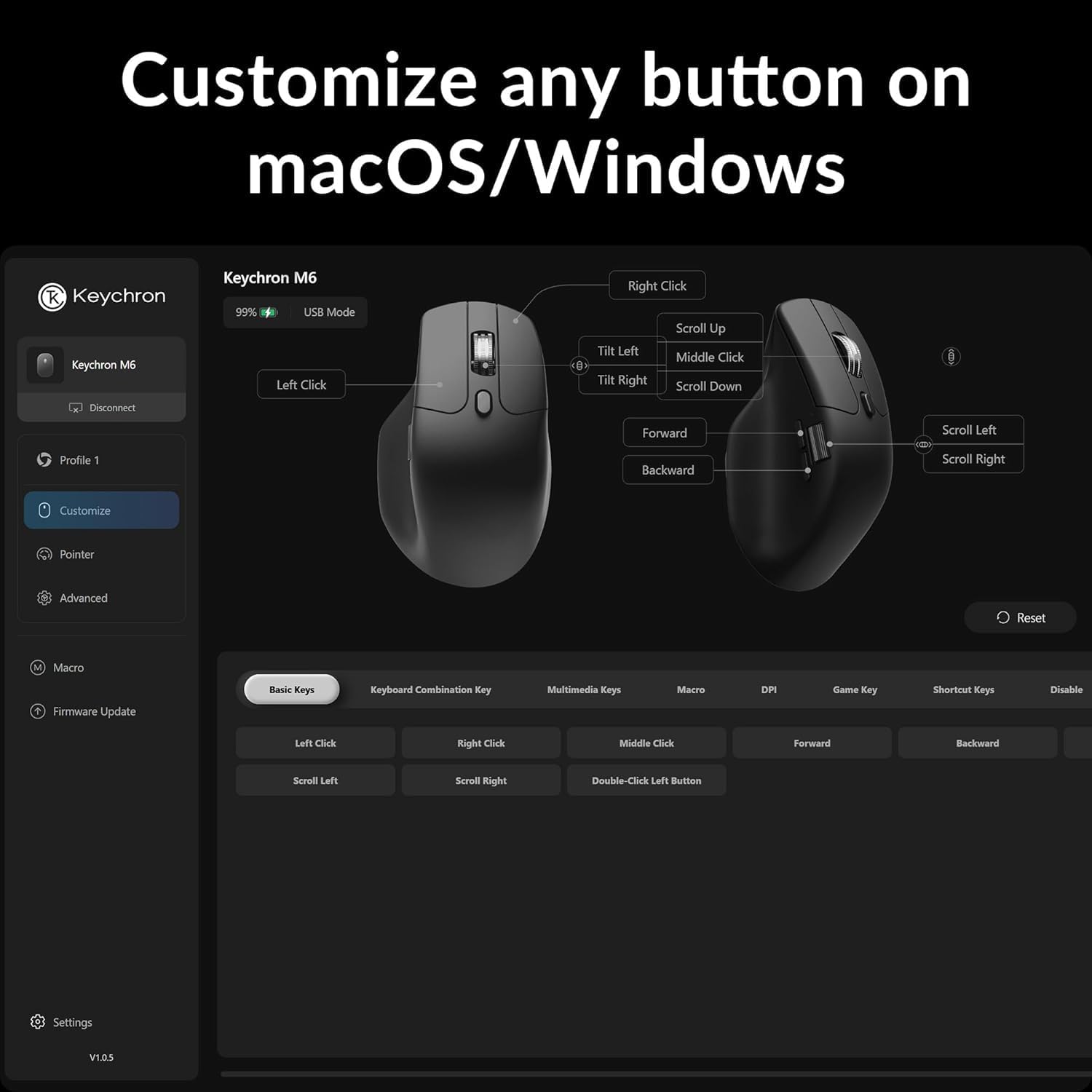
It also leans into customisation. With more than ten programmable buttons and a PixArt 3395 sensor pushing up to 26,000 DPI, it’s clearly not a “just point and click” model. If you spend time in spreadsheets, creative tools, or games that benefit from quick movement, this approach can make sense—though how much you benefit will depend on whether you actually map those buttons and use the higher-performance connection modes.
Key features that matter in daily use
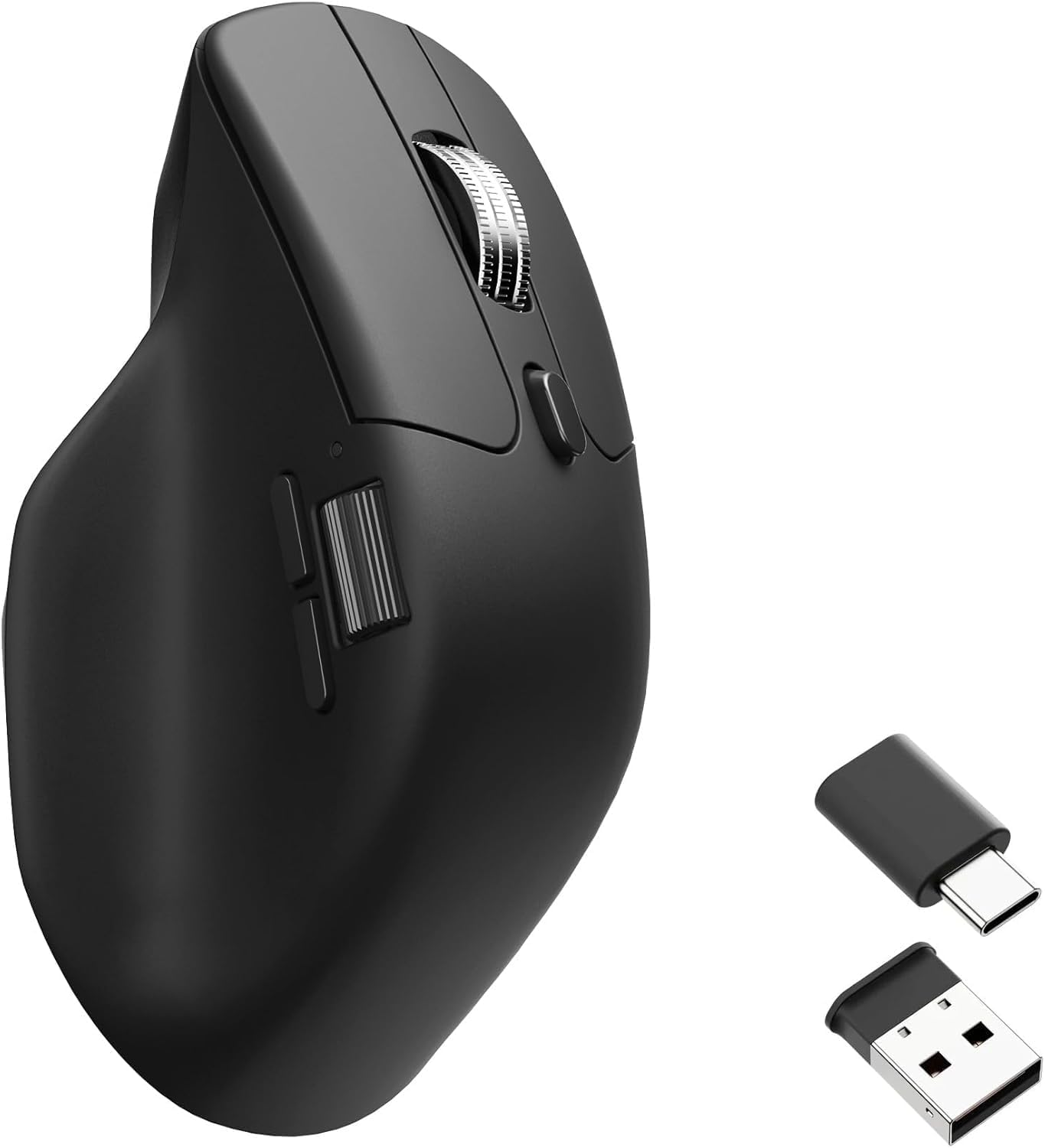
What stands out most is the combination of connection options and the sensor used. The M6 supports both 2.4 GHz (for ultra-low latency and fast response) and Bluetooth 5.1 (for stable wireless variety). If your desk setup changes—work laptop one day, desktop the next—having those two connection paths can be genuinely convenient.
On the performance side, the PixArt 3395 sensor is the headline component, with up to 26,000 DPI and up to 650 IPS mentioned. In real-world terms, that means the mouse is designed to stay accurate across different hand speeds and aiming styles, whether you’re dragging windows around or making precise cursor moves.
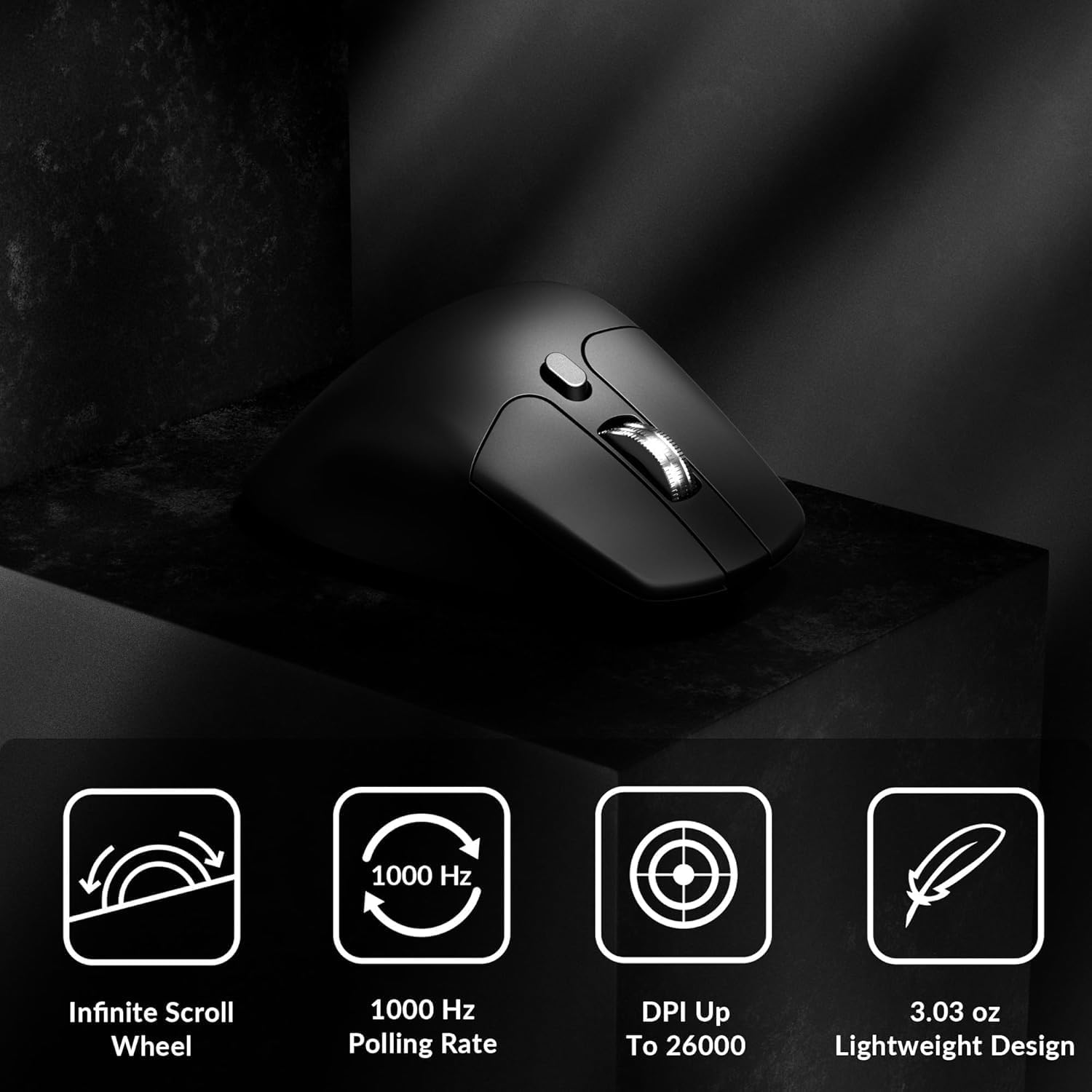
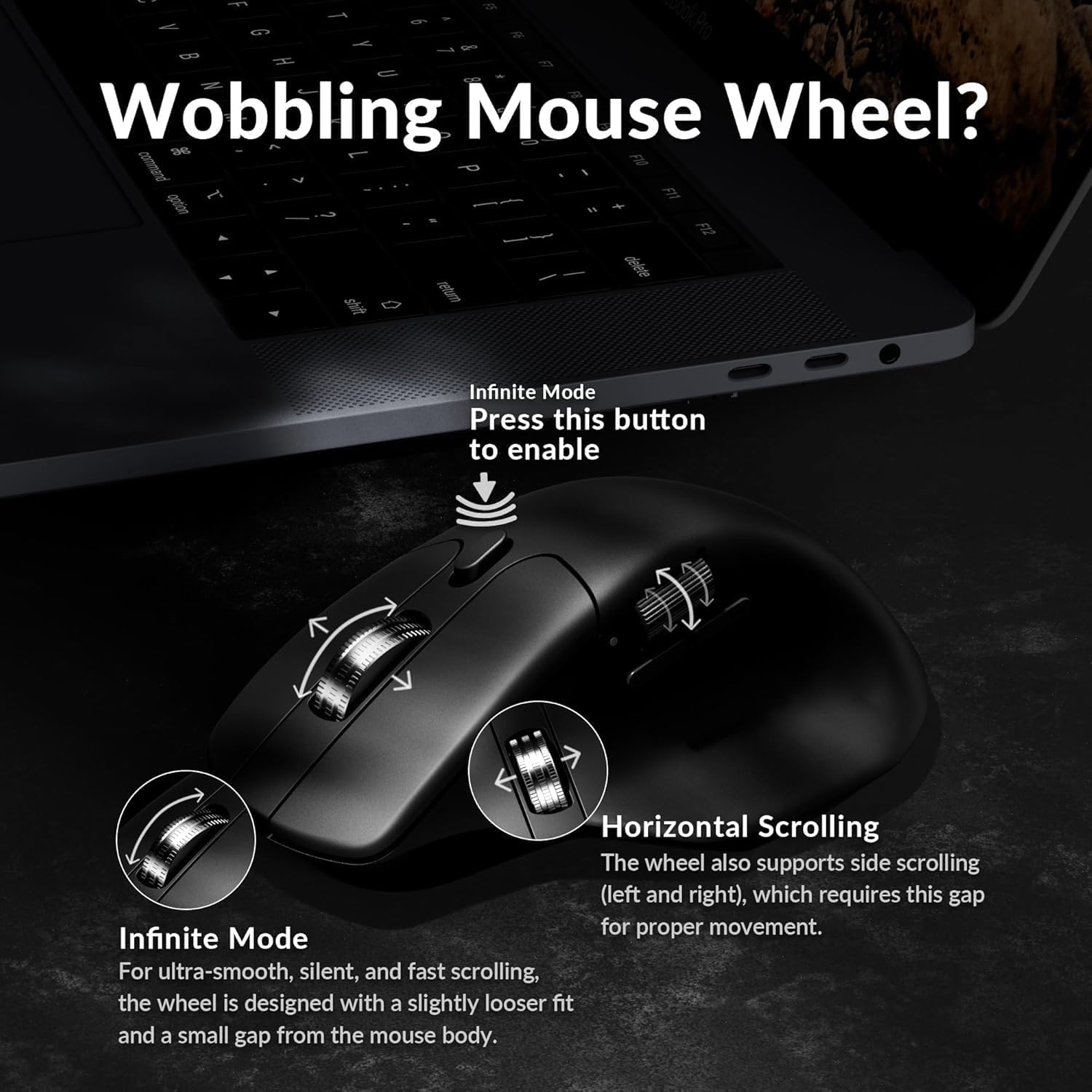
There’s also a dual scroll approach: the wheel can switch between standard scrolling and infinite-style scrolling via a button. That’s the sort of thing you notice when you’re reading long documents, browsing timelines, or moving through large lists.
The build and comfort angle
Ergonomics are a big part of the M6 pitch. The shape has a pronounced curve on top and a side thumb rest, with an emphasis on fitting the contour of your palm for long sessions. It’s also described as lightweight at 78 g, which is usually a good sign if you prefer less drag and quicker repositioning.
That said, comfort is personal. A pronounced curve and side rest can be spot-on for one hand shape and awkward for another. If you tend to use very large palm coverage or have a different grip style, it’s worth considering whether the stated ergonomic design matches how you actually hold a mouse.
Wireless performance: 2.4 GHz vs Bluetooth
If your priority is responsiveness, the 2.4 GHz option is the one the product is explicitly pushing for stable, ultra-low latency and fast reaction. Bluetooth 5.1 is included for flexibility, so you can keep multiple devices in your workflow without constantly re-pairing or moving dongles around.
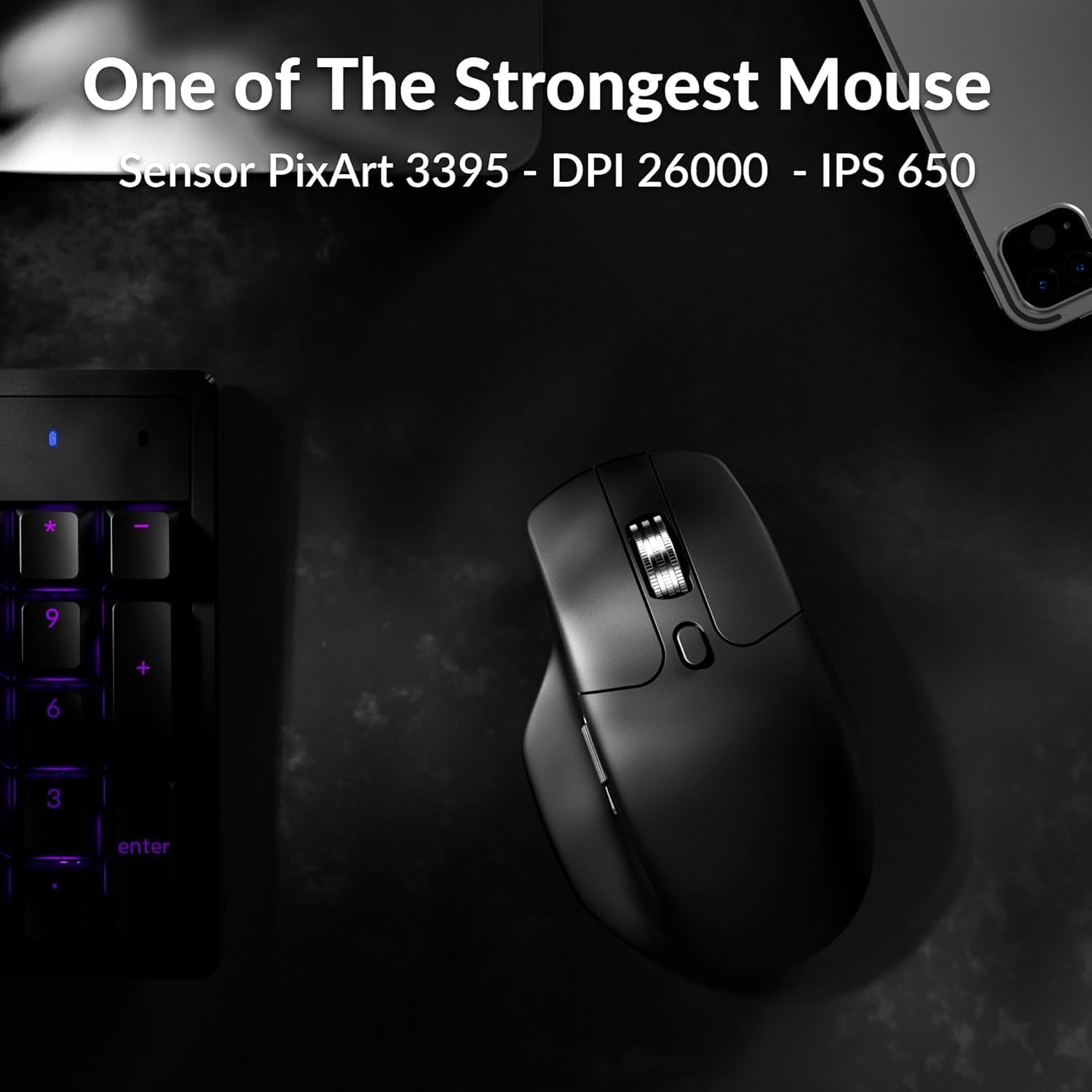
A practical way to think about it: if you’ll use the mouse mostly at a desk for both work and occasional gaming, 2.4 GHz is likely where you’ll get the most consistent feel. If you’re hopping between devices or working away from your main setup, Bluetooth can be the more convenient choice. Still, you may find that Bluetooth feels a bit less “snappy” for demanding play compared with a dedicated 2.4 GHz link—so it depends how competitive your gaming is.
Tech specs (quick view)
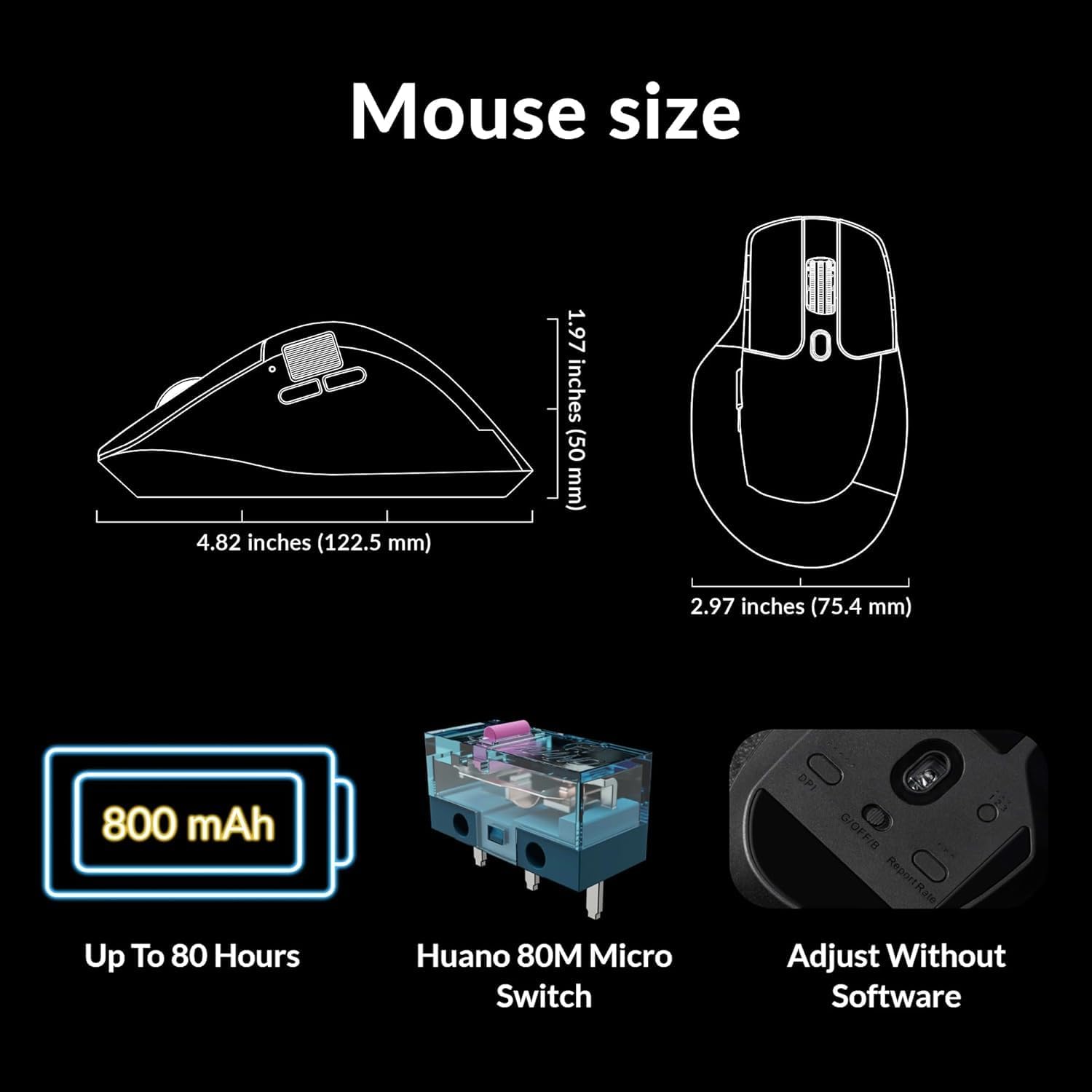
- Name: Keychron M6
- Type: Wireless optical mouse
- Format: Bluetooth 5.1 / 2.4 GHz wireless, and wired
- Sensor: PixArt 3395
- Resolution: up to 26,000 DPI
- Tracking speed: up to 650 IPS
- Weight: 78 g
- Colour: Black
Who it suits (and who should think twice)
It’s a good fit if you want a lightweight wireless mouse with a serious sensor, enough buttons to genuinely customise, and a connection setup that can handle both office use and responsive gaming. Worth considering if you like setting up shortcuts for workflows (such as switching tools, copy/paste actions, or quickly navigating tabs) and you appreciate the option to switch the scroll mode.
It’s not necessarily the best choice if you’re after a simple mouse with minimal tweaking. If you won’t map buttons or you don’t care about connection modes, you might not use what the M6 is built around. Also, if your hand doesn’t naturally suit the described ergonomic curve and side thumb rest, comfort could be a limiting factor.
Quick FAQ
FAQ: Keychron M6 1K (1000 Hz) mouse
Is it fully wireless? It’s described as wireless with 2.4 GHz and Bluetooth 5.1, and the listing also references a wired mode.
What sensor does it use? The mouse uses a PixArt 3395 sensor.
How many buttons can I programme? The product description says it includes more than ten programmable buttons.
Does it support different scrolling styles? Yes—there’s a dual scroll mode that switches between standard scrolling and an infinite-style wheel through a button.
Is it worth it?
The Keychron M6 is worth buying if you’re the sort of user who balances work with gaming, wants low-latency 2.4 GHz performance alongside Bluetooth flexibility, and will make use of the programmable buttons and dual scroll. On its stated design, it also looks like a comfortable, lightweight choice for longer sessions.
You may want to skip it if you’re after a basic, plug-and-forget mouse or if you’re unsure the ergonomic shape will suit your grip. In that case, the extra capability won’t automatically translate into better comfort or better value for you.