

iFLYTEK AINOTE 2 10.65" Large Screen Paper Tablet
Product description
What it is
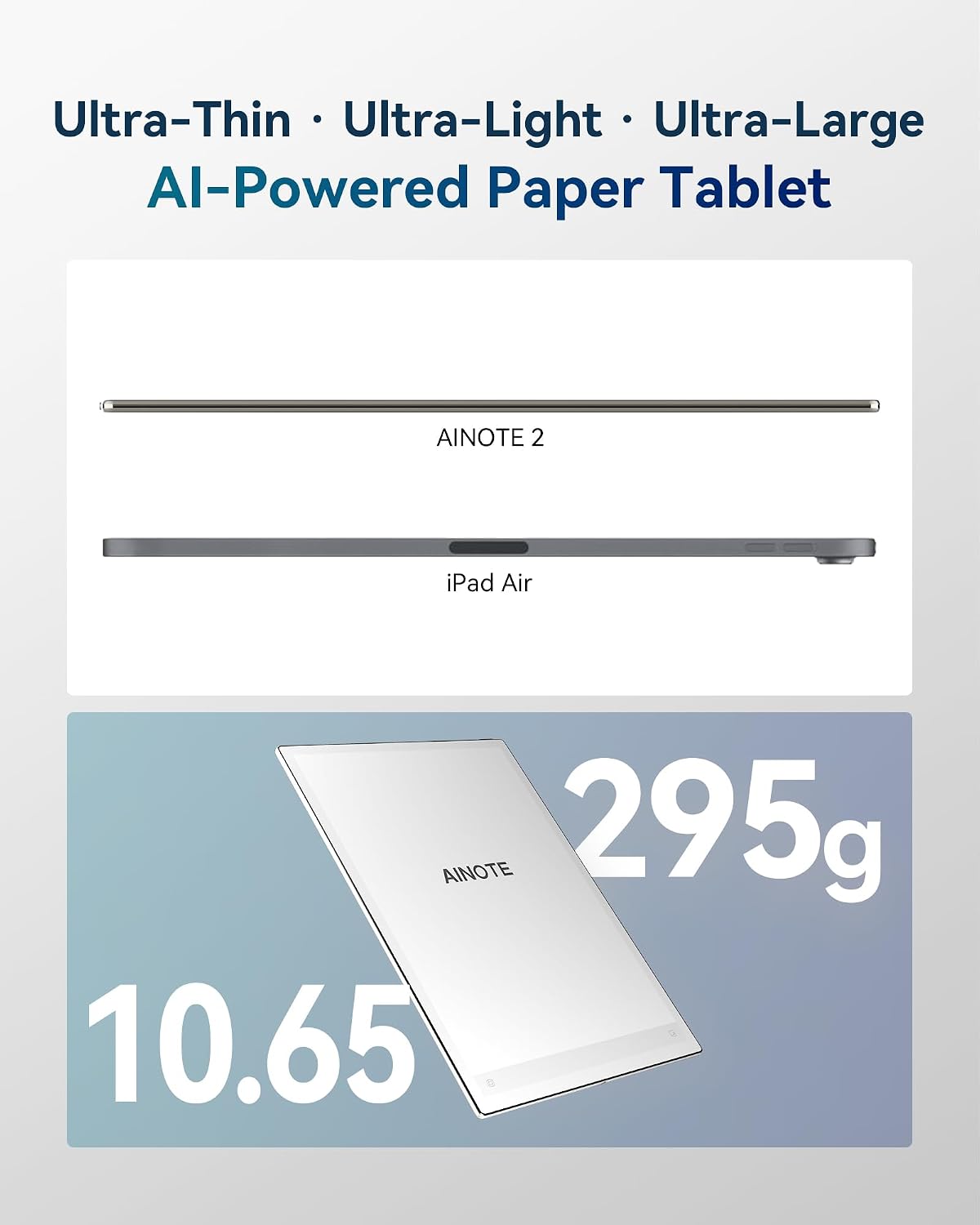
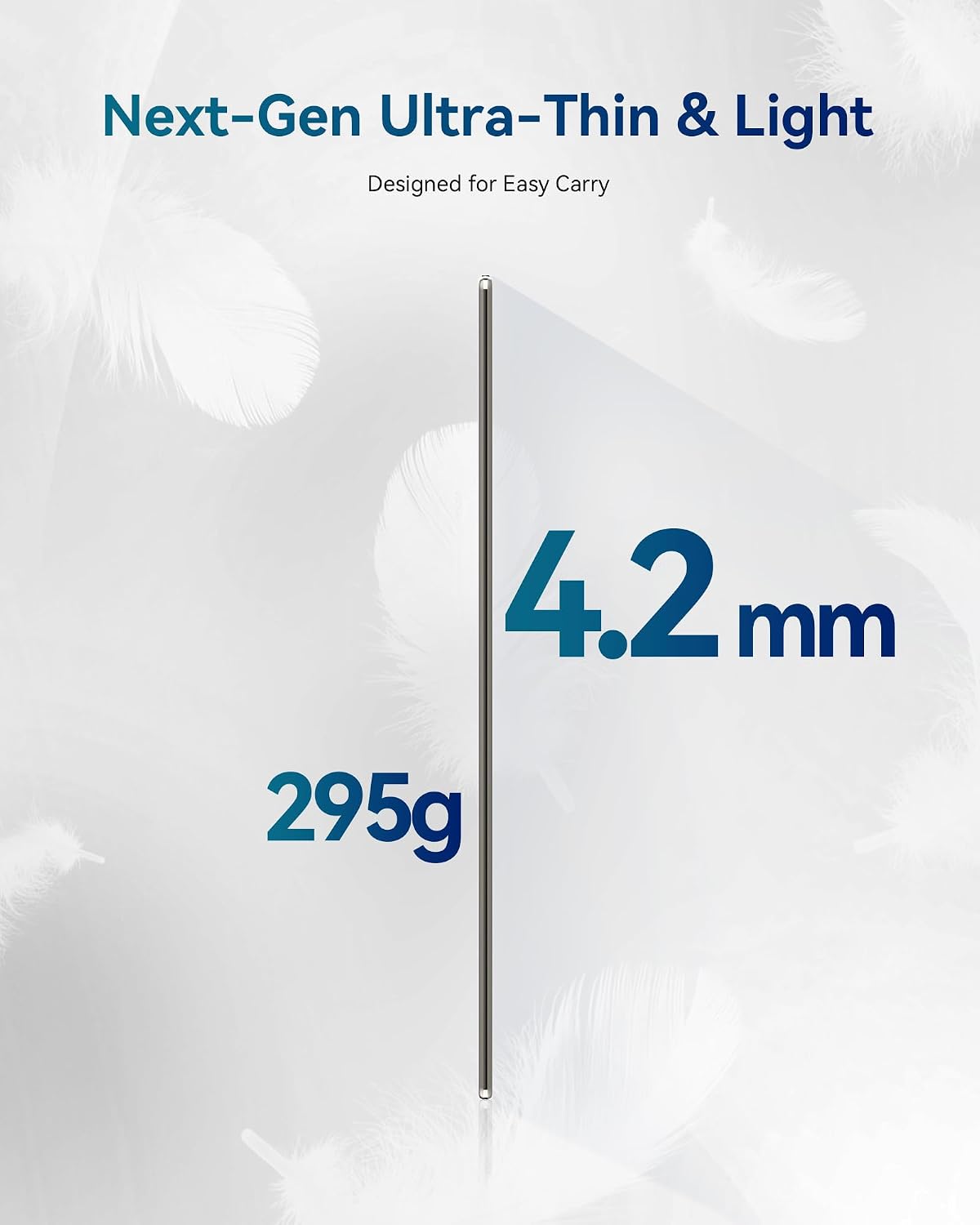
The iFLYTEK AINOTE 2 is a slim, pocketable e-ink tablet designed for on-the-go note taking, meetings and study. At 4.2 mm thick and around 295 g, it aims to reduce bulk while delivering a paper-like writing experience.
Battery life and portability
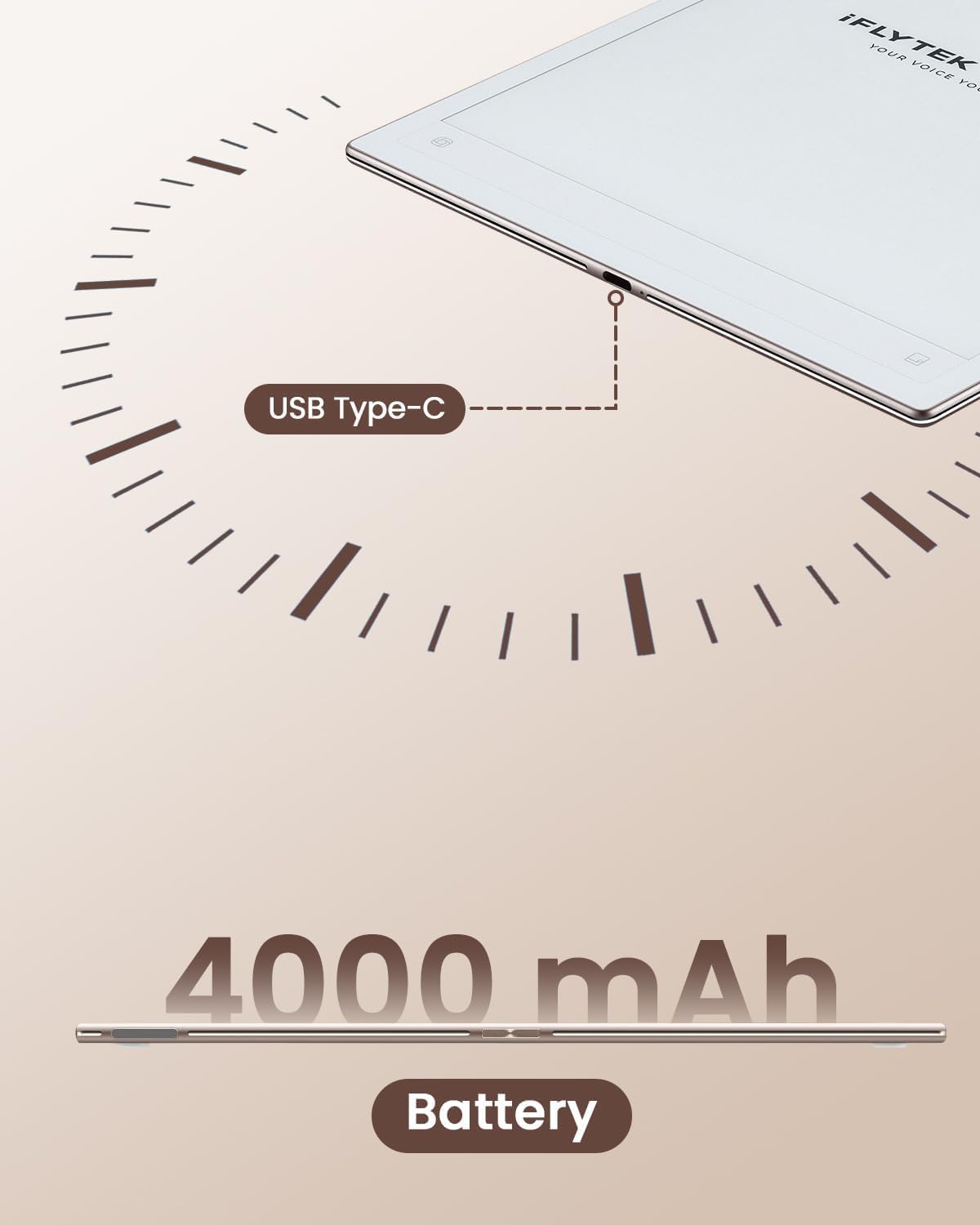
A sizeable 4000 mAh battery supports all‑day use with typical light-duty activity. In practice this can mean extended periods of work away from a power outlet, though real-world endurance will vary with features used. The device is pitched as having long standby time, which helps on business trips or days when charging isn’t convenient.
AI-powered productivity
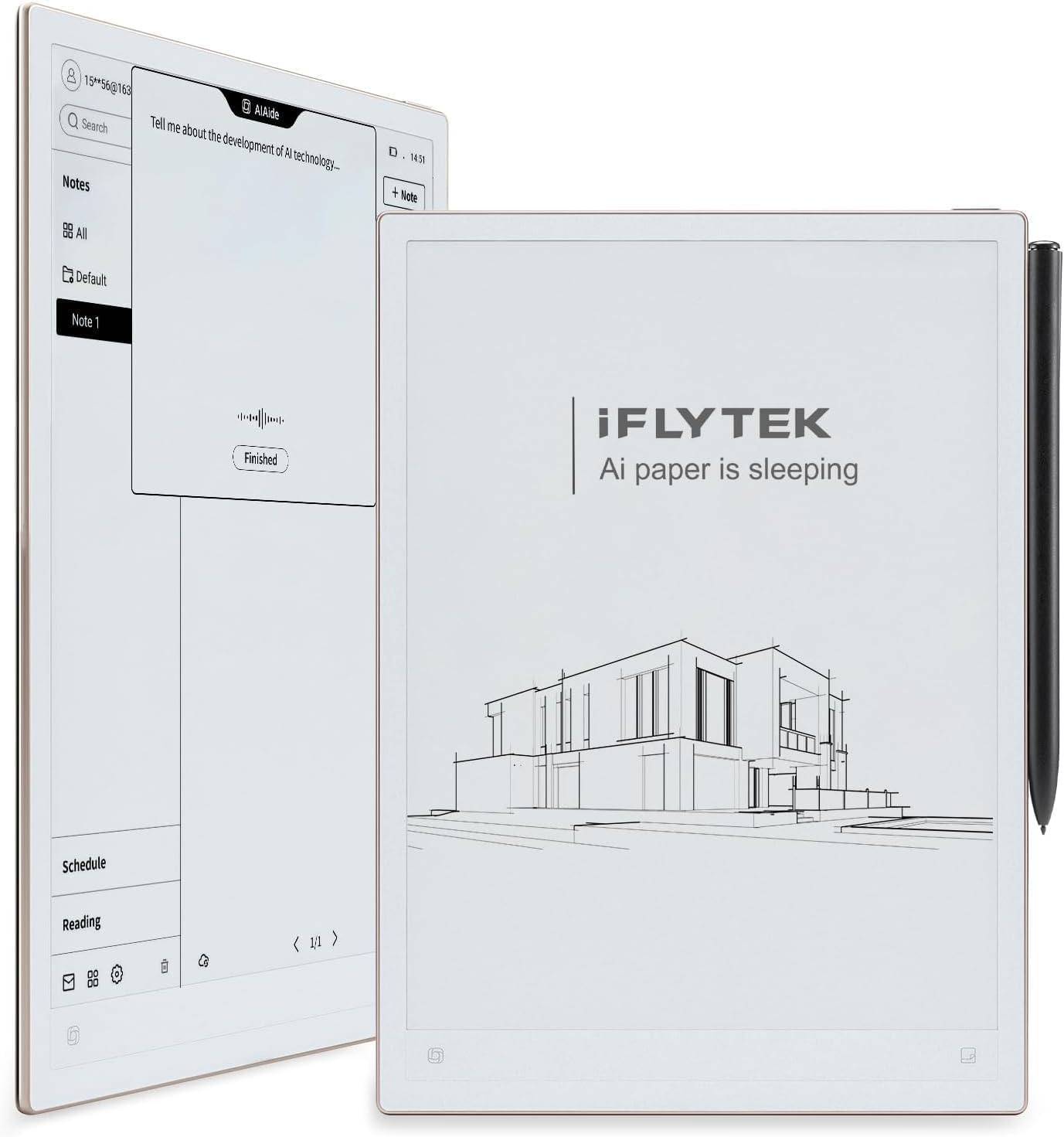
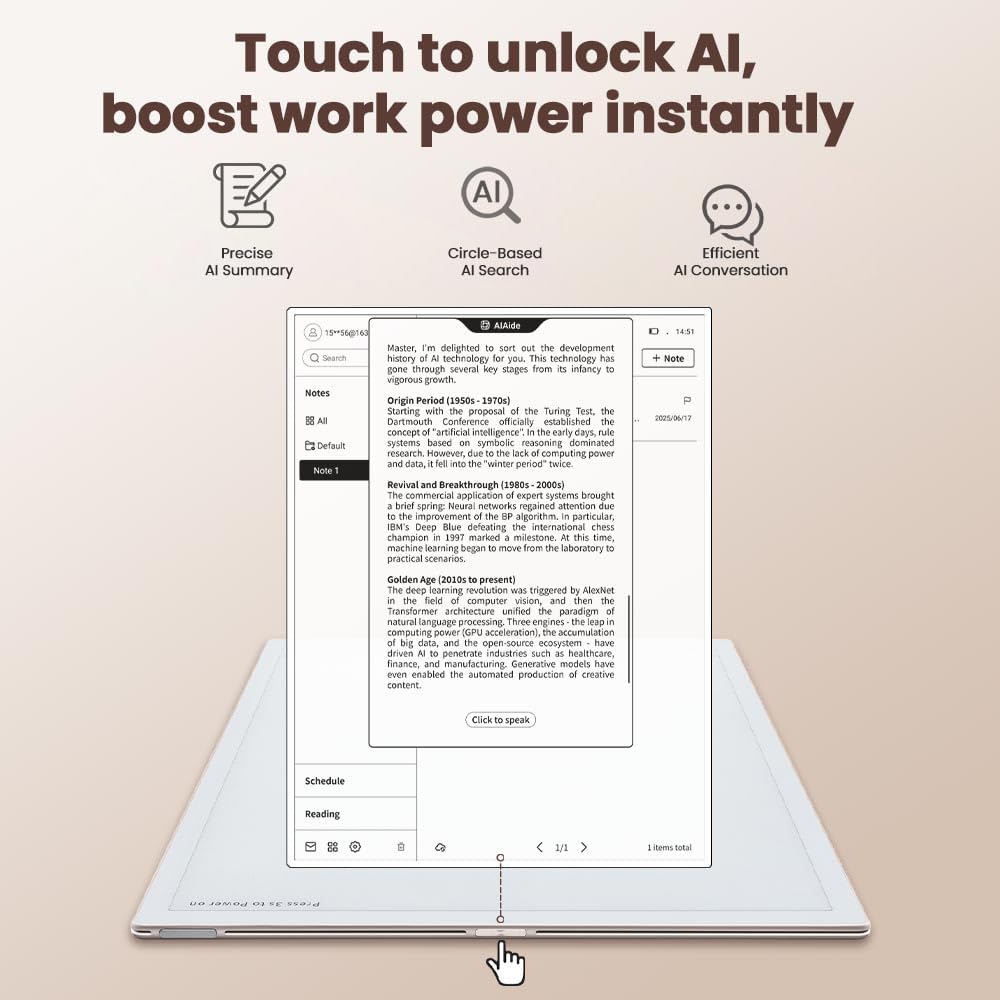
Core to its appeal is AI-assisted workflow: meeting summaries, handwritten notes converted to text, and the ability to mark key points for to‑do lists or weekly reports. This can streamline note‑taking and reduce post‑meeting follow‑ups, especially if you juggle multiple projects.
Language and transcription
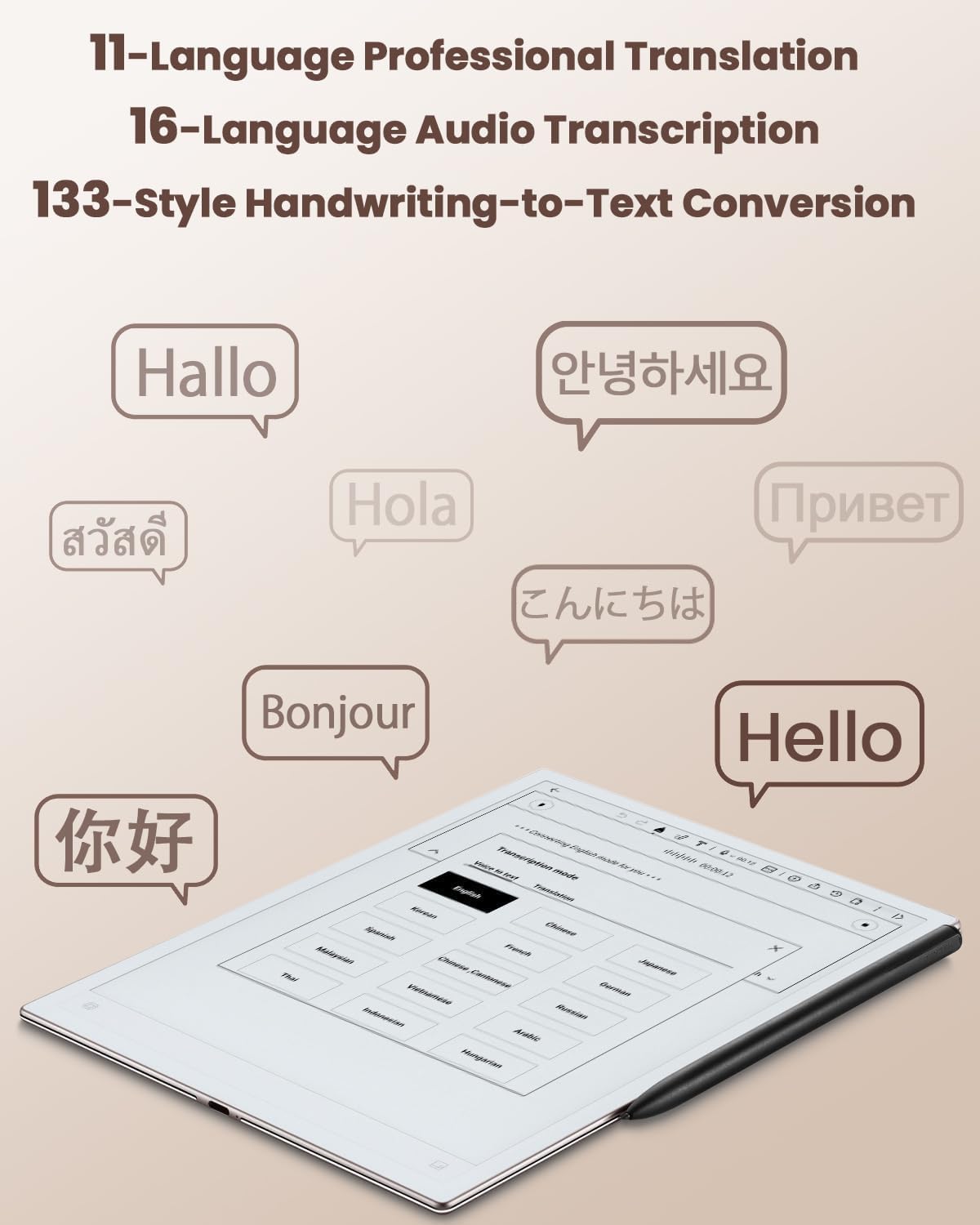
The AINOTE 2 supports 18 languages for transcription (and 14 for instant translation), with automatic speaker recognition. This makes it potentially useful for multilingual meetings or study sessions where notes need to be shared with colleagues speaking different languages. It’s worth noting that exact performance may depend on the language pair and audio quality.
Writing and reading experience
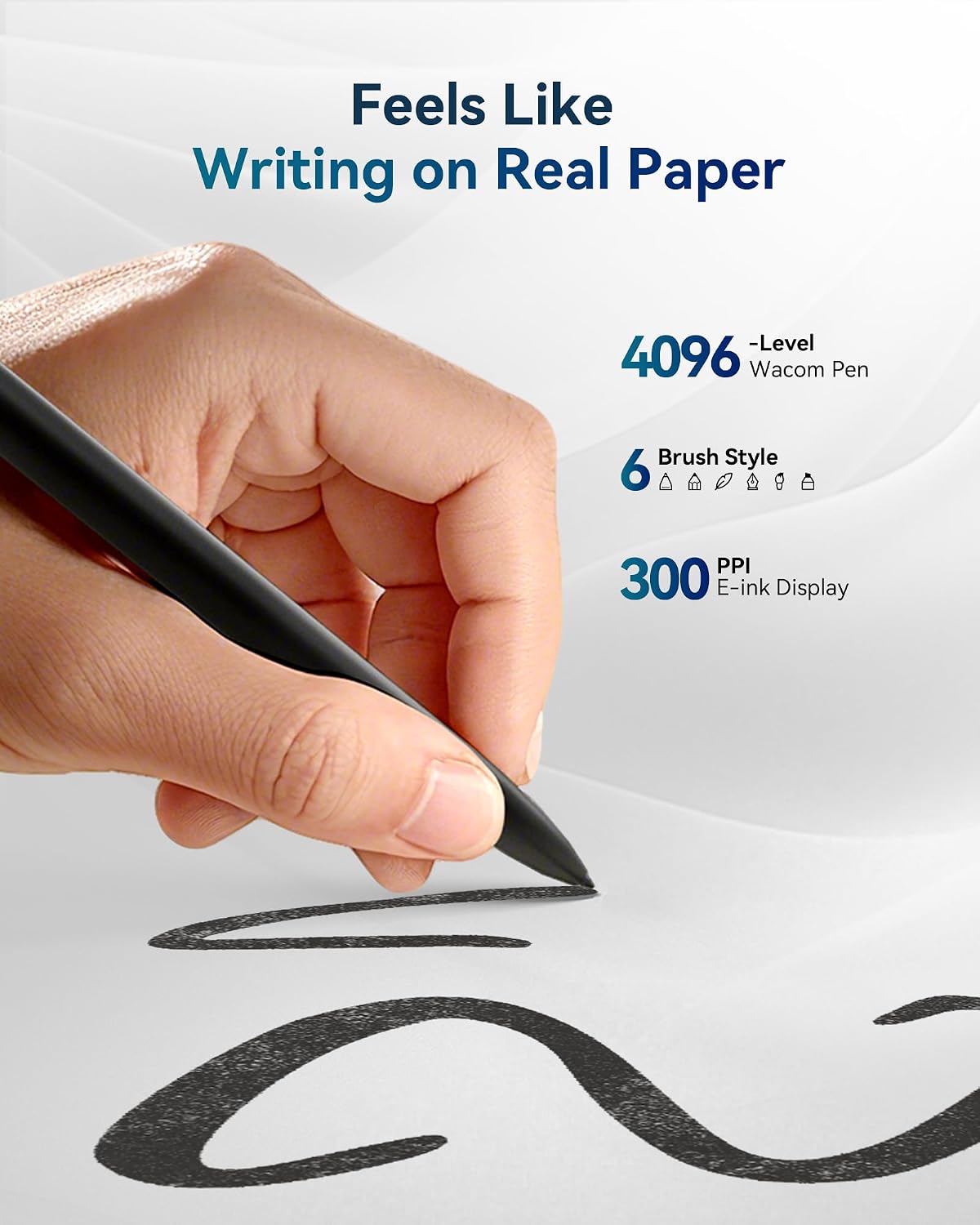
The tablet uses an ink-like display with eight brush styles to mimic handwriting, offering resistance and precision aimed at a natural note-taking feel. Reading is designed to be eye-friendly with fast refresh and compatibility with popular reading apps, which can help you switch between notes and textbooks without leaving the device.
Ecosystem and compatibility
Syncing with Google Calendar helps keep schedules aligned across devices, reducing the need to re-enter events. The device also emphasizes compatibility with content platforms for reading and a growing set of integrations, which can minimise tool-switching in daily workflows.
What it’s good for and who it’s for
If your work or study involves a lot of handwritten notes, quick meeting summaries, and multilingual communication, the AINOTE 2 offers a cohesive, purpose-built workflow. It may suit students, researchers, or professionals who value portability and an organised, AI-assisted note system. However, if you require advanced document editing, real-time heavy typing, or a broad app ecosystem beyond reading and note-taking, you may find the feature set more limited.
Potential limitations
The case is not included in the box and must be purchased separately, so you’ll need to factor in that extra item if you want added protection on the move. There’s no mention of other accessories or a large app library, and performance details aren’t provided for every anticipated use case. If you prioritise high-speed processing, colour display versatility, or very high-resolution text rendering, this device may not feel like the ultimate instrument.
Practical usage example
Imagine you’re in a cross-border meeting with colleagues speaking several languages. You rely on the AI transcription to capture spoken content, then quickly convert handwritten notes into text for a shared meeting minutes document. You star or tag key ideas during the session and have a ready-to-distribute summary within minutes.
What to check before buying
- Confirm the actual battery life you can expect with your typical usage pattern (writing, reading, and transcription).
- Consider whether you need a protective case and where to source one separately.
- Check which languages are most relevant for your meetings and whether the transcription quality matches your expectations.
- Think about how you’ll integrate it with existing calendars and apps in your workflow.
Is it worth it?
If you prioritise portability, handwriting-like input, and AI-assisted note workflows across multiple languages, the AINOTE 2 presents a sensible option that focuses on those tasks without trying to be a full tablet replacement. It’s not the best choice if you want a feature-rich app store, high-end multitasking, or a reflective, needs‑more‑specs sort of device. It may be a solid mid-range buy for professionals who value simplicity and cross-language note processing, rather than a gadget priced for top-tier performance.
FAQ
- How does the handwriting feel compared with traditional paper? It aims to mimic real handwriting with natural resistance and precise rendering, though user perception varies.
- Can I use it as a primary reading tablet? It supports reading apps and is designed for comfortable reading, but its ink display is not a colour LCD, for graphic-heavy content you might prefer alternatives.
- What about software updates? The product mentions ongoing app integrations in development, specifics aren’t provided here, so check current availability when you purchase.