

Jungle Leopard KF420 DGT ARGB Digital air CPU cooler with PWM fan (LGA/AM4 & AM5)
Product description
What it is and why people buy it
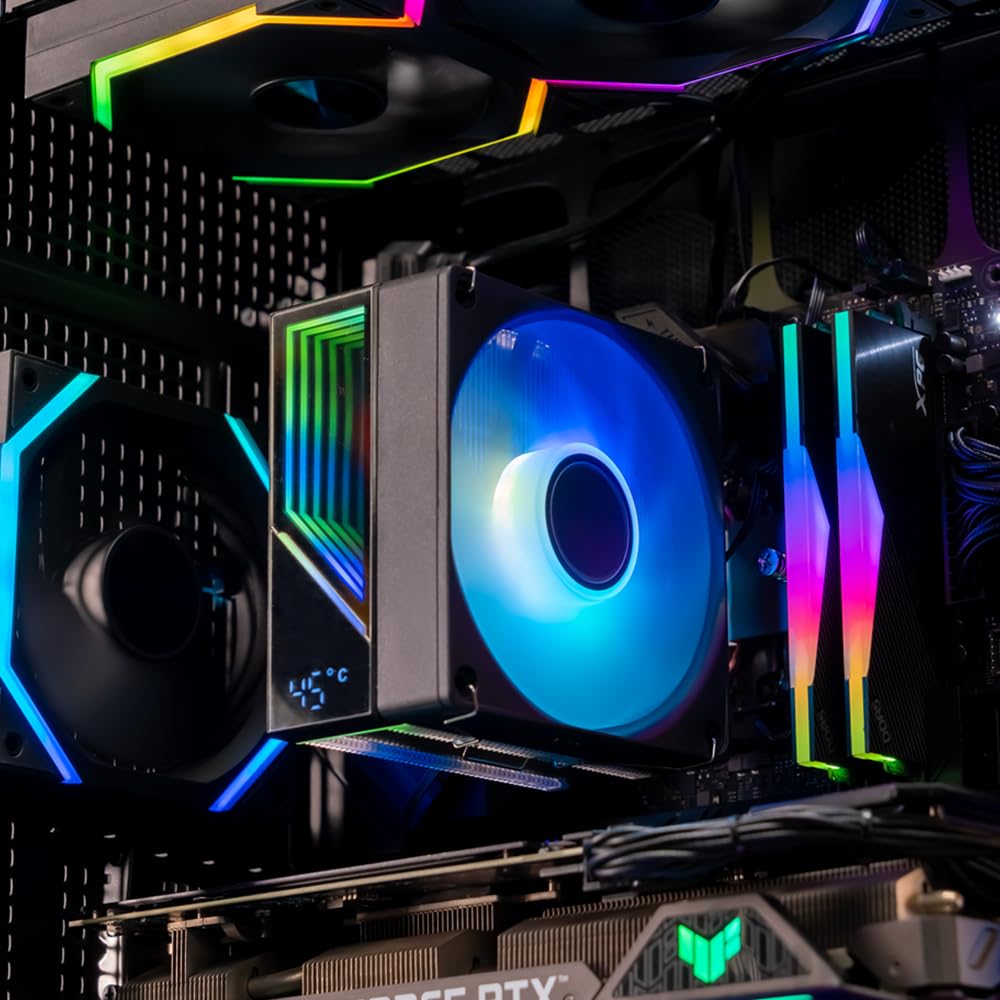
The Jungle Leopard KF420 DGT is a digital ARGB air cooler aimed at keeping a CPU running steadily, while adding a temperature display and controlled fan behaviour. If you like the idea of seeing what the CPU is doing (instead of guessing from software), this model is built around that extra bit of visibility.
On paper, it’s the sort of cooler you’d consider when you want something more purposeful than a basic heatsink + single fan, but you’re not necessarily chasing a high-end tower cooler either. The presence of PWM temperature control and an ARGB element makes it feel a bit more “PC build” friendly than purely utilitarian options.
The essentials (performance features, without the hype)
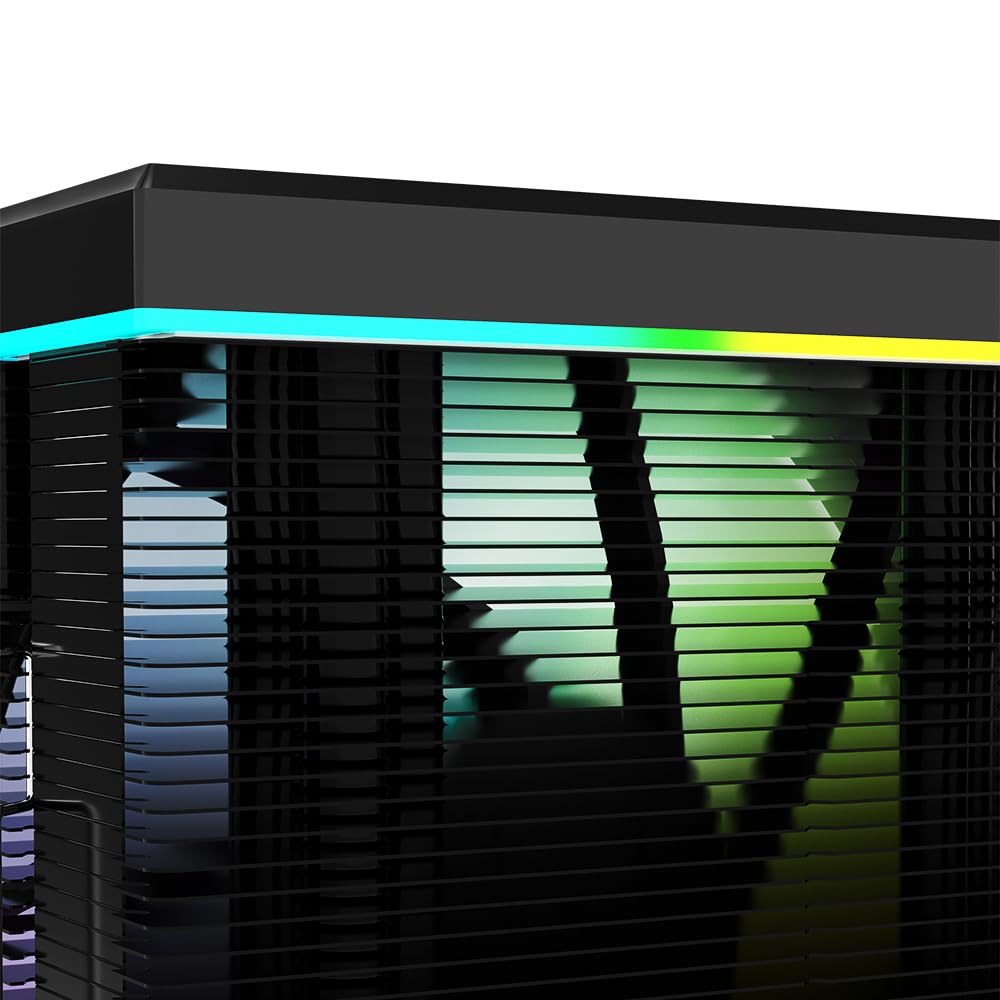
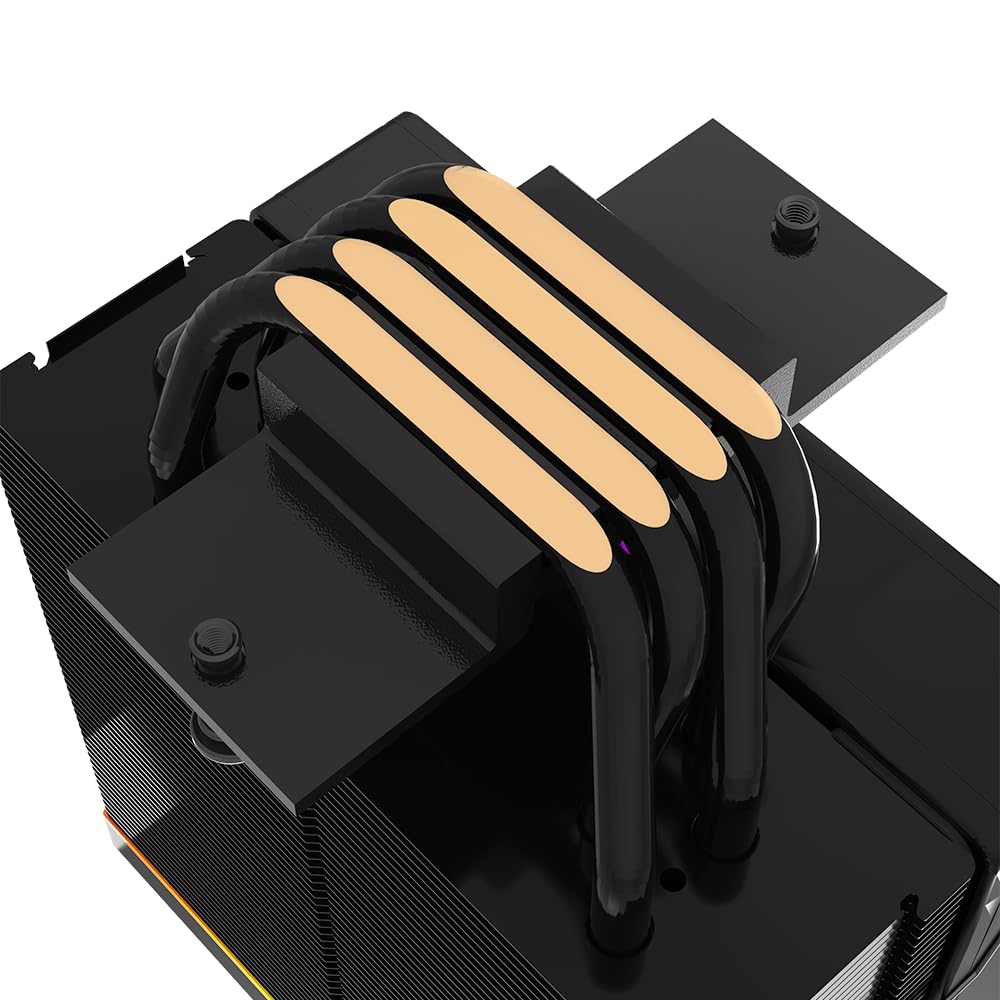
This cooler uses four 6 mm anti-gravitation-optimised heatpipes. The manufacturer also highlights stronger contact and more direct heat transfer to help maintain stable, reliable operation.
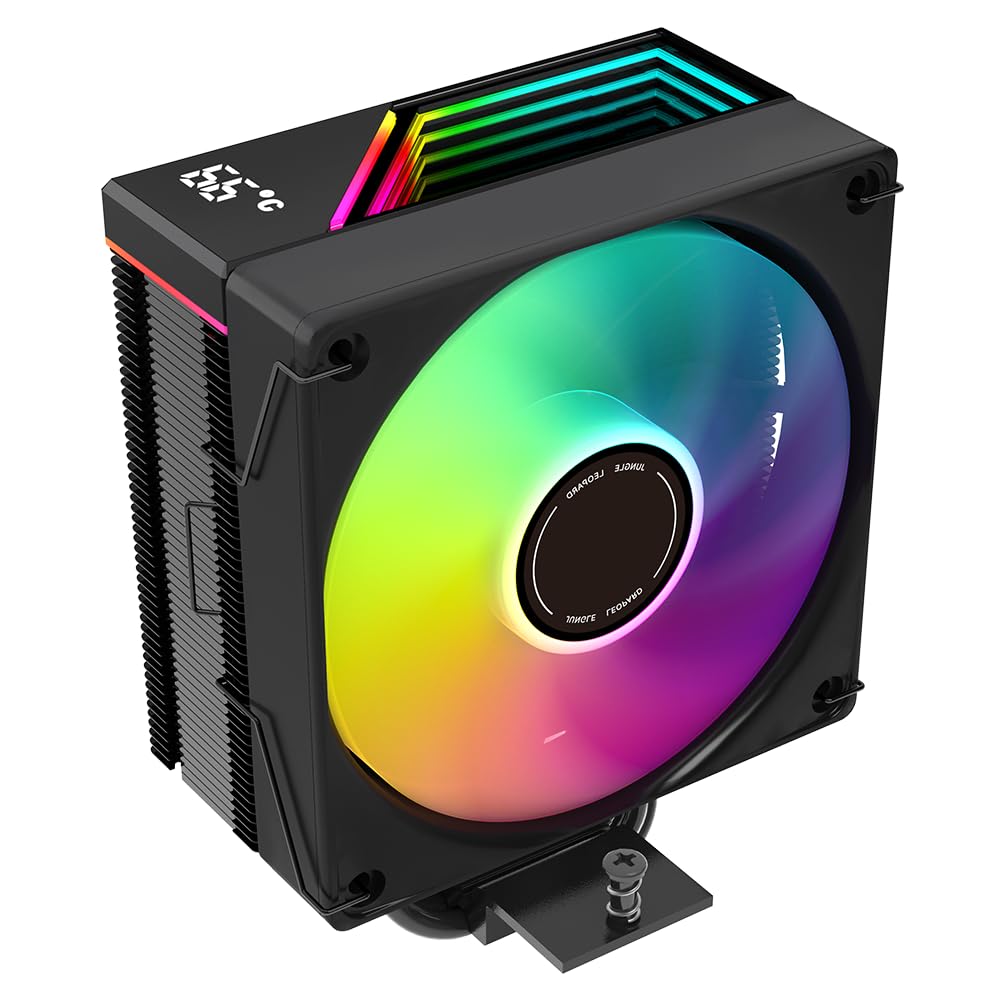
Fan control is where it gets practical: the 4-pin PWM intelligent temperature control is designed to adjust fan speed based on temperatures rather than running at one fixed level. The included 120 mm fan is specified at up to 1800RPM ±10%, and the noise figure is listed as ≤ 37dBA at full load, which is a key detail if quiet matters in your setup.
There’s also a built-in temperature display angle. The included support note says that after installing the cooler and installing the temperature display software, the installation process automatically opens on the desktop. That’s worth noting if you don’t want extra software steps.
What you’ll notice day to day
A real-world difference with a cooler like this is usually a mix of steadiness and responsiveness. With PWM control, the fan should ramp when temperatures rise and ease off when the system is calm, which can help avoid constant “high fan” noise during lighter tasks.
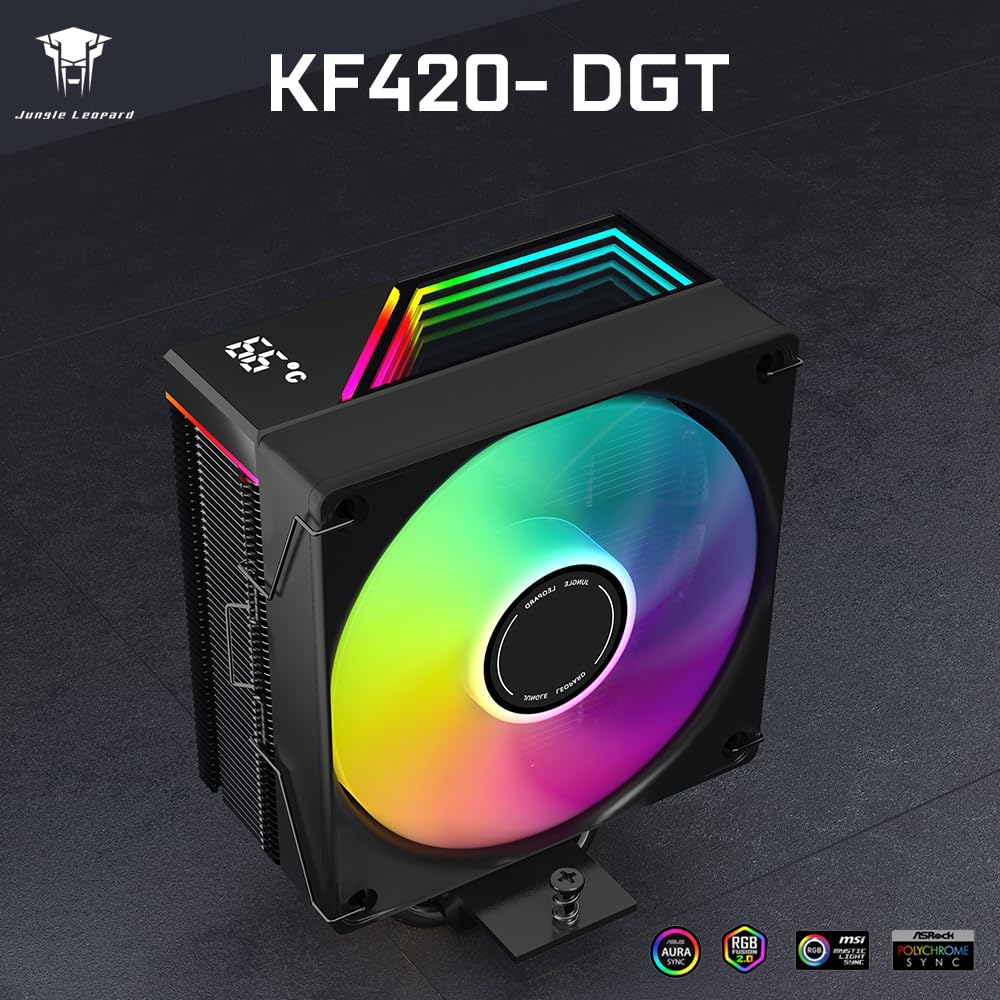
The digital temperature display can also be handy for troubleshooting or just understanding your cooling behaviour. For example, if you’re gaming for an hour and the system starts trending hotter, you’ll see that change directly rather than waiting for software to refresh.
That said, the temperature display approach depends on software installation and correct setup. If you prefer a purely hardware-only solution with no companion software, this might feel a bit more involved than you’d like.
Tech specs that matter for buying
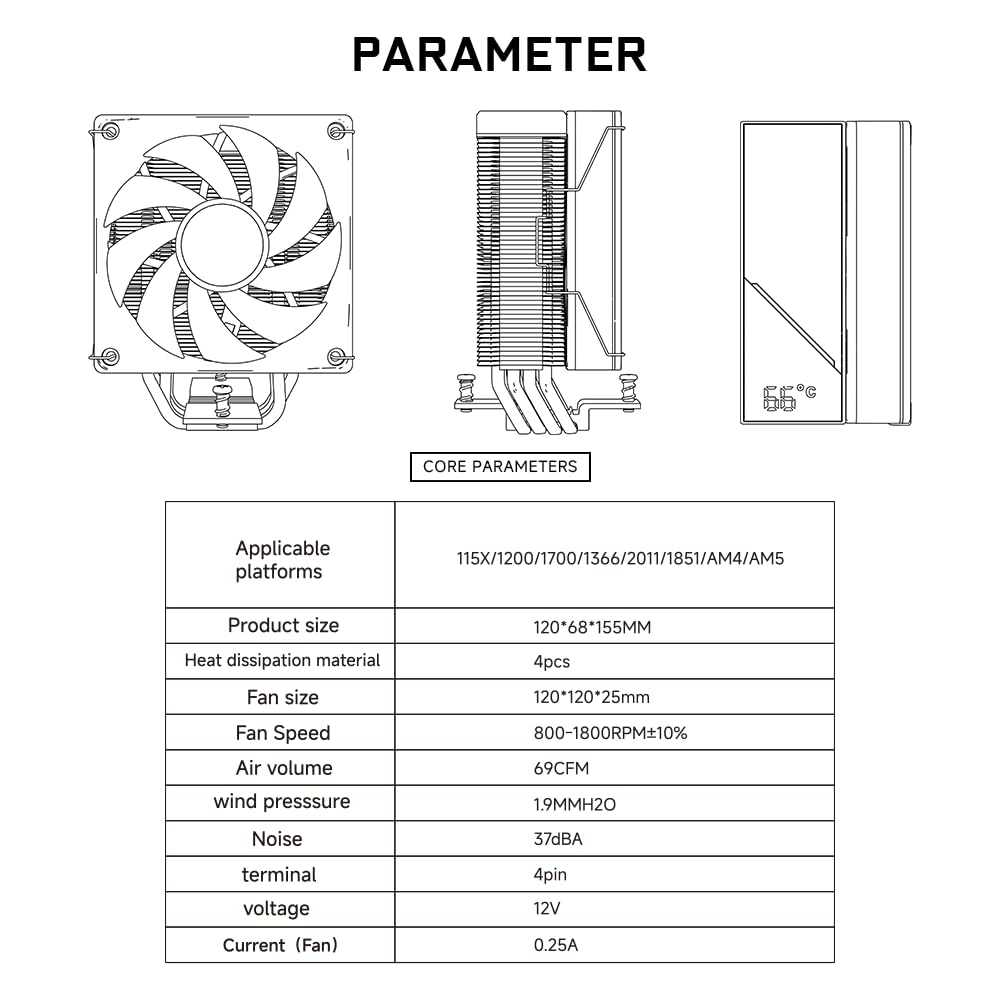
- Heatpipe count and type: four anti-gravitation-optimised heatpipes, 6 mm diameter
- Fan size / build: 120 x 120 x 25 mm, 4-pin PWM intelligent temperature control
- Fan speed range (listed): up to 1800RPM ±10%
- Airflow / pressure (listed): 69CFM and 1.9 mm H2O high air pressure
- Noise (listed): ≤ 37dBA
- Bearings (listed): HDB bearings
- Electrical (listed): 12V input, 0.25A input current
- CPU support (listed): Intel LGA 1700/1200/115X/1851/1366/2011, AMD AM4/AM5
- Heatsink size (listed): 120 (length) x 68 (width) x 155 (height) mm
- Fan speed under full load (listed): 1800RPM
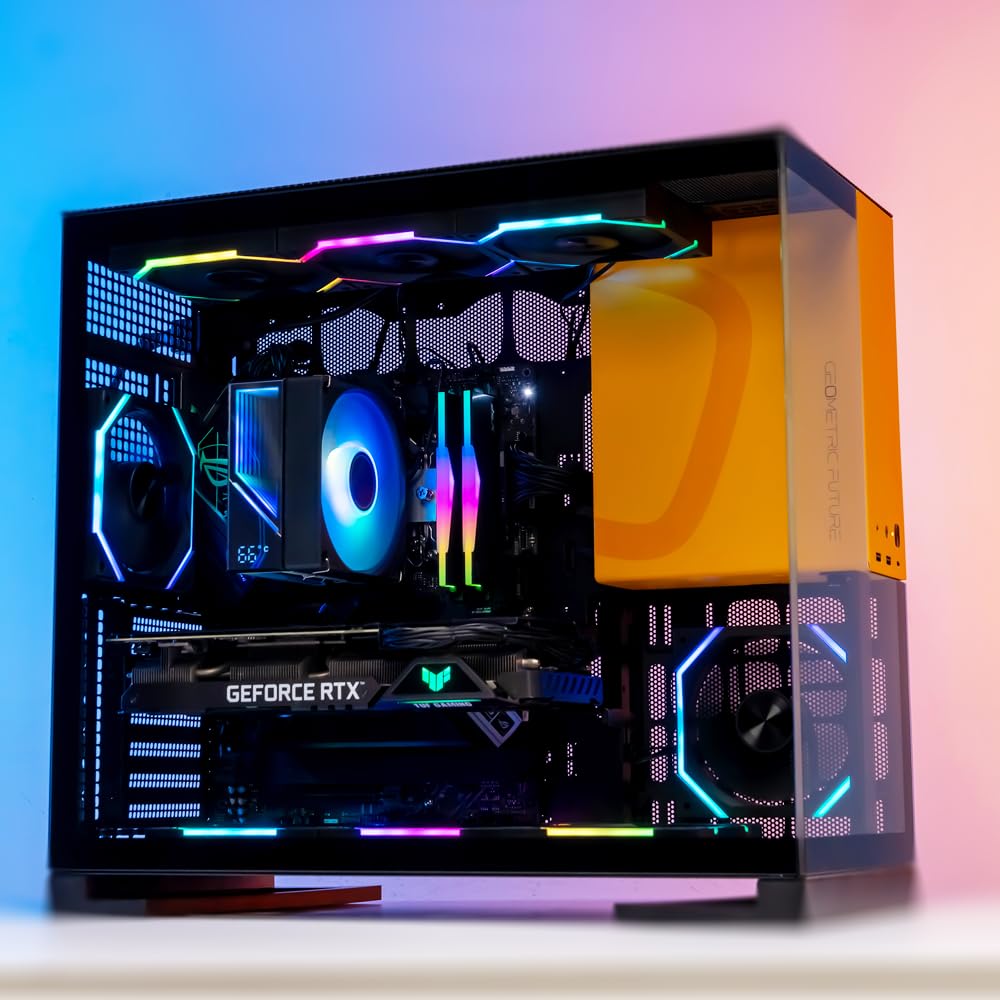
If you’re building in a tighter case, the heatsink dimensions (120 x 68 x 155 mm) are the kind of measurement you should double-check against your case clearance before committing.
Installation and fit: where it can go right (or slightly wrong)
Installation is described as being supported by “user-friendly installation kits” and matching mounting platforms/fasteners for the listed CPU socket families. That’s the reassuring part.
But there’s one caution that’s genuinely important: the supplied thermal paste “may have a high viscosity/hardness”. The guidance says that if it’s difficult to apply, it’s recommended not to use it. That’s not something many people think about beforehand, but it can affect your first install and how smoothly you get good contact.
It’s not a plug-and-forget cooler if you want the temperature display to work as intended. You’ll likely need to install the temperature display software and authorise the continuation of the installation.
Compatibility & requirements
The cooler is listed as supporting Intel LGA 1700/1200/115X/1851/1366/2011 and AMD AM4/AM5.
For the temperature display feature, it also references using temperature display software for KF420 DGT after correct installation, with the software opening automatically during installation. That implies you’ll need a system capable of running the installation steps successfully.
Is it worth it?
This is a solid pick if you want an ARGB air cooler with PWM fan control, a clear listed noise figure at full load, and the added bonus of a digital CPU temperature display that you can actually look at.
It may not be the best match if you’re the sort of buyer who wants the simplest possible install with no software dependency, or if you’re worried about paste application. You should also be mindful of physical clearance using the heatsink dimensions, since that’s often where air coolers surprise people.
In terms of “value vs ambition”, it sits in that sensible mid-range bracket on paper: enough features to feel modern (PWM, 4-pin control, display), but it’s still an air cooler with dimensions you can plan around.
Mini FAQ
Does the Jungle Leopard KF420 DGT need software for the temperature display?
The instructions provided indicate that you install the temperature display software after installing the cooler, and the installation process opens on the desktop.
Which CPU sockets does it support?
It’s listed for Intel LGA 1700/1200/115X/1851/1366/2011 and AMD AM4/AM5.
How loud is it supposed to be?
Noise is listed as ≤ 37dBA, and full load fan speed is listed as 1800RPM ±10%.
Is the thermal paste easy to use?
The note says the supplied paste may be high viscosity/hardness, and if it’s difficult to apply you’re advised not to use it.
What should I check before buying?
Check case clearance using the heatsink dimensions, and consider whether you’re happy to go through the temperature display software installation steps.