

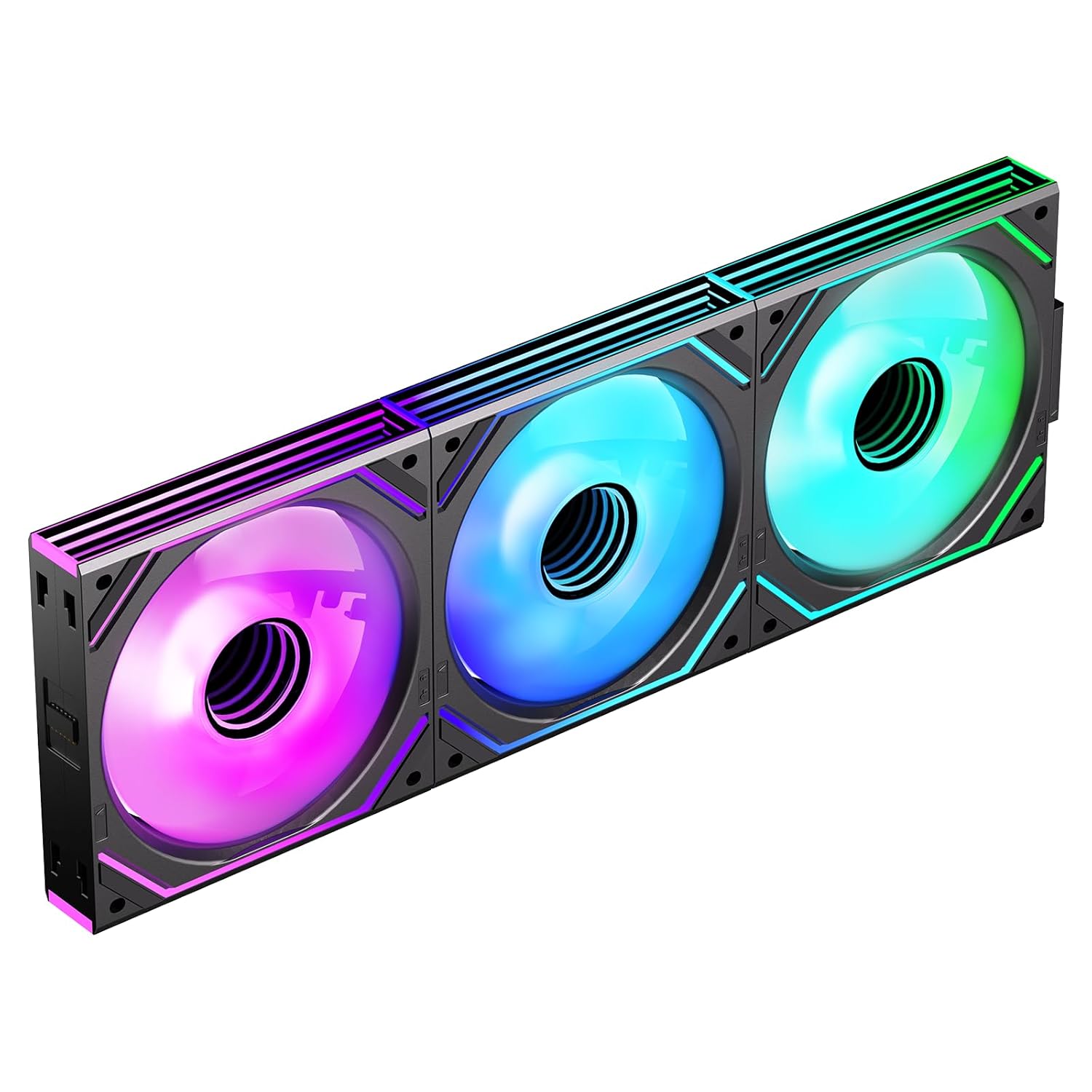
Jungle Leopard Interstellar‑V2 Daisy Chain RGB Triple Pack 120mm (Reverse) ARGB/PWM Fans — 1850RPM
Product description
The essentials
If you’re building a clean-looking PC and you want RGB without turning your case into a cable tangle, the Jungle Leopard Interstellar‑V2 Daisy Chain RGB Triple Pack is designed around exactly that idea. It’s a 3-fan set using 120mm reverse-direction fans, meant to keep airflow steady while the “daisy chain” approach helps you connect multiple units in a neater line.
On paper, it’s aimed at performance-led cooling for typical demanding workloads—gaming, video editing and 3D rendering are mentioned as scenarios—while also keeping acoustics fairly restrained for an RGB fan (noise is rated at ≤32 dB(A)). The “not perfect” bit? Some daisy-chain limits are built into the design, so if you’re planning lots of fans and connections, you’ll want to double-check your layout early.
Key features that affect real-world use
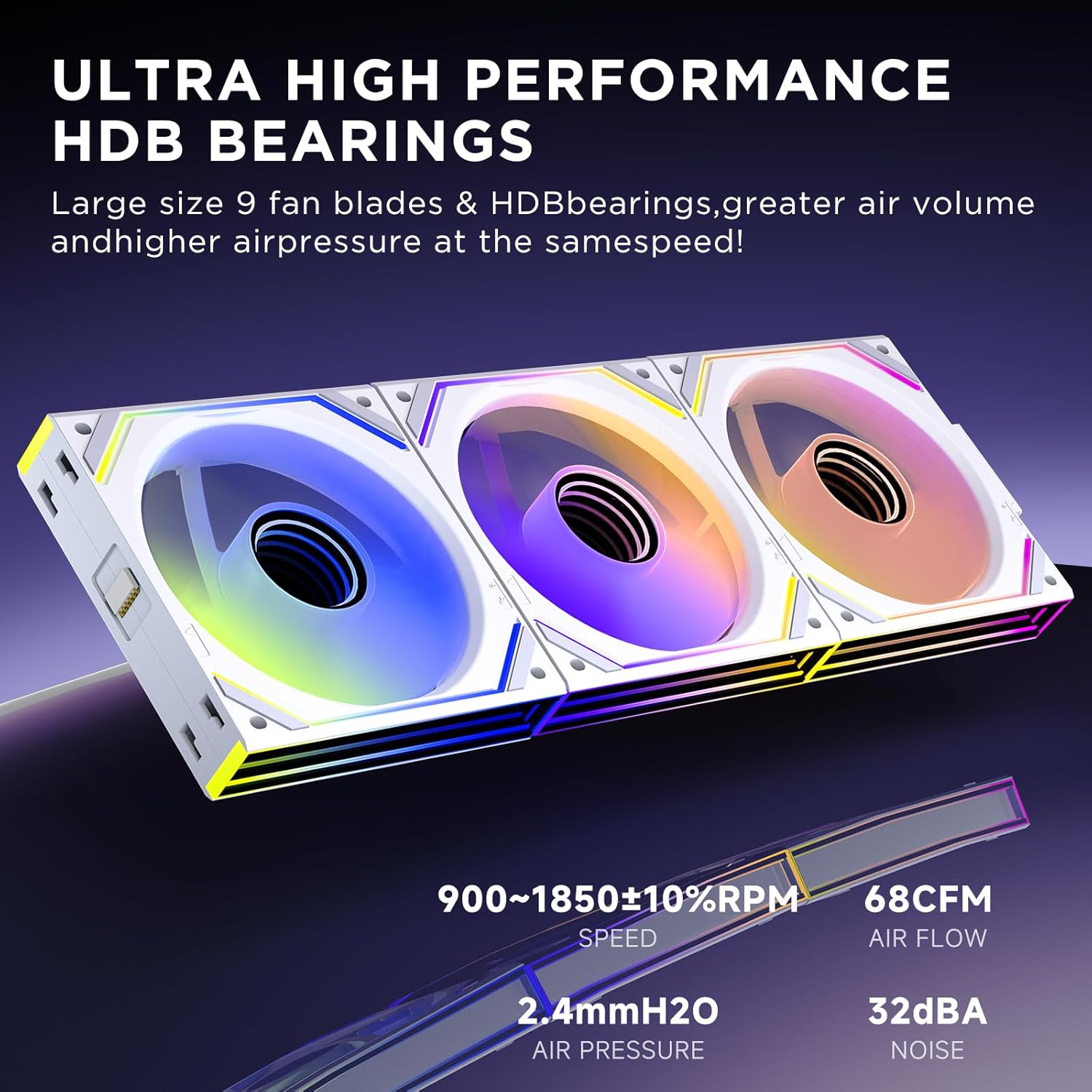
The headline here is the combination of high speed and decent airflow for its size. The fans are specified at 950–1850 ±10% RPM and an airflow of 68 CFM, with air pressure listed as 2.0 0.4 mmH2O (as provided). In practice, that mix is what you’re usually buying for: more headroom when components run hot, especially when you have more than one intake/exhaust location.
Cooling design matters too. This pack uses “hydraulic lager” (hydraulic bearing) with a closed oil track system described as having oil inside the bearing to extend service life. The stated service life is more than 50,000 hours, which is a reassuring number for something you don’t want to think about replacing every couple of years.
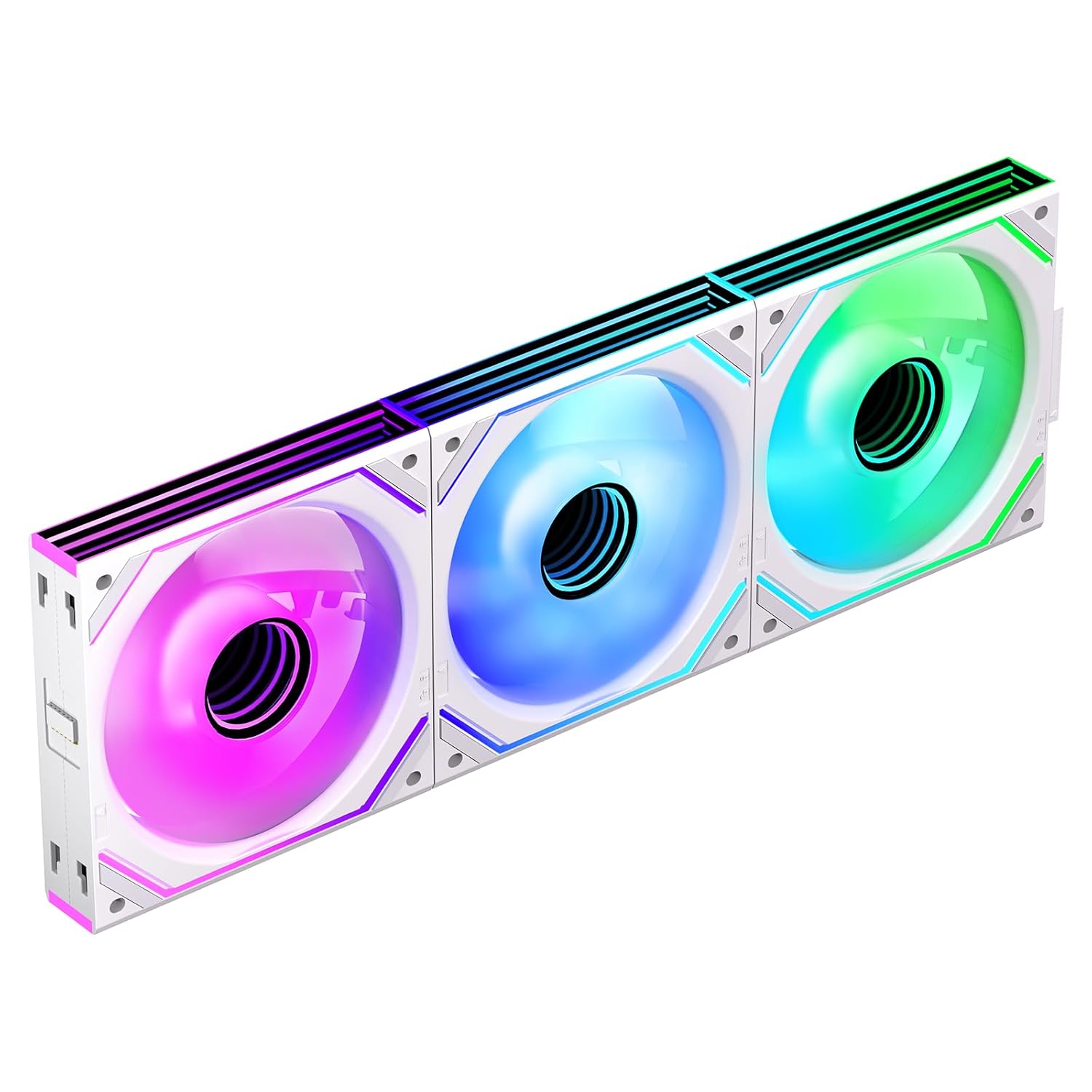
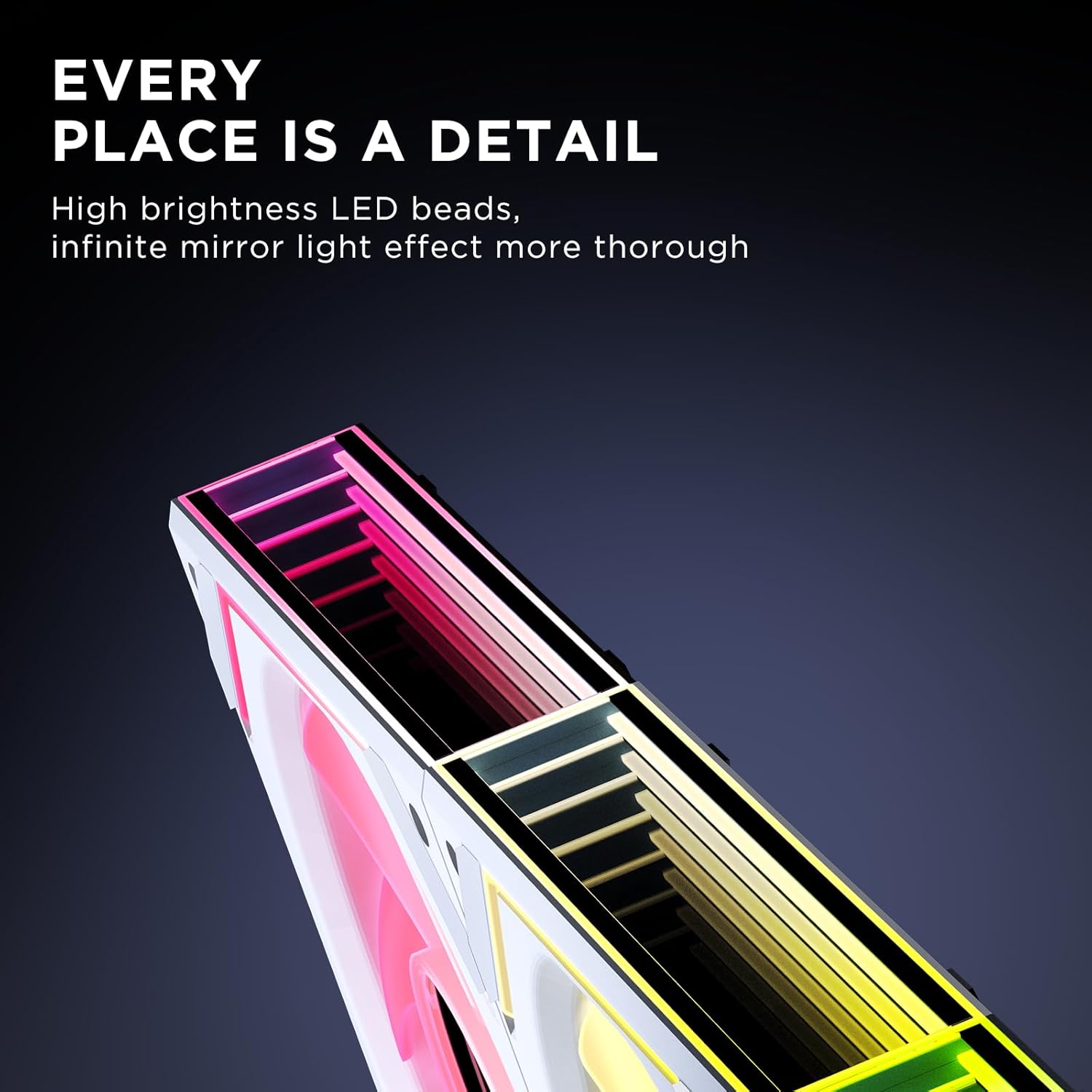
For the visual side, you get 24 built-in LED light beads and support for 16.8 million ARGB light effects. It also supports syncing with Asus Aura Sync, Gigabit RGB Fusion and Mystic RGB Sync. If your goal is to make the lighting look cohesive across multiple fans, this is the sort of compatibility detail that affects how painless setup feels.
There’s also an upgraded 9-blade design and the manufacturer claims it helps reduce wind noise and vibration. Again, that should translate better than basic blade designs when you run higher RPM.
What you’ll notice day to day
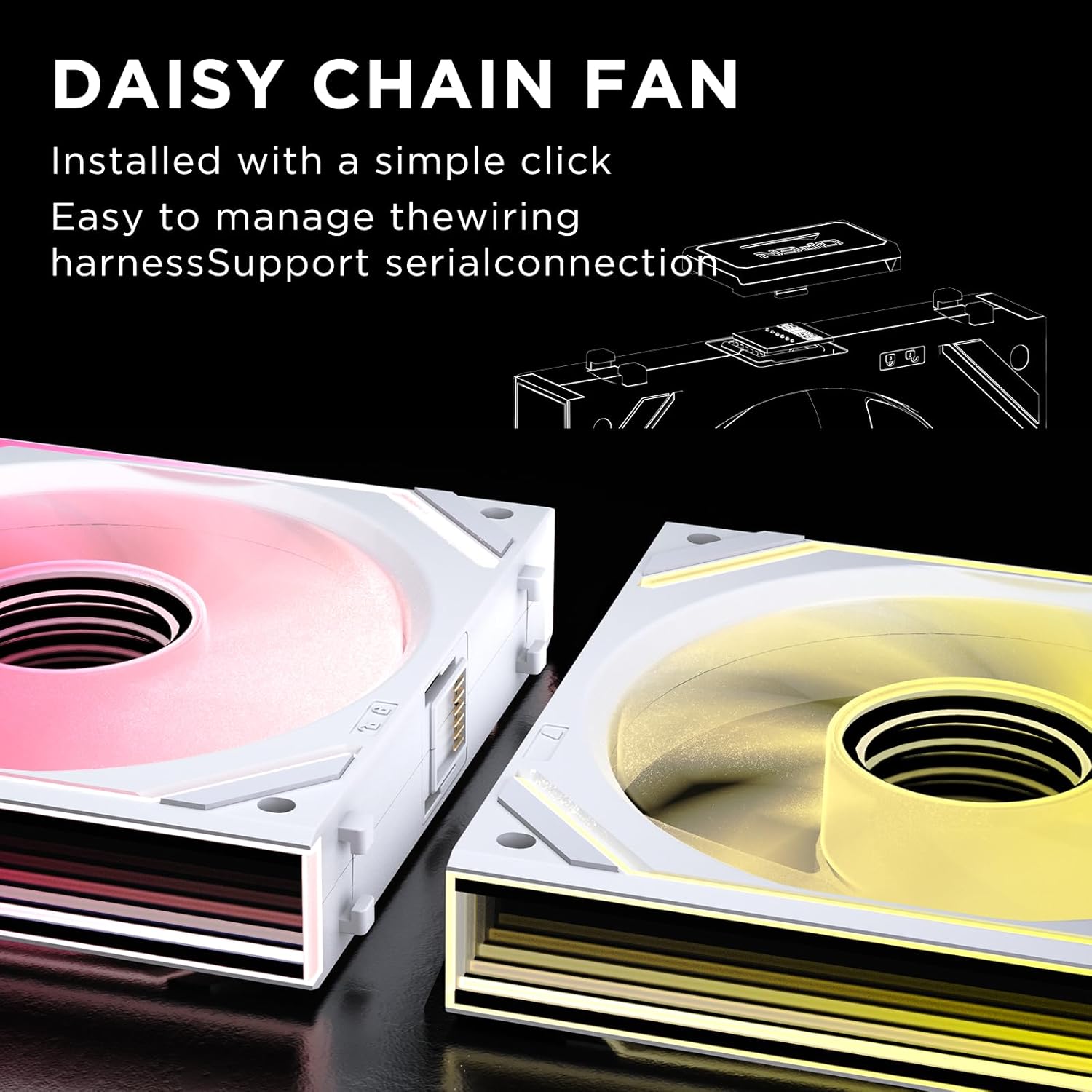
The daisy chain approach is meant to reduce cable confusion by concealing the connection cable in the ARGB fan, which is especially noticeable once the fans are mounted and you’re trying to tidy routing behind the motherboard tray.
There’s also a practical detail about the locking technique: a “unique locking technique” is described as simplifying installation and making it easier to assemble building parts. That’s worth caring about if you’ve ever wrestled with cheap fan clips that don’t line up cleanly.
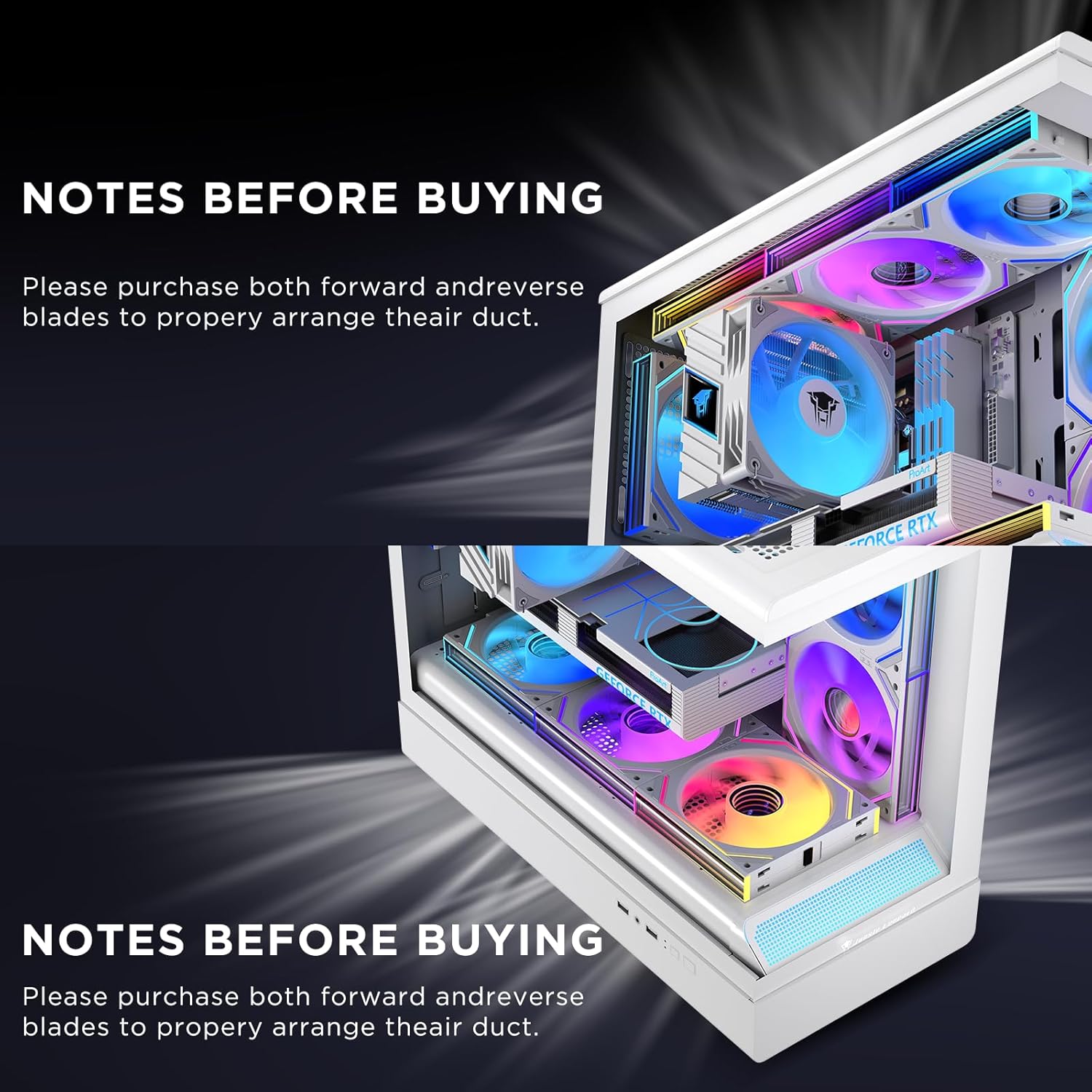
And because these are reverse-direction fans, you’ll typically use them to help balance airflow patterns in your case. It’s not something everyone needs, but it can be useful if you’re trying to match a planned intake/exhaust layout.
Pros
- Daisy chain concept aims to keep cable routing simpler and cleaner.
- Rated noise level is ≤32 dB(A), which is relatively modest for a high-RPM RGB fan.
- 24 LEDs and 16.8 million ARGB colours support strong lighting potential.
- Service life is stated as more than 50,000 hours.
- Includes sync support mentioned for Asus Aura Sync, Gigabit RGB Fusion and Mystic RGB Sync.
What to watch before buying (important limitations)
Two cautions stand out from the provided info.
First, daisy-chain connection limits are explicitly called out: connecting four or more Jungle Leopard Interstellar‑V2 fans may cause unstable fan operation and isn’t recommended. If you want to connect more than three fans in series, the guidance says you should use a hub.
Second, you should consider whether you’re actually aiming for the “set and forget” type of build. If you’re building a larger multi-fan setup and you already know you’ll exceed the connection guidance, you may find yourself needing extra hardware (a hub) to make everything behave as intended.
Tech specs
- Name: Jungle Leopard Interstellar‑V2 Daisy Chain RGB PC Fan Triple Pack (Reverse)
- Type: ARGB RGB and PWM (5V 3PIN ARGB and 12V 4PIN PWM)
- Quantity: 3 fans in the pack
- Size: 120 x 120 x 2.5 mm
- Fan direction: positive/reverse (this listing indicates 120mm-Reverse)
- Fan speed (RPM): 950–1850 ±10%
- Noise level: ≤32 dB(A)
- Airflow: 68 CFM
- Air pressure: 2000 .4mmH2O (as provided)
- Bearing type: Hydraulic bearing (hydraulic lager) with a closed oil track system
- Service life: more than 50,000 hours
- LEDs: 24 built-in LED light beads, supports 16.8 million ARGB light effects
- Compatibility mentioned: Asus Aura Sync, Gigabit RGB Fusion, Mystic RGB Sync
- Connection guidance: connecting four or more fans may cause unstable operation, if connecting more than three in series, use a hub
Who it’s for (and who should skip it)
It makes sense if you’re putting together a fairly standard multi-fan layout (up to the daisy-chain guidance) and you care about keeping cabling tidy while getting meaningful RGB. It’s also a good match if you’re after a cooling boost that isn’t only about looks, thanks to the 950–1850 RPM range, 68 CFM airflow, and the stated noise ceiling.
You may want to skip it if you already know your build will need more than three fans in the same daisy-chain sequence without planning for a hub. The connection warning is clear enough that it could become an annoyance rather than a convenience.
FAQ
How many fans can you daisy chain safely?

The guidance says connecting four or more Jungle Leopard Interstellar‑V2 fans may cause unstable fan operation, and it isn’t recommended. If you need to connect more than three fans in series, you should use a hub.
Are these fans ARGB or PWM?
They’re described as supporting both: 5V 3PIN ARGB for lighting and 12V 4PIN PWM for fan control.
Will the RGB sync with major lighting software?
The listing says compatibility with Asus Aura Sync, Gigabit RGB Fusion and Mystic RGB Sync, so if your motherboard ecosystem supports one of these, you should be able to sync lighting effects.
Is the noise rating realistic for high-speed use?
The stated maximum noise level is ≤32 dB(A). Real-world noise can depend on your fan curve and case airflow, so it’s worth treating this as a ceiling rating rather than a guarantee for every setup.
Can they handle demanding tasks?
The description specifically mentions gaming, video editing and 3D rendering as scenarios where the fans are intended to cool the inside of the case and help maintain optimal temperatures.
Final verdict
It’s worth buying the Jungle Leopard Interstellar‑V2 Daisy Chain RGB Triple Pack if you want a tidy-feeling RGB setup, sensible cooling headroom for typical heavy workloads, and you’re not planning an oversized fan chain beyond the stated daisy-chain limit. It may not be the best match if you’re building a large, high-count fan system and can’t or don’t want to factor in a hub for stable operation.