


Jungle Leopard Build Blocks UNI Daisy Chain RGB PC Fan 120 mm (Pack of 3) – 5V 3-Pin ARGB & 12V 4-Pin PWM
Product description
What it is and what it’s for
This is a set of three 120 mm case fans from Jungle Leopard designed for PC builders who want a neater RGB setup. Each fan uses a daisy-chain style “UNI” connection approach, with the intent of reducing cable clutter compared with conventional 120 mm fan wiring. It’s also the sort of fan you’d look at if you care about airflow for gaming or heavier workloads, not just visuals.
On paper, the combo of speed range and airflow claims points towards practical case cooling rather than silent, low-power airflow. With three included, it suits mid-tower builds where you’re filling multiple fan positions and want consistent lighting across them.
Key takeaways (the sensible bits)
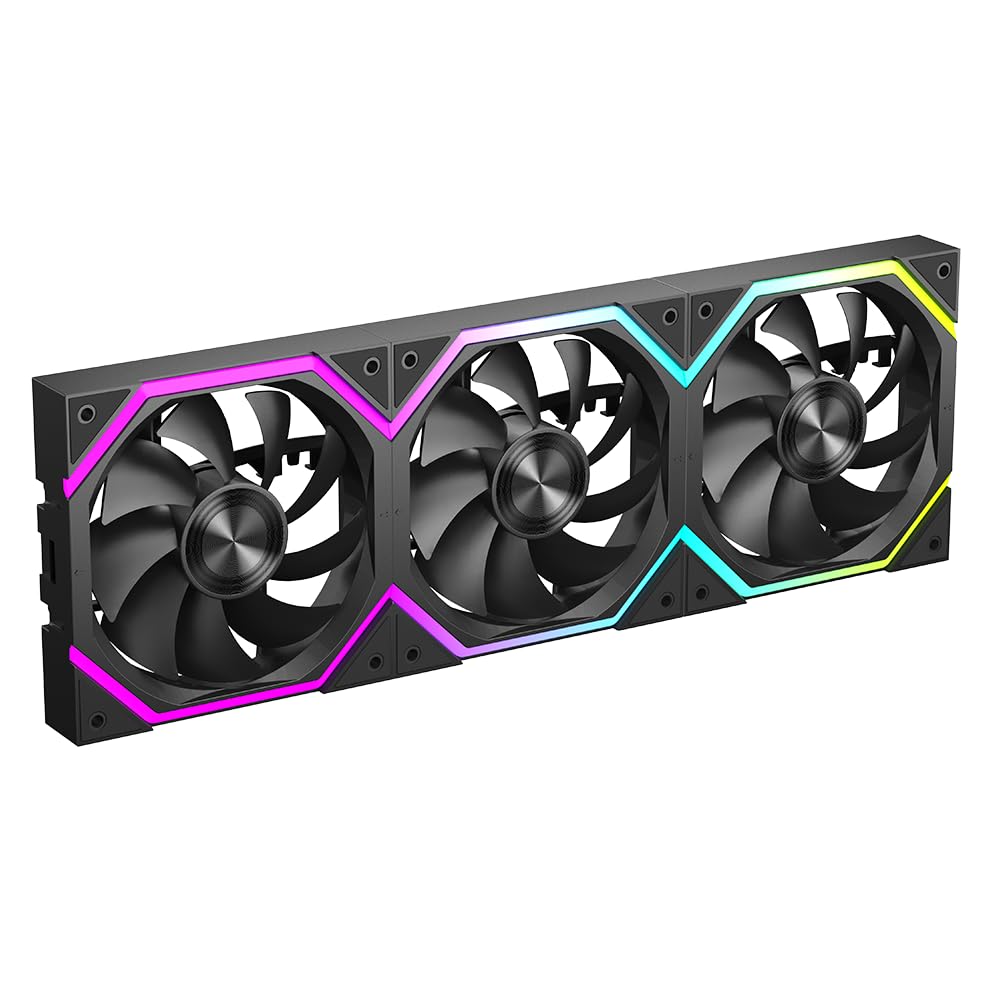
The daisy-chain “hides the connection cable” concept is the main differentiator here. If you’ve ever had a front panel or radiator area where every extra cable turns into a chore during installation, this is aimed at that exact pain point.
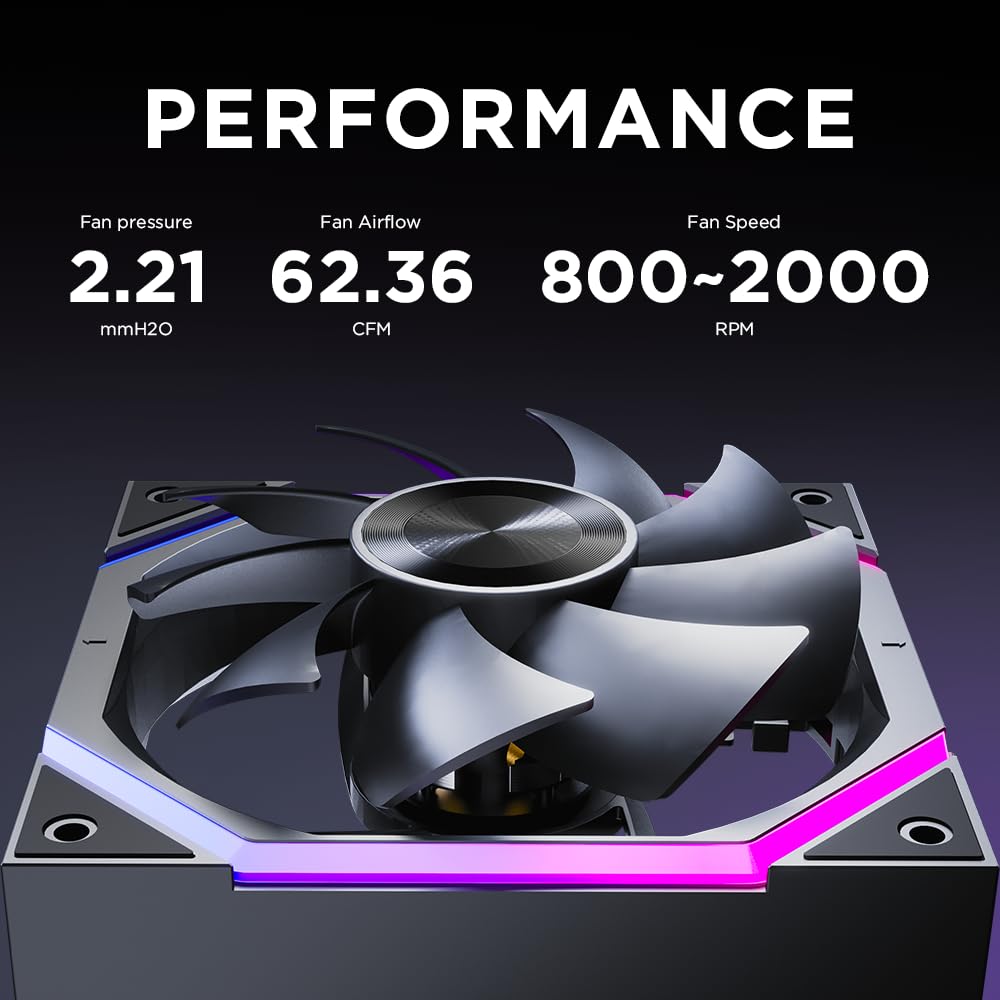
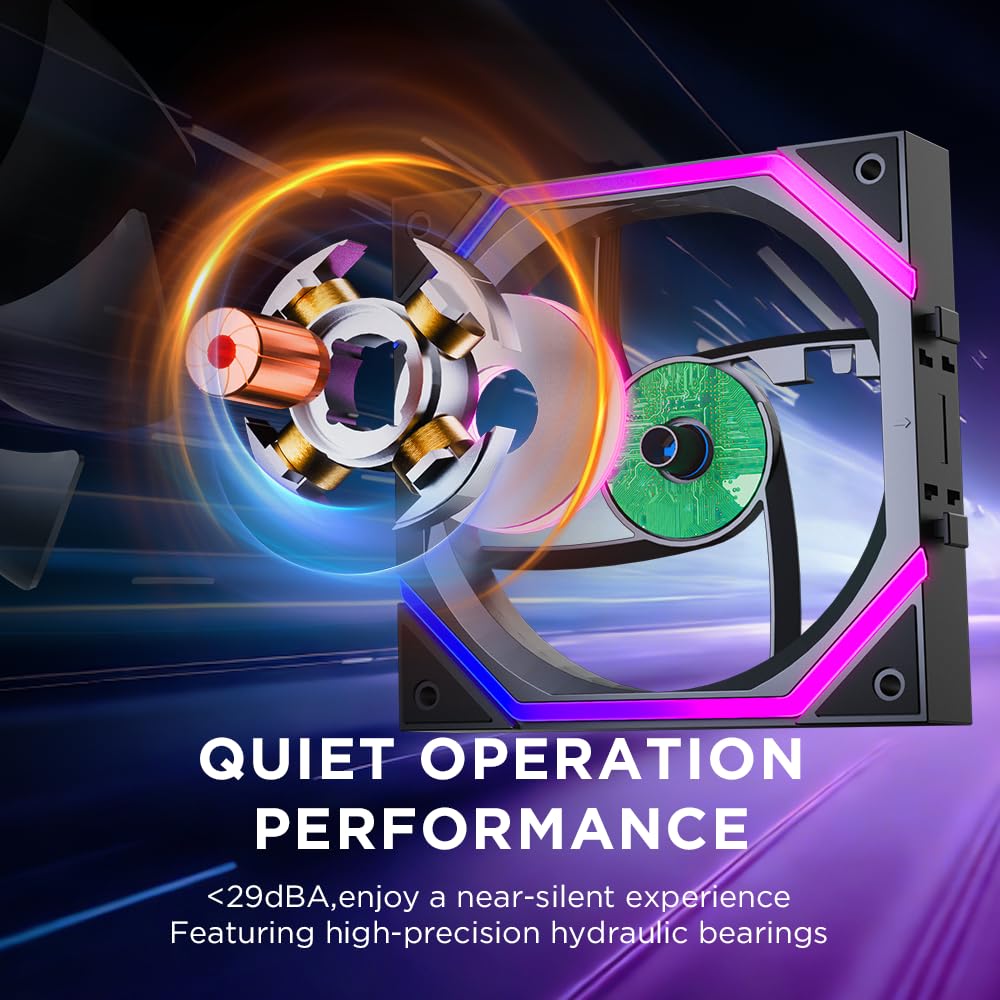
Performance-wise, the fan is listed with an 800–2000±10% RPM range, up to 62.36 CFM airflow and 2.21 mmH2O air pressure, plus a maximum noise level of ≤29 dB(A). The bearing is described as a hydraulic bearing with a lifespan “more than 50,000 hours”. Whether it ends up matching your expectations in real life will depend quite a lot on your fan curve and how you set the PWM (because noise and RPM rise together).
Where it shines in real builds

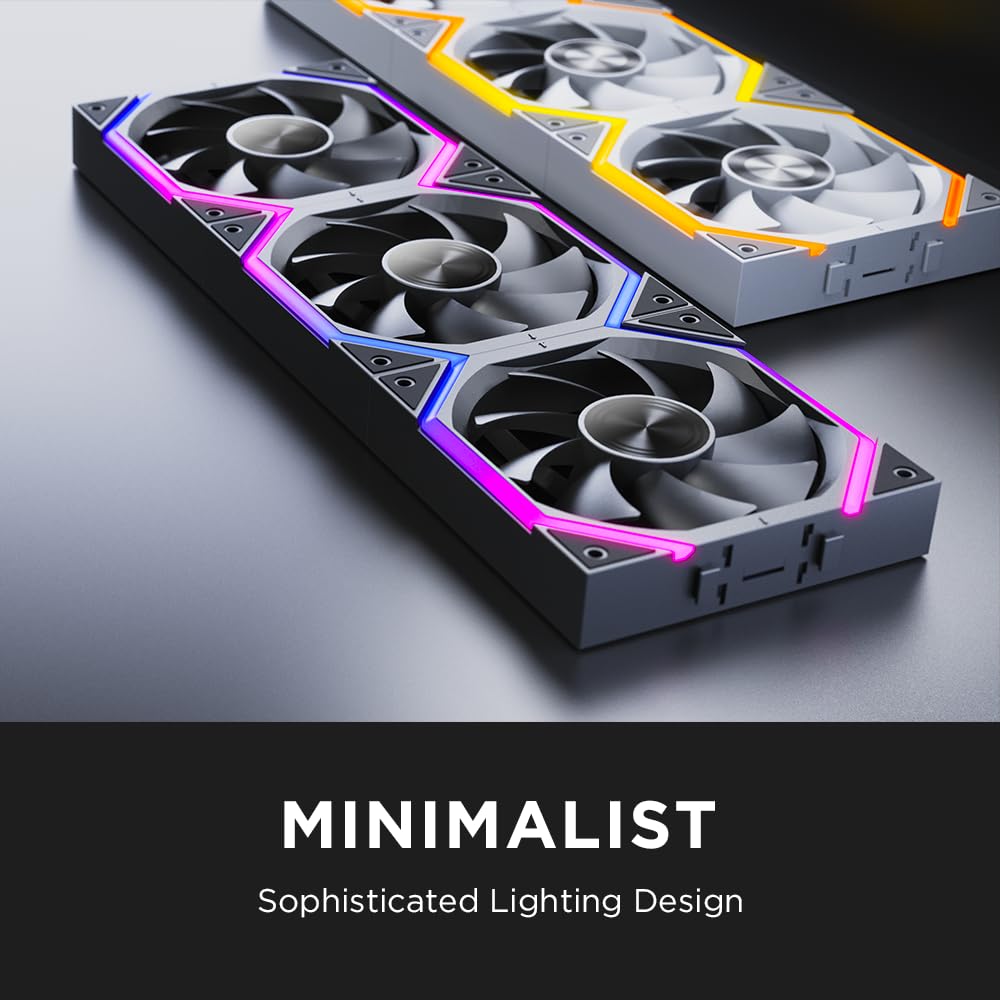
A quick, practical example: if you’re installing three 120 mm fans along the front intake area, the daisy chain approach can make it easier to route power/control without creating a small wiring nest behind the mounting bracket. Combined with RGB, this should help you keep the case looking tidy as well as functioning.
It’s also described as compatible with 240 / 360 mm CPU water coolers, which suggests it’s meant to work both for case airflow and for radiator fan use—useful if your build swaps between setups over time.
What you’ll notice day to day
The design includes an improved 9-blade configuration and the spec claims focus on reduced wind noise and vibration. Still, it’s worth being honest: at the top end of 2000 RPM, you’re more likely to hear them. The ≤29 dB(A) figure is a maximum noise level, not a guarantee of quiet operation at every speed.
Also, Jungle Leopard specifically warns that connecting four or more of these Build Blocks Daisy Chain fans may cause unstable fan operation, and suggests using a hub if you need more than three fans in series at the same time. That’s a key limitation to consider if you’re planning a multi-fan build with complex fan control.
Tech summary (so you don’t miss the important numbers)
Tech specs
- Name: Jungle Leopard Build Blocks UNI Daisy Chain RGB PC Fan
- Type: 120 mm PC case fan (pack includes 3)
- Quantity: 3
- Size: 1201202.5mm
- Airflow: 62.36 CFM
- Air pressure: 2.21mmH2O
- Fan speed: 800–2000±10% RPM
- Noise level: ≤29 dB(A)
- Bearing type: Hydraulic bearing
- Bearing life: more than 50,000 hours
- Fan direction: Positive / Inverted
- Connection: UNI daisy chain locking design
- RGB/power control: 5V 3-Pin ARGB and 12V 4-Pin PWM
- Compatibility note: Compatible with 240 / 360 mm CPU water coolers
Buying verdict
It makes sense if you’re building a PC where tidy wiring and consistent RGB are genuinely important, and you plan to use up to three fans in the daisy-chain approach without overcomplicating series connections. It’s also a solid candidate if you want stronger airflow capability for gaming or demanding tasks like video editing and 3D rendering.
You may want to skip it if you’re planning to connect four or more of these fans in series, because the manufacturer warns that it can lead to unstable operation. It may not suit you either if your priority is ultra-quiet performance at all times—because with a 800–2000 RPM range, fan speed settings will strongly affect noise.
Before you buy, double-check your motherboard or hub situation for 5V 3-Pin ARGB and 12V 4-Pin PWM control, and think about how many fans you intend to connect using the daisy chain. If you’re the type who often expands builds later, the “hub if more than three need to be connected” note is worth taking seriously.
Mini FAQ
What does the daisy-chain “UNI” connection help with?

The idea is to simplify installation and hide connection cable clutter compared with conventional 120 mm fan wiring, making the inside of the case easier to manage.
Can I use these fans on a 240 mm or 360 mm CPU cooler?
The product listing states compatibility with 240 / 360 mm CPU water coolers, so they’re meant to work as radiator fans as well.
Are they suitable for quiet setups?
They quote a maximum noise level of ≤29 dB(A), but the RPM range goes up to 2000, so actual quietness depends heavily on your fan curve.
How many can I daisy-chain together?
The listing warns that connecting four or more may cause unstable operation, and that a hub should be used if more than three need to be connected in series at the same time.
Is this better than using standard single cables?
If you’re prioritising cable tidiness and consistent RGB while installing multiple fans, the daisy-chain approach is the main reason to choose them. If you don’t mind routing cables, the advantage is less obvious.