

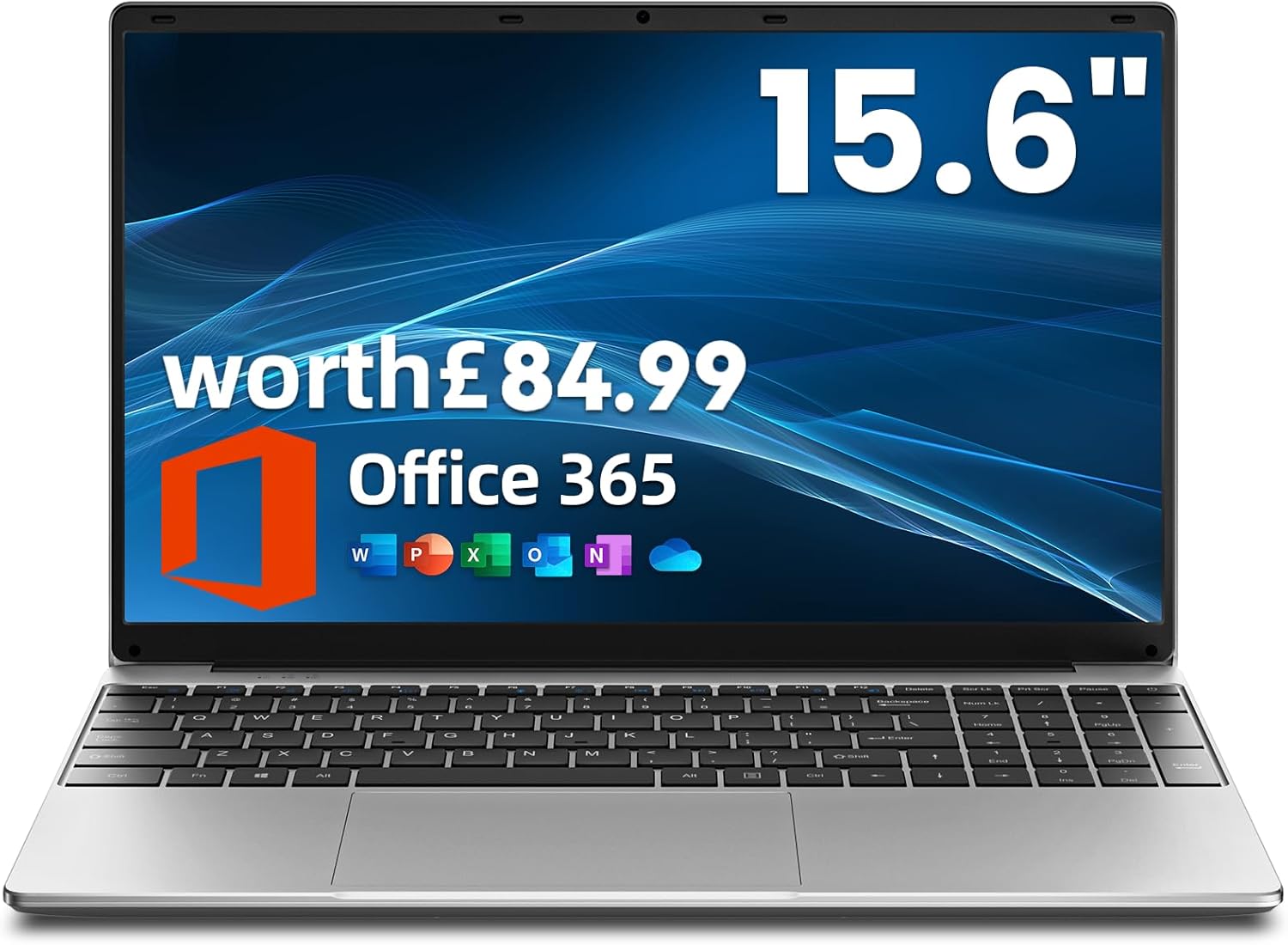
Jumper 15.6-Inch Laptop with Office 365: Practical, budget-friendly option for work and study
Product description
What kind of product is this?
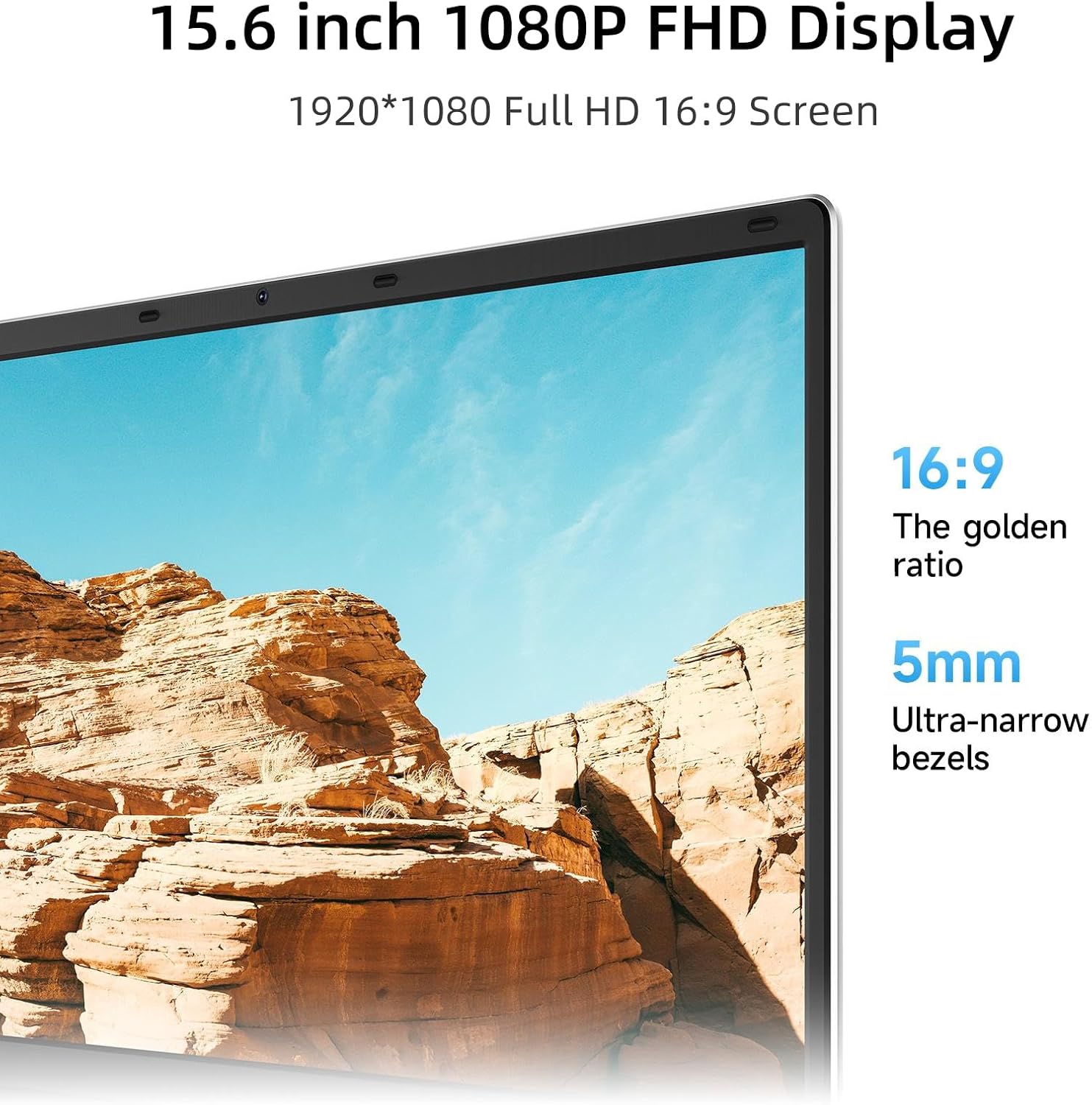
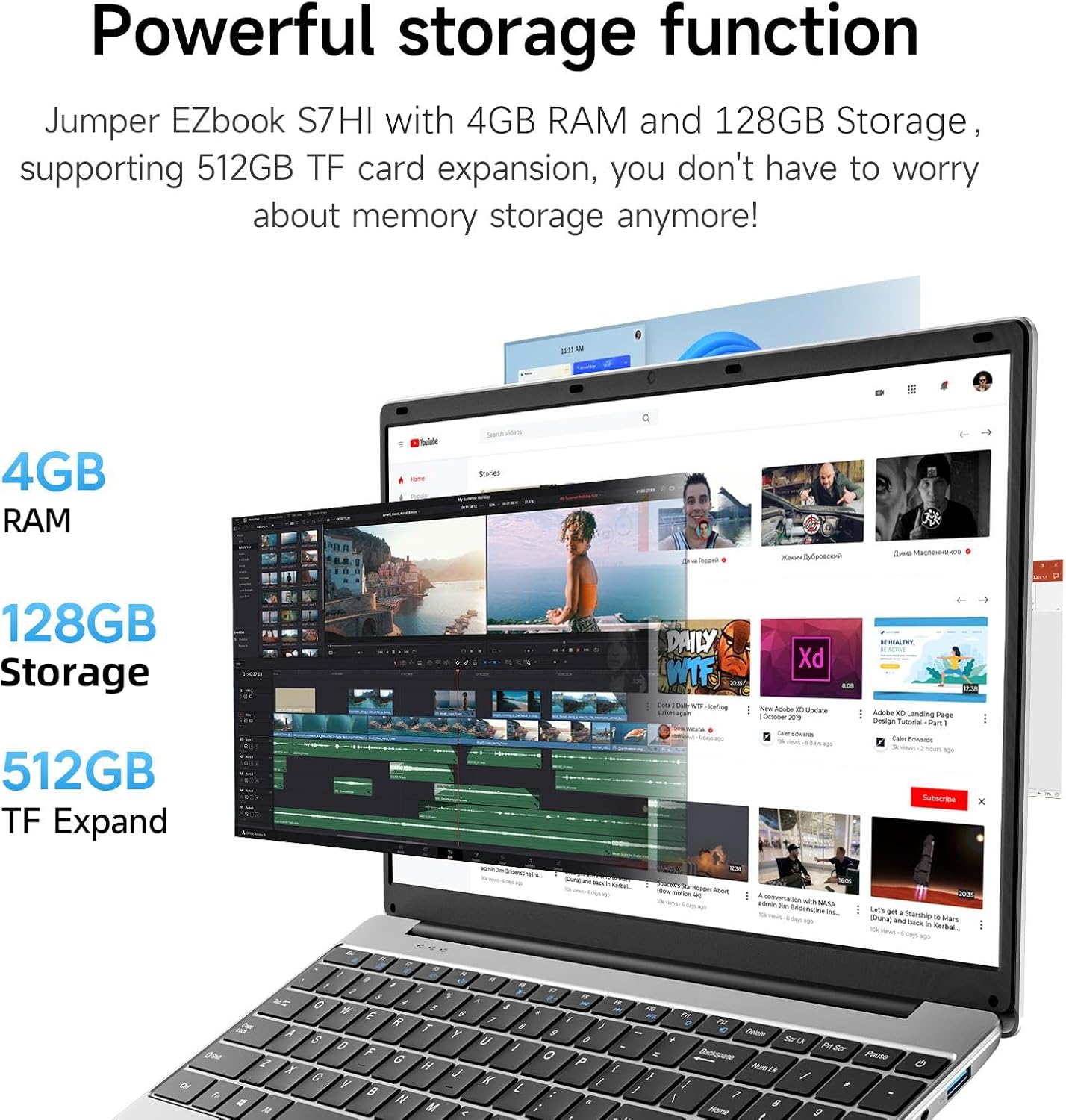
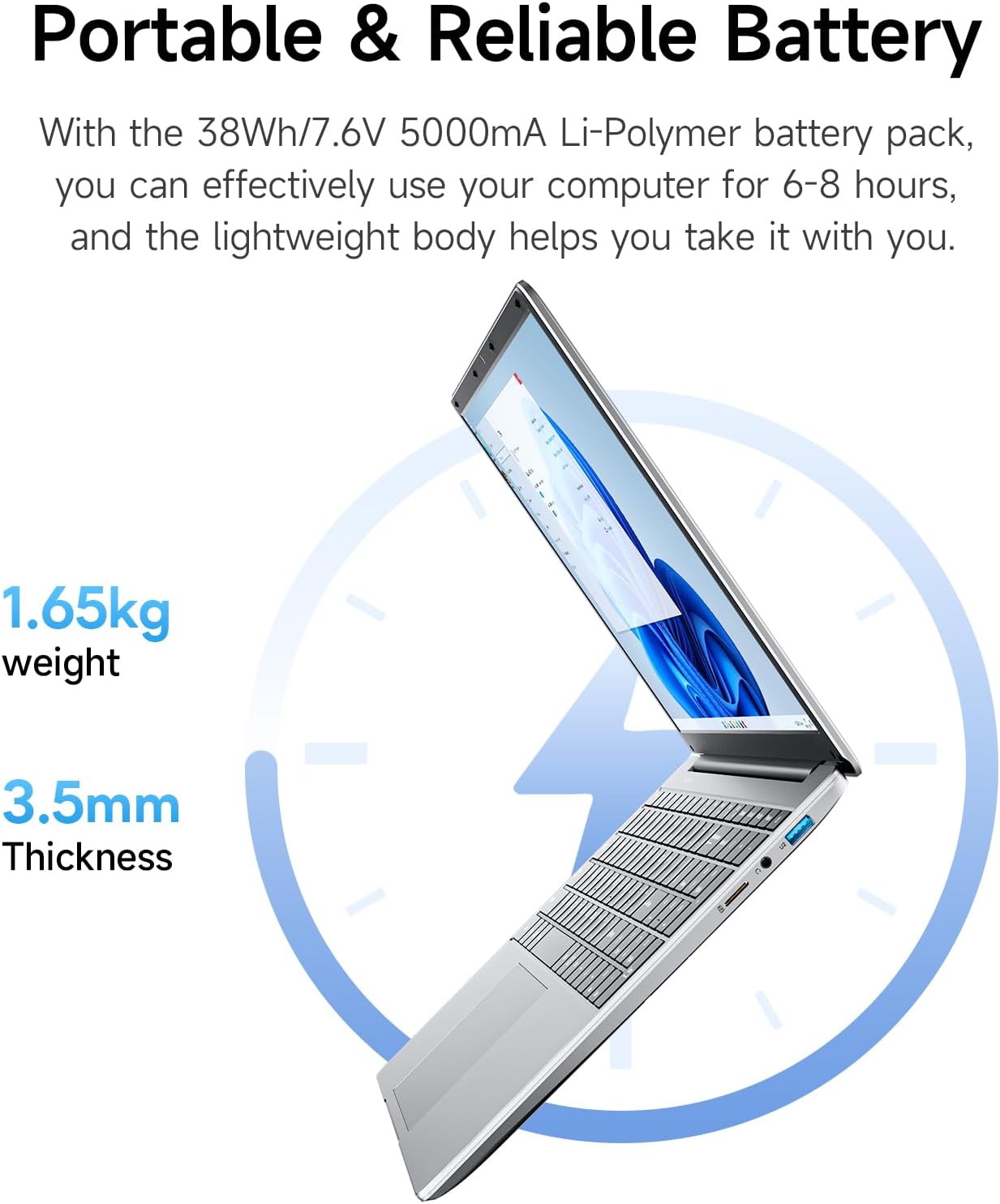
This is a compact light-weight laptop aimed at everyday office and academic tasks. It comes with 4GB of RAM and 128GB of internal storage, plus a 512GB TF card expansion option, a full 15.6 inch 1920x1080 display, and a one-year pre-installed Office 365 licence. With a slim profile and a 38Wh battery, it’s designed for portability across home, school and small business settings.
What’s notable on paper
On paper, the setup prioritises basic productivity and media viewing. The 4GB RAM and Celeron processor (as described) suggest routine multitasking and document work, while the 128GB internal storage offers a solid start for documents, apps and downloads. The 15.6 inch Full HD screen can be pleasant for reading, spreadsheets and video, especially if you’ll be mobile between classes or meetings.
How it performs in everyday use
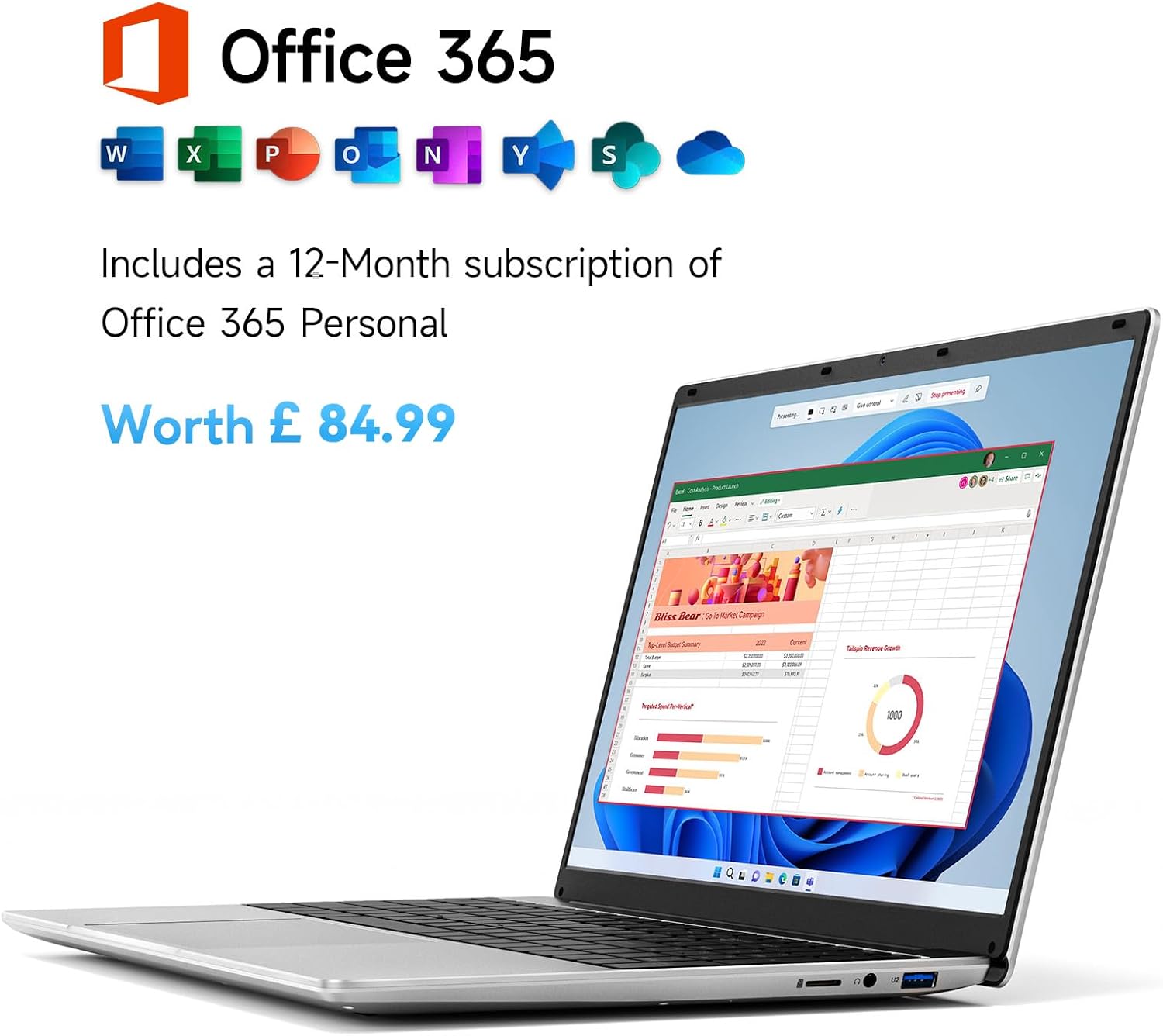
If you prioritise straightforward word processing, simple spreadsheets and web browsing, this kind of machine can handle those tasks without fuss. The one-year Office 365 licence is a practical benefit for immediate access to Word, Excel, PowerPoint and Outlook, which many students and professionals rely on. The 38Wh battery is modest, you may expect around several hours of mixed use, but actual runtime will depend on brightness, multitasking and background activity.
The good and the not-so-good
What stands out is the bundled Office licence and the combination of a large screen with portable weight. The device’s emphasis on value-for-money can be appealing if you need a dedicated laptop for light work, note-taking and on-the-go tasks. However, with 4GB RAM, it may feel limited if you run multiple modern web apps or heavier software simultaneously. The inclusion of a TF card slot is useful for expanding storage, but you’ll still want to manage files carefully to keep system speed reasonable.
Who it’s for
This laptop is well-suited to students, budget-conscious professionals and anyone who needs a basic, do-it-all-at-desk-and-go machine for emails, documents, presentations and light media consumption. If you don’t need heavy multitasking or advanced software, it can serve as a dependable everyday device.
Who it isn’t for
If your work involves demanding applications, large-scale photo or video editing, or lots of simultaneous browser tabs, the 4GB RAM setup may feel restrictive. Likewise, if you expect long battery life in extensive travel or need faster storage performance, you might outgrow this model quickly.
When it makes sense to buy
Consider this machine when you want a low-cost, practical laptop with a sizeable screen and a ready-to-use Office suite. It’s sensible if you value a bundled Office licence and a simple path to basic productivity without extra frills. It’s also a sensible first laptop for light study or writing tasks.
What to check before buying
- Assess your typical workload: will you run several apps at once or mostly document editing and web browsing?
- Consider storage needs, the 128GB internal storage plus TF expansion is helpful, but you may want to manage large media files externally.
- Check real-world battery life expectations based on your usage profile and brightness settings.
- Confirm compatibility with the Office 365 licence if you primarily work offline or in locations with limited internet.
Practical use case
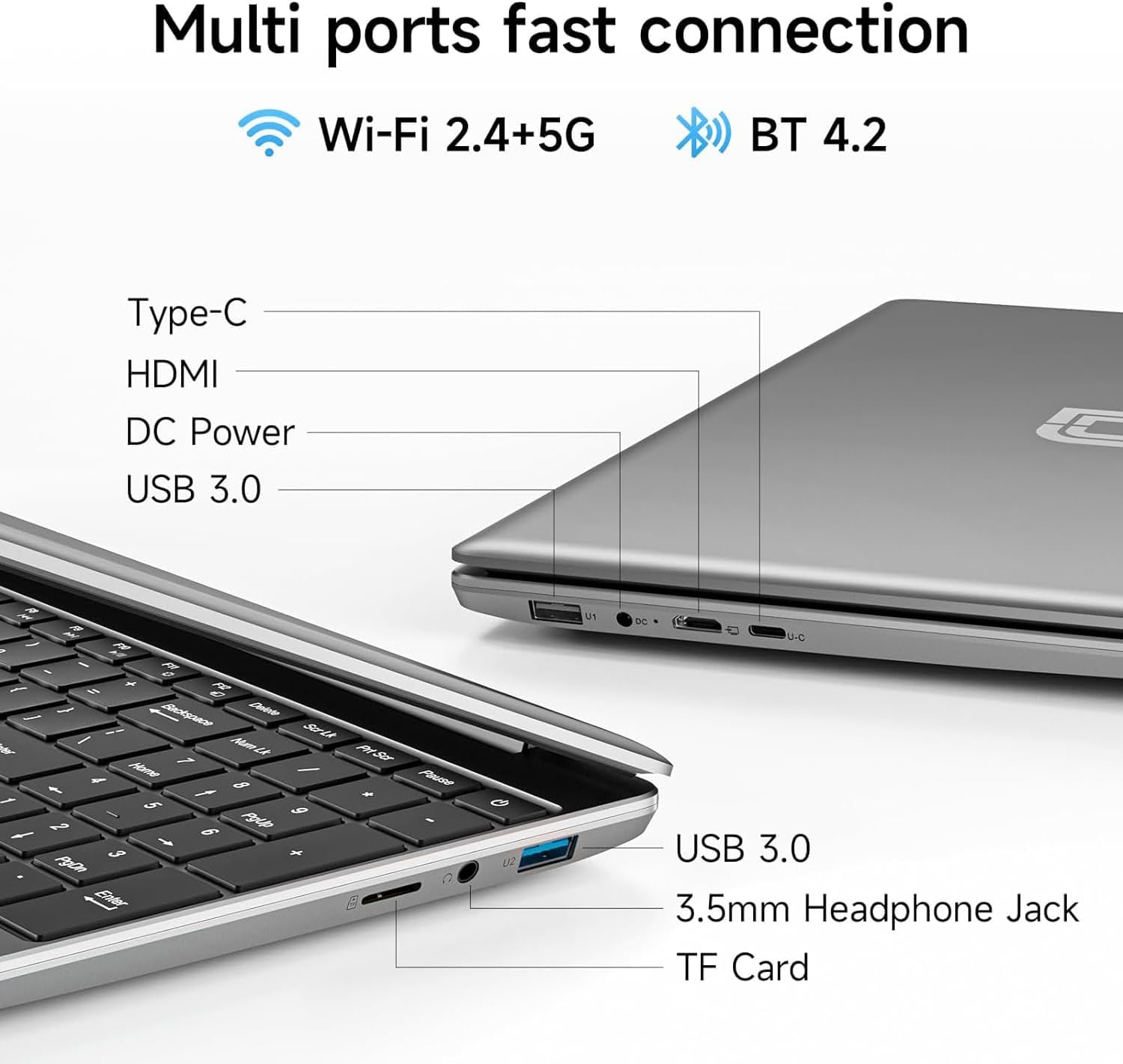
Imagine you’re moving between lectures and libraries. You can carry the slim chassis with a full HD screen, open a Word document, pull up a class schedule in Excel, and present a slide deck via HDMI when needed. The 3.5mm jack and USB 3.0 ports make it straightforward to connect headphones or a USB drive for notes and backups.

How it compares to common alternatives
If you’re weighing this against higher-spec laptops, the main trade-off is performance versus price. For light tasks and daily word processing, this model aligns with value-focused options that prioritise portability and immediacy over raw speed. If you anticipate heavier workloads or longer battery life on the move, you may consider models with more RAM or faster storage.
FAQ
- How well does it handle multitasking with multiple browser tabs? It will manage basic multitasking reasonably, but performance may lag with several heavy applications open simultaneously due to the 4GB RAM limit.
- Is Office 365 really included for a year? Yes, the description states a one-year pre-installed Office 365 licence (Words, Excel, PowerPoint, Outlook, etc.).
- What ports are available for peripherals? It includes USB 3.0 ports (x2), a Type-C port, HDMI, a 3.5mm jack and a Micro TF slot for expansion.
Final verdict
It makes sense if you’re after a straightforward, budget-friendly device with a ready-made productivity suite and a good-sized display. It’s not the top pick for heavy multitasking or power users, but for daily office tasks, writing and classwork on the go, it represents sensible value.
Decision section
Final verdict
Is it worth it? Yes, if your workload is light to moderate and you want a compact laptop with Office 365 included. It’s a practical choice for students and remote workers who value simplicity, portability and a ready-to-use office solution. It may not be the best option if you require high-end performance or extended battery life for demanding software.