

JSAUX 4K DisplayPort to HDMI Cable (1m) – DP to HDMI with Audio/Video for Monitors, Projectors and TVs
Reviews
Price
Product description
What it’s for (and what it doesn’t do)
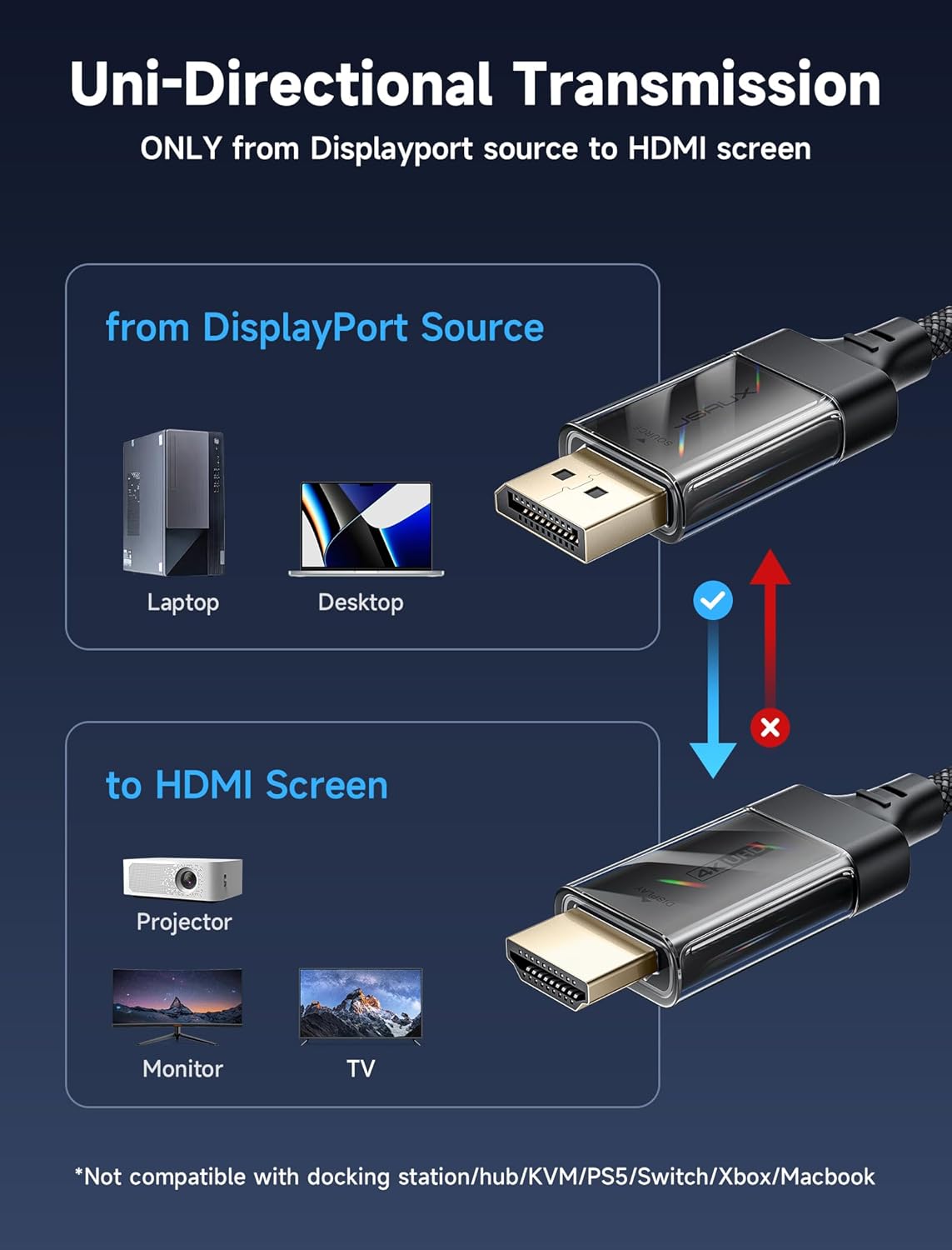
This JSAUX DP to HDMI cable is designed to run audio and video from a DisplayPort source (like a laptop, desktop, or graphics card) into an HDMI display (for example, a TV, monitor, or projector). In other words, it’s a practical “computer → screen” lead for anyone who needs a DisplayPort output to feed an HDMI input.
One important limitation is baked into the cable’s design: it’s unidirectional. It’s built for DisplayPort to HDMI only, and it explicitly does not support HDMI to DP. If you were hoping to swap directions (for instance, to connect an HDMI device back into a DisplayPort input), you may find it simply won’t work for that use case.
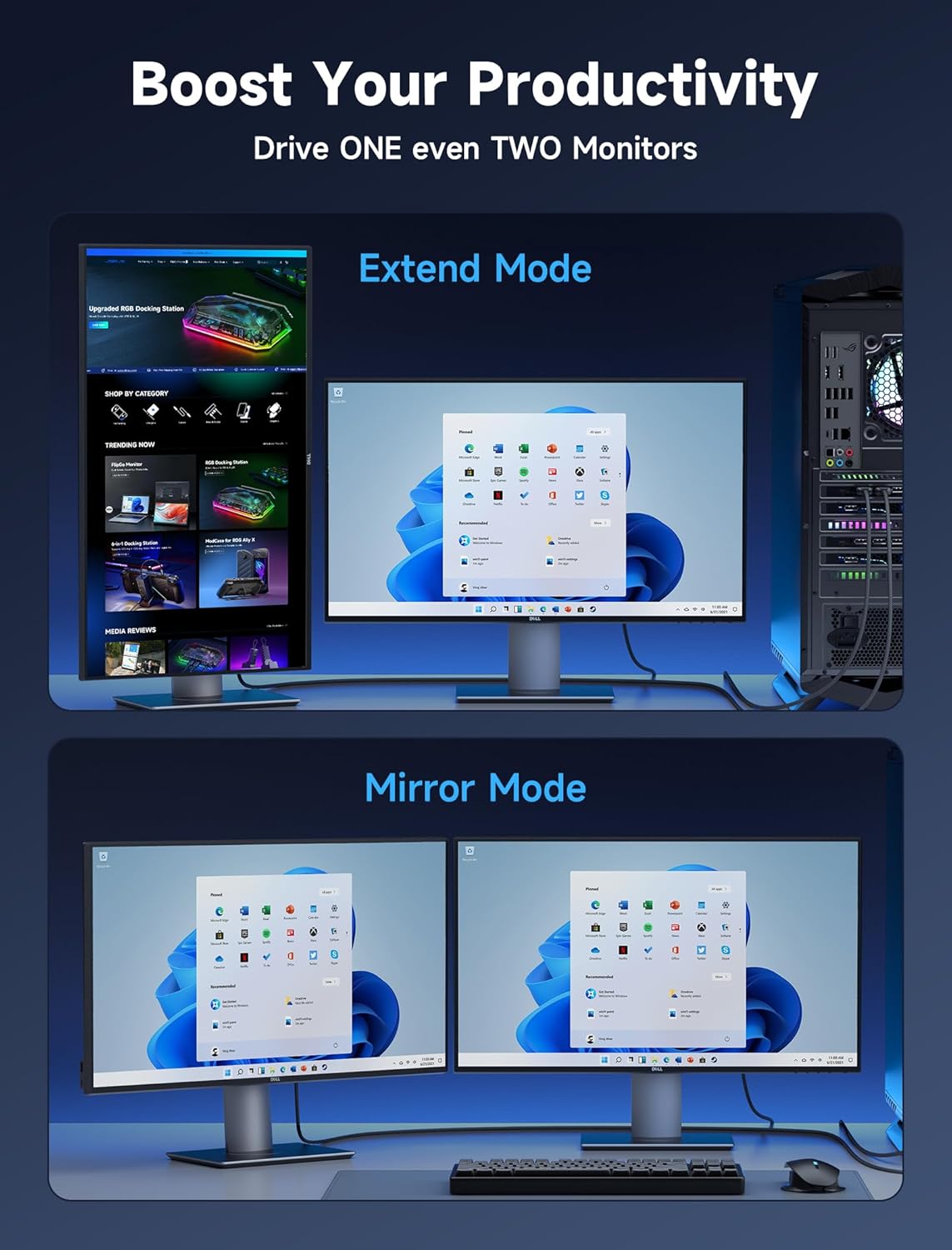
In everyday terms, it’s the kind of cable you reach for when your laptop has DisplayPort but your meeting room projector or home TV only has HDMI. Plug it in and you’re set, and it’s also described as suitable for mirrored or extended mode.
The essentials: what you get from the signal
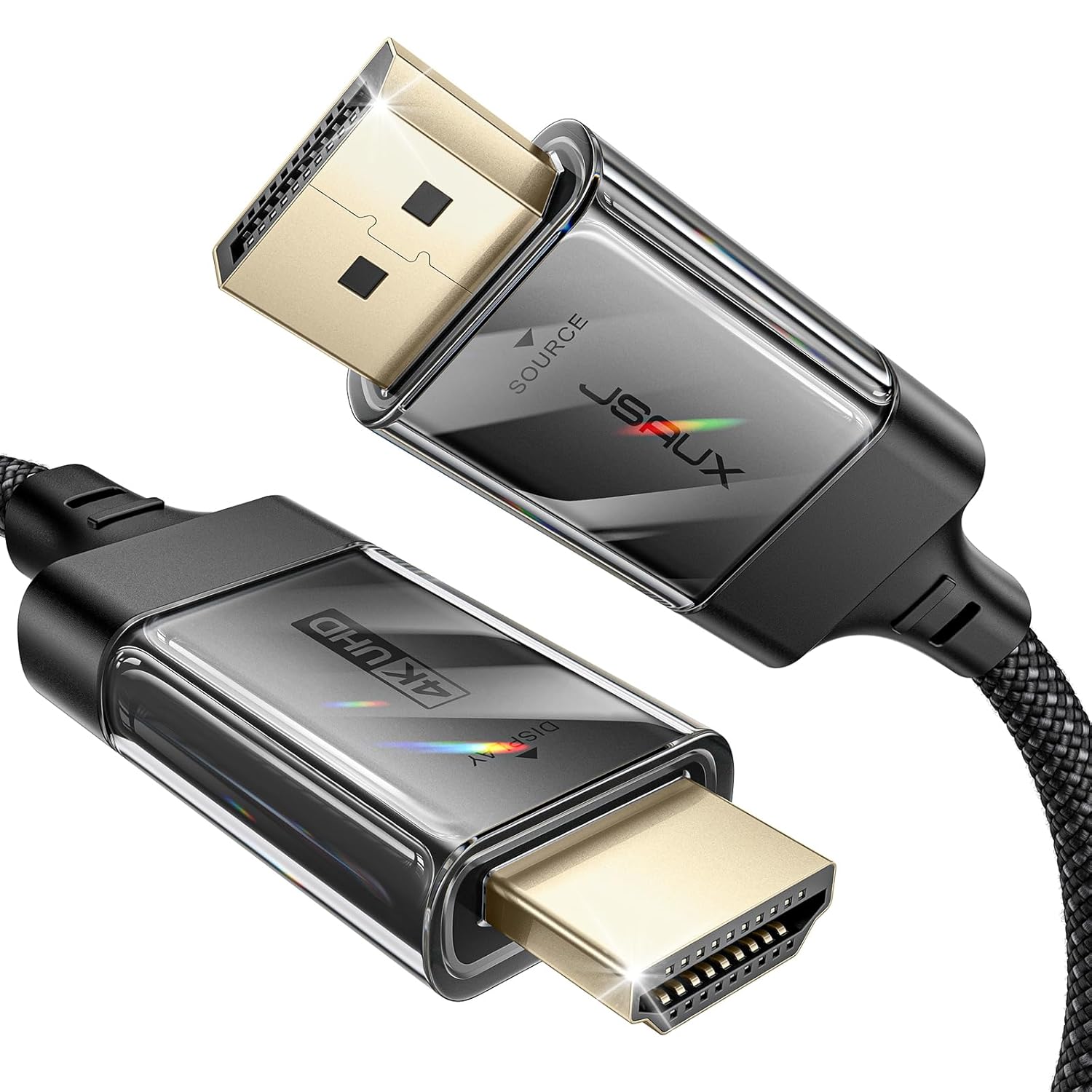
On paper, the appeal here is straightforward: both audio and video are passed through together. That matters because DisplayPort-to-HDMI set-ups can be fiddly when audio needs separate handling, and this cable is positioned as a single lead for audio and video transmission.
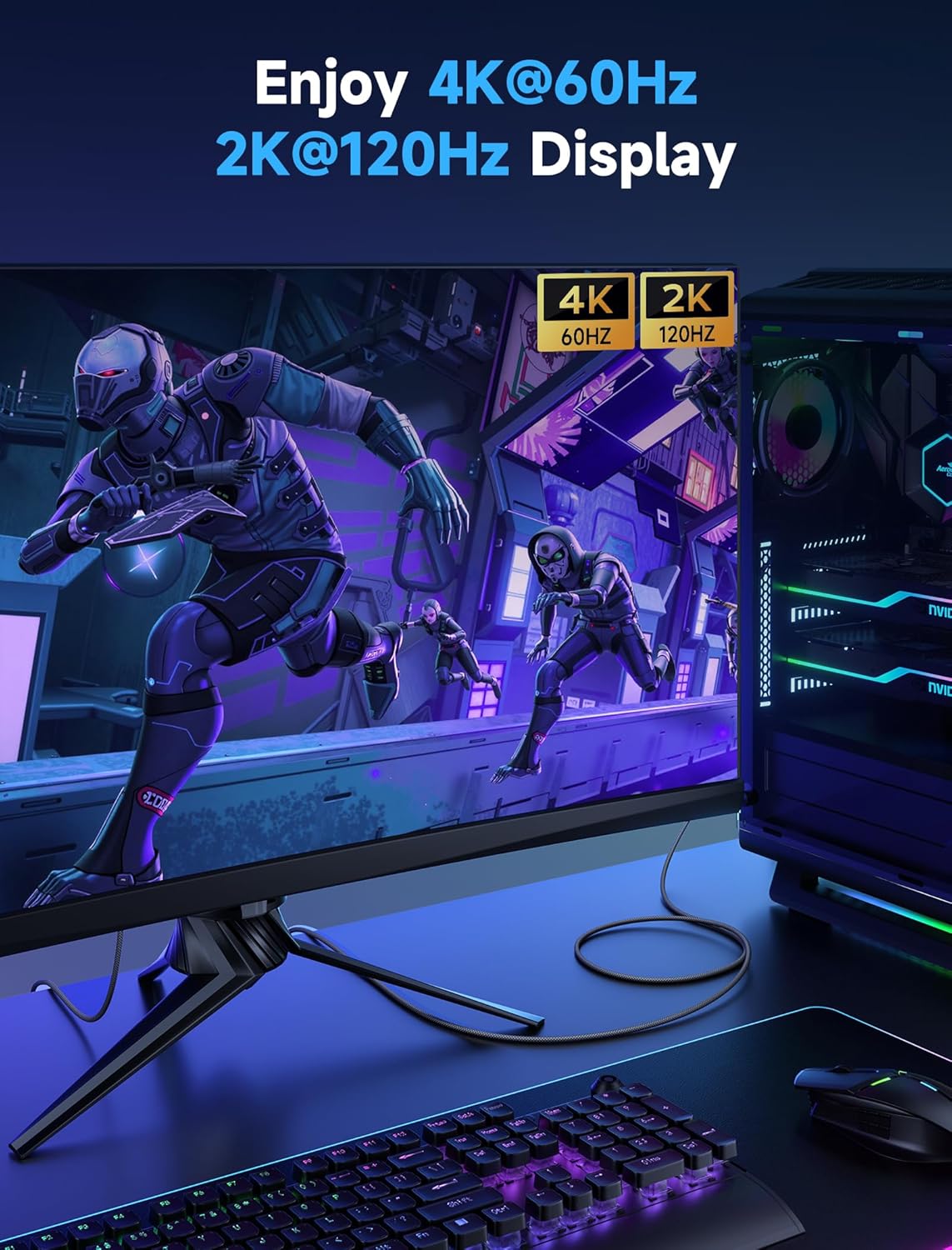
It’s also rated for video resolutions up to 4K at 60Hz. If you’re using it for gaming or for crisp media on a compatible TV/monitor, that spec gives you confidence that you’re not stepping down to a “best effort” link.
The audio side is described as supporting uncompressed digital 7.1, 5.1 or 2 channels, alongside video streaming and pass-through. That combination is a good fit if you want sound coming through the HDMI display without extra cables or adapters.
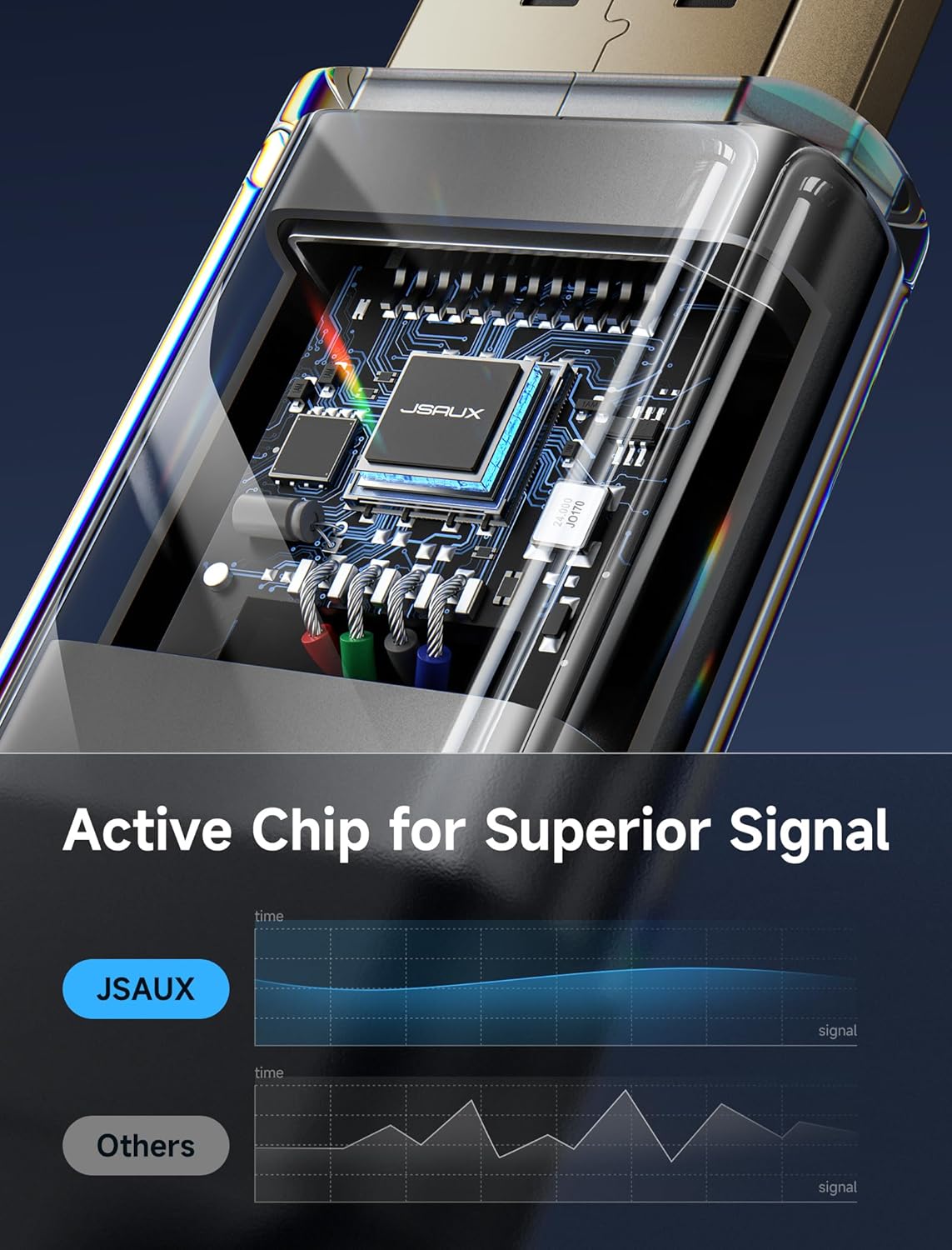
There’s also a mention of audio/video synchronisation as part of the design intent, which is the sort of thing you notice when it goes wrong—lip sync issues are annoying when you’re watching films or gaming.
What to notice in daily use
A 1m length is often the sweet spot for desks, sofas, and small setups. It’s long enough to sit comfortably between a laptop and a monitor without creating a coil of cable mess, but short enough to keep things tidy.
The cable is also described as unidirectional and plug-and-play, which is useful if you just want a reliable connection rather than configuring anything beyond selecting the right input on the display.
A micro example: you’re in a hotel room with a TV that has HDMI, your laptop has DisplayPort, and you don’t want to hunt for the right adapter. With a 1m lead, you can typically place the laptop on the bed or a small table while still reaching the TV—assuming the port layout allows it.
That said, placement still depends on how far apart your devices are, so if you need a bigger reach, a 1m cable can feel a bit limiting.
Build and durability (where this cable aims to impress)
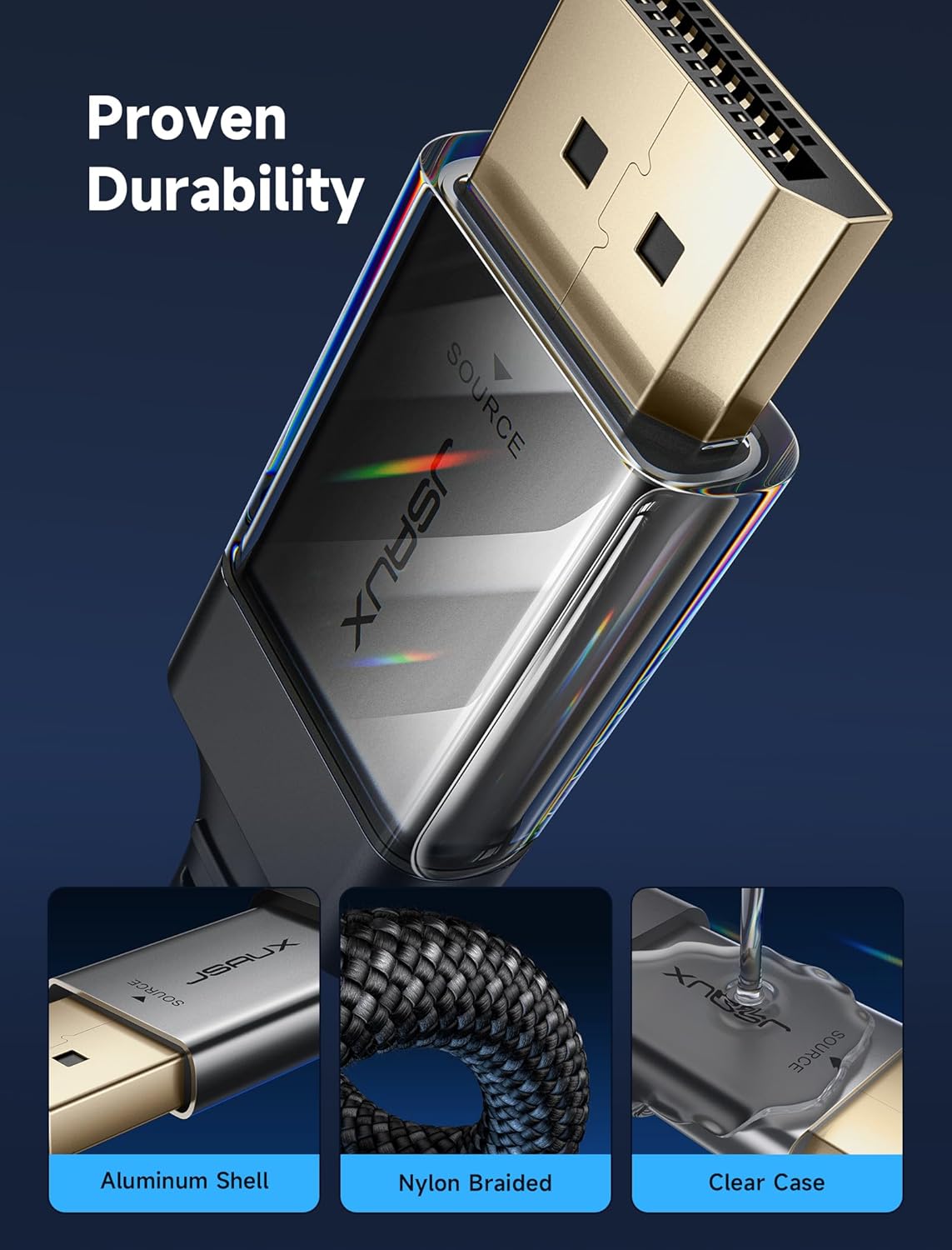
This is one of the more convincing parts of the specification. The cable uses tinned copper and triple-layer shielding, and it’s described as having strong anti-interference capability designed to reduce visual and audio glitches, artefacts, and audio/video sync problems.

It also has an aluminium shell and a nylon braided cover, plus gold-plated connectors. In plain terms, the aim is durability under repeated plugging and unplugging—there’s even a bending test claim of 10,000+ times. While you can’t assume every setup will match that exact test environment, it does suggest the cable is meant for regular use rather than being a throwaway adapter.
If you’re the sort of person who frequently moves between home, office, and travel, these materials are the kind of detail that tends to matter more than you’d think.
Key features summary
Key specifications
- Name: JSAUX 4K DisplayPort to HDMI Cable (1m)
- Type: DisplayPort (DP) to HDMI cable (unidirectional)
- Format: DP (male) to HDMI (male)
- Size: 1m length
- Resolution: Supports video up to 4K@60Hz
- Audio: HDMI audio pass-through (uncompressed digital 7.1, 5.1 or 2 channels)
- Connectivity: Compatible with devices that have a DisplayPort output and HDMI input on the display side
Pros
- Audio and video are intended to pass through together via one cable.
- Supports up to 4K@60Hz, which is strong for gaming and sharp media.
- Anti-interference and synchronisation are explicitly part of the design goal.
- Nylon braided cover and gold-plated connectors suggest durability for frequent use.
- 1m length is handy for typical desk/sofa and travel-style setups.
Cons / worth noting
- It’s explicitly unidirectional: DP to HDMI only, not HDMI to DP.
- At 1m, it may feel short if your devices are further apart.
- “Plug and play” depends on your device output settings and the HDMI input selection on the display—so you may still need to choose the correct input source.
Who it suits (and who should think twice)
It makes sense if you regularly connect a DisplayPort laptop or desktop to an HDMI monitor, projector, or TV, and you want audio and video handled by a single cable.
You may want to skip it if you need a bi-directional solution, or if your source is HDMI and you’re trying to feed a DisplayPort input. In that scenario, the unidirectional nature becomes a deal-breaker.
It also might not be a great match if your setup routinely needs a longer cable than 1m, because cable reach can be the difference between an easy connection and constant repositioning.
Quick FAQ
Getting the most out of it
Check your DisplayPort and HDMI ports before buying: this lead is for DP output into an HDMI input. If you’re unsure whether your laptop or desktop has DisplayPort (rather than just HDMI or USB-C without DP), that single detail is the difference between “works instantly” and “doesn’t fit my setup”.
Is it worth it?
Worth buying if your goal is a reliable DP to HDMI connection that carries both audio and video, with a 4K@60Hz ceiling and a build that’s meant to survive repeated plugging and unplugging.
It’s not the best choice if you need the reverse direction (HDMI to DP) or you expect to stretch the cable across a larger room, since it’s unidirectional and only 1m long. If you do need that flexibility, you’ll likely be better off looking for a different approach rather than trying to force this one into a job it wasn’t made for.