

JEMDO Magnetic Switch 2 Charging Grip (Joy-Con 2) with USB-C cable – Blue
Product description
The essentials
If you’ve got a Nintendo Switch 2 and you’re tired of fumbling with charging cables or taking Joy-Con off to plug them in, a charging grip is a simpler daily workflow. This JEMDO Magnetic Switch 2 Charging Grip is built to dock your Joy-Con 2 using magnets, then keep things powered while you play—at least on paper, it’s aiming for “plug in and carry on”. It also leans on a safety-focused charging approach (smart monitoring) and includes LED status indicators so you’re not guessing what’s happening.
That said, it’s not a universal accessory: it’s only described as compatible with Switch 2. If you still use older models, this one won’t be the right match.
What it’s for (and what it feels like in use)
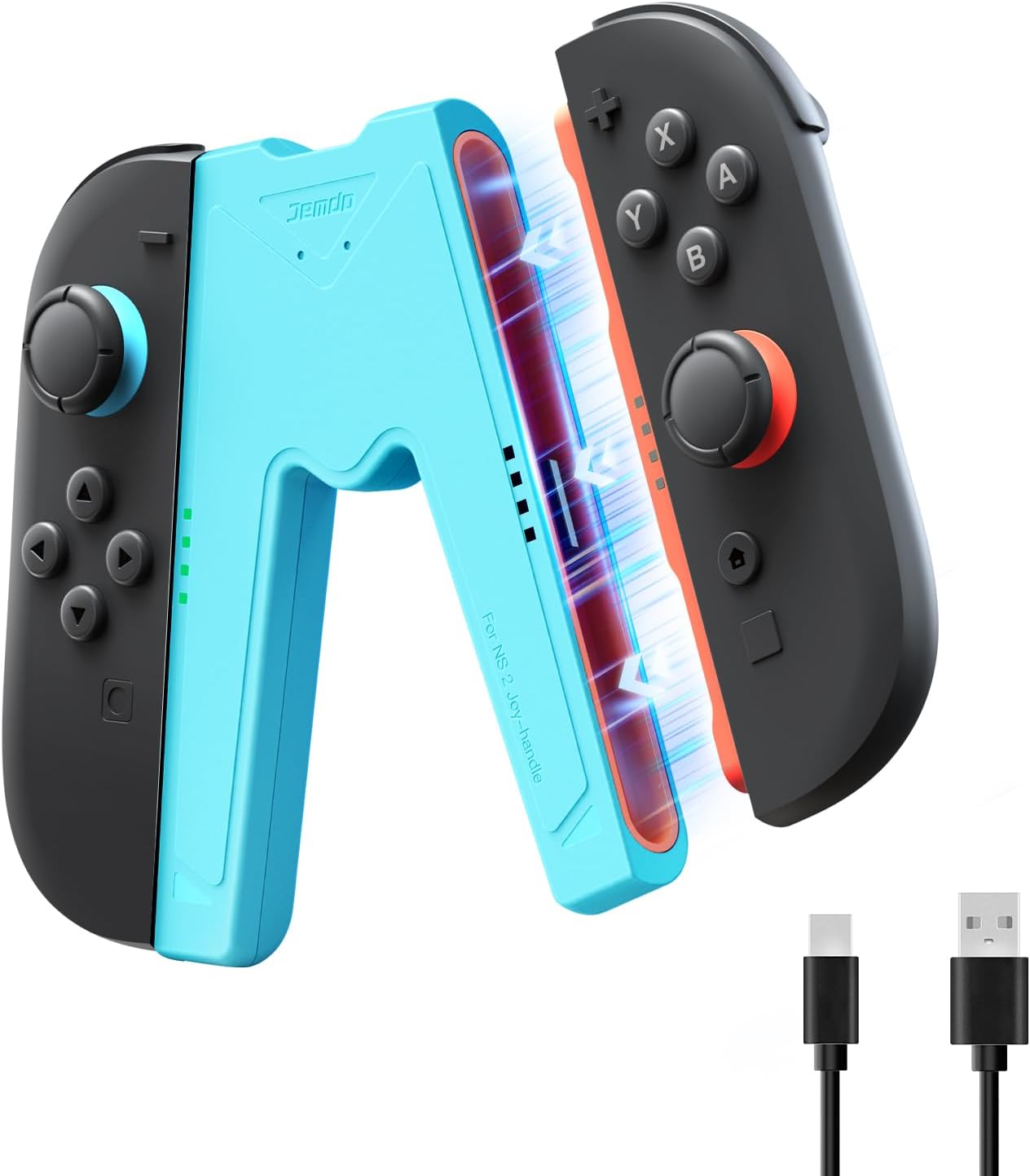
The core idea is straightforward: clip your Joy-Con 2 into the charging grip via a magnetic lock, then connect power using the included USB-A to USB-C lead. The grip is designed with ergonomic rails and a bit of extra palm support, aiming to keep the controller feel comfortable during longer sessions.
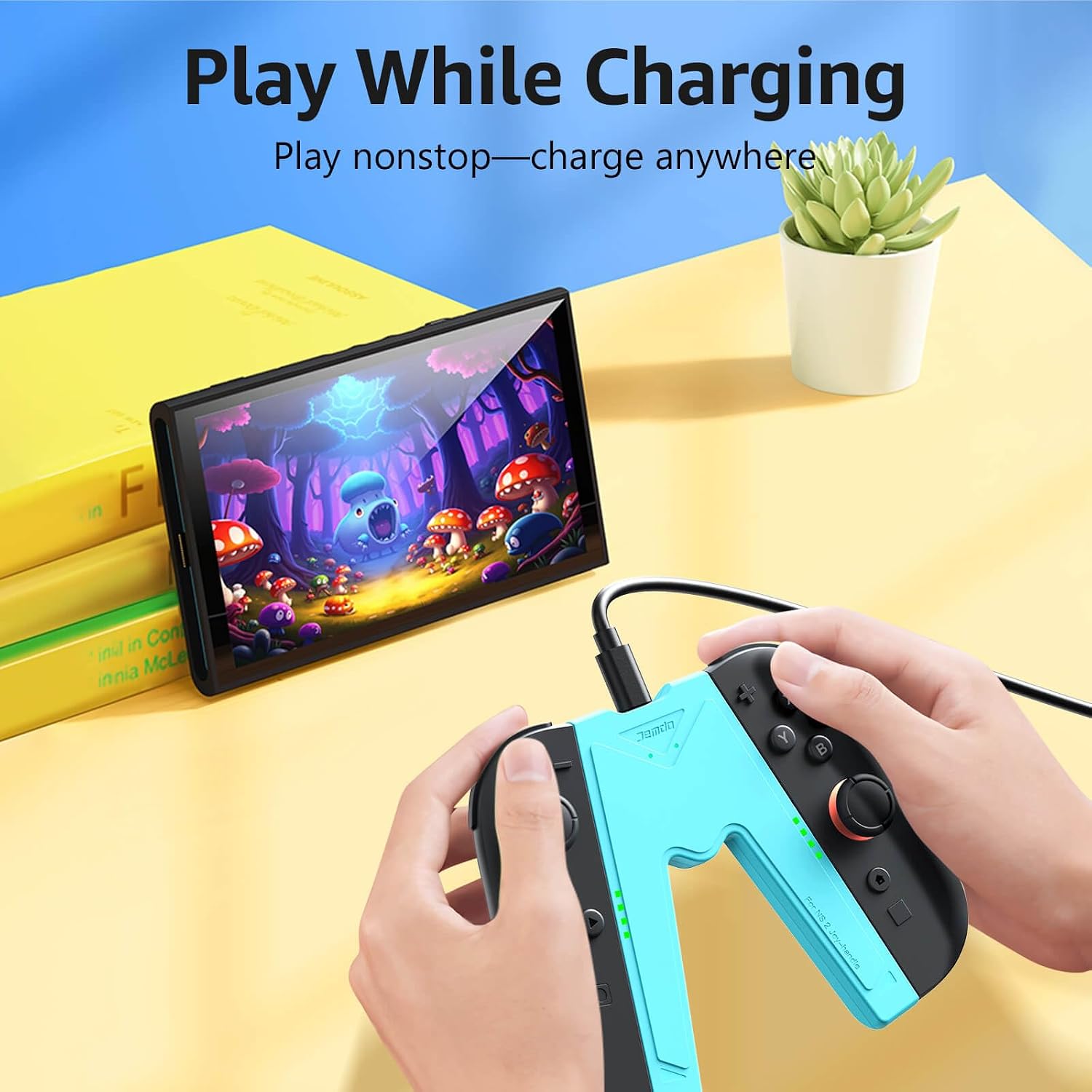
A practical example: imagine you’re in the middle of a handheld session and need to top up. Instead of hunting for a separate dock or unplugging everything, you can magnetically secure your Joy-Con 2 to the grip, plug the USB-C side into a wall charger, power bank, or dock, and keep playing while it charges.
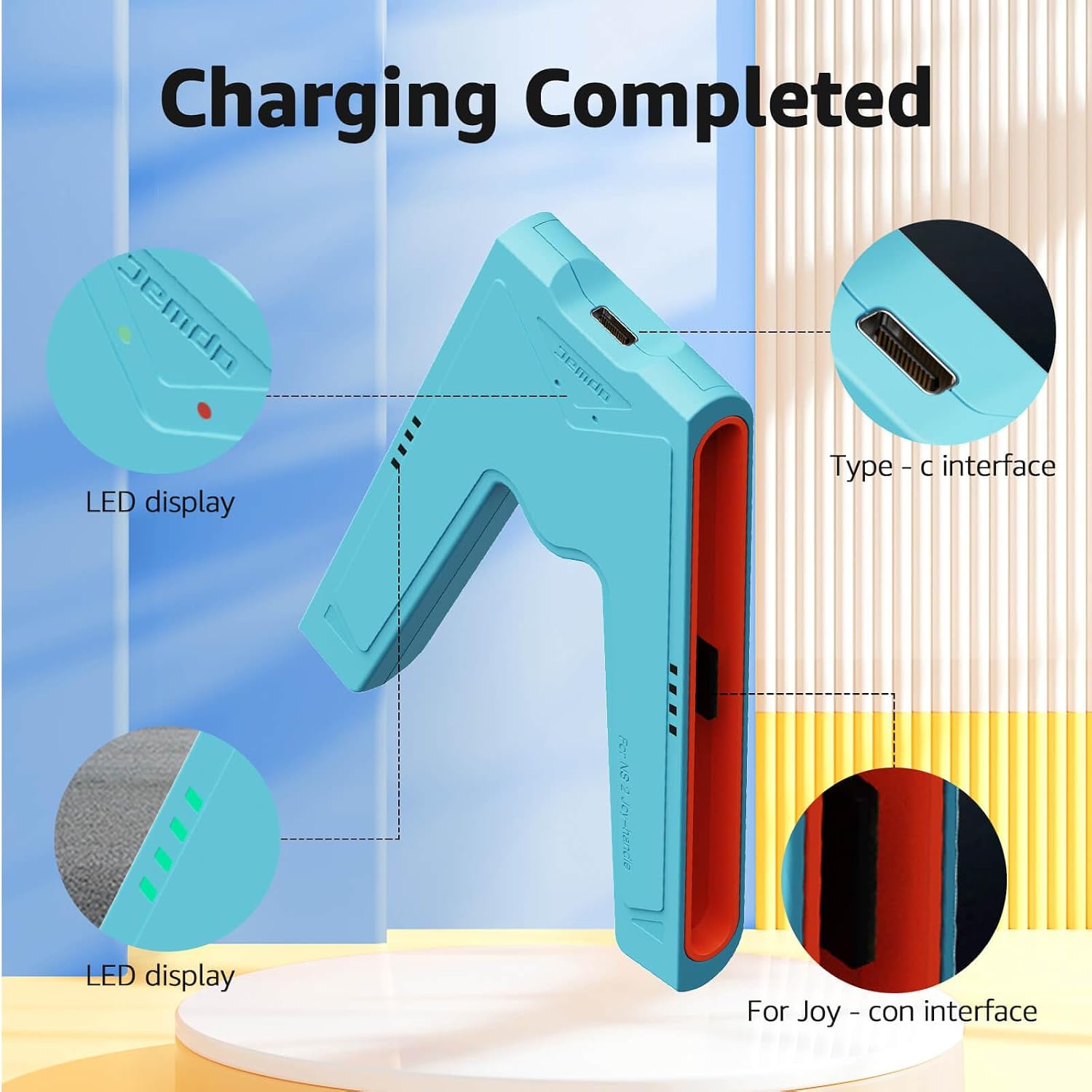
There are also dual LED indicators for at-a-glance status—red for charging and green when fully powered. For many people, that small detail matters more than you’d expect.
Where it stands out
This grip makes two big promises: stable magnetic holding and safer charging behaviour.
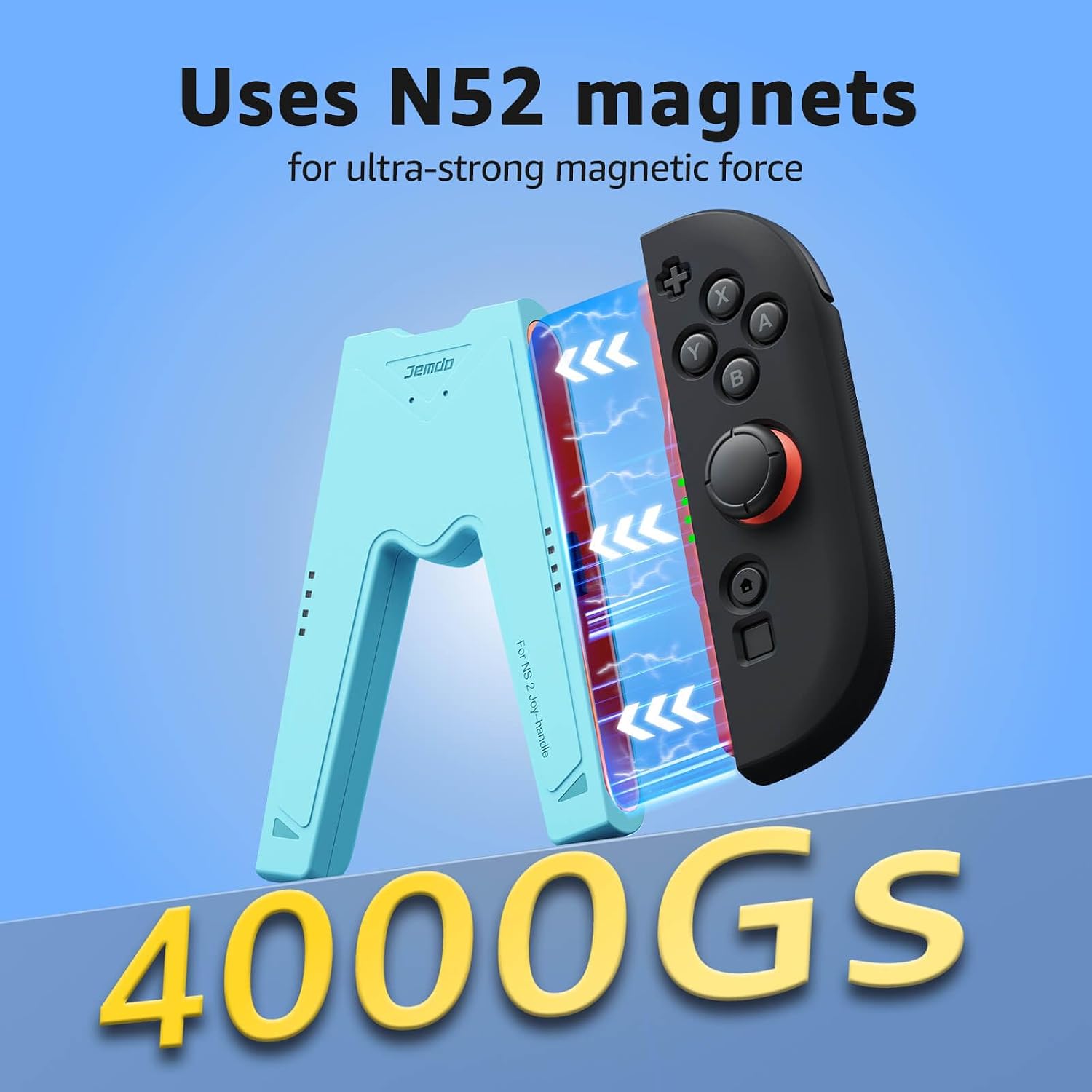
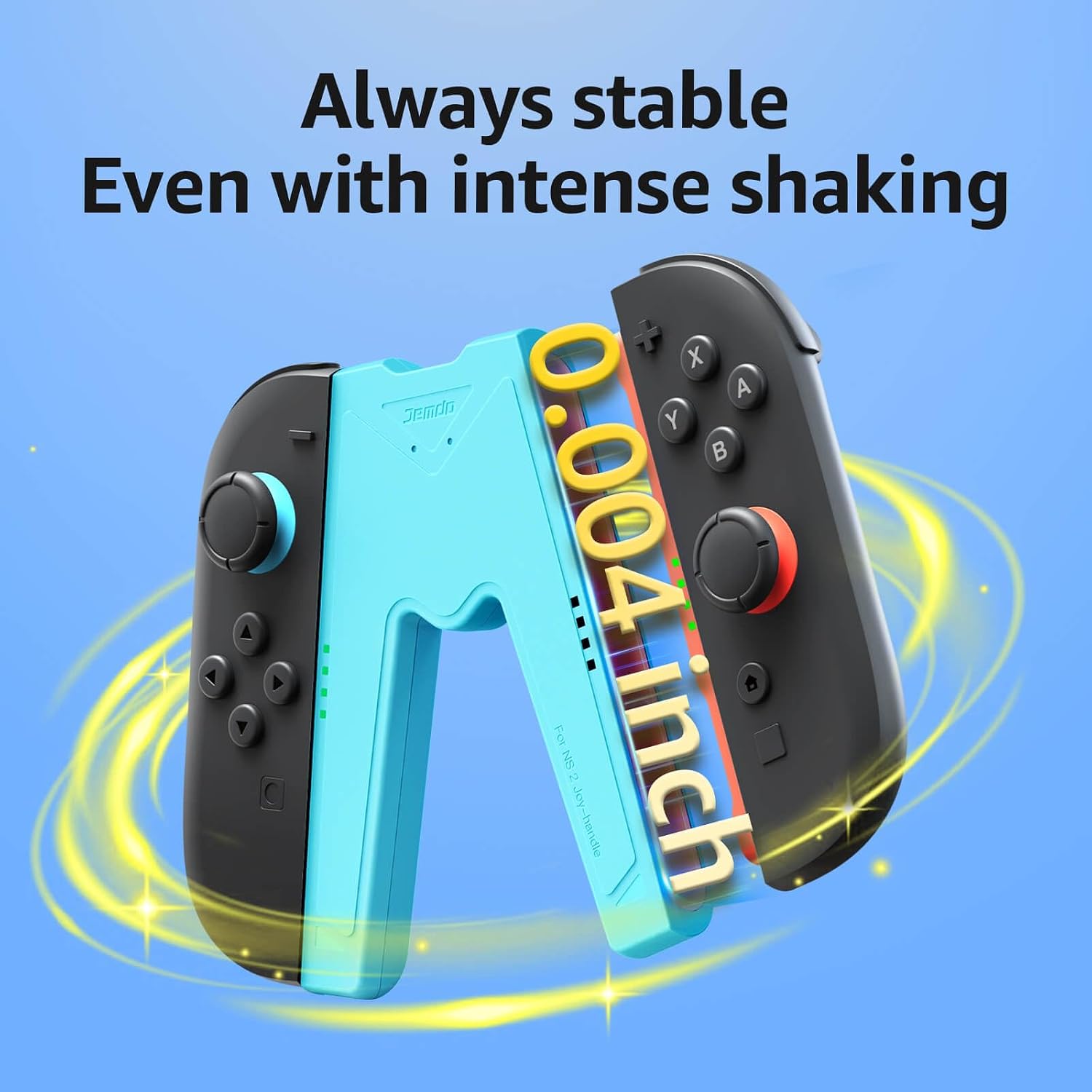
- Magnetic stability: it uses “N52-grade” magnets and claims a very strong magnetic force, with precision alignment intended to prevent wobble or slipping during more intense movement. It’s the sort of feature that’s easy to notice if you’ve ever had a Joy-Con feel slightly loose while playing.
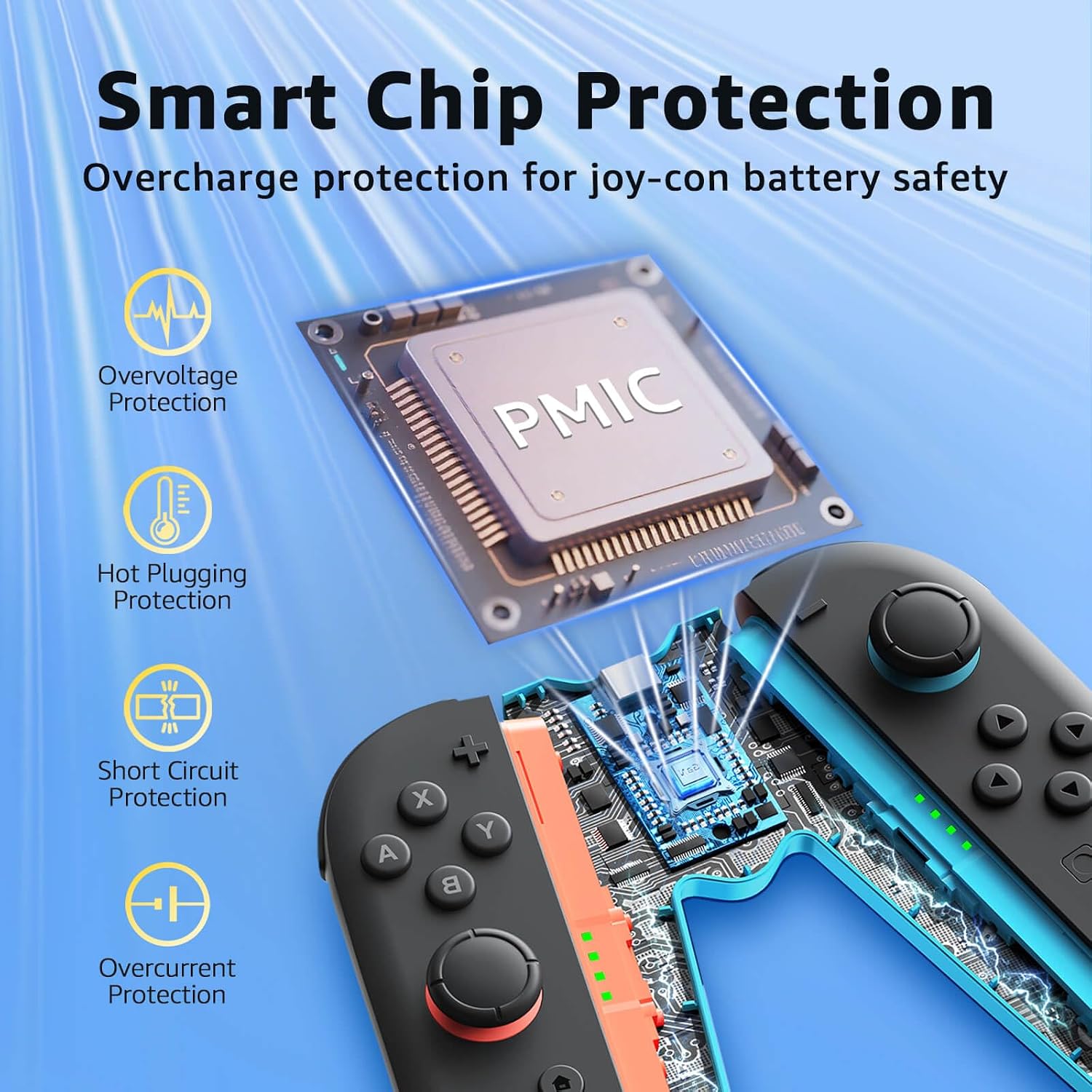
- Smart charging protection: the description highlights an advanced smart chip that monitors voltage and current in real time, with protection against overcharging, overvoltage, overcurrent, and short circuits. It also mentions hot plugging support—meant to help you connect without damaging your Joy-Con ports.
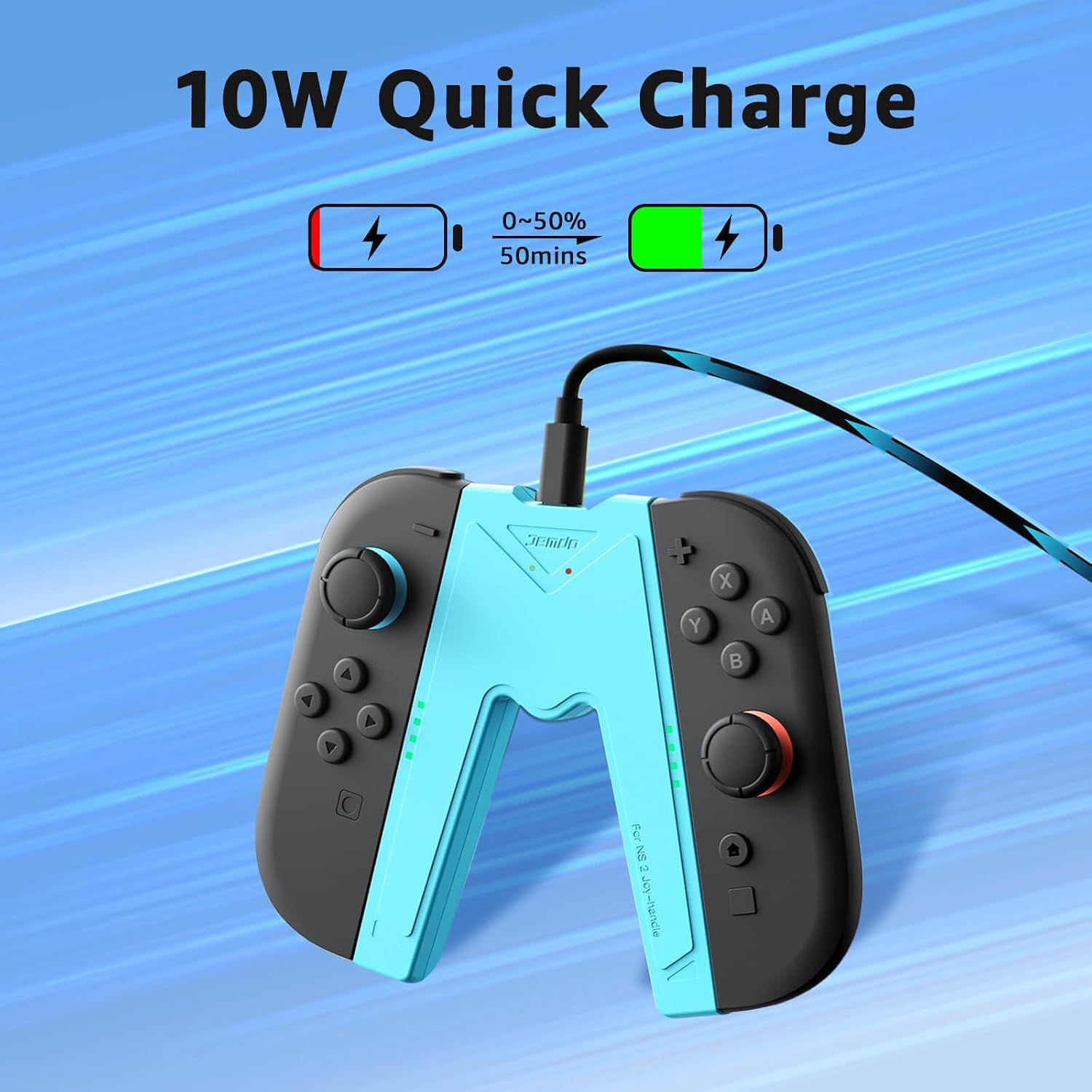
- Quick charging speed (as stated): it’s described as offering 10W fast charging, with a claim about charging from 0% to 50% in around 50 minutes. Real-world times can vary a bit with conditions, but as a spec it sets expectations.
- Travel-focused design: the grip is described as ultra-compact and lightweight, positioned as a replacement for bulkier charging docks. The included cable is 40 inch (1M), which should be long enough to reach comfortably from a power bank, dock, or a hotel/desk setup.
The not-so-great bits to keep in mind
No accessory is perfect, and this one comes with a couple of limits that are worth noting before you buy.
First, compatibility is strict: the information given says it’s only for Switch 2 (not older models). If you own a mixed setup or are planning to use it with other controllers, you may end up disappointed.
Second, while it’s designed to work “even with protective cases” (so you don’t necessarily have to remove them), the exact fit of different cases can still be hit-and-miss in real life. It’s a detail to double-check if your Joy-Con 2 is fitted with a thick or unusual case.
Finally, the “4000GS” magnetic-force figure is impressive on paper, but what really matters day-to-day is whether you like the way the grip sits in your hands and whether it matches your personal comfort. Ergonomics are subjective—this is aimed at controller-like comfort, but it may not suit everyone.
Key things to check before you buy
Before committing, it’s worth verifying a few practical points:
- Switch 2 + Joy-Con 2 compatibility: the listing is clear it’s not for older models.
- Your charging setup: the cable included is USB-A to USB-C, so you’ll want a compatible power source (wall charger, power bank, or dock) with the right inputs.
- Whether your Joy-Con cases will still allow a secure magnetic lock: the description says it should work with cases, but if yours is bulky, it’s smart to check the fit.
- Charging expectations: it’s positioned as fast (10W) with LED indicators, but any time-to-charge will depend on battery state and conditions.
Tech specs
- Type: Magnetic charging grip controller for Joy-Con 2 (Switch 2)
- Charging power: 10W (as stated)
- Charging status indicators: Dual LED indicators (red = charging, green = fully powered)
- Magnet material/grade: N52-grade magnets (as stated)
- Cable included: 40 inch (1M) USB-A to USB-C cable
- Materials: Premium ABS+PC shell (as stated)
Quick FAQ for decision-making
Is it suitable if I want to charge while playing?
Yes, the description is specifically positioned for playing while charging, using the grip to keep things powered.
Will it work with protective cases on my Joy-Con 2?
It’s described as working seamlessly even with protective cases on, without needing to remove them—though your case thickness and fit can still affect how comfortably it locks.
What do the LED lights mean?
Red indicates charging, and green indicates the Joy-Con is fully powered.
Can I use it with older Switch models?
No. The listing states compatibility with Switch 2 only.
Is it worth it?
This JEMDO Magnetic Switch 2 Charging Grip makes sense if you want a travel-ready, controller-like charging approach that magnetically holds your Joy-Con 2, shows charging status clearly, and leans heavily on safety monitoring during power delivery. It’s aimed at daily convenience—especially if you prefer keeping your setup neat rather than using a separate charging dock.
You may want to skip it if you’re using older Switch models, because compatibility is explicitly limited to Switch 2. And if your main priority is not the charging grip experience (ergonomics and magnetic holding), but just “charge the Joy-Con somehow”, you might find you’re paying for features you won’t use.
In short: buy it when you’re committed to Switch 2 and want a compact charging solution, be cautious if your Joy-Con cases are bulky or your comfort preferences differ from the controller-style grip design.