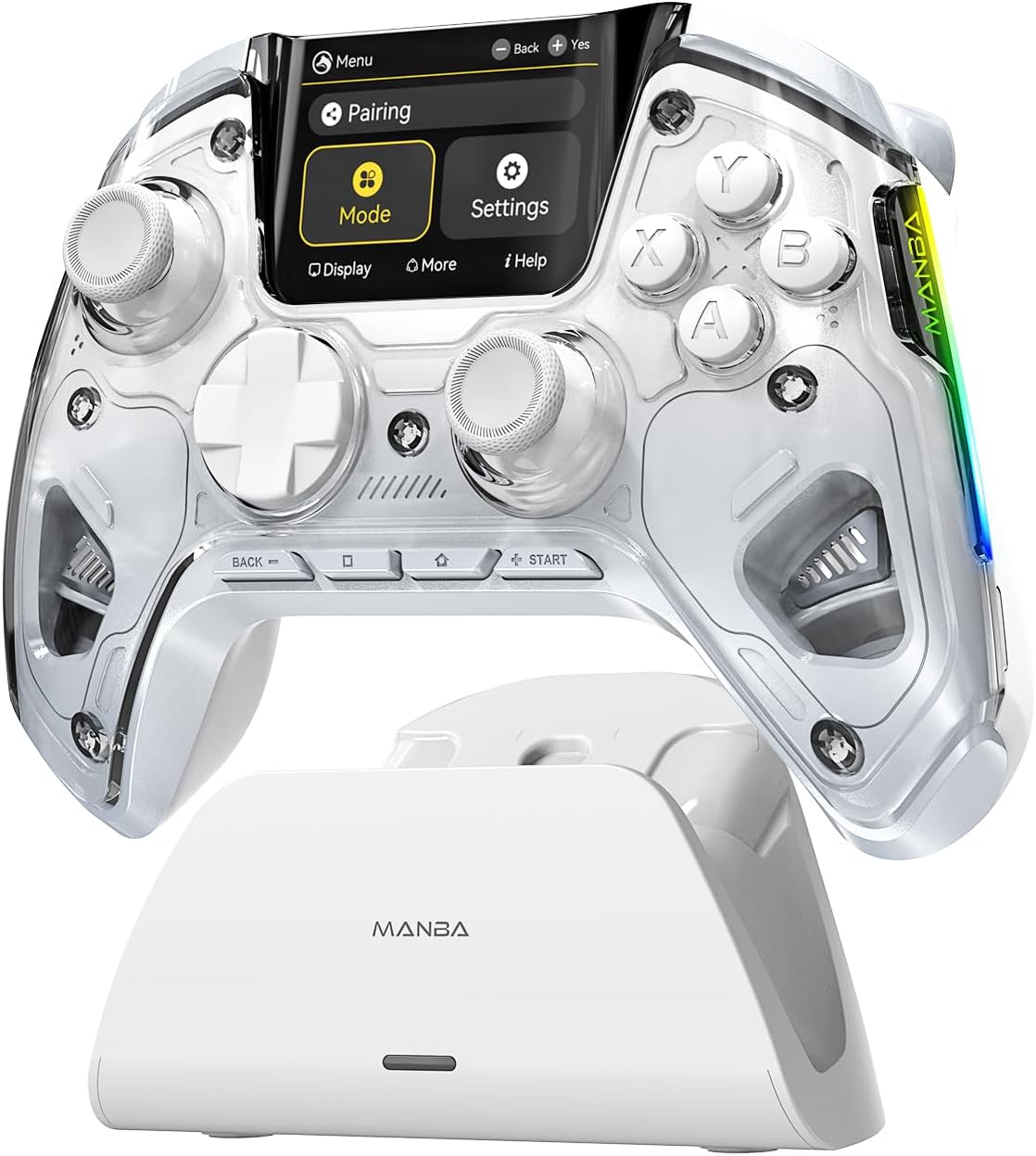
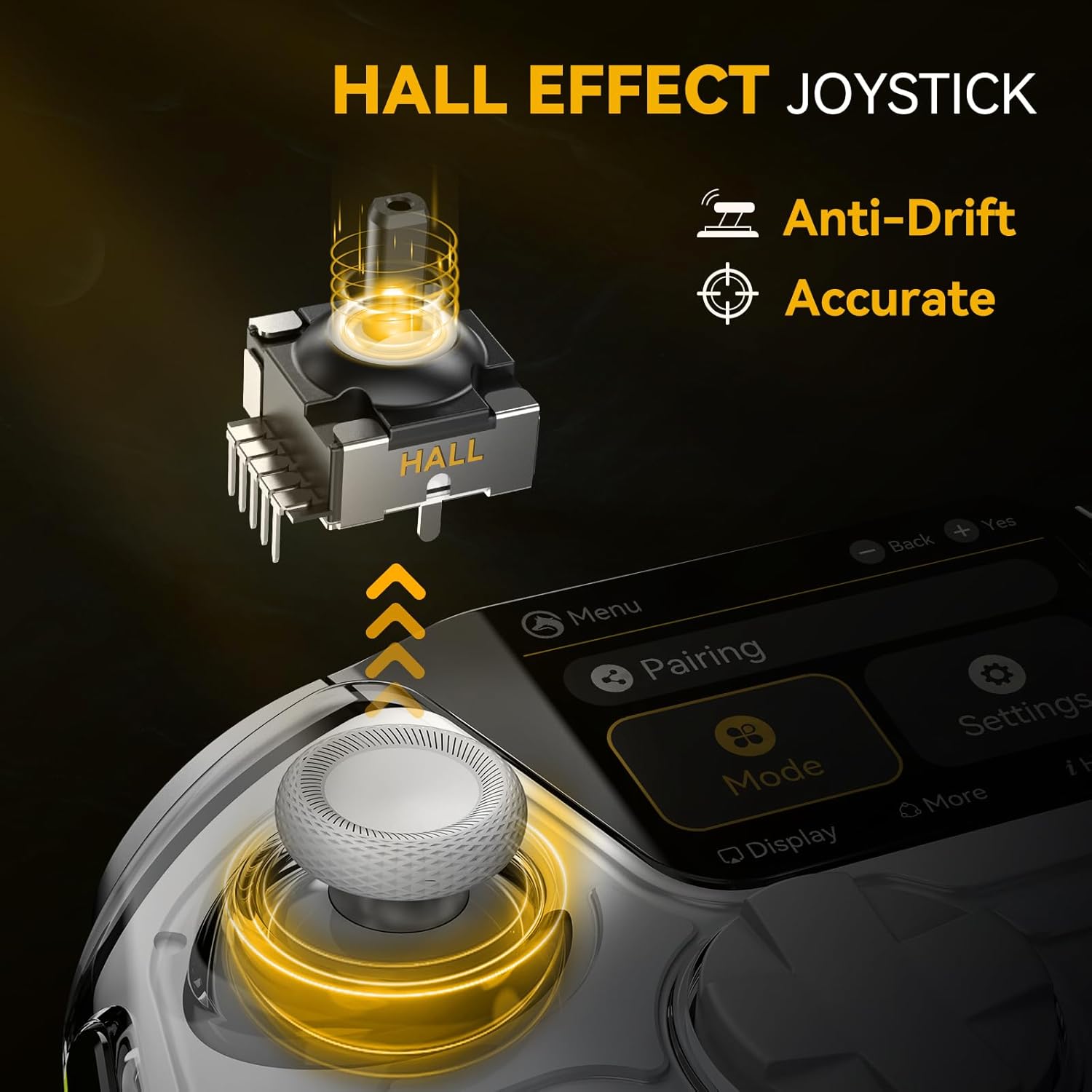
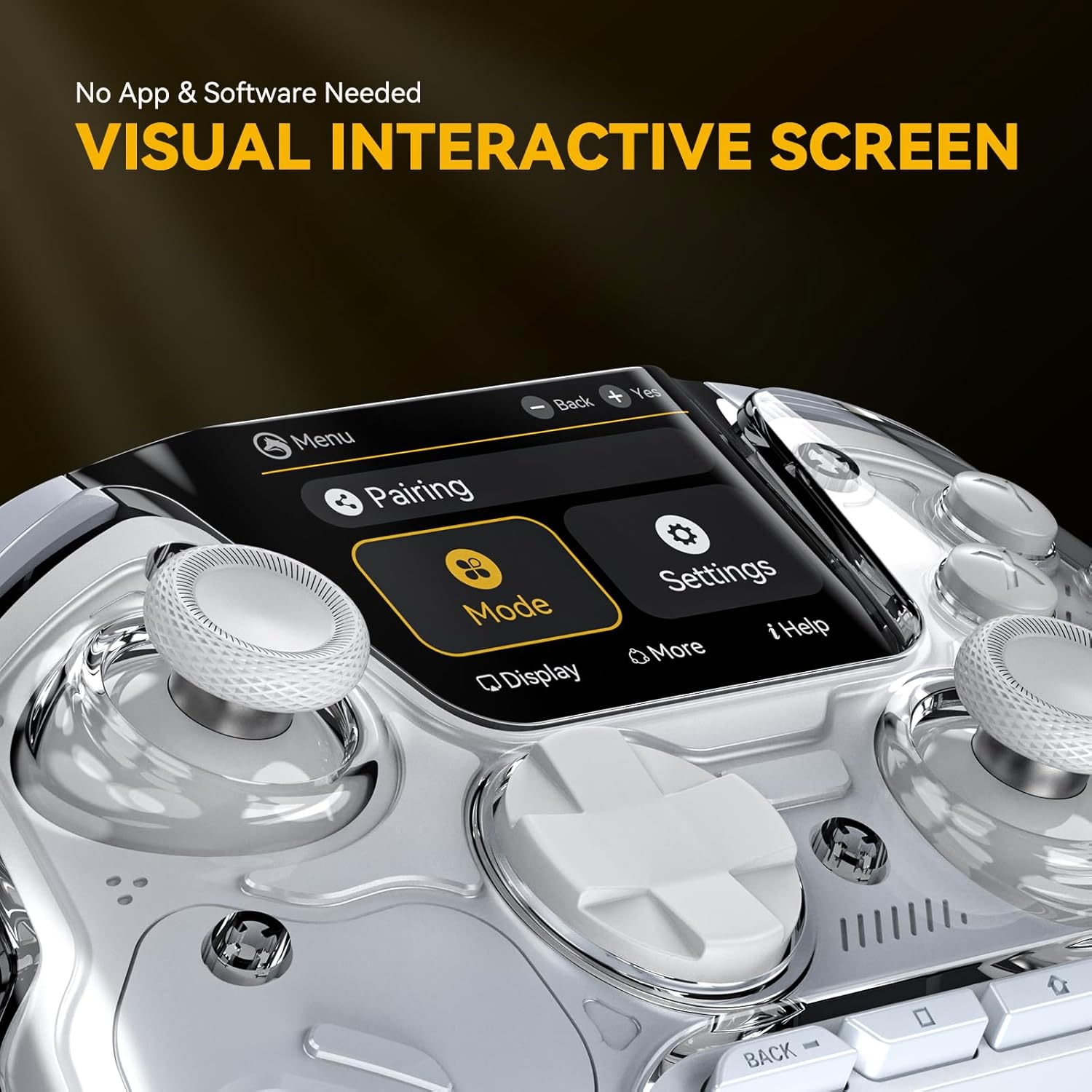
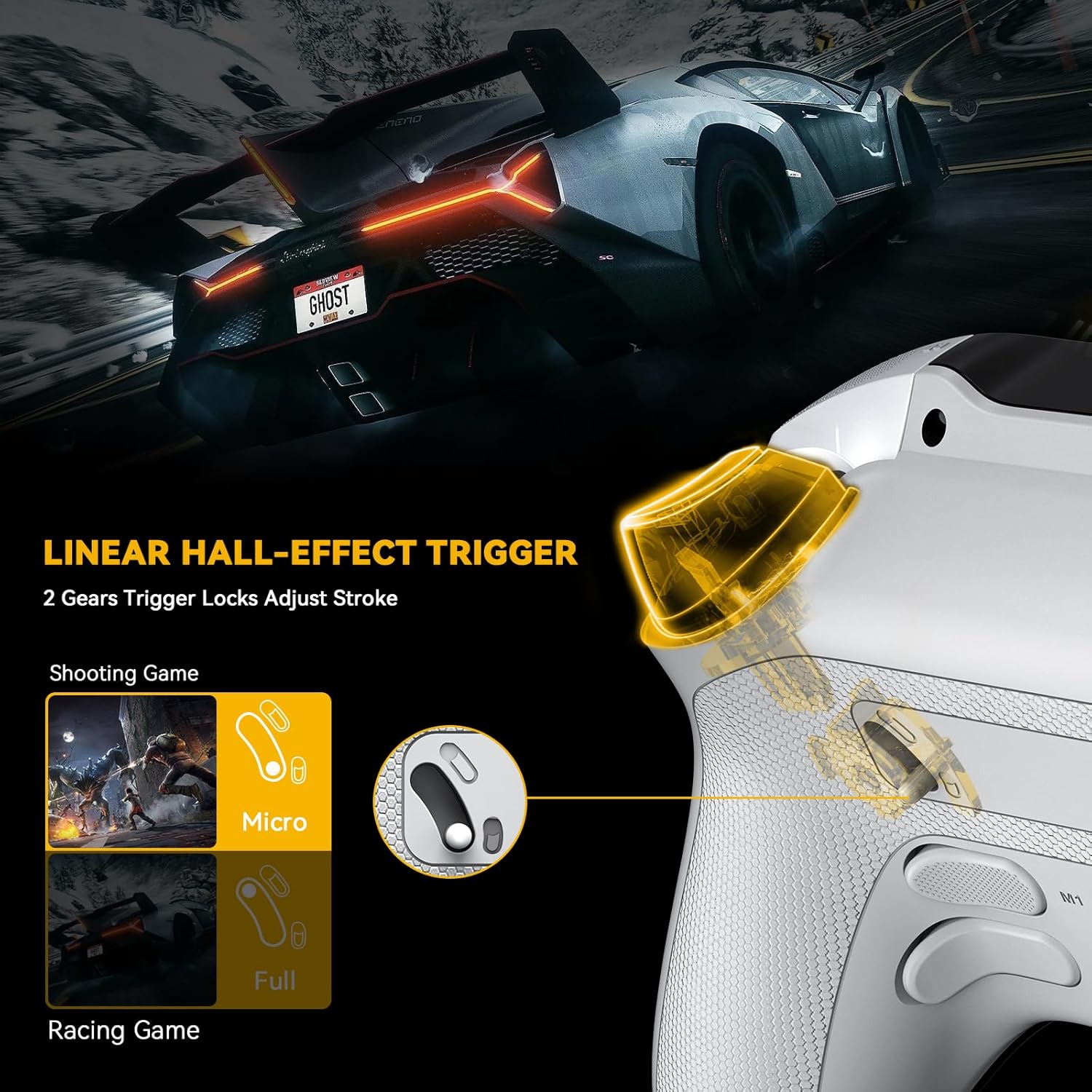
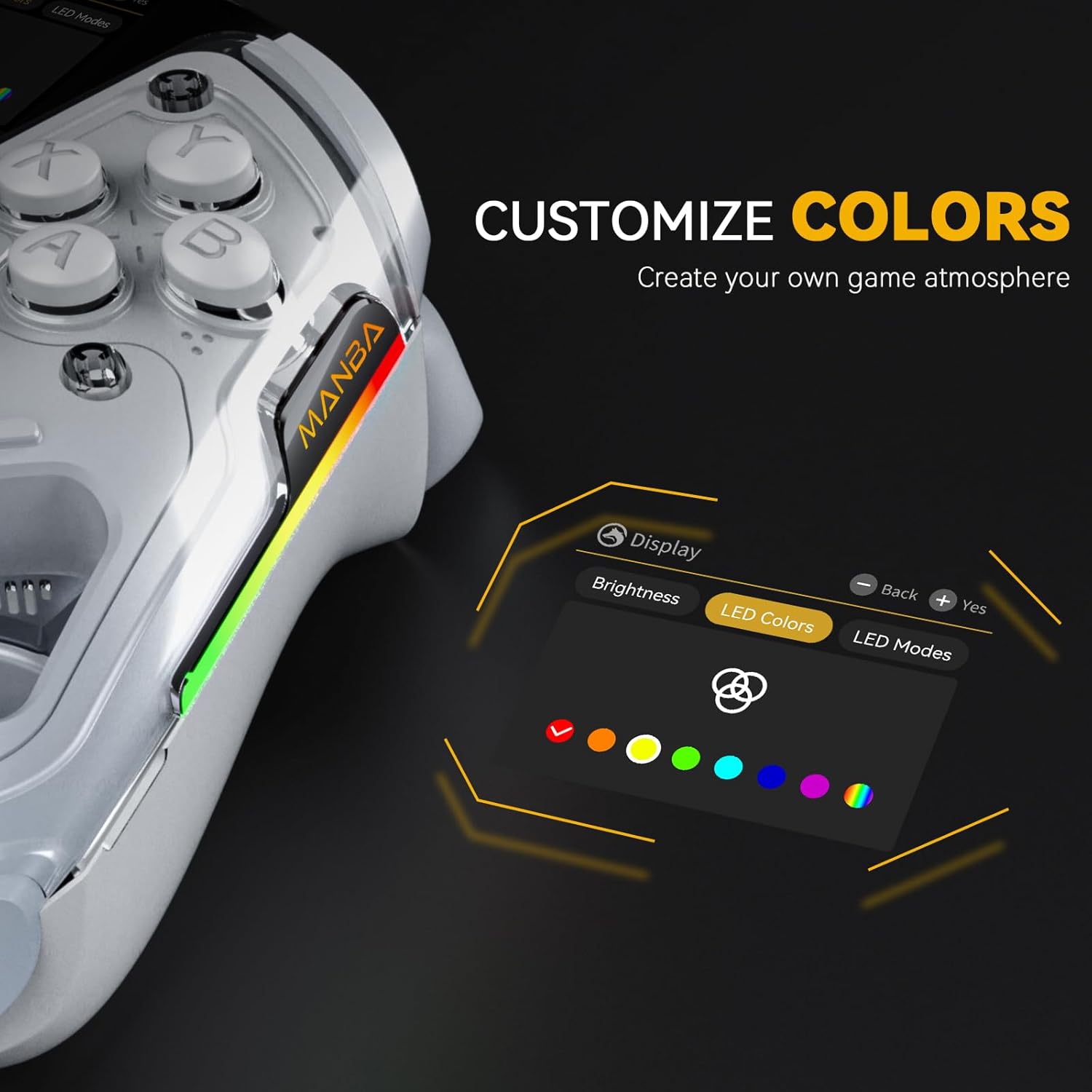
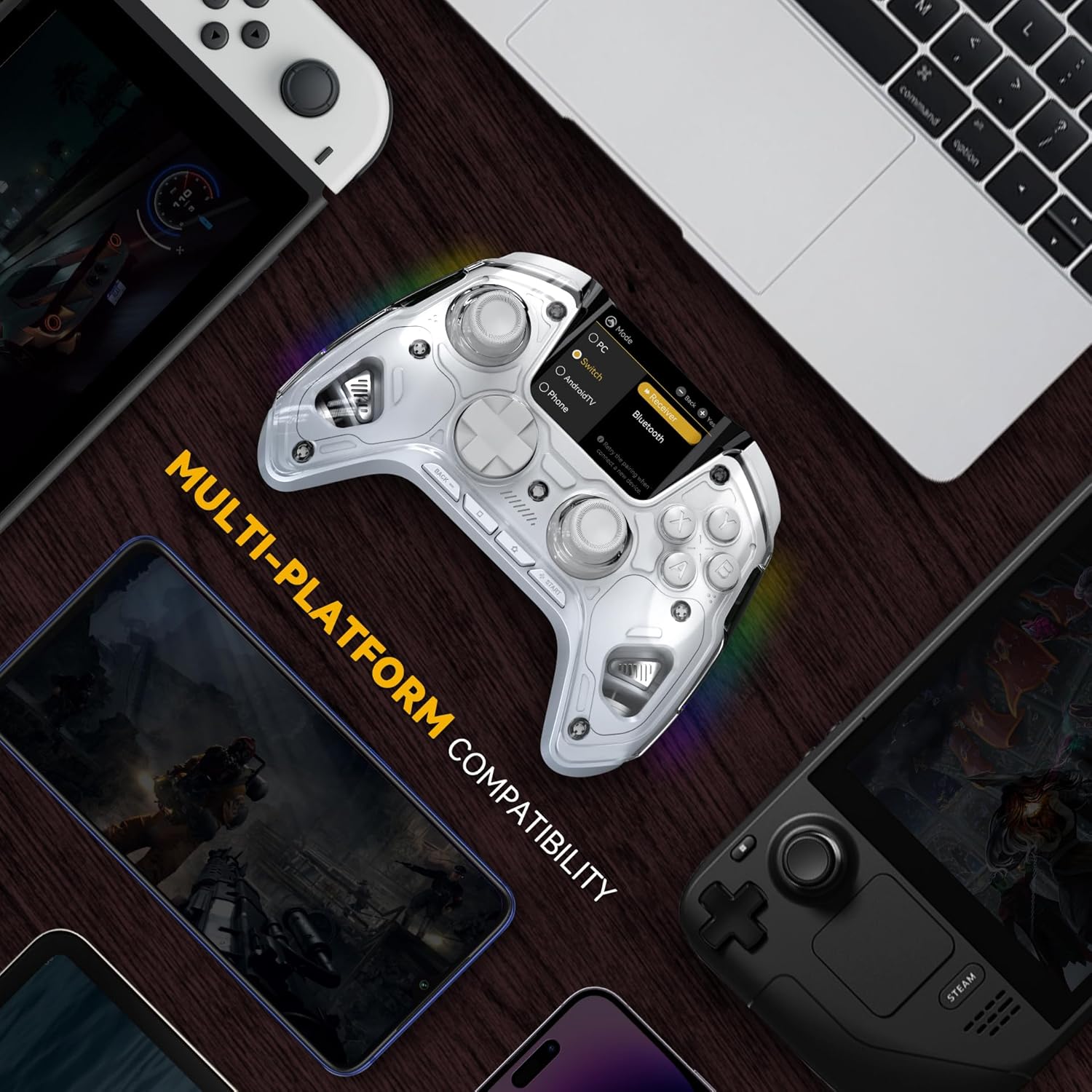
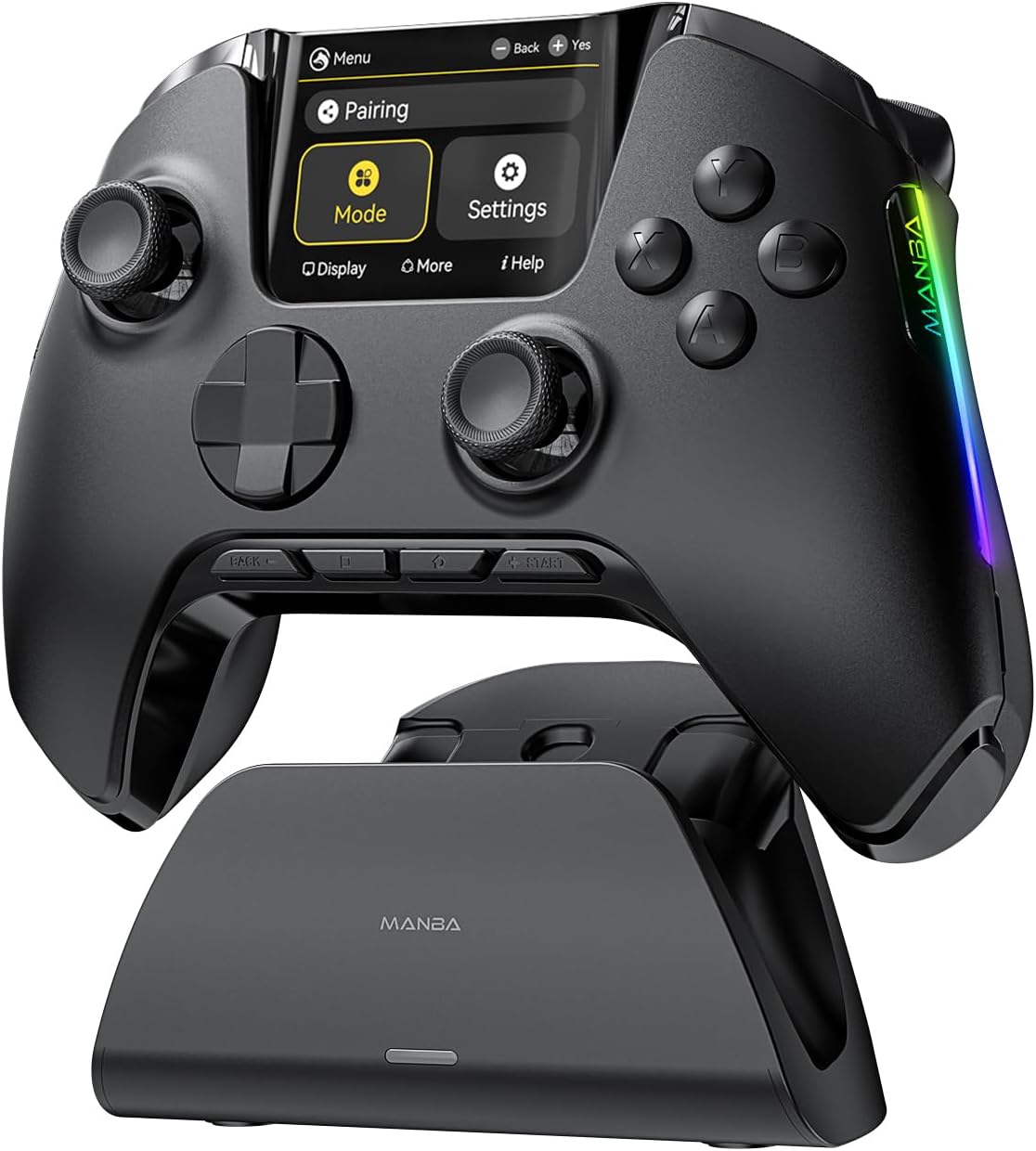
What it is and what it aims to solve\nThe ManbaOne Interactive Screen Wireless Gaming Controller is a multi‑platform gamepad designed to work with PC, Switch, Switch 2, iOS and Android. It stands out for its built‑in 2‑inch display, which enables you to configure the controller directly on the device without needing separate apps or software. If you value quick setup and on‑the‑fly tweaks, this approach can save time and reduce complexity at the start of a session. On paper, the controller blends traditional inputs with a touch of modernity: Hall Effect sticks and triggers promise reduced drift and more precise input, while four back keys can be remapped along with macro definitions for executing complex moves with a single press.\n\n## How it helps in practice\nFor casual and mid‑core players who use a mix of platforms, this device is positioned as a flexible option. The six‑axis gyro adds a layer of immersion in racing or motion‑heavy titles, and the 800 Hz+ wired polling rate suggests responsive performance when connected via USB or a wireless adapter. Importantly, the rechargeable 1800 mAh battery and smart charging dock aim to keep play time available without constant recharging interruptions, a practical consideration for longer sessions.\n\n## What’s strong about it\nThe most compelling aspect is the built‑in screen that eliminates software setup. The ability to save four configurations means you can tailor button layouts, vibration, lighting, and stick sensitivity to different games or genres, and switch between profiles quickly. The inclusion of macro back keys adds a quick access layer for spells, combos, or advanced moves without needing to memorise multiple button sequences.\n\n## What might hold you back\nNotable limitations include a lack of compatibility with Xbox and PS5, which narrows its appeal to Nintendo ecosystem users and PC players who also use mobile devices. When using Switch 2, wake‑up capabilities are limited, and one C button is not available. In practice, this means if you prioritise universal console compatibility or Sony/Nintendo flagship features, you may want to consider alternatives. The pairing notes also suggest Bluetooth for iOS, but a wired adapter is touted as more stable for PC play. These caveats are important for users who want a “set‑and‑forget” controller across a wide range of devices.\n\n## Who it’s for\nThis controller is likely to suit players who enjoy tinkering with layouts and macros, and who frequently switch between PC and Nintendo platforms. If you value customisation through a dedicated screen rather than a separate software suite, it can be a sensible fit. The marketed gyro and hall‑effect inputs may appeal to those who want smoother aiming and less drift in fast‑paced or precise games.\n\n## When it makes sense to buy\nIf you prioritise on‑device setup, quick profile changes for different games, and a single piece of hardware that covers PC and Switch ecosystems, this model could be worth considering. It also makes sense if you value a built‑in charging dock and a visible battery life indicator for charging convenience.\n\n## When to look elsewhere\nIf you need full Sony/Xbox ecosystem compatibility, or you want wake‑up features on Switch 2 across all modes, this device may not be the best match. If you expect a plug‑and‑play experience with minimal tweaking, you may find dedicated presets on other controllers more suited to immediate use.\n\n## What to check before buying\nConfirm that your primary platform mix aligns with the listed compatibility, and note the caveat about Switch 2 wake functionality. Consider how important macro keys and on‑screen configuration are to your playstyle, and whether you’re comfortable using the anti‑drift hall effect sticks and triggers relative to your typical titles.\n\n## Practical usage example\nImagine a night of multi‑genre gaming: you jump into a racing game on Switch 2, switch to a shooter on PC, then move to a platformer on iOS. With four saved configurations, you can swap between a lean, precise setup for driving, a macro‑enabled setup for combat sequences, and a relaxed config for exploration, all without digging through menus.\n\n## Quick FAQ\n- Can I use it with Android and iOS at the same time? Yes, it’s designed to work across mobile platforms, though pairing stability may vary by setup.\n- Do the back keys support full macros? Yes, the four back keys are remappable and can store macro definitions.\n- Is it worth it if I mainly game on a single system? If you value on‑device configuration and cross‑platform flexibility, it may still offer practical benefits, otherwise a more platform‑focused controller could be simpler.\n\n## Is it worth it?\nWorth considering if you want a single controller that adapts across PC and Nintendo devices, with on‑screen configuration and macro capabilities. If the goals are simplicity and universal compatibility, you may prefer something more specialised.