

IR Receiver USB broadband 20–60kHz set-top box IR extender (USB IR repeater) for home and hotel use
Product description
If your IR remote works sometimes and then suddenly decides it can’t see the TV box, it’s usually not the remote at all. It’s often the placement: the set-top box is tucked away, behind furniture, or in a room layout where the infrared signal doesn’t reach the receiver.
This IR Receiver USB broadband set-top box extender is designed to solve that kind of “distance/line-of-sight” frustration by taking the signal from your remote and relaying it to the equipment. On paper, the wide frequency support (20–60kHz) is the headline, because mismatch can be the reason a remote feels unresponsive or inconsistent.
What it is and what it’s for
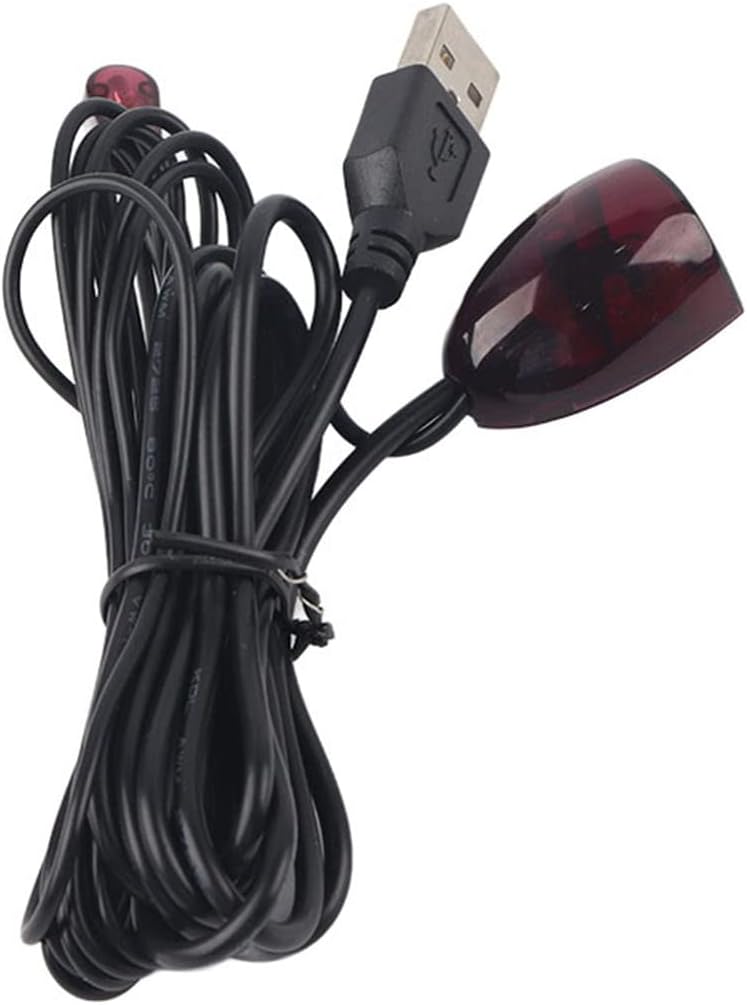
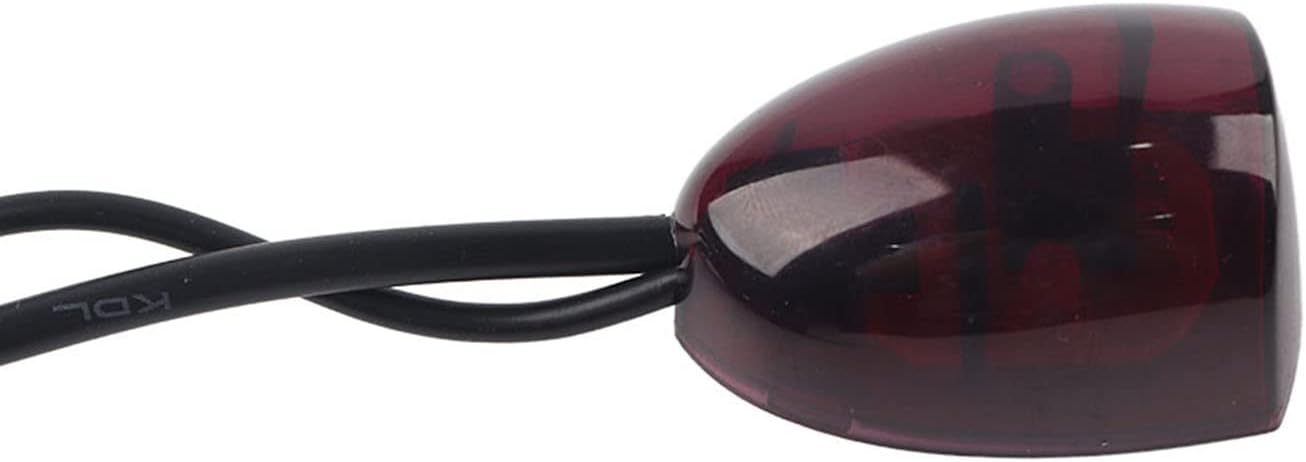
This is a USB-powered IR receiver/repeater set intended for set-top boxes and similar network equipment. The idea is simple: you attach the transmitter (paired to the unit) so it can “pick up” the remote commands, then you place the receiving end in a spot where the IR signal is easier to capture, and power it via USB.
In everyday terms, it’s the sort of accessory you use when your AV setup is less cooperative than the marketing photos. For example, if the set-top box is inside a cabinet and the remote struggles, the extender approach helps you regain control without moving the whole unit.
Key takeaways (what stands out)
The biggest differentiator is the wide frequency design, which should reduce the chance that remote control commands fail due to frequency mismatch. That also feeds into the “high sensitivity” claim: the receiving side is positioned to respond in real time rather than feeling delayed.
It also targets broad setup types rather than a single brand ecosystem. The description suggests it can be used with many electrical set-top boxes, telecommunications set-top boxes, other network set-top boxes, and satellite pan set-top boxes.
Notably, it’s USB powered. That matters because it makes the installation feel more plug-in and less “DIY electronics”. If you already have a USB charger available near the TV or the set-top box area, you’re halfway there.
Tech summary
- Type: IR receiver USB IR repeater / extender cable set for remote control
- Frequency range (broadband): 20–60kHz
- Power: USB port (with support for LCD TV, set-top box, or mobile phone USB charger)
- Intended use: set-top box / network set-top box / satellite pan set-top box remote control
Setup and usage tips (how you’ll actually use it)
Installation is meant to be straightforward: attach the transmitter to the remote control receiver, position the receiving end where it can clearly pick up your remote signal, then plug in power and use.
A practical way to think about placement: you’re trying to “see” the remote with the receiving sensor. If the receiving end is hidden behind a door or too far inside a cupboard, you’ll likely get mixed results—so it’s worth spending a minute finding the most responsive spot.
Also, because it’s designed for situations where your set-top box is not easily reachable by the remote’s IR beam, this product tends to work best when you can keep the receiver where the remote user is standing, while directing the IR output to the equipment that needs the commands.
Where it shines, and where it may not
This is a sensible buy if you’re dealing with poor remote responsiveness caused by frequency mismatch or placement-related signal loss. If your set-up is in a home with cabinets, entertainment units, or cable boxes tucked away, it’s exactly the kind of fix people reach for.
However, it may not be a great match if your main issue isn’t IR reception at all. If you’re expecting it to help with remotes that use a different communication method (for example, Bluetooth or Wi‑Fi control), this won’t change that. And even with wide frequency support, you’ll still want to ensure the receiving end is positioned so it can actually “catch” the remote.
Take note that the description talks in broad terms about compatibility across many set-top box types, but it doesn’t spell out exact models. So, if your setup is highly specific, it’s worth checking your current remote/receiver behaviour first and being prepared that outcomes can depend on how your equipment handles IR.
Buying verdict
Worth considering if you want a USB IR remote extender for set-top boxes, especially when the remote struggles due to mismatch or the equipment being hard to reach. It suits practical installs in homes and also makes sense in places like hotels where devices may be placed where guests can’t conveniently aim at the receiver.
You may want to skip it if your remote control issue is caused by something other than IR line-of-sight or IR frequency mismatch. It might not suit you if you can’t find a decent spot for the receiving end, because poor placement will still limit performance.
Mini FAQ
Does it need a mains power adapter?
No, it’s described as USB powered, with support for USB chargers such as those on an LCD TV, the set-top box, or a mobile phone USB charger.
Will it work with different set-top boxes?
The description suggests wide compatibility across many electrical/network set-top boxes and satellite pan set-top boxes, but it doesn’t list specific brands or models.
Why does it mention broadband 20–60kHz?
The aim is to reduce the chance of remote control receiving frequency mismatch, which can otherwise make a remote feel insensitive or inconsistent.
How do I know where to place the receiving end?
In practice, place it where the remote signal is easiest to receive—if you hide it too deeply in an enclosed space, the whole purpose is weakened.
Is it only for home use?
The intended use mentions home and hotel set-ups, which is basically the same problem space: equipment placement makes IR control harder.