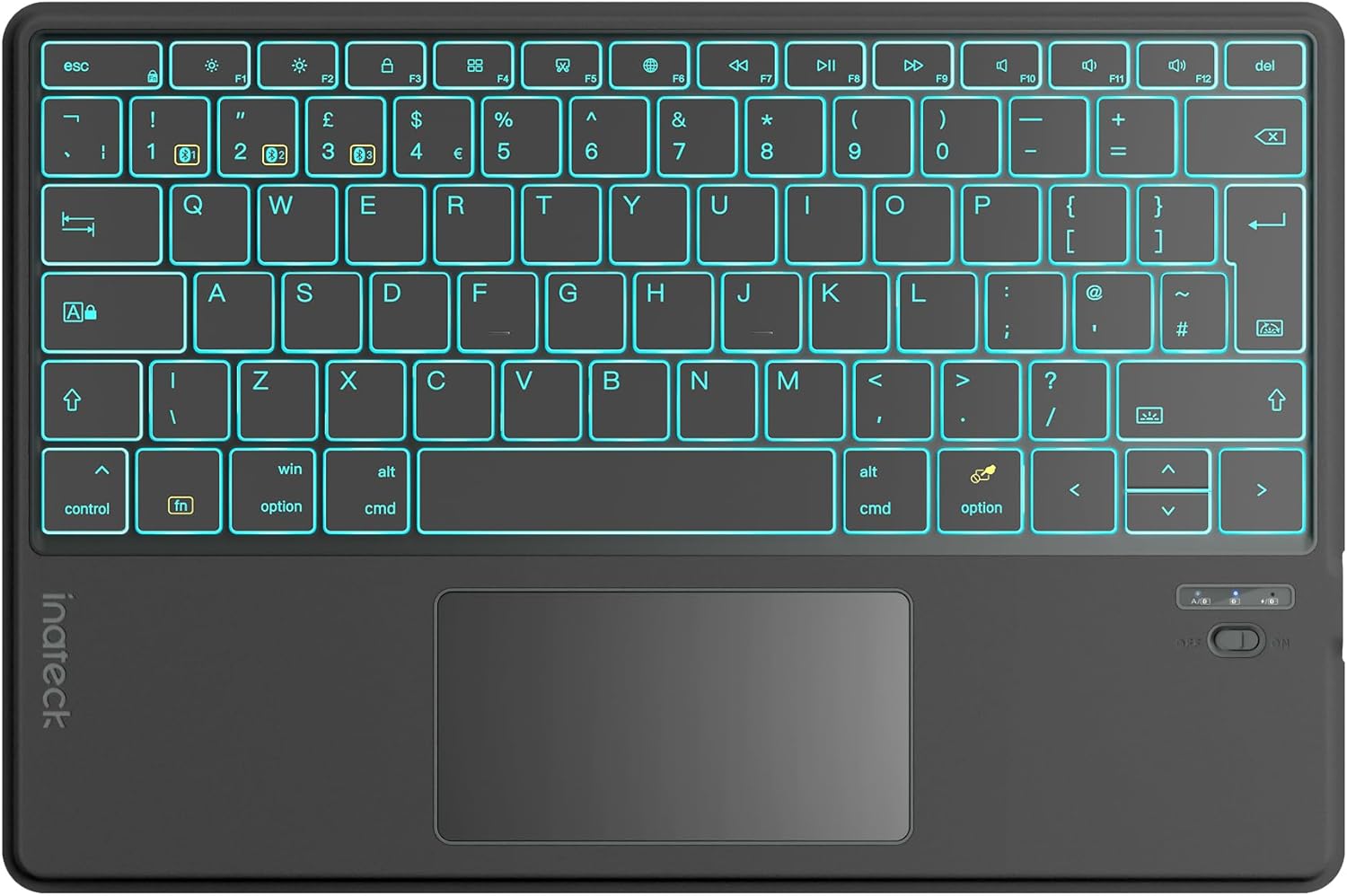
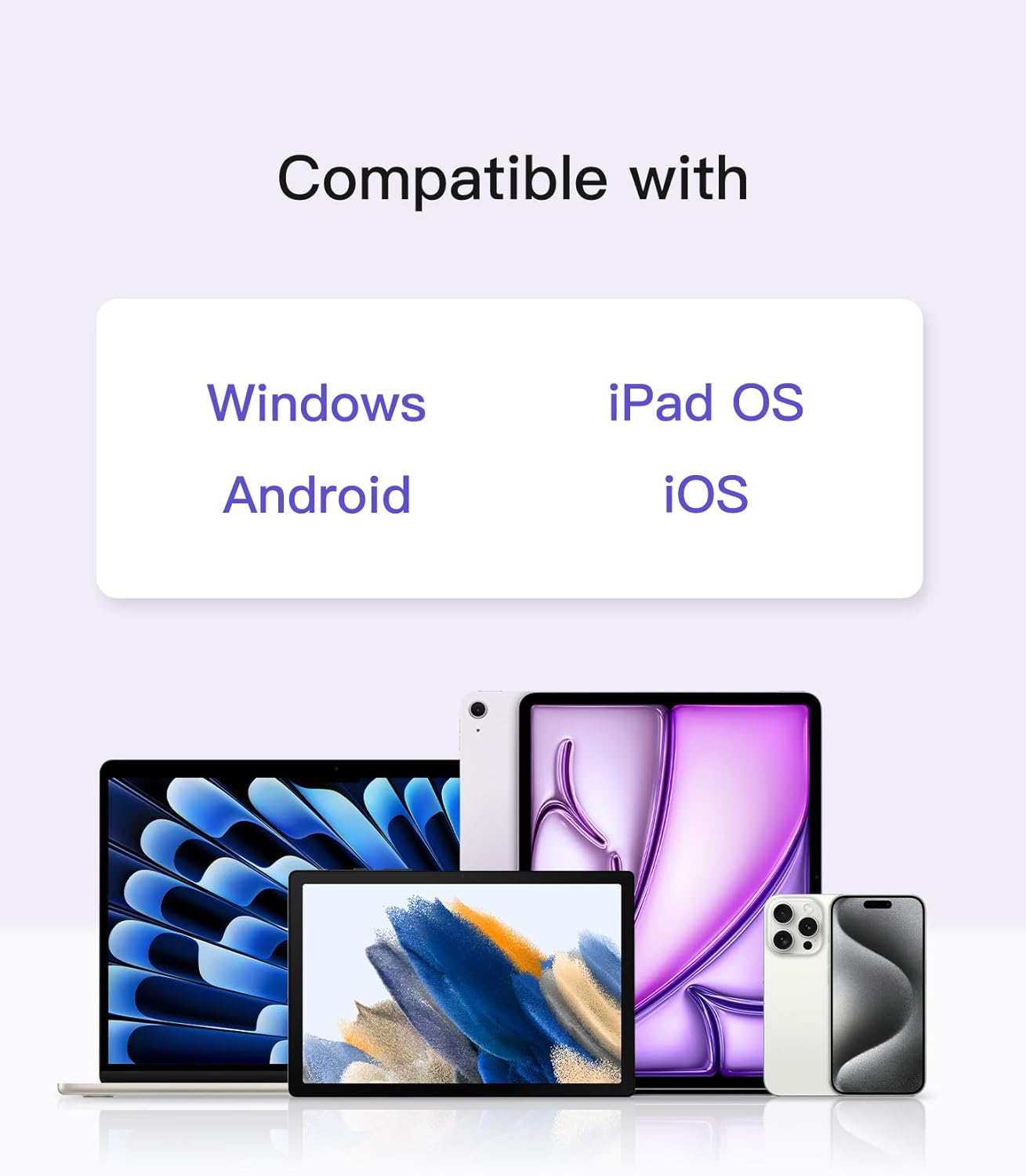
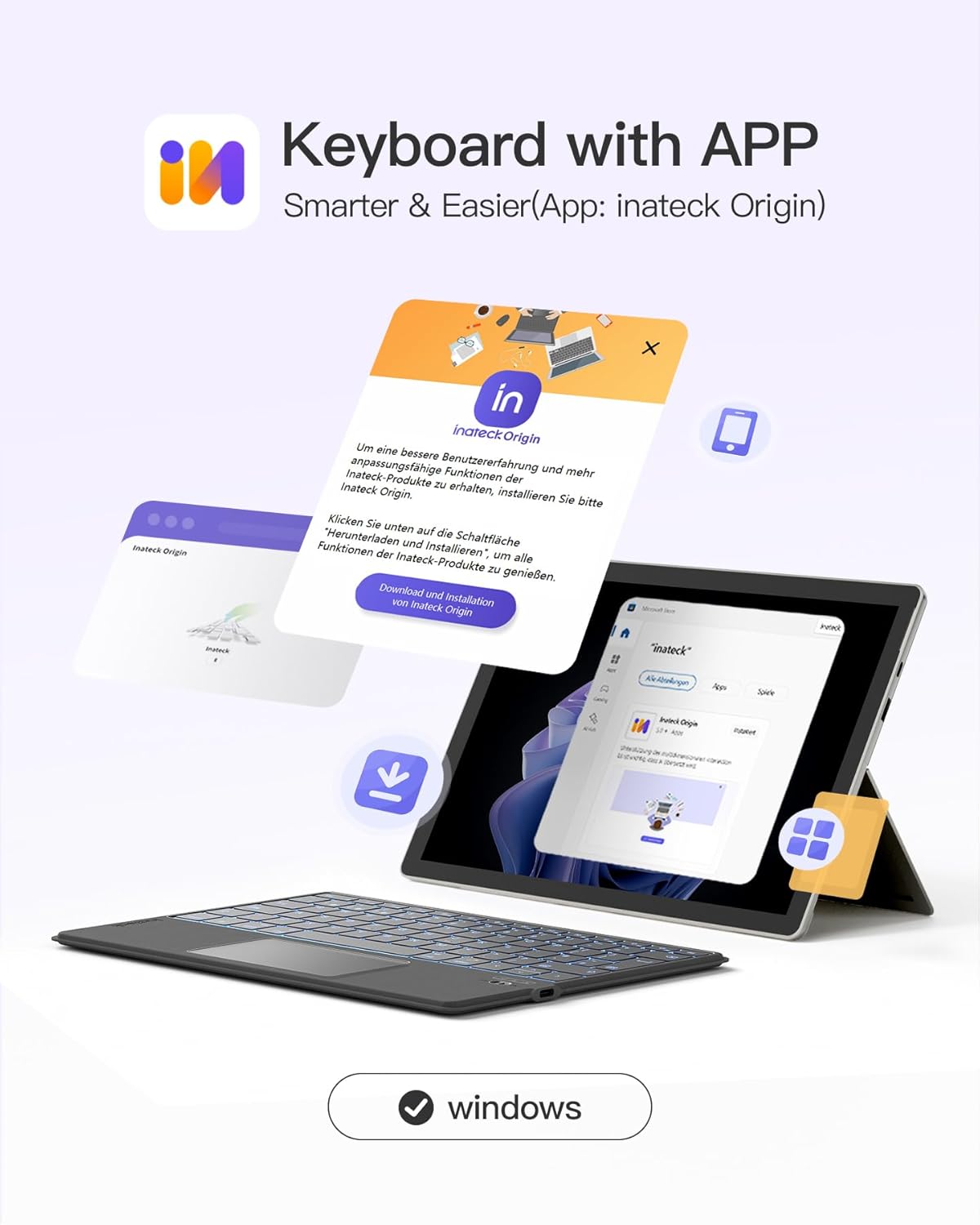
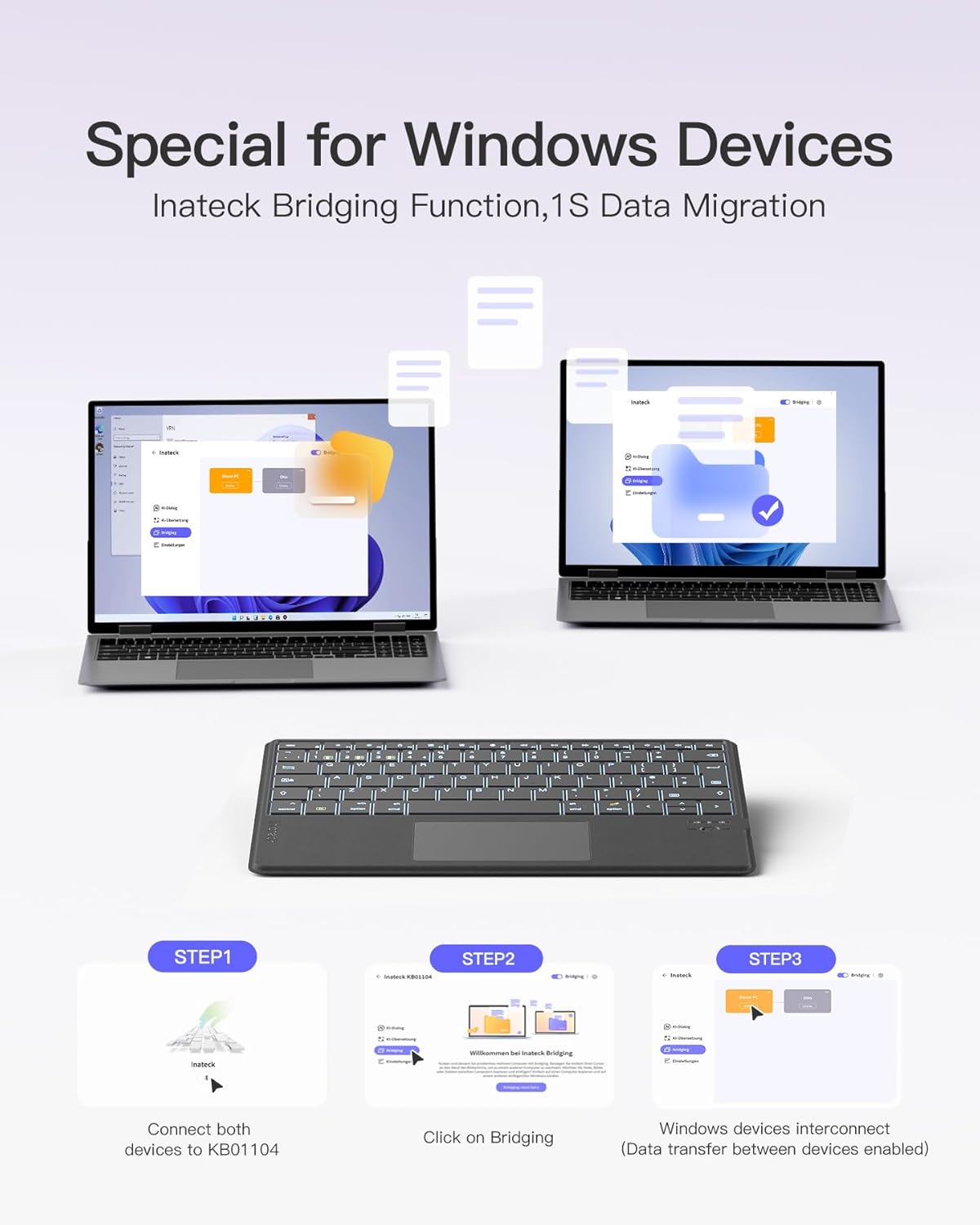
What is it and what problem does it solve\nThe Inateck Tablet Keyboard with Touchpad (KB01104) is an ultra-slim Bluetooth keyboard designed to pair with Windows, iPadOS, Android and iOS devices. With a 340 g weight and a 6 mm profile, it’s built for carrying between home, office or on the go, reducing the need to juggle different devices and keyboards. It includes a larger touchpad for navigation and a compact keyboard with 18 mm keycaps and 1.4 mm travel, aiming to deliver a more comfortable typing experience in a compact form. On paper, it targets users who want a single keyboard to cover multiple platforms, whether for work, study or casual use.\n\n## Build quality and comfort in everyday use\nThe cover material is described as ultra-fibre, non-slip and dustproof, which can translate to a practical benefit in busy environments. The slim profile means it should slide into a bag easily, but you may notice it’s not the lightest option if you already carry multiple devices. The soft-touch surface aims to be skin-friendly for longer typing sessions. It’s worth noting that the design relies on a removable integration with a dedicated app for feature access.\n\n## The multi-device and multi-system promise\nA standout feature is the ability to connect via three Bluetooth channels, allowing you to switch between devices (Windows, iPadOS, Android and iOS) with minimal friction. This is helpful if you juggle work, a tablet for notes and a phone for calls. The keyboard can automatically recognise each device’s system during pairing, which should reduce setup time.\n\n## The AI and app integration\nThe KB01104 offers AI features through the Inateck Origin app, including pop-up translation and AI-powered Q&A. Activation requires FN+R and there’s no need for a separate ChatGPT account to access these features. The app is described as continually improving, so users may gain new capabilities over time. If AI functions are important for you, this could be a differentiator, however, it also means some features depend on software updates and app stability.\n\n## Backlight and typing experience\nA seven-colour backlight is listed, which can help in low-light conditions and add a touch of personalisation. The backlighting, combined with the relatively short travel, can influence how quickly you adapt to the layout, particularly on iPadOS when using a British-PC language setting for improved typing. If you type a lot in dim conditions, the backlight may be worth trying, but for others it could be a cosmetic plus rather than essential.\n\n## Limitations and considerations\nNo product is perfect, and there are a few points to consider. The keyboard relies on a software app to unlock most features, so its usefulness depends on the app’s ongoing development and stability. If you prioritise hardware-only functionality, you may find the app-enabled AI features aren't essential. Also, the multi-device feature is beneficial, but you’ll be dependent on Bluetooth performance and battery life, which are not specified in the provided data.\n\n## Who it’s for and who it isn’t a perfect fit\nIt’s well-suited for users who want a single portable keyboard to work across a range of devices and systems, especially those who will use AI features inside the app and appreciate a larger touchpad for navigation. It may not be the best option for someone who primarily types on a single device or who needs exhaustive hardware specs (e.g., heavier workloads or gaming). If you rely heavily on cloud storage or complex software migrations, you might also weigh whether the app-based transfers offer enough value for your workflow.\n\n## What to check before buying\n- Confirm that your primary devices support Bluetooth and that you can pair and switch smoothly between up to three devices.\n- Test the key feel and travel if possible, since the 1.4 mm travel is relatively short and can affect long typing sessions.\n- Consider whether you’ll benefit from the AI features available in the Inateck Origin app, and whether you’re comfortable with ongoing app updates to access new features.\n- If you rely on high-precision touch input, ensure the 55×105 mm touchpad meets your navigation needs.\n\n## Practical usage example\nImagine editing a document on a Windows laptop while taking quick notes on a connected tablet, you can switch devices with a keystroke, use the larger touchpad to scroll, and reference quick translations through the app without leaving the desk. This kind of setup can streamline a compact desk or a shared workspace.\n\n## What alternatives might make more sense\nIf you mainly type on one device or want a more traditional keyboard without app-driven features, a standalone wireless keyboard with traditional firmware and no AI integration could be simpler and more predictable. If you need a larger typing footprint or want dedicated function keys, a full-sized keyboard might be preferable. For multi-device workflows where AI tools are valuable, this option offers a distinct route via the app.\n\n## Final decision\n### Is it worth it?\nWorth considering if you value a lightweight, compact keyboard that can switch across Windows, iPadOS, Android and iOS, and you’re curious about AI features accessible through the Inateck Origin app. It suits users who want a portable typing solution with a bigger touchpad and multi-device convenience, provided you’re comfortable with app-based features and the potential variability of software updates. If your priority is hardware-only simplicity or you require a heavier backlit keyboard with a longer travel distance, you may want to look elsewhere.\n\n## FAQ\n- Do I need to use the Inateck Origin app to type? No, you can type normally, AI features are accessed via the app.\n- How many devices can it connect to at once? Up to three Bluetooth devices.\n- Is the backlight essential for typing? It’s a helpful visual aid in low-light, but not essential to typing performance.\n