


Logitech Combo Touch Keyboard Case for iPad (10th gen & A16) with Detachable Keyboard and Crayon — UK Grey
Product description
What it is and what it solves
Logitech Combo Touch is a protective keyboard case designed for iPad (10th generation and A16 models). It combines a backlit, full‑size keyboard with iPadOS shortcut keys and a responsive trackpad, all in a single, detachable shell. The Crayon is included to pair with the same system, offering a seamless drawing and writing experience that leverages Apple Pencil technology. On the surface, it’s pitched as a versatile solution for people who want to type, sketch, read and view content on a single device. If you value the convenience of a single accessory that can turn your iPad into a more productive tool, this setup narrows the gap between a tablet and a compact laptop, without requiring a separate keyboard and stand.
Design and versatility in use
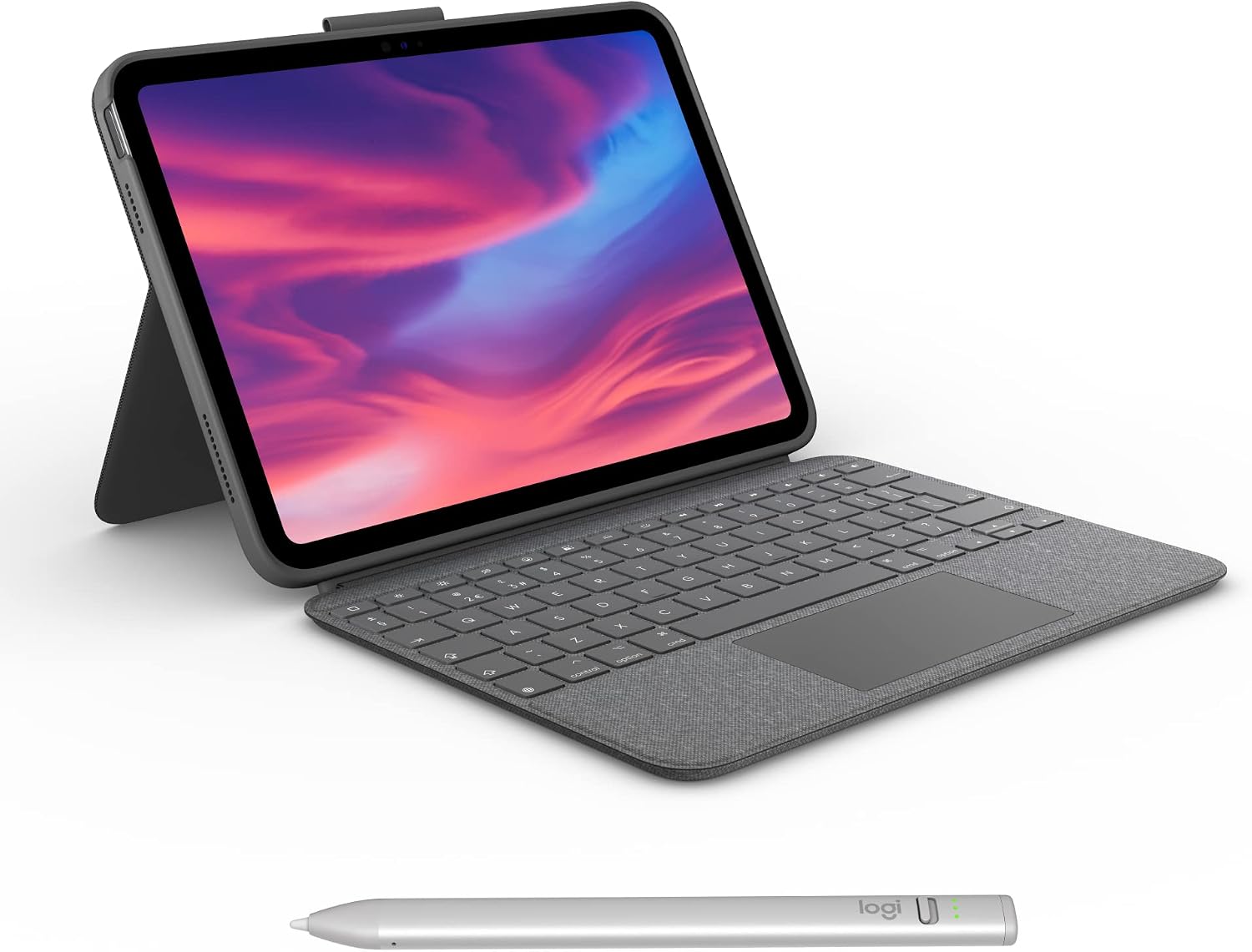
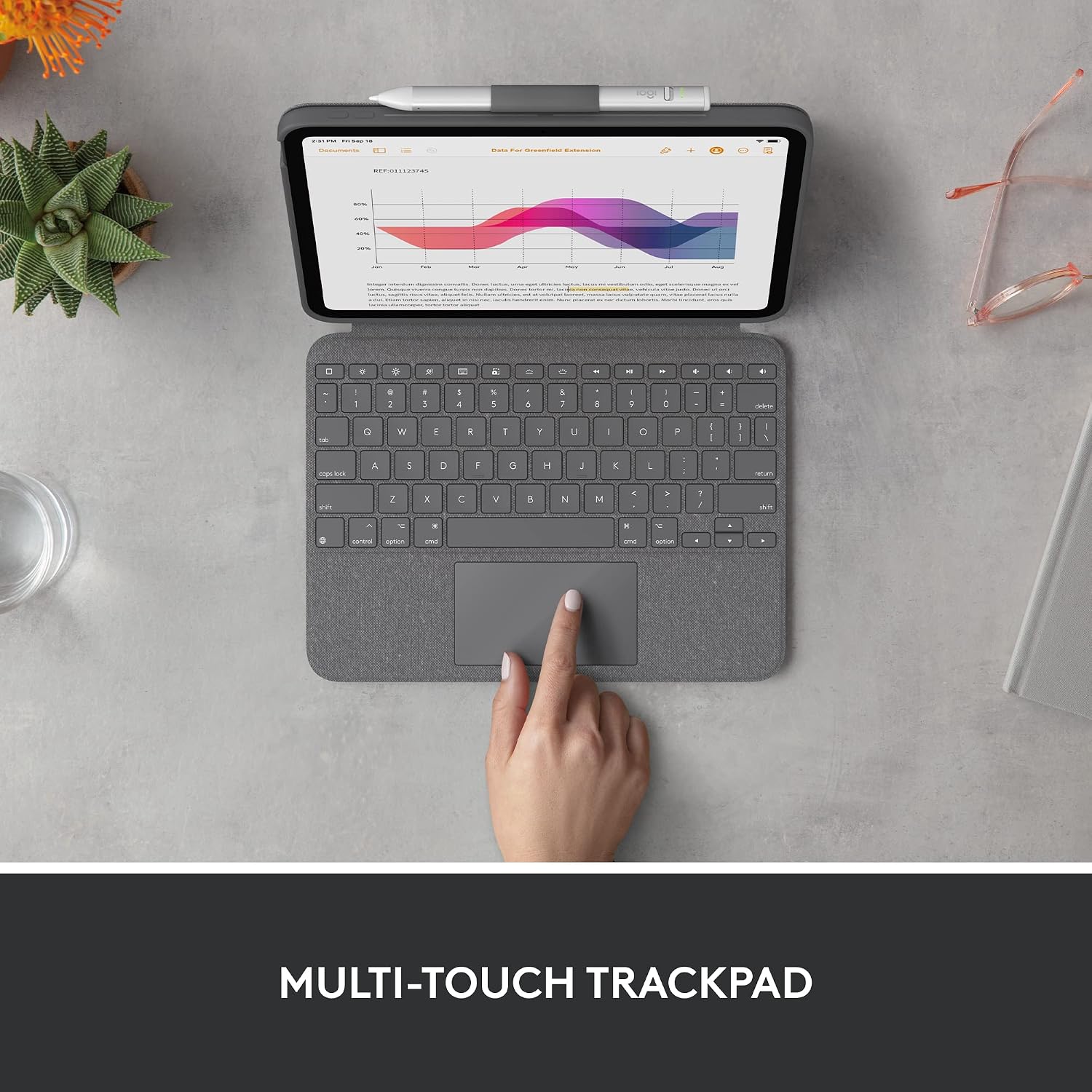
A standout feature is the four distinct modes: typing, reading, sketching, and viewing. The design supports a 40° tilt so you can find a comfortable angle for work or media consumption, and you can detach the keyboard when you want an unobstructed screen for note‑taking or drawing. The keyboard itself includes a backlight and a complete row of iPadOS shortcuts, which can help streamline common tasks like adjusting brightness, volume, and media playback. The trackpad adds a level of precision navigation that many tablet setups lack, turning the iPad into a more tactile workstation when needed.
How the integration works in practice

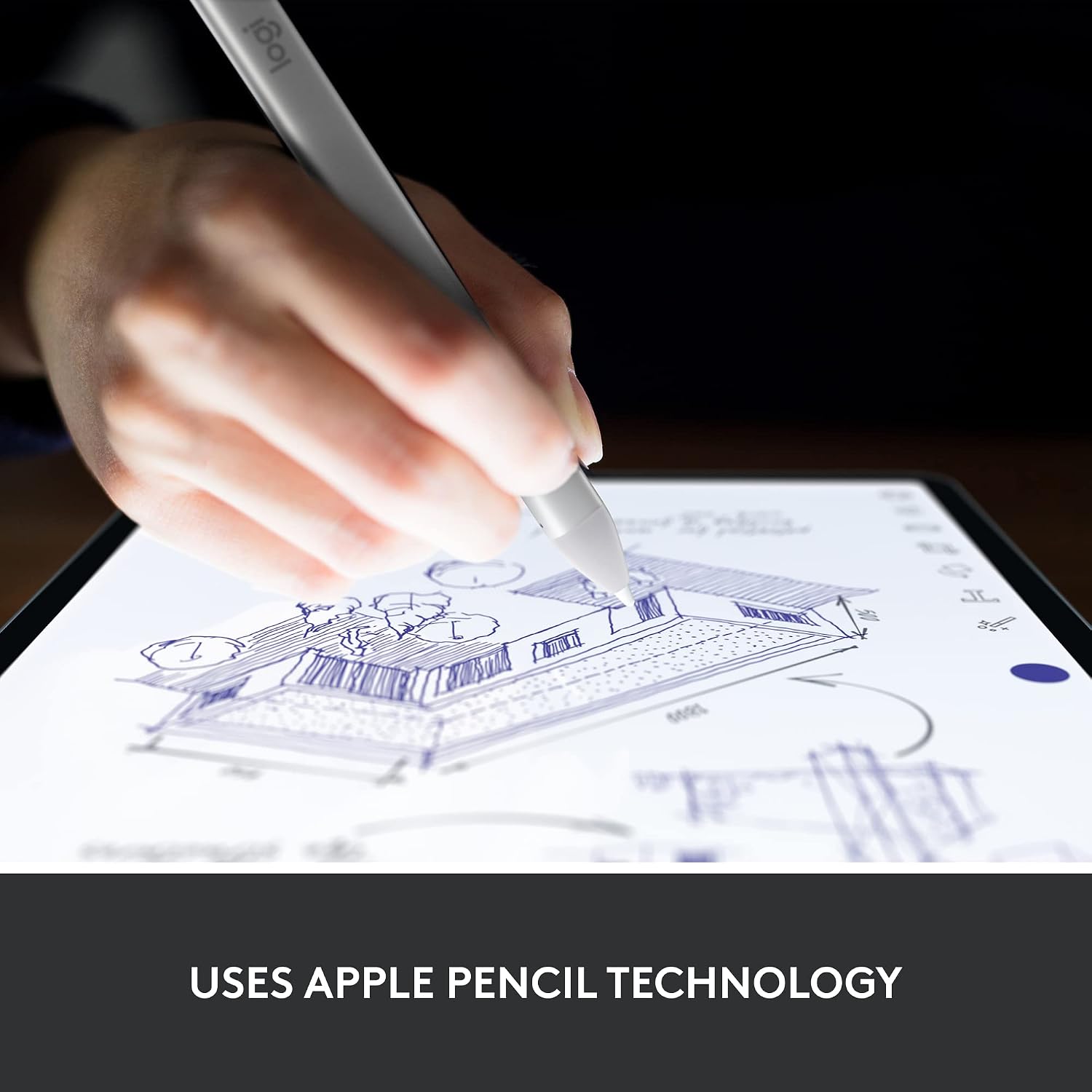
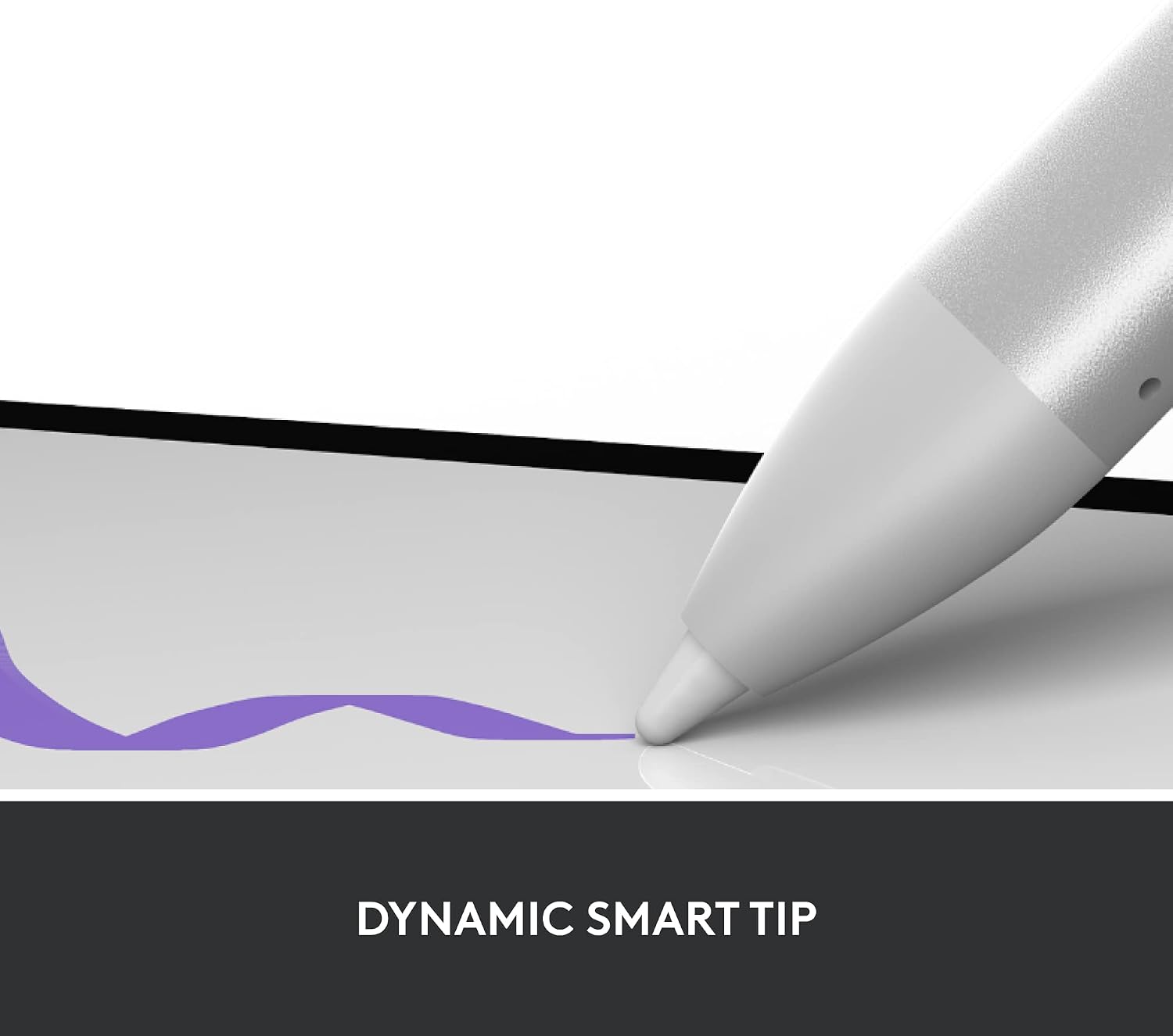
Setup relies on Apple’s Smart Connector, so there’s no charging fuss or separate pairing step for the keyboard. The Crayon uses Apple Pencil technology to ensure accurate, pixel‑perfect input for handwriting and sketches, with minimal lag and no calibration issues in typical use. For users who already enjoy iPadOS gestures, the Combo Touch’s trackpad complements touch navigation with a more traditional pointing device, which can make long documents or design tasks more comfortable.
What stands out day to day
On balance, the combination of a physical keyboard, backlit keys, a responsive trackpad and a detachable design makes it a practical all‑in‑one solution for productivity and creativity. The UK‑layout keyboard is aligned with local expectations, which helps reduce awkward key mappings for longer writing sessions. The Crayon pairing is immediate and reliable for quick sketches or annotation work, useful for students and professionals who alternate between typing and drawing.
Limitations and considerations
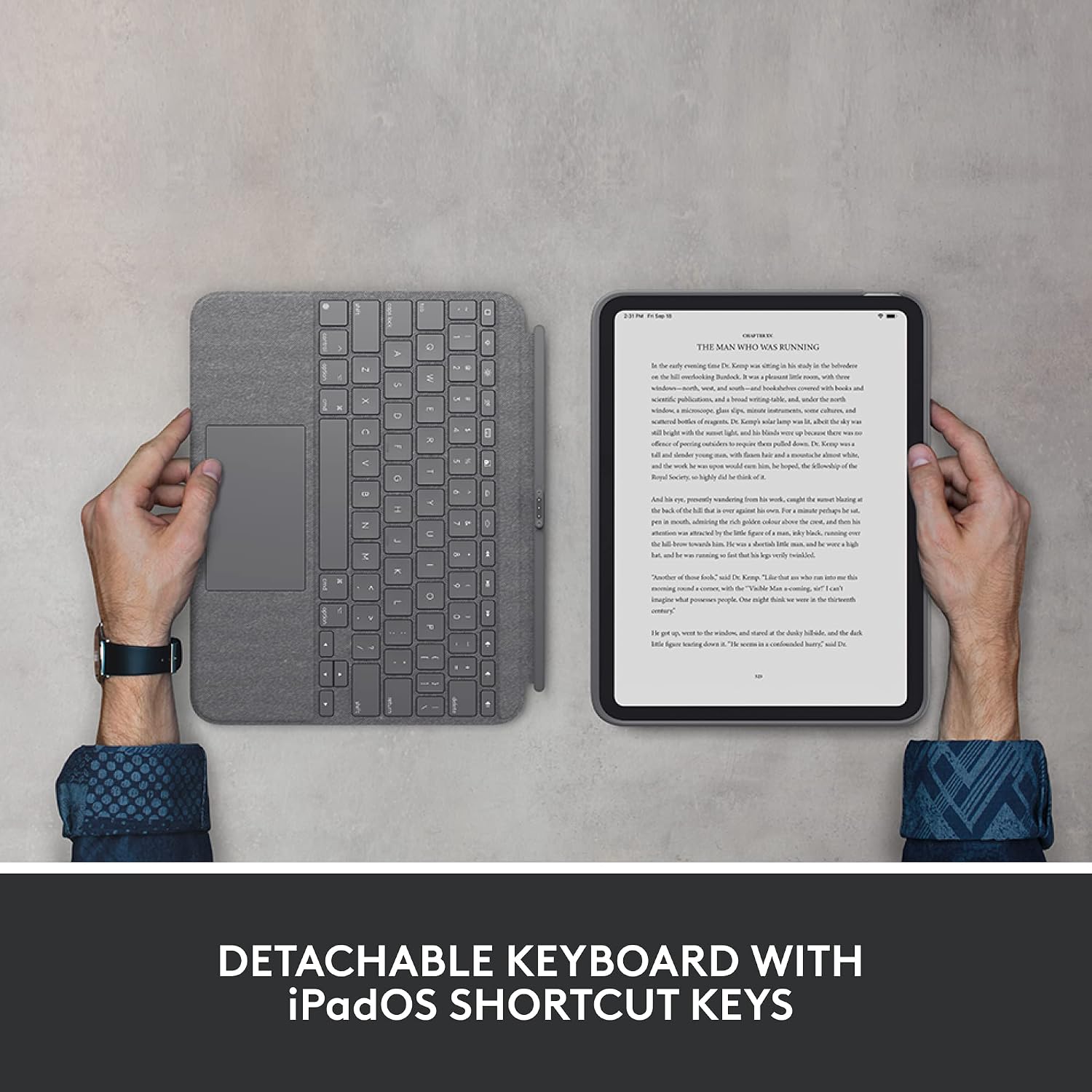
It isn’t perfect for everyone. If you mainly use your iPad for casual browsing or streaming, you may not need a full keyboard with backlight or the extra bulk of a case. The added weight and thickness will be noticeable compared with a bare tablet, so consider whether you’ll benefit more from portability or from the expanded capability. Also, while the four modes cover common scenarios, some users may prefer a lighter, more compact folio style or a dedicated drawing tablet setup for heavy graphic work. If you rely on very long typing sessions away from a power outlet, the Smart Connector solution removes charging for the keyboard, but you’ll still need to manage the iPad’s battery for all‑day use.
Who it’s for
This kit is well suited to students, professionals, and creatives who want to maximise an iPad’s usefulness across tasks—from drafting emails and notes to sketching ideas and annotating documents. It fits those who appreciate a stable stand, easy switching between modes, and a keyboard with backlighting for dim environments. If your workflow demands frequent, uninterrupted long‑form typing on the move, this setup can be a solid middle ground between a tablet and a lightweight laptop.
When to buy vs when to hold off
Consider buying if you value an integrated solution that reduces accessories and improves productivity in one go. If your priority is minimalism, or you rarely use a keyboard, a lighter case or a simpler stand might be more cost‑effective. If you’re deciding, think about how often you’ll switch between drafting and sketching in the same session, and whether the 40° tilt and detachable keyboard genuinely align with your preferred posture and desk setup.
What to check before purchasing
- Ensure your iPad model falls under the stated compatibility (10th gen or A16 family models).
- Confirm you’re comfortable with the weight and size added by the case and keyboard.
- If you rely heavily on stylus input, assess whether the Crayon’s performance meets your expectations for precision and responsiveness in your typical tasks.
Practical usage example
Imagine a morning when you’re taking class notes and then quickly switch to a sketching task to capture a concept. You can type a quick outline in the four‑mode setup, then detach the keyboard to jot a diagram or annotate a document with the Crayon, all without swapping accessories. The backlit keys help in dim rooms or late sessions, and the trackpad provides precise navigation while composing longer documents.
FAQ
- Does the keyboard require charging? No—the keyboard connects via the Smart Connector, so there’s no separate charging step to worry about.
- Is the Crayon compatible with precision drawing out of the box? Yes—the Crayon uses Apple Pencil technology for pixel‑perfect input without lag in typical drawing tasks.
- Can I use the iPad with the keyboard attached while watching a video? Yes—the detachable design allows you to remove the keyboard when you want a fully unobstructed screen for media consumption.