

Inateck Magnetic Keyboard Case for iPad Air 11-Inch & iPad Pro 11-Inch (Blue) with Floating Cantilever Stand, 7-Colour Backlight & Trackpad
Product description
What it is and who it's for
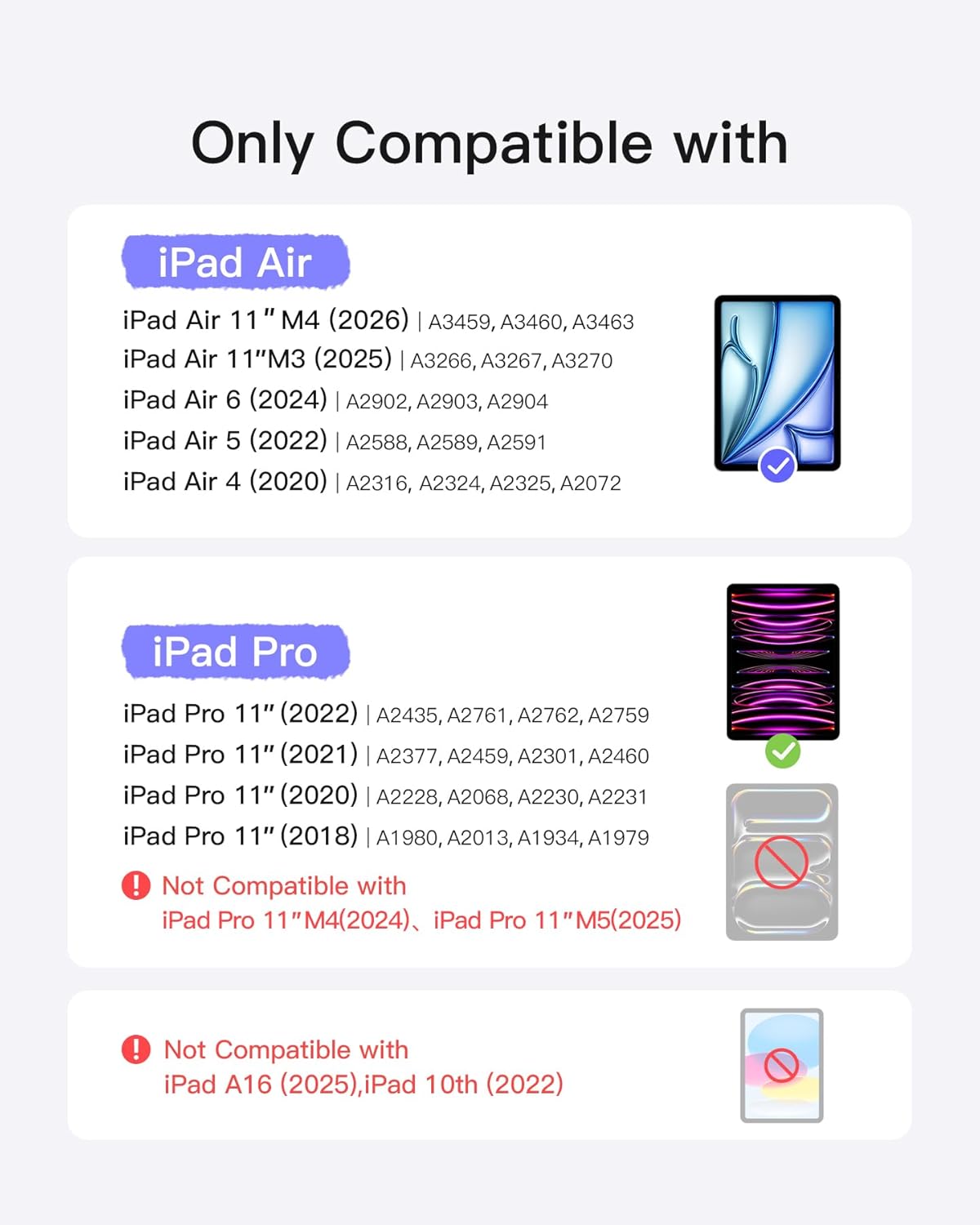
Designed as a magnetically attachable protection and productivity upgrade, the Inateck Magnetic Keyboard Case aims to turn an iPad into a more laptop-like device. It’s specifically pitched for the iPad Air 11-inch models (M4 2026, M3 2025, M2 2024) and for the iPad Air 5th/4th generation, along with the iPad Pro 11-inch generations 1–4. If you want to type more comfortably on the go, without carrying a separate keyboard and stand, this case offers a unified solution. The colourway in this listing is blue, which may suit devices set up for a more personal, style-conscious kit.
Core idea in practice
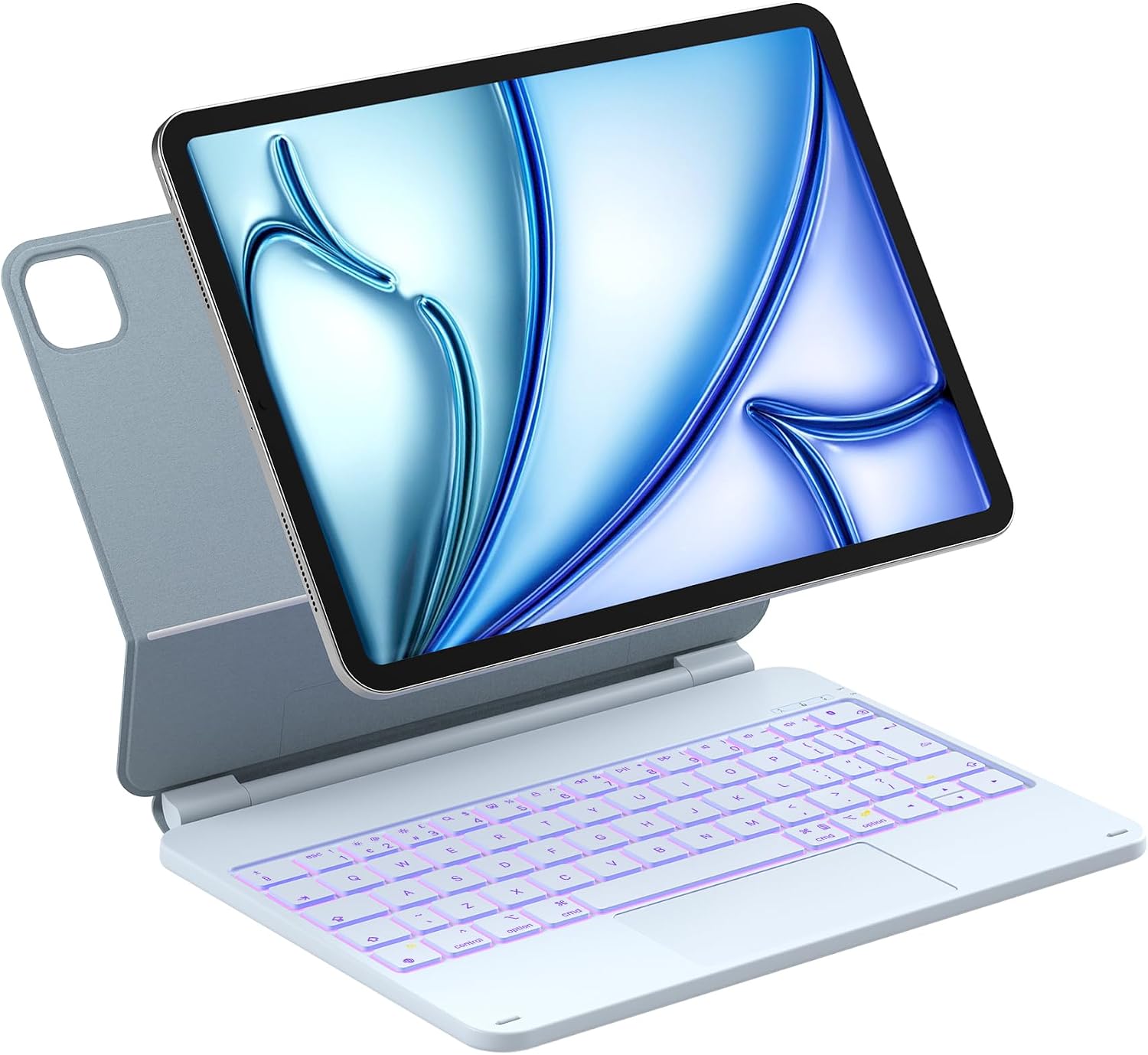
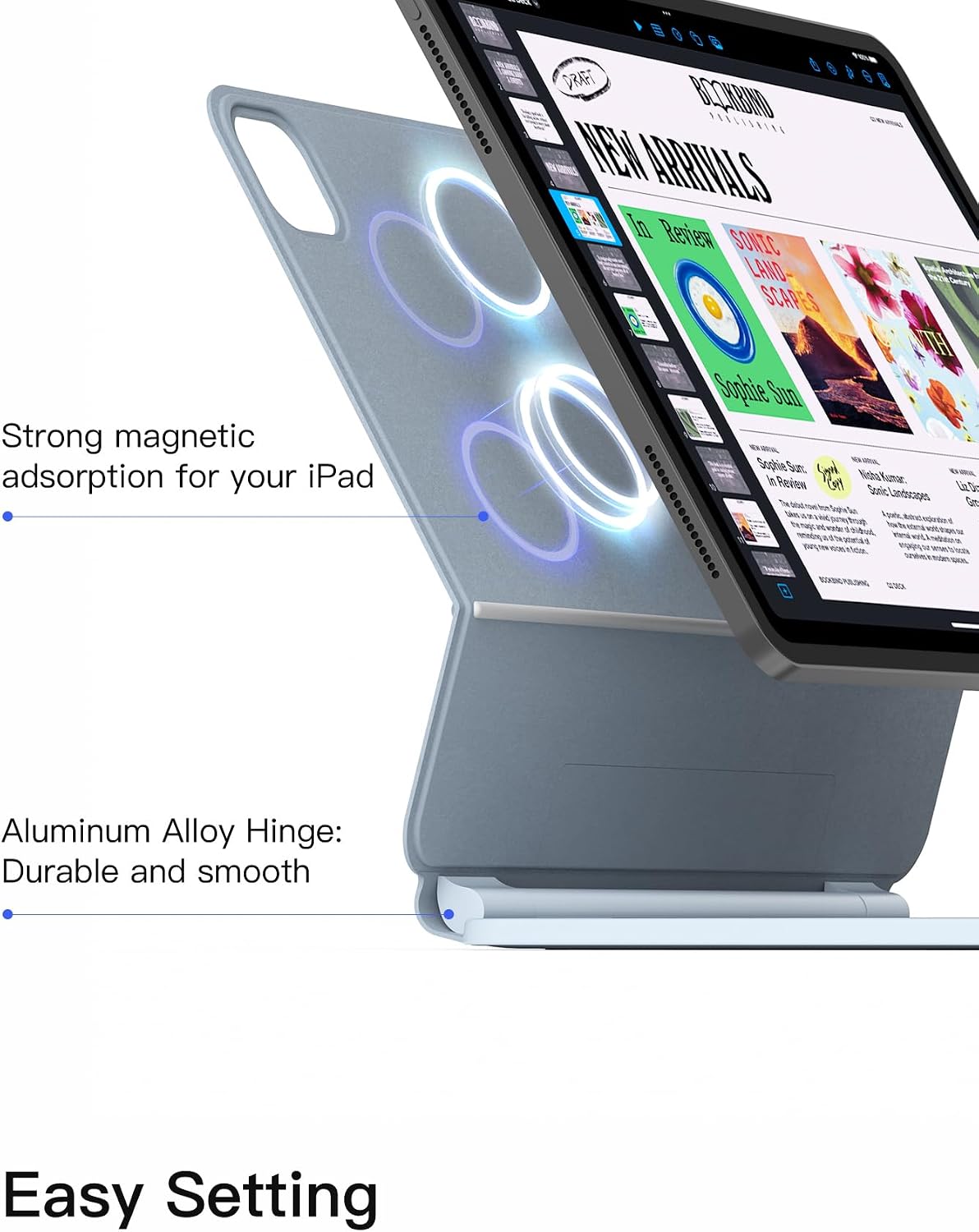
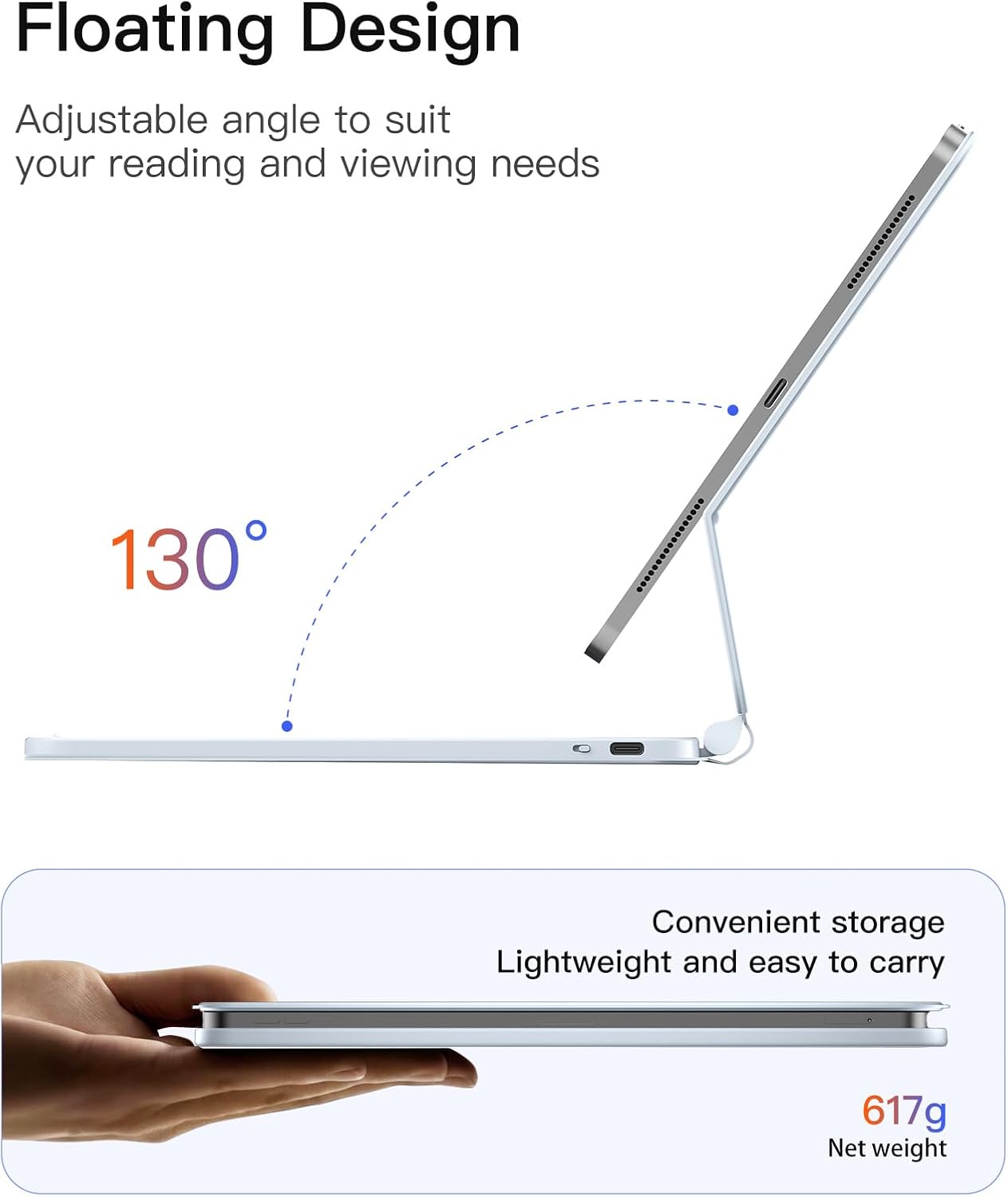
On the surface, it attaches magnetically, so you can quickly transform your iPad into a laptop-like setup. The aluminium hinge supports a comfortable typing angle up to about 130 degrees, which is a practical middle ground for typing, drawing, or tile-based work in apps. The design emphasises portability: slim, lightweight, and easy to slip into a bag for travel, commuting, or study sessions. Importantly, it features an intelligent wake on open and sleep on close, so it’s ready when you are and conserves battery when you’re not using it.
Battery and power considerations
Power management is a notable piece of the puzzle. With three hours of charging, you can expect about a month of use without backlighting, or roughly a week with backlight enabled. That means you can travel without constantly checking a battery indicator, though it’s not perfect if you rely heavily on backlighting for late-night work or dim environments. If you prioritise long uninterrupted typing sessions on a full‑backlit keyboard, you’ll want to keep an eye on charging cycles.
The trackpad and gestures
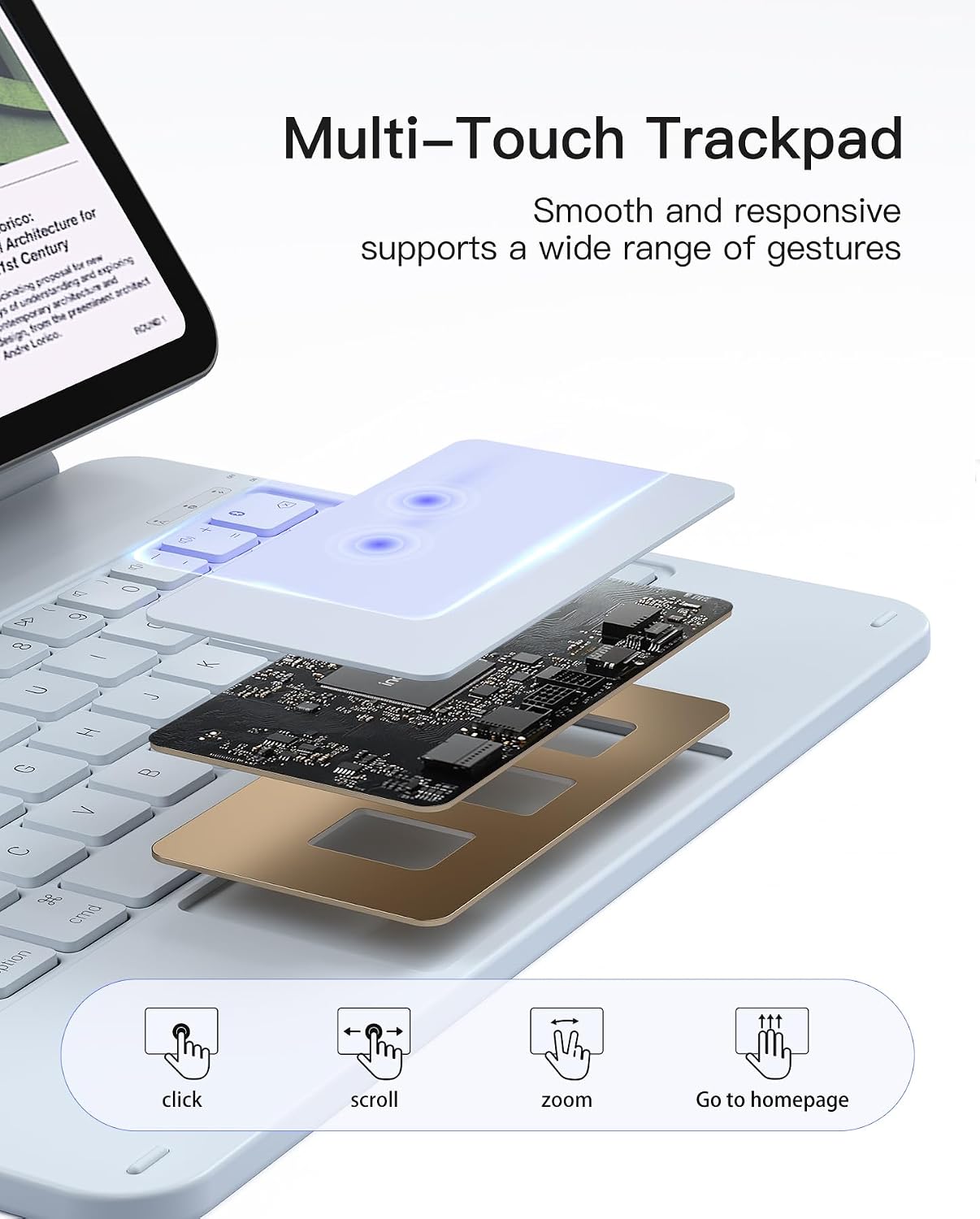
The built-in trackpad is a focal point for many who want a more cursor-driven experience on iPadOS. It uses anti-mistouch tech to help reduce accidental inputs and supports common multi-touch gestures for dragging, tapping, and app switching. If you’re coming from a laptop or a Magic Keyboard setup, this can feel familiar, though the precision can vary depending on the app in use and the iPadOS version.
Keyboard shortcuts and productivity
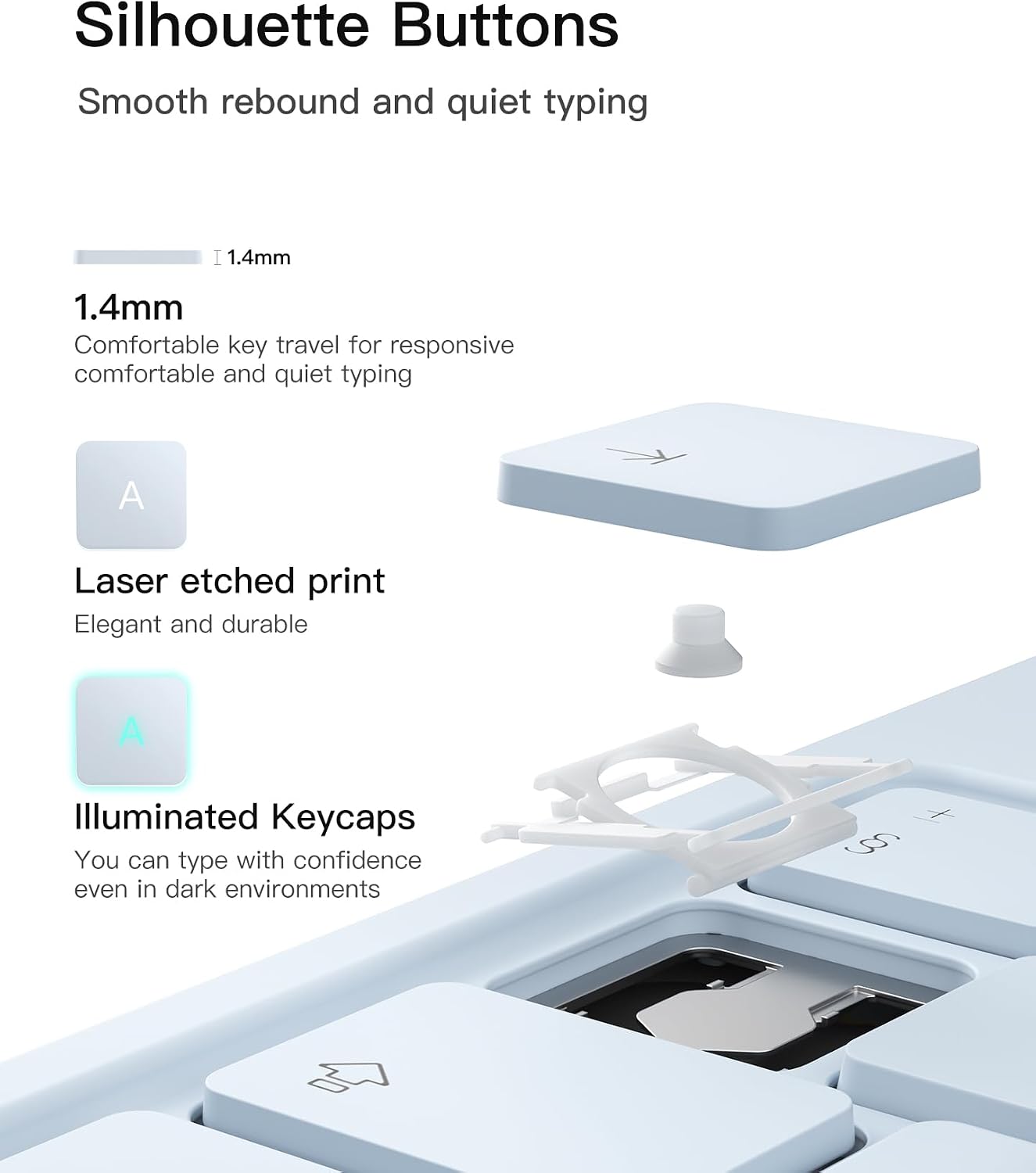
There are full iPadOS keyboard shortcuts mapped into the keyboard, which can speed up multitasking and navigation. For heavy spreadsheet work, document editing, or note-taking, those shortcuts can shave minutes off a typical session. Realistically, the value depends on how integrated you are with the iPadOS ecosystem and whether you routinely use trackpad gestures in your workflow.
Build quality and usability notes
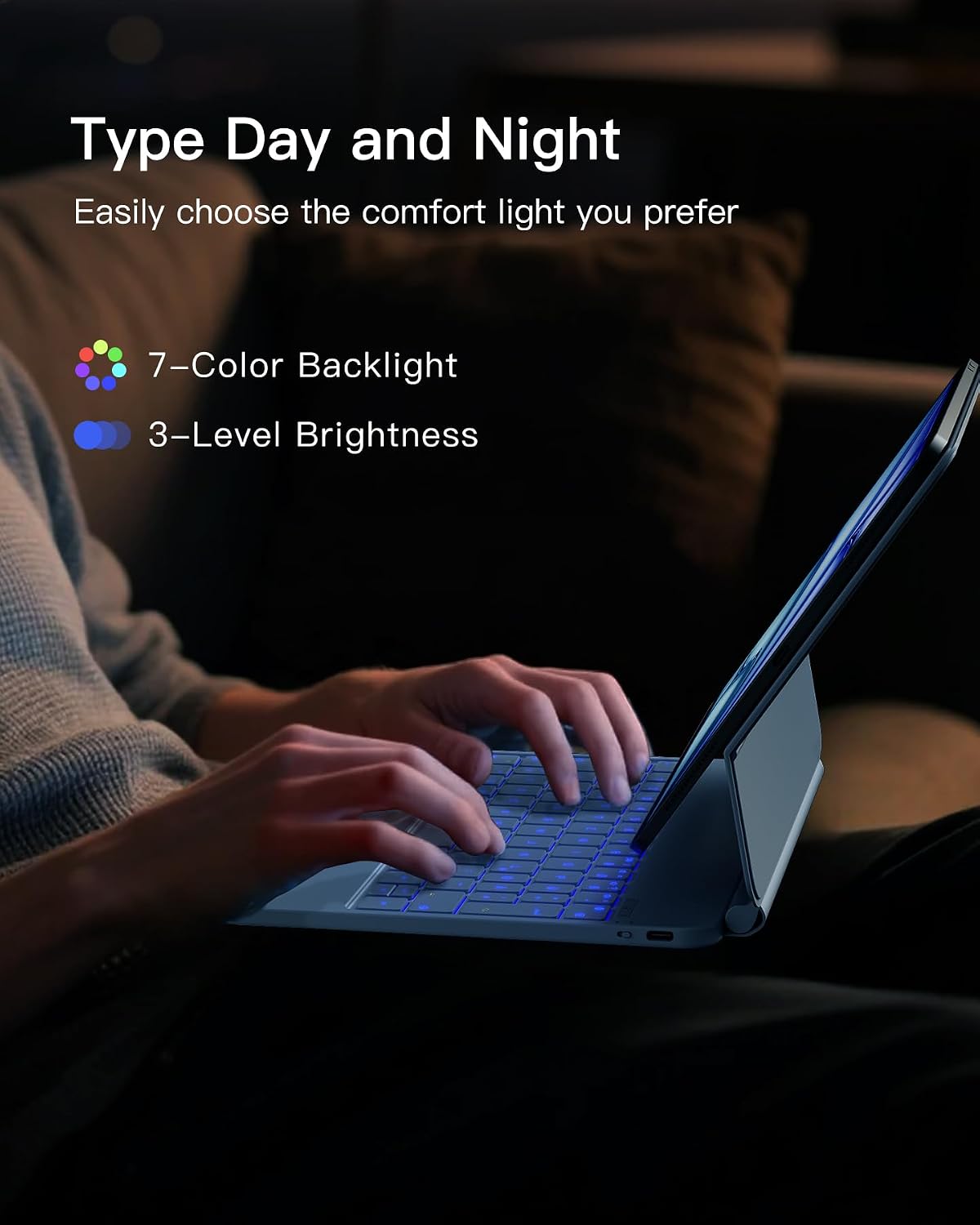
The case relies on an aluminium alloy hinge for stability, which generally contributes to a sturdier feel than cheaper plastic designs. That said, weight and bulk are still a consideration for truly ultra-portable setups. The magnetic attachment is convenient, but you should be mindful of the alignment and the stability of the iPad when typing on uneven surfaces. It’s also worth considering that the backlight adds a bit of flair but will impact battery life, so if you’re mostly using the case in well-lit spaces, you might not notice a huge practical difference.
Who this is for and who it isn’t ideal for
This solution suits students, commuters, or professionals who want a hybrid of protection, typing comfort, and a trackpad-enabled interface in a single package. If you rarely type on your iPad or you primarily use the device in portrait mode for reading, a lighter folio without a backlight and trackpad could be a tighter fit. If you demand maximum battery life with no compromise on brightness and you want the most precise cursor control, you might compare with other keyboard cases that prioritise one area over another.
What to check before you buy
- Confirm compatibility with your exact iPad model and generation, especially if you’re between slightly older or newer iPad Air/Pro configurations.
- Consider how often you’ll use the backlight, if you often type in bright environments, you may value the feature more than someone who types in daylight.
- Think about your preferred typing angle. The 130-degree tilt is handy for desk use, but you might want a more extreme angle for on-the-go usage depending on your grip and posture.
- Assess how important the trackpad is to you. It’s there to improve navigation, but it doesn’t replace a mouse in all apps or contexts.
What it means in practice: alternatives and choices
If you prefer a lightweight case without a backlit keyboard or a basic stand, a simpler folio might be enough. If you want a premium, high-precision trackpad and a backlit keyboard in a single unit, this Inateck model sits in the practical mid-range. The decision often comes down to whether you value the all-in-one convenience and integrated stand more than absolute keyboard luxury or the longest possible battery life.
Quick verdict: should you buy it?
- Is it worth considering if you want a combined case, stand, keyboard, and trackpad with a magnetic attachment for on-the-go typing?
- It makes sense if you regularly type on an iPad and want a laptop-like experience without juggling multiple accessories.
- It may not be the best choice if you prioritise the longest battery life or if a lighter, non-backlit option would suffice for your typical use.
FAQ
- Does the case work with every iPad Pro 11-inch generation? The listing specifies compatibility with 11-inch iPad Pro generations 1–4, but always double-check your model to ensure a snug fit.
- How practical is the trackpad for precision tasks? The trackpad provides multi-touch gestures and anti-mistouch tech, but performance can vary by app and task.
- Can I rely on the keyboard for long typing sessions? Yes, for general productivity, though battery life depends on whether backlight is used and how long you type.
Final note
If you value a neat, all-in-one solution for turning an iPad into a more portable workstation, this Inateck keyboard case offers a reasonable balance of protection, typing comfort, and trackpad functionality. It’s not perfect for everyone, but for frequent travellers and students who want convenience without buying separate components, it’s a strong contender.