

Inateck AceTouch Keyboard Case with detachable multi-touch trackpad for select iPad Air & iPad Pro 11-inch models (blue)
Product description
What it is (and why people buy it)
This Inateck AceTouch Keyboard Case is built for iPads that you want to use like a laptop, without being stuck with a permanently-attached keyboard. The idea is simple: you get a slim keyboard and a large multi-touch trackpad, then you can detach the keyboard section when you want just the tablet for reading, drawing, or watching.
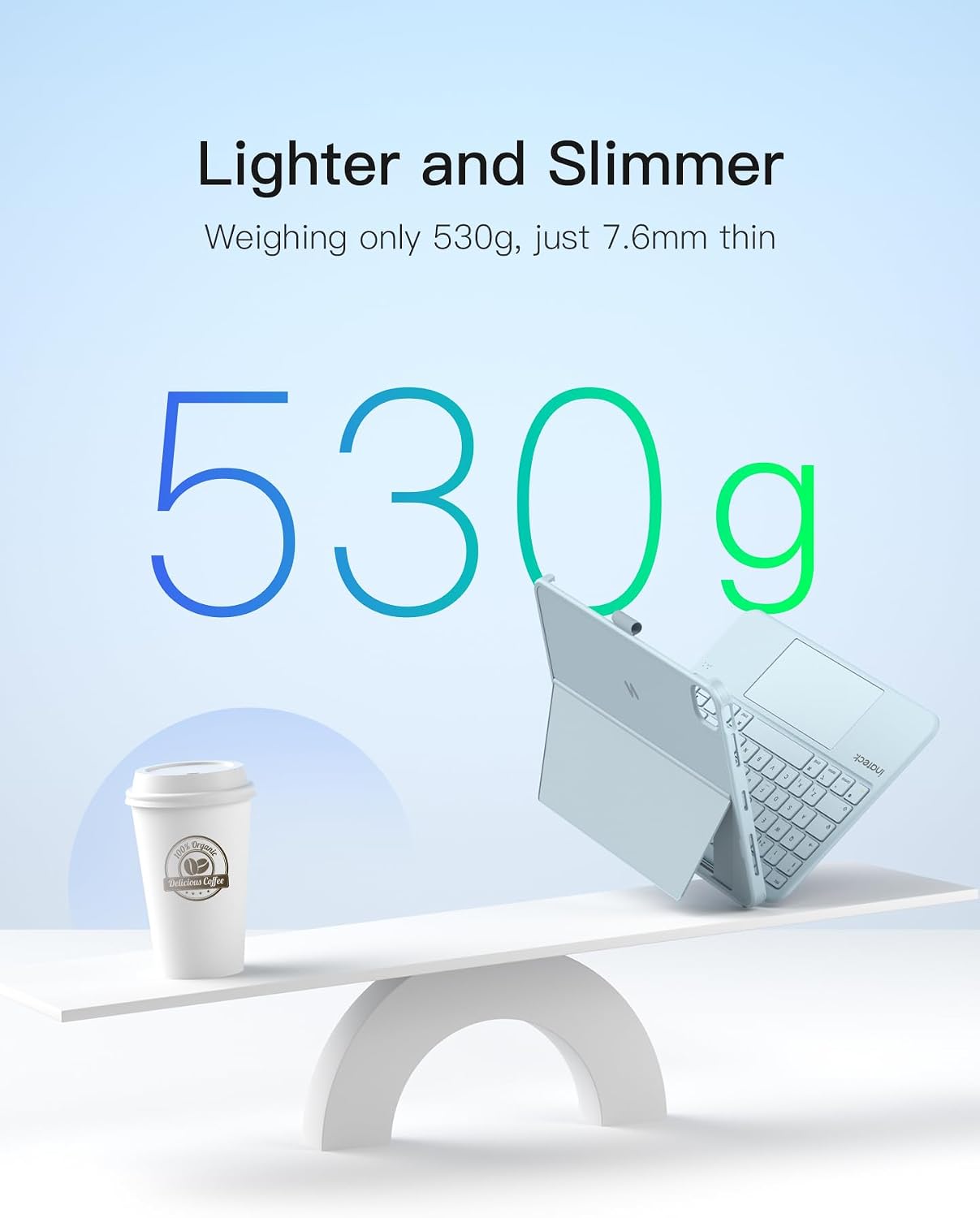
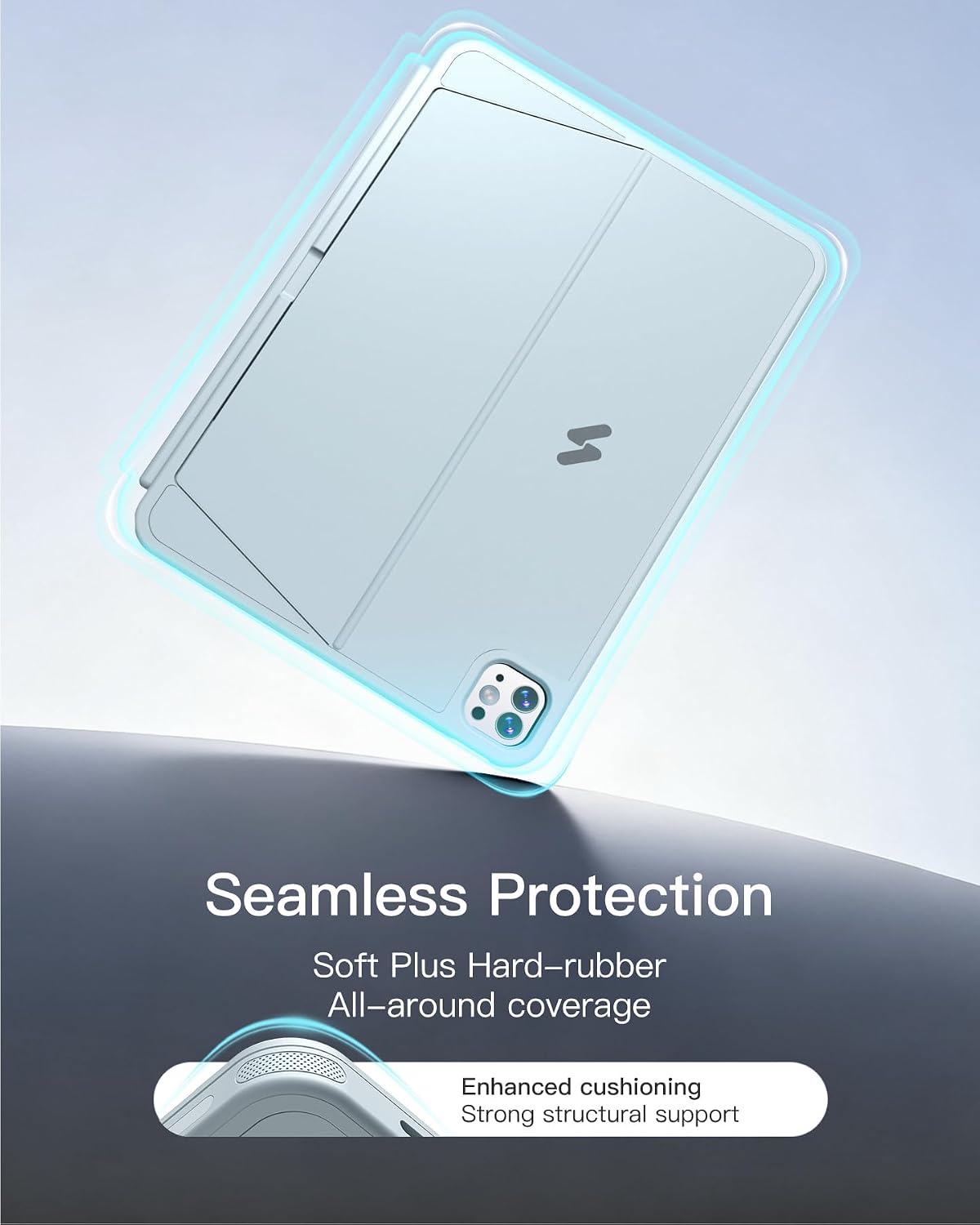
On paper, it’s designed for “on-the-go” work—carry it in a bag, pull it out at a desk, then fold back into a lighter carry when you’re done. The case itself is described as slim and lightweight (7.6 mm thin, 530 g), and the manufacturer claims it’s around 150 g lighter than other fully equipped keyboard setups. That kind of difference matters when you’re commuting or moving between home and office.
Key features that matter in daily use
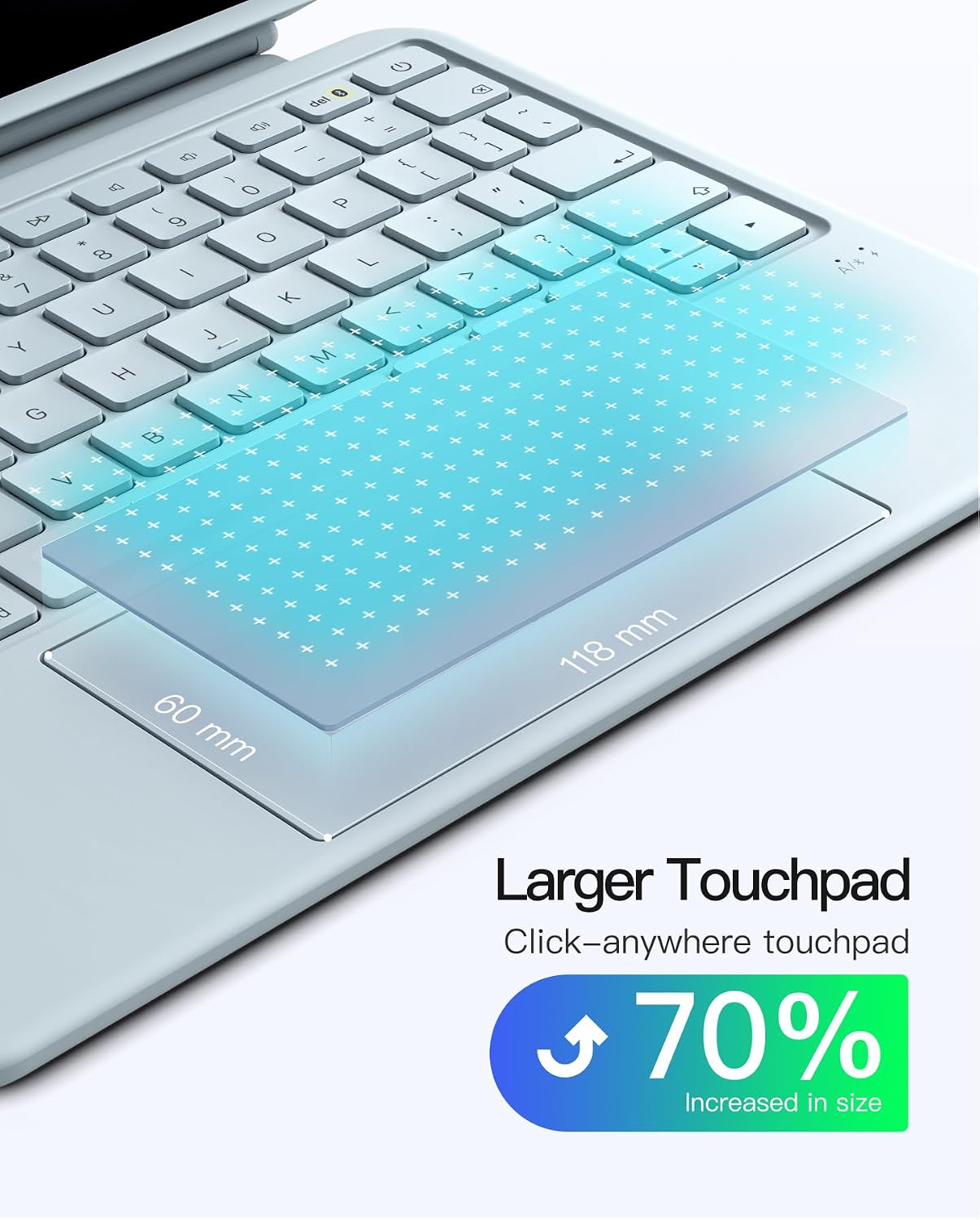
A few things stand out for day-to-day typing and control. First is the trackpad size: the AceTouch Pro is described as a 5.1-inch full-surface touchpad with an enlarged area, aiming for smoother, more precise control and support for iPadOS gestures (including palm rejection and precision). If you normally switch back and forth between finger controls and a mouse/trackpad approach, this is the part you’ll notice.
The keyboard is also positioned as more comfortable for longer sessions. The keycaps use a skin-friendly spray coating (so the keys feel nicer to touch), and the key travel is given as 1 mm with a scissor mechanism and a pleasant rebound. It’s paired with 14 independent shortcut keys for one-touch switching—handy if you’re switching tasks often, like writing, editing, or jumping between apps.
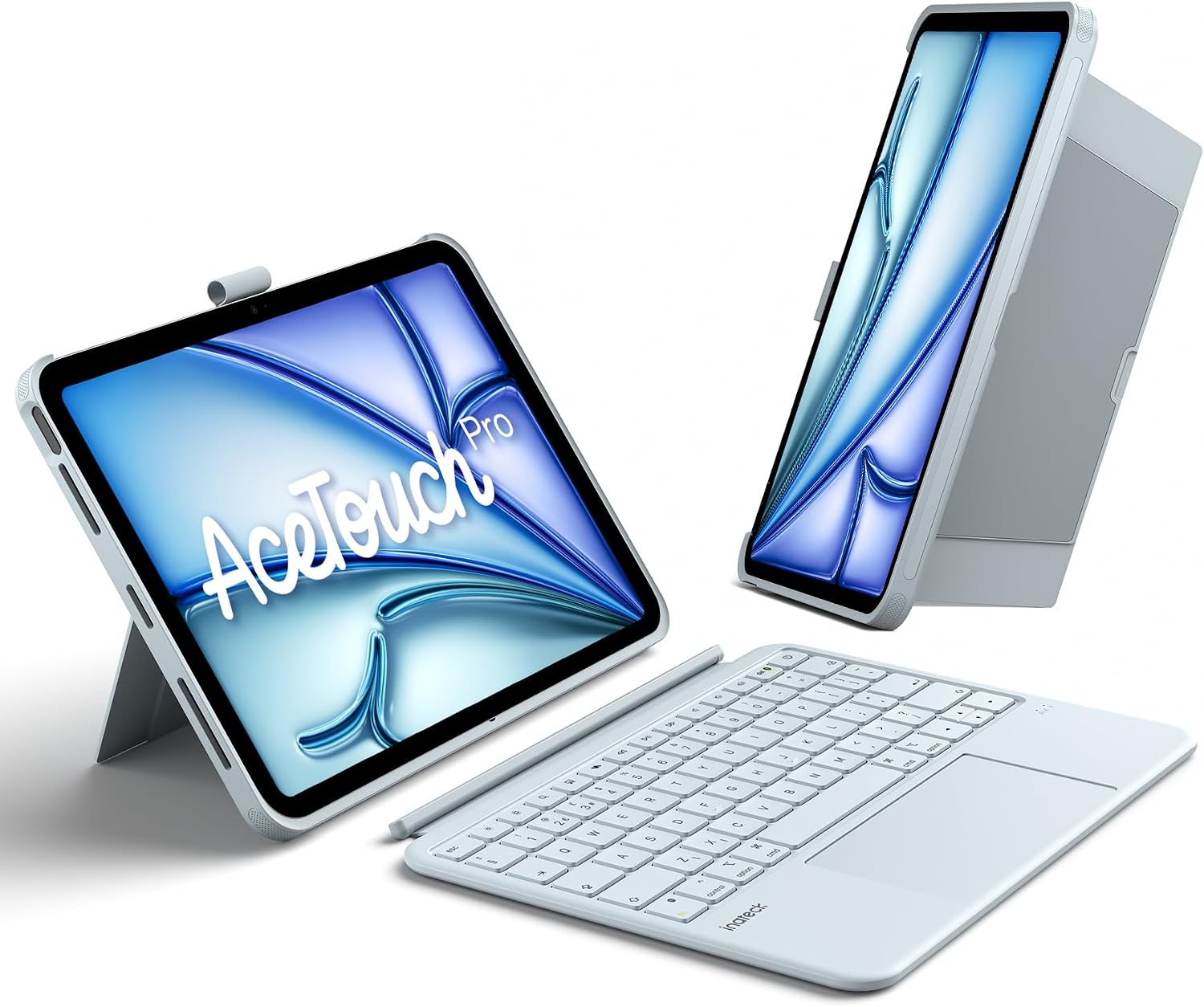
For connectivity, it uses a Bluetooth 5.3 chip, which the description says helps with lower latency and stronger interference resistance. It’s not a “gaming” spec, but it’s the kind of practical detail that can reduce lag and keep multitasking steadier.
Modes and detachability (the part that can save you frustration)
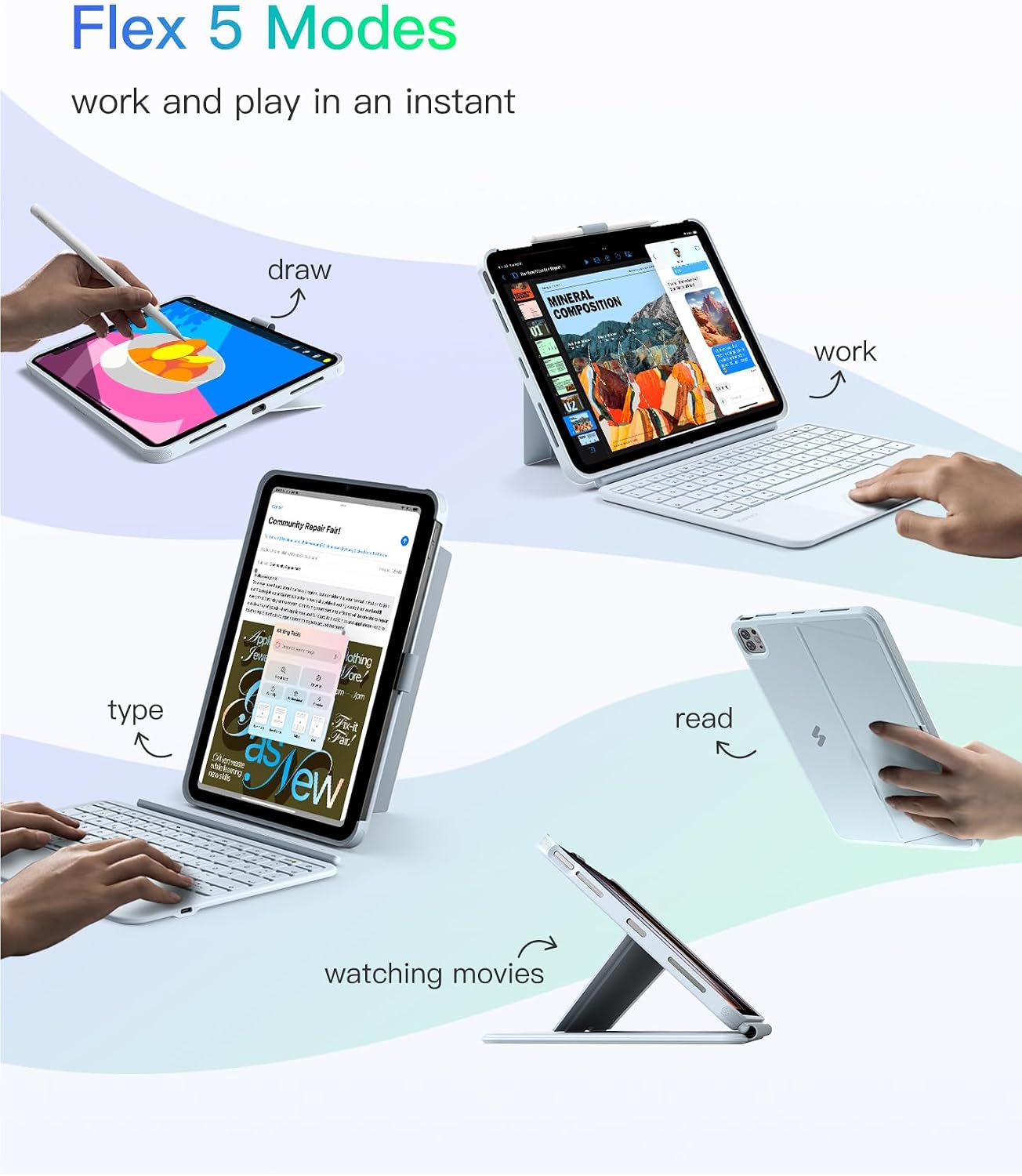
This case is described as supporting multiple modes: it can work as an iPad setup or a laptop-style setup. The keyboard and protective case connect magnetically, and the keyboard can be detached in about 1 second. There’s also a stable hold with a single-case approach, plus support for dual vertical placement and charging during use.
That detachability is especially useful if you share a workspace or spend time switching between tasks. For example, you might type for an hour in a café, then detach the keyboard quickly to take notes with the iPad held flat for sketching or reading—without having to fully pack everything away.
One limitation to keep in mind: if you mainly want a keyboard that stays fixed and never needs removing, the detachable design may feel a bit more “fiddly” than a fully integrated keyboard case. It depends on how you work.
Compatibility: check your model number first
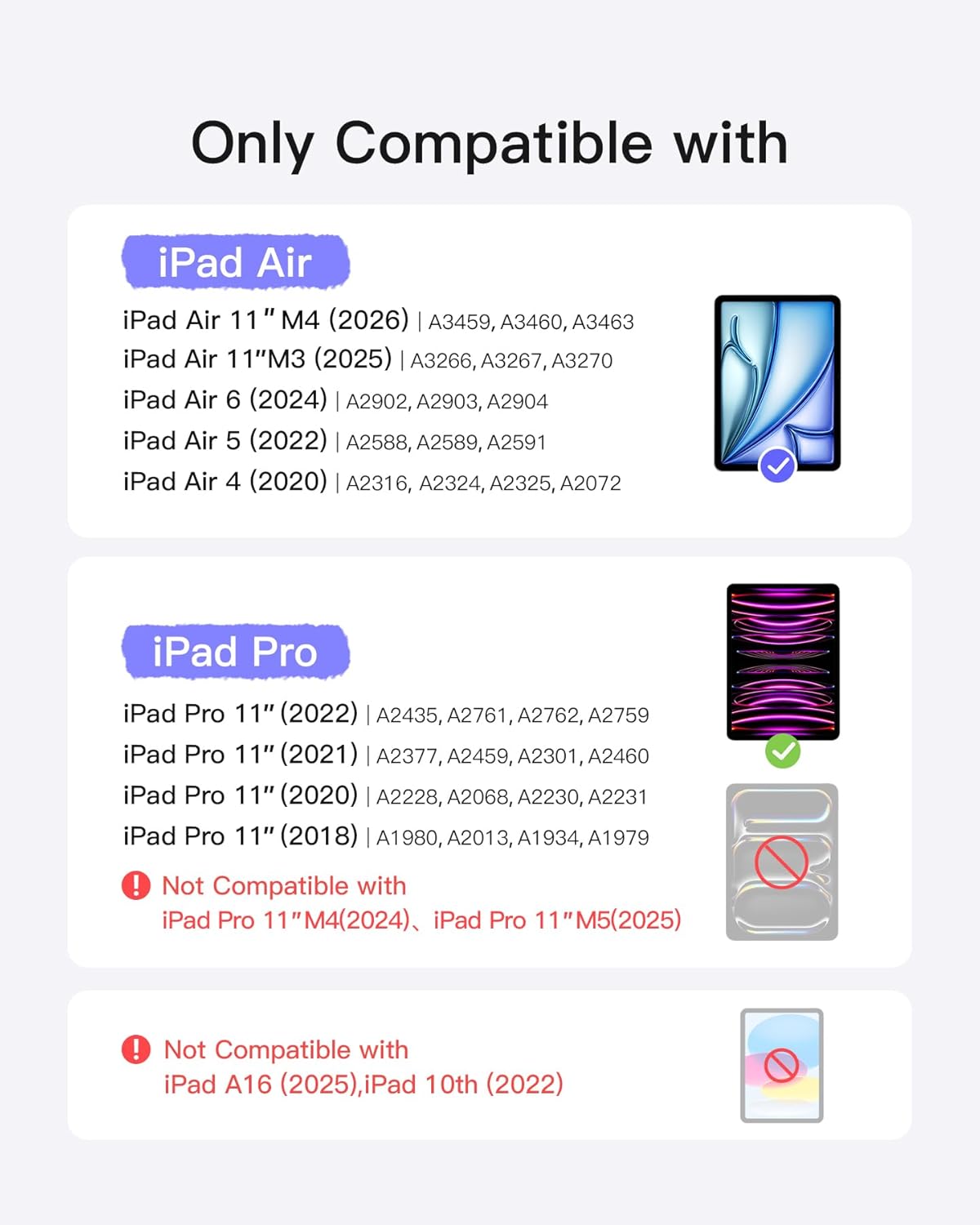
This is not a universal keyboard case. It’s described as specifically designed for certain iPad models, including: - iPad Air 11-inch models: M4 (2026), M3 (2025), M2 (2024) - iPad Air 5th and 4th (10.9-inch) - iPad Pro 11-inch models: 1st/2nd/3rd/4th Gen
The important bit: it says it is not compatible with other models, so you’ll want to check the model number starting with “A” on the back of your iPad before purchase. If you’re buying for a family member or upgrading, this is the step that prevents the most annoying outcome—ordering the “almost right” case that simply won’t fit.
Pencil holder approach (convenient, but only if you use Apple Pencil)
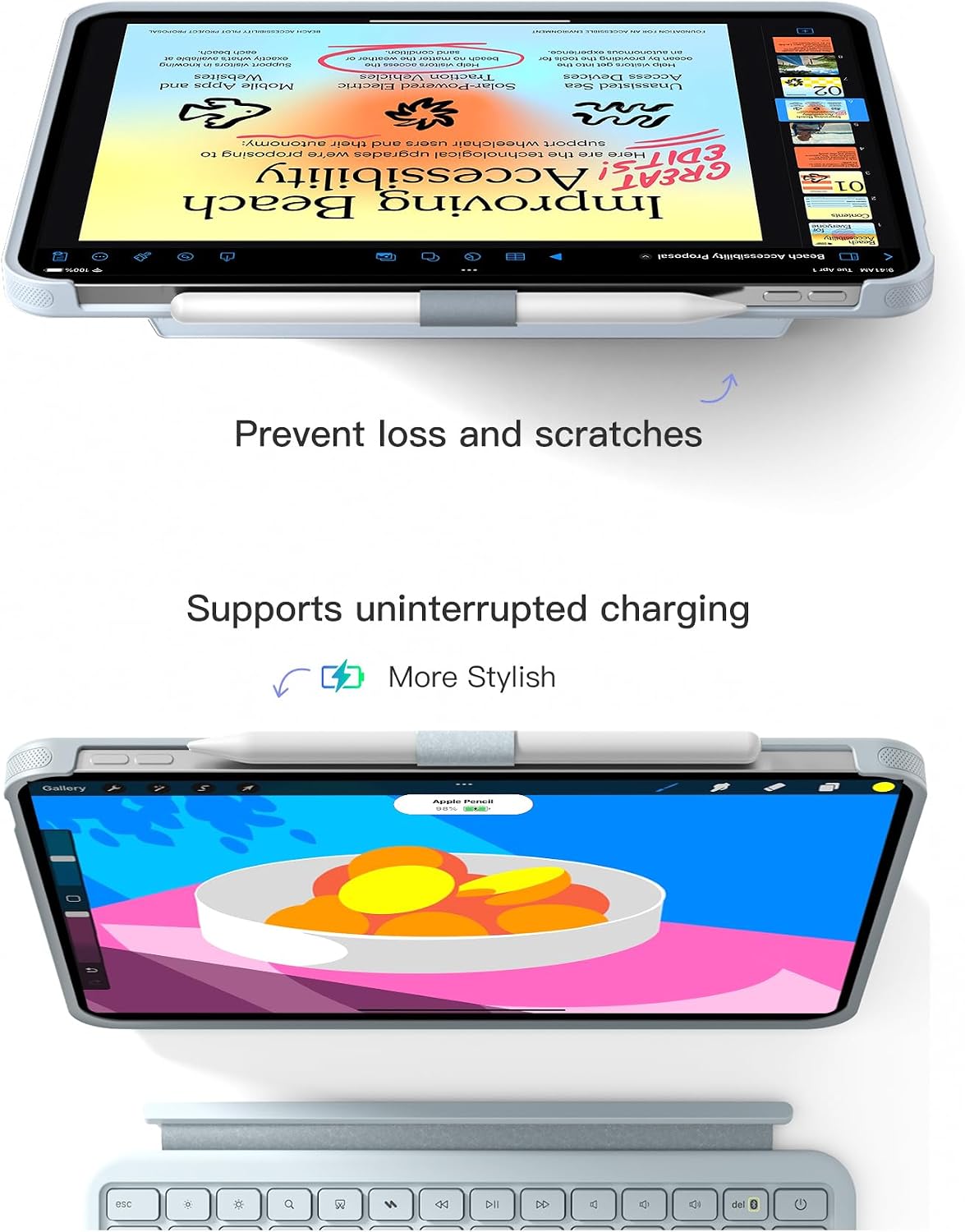
There’s an “invisible” pencil holder design described here. When needed, it can be taken out to store the Pencil safely and avoid scratches or loss. When not in use, it can be hidden in the protective case to keep the look clean.
This is a nice quality-of-life feature if you do any note-taking or drawing. But if you don’t use an Apple Pencil (or you carry one separately in a different compartment), the holder may not add much value for you.
Tech summary (useful details to sanity-check)
- Type: Detachable keyboard case with detachable keyboard and multi-touch trackpad
- Keyboard thickness: 7.6 mm
- Weight: 530 g
- Trackpad size: 5.1-inch full-surface (118 × 60 mm)
- Key travel: 1 mm
- Bluetooth: Bluetooth 5.3
- Shortcut keys: 14 independent shortcut keys
Setup tips for the trackpad
The listing includes a short preparation guide to make the trackpad feel right. It recommends going to Settings > General > Trackpad, moving the slider to the middle for pointer speed, and enabling “Tap to Click” and “Secondary Click with Two Fingers”.
It’s a small step, but it can help the cursor movement feel more natural compared with default pointer settings. It’s also one of those “worth doing once” tasks that can make the trackpad feel more responsive from the start.
Pros, cons, and who it suits
Pros
- Detachable keyboard in about 1 second, so you can switch between tablet and laptop modes quickly
- Large, full-surface touchpad with gesture support and palm rejection, which matters for precision work
- Comfortable key feel described via skin-friendly coating and 1 mm key travel
- Pencil holder design helps keep your stylus together (hidden when not needed)
Possible downsides
- Not compatible with “other models”, so you must verify your iPad’s A-model number before buying
- If you want a permanently fixed keyboard experience, the detachable approach might not feel as satisfying
Mini FAQ
Is this keyboard case compatible with all iPads?
No. It’s listed for specific iPad models only (iPad Air 11-inch M4/M3/M2, iPad Air 5th/4th 10.9-inch, iPad Pro 11-inch 1st–4th Gen). Check the model number starting with “A” on the back of your iPad.
Can the keyboard be removed while using the iPad?
Yes. The keyboard connects magnetically and can be detached in about 1 second.
Does the trackpad support iPadOS gestures?
The description says it supports iPadOS gestures with palm rejection and precision.
Does it charge while in use?
The listing says it supports charging during use.
When it makes sense
If you’re considering this, you’re probably aiming to type comfortably, control the cursor with a larger trackpad, and still keep your iPad portable. It’s a strong match for people who use their iPad for writing and study, and for anyone who wants a pencil holder built into the case.
A solid buy if
It makes sense if you have a compatible iPad model and you like the idea of switching between tablet-only sessions and laptop-style work.
Not the best choice if
It might not be a great match if you’re buying for the wrong iPad generation/model number, or if you prefer a keyboard setup that stays permanently attached.
Final verdict
Worth considering if
It suits you if you want a detachable keyboard-and-trackpad setup for a compatible iPad, plus a discreet pencil storage option. The trackpad size and the 1 mm key travel details suggest it’s meant for longer, more practical sessions rather than occasional typing.
It’s not for you if
You may want to skip it if compatibility is uncertain or if you mainly use your iPad in a tablet-first way where a detached keyboard is more hassle than help.