

Huion Kamvas 16 Drawing Tablet with Screen (15.6 inch) with full HD display and battery-free 8192-level stylus pen
Product description
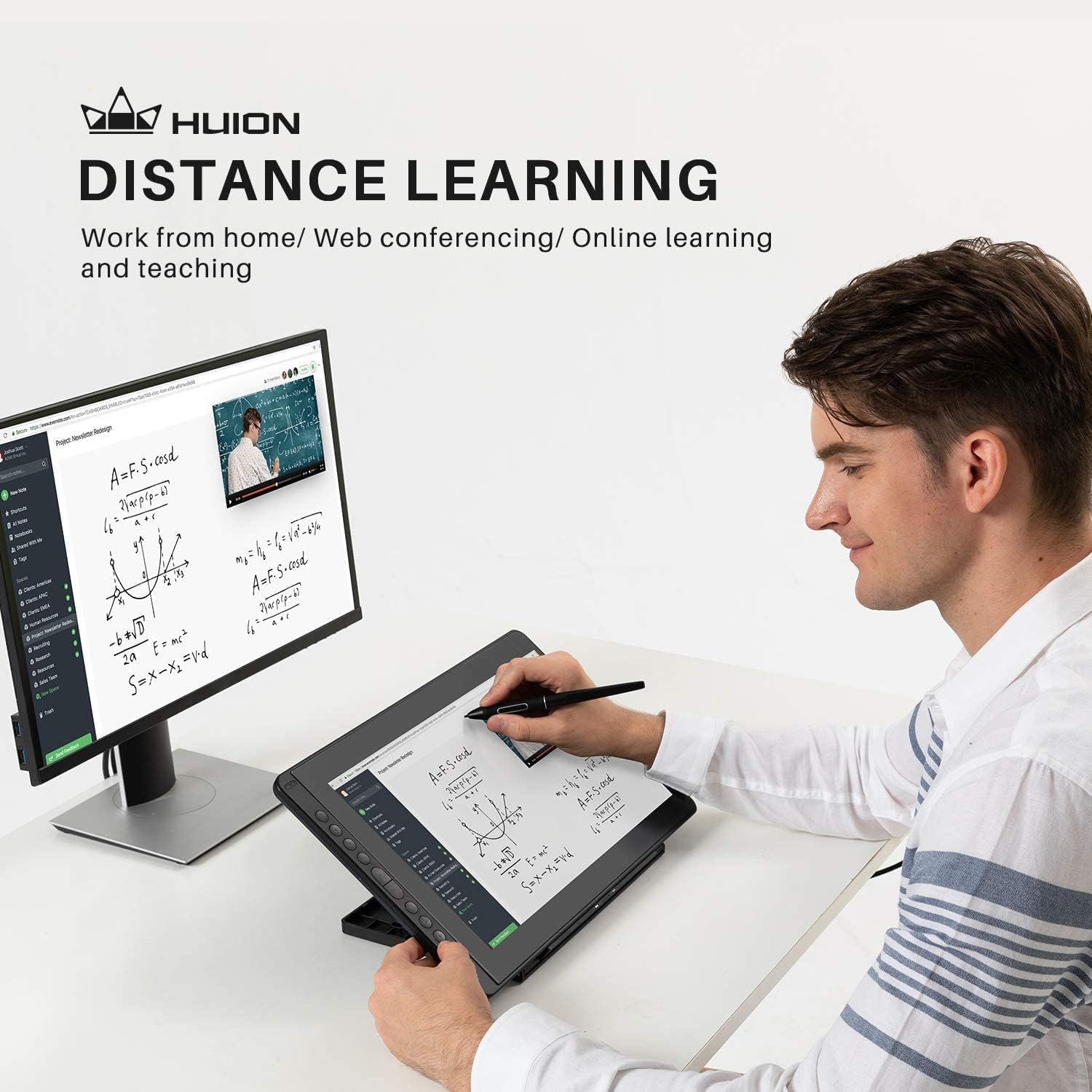
Getting a pen display that feels natural matters more than people expect. The Huion Kamvas 16 is built as a slim 15.6-inch drawing tablet with screen, aiming to bring “draw directly on the screen” into a more everyday setup for sketching, illustration and photo editing. It also tries to keep things practical with an adjustable stand, programmable shortcut keys and a battery-free stylus that’s designed for low-lag writing.
That said, whether it fully fits your workflow depends quite a lot on how you plan to connect it—PC, Android, and even a gaming console need different levels of support, and Android setups may require extra power. Worth checking before you buy.
The essentials
The Kamvas 16 is a pen display (so you draw on the screen rather than on a separate pad) with a 15.6-inch Full HD 1920 x 1080 panel. It’s paired with the Huion PenTec3.0 PW517 stylus, which is described as responsive with 8192 pressure levels and includes tilt response and tracking that’s “lag free” according to the manufacturer.
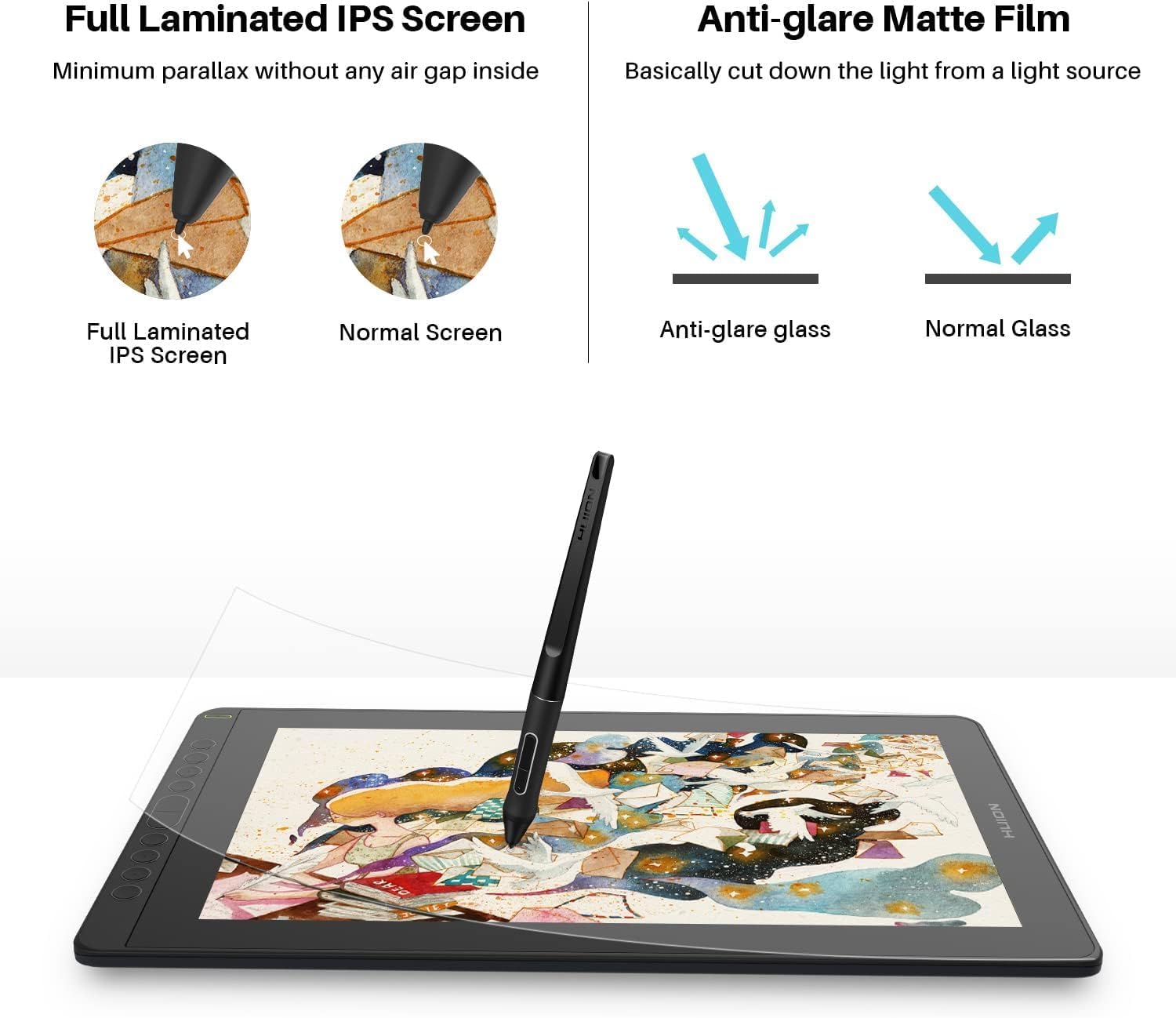
You also get a laminated glass approach intended to reduce parallax (the slight mismatch you sometimes feel between where your pen tip lands and where the cursor appears). For many artists, that’s the sort of “small thing” that turns into a big difference over long sessions.
In everyday terms, it’s the kind of device you can use for: - sketching and digital art - painting and illustration work - photo retouching and basic image editing - animation and design tasks (as long as your software supports it)
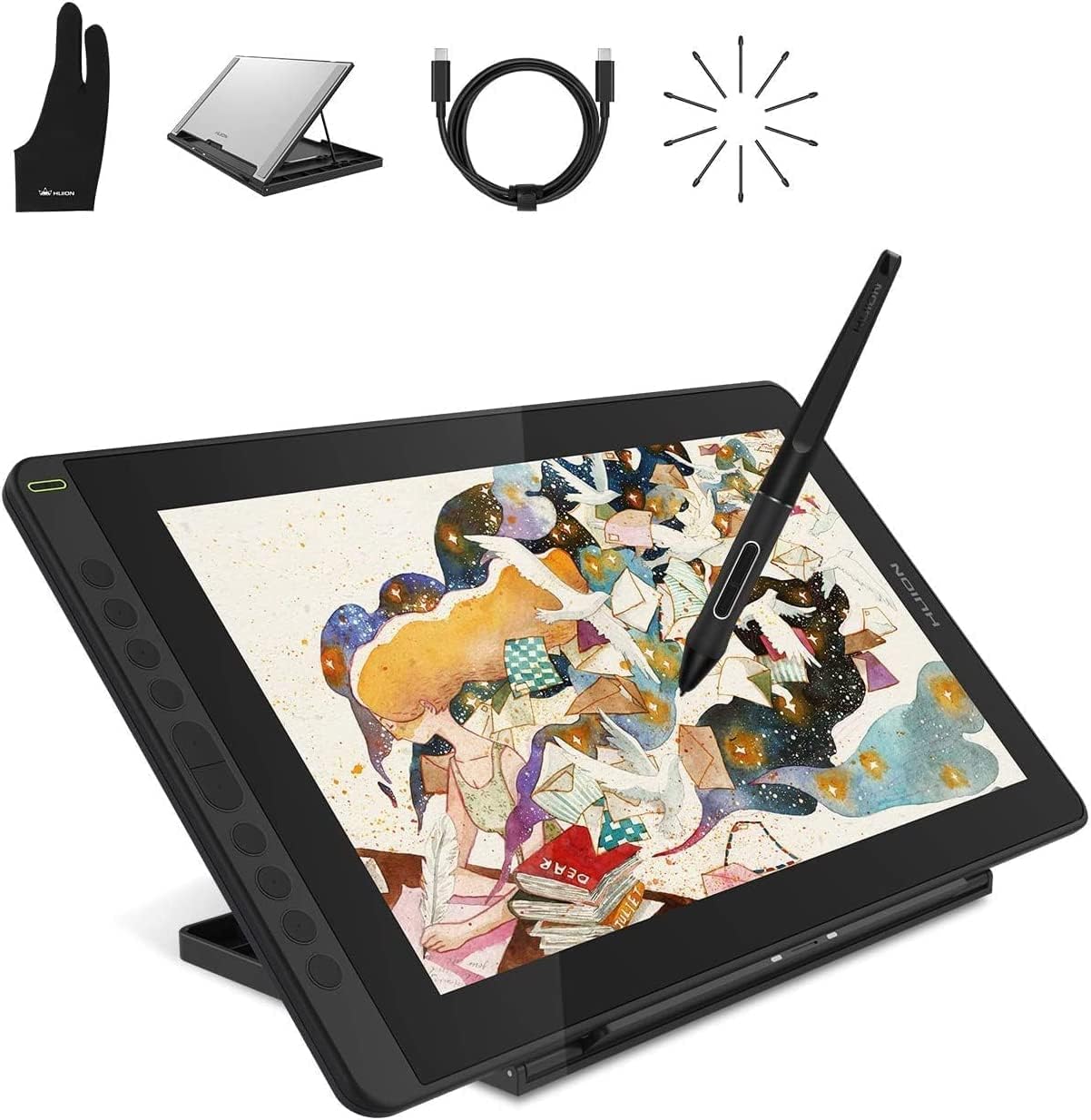
It’s also positioned for work from home, e-learning and web conferencing, which tells you Huion is pitching it beyond pure art studios.
What you’ll notice day to day
Where this tablet feels most “real” is in the combination of screen, pen feel, and convenience controls.
The 15.6-inch display is specified with 16.7 million colours, 120% sRGB gamut and a 178° viewing angle. There’s also an anti-glare protective film to help cut reflections, which can make a noticeable difference if you work near windows or under bright lights.
On the control side, there are 10 programmable press keys on the left of the panel. Depending on the software you use, those can reduce keyboard bouncing for common actions like undo, brush size, or layer shortcuts.
There’s also a two-mode idea: Pen Display mode and Pen Tablet mode. In Pen Tablet mode the screen is off, which the description frames as a power-saving feature and an alternative way to create.
And it’s designed with right/left-hand operation in mind, so the setup is meant to be usable regardless of dominant hand.
Key connectivity and compatibility (this is where buyers should focus)
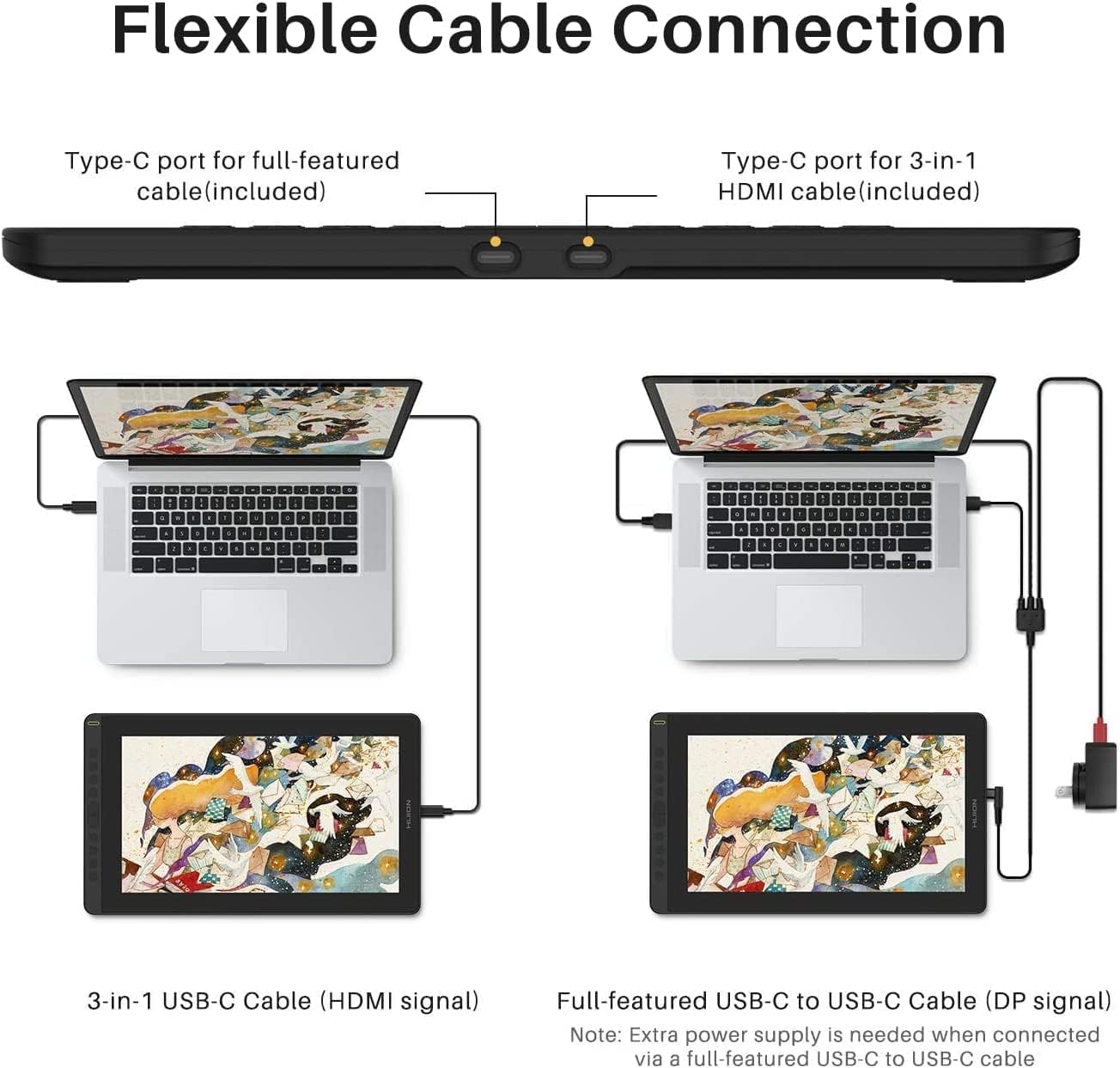
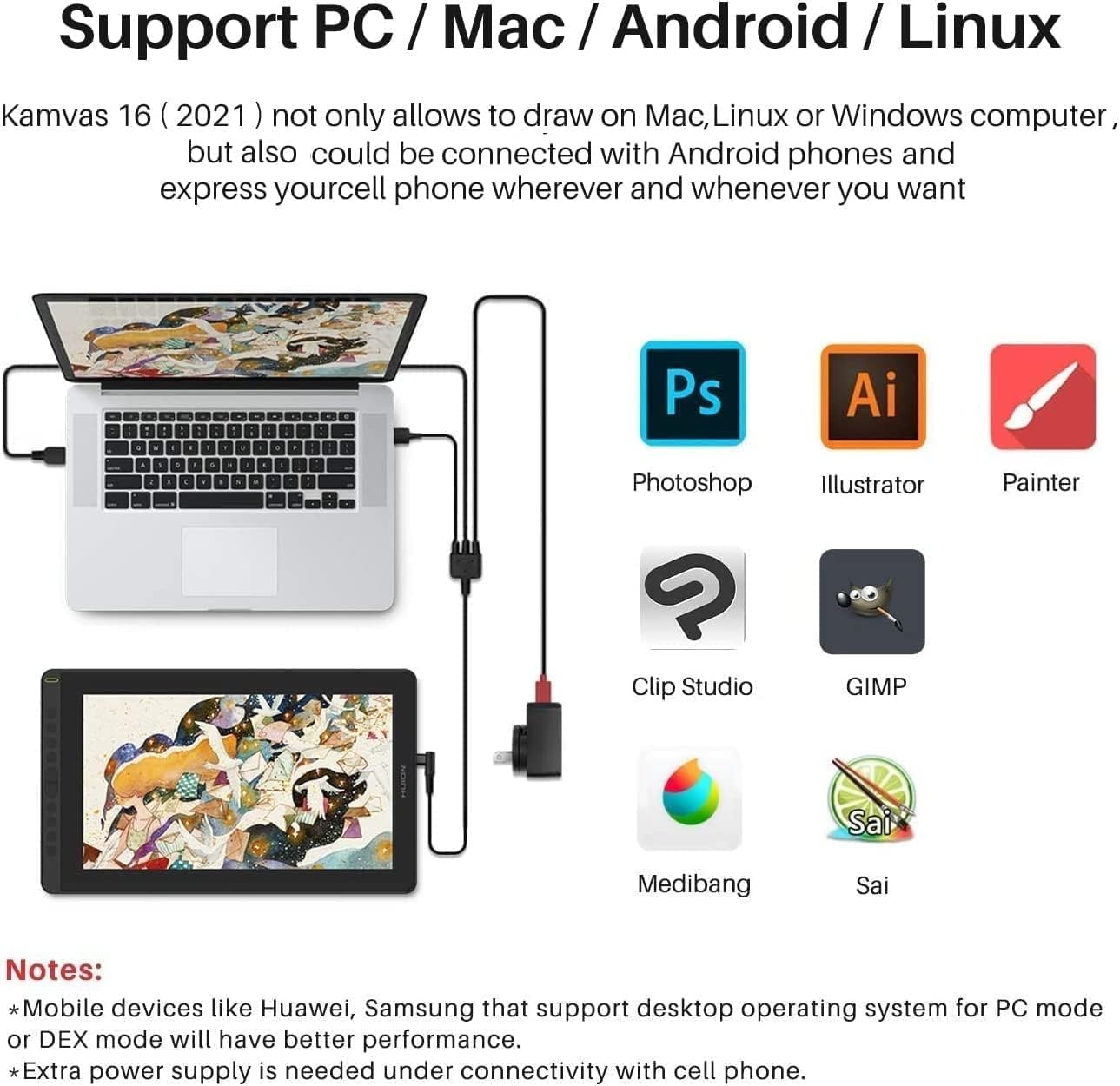
The Kamvas 16 supports multiple connection approaches, which is convenient if you switch between devices. The description says you can connect using either a USB-C to USB-C cable, or a “three-in-one” cable, depending on what you’re plugging into.
For PC, the key point is the USB-C data capability on the device: the USB-C on the tablet should support USB 3.1 Gen1 data transfer, and display data uses DP 1.2 (as stated). For Android phones/tablets and consoles, Huion notes that extra power may be needed.
So, if you’re buying specifically to use on Android or a gaming console, don’t just assume a simple connection will work as-is. You’ll want to check your device’s USB-C capabilities and whether the “extra power” requirement applies to your exact setup.
Compatibility is listed for Windows, macOS and Android, with “mainstream drawing and designing programs” implied rather than named.
Pen performance: responsive, pressure-aware, and built for accuracy
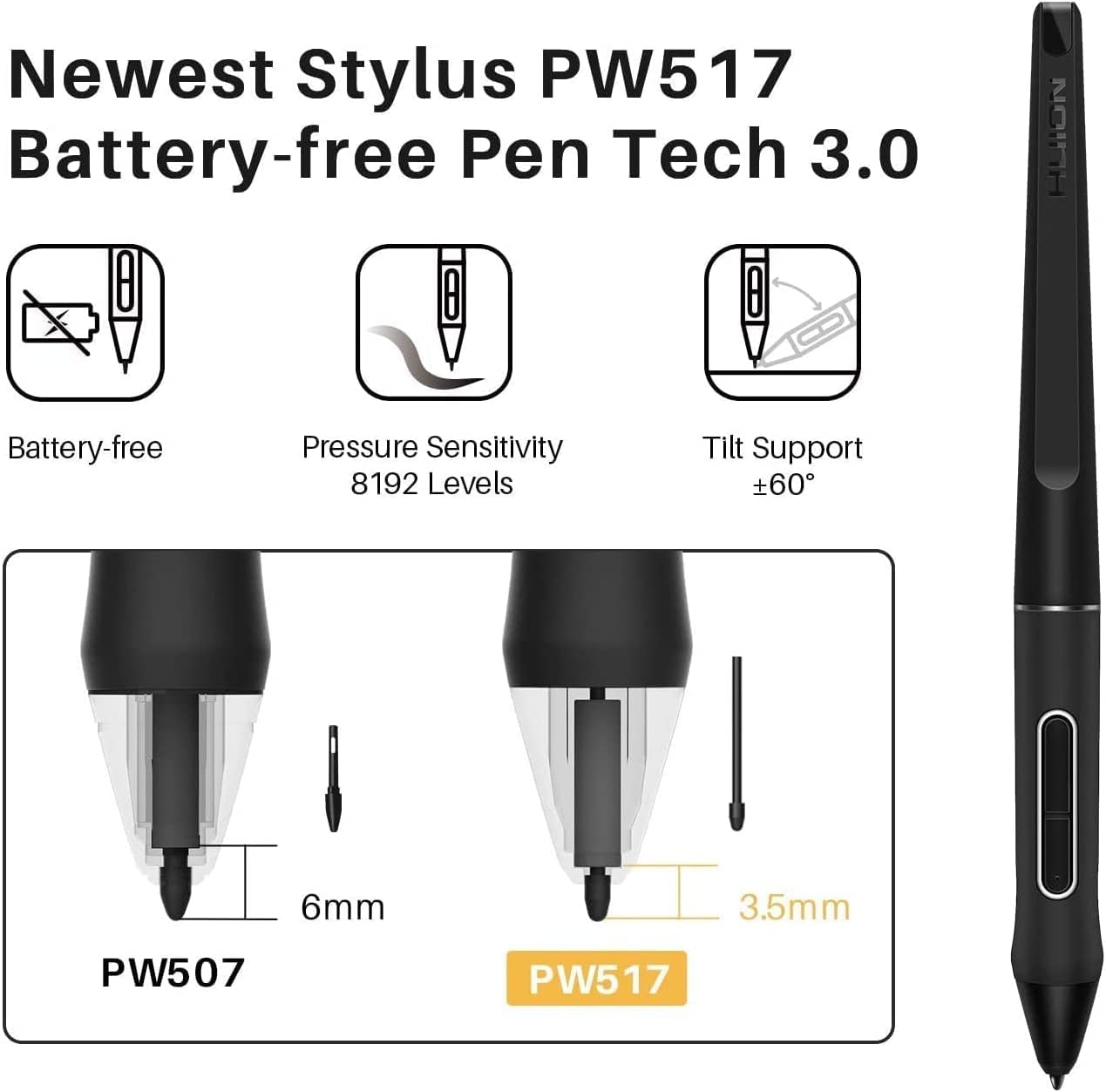
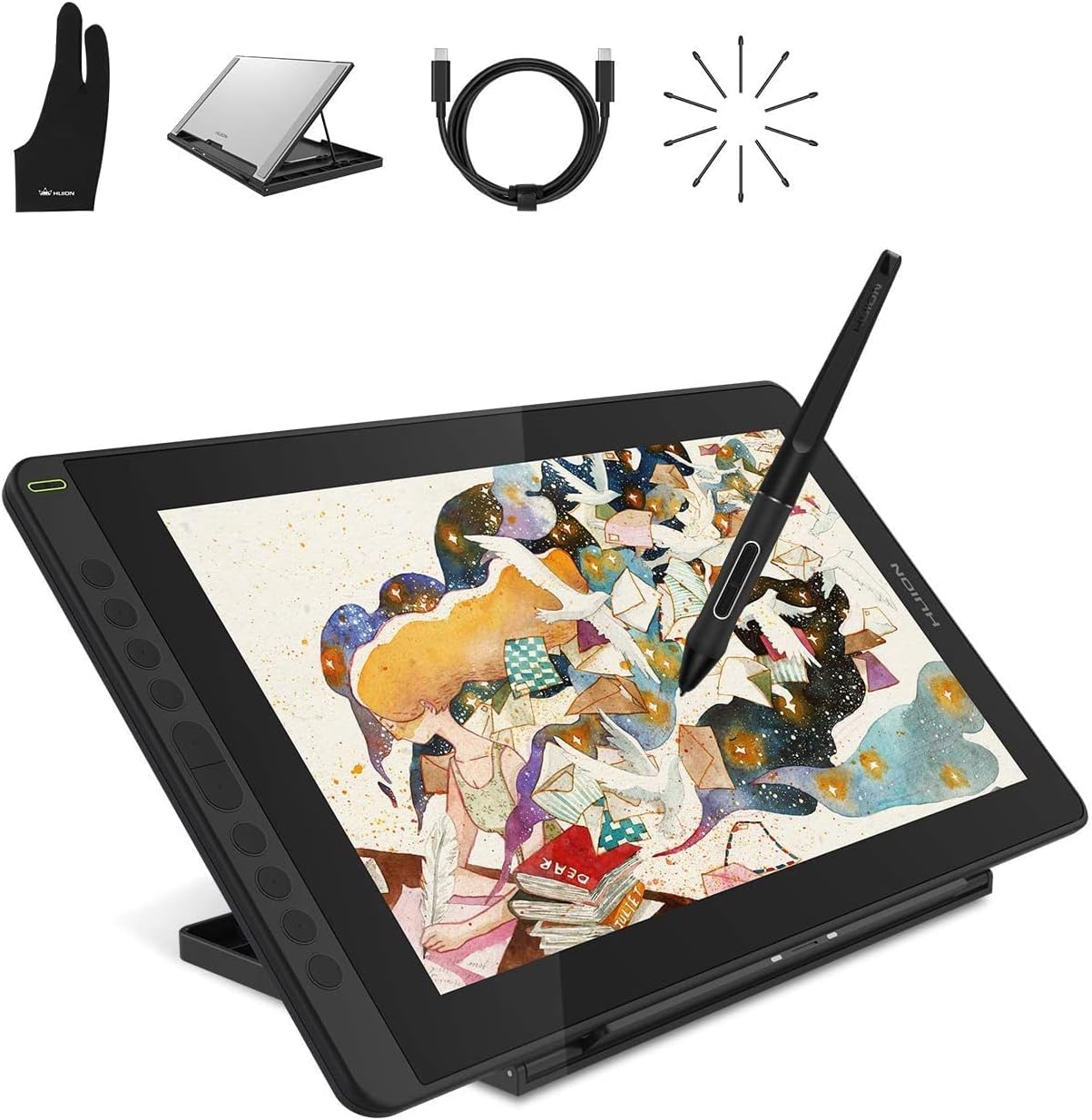
The PW517 stylus is highlighted as using the Huion PenTec3.0 system and a capacitive pressure sensor. The description also claims virtually no lag, tilt response, and 8192 pressure levels.
There are extra details that suggest they’re thinking about accuracy: the pen nib design is described as having shorter nibs and better firmness to reduce bounce-back, aiming to improve accuracy and reduce offset.
In practice, that’s exactly what you look for when you’re doing linework or shading—small pen stability issues can show up as wobbly strokes or misalignment, especially when you’re working fast.
One small caveat: while “lag free” is claimed, you should still expect that real-world responsiveness can depend on how you connect and which software you’re using.
Tech specs
- Name: Huion Kamvas 16 Drawing Tablet with Screen
- Type: Pen display graphics tablet
- Display: 15.6 inch Full HD (1920 x 1080)
- Resolution: 1920 x 1080
- Colour: 16.7 million colours
- Refresh-related details: Not provided
- Pressure levels: 8192
- Stylus: Battery-free PW517 stylus (PenTec3.0)
- Viewing angle: 178°
- Colour gamut: 120% sRGB
- Dimensions: Not provided
- Weight: 1.26kg
- Thickness: 12mm
- Compatibility: Windows, macOS, Android
- Connection requirements: USB-C on device should support USB3.1 Gen1 data transfer protocol and DP 1.2, extra power needed for Android device or gaming console (as stated)
- Hand mode: Right/left-hand mode support
- Keys: 10 programmable press keys
- Warranty: Two-year warranty
Pros
- Full HD 15.6-inch pen display for direct on-screen drawing
- 8192 pressure levels with tilt response (and a battery-free stylus)
- Anti-glare protective film to reduce screen reflections
- 10 programmable keys for shortcut workflows
- Designed for both right- and left-hand use
- Two-year warranty
Buying verdict
It’s worth considering if you want a pen display with a fairly straightforward setup for Windows/macOS, and you’re after detailed drawing output on a 15.6-inch screen without jumping into larger or more expensive territory. The specs (Full HD, 120% sRGB, laminated glass approach to reduce parallax) suggest it’s aimed at people who take digital art seriously, but still want something sensible for home use.
However, you may want to skip it if your main plan is Android or console use and you can’t verify the connection and power situation first. The “extra power supply” note is the sort of thing that can turn a simple purchase into a fiddly setup if your device doesn’t line up with the requirements.
It also might feel a bit like a compromise if you expect deep customisation or extremely specific software features—because the description stays fairly general about software, and that’s often where real compatibility questions start.
Final verdict
Consider the Huion Kamvas 16 if you’re after a practical 15.6-inch pen display with a pressure-sensitive battery-free stylus, anti-glare screen protection and shortcut keys to speed up day-to-day drawing. It’s not a “set-and-forget” tablet for every Android or console scenario, so do a quick check of your device’s USB-C/DP support and whether extra power is needed.
If you’re buying for home art, sketching, photo retouching or general design work on Windows/macOS, it lines up well with what most buyers want from a screen tablet. If your workflow depends heavily on switching platforms without any setup hassle, you may want to be cautious.
Mini FAQ
Does it work without a battery in the stylus?
Yes—the stylus is described as battery-free (PW517).
What resolution and colour performance does the screen use?
It’s specified as 1920 x 1080 Full HD, with 16.7 million colours and a 120% sRGB gamut.
Can I use it with Android?
It’s listed as usable on Android, but the description notes that extra power may be needed for Android device connections.
Is it usable one-handed and for left/right users?
The tablet is described as ergonomically designed to support right/left-hand mode.
How long is the warranty?
A two-year warranty is mentioned.