

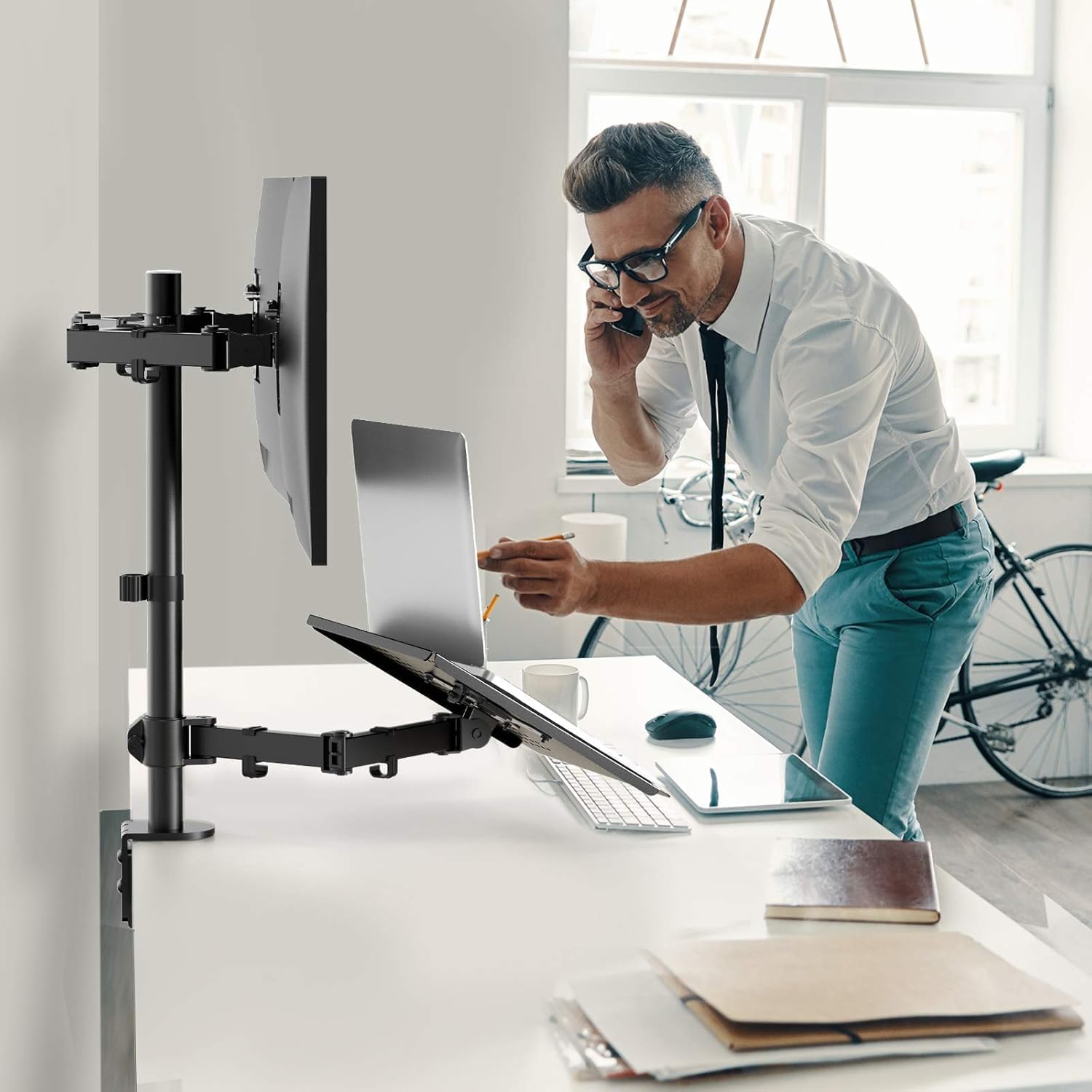
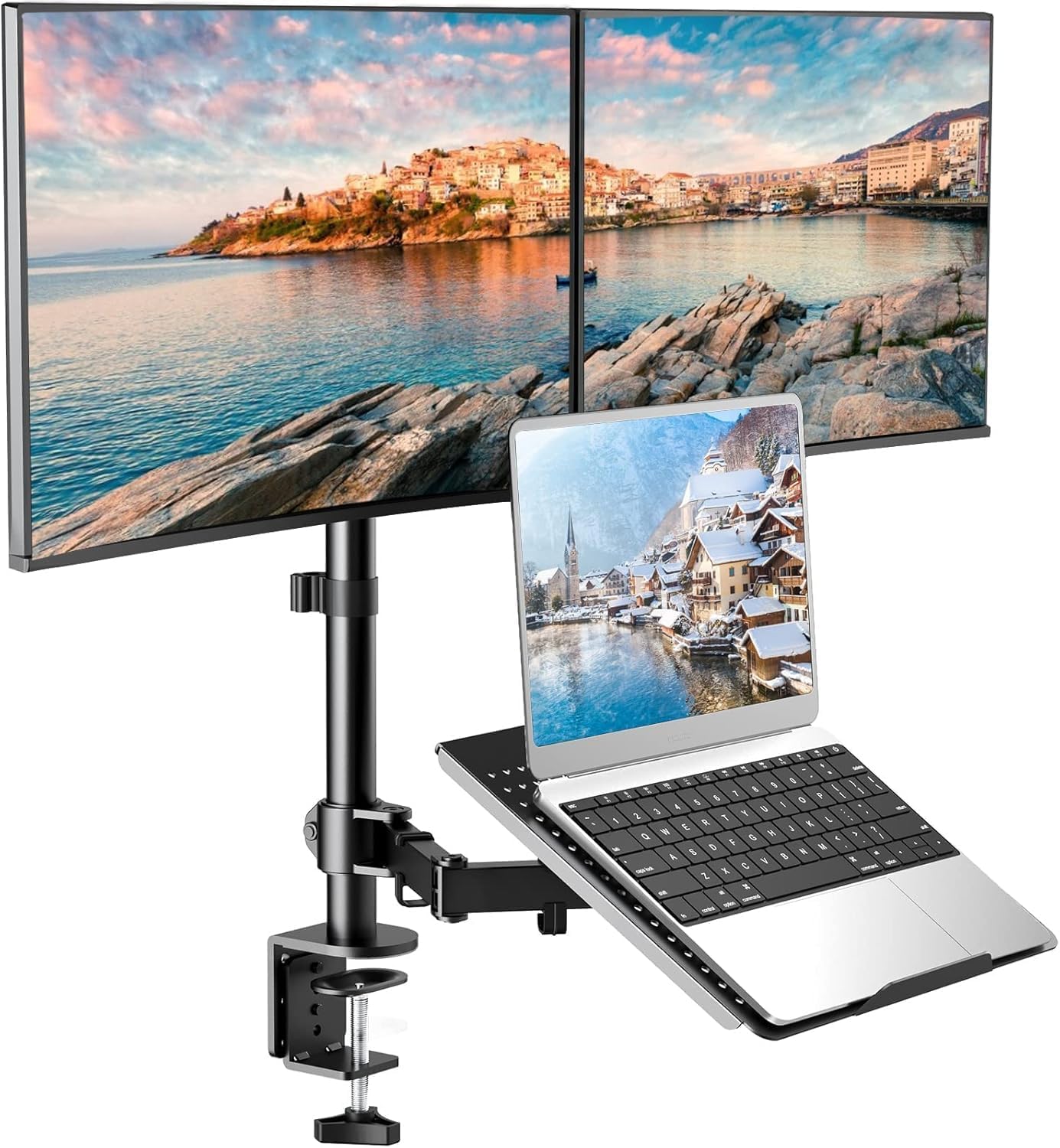
HUANUO Laptop Mount: Height‑Adjustable Dual Monitor Mount with Laptop Tray for 13–27in Monitors and 10–17in Notebooks
Product description
What it is and what it solves
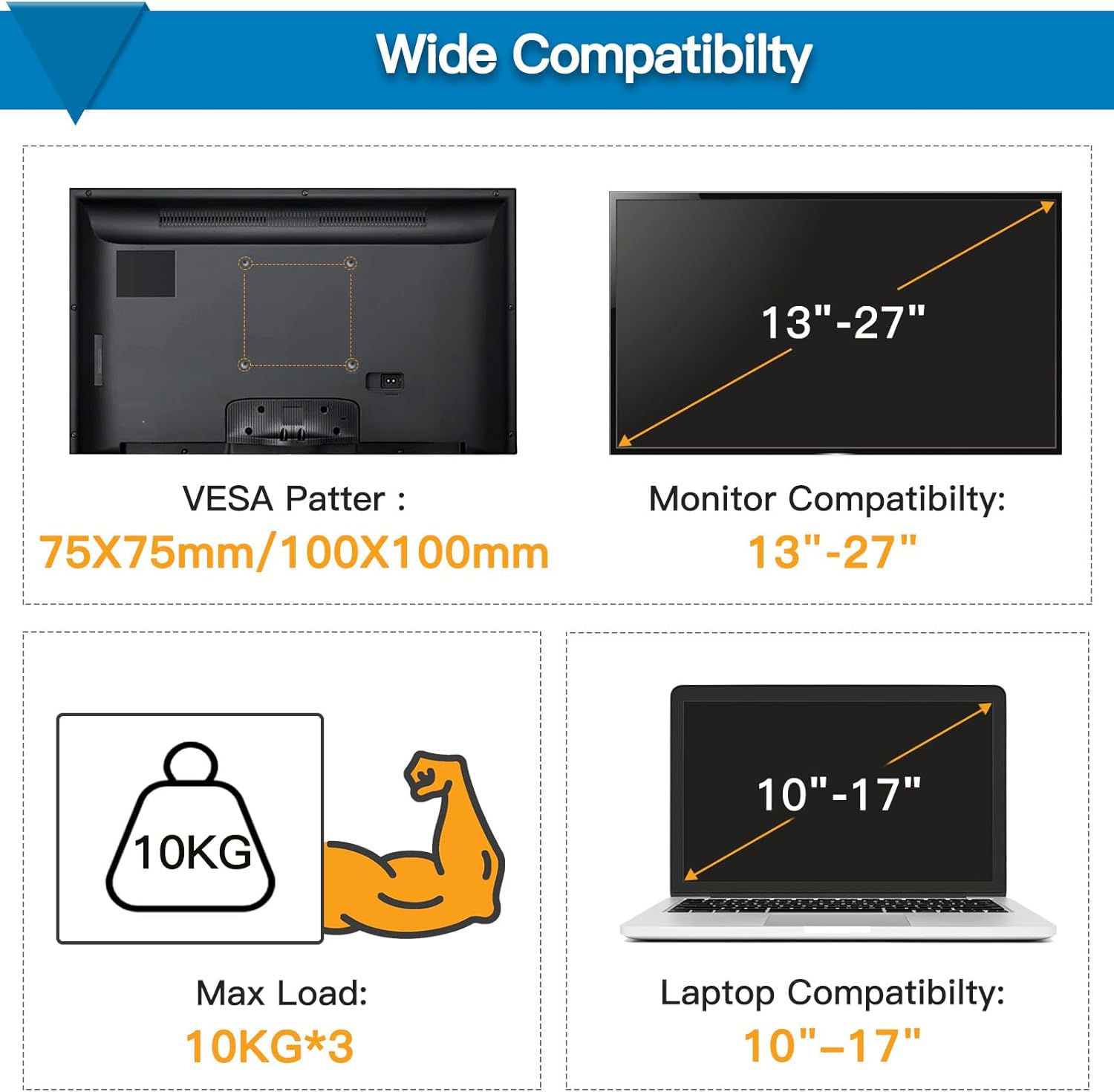
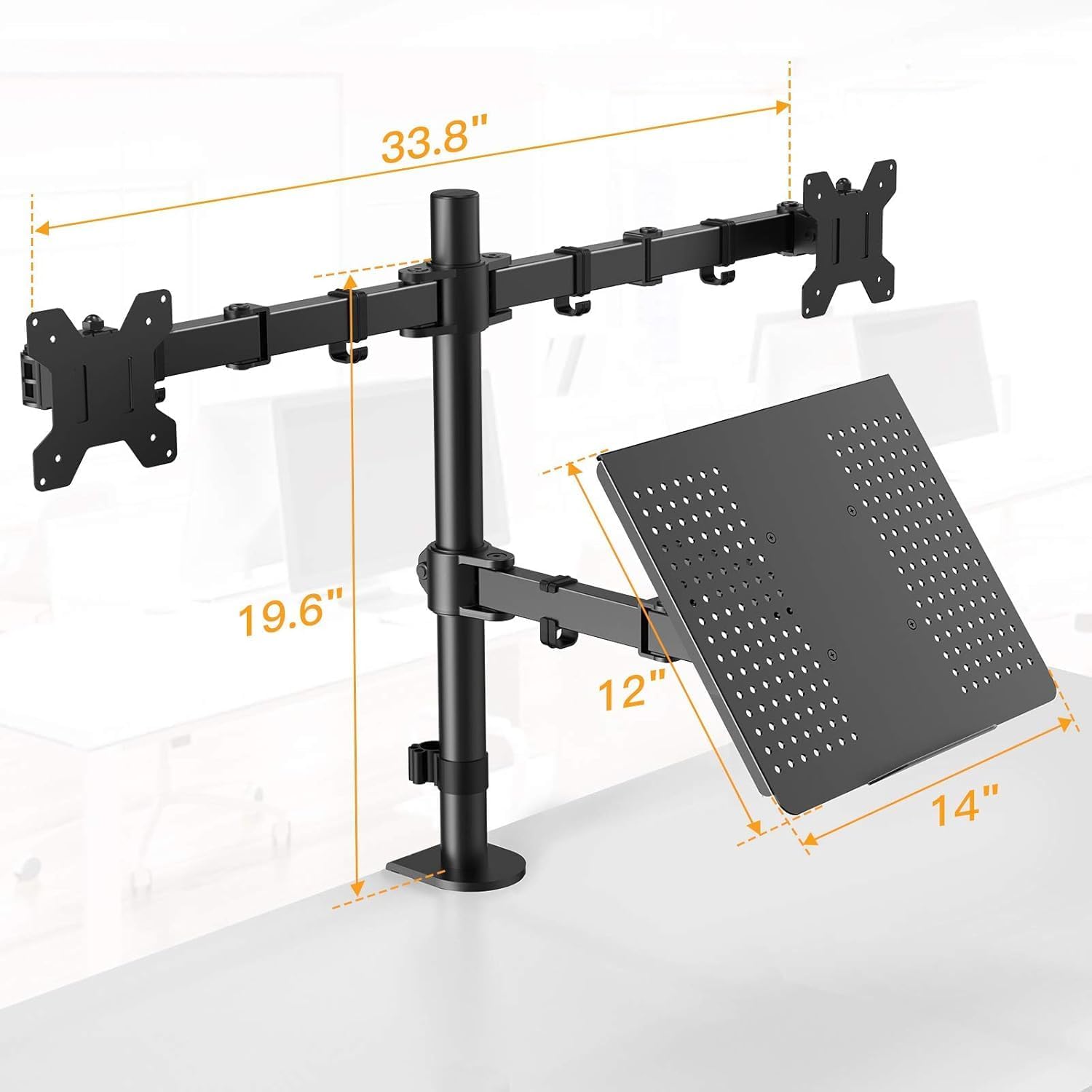
The HUANUO Laptop Mount combines a dual monitor arm with a built‑in laptop keyboard tray, designed to create a compact, elevated workstation. It supports two displays from 13 to 27 inches (up to 22 lbs each) with VESA patterns 100x100mm or 75x75mm, plus a 10–17 inch notebook. On paper, it promises a streamlined, space‑saving solution that can help you keep your desk clear while keeping screens and keyboard at a comfortable height for typing and viewing.
How it moves and angles
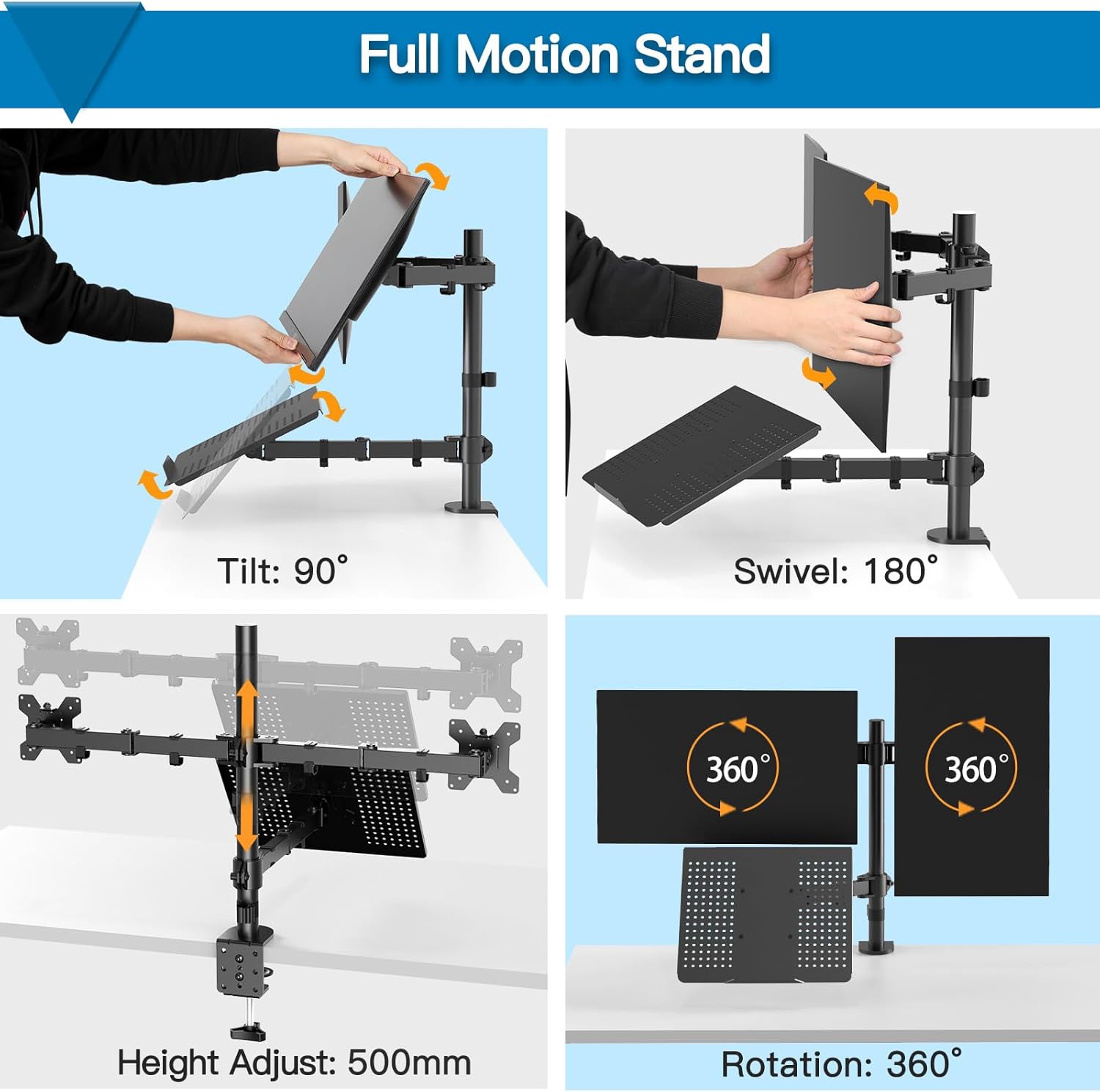
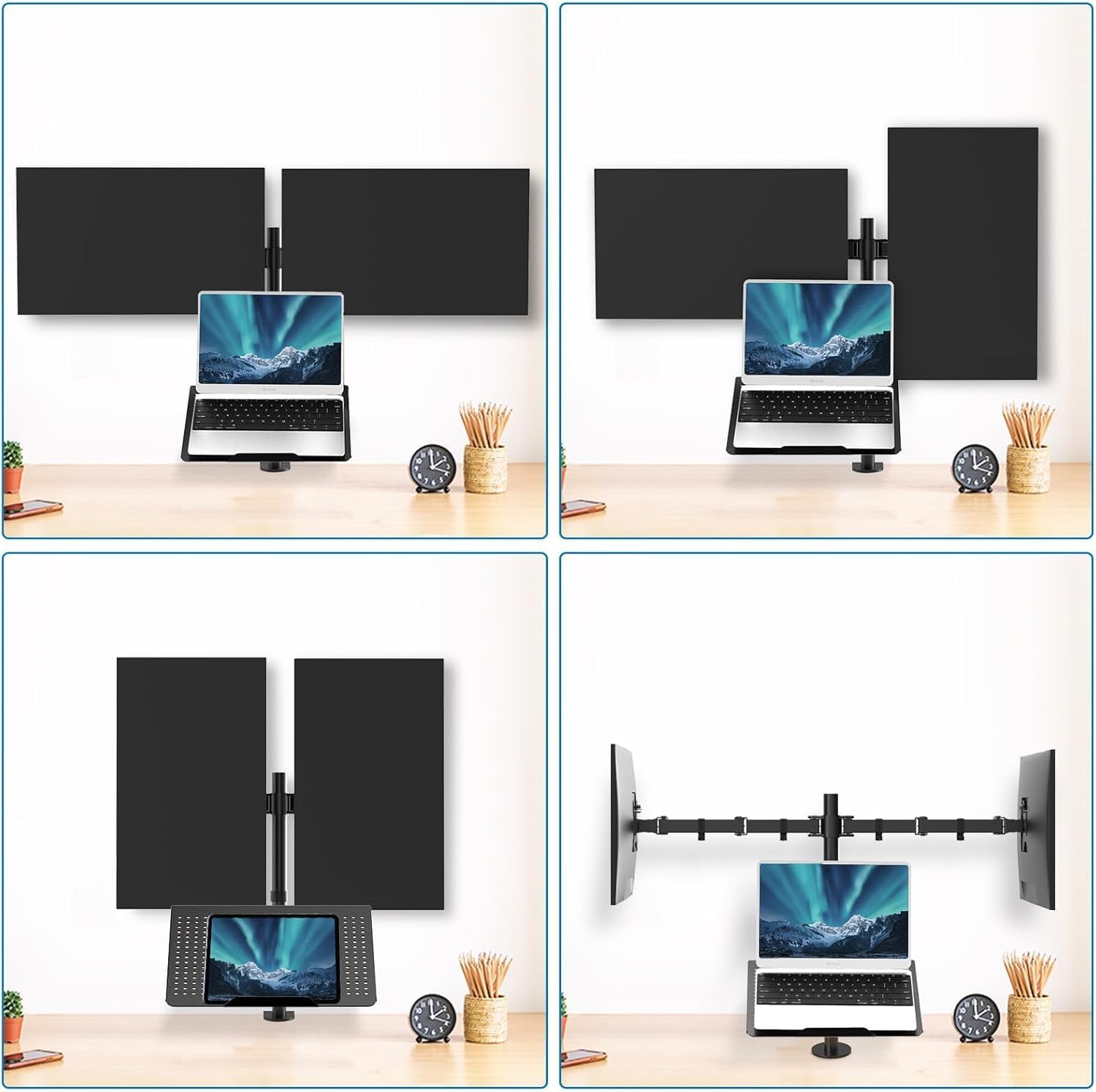
This mount is described as “full motion”: it pivots, tilts and rotates to give you flexible viewing and typing angles. With 90° tilt, 180° swivel and 360° rotation, you can align each screen and the laptop tray to reduce glare, improve neck posture, and match how you work across different tasks. If you’re juggling two monitors and a notebook, the ability to orient each arm independently can be a real benefit.
Space and organisation
A key selling point is space efficiency. The heavy metal base is compact, roughly the size of a cup on your desk, and elevates two screens plus a laptop to a more comfortable height. This can free up desk surface for writing, documents or a small desk lamp. The setup is also designed to keep cables tidy with removable clamps for both the laptop and monitors, which helps maintain a neat, distraction‑free workspace.
Installation and setup time
The mounting process is described as straightforward. With detachable VESA plates, you can mount the monitors and laptop in a relatively short time—about 10 minutes, if you follow the basic steps. This makes it a sensible upgrade for those dipping a toe into a more ergonomic or productive workstation without a lengthy installation ordeal.
What to check before buying
- Confirm your screen pair is within 13–27 inches and under 22 lbs, and that the monitors use a compatible VESA pattern (100x100mm or 75x75mm).
- Check the notebook size to ensure it sits comfortably on the tray (10–17 inches is stated).
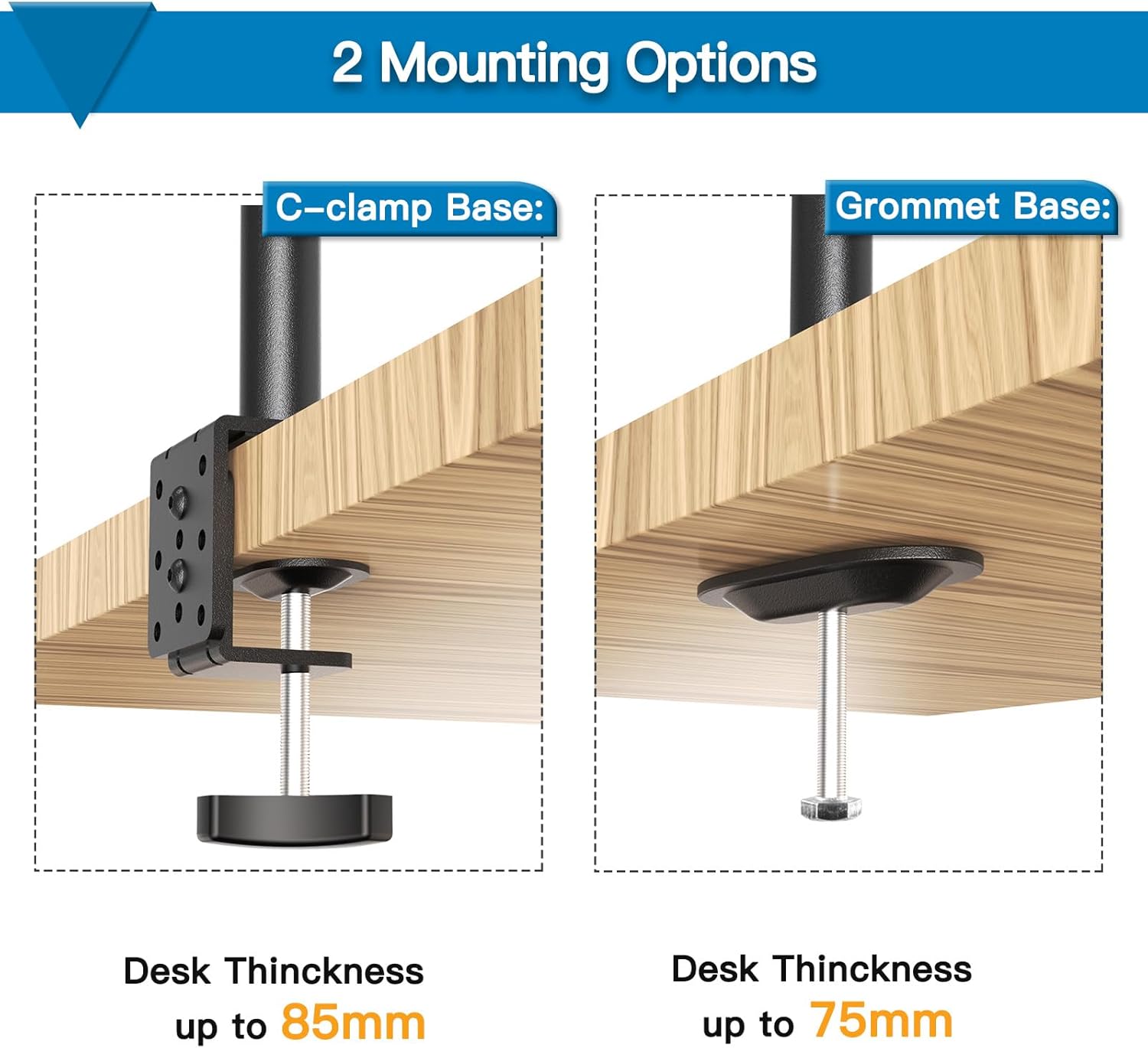
- Consider your desk depth and available floor space, since even a compact base needs room, and the arms add some footprint.
- If you rely heavily on cable aesthetics, note the clamps are removable but you’ll want to plan cable routing accordingly.
Who it’s for and who it isn’t a perfect fit
It makes sense if you want to upgrade to a two‑screen workflow with an additional laptop tray without buying separate monitor arms and a keyboard tray. It’s particularly appealing for home offices, students, or light‑to‑moderate use in a studio or gaming setup where desk real estate is at a premium. If your workstation requires extremely heavy monitors, ultra‑large ultrawides, or non‑standard mounting configurations, you may want to verify load limits and compatibility beyond the stated ranges. Likewise, if you need absolute minimal flex or a purely fixed layout, a simpler stand might suffice.
Practical usage example
Imagine editing a video or compiling a report: you keep the main reference material on one monitor, the timeline or chat on the second, and your notebook docked on the tray for quick jotting. The adjustable arms let you fine‑tune height and angle as you switch between tasks, so you aren’t constantly reaching for the keyboard or staring down at a laptop screen.
What to consider if you’re deciding
If you prioritise desk clarity and a more ergonomic stance for long work sessions, this dual monitor plus laptop setup could be worthwhile. However, it’s not a cure‑all: it won’t magically fix poor posture if you don’t reposition regularly, and the system adds to your desk footprint. If you’re contemplating alternatives, think about whether a single monitor arm with a separate keyboard tray might offer similar ergonomics with less hardware, or whether a more robust, higher capacity mounting solution is needed for heavier displays.
Is it worth it?
Worth considering if you want a practical, space‑saving desk upgrade that supports two displays plus a notebook and you value flexible adjustment for day‑to‑day use.
FAQs
- Can I mount two different size monitors on this system? Yes, it supports 13–27 inch monitors up to 22 lbs each, with VESA 100x100mm or 75x75mm.
- How long does it take to install? The manufacturer notes about 10 minutes with detachable VESA plates.
- Is there visible cable management for the laptop and monitors? Yes, there are removable cable clamps to help keep the surface tidy.