

HP Smart Tank 5105 All-in-One Wireless Printer (Print, Scan, Copy) – Refillable ink tank
Product description
The essentials (and what it’s really for)
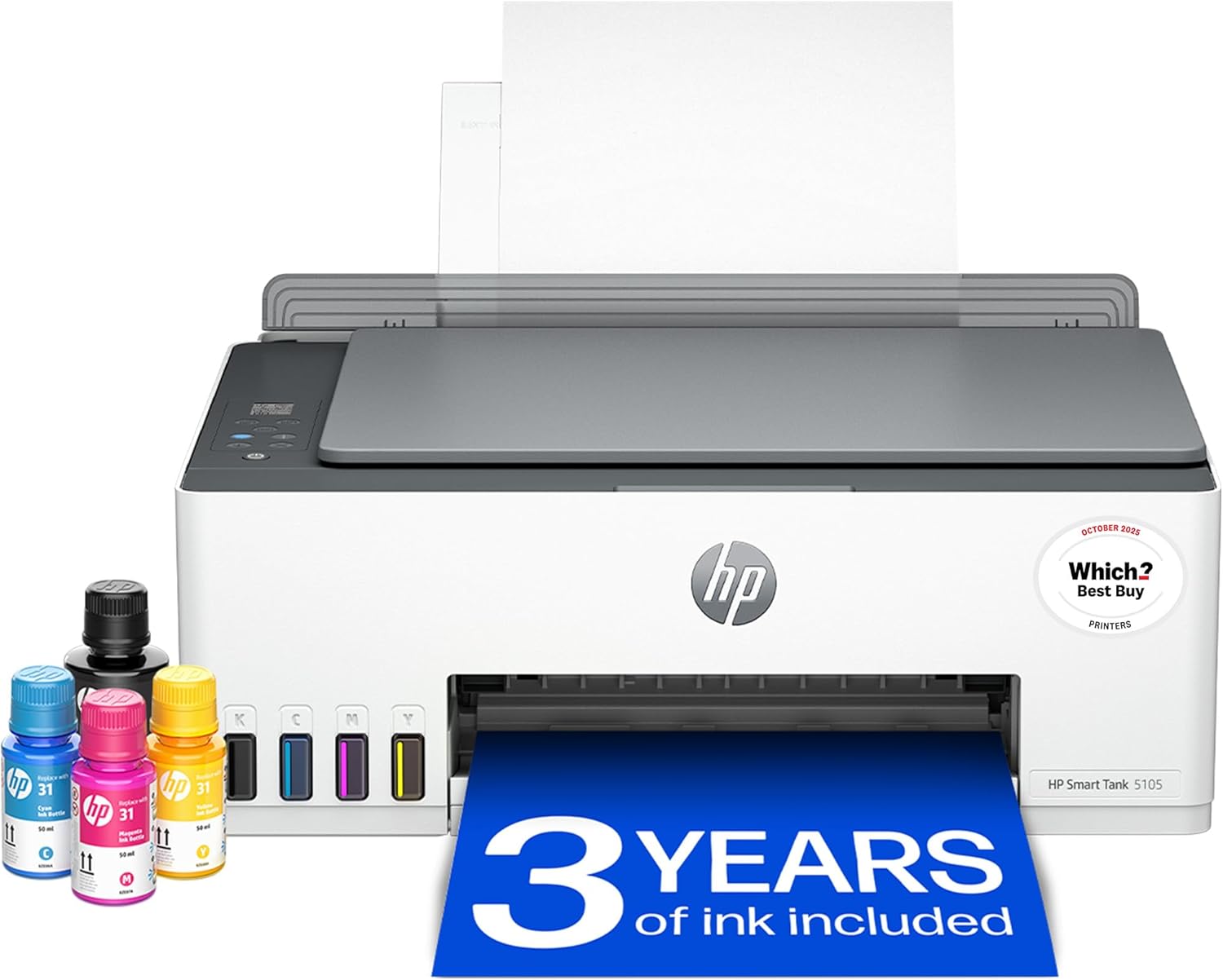
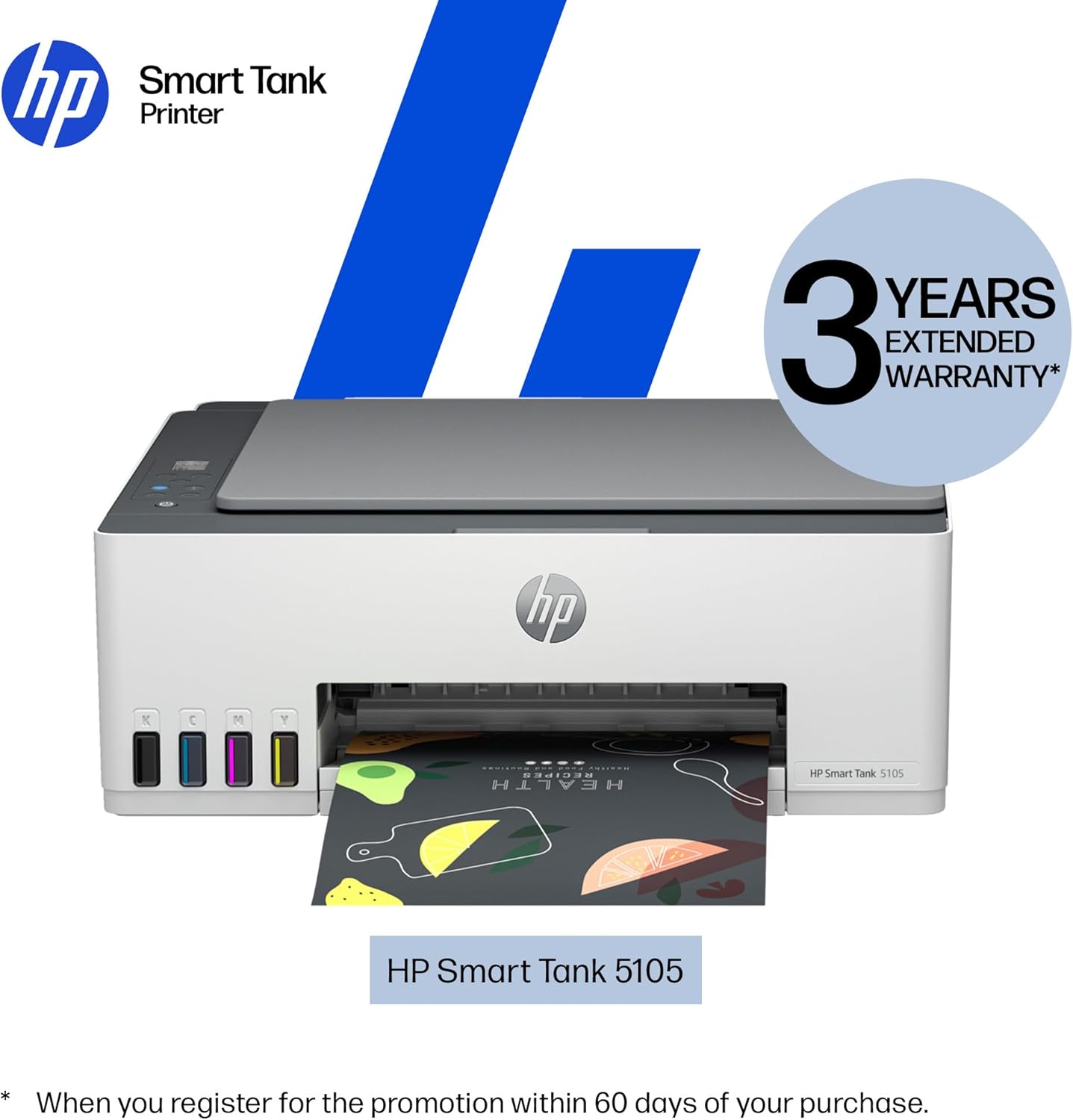
The HP Smart Tank 5105 is an all-in-one inkjet built around one idea: low running costs for home printing. It’s a wireless printer that can print, scan and copy, with mobile printing from your phone or tablet and a refillable ink tank design. So if you do a fair amount of colour documents, family photos, school work, or you just want fewer “ink cartridge” stress moments, it lines up well on paper.
It also comes with smart-guided buttons and an easy setup approach, which matters because even the best printers feel annoying when the first setup is fiddly. Where it may not suit is if you only print rarely and prefer the simplicity of cheaper, smaller printers that don’t involve refilling tanks.
What you’ll notice day to day
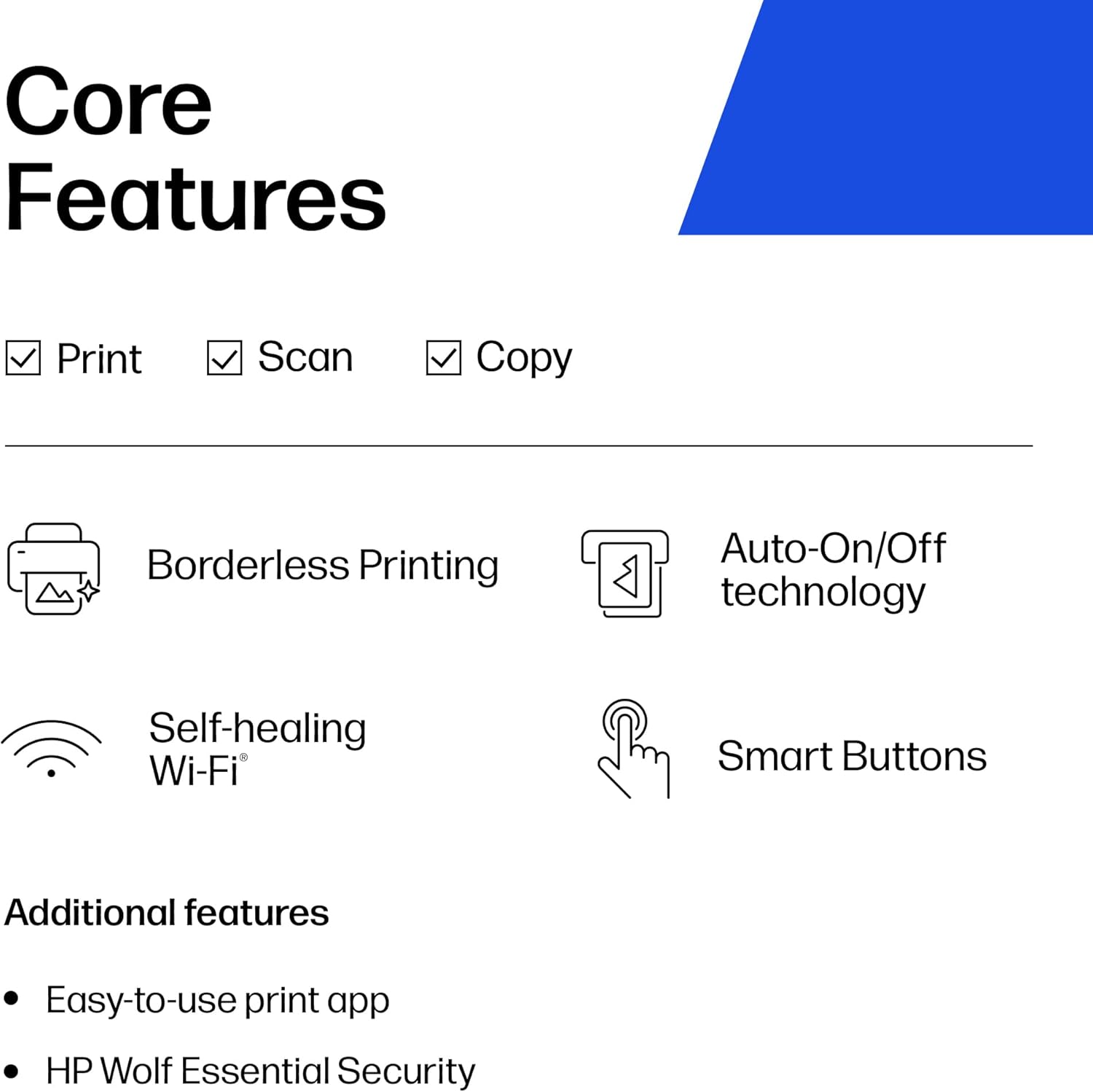
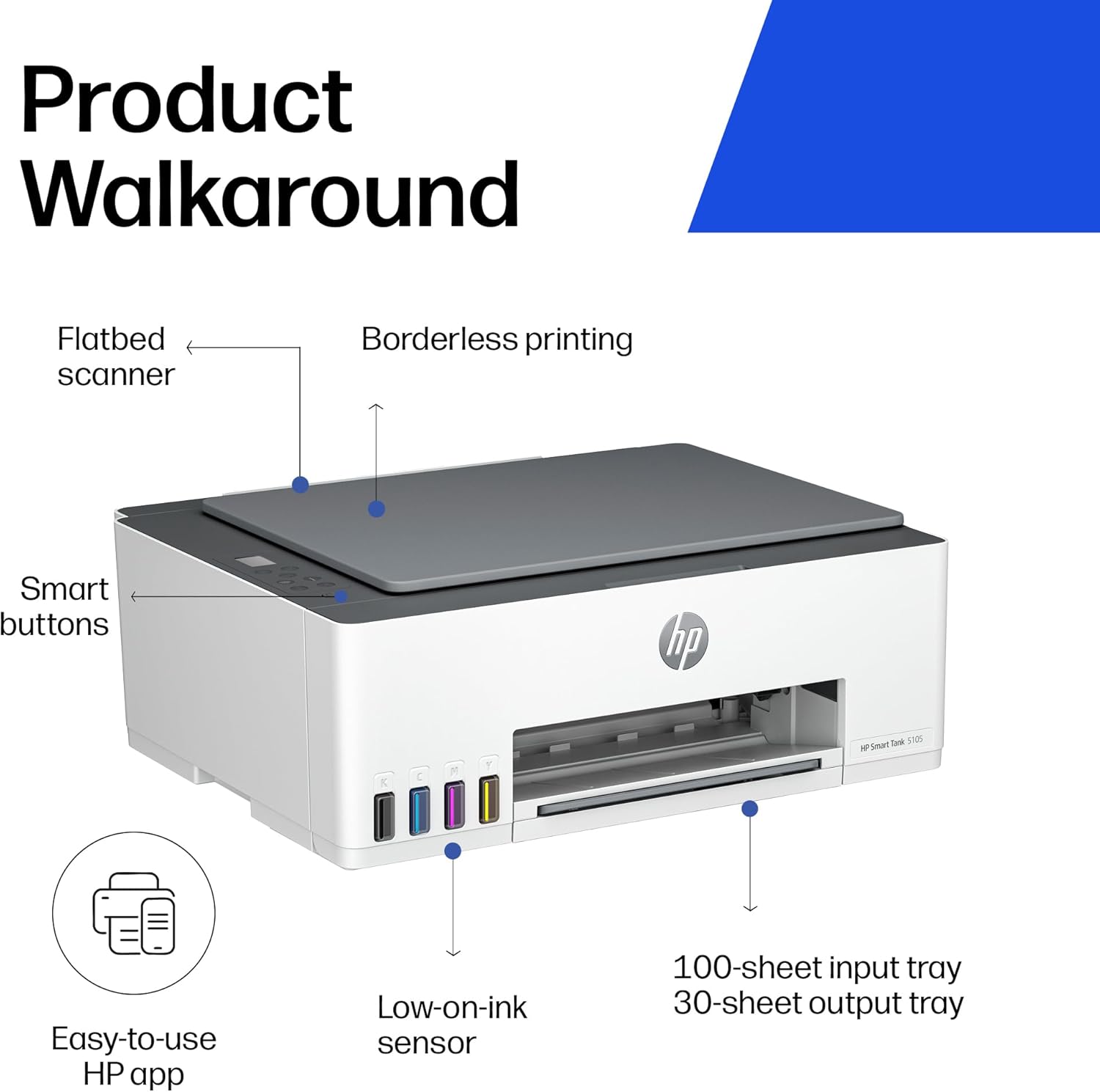
For day-to-day use, the practical features are the ones you keep touching: wireless printing, straightforward scan and copy functions, and the front-panel controls designed to guide everyday tasks. The “smart buttons” illuminate to help you navigate print, scan and copy without constantly hunting through menus.
You can also send print jobs from a phone or tablet, which is handy for quick tasks like printing a document from a mobile banking app or getting a scanned form into a readable format. The spec mentions scan to PDF, so that’s a useful expectation if you’re often dealing with paperwork.
One more angle: the printer is positioned for higher-volume, because it’s a tank-based setup. If your home printing is frequent, that emphasis is the whole point.
Key features that affect buying decisions
This model focuses on a few themes: high-volume tank printing, refill convenience, and security basics.
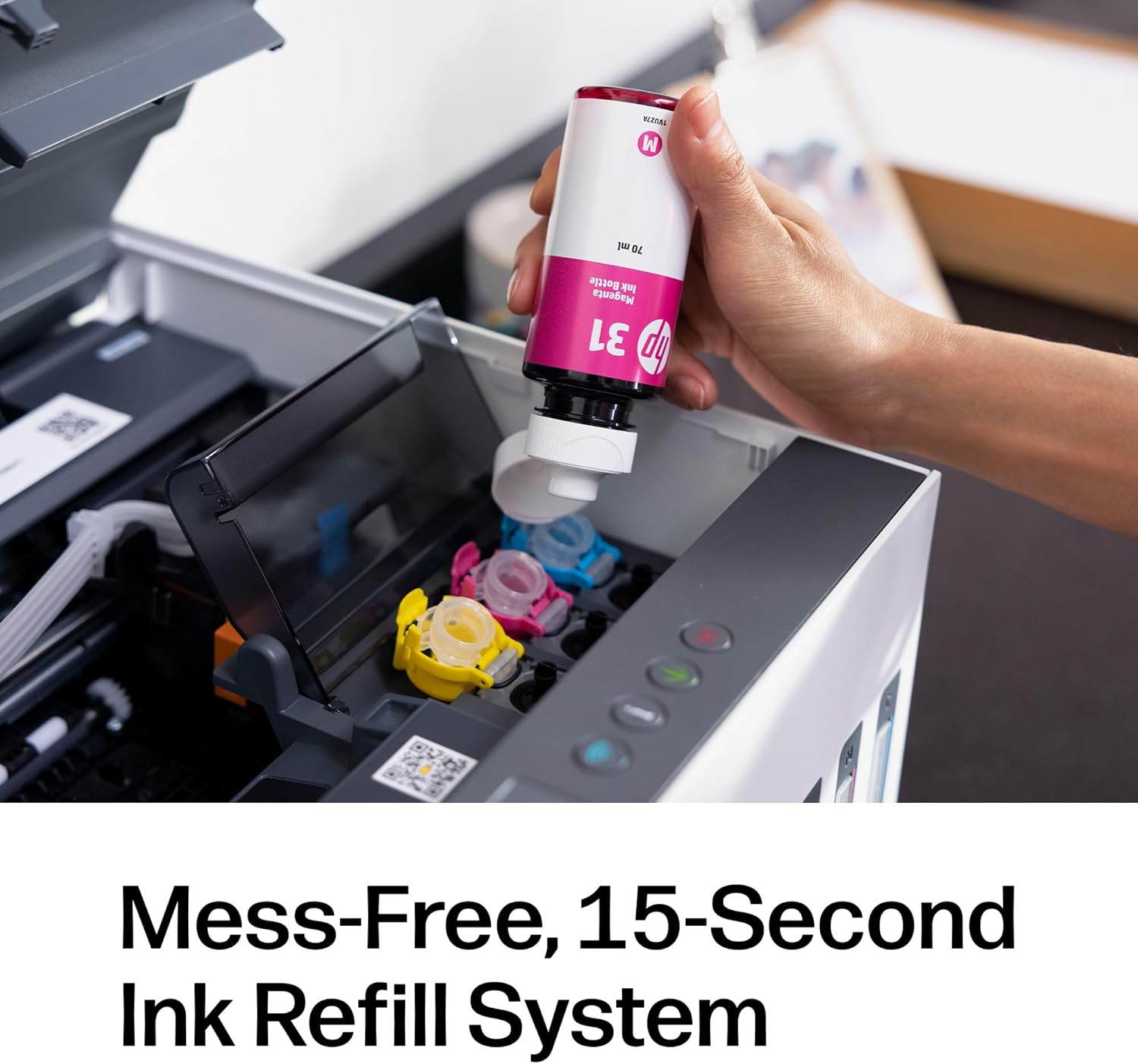
- Refill system designed to reduce mess: HP’s refill approach is described as spill-free and easy-access. The idea is that you plug in Original HP bottles (a black bottle or colour bottles) and let them drain—without squeezing or spilling. That doesn’t automatically mean every refill will feel effortless, but it addresses a common pain point with tank printers.
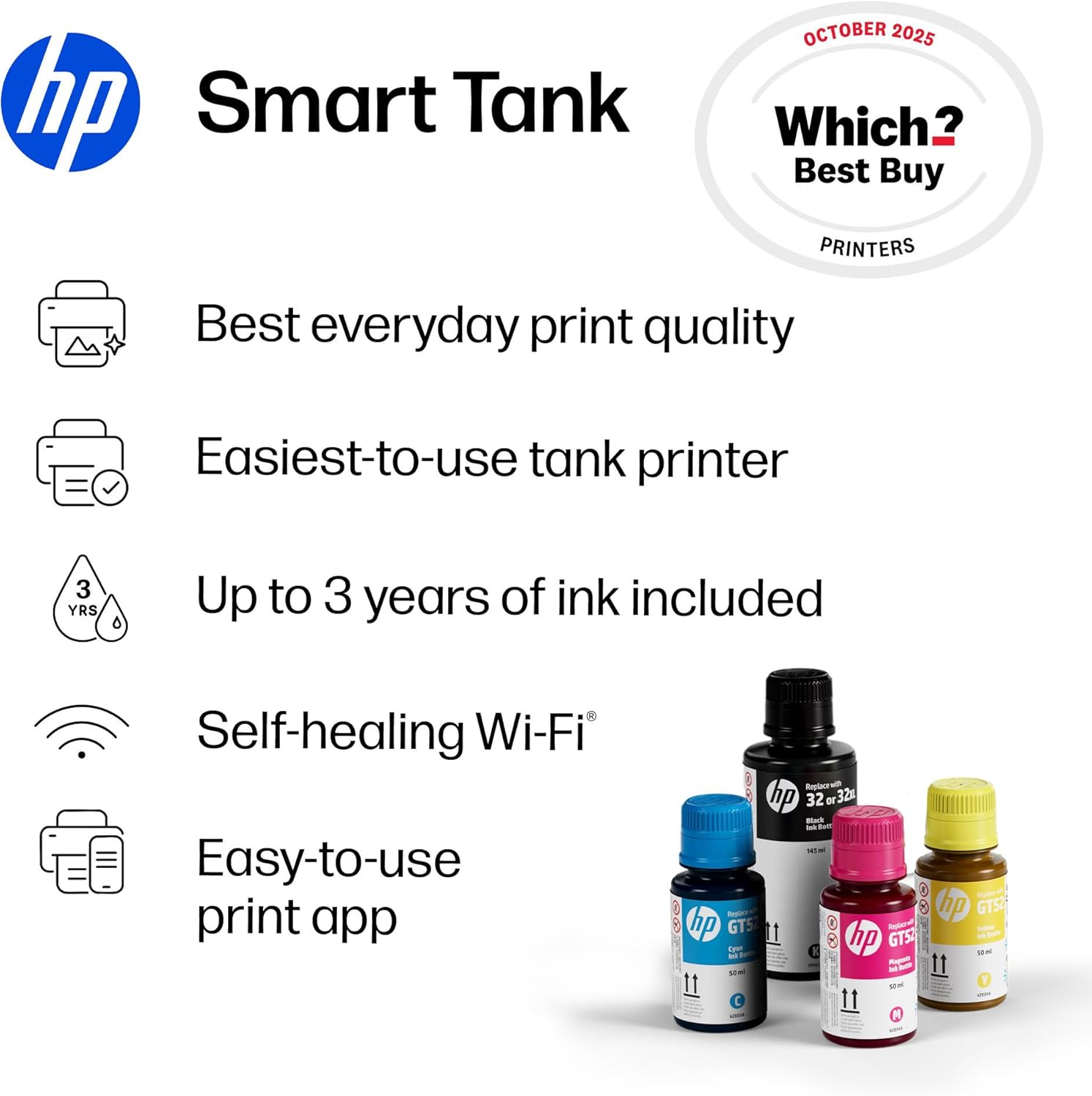
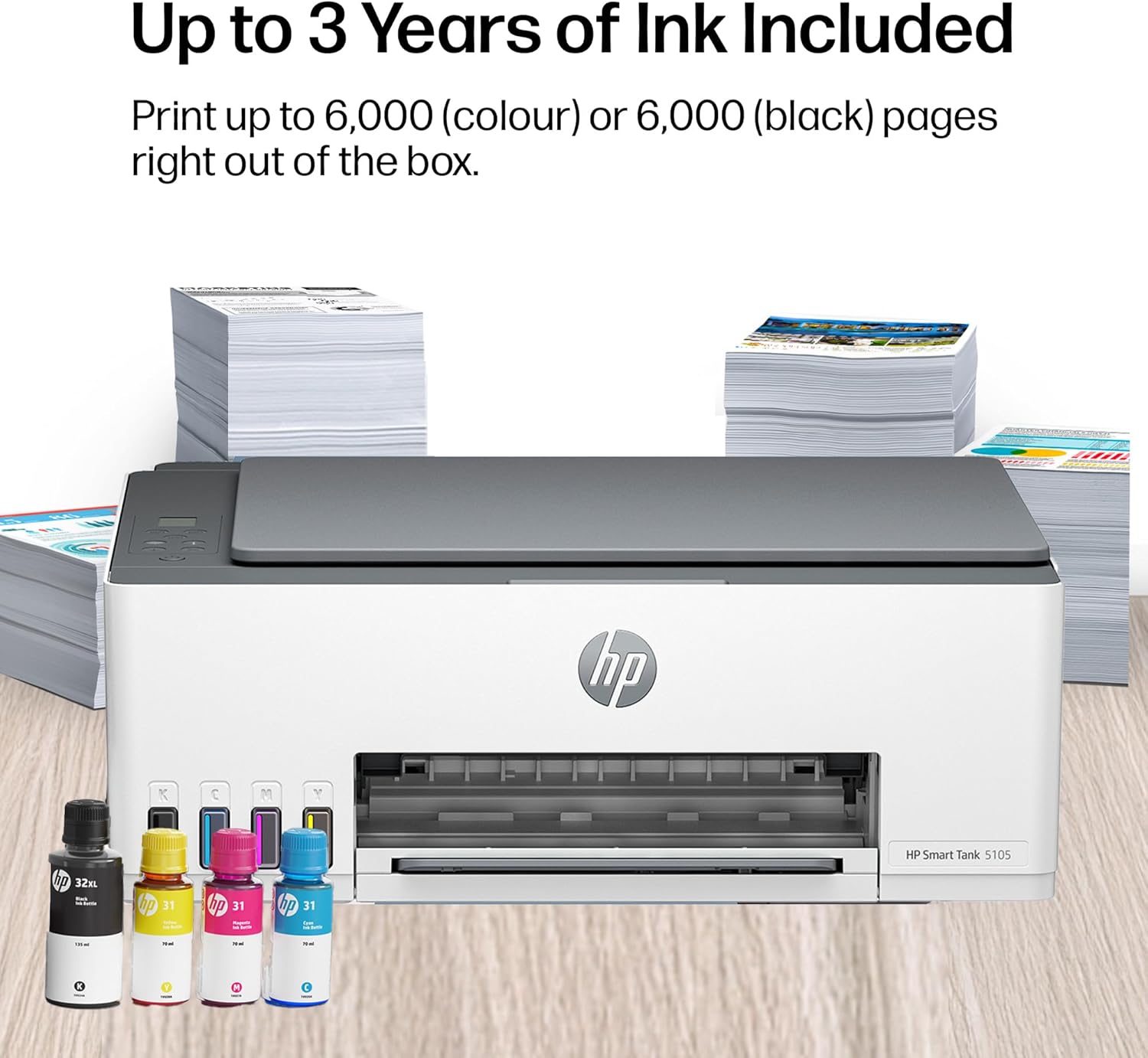
- Designed for low-cost, high-volume printing: The included ink bottles are said to provide up to 3 years of Original HP ink, with page-yield figures stated for colour and black. This is one of the strongest reasons to consider it if you want to stop thinking about cartridges.
- Speed and output expectations: The provided numbers are up to 12 ppm black and 5 ppm colour. It’s not framed as a workgroup “fast lane” printer, but for home use it gives you a baseline.
- Wireless reliability mentioned: It’s described as having reliable Wi‑Fi, which is important if you’re buying for convenience rather than running cables.
- Security basics: There’s mention of protection from viruses and malware, plus privacy and control features via basic encryption and password protection. For a home printer that connects to your network, that’s worth having—even if it’s not the kind of spec you’ll notice every day.
Tech specs (from the information provided)
- Type: All-in-One (Print, Scan, Copy)
- Connectivity: Wireless printing, mobile and wireless printing
- Print capability (rated): Up to 12 ppm black and up to 5 ppm colour
- Ink system: Refillable tank (spill-free refill system)
- Mobile printing: Print from phone or tablet
- Scanning: Scan to PDF
- Ink plan mentioned: Includes up to 3 years of Original HP Ink Bottles
- Security: Basic encryption and password protection
Pros and where it’s likely to shine
The strengths here are pretty clear from the way it’s set up:
- Better value if you print regularly: Tank-based ink plus stated multi-year coverage is exactly the kind of value proposition that makes sense for families, students, and households with frequent colour needs.
- Refilling looks less painful than older tank setups: The spill-free, easy-access refill system aims to reduce mess and effort.
- Home-friendly control design: The smart-guided buttons and the “everyday tasks” focus suggest it’s meant to be lived with, not just set up once and forgotten.
Where it can fall short is also worth flagging: for people who only print occasionally, a tank printer can feel like overkill—especially if you don’t want to manage refills at all.
Care & limitations: things to double-check before you buy
A couple of points to keep in mind. First, the page yields and multi-year claim are based on the ink coverage described, but real-world results can vary with print size, coverage, and how much colour you use. Second, the stated speeds are “up to” figures, in practice, output can vary depending on what you’re printing.
Also, because this is wireless, it’s worth making sure your home Wi‑Fi setup is where you want the printer to live. “Reliable Wi‑Fi” sounds promising, but if signal strength is poor in the room you plan to use, you may end up troubleshooting more than you’d like.
¿Merece la pena? (Who should buy it, and who should skip it)
It’s a solid pick if you want a home all-in-one and you care about predictable, lower-cost printing over time—especially when you print a decent amount in colour. It suits households that want to print from phones/tablets, scan to PDF for documents, and prefer refill bottles over swapping cartridges.
It might not be the best choice if you print very rarely, want the smallest possible footprint with minimal upkeep, or you’re uncomfortable with the idea of refilling tanks even if the process is designed to be spill-free.
Mini FAQ
Can it print from a phone or tablet?
Yes. The features mention mobile printing, so you can print wirelessly from a phone or tablet.
Does it scan to PDF?
The information provided specifically mentions scan to PDF.
Is the ink refill meant to be mess-free?
HP describes a simple, spill-free refill system where you plug in Original HP ink bottles and let them drain without squeezing.
Is it fast enough for home printing?
It’s rated up to 12 ppm black and 5 ppm colour. That’s in the “home/practical” range—more convenience-focused than office-grade speed.
Does it offer security features?
It mentions basic encryption and password protection to help maintain privacy and control on the network.