

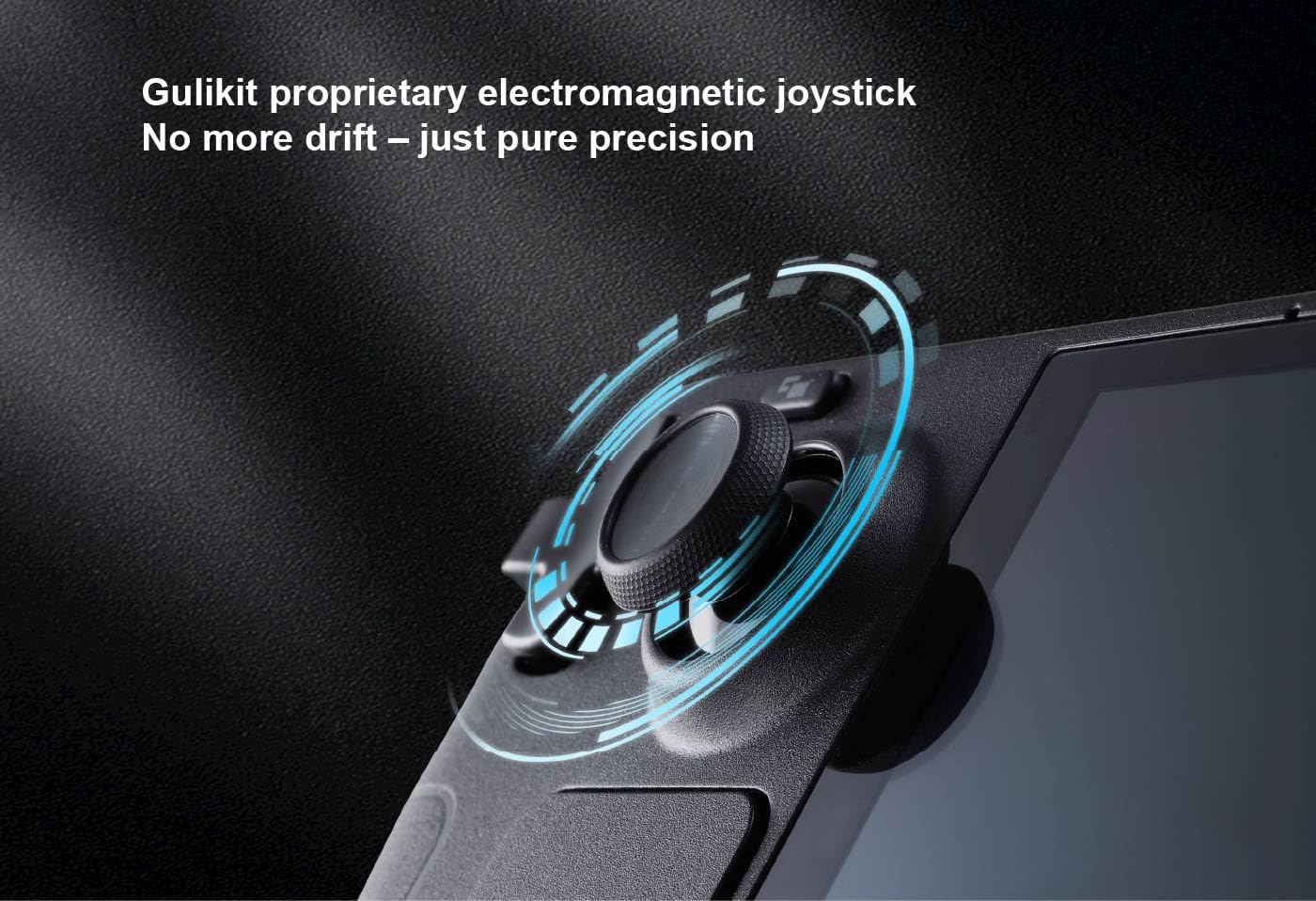
GuliKit Analog LCD (Type A&B) Hall Effect Joystick Replacement for Steam Deck (No-solder, one-key calibration) – Right & Left repair kit (Not fit OLED)
Product description
If your Steam Deck joystick has started to feel a bit “off”, this GuliKit Analog LCD replacement kit is the sort of fix people look for: it’s built as a drop-in repair aimed at smoother movement and less chance of drift. The pitch here is fairly specific—Hall Effect, reduced dead zone behaviour, and installation without soldering—so it makes sense when you want a controlled repair rather than living with imprecise inputs.
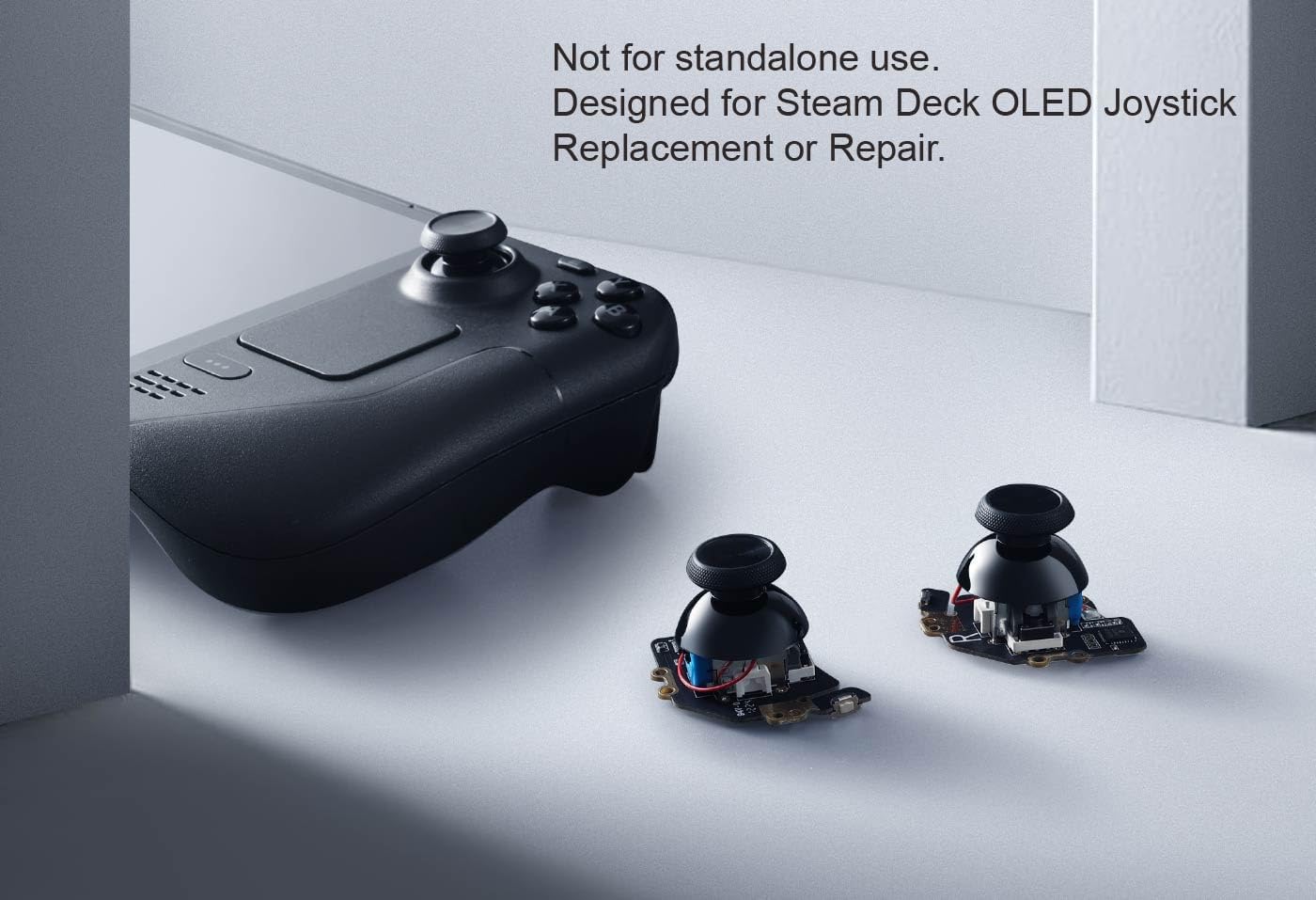
The main catch is the compatibility wording: it’s stated as “Not fit OLED”, and the kit also depends on choosing the correct type (Type A vs Type B) via the controller ID settings. If you’re not sure which joystick type your device needs, you’ll want to double-check before ordering.
What this joystick replacement is for
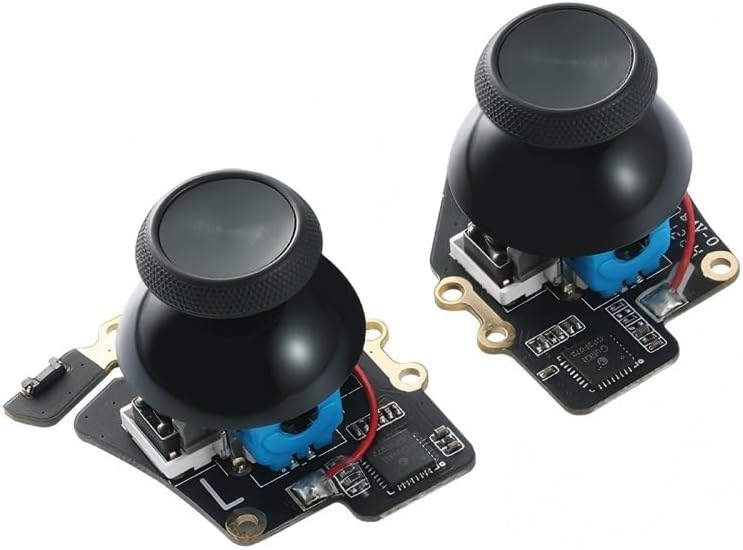
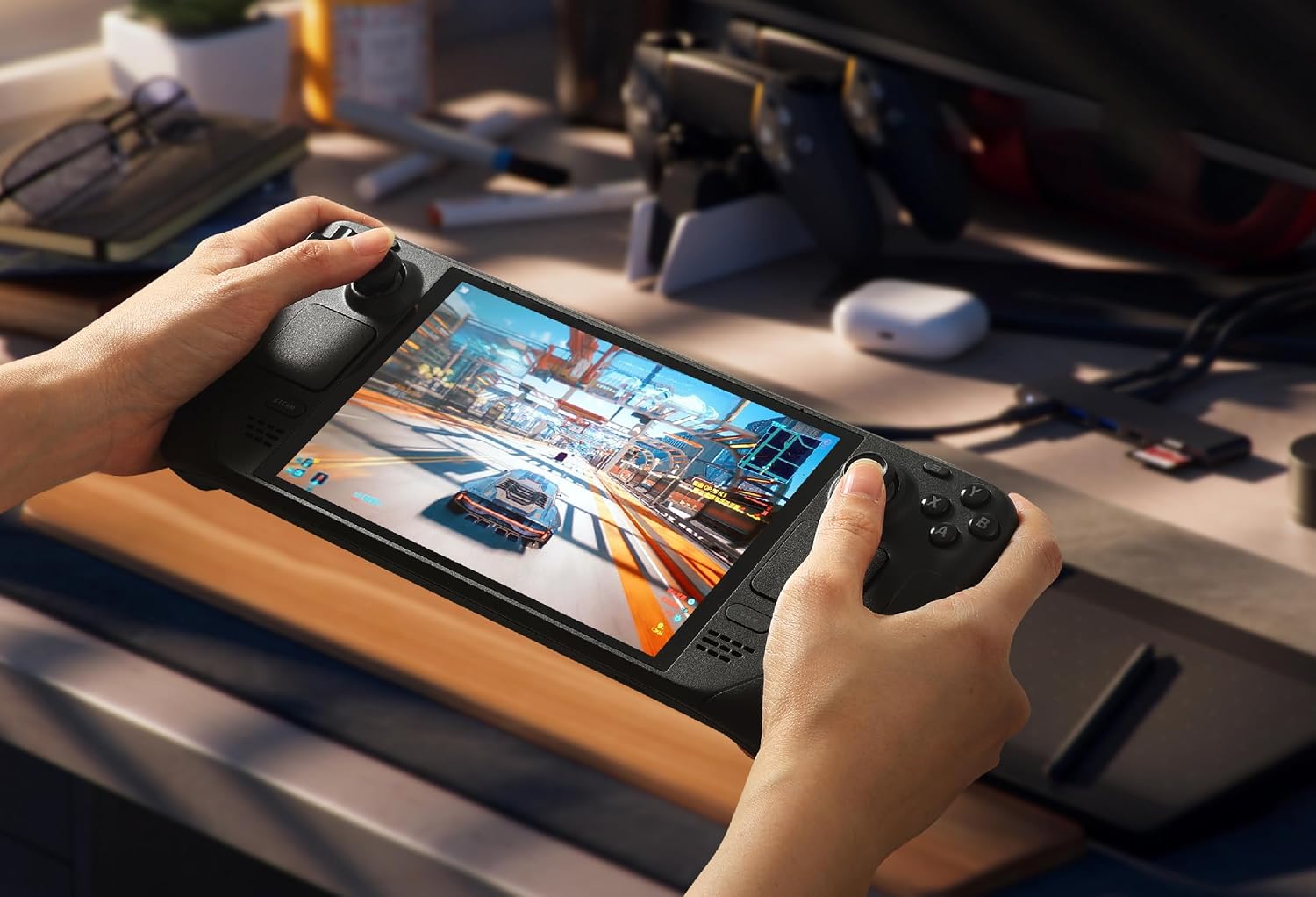
This is a right & left joystick replacement/repair kit designed for Steam Deck. On paper, it’s meant to mirror the original joystick’s dimensions and interface, so the swap is intended to feel like a repair rather than a major rebuild.
The practical goal is clear: improve how the analog sticks behave over time, reduce the likelihood of drift, and help with more accurate inputs. The description also mentions touch-sensing functionality, and that the replacement includes a stick cap to keep the touch sense behaviour aligned with the original.
Where it stands out in day-to-day use
The most notable idea is the Hall Effect technology. Compared with traditional sensor approaches, Hall Effect is often chosen when people specifically want better resistance to drift and steadier long-term control. In addition, the kit claims smoother operation and a significantly extended lifespan.
There’s also a dead zone angle. If you’ve noticed the stick needing a bit of extra movement before it registers properly, the kit’s approach is to help you minimise dead zones via controller settings. The wording suggests you may even be able to get to a zero dead zone depending on your configuration—though in reality, results can depend quite a lot on your game settings and how you map controls.
A small, real-world “feel” point: after a calibration and settings tweak, you’re typically looking for more immediate response around the centre, so menus, aiming, and fine movement in games can feel less mushy.
No-solder installation (and what you still need to do)
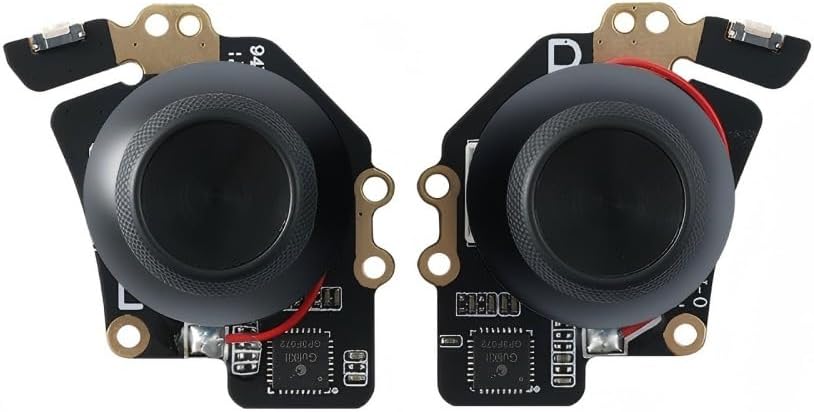
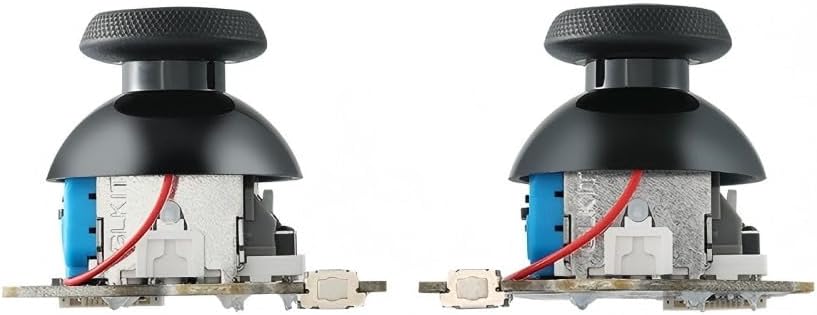
One of the selling points is “no-soldering required”. The replacement maintains the same size and interface as the original parts, so the install is positioned as align-and-tighten: you align the parts and tighten the screws.
It’s also said to include a stick cap, which matters because the description ties this to keeping the touch-sensing functionality.
Still, it’s not “instant and forgetful”. The instructions say it’s needed to recalibrate before securing the back cover. And there’s a shipping-related note: if you run into a stuck joystick issue, the stick cap that comes pre-installed may loosen during shipping—pressing the cap vertically down is suggested.
Choosing the right type (Type A vs Type B)
This kit requires selecting the correct joystick type. The instructions point you to Steam Deck controller ID settings:
Settings → System → Steam Deck Controller ID, then use the guide where MEDA is Type A and MHDA is Type B.
Worth noting: if you pick the wrong type, it’s not a “works anyway” situation. So the safer play is to confirm your controller ID first, then match the type before you open anything.
One-key calibration process
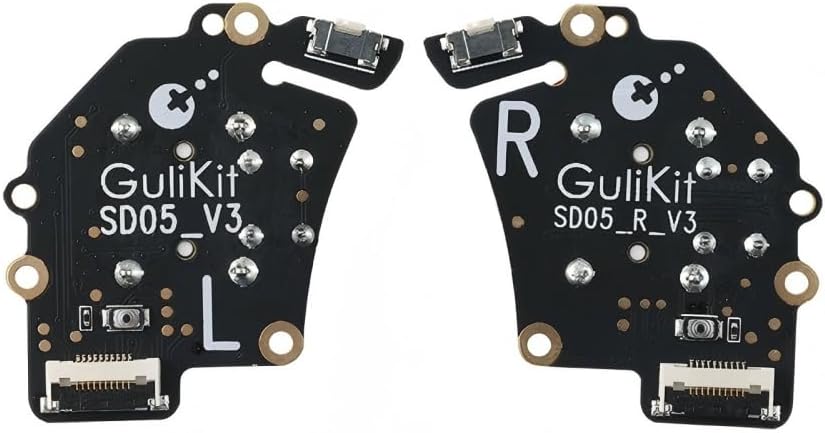
The one-button calibration is described as a short, repeatable routine:
Move the joystick to the symmetrical position of the central point, press the tiny calibration button on the board (as marked on the kit’s picture), then release the joystick. The calibration is said to complete when the joystick returns to the centre position.
There’s also a nuance in the instructions: it’s “normal” that the joystick may not return to centre each time under no dead zone mode. That’s the kind of behaviour that can surprise you if you expect perfect centring every time—so it’s a limitation to keep in mind while you test and tune settings.
Tech specs
- Type: Hall Effect analog joystick replacement (Type A or Type B)
- Compatibility note: Not fit OLED
- Installation: No soldering required, align and tighten screws
- Calibration: One-key calibration using the tiny calibration button on the board
- Includes: Right & left repair kit with caps
Is it worth it?
Buy it if you’re trying to repair a Steam Deck joystick and you specifically want a no-solder replacement with Hall Effect sensors, plus a calibration routine built into the kit. It’s also a good fit if you’re comfortable checking your Steam Deck Controller ID to confirm whether you need Type A or Type B, and you plan to tweak dead zone behaviour in settings to improve responsiveness.
Skip it (or at least pause) if your device is OLED, because the instructions state it’s not fit for OLED. You may also want to look elsewhere if you’re not willing to do the recalibration step before closing up the back, or if you’re expecting a totally hands-off swap without any testing in-game/settings—because the instructions explicitly mention behaviour differences under no dead zone mode.
Finally, consider your expectations: this is a repair kit that focuses on analog feel and drift resistance. If your goal is something broader than joystick behaviour (for example unrelated hardware issues), a joystick replacement won’t cover that.
Mini FAQ
Do I need soldering for this joystick replacement?
No. The installation is described as no-soldering required, using alignment and tightening screws.
How do I know whether I need Type A or Type B?
Check Steam Deck Controller ID in Settings → System → Steam Deck Controller ID. The description says MEDA is Type A and MHDA is Type B.
Is recalibration required before I close the back cover?
Yes. The instructions say recalibrate before securing the back cover.
Will the joystick always snap back to centre perfectly?
The description notes that it may not return to centre each time under no dead zone mode, which is presented as normal.
Does it fit OLED models?
No—the kit is clearly labelled “Not fit OLED”.