

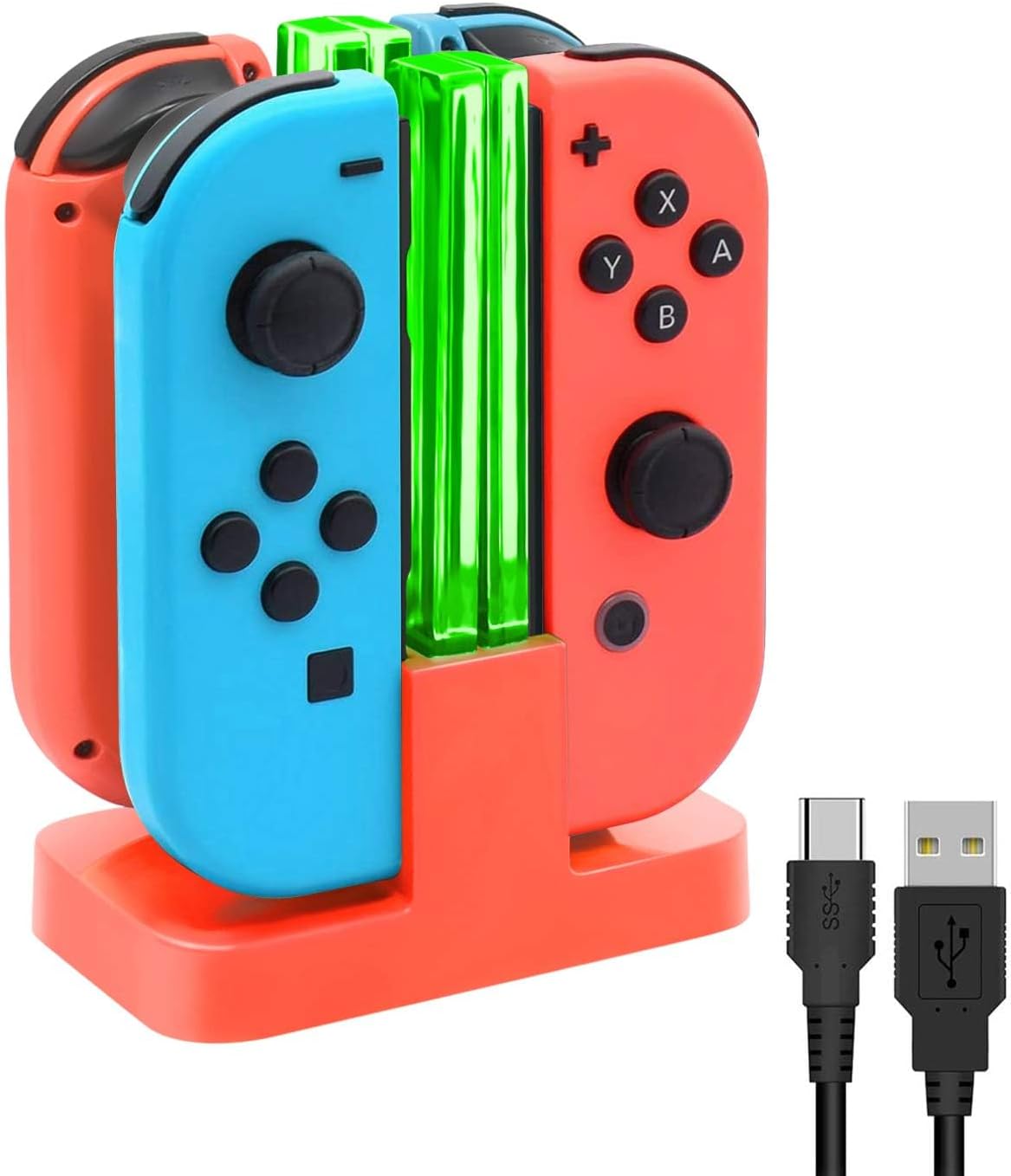
FYOUNG Joy-Con switch charger for 4
Reviews
Price
Product description
The essentials
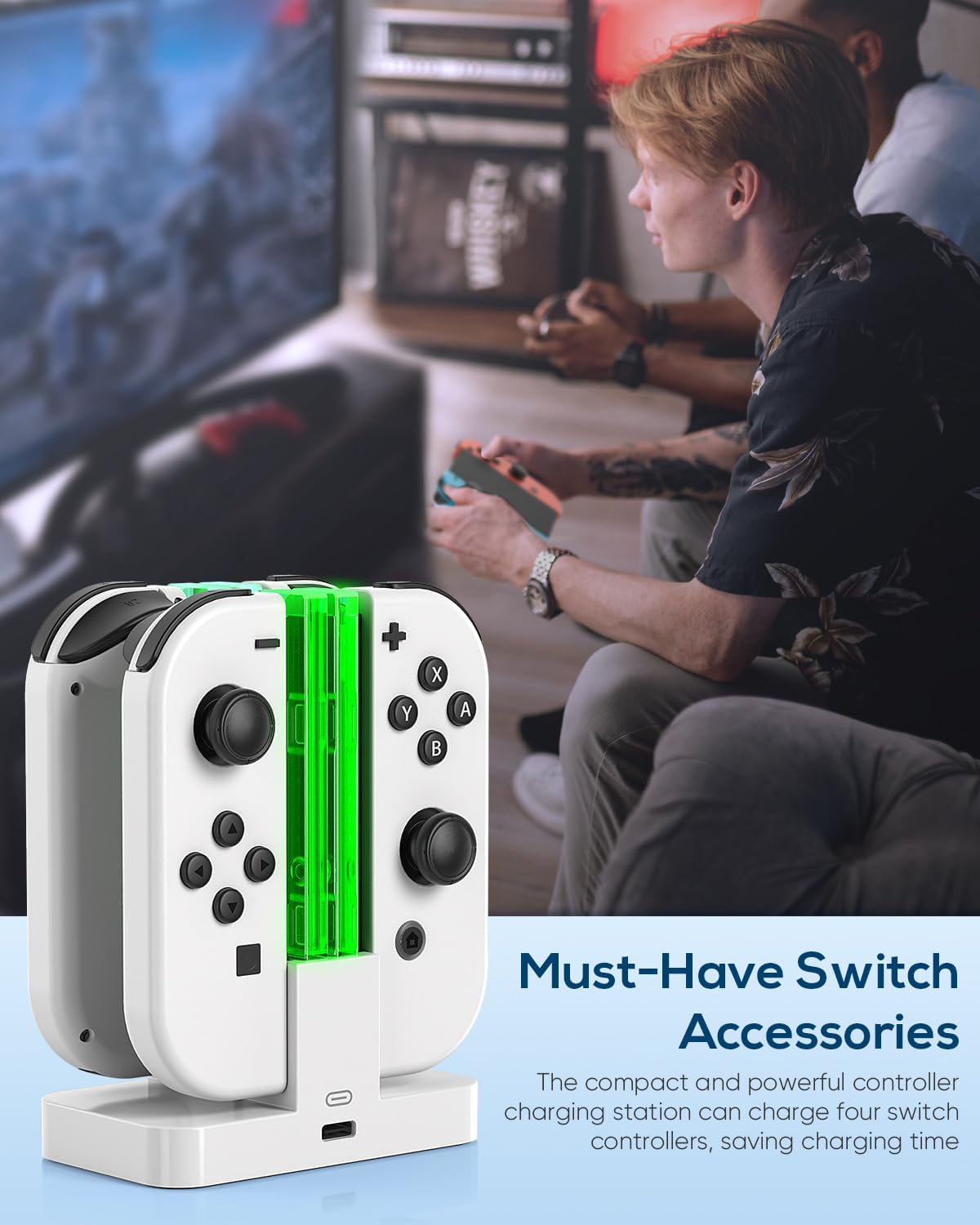
A Joy-Con charger dock with an LED light bar makes day to day charging easier and easier to notice, especially when you have more than one controller to keep topped up. The FYOUNG Switch Charger for Joy Con with LED Light Bar is designed for Nintendo Switch and Switch OLED, letting you charge up to four remotes at once without having to plug each one in separately.
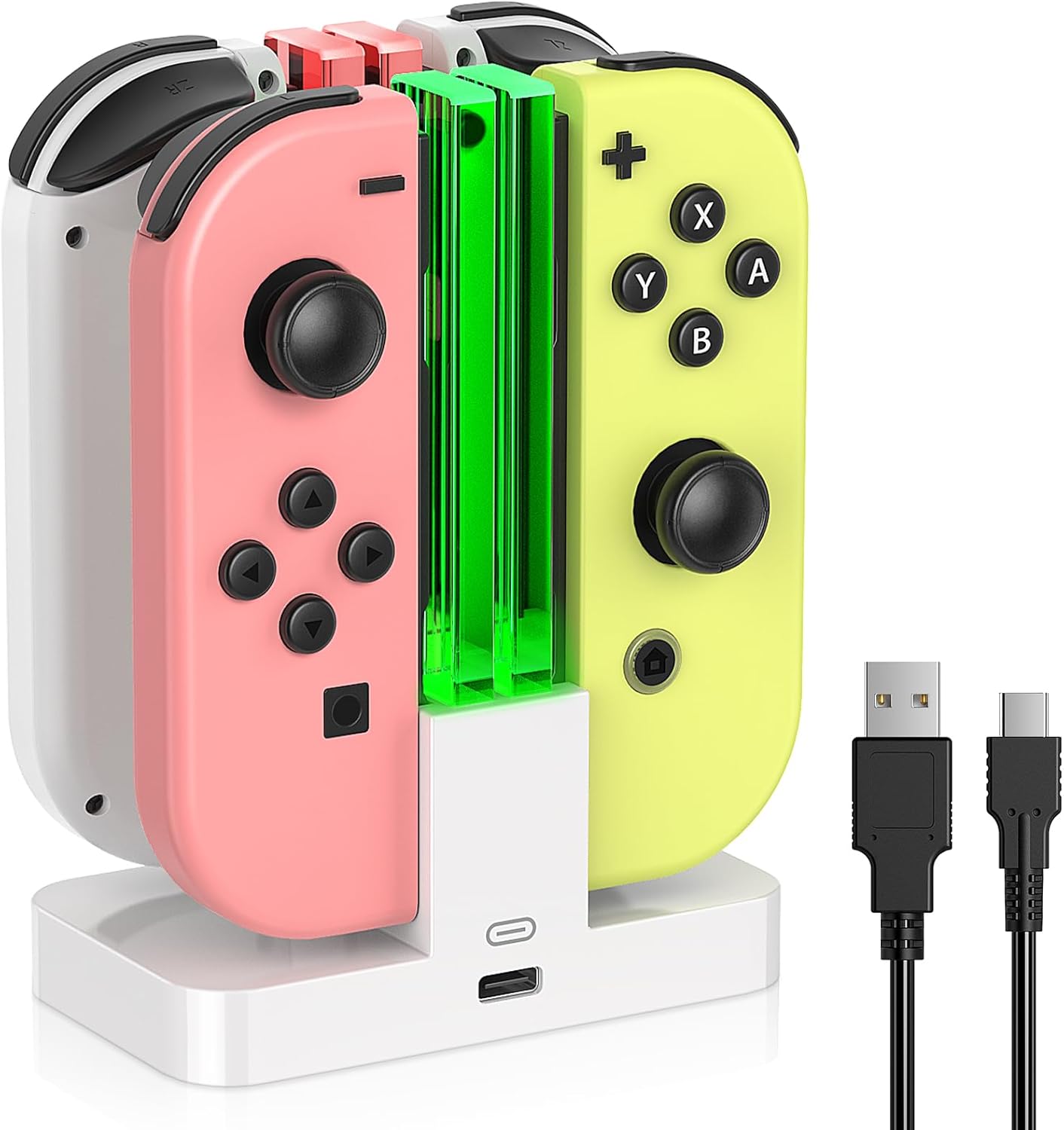
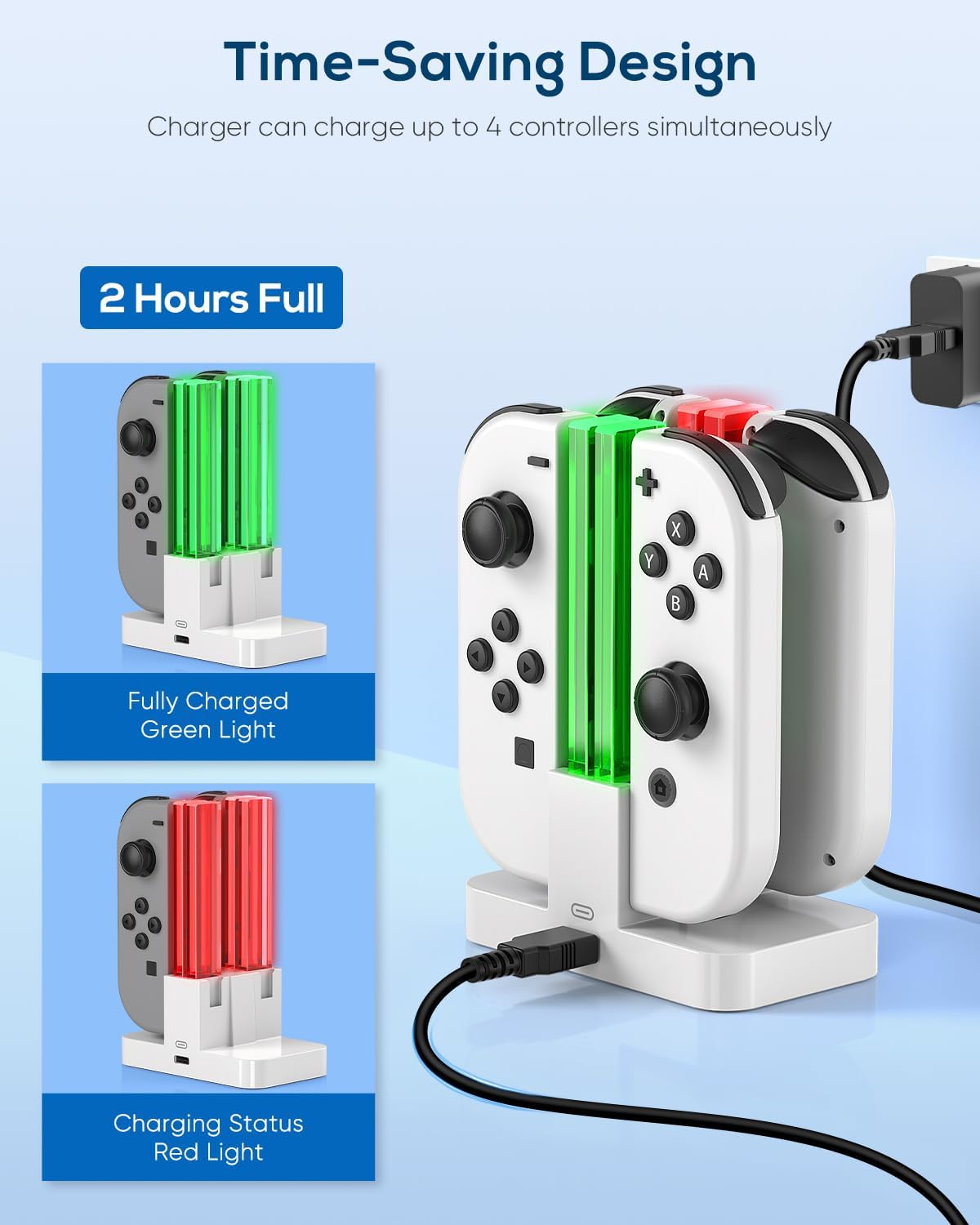
What matters most here is clarity and convenience. Instead of a tiny dot or small icon indicator, the charger uses long transparent light bars that show charging status in a way you can spot from a distance, which helps when you are using the dock area as part of your routine gaming setup 🎮. The light turns red while charging, then switches to green once charging is completed, so you know what is ready at a glance.
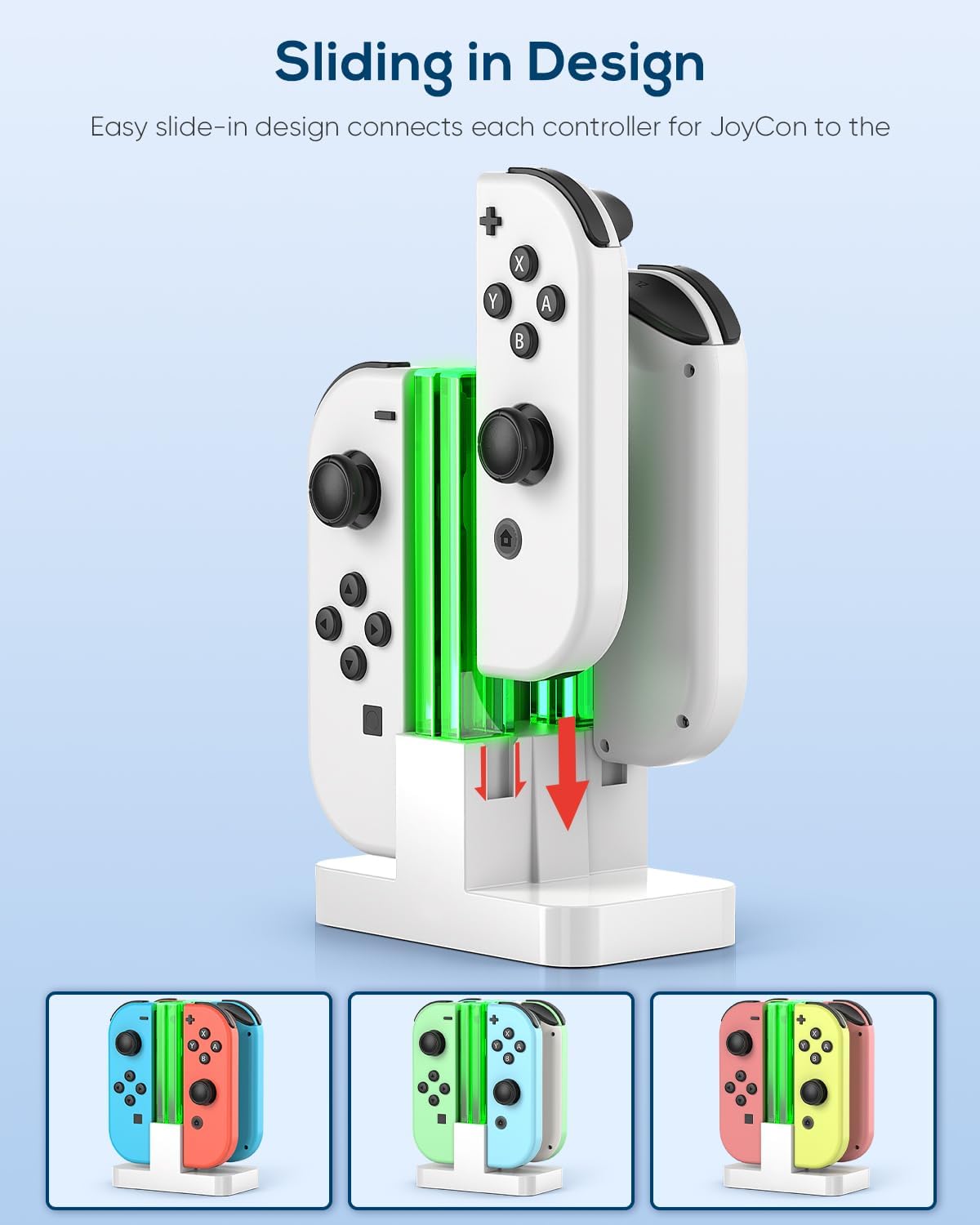
If you want a compact switch controller charging stand that also looks neat on the shelf, this one has a compact design plus a weighted base for stability. You get a square column style layout in the middle with slide in slots for the remotes and the LED indicator, so it stays organised even when you are charging multiple controllers. There is also a practical safety angle, because it includes internal power protection to help reduce common charging risks.
Key features
This charger dock is built around simple, repeatable behaviour, plug in and slide controllers into place. It supports Nintendo Switch and Switch OLED compatibility, so it fits into an everyday Switch charging routine rather than becoming a one off accessory. The LED transparent light bar is made for visible status, adding both function and a bit of colour to the space around your console.
Charging capacity is a highlight. According to the product description, it can charge up to 4 remotes simultaneously within around 2 hours, which helps when you have family members or friends rotating controllers during a session. It also supports charge and store together, which means you are not juggling cables across your setup, and you can keep controllers in one dedicated place.
Worth noting that the LED status colour scheme is specific. Green indicates it is unoccupied, red indicates charging, and it turns green after charging completes, which is useful when you check the dock quickly between matches 😊. If you only charge one Joy Con, the light bar system still gives clear confirmation of what is happening.
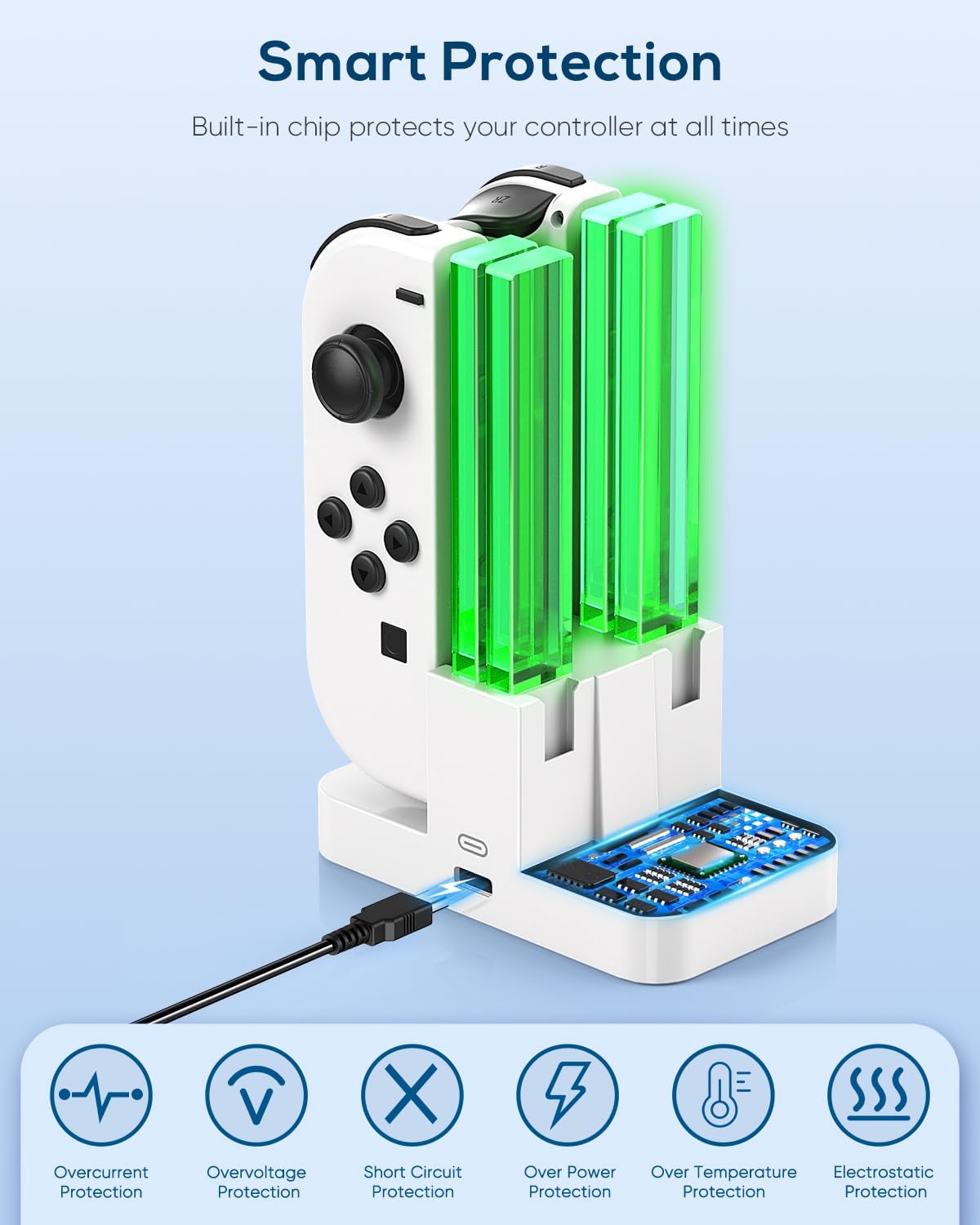
The stand is also designed for stability and straightforward access. The weighted base helps the dock sit securely, while the slide in slots make it easy to position controllers correctly. The charging station is made from ABS material, and the internal protection is designed to help guard against overheating and electrical issues such as over current, over voltage and short circuit, supporting safer daily use.
Tech specs
- Name: Switch Charger for Joy Con with LED Light Bar, FYOUNG for Nintendo Switch/OLED Controller Charger Dock
- Type: Joy Con charging dock
- Capacity: Charges up to 4 remotes simultaneously
- LED indicator: Individual long transparent light bars showing charging status
- Material: ABS
- Safety feature: Built in PTC internal power protection
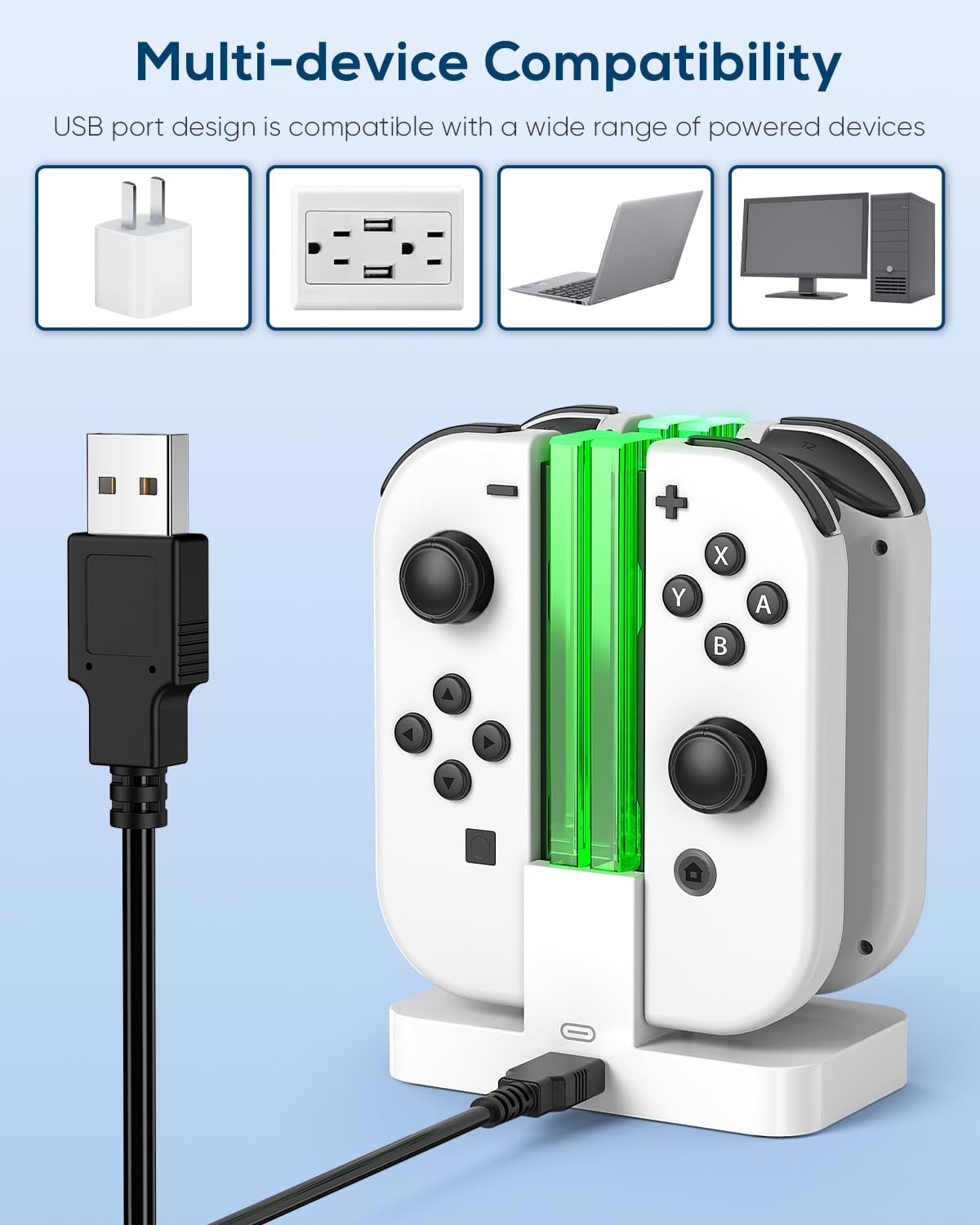
- Cable: Includes 1 m Type C cable
The product information also states what is in the box, which is helpful for first time setup. You get 1 charger for Joy Con and 1 1 m Type C cable, and power is described as being used via the included charging cable plugged directly into the Switch TV Dock. It also states the setup can support the original AC adapter, depending on how you power your console dock area 🕹️.
What to know before you buy
It makes sense if you want a single charging dock that can handle multiple Joy Con controllers, while also giving visible feedback through the LED light bar. You’ll like it if you prefer a cleaner setup with controllers resting in a dedicated stand, rather than charging them separately with individual cable connections.
It may not suit you if you only ever charge one controller at a time and you are looking for a very minimal micro dock footprint. You should also double check how you plan to power it in your setup, because the description focuses on using the included cable via the Switch TV Dock, alongside support for the original AC adapter.
If your priority is quick status recognition, the long transparent light bar indicator is designed to be readable even from a distance. That kind of clarity helps for busy routines, where you want to know immediately whether controllers are actively charging or ready to use.