

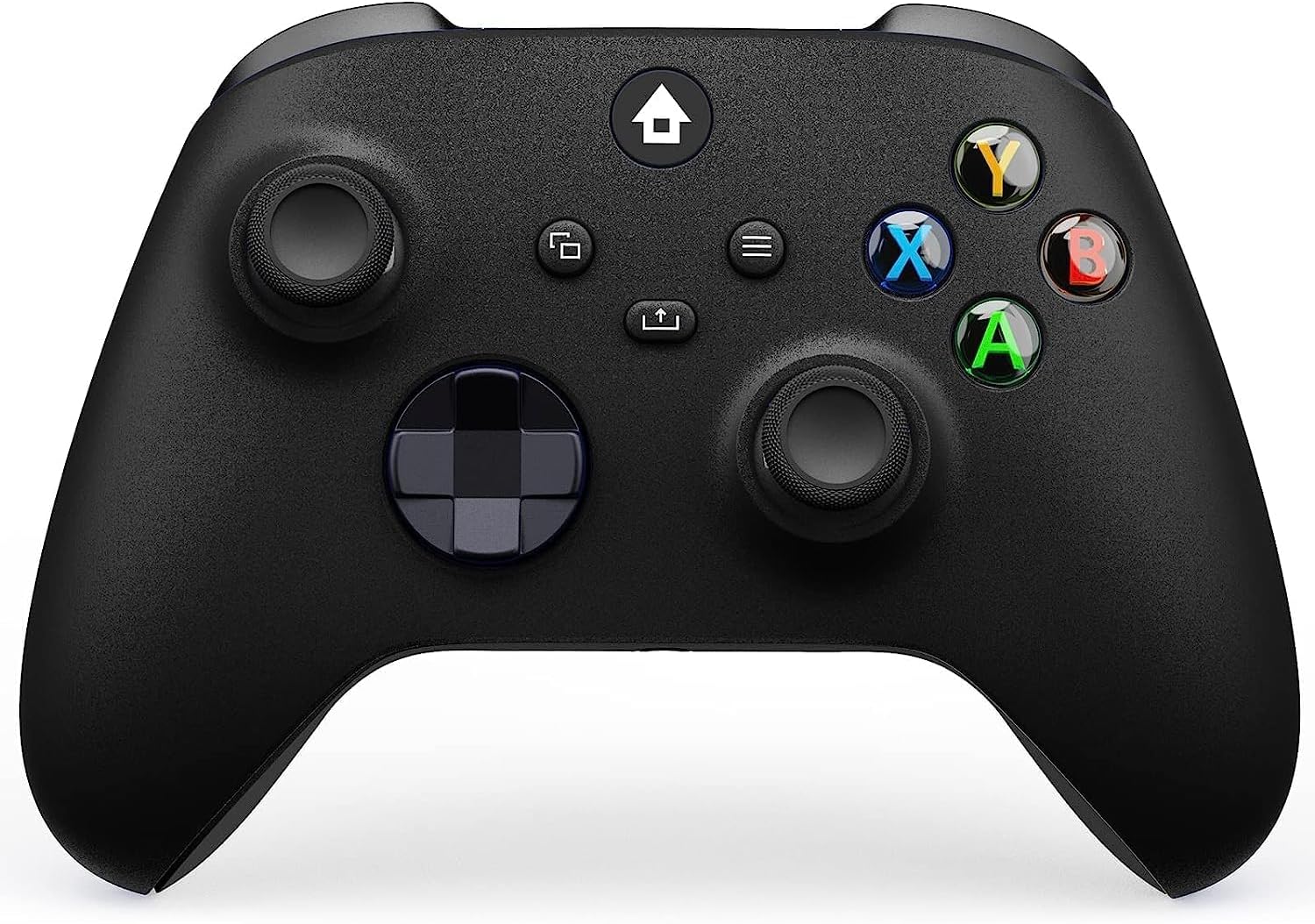
Dinosoo Wireless Controller for Xbox Series X|S, Xbox One & PC – Multi‑Platform, Bluetooth, Turbo & Macro Included
Product description
What it is
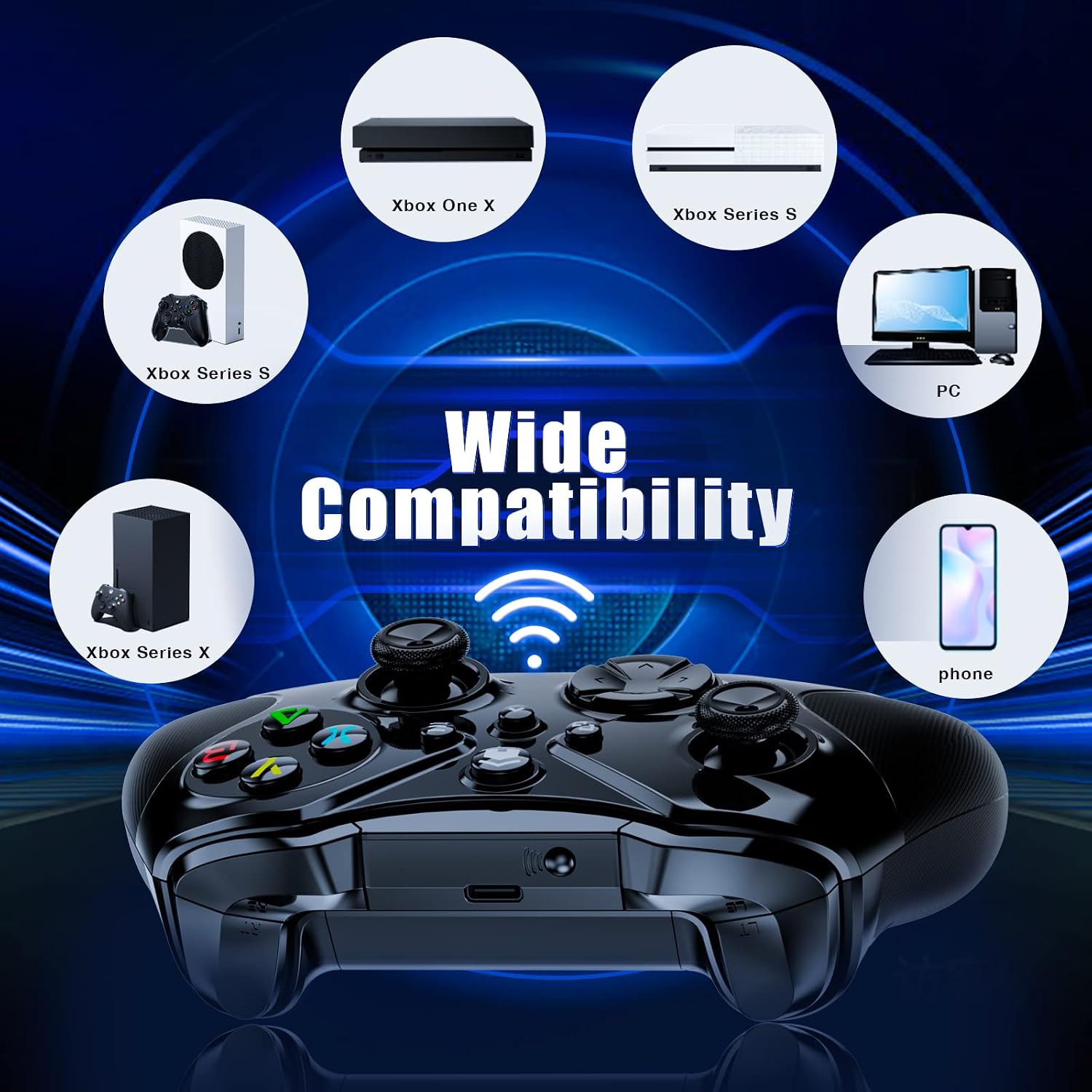
The Dinosoo Wireless Controller is a versatile gamepad designed to work across Xbox Series X|S, Xbox One, PC, and mobile devices (iOS/Android) via Bluetooth. It aims to replace multiple controllers with a single, no‑fuss option that can pair quickly and stay connected up to a practical distance in everyday gaming.
Who it’s for
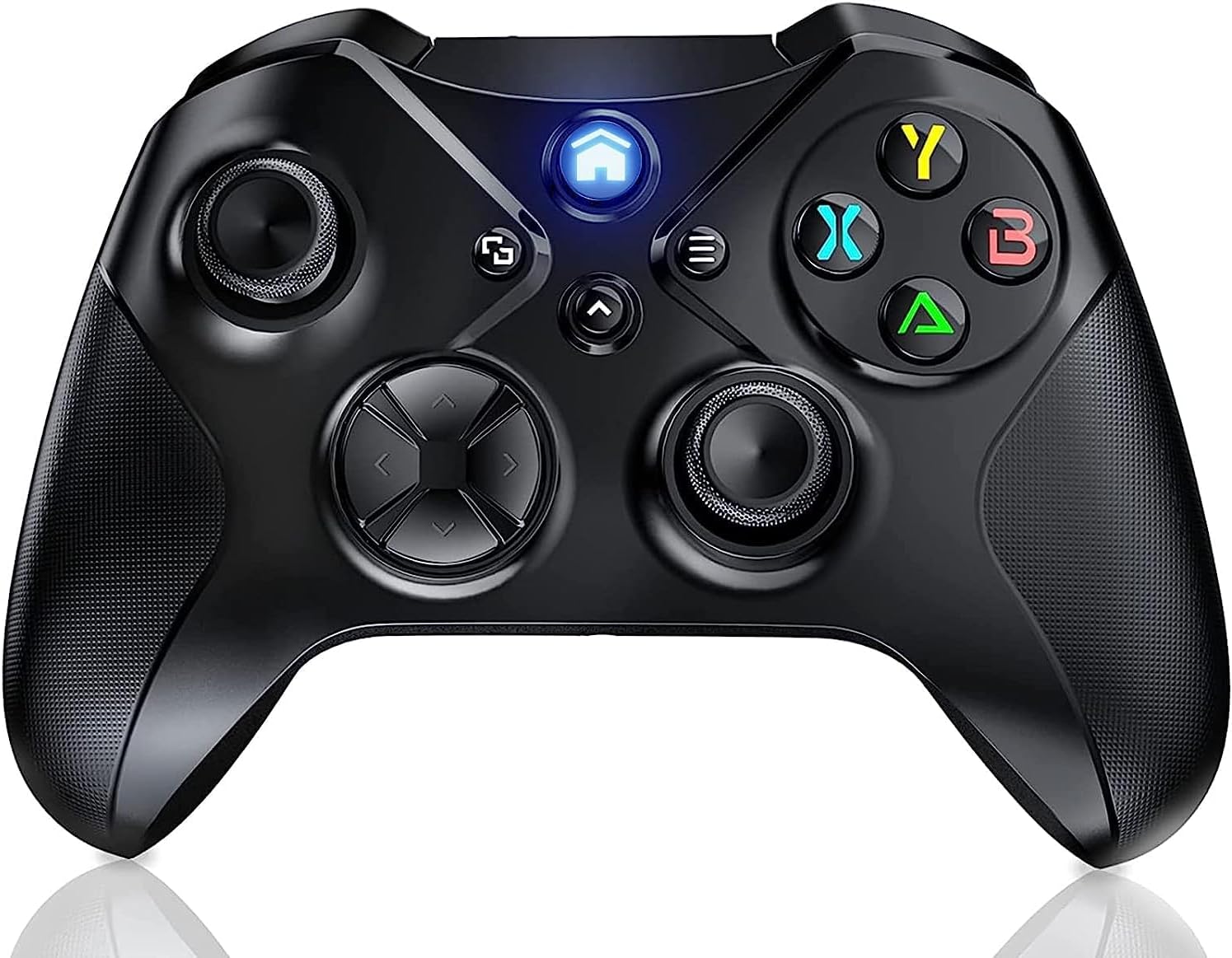
If you game across a few devices and want to limit clutter, this controller targets players who value cross‑platform convenience, a comfortable grip, and a few extra features (like a 3.5mm audio jack and macro options) that can aid in familiarising themselves with different gaming environments. It’s a sensible choice for casual and mid‑core players who don’t want to fuss with swapping gear when moving between console and PC.
What you’ll notice in use
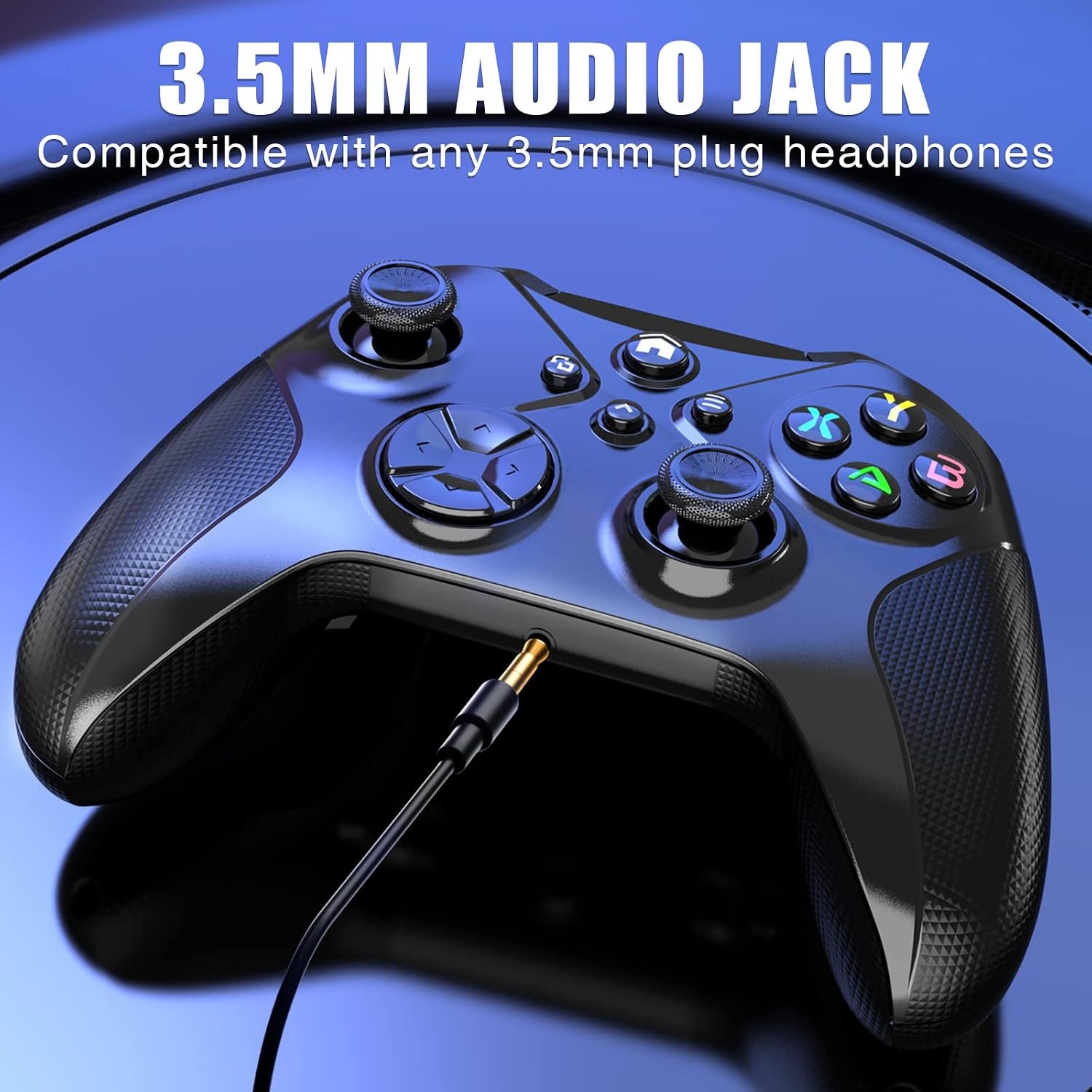
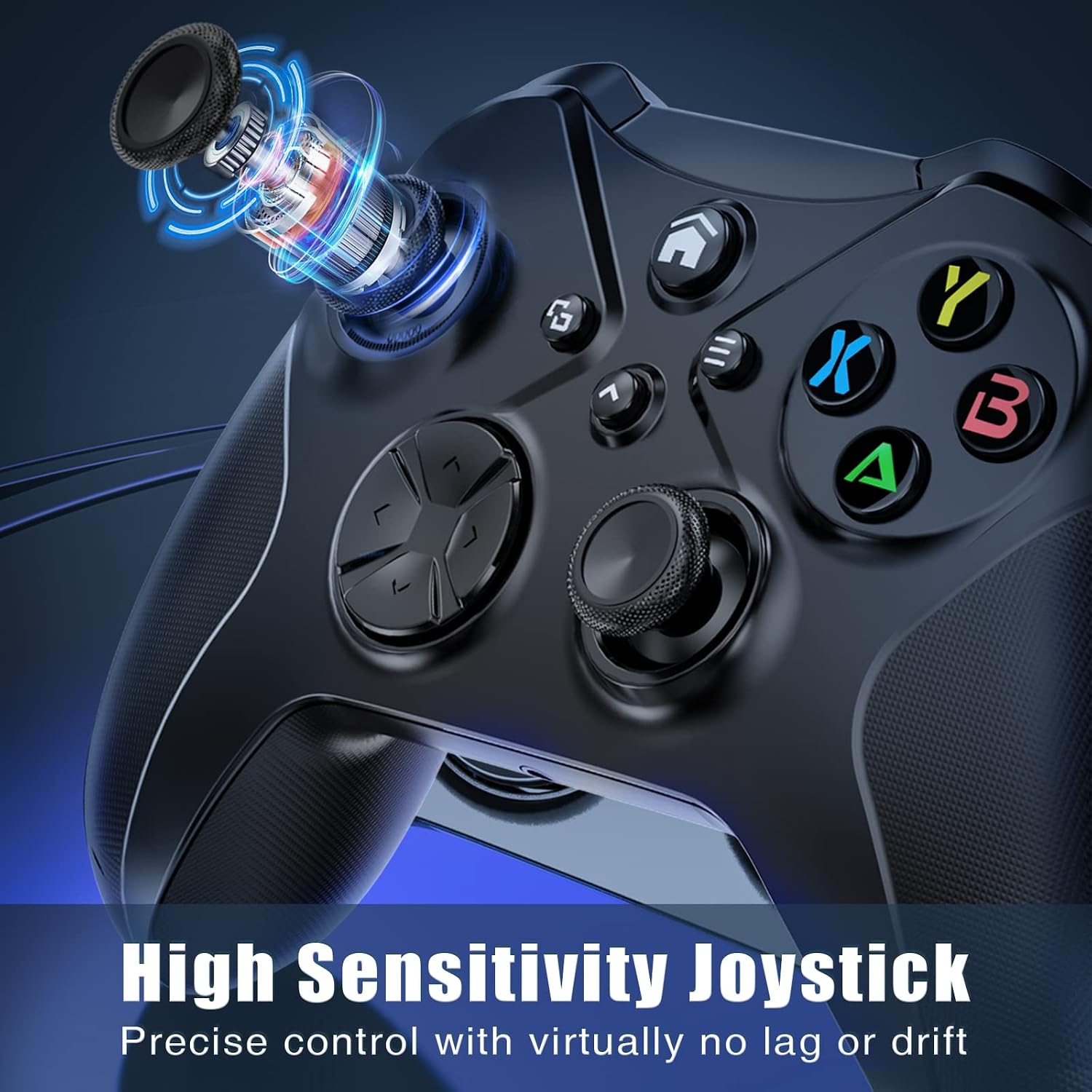
On the feel side, the joysticks are designed for precision, with an upgraded D‑pad that aims to improve input accuracy. The device includes dual vibration motors and a 6‑axis motion sensor for a more immersive experience, especially in action titles. The built‑in 3.5mm jack allows private audio and can help reduce lag by keeping audio routed through headphones. Its Bluetooth connection promises a steady signal with claimed anti‑interference, offering respectable range for living‑room play and desk setups.
Pros
- True cross‑platform compatibility reduces the need for multiple controllers.
- Stable wireless with a stated range and anti‑interference features.
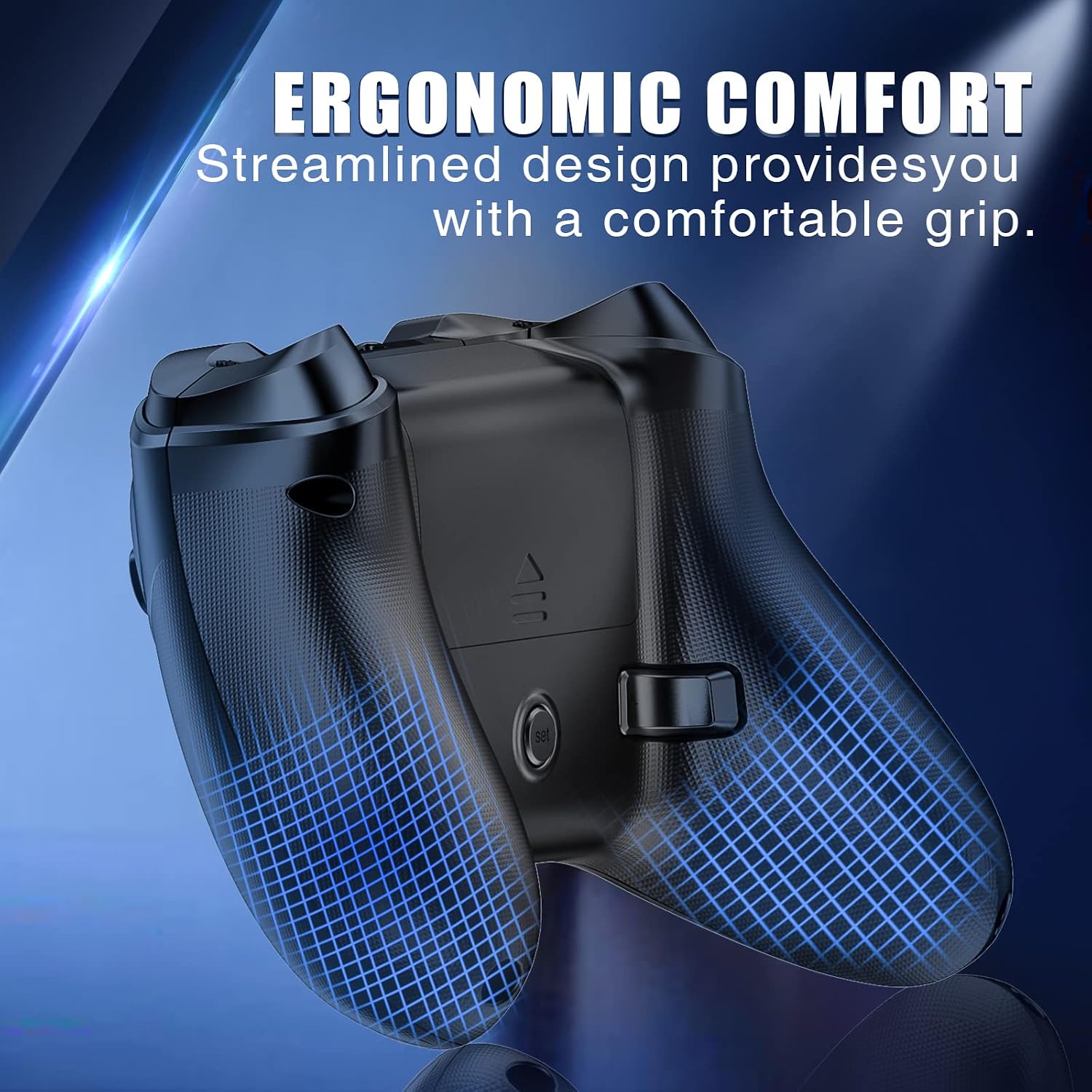
- Ergonomic, non‑slip textured grip and well‑placed buttons to reduce fatigue during longer sessions.
- 3.5mm audio jack enables private listening without extra adapters.
- Drift reduction and a solid core processor aim to keep inputs timely and reliable.
Cons / Limitations
- The setup relies on Bluetooth, in busy wireless environments, you may still encounter occasional interference or pairing hiccups. If you prioritise ultra‑low latency, a wired option or a dedicated console controller may fare better.
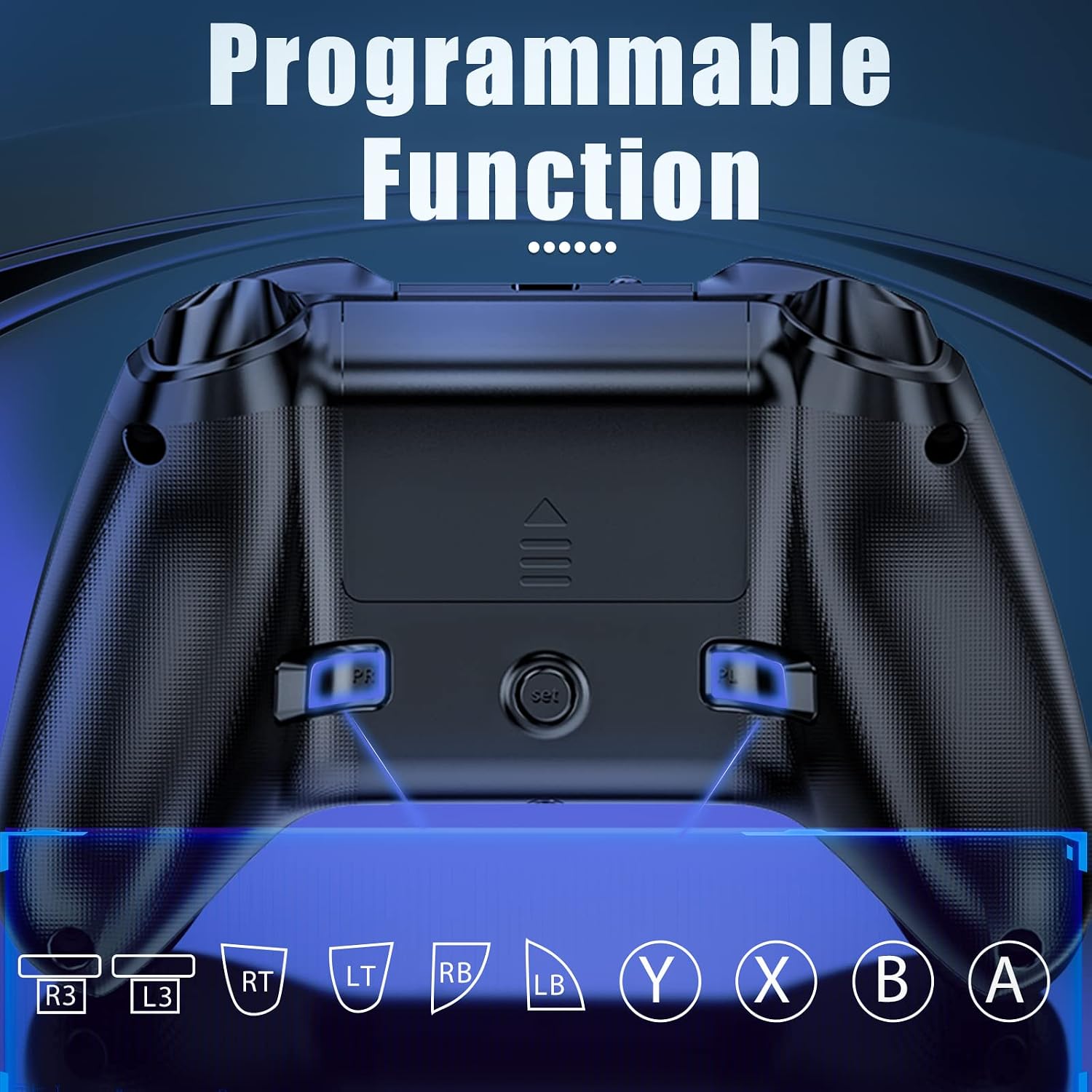
- Macro functionality is mentioned but not detailed in the available information, so the exact capabilities and limits aren’t clear. Depending on your needs, you may find this feature more or less useful.
- Not all features are described with independent testing data, so real‑world performance can vary by device and game. It’s prudent to test in a few titles before committing.
When it makes sense to buy
Choose this controller if you value a single, flexible solution for console, PC, and mobile play, and you’re comfortable with a Bluetooth setup that prioritises convenience over absolute, pro‑level latency. If you frequently switch between devices or want a quiet, comfortable grip for long sessions, this model could be a pragmatic option.
What to check before you buy
- Ensure your primary devices use Bluetooth compatibility and that the pairing process aligns with your setup.
- Consider whether you will rely on the 3.5mm jack for headphones, if you require integrated wireless audio, verify compatibility with your headset.
- If you rely on rapid input at high refresh rates, test the controller’s responsiveness in a few games to confirm it meets your expectations.
- Check the availability of macro programming on the specific games you play, as capabilities can differ by platform and title.
Practical use case
Imagine sitting on the sofa with a PC connected to a TV, switching to a mobile game on a tablet without swapping controllers. You reach for the Dinosoo, pair once, and enjoy a familiar layout with a comfortable grip that helps you power through a few rounds of an action title, with audio routed through a private headset for immersion without disturbing others.
FAQ
- Does it work with both Xbox Series X|S and PC? Yes, it’s designed for Series X|S, Xbox One, and PC via Bluetooth, with cross‑compatibility for mobile devices.
- Is the macro feature clearly described? The base description mentions macro capabilities, but exact functions aren’t specified here. You may want to verify during setup or check the manufacturer’s guidance.
- Will it feel the same as a dedicated Xbox controller? It aims to mimic traditional controls with an ergonomic design, but personal comfort may vary. If you require absolute parity, testing in‑person could help.
Is it worth it?
It’s a solid pick if you prioritise cross‑device usability and a practical, comfortable design over niche, high‑end latency specs. Not the best option if you demand top‑tier pro latency or depend on advanced macro capabilities that require precise, game‑specific tuning. For many players, the value comes from having a single controller that covers multiple ecosystems without juggling several devices.