

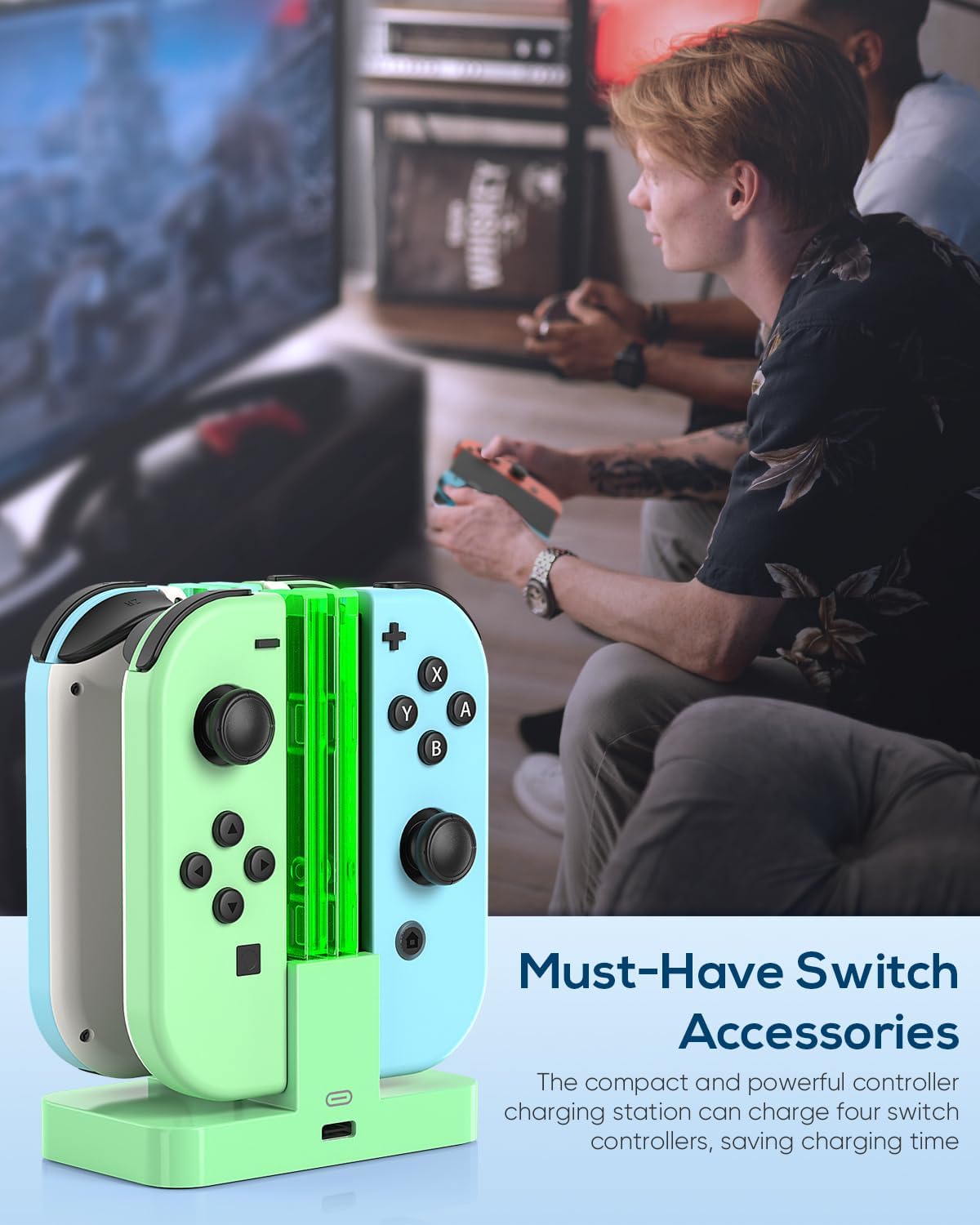
FYOUNG Joy-Con Switch Charger Dock with LED Light Bar (for Nintendo Switch / Switch OLED)
Product description
The essentials
A simple charging dock for Joy-Con controllers can sound boring, but it’s one of those accessories you really notice once it’s on your desk or TV stand. The FYOUNG Switch Charger for Joy Con with LED Light Bar is built for Nintendo Switch and Switch OLED, and it’s designed to charge up to four remotes in one go while keeping an easy visual cue of what’s happening.
On paper, this is the sort of charging stand you buy when you want fewer cables, more organised storage, and a charging status you can spot from a distance—without relying on tiny dots or guessing. It also leans towards everyday practicality rather than anything flashy.
Key features that matter in use
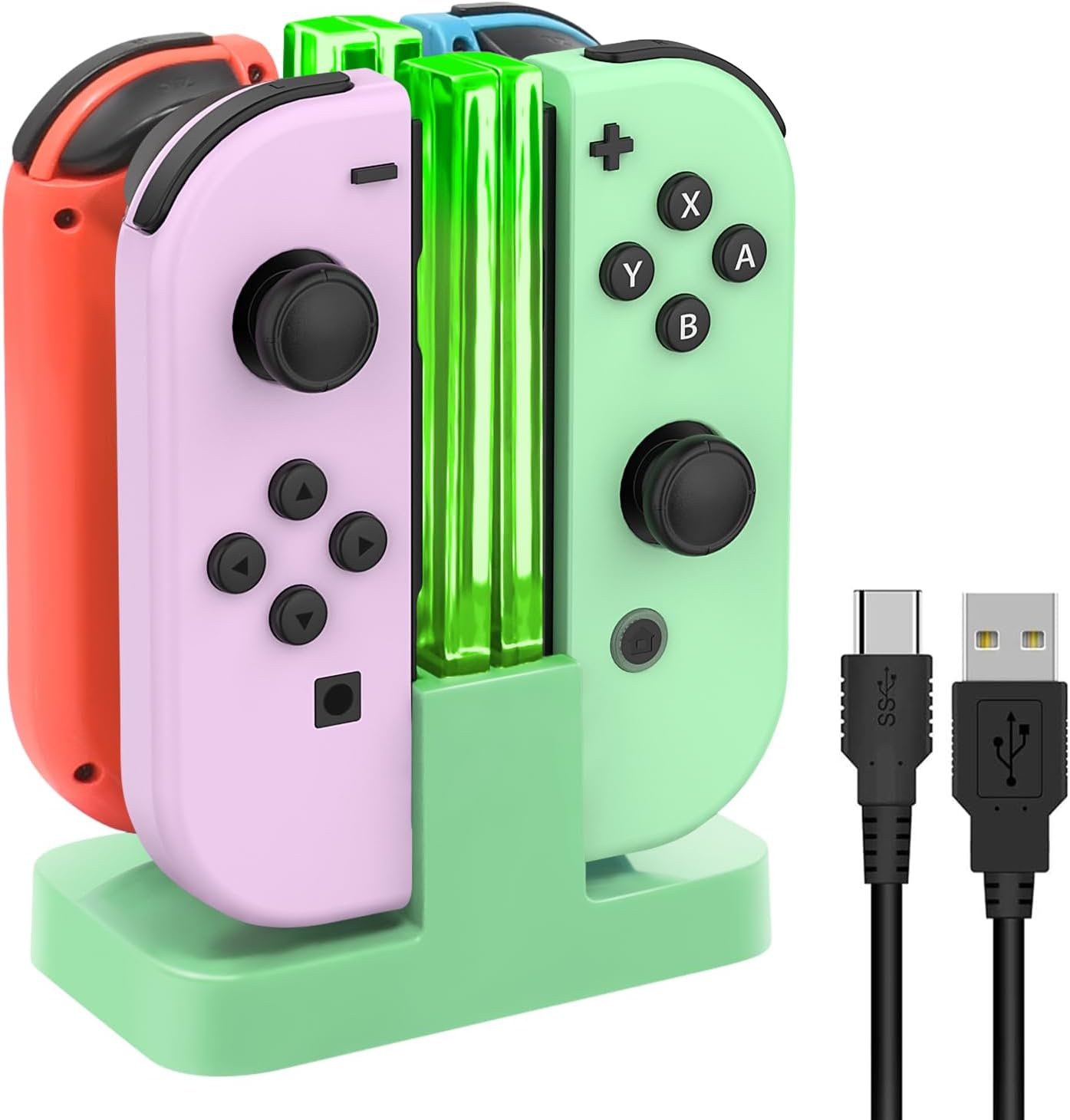
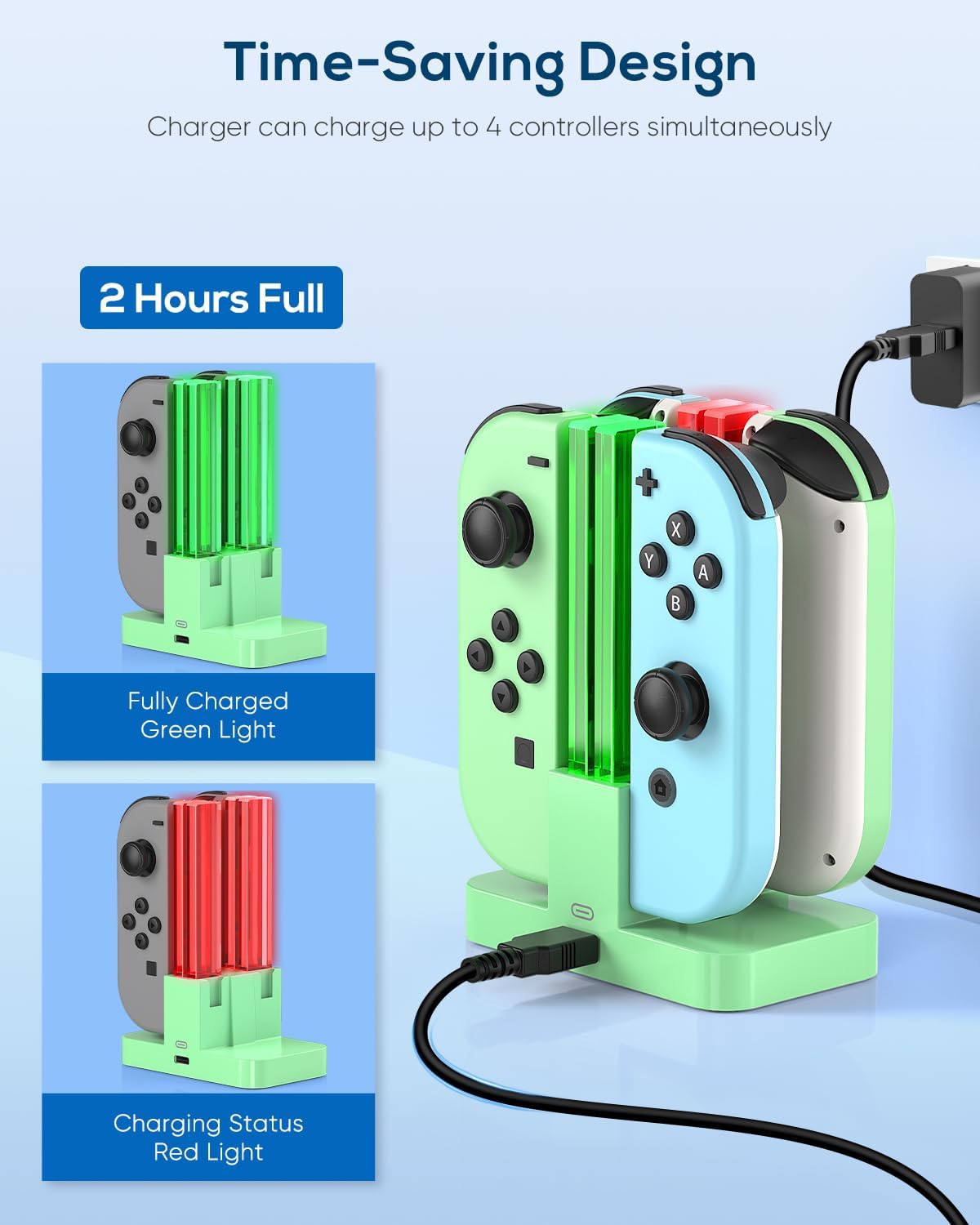
The headline here is the LED light bar design. Instead of a small indicator, the dock uses long, transparent light bars that show the charging status clearly. According to the description, the light is green when the dock is unoccupied, turns red while charging, and goes green again when charging is completed. That’s genuinely useful if you’ve ever walked past a stand and only realised later that a controller wasn’t topped up.
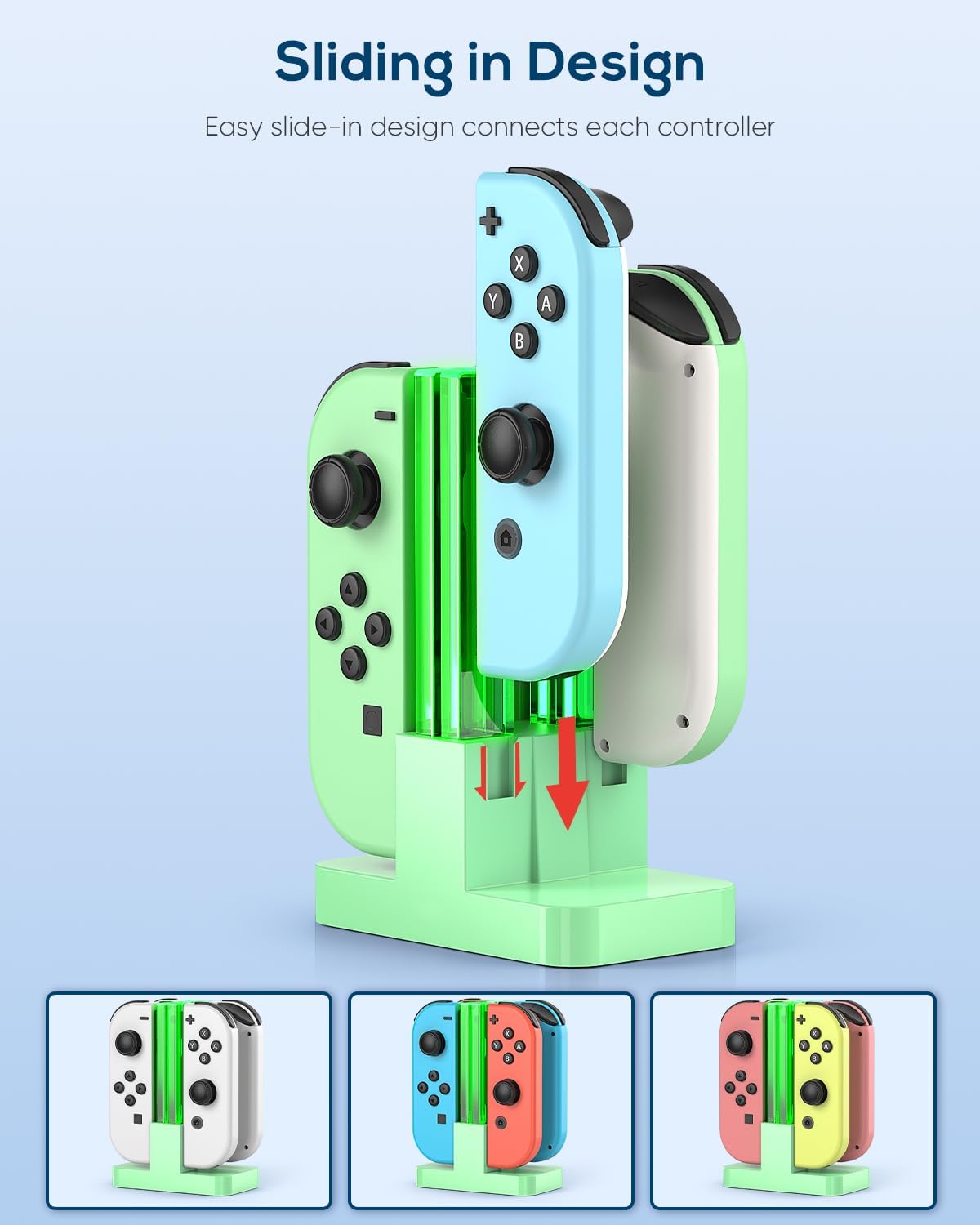
There’s also a compact, storage-focused layout. The dock is described as compact and simple, with a weighted base for stability and slide-in slots for the controllers. The whole unit is presented as a square column in the middle, pairing storage and charging in one piece.
A quick micro-example: imagine you’ve finished a session, drop the Joy-Cons into the four slots, and then glance across the room. If the bars are red, they’re charging, if they’ve shifted back to green, you’re ready for the next play session.
What you’ll notice day to day
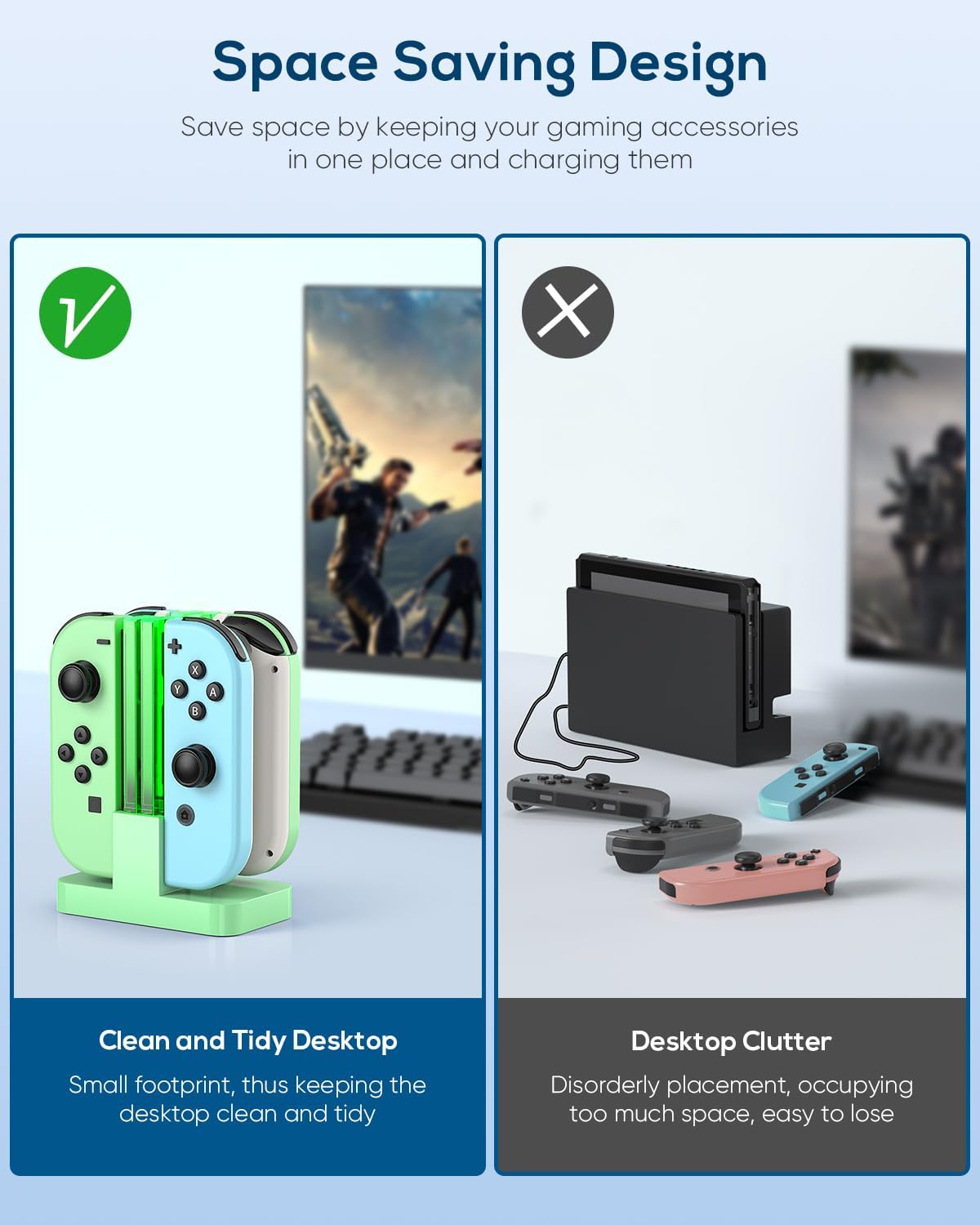
This charger is very much about convenience and clarity. Charging up to four remotes at once within around 2 hours (as stated) means you’re not stuck with the “one controller at a time” routine.
That said, “up to four” depends on how you use it in real life. If you mostly play handheld with just one pair connected, you may find it more of a tidy storage solution than a constant necessity. It’s ideal when you regularly rotate controllers between players, or when you want a set-and-forget charging habit.
The LED status is also a double-edged thing: it’s helpful, but if you prefer completely dark setups, you may or may not love a visible light bar running during charging.
Tech specs
- Type: Joy-Con controller charging dock / charger
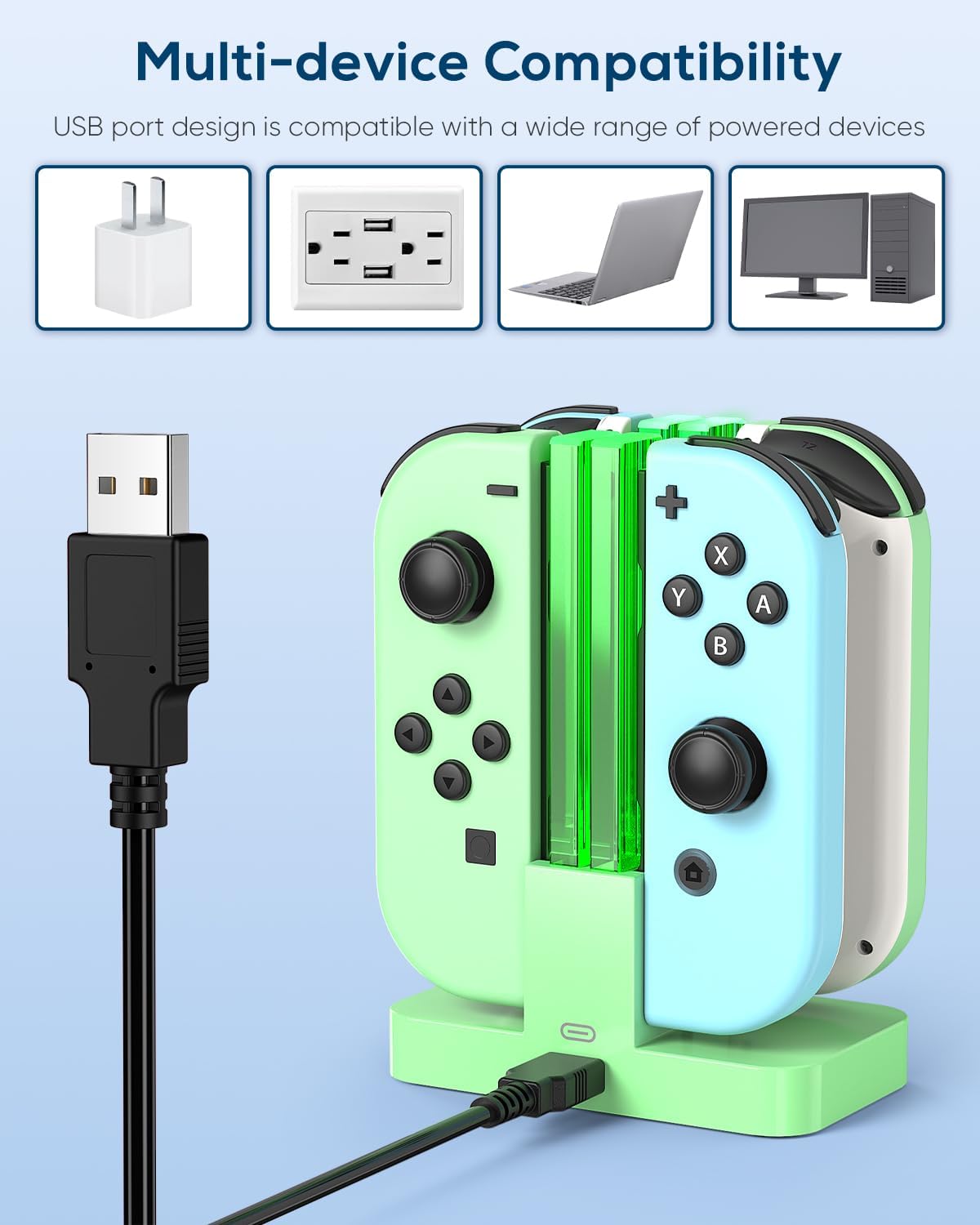
- Compatibility: Nintendo Switch and Switch OLED controllers
- Charging capacity: up to 4 remotes simultaneously
- Charging time: charges up to 4 remotes within about 2 hours (as stated)
- LED indicator: transparent light bar status (green unoccupied, red charging, green after completion)
- Materials: ABS
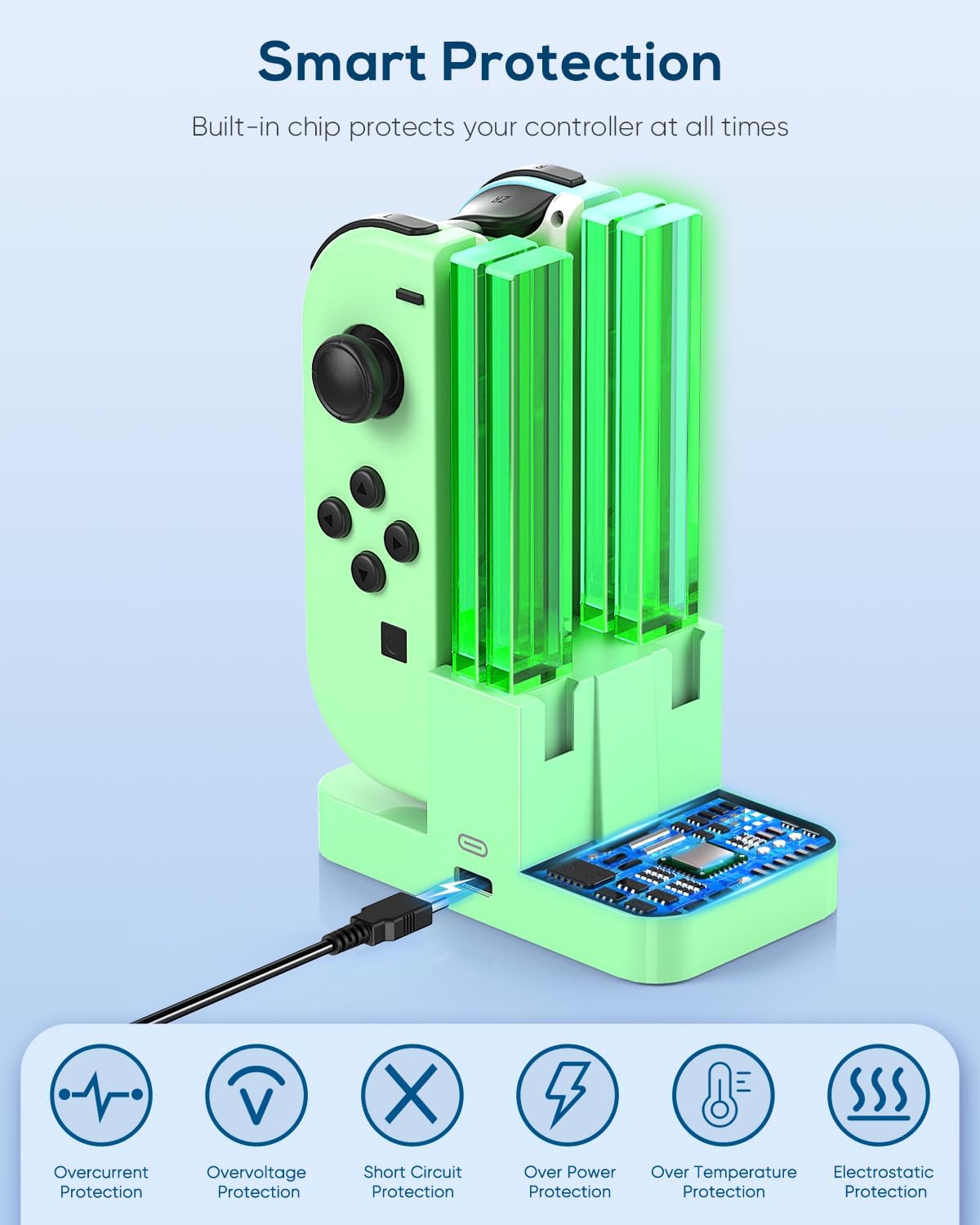
- Safety features: built-in PTC internal power protection (cuts off power when overheated)
- Power protection claims: helps prevent over-current, over-voltage, and short circuit
- What’s included: 1× charger dock, 1× 1m Type-C cable
- Power source note: powered via the included charging cable plugged into the Switch TV Dock, also supports the original AC adapter
Strengths and where it may fall short
Where it shines is the combination of multi-controller charging and the clearer LED light bar indicator. If you value “visual confirmation” and a cleaner setup around your Switch console, it’s built with that in mind.
Where you might want to think twice: the description doesn’t spell out whether the dock can be used in every scenario without the Switch TV Dock connection or whether it supports all third-party charging arrangements—so if your setup is unusual, it’s worth checking you can physically power it as described. Also, this is a Joy-Con-focused charger, if you’re expecting a broader controller charging setup, you may be better off looking for something explicitly designed for your exact controllers.
What’s included and setup points to check before buying
The pack includes the charger dock and a 1m Type-C cable. The description says it’s powered by plugging the cable directly into the Switch TV Dock, and it also says it supports the original AC adapter.
Before you commit, it’s worth considering: - Whether your Switch setup uses the TV Dock (or whether you’ll be using the original AC adapter route). - Whether you’re okay with an LED light bar staying visible while charging. - Whether you’ll realistically charge up to four remotes often, or if you mostly need charging for just one pair.
Should you buy it?
It makes sense if you’re regularly managing more than one pair of Joy-Cons, you want a compact dock rather than loose cables, and the idea of a long LED light bar status indicator appeals to you. It’s also a good fit if you prefer stability (weighted base) and straightforward daily charging.
It’s not for you if you need a charger that’s clearly designed for non-Joy-Con controllers, or if your console power setup can’t follow the described approach. You may want to skip it if you strongly dislike visible indicators during charging.
Mini FAQ
Does it work with Nintendo Switch and Switch OLED?
Yes—it's stated as compatible with Switch and Switch OLED.
How does the LED light bar indicate charging?
The LED light bar is green when the dock is unoccupied, red while charging, and turns green after charging is completed (as described).
Can it charge more than one controller at once?
Yes, it’s described as capable of charging up to 4 remotes simultaneously.
How is it powered?
It’s powered via the included charging cable plugged directly into the Switch TV Dock, and it also supports the original AC adapter (as stated).
Is there any safety protection?
The charger is described as having built-in PTC internal power protection that cuts off power when overheated, with claims that it helps prevent over-current, over-voltage and short circuit.