

FRUNSI RubensTab T11Pro 10.1 inch standalone drawing tablet with stylus and Android 12 (no computer needed)
Reviews
Price
Product description
The essentials first
If you want to get into digital drawing without setting up a laptop or PC, the FRUNSI RubensTab T11Pro is built for exactly that kind of “turn it on and start sketching” workflow. It’s a 10.1 inch standalone drawing tablet that includes a stylus pen, runs on pre-installed drawing software, and uses Android 12 so you can also add apps later.
On paper, the appeal is pretty clear: a screen designed for drawing, palm rejection to reduce accidental marks, and enough onboard capacity to store apps and sketches. It’s not trying to be a pro workstation tablet, it’s more of an entry-to-mid range creative device for learners, casual artists, and anyone who just wants a straightforward way to doodle, sketch, and practise.
Key takeaways (what it’s really like to own)
The most practical thing here is that it’s genuinely standalone. You’re not depending on a computer connection to draw, and the Android 12 setup lets you expand what you use via the Play Store. That matters if you’re the sort of person who wants to draw on the sofa, during a commute, or in short sessions.
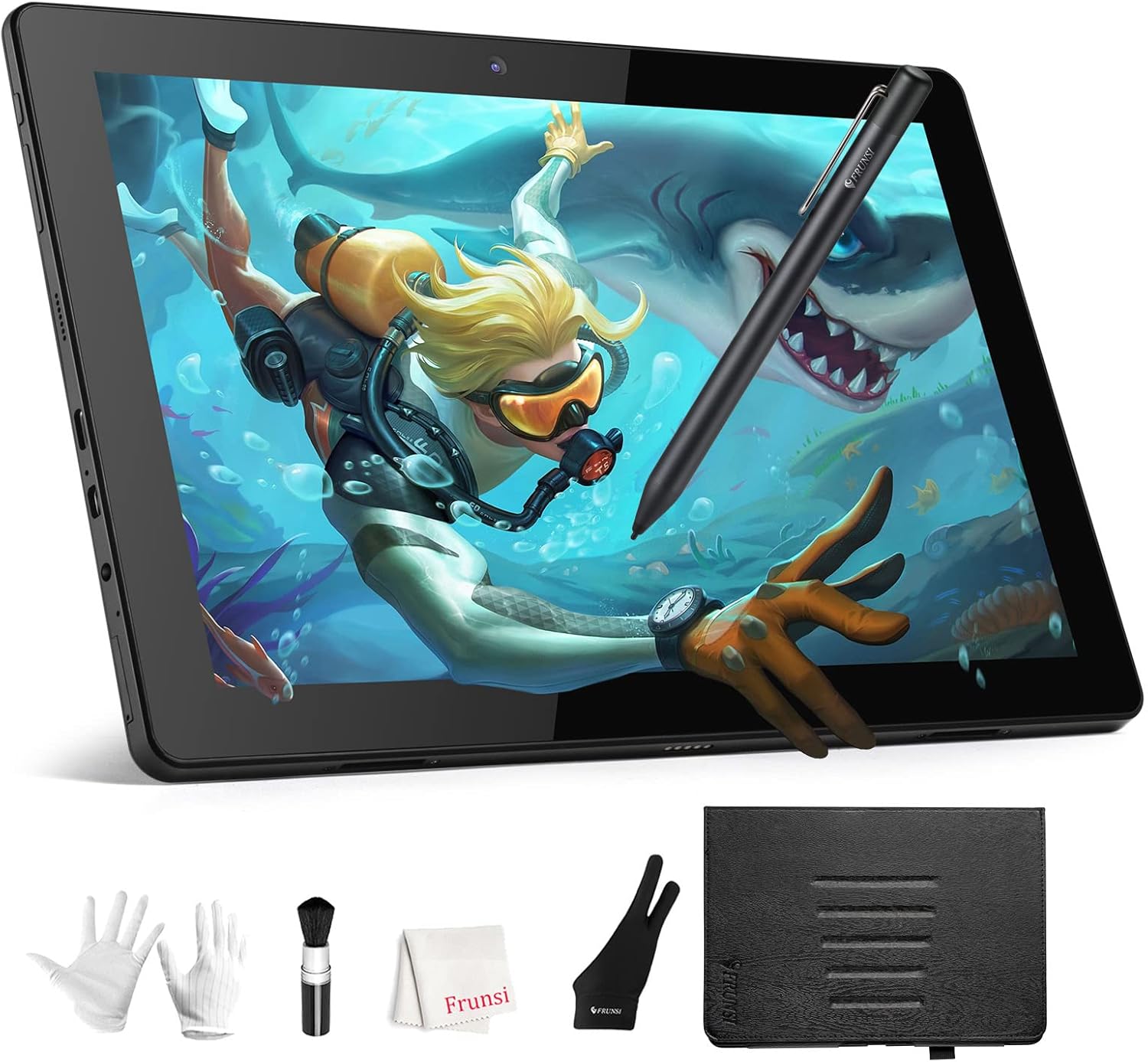
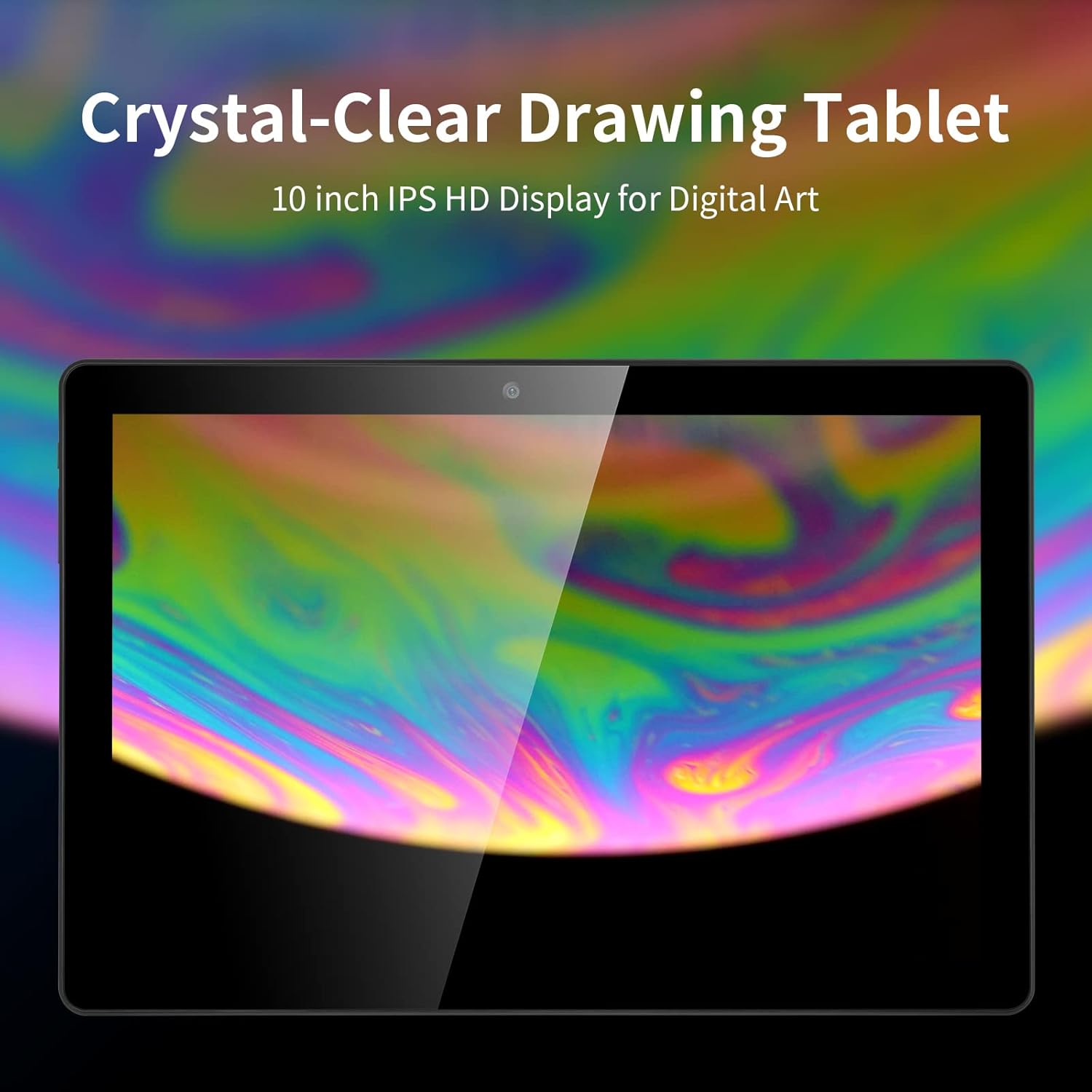
The second noticeable angle is the display. It’s listed as an FHD resolution panel (1920×1200P) with an IPS HD screen, aimed at clear visibility while sketching. The palm rejection feature is a sensible inclusion for stylus users, because it helps keep your hand from interfering while you shade or draw near the edge of the screen.
One small limitation to keep in mind: based on the information provided, it’s positioned more for learning and everyday digital art than for highly specialised creative pipelines. If you’re expecting the kind of customisation and ecosystem depth you’d get from a full computer-led setup, it may feel a bit constrained.
What matters most (specs that affect daily use)
For everyday sketching, performance and storage can make the difference between a smooth experience and constant “wait time”. This tablet is powered by an MTK 8183 octa-core CPU, with 4GB RAM and 64GB storage, plus support for a TF card reader up to 256GB. That gives you room for apps and saved work, and the TF card option is useful if you plan to collect drawing tools or keep more sketches locally.
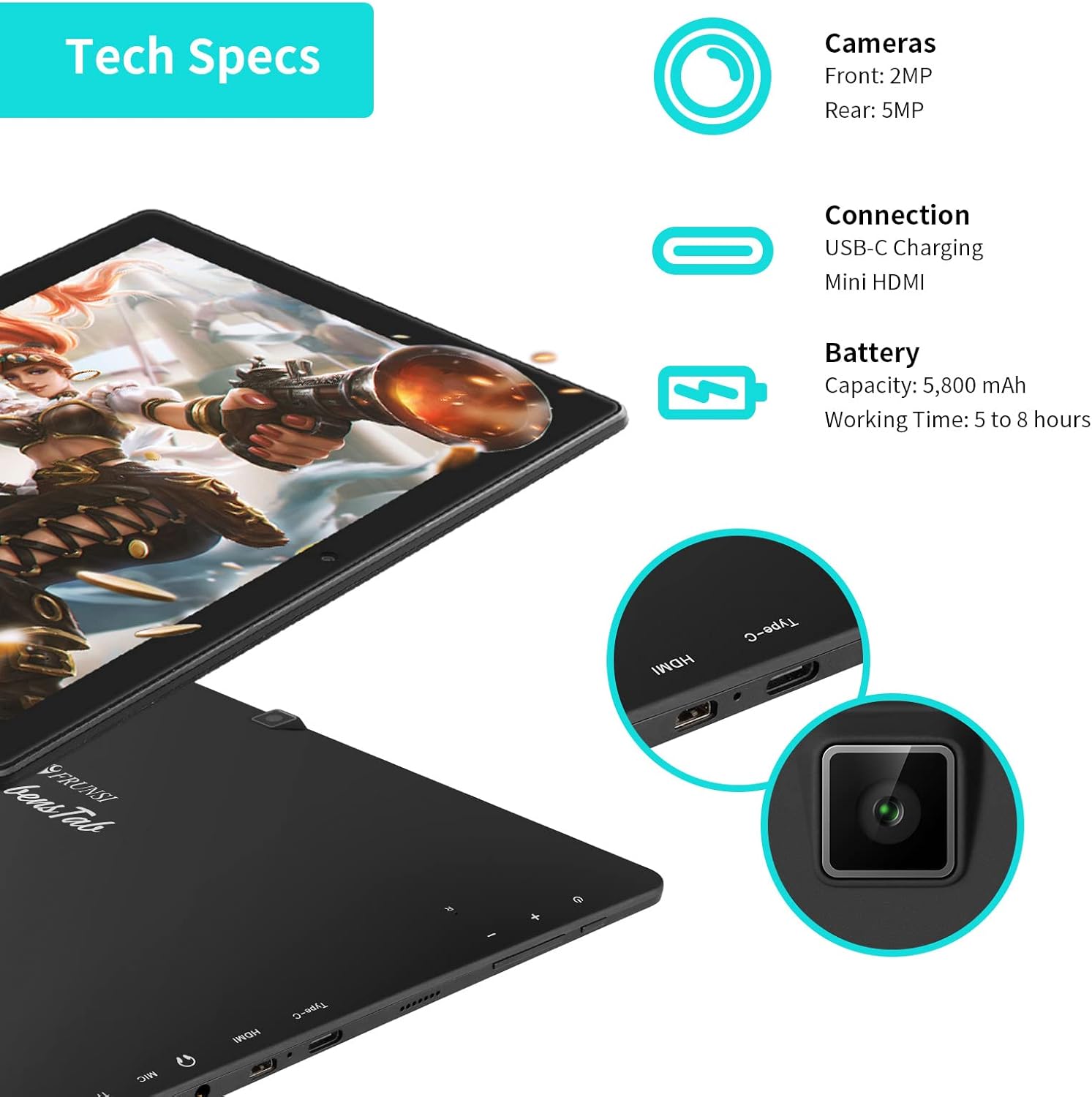
On battery, it’s rated at 5800mAh and supports up to 5 hours of working time (as stated). That suggests it’s capable of a decent chunk of practice before you’re back at the charger, though real usage can vary depending on brightness and how you use the stylus.
Where it shines (and who it suits)
It makes sense if you want a tablet that can handle drawing on its own, straight out of the box, with a pen stylus included. The pre-installed sketchbook and Flipaclip are especially relevant if your goal is both drawing and simple animation or creative practice.
It suits beginners because the “no computer needed” approach removes a lot of friction: you’re not troubleshooting drivers, setting up software, or dealing with screen/pen calibration on day one. It also suits people who want a portable art setup—someone sketching notes, making quick concepts, or trying digital art without committing to a full PC setup.
Potential drawbacks to consider before buying
No device is perfect, and this one may not match every expectation.
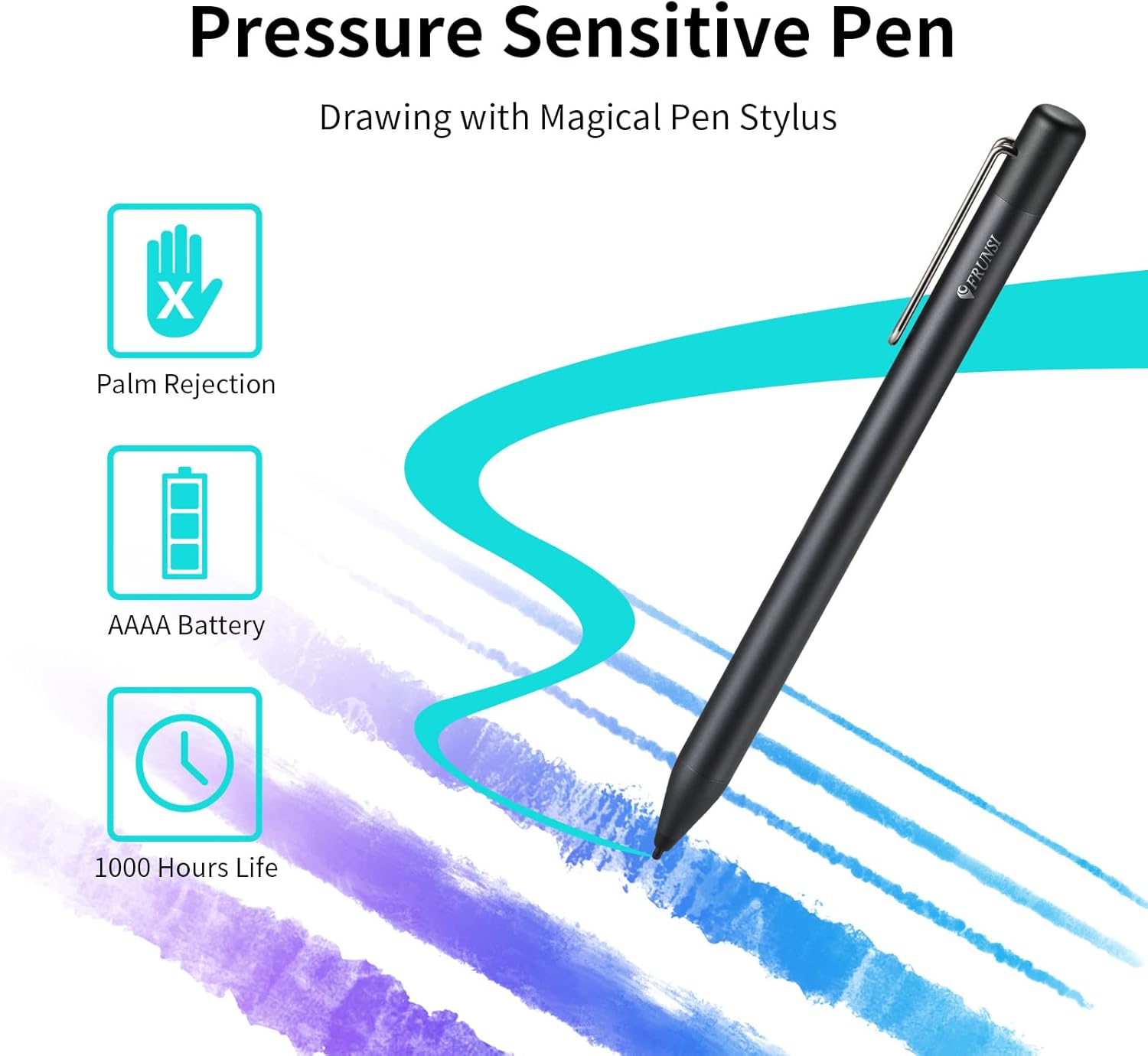
For example, the screen is described as FHD with an IPS HD panel, but there’s no extra detail here about things like pen sensitivity levels or advanced display features. That means if you’re specifically chasing high-end stylus performance for very fine work, you may find it more “good enough for practice” than “fully pro-grade”.
Also, while the standalone approach is convenient, standalone tablets can sometimes feel less flexible than a computer when you need certain professional workflows or niche software. If you already have a studio-style setup and want the tablet mainly as a companion, you may prefer a different approach.
Practical tips for getting started

The included adjustable stand with 5 levels is a genuinely useful detail. A simple routine helps: start with a comfortable angle for your wrist, then lock in your drawing app choice before installing extras. Once you’re drawing consistently, consider using the TF card support if you plan to store lots of artwork or install several apps.
A micro example: imagine you want to practise shading. You can open the pre-installed drawing app, draw for 20–30 minutes on a comfortable angle using the stylus, and then save your progress without needing to switch devices or connect to anything else.
In the box / build support (based on what’s listed)
The package content is described as including an adjustable stand case with 5 adjustable levels, which should help you find a better drawing posture and also protect the tablet when you’re carrying it around.
Should you buy it?
This is a solid pick if you’re new to digital art (or you just want an easy, no-fuss way to practise) and you like the idea of a standalone Android drawing tablet with a stylus. It’s also worth considering if you want a reasonably sized display for sketching, plus storage options that let you expand your creative apps over time.
You may want to skip it if you’re expecting ultra pro stylus performance details or a device that replaces a computer-based creative workflow. It might not be the best match if your priority is highly specialised software control, deep customisation, or you already plan to do everything on a desktop.
Mini FAQ
Is this drawing tablet usable without a computer?
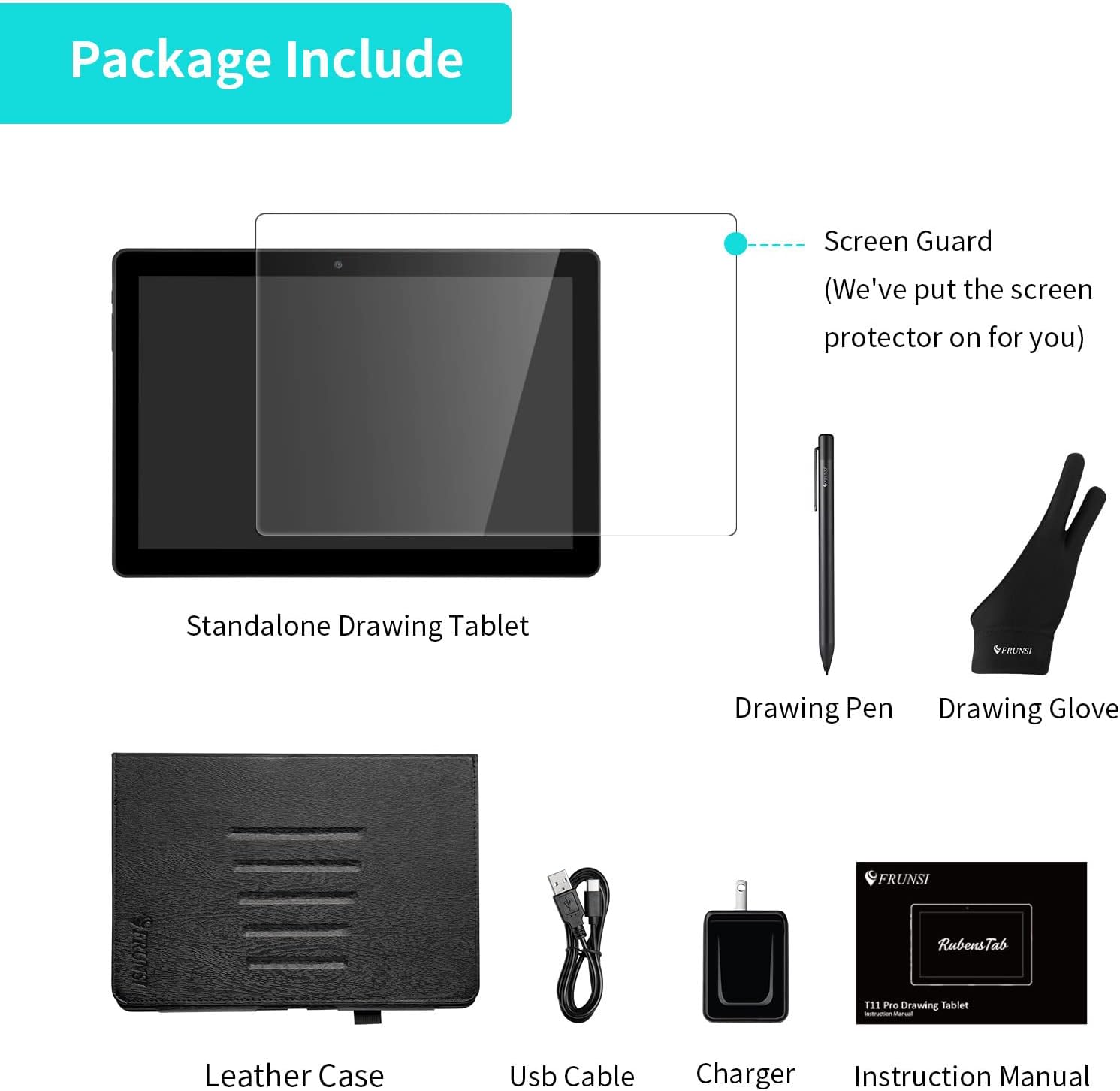
Yes. It’s described as a standalone drawing tablet that works without any other computer.
Does it come with a stylus pen?
It’s listed as coming with a pen stylus.
Can you install more drawing apps?
Yes. Because it runs Android 12, you can install additional apps from the Play Store.
How much storage does it have?
It’s listed with 64GB storage, and it supports TF card reading up to 256GB.
How long does the battery last?
The battery is stated as 5800mAh with up to 5 hours working time (as claimed). Your real usage may vary.