

Fanxieast Upgraded Wireless Controller for Nintendo Switch (Lite/OLED) – Turbo, programmable back buttons & quick wake-up
Product description
The essentials
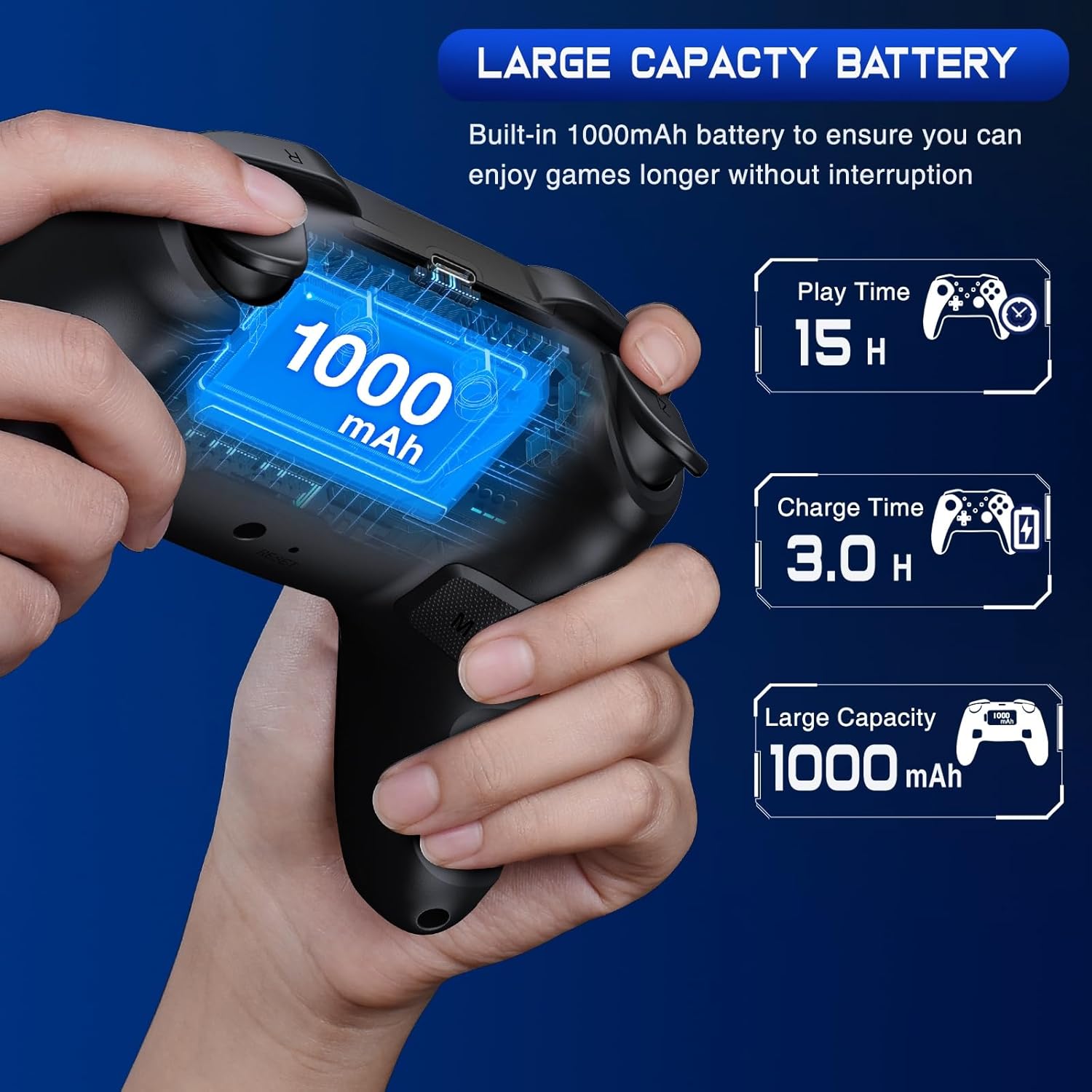
This Fanxieast wireless controller is built for people who want more control than a standard Switch Pro layout gives them “out of the box”. On paper, it targets Switch use in docked TV mode and handheld/tablet-style play, with features like one-touch wake/reconnect and extra programmability (including turbo behaviour and back buttons).
You’re also getting a couple of practical quality-of-life touches. The controller has indicator lights and vibration feedback to confirm what you’re doing, and it includes a continuous screenshot function, which can be handy if you’re the sort of player who takes lots of captures during a play session.
What it’s for (and what it isn’t)
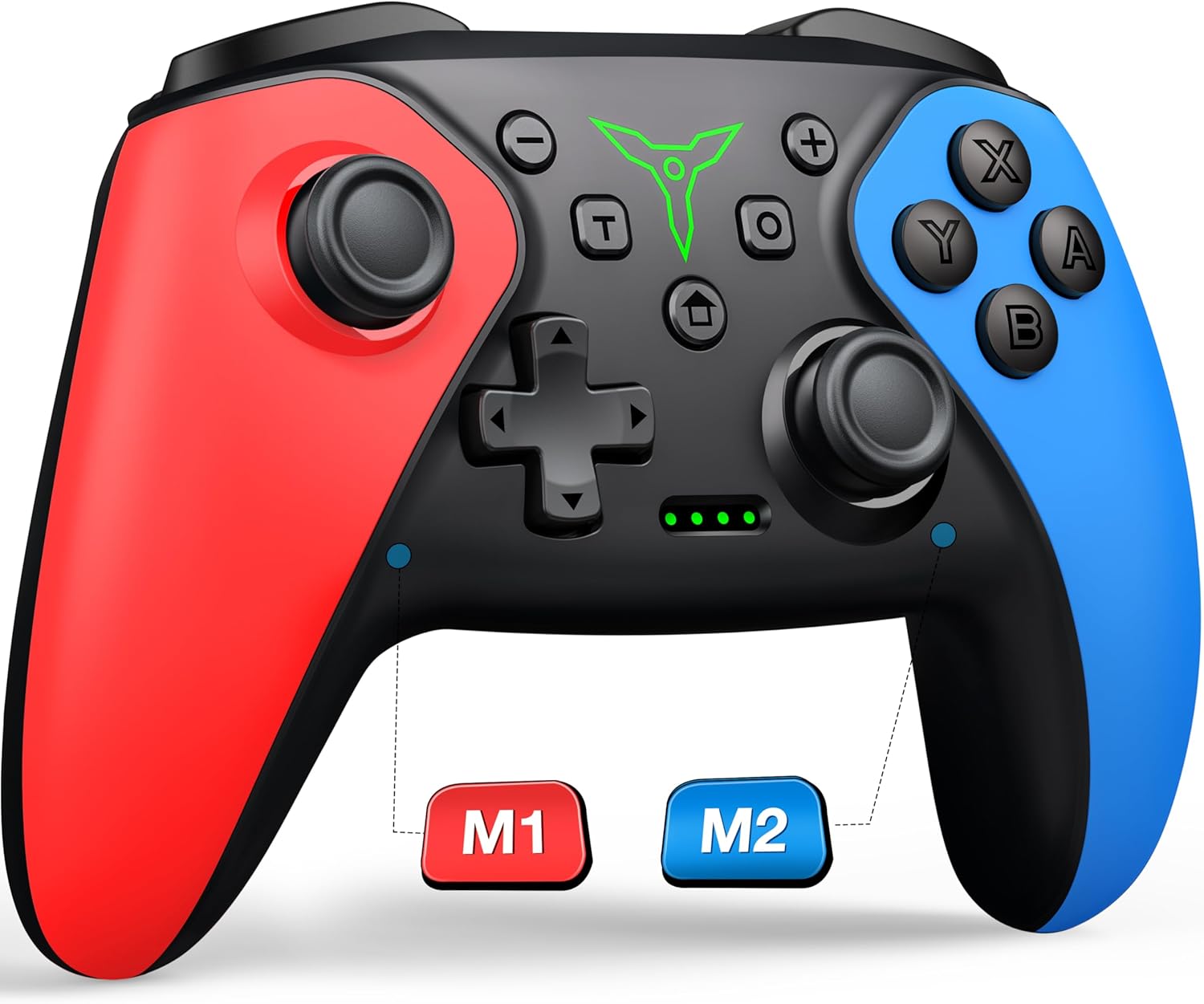
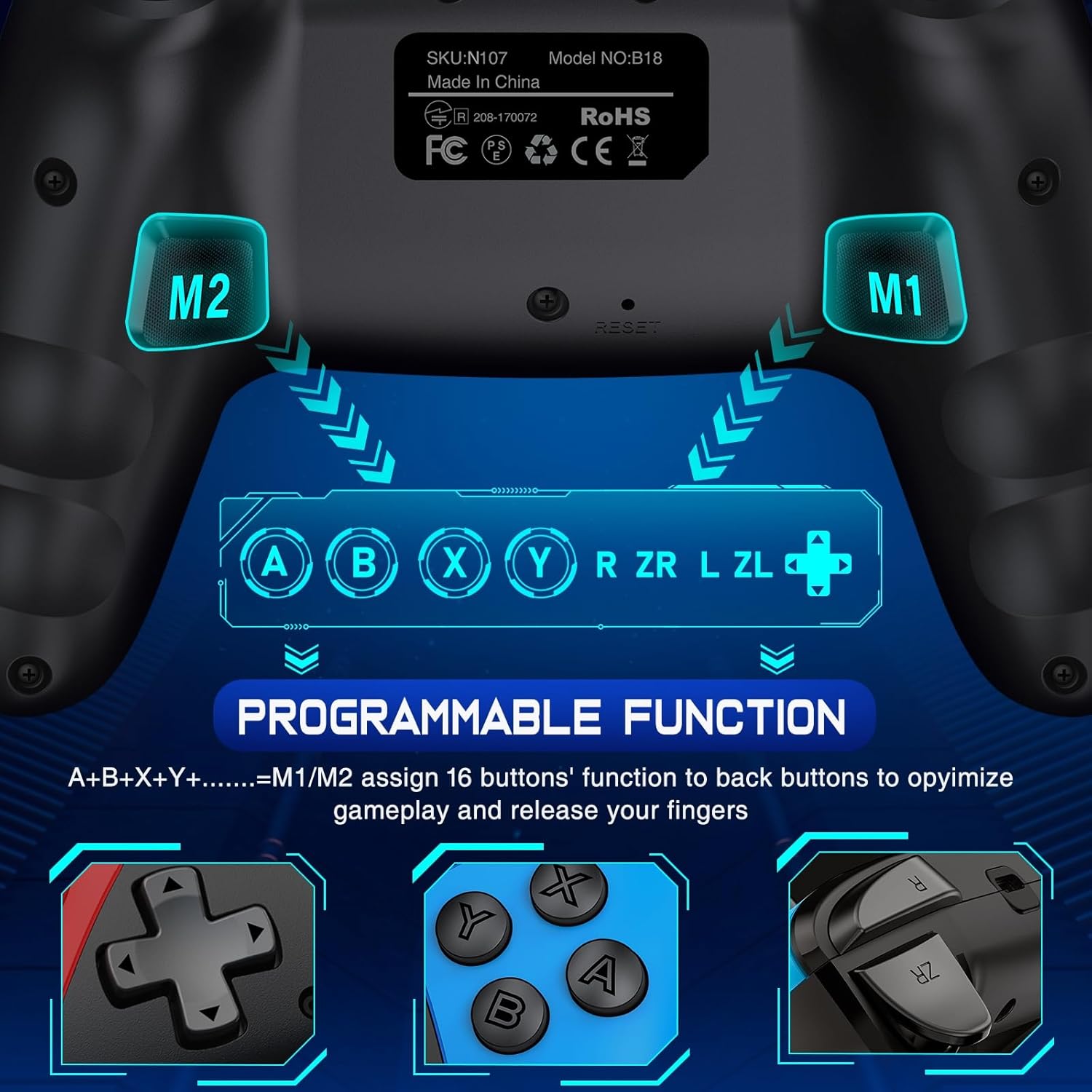
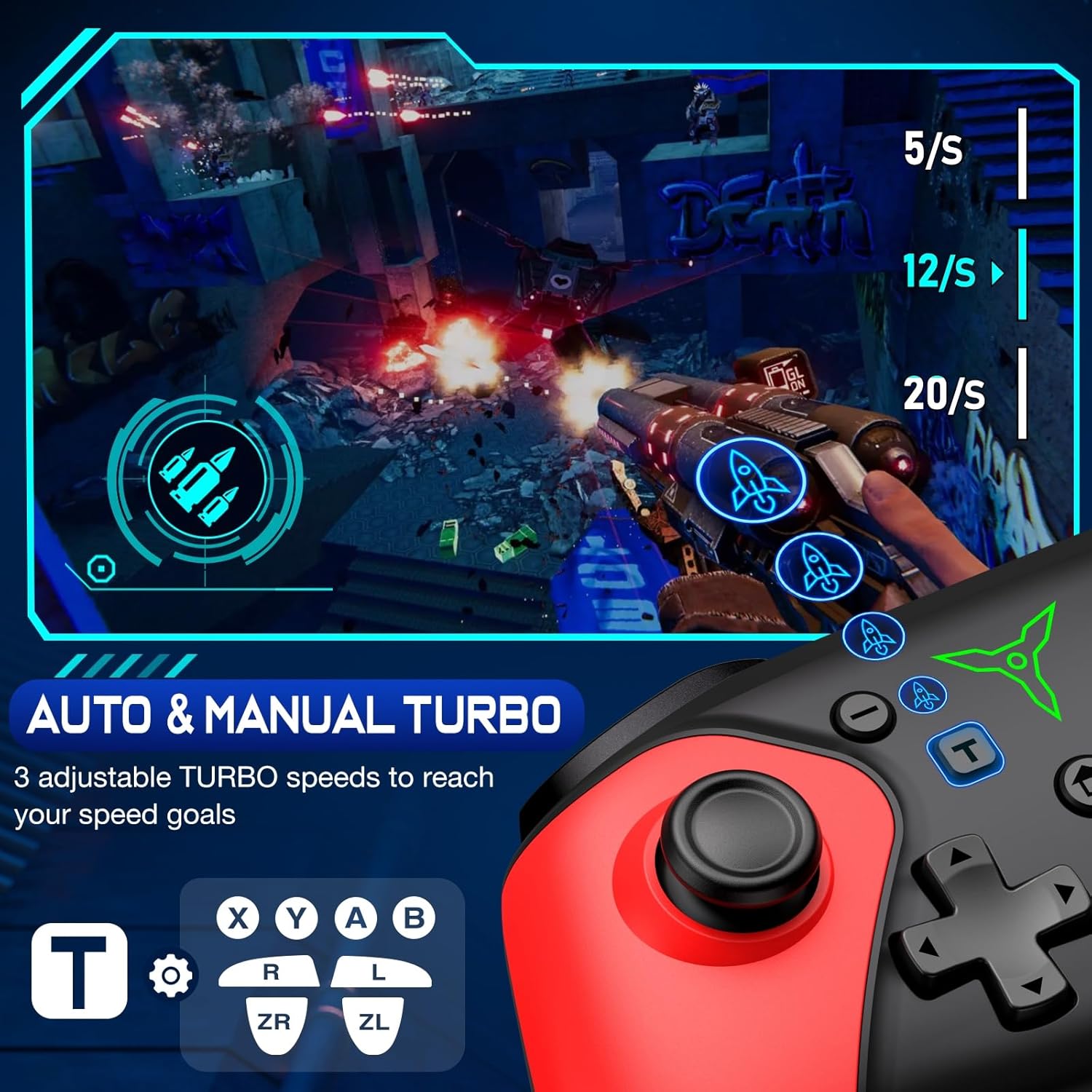
The biggest reason to consider it is customisation. The controller supports manual and auto turbo for the face buttons (A/B/X/Y) and shoulder buttons (L/R/ZL/ZR), with 3-speed settings. It also offers two programmable back buttons (labelled M1/M2) that can be mapped to 1–16 commands each. If your frustration tends to be repeated button presses or you simply want shortcuts set up before a grind, this is the sort of controller that can help.
Worth noting, though: the description also flags some limitations depending on the Switch model. It’s said to be compatible with Switch 2, but does not include a wake-up function and it doesn’t have a “C buttons” feature. So if wake-up is a key part of your workflow, you’ll want to double-check how that plays out for your specific console.
It’s not a perfect fit for everyone. If you only ever play a few casual titles and you’re happy with the standard controller mapping, the extra programmability may feel like effort rather than value.
Key features in everyday use
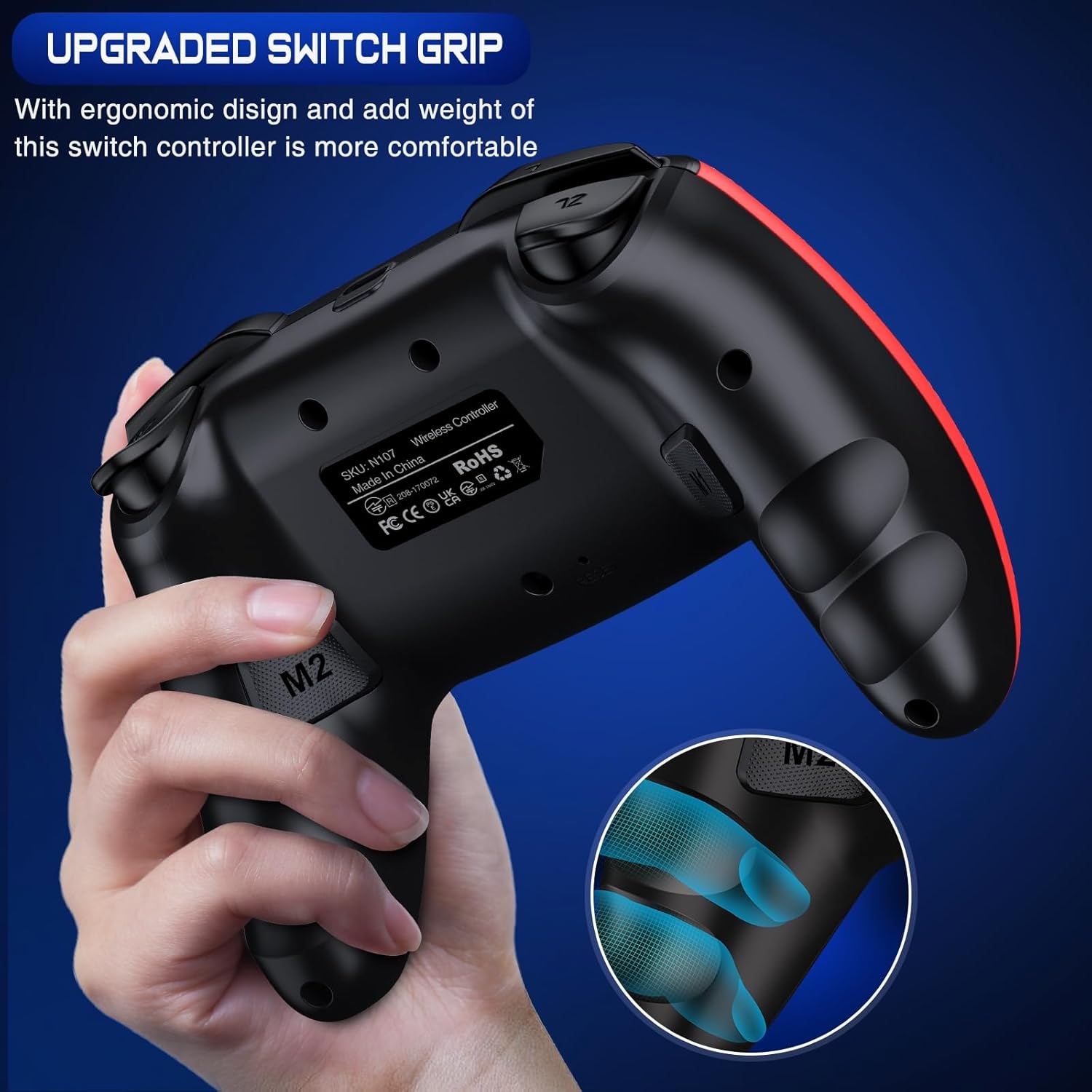
Where this controller stands out is how its extra controls reduce repetitive strain. The back buttons are positioned for easy access without constantly reaching for the face buttons or shoulders. In real terms, that can mean mapping a frequently used action (like an in-game ability) to one back button, so your thumbs stay in a more natural position.
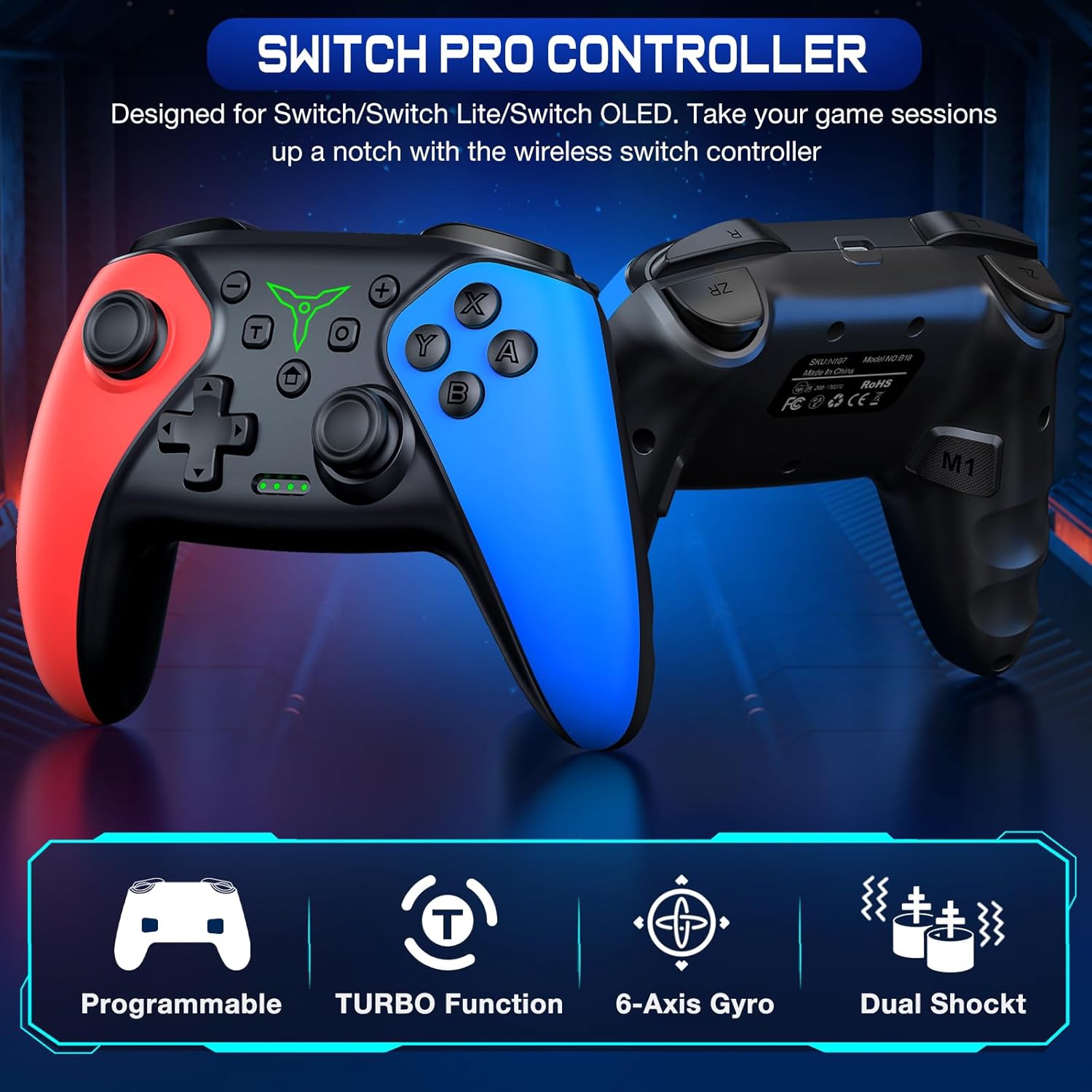
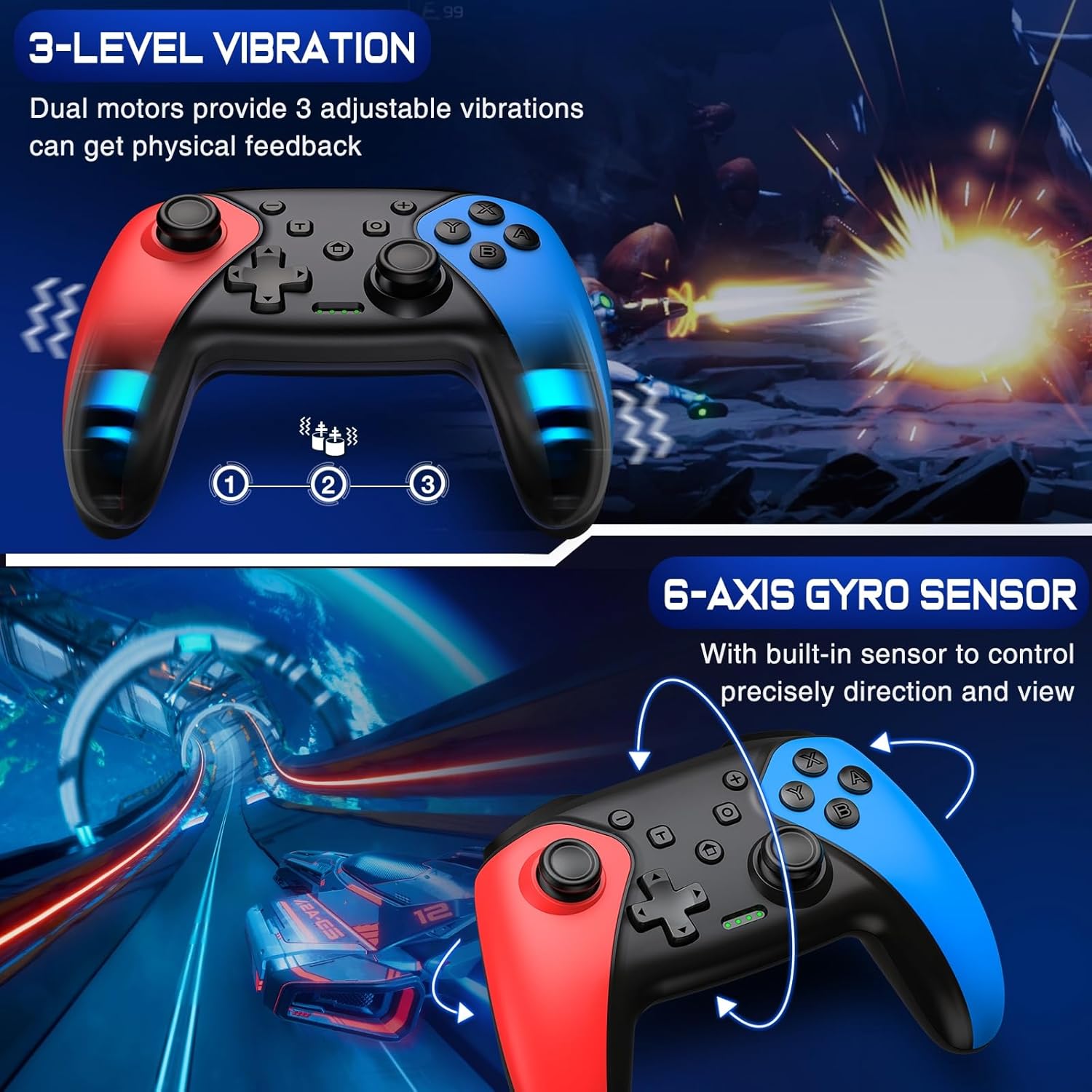
The turbo and programmable mapping are also aimed at convenience. Depending on how you set it up, you could use turbo for repeated actions like rapid attacks or quick interaction prompts, while still using the rest of your layout normally. The controller’s vibration is adjustable: it has dual-motor vibration, described with 4 adjustable levels on Switch, and it also references a 3-level vibration range (weak/medium/strong) for Switch. The wording in the description is a bit inconsistent, but the intent is clear—expect vibration you can tune rather than a one-size setting.
There’s also a “mouse touch feeling on back buttons” mentioned. That sounds more like a tactile design detail than a guaranteed alternative input method, so it’s best taken as a feel/ergonomics note rather than something you should base an entire purchase decision on.
Tech summary (from the provided details)
Tech specs
- Type: Wireless controller for Nintendo Switch / Switch Lite / Switch OLED (and compatibility mentioned for Switch 2)
- Wake/reconnect: one-touch wake and reconnect, initial connection involves pressing “Y + HOME”, then future wake uses the HOME button (with noted limitations for Switch 2)
- Vibration: dual-motor vibration, 4 adjustable levels mentioned (excludes Android/iOS) and also described with 3 levels (weak/medium/strong)
- Motion input: 6-axis gyro for motion gameplay
- Programmable functions: turbo (manual/auto) and programmable back buttons (M1/M2)
- Back button mapping: M1/M2 can be mapped with 1–16 commands each
- Turbo control: manual/auto turbo on A/B/X/Y/L/R/ZL/ZR with 3-speed settings
- Screenshot: continuous screenshotting function
Who it suits best (and who should skip it)
It makes sense if you play games where button timing matters, or if you’re the kind of player who likes setting up your controls before a session. The programmable back buttons, turbo function, and motion/gyro support are all aimed at people who want flexibility rather than a fixed layout.
You may want to skip it if you mainly care about wake-up convenience on every Switch model you own, because the description says Switch 2 doesn’t get the same wake-up function and also lacks a mentioned “C buttons” element. You might also want to be cautious if you specifically expect Android/iOS support—while the vibration/motor details mention exclusion, the rest of the controller’s broader platform support isn’t clearly laid out here.
Buying verdict
Is it worth it?
Yes—this Fanxieast wireless controller is worth considering if you want to expand what a Switch controller can do through turbo and back-button programmability, and you’ll actually use features like adjustable vibration, motion/gyro, and continuous screenshotting.
However, it may not be the best choice if wake-up behaviour and exact button layout parity are deal-breakers for your specific console model. The description suggests some differences for Switch 2, so it’s smarter to line up your expectations with what’s explicitly stated before you buy.
If you want a straightforward replacement controller with none of the extra setup, you might end up happier sticking with a simpler, standard option.
Mini FAQ
Does it work for handheld and TV/table mode?
The description says it’s perfectly designed for Nintendo Switch/Lite/OLED, including both TV and table modes.
How does the wake-up and reconnect work?
For the Switch Pro controller setup described here, it involves pressing “Y + HOME” to connect the first time, and then using the HOME button to wake up and reconnect later (with a limitation mentioned for Switch 2).
What can the programmable back buttons do?
Two back buttons (M1/M2) can be mapped with 1–16 commands each, and the controller also supports turbo for multiple main and shoulder buttons.
Is the vibration adjustable?
Yes, the description mentions dual-motor vibration with adjustable levels, and it also references weak/medium/strong vibration on Switch.
Are there limits on motion or extra platform support?
It specifies 6-axis gyro for motion gameplay, and the vibration note says it excludes Android/iOS—beyond that, wider platform support isn’t described in detail.