


PlayVital Full Set Skin for Steam Deck (LCD) / OLED — Blue Nebula
Product description
What this is and why you might want it
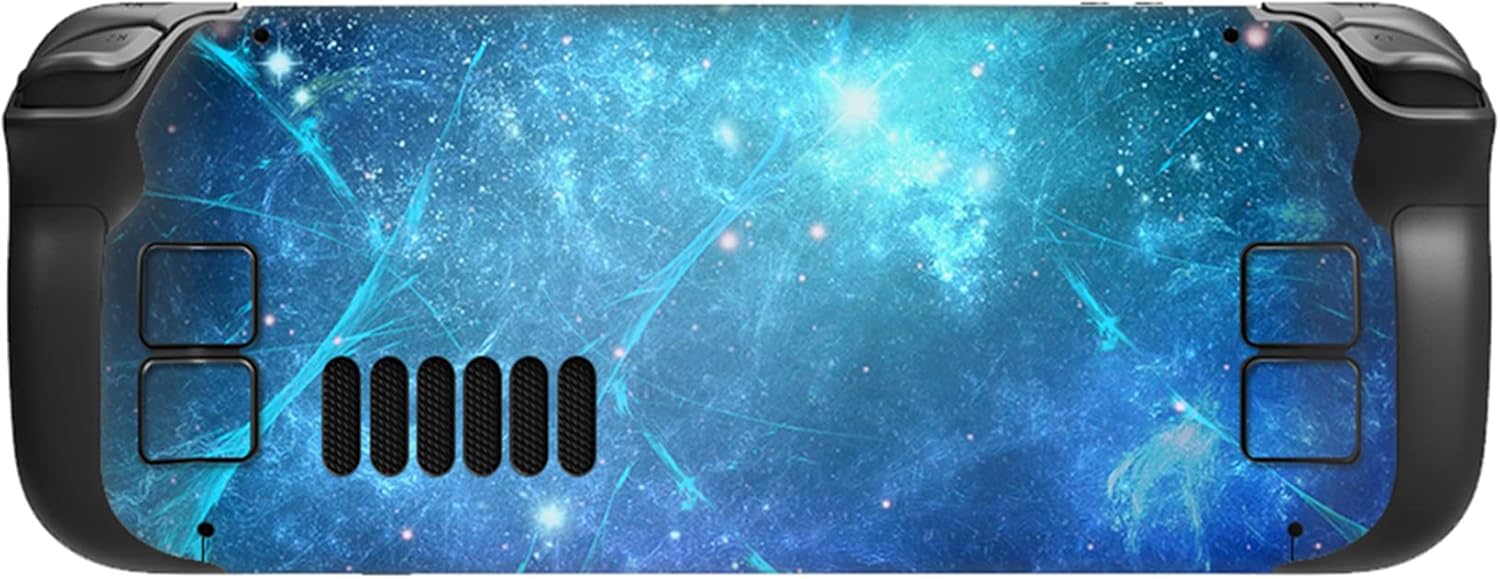
The PlayVital Full Set Skin is a complete vinyl wrap designed to fit the Steam Deck LCD and OLED variants. It offers a full-coverage look with a blue nebula pattern, aimed at protecting the device while giving it a personalised style. This isn’t a case, it’s a skin that adheres to the exterior and is positioned to avoid the touching area and haptic feedback during play. If you’re after a cost-conscious way to refresh the device’s appearance and guard against scuffs from daily use, this kind of skin can be a sensible option.
How it helps in everyday use
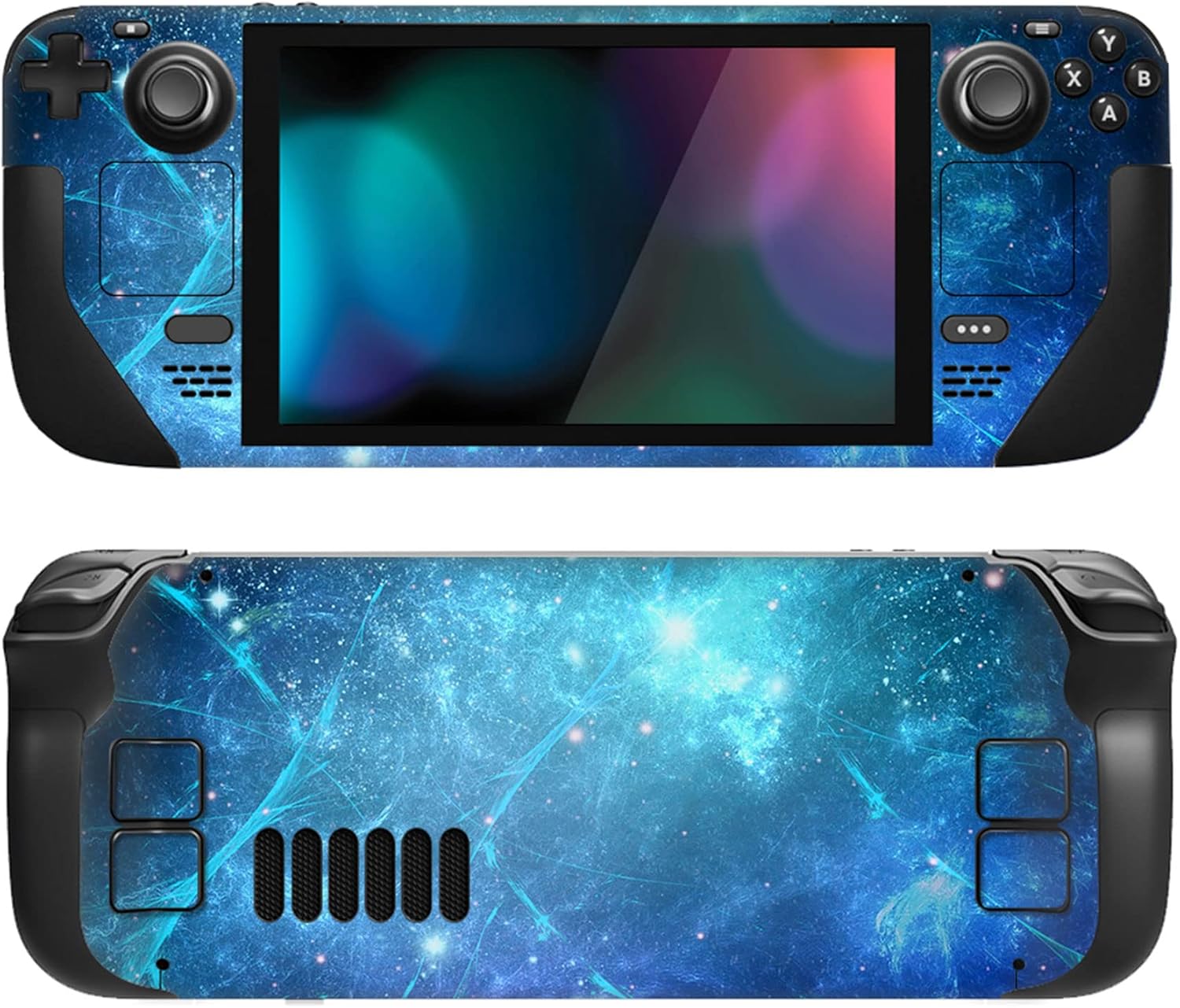
The skin is described as being made from premium adhesive vinyl that should resist peeling and leave no sticky residue or odour. In practice, that means you can apply it without worrying about damaging the surface or leaving a mess when you remove it later. The design aims to maintain a smooth hand-feel and comfortable grip, so it doesn’t introduce a rough edge where you hold the console during long gaming sessions. Importantly, the cutouts are intended to align with the Steam Deck’s features so you can access controls, ports and the screen without interference.
What stands out
On the page, the primary draw is a full-set approach with precise cuts to match the Steam Deck’s profile. The claim of compatibility with both LCD and OLED models is notable, as it promises a single aesthetic across generations. The blue nebula design offers a visual upgrade without adding bulk, which is helpful if you want a fresher look without changing the form factor.

Notable limitations
It’s worth noting that a skin like this won’t provide the sturdiness of a rugged case. If you’re after drop protection or a firmer handle grip in very active scenarios, a case-style solution may be more appropriate. Also, installation quality matters, a neglected alignment could affect button accessibility or edge lift over time. If you’re wary of adhesives on certain finishes, take a cautious approach and test a small area first.
Who it’s for
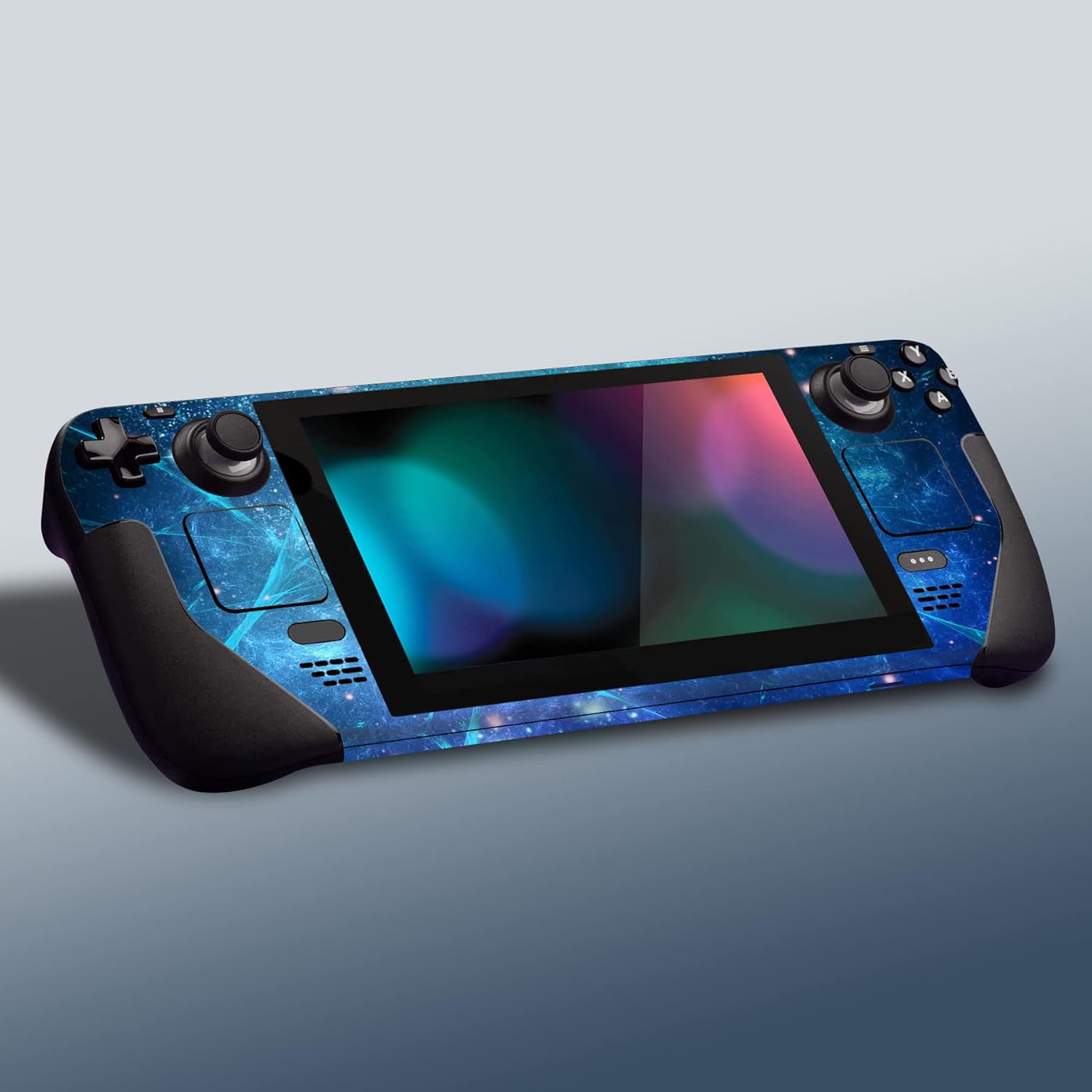
This skin is well-suited for players who want a personalised look and a light layer of protection from daily wear. It may appeal if you’ve got a Steam Deck that sees frequent travel or is commonly on a desk next to peripherals and cables. If you prioritise a clean, custom aesthetic and easy removal without residues, this set could fit your needs.
Who it isn’t for
If you expect military-grade protection or a rigid frame to improve grip during intensive play, a skin alone won’t satisfy those requirements. Also, if you require absolute precision of every cut for niche accessories or unusual configurations, a more bespoke or modular option might be more suitable.
When does it make sense to buy
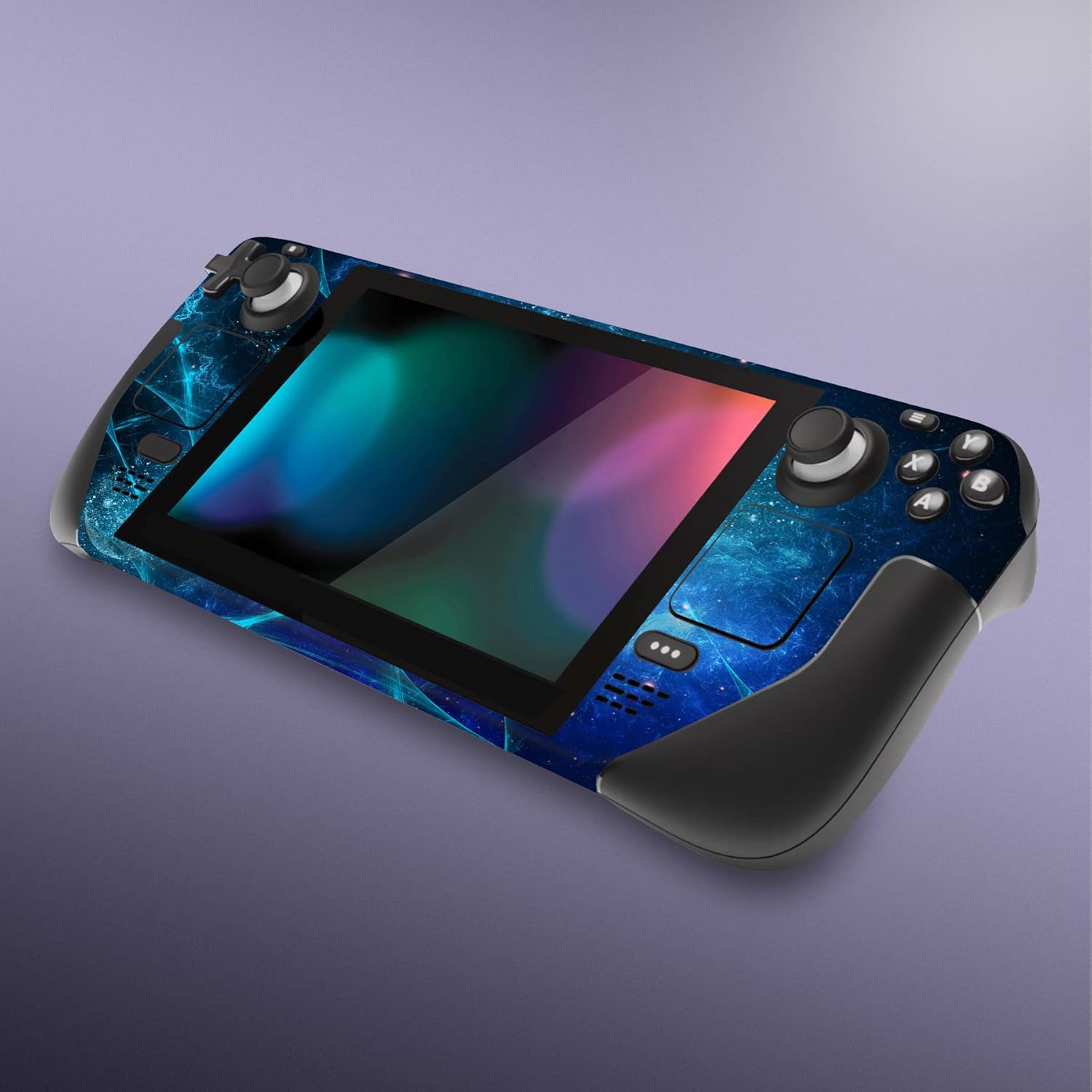
Consider this skin if you’re happy to refresh the device’s appearance and seek a low-cost cosmetic upgrade with reasonable protection for everyday use. If you value a uniform look across both Steam Deck LCD and OLED models, the full-set approach can simplify choice and upkeep.
What to check before purchasing
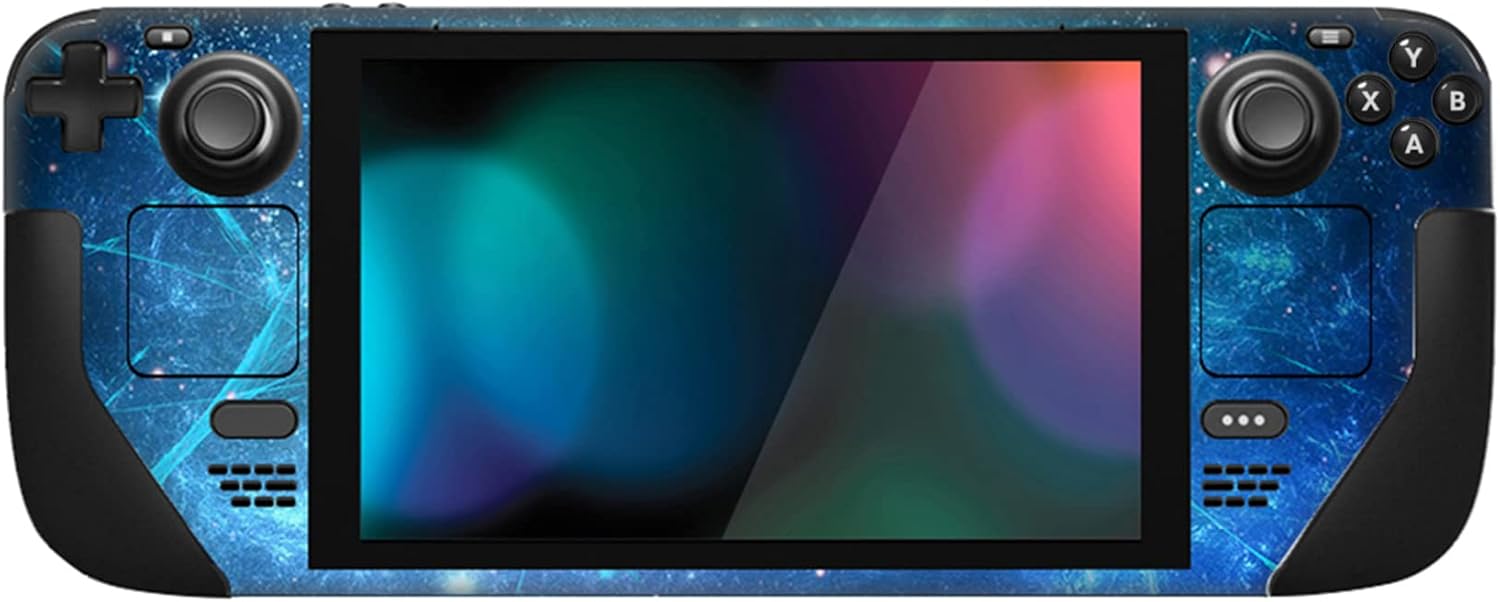
- Confirm your device model (LCD vs OLED) matches the skin’s range—although advertised as compatible with both, the fit depends on exact dimensions.
- Inspect the backing and adhesive quality, ensure removal won’t leave residues on your surface.
- Ensure there’s access to all ports, speakers and control surfaces after application. A trial on a small area can help gauge adhesion and finish.
Practical use: a micro-usage example
Imagine you’re docking the Steam Deck after a long session and want to avoid new scratches on the chassis. A full-set skin can absorb minor scuffs from daily handling and occasional bumps from headers or cables. The Blue Nebula design adds a touch of personality while you focus on the game rather than the device’s appearance.
Technical notes (brief)
The description indicates precise cuts and no interference with the touchscreen touching area or haptic feedback. It’s a vinyl skin with an emphasis on residue-free removal and no odour, which aligns with typical expectations for smart decals that prioritise non-permanent application.
FAQ
- Will the skin affect the Steam Deck’s grip? The skin is designed to retain a smooth touch in hand and not interfere with the grip, but personal feel can vary slightly.
- Can I remove and reapply later? It’s described as easy to install and remove, with no sticky residue. Reapplication quality may depend on surface cleanliness and temperature during application.
- Is it a universal fit for all Steam Deck generations? The skin is marketed as compatible with LCD and OLED variants, but ensure model accuracy before ordering.
Is it worth it?
Should you buy it? It makes sense if you want a personalised look and light protection without altering the device’s form factor or weight. It may not be the best option if you need rugged protection or a standout grip enhancement. If you value a cost-effective cosmetic refresh with straightforward removal, this full-set skin is worth considering for daily use and aesthetic variety.