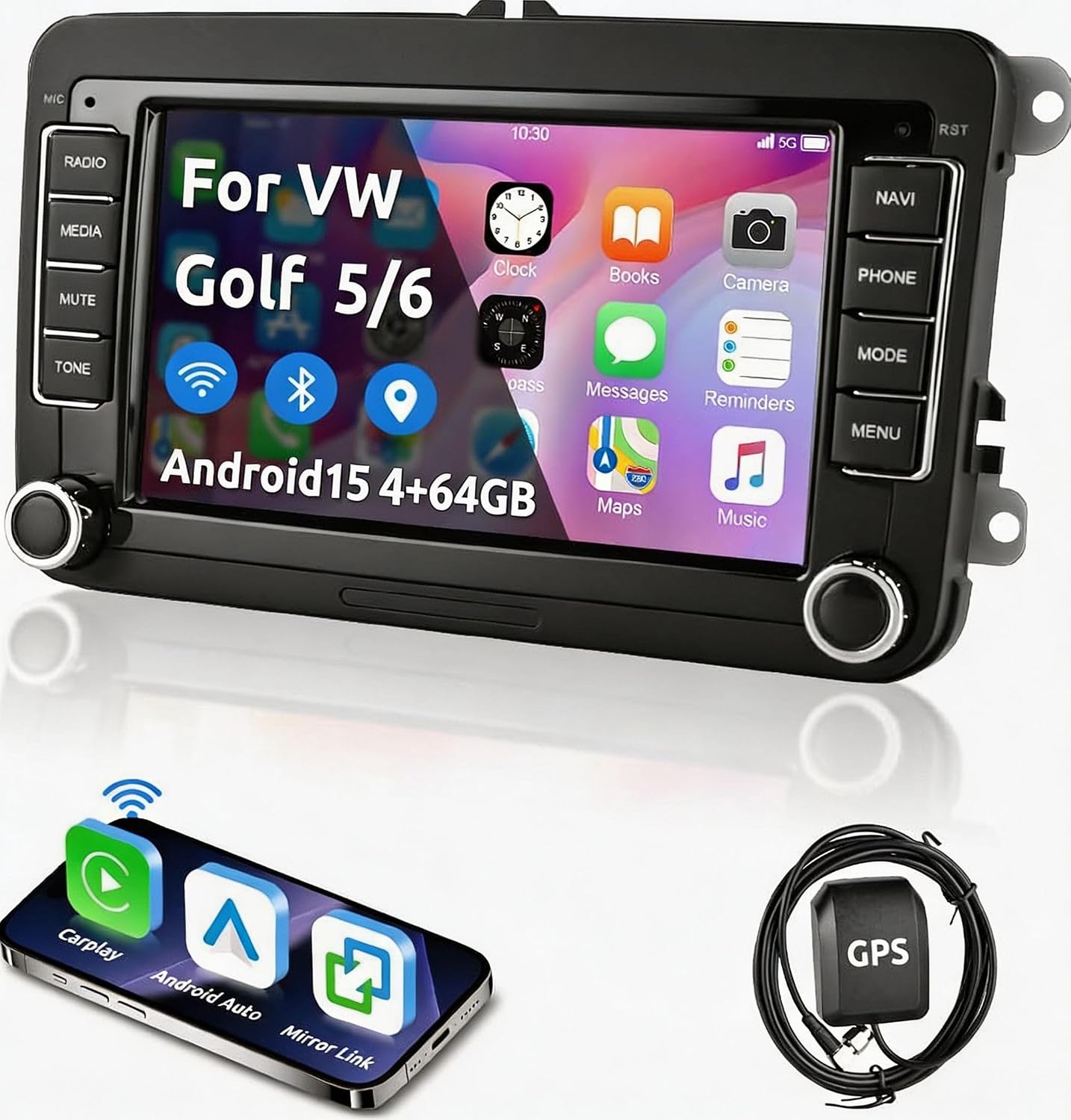
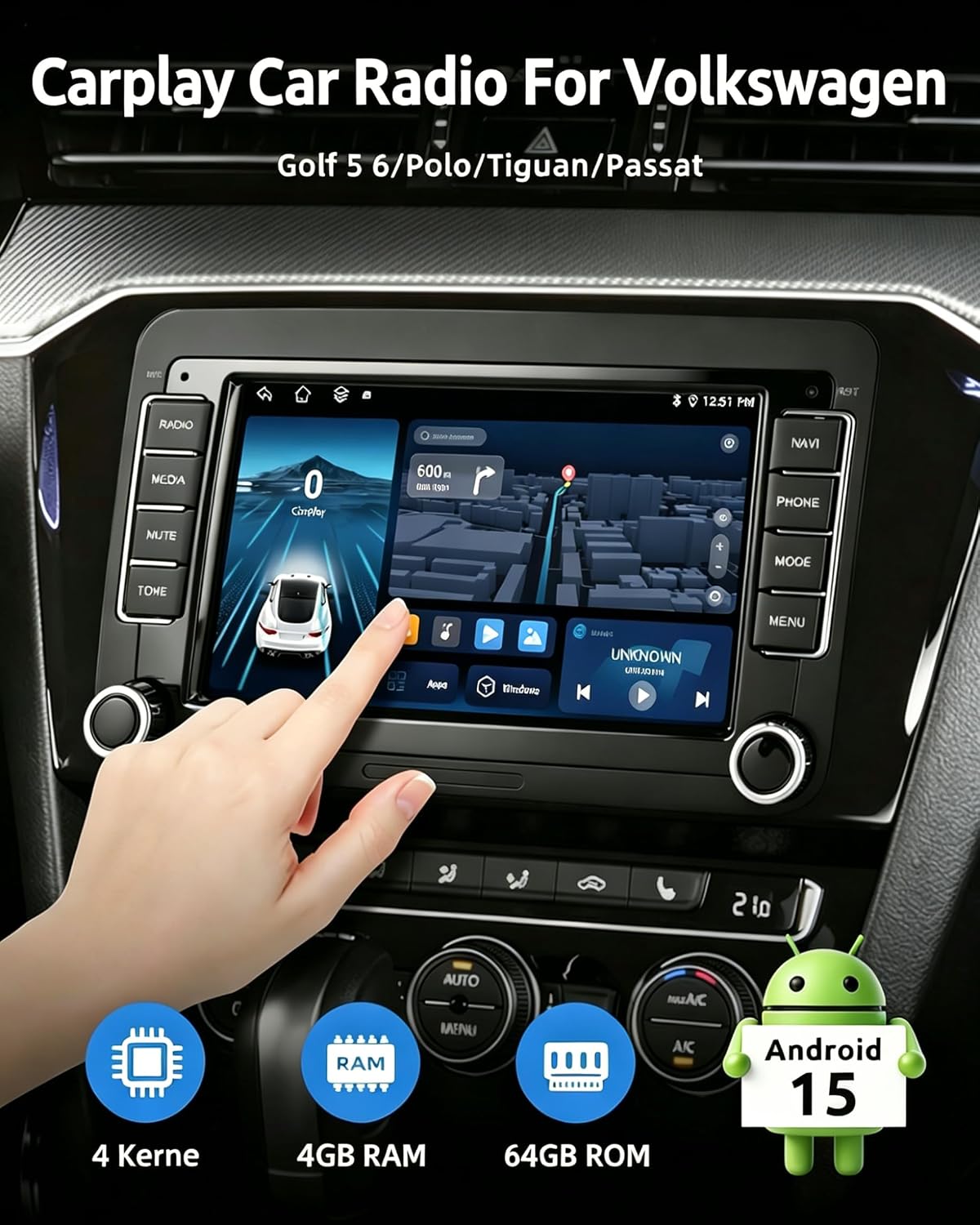
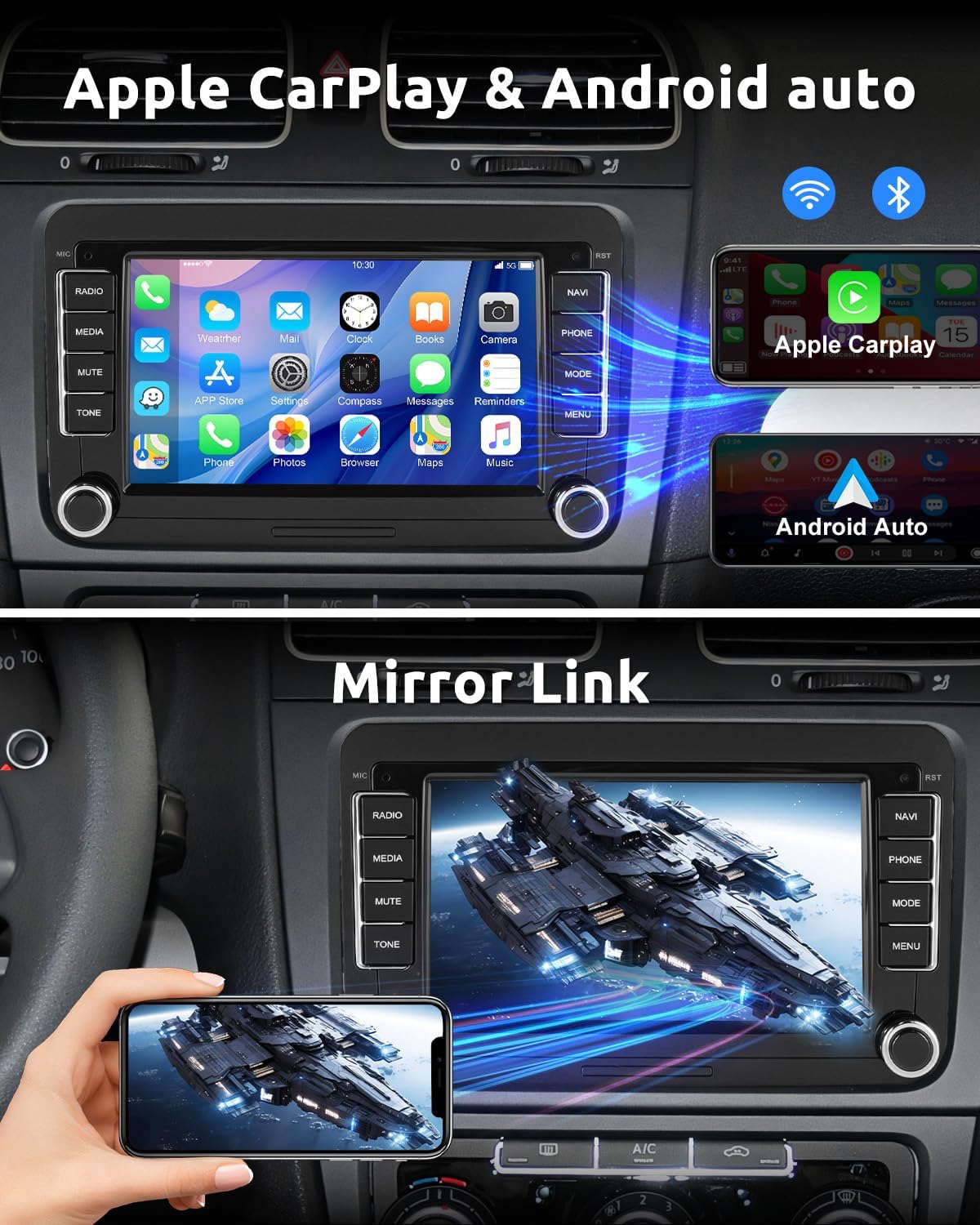
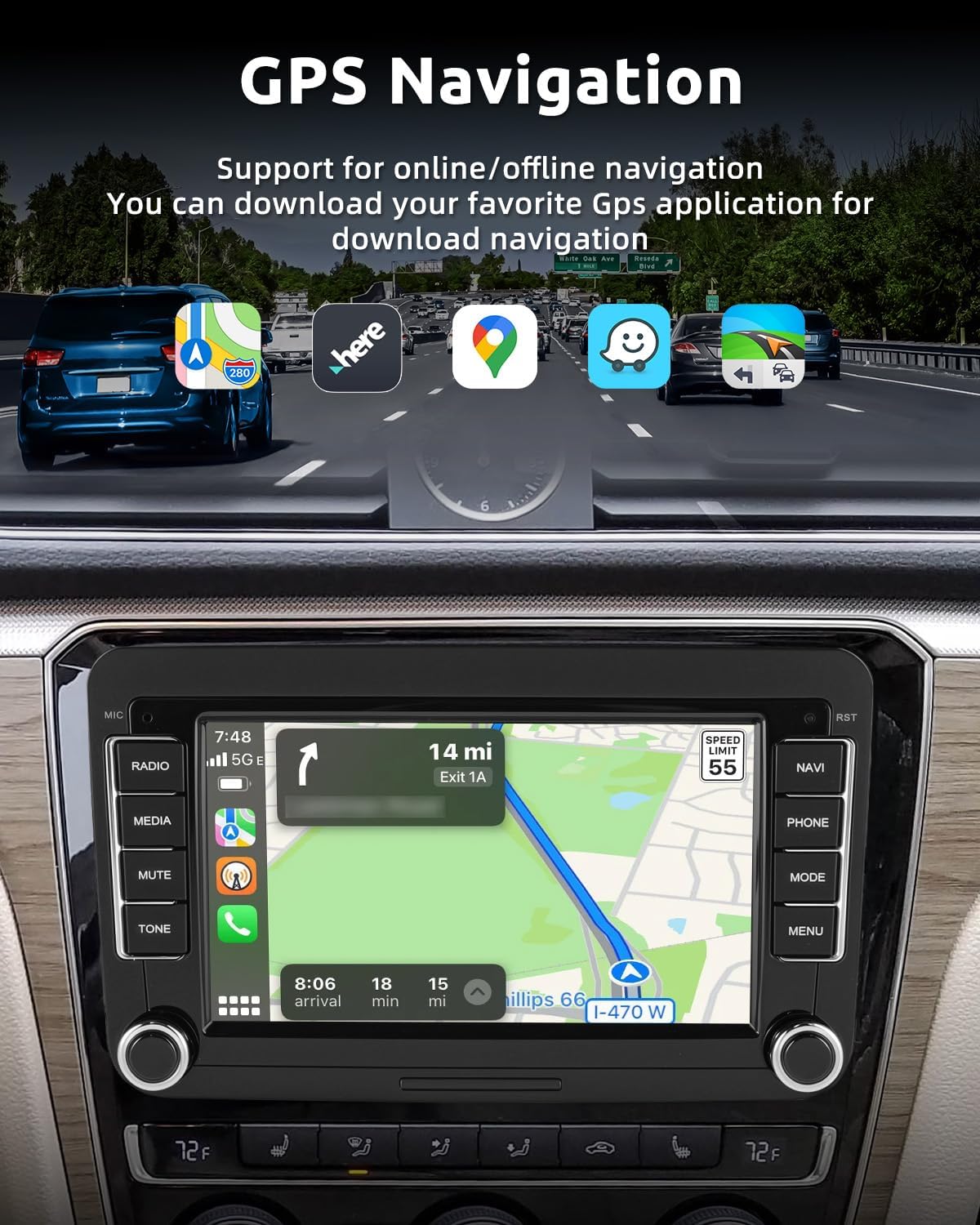
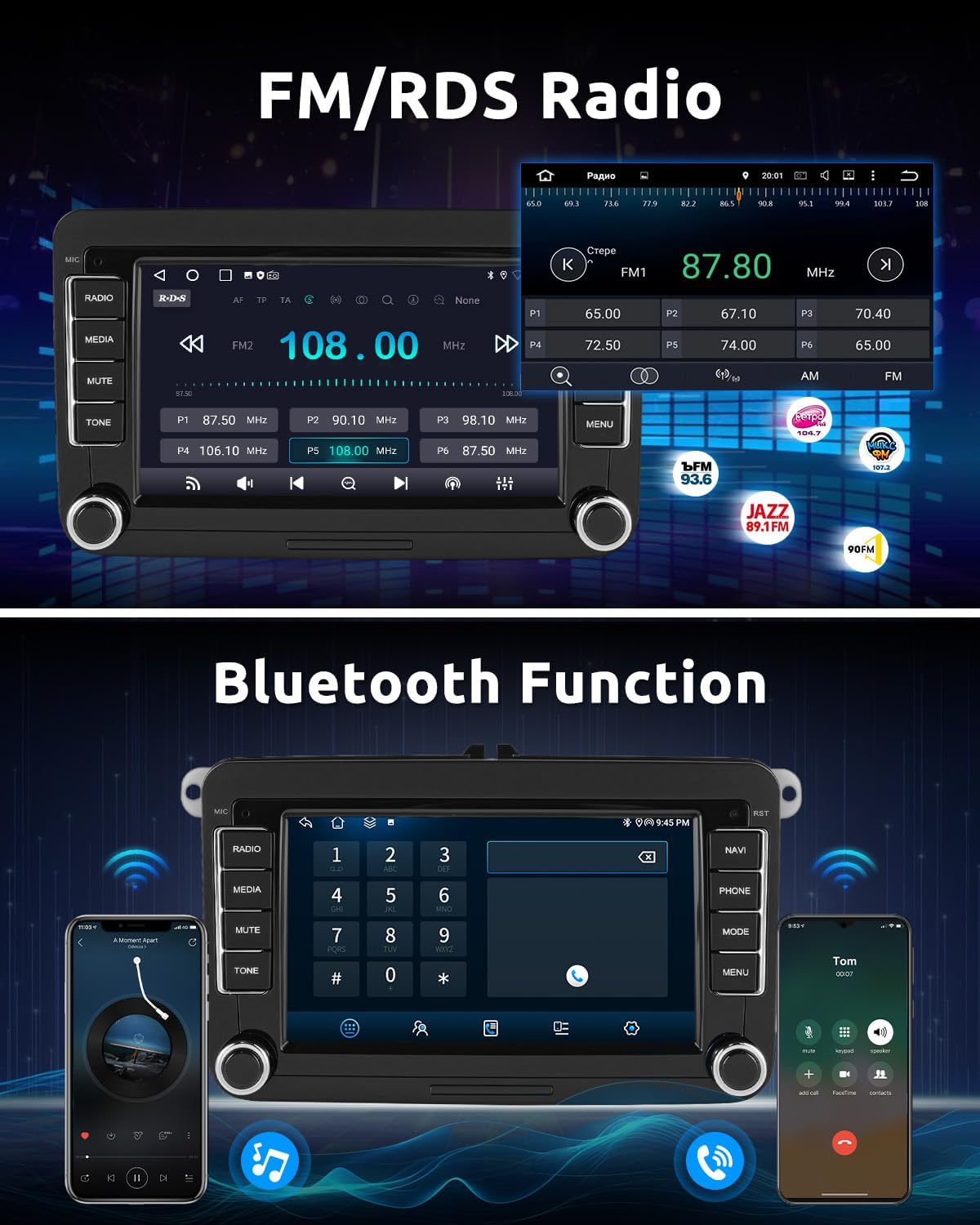
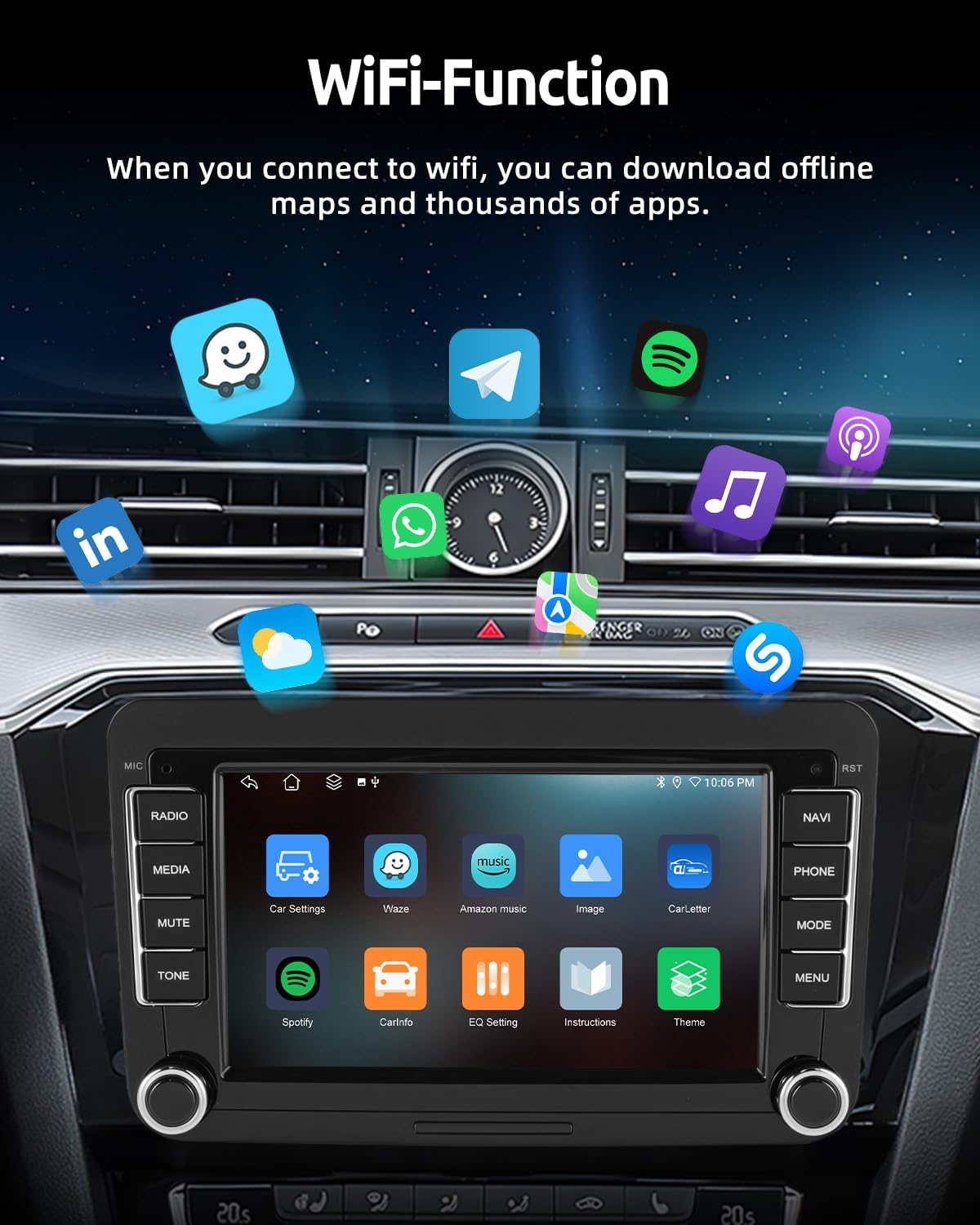
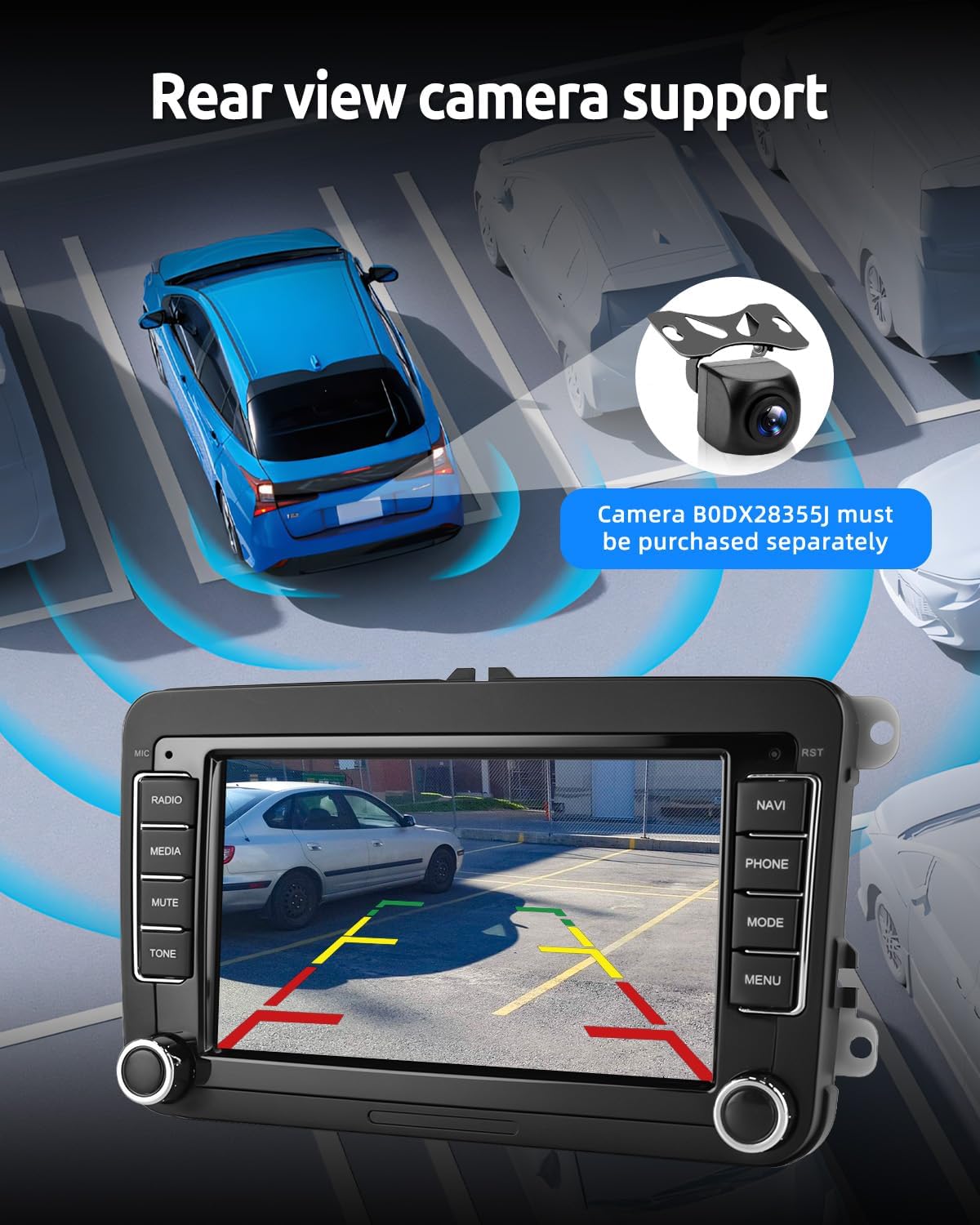
What it is and who it’s for\nThis ESSGOO Android 15 stereo is a 2‑Din car head unit designed to fit a range of VW group models (Golf, Polo, Passat, Caddy, Sharan, etc.) and similar layouts. It aims to modernise the in‑car experience with wireless CarPlay and Android Auto, built‑in GPS, Wi‑Fi, and a large 7‑inch IPS touchscreen. If you’re looking to replace an older radio to gain safer hands‑free calling, navigation, app playback, and a more connected interface, this unit is pitched as a practical upgrade rather than a premium, feature‑heavy system.\n\n## How it helps with daily driving\nOn the road, you’ll be able to access calls, messages, and navigation more conveniently via CarPlay/Android Auto. The touch screen is designed for quick replies and navigation checks without taking your eyes off the road for long. It also supports a split‑screen view so you can keep a map open while streaming music. For many drivers, this combination of wireless connectivity and vehicle integration reduces distractions compared with older wired setups.\n\n## What to note about installation and compatibility\nThe kit includes CANBUS wiring, a complete harness, installation tools and guidance for straightforward installation in supported VW Group models. That said, the fit depends on your exact model and dash configuration, some cars may require careful CAN bus wiring or professional help to ensure steering wheel controls and CAN bus features work as intended. The model list covers Golf MK5/6, Polo, Passat, and several others, but it’s essential to double‑check compatibility with your specific VIN and dash type before purchase.\n\n## Screen, performance and usability\nThe 7‑inch touchscreen offers 1024x600 resolution with wide viewing angles and responsive input. Split‑screen capability lets you navigate with Google Maps while streaming Spotify or other apps. Built‑in GPS supports both online and offline maps, and the device can connect to Wi‑Fi for app downloads and updates. A dual‑purpose microphone supports hands‑free calls, while four 45W amplifiers aim to deliver fuller audio and better subwoofer output for those who want a more immersive listening experience.\n\n## Connectivity and media features\nBluetooth 4.1 enables hands‑free calling and music streaming, and the unit supports FM with RDS for regular radio listening and up to around 30 presets. The system also mentions screen mirroring for iOS and Android devices, though it notes some limitations with certain brands for Android mirroring and mentions that Samsung/Huawei may not be fully compatible. AHD/CVBS rear‑view input is offered for parking safety when using an optional camera (camera itself not included).\n\n## What stands out and where it could fall short\nOn the plus side, the large touchscreen, wireless CarPlay/Android Auto and offline/online navigation combine to deliver a modern, connected driving experience in a VW‑suitable form factor. It’s not a high‑end multimedia hub, so if you’re after ultra‑premium audio tuning, a broader app ecosystem, or seamless compatibility with every phone brand, you may find it misses the mark. The note about CAN bus and potential residual power/auto‑turn‑off behaviour is something to verify during installation.\n\n## Who it’s for\nIdeal for drivers seeking a mid‑range upgrade that adds wireless CarPlay/Android Auto, GPS navigation, and a modern touchscreen without stepping up to bespoke high‑end systems. It’s particularly suited to owners of VW Golf MK5/6, Polo, Passat, Caddy, Sharan and similar models who want easier navigation, hands‑free calling, and music streaming from their phone.\n\n## Who should think twice\nIf your car’s dashboard doesn’t align with a 2‑Din fit, or you rely heavily on Apple/Android screen mirroring with brand‑specific features, you may want to confirm exact compatibility before buying. Also, if your priority is completely wireless iPhone to car integration for every function, test limitations around mirrored content and camera integration ahead of ordering.\n\n## Before you buy: quick checks\n- Confirm dash compatibility and CAN bus wiring needs for steering wheel controls.\n- Check whether you want or need a camera (the product mentions input but not included).\n- Clarify whether your phone (iOS or Android) supports the wireless CarPlay/Android Auto features on your vehicle’s initial setup.\n- Consider how you’ll use split‑screen: navigation vs. media playback.\n\n## Real‑world use example\nImagine leaving the house with a clear route displayed on the map while your usual playlist streams in the background and you can answer calls with a tap or a quick voice command. The 7‑inch display makes it feasible to glance at navigation without fiddling with your phone, which can help keep attention focused on the road.\n\n## FAQ (practical, non‑techy)\nQ: Will it turn off completely when the car is off? A: Some units need CAN bus wiring checked, ensure proper CAN bus connection during installation.\nQ: Can I mirror my Android phone? A: Yes, it supports screen mirroring for Android via Wi‑Fi or USB, but compatibility can vary by device.\nQ: Is a rear camera included? A: The unit supports a camera input, but the camera itself is not included.\nQ: Do I get steering wheel controls? A: The product mentions possible compatibility with steering wheel remote control if the car doesn’t support CAN bus, but it may require learning the buttons.\n\n## Final decision: Is it worth it?\nWorth considering if you want wireless CarPlay/Android Auto, a modern 7‑inch touchscreen and in‑car navigation at a sensible price point for VW group models. It isn’t a perfect match for every phone brand or for drivers chasing premium audio or fully universal compatibility, but for many users it represents a pragmatic upgrade with clear daily benefits.