


DR2400 Drum Unit (2-Pack) – Compatible for Brother Laser Printers
Product description
What it is
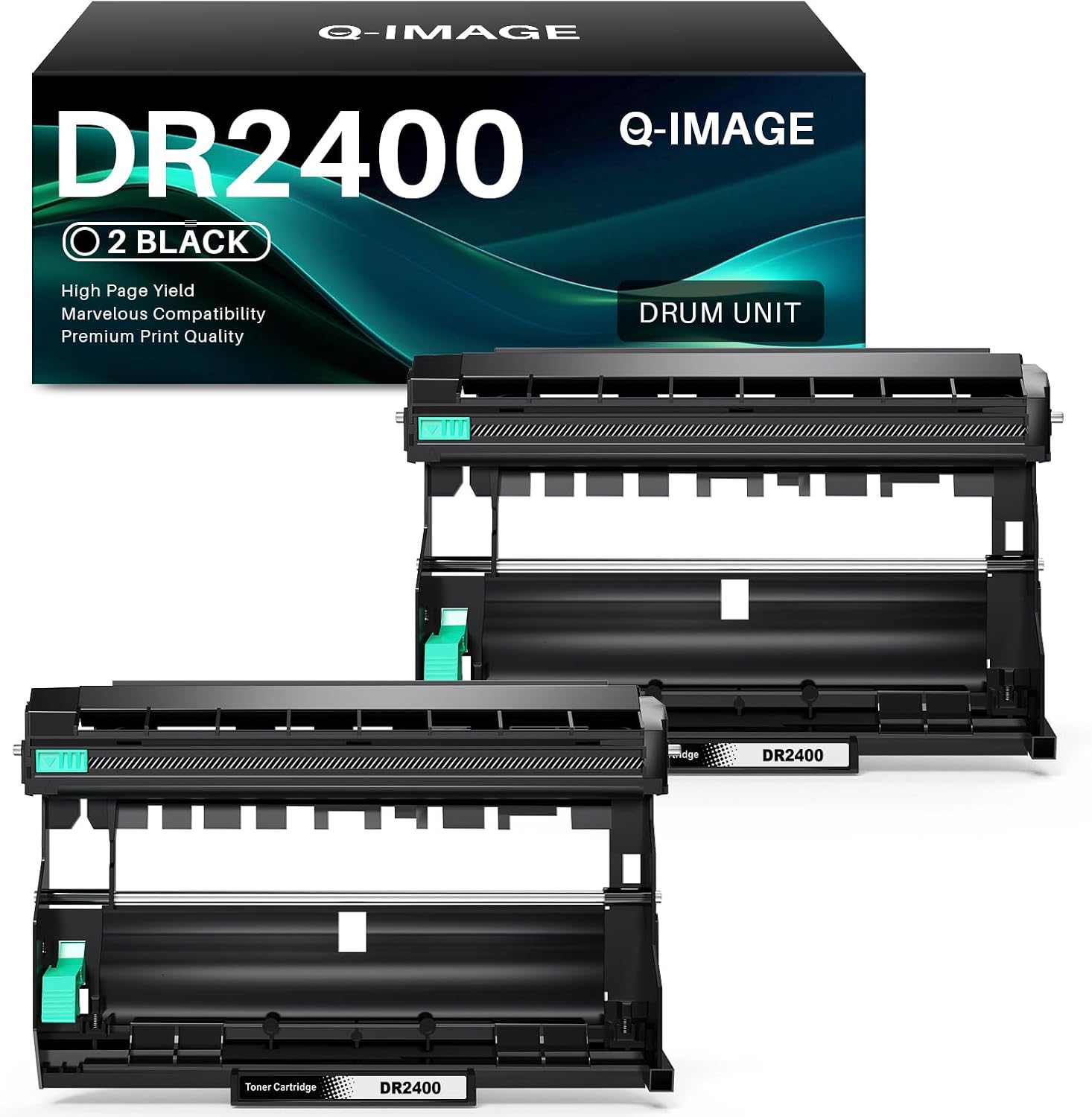
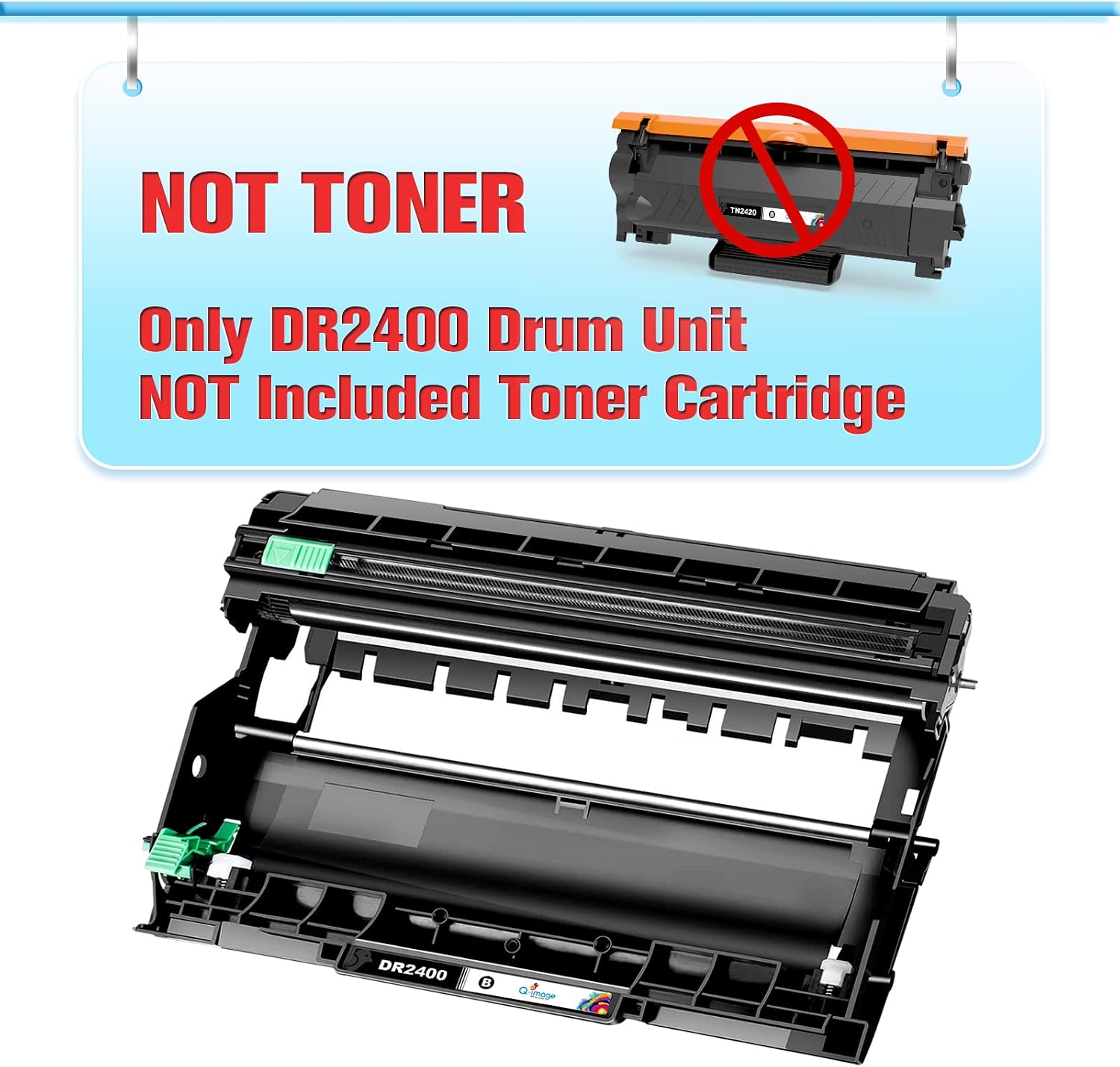
This is a 2-pack of DR2400 black drum units designed to work with a range of Brother laser printers. The pack includes only the drum units themselves, toner is not included and must be sourced separately.
What it’s for
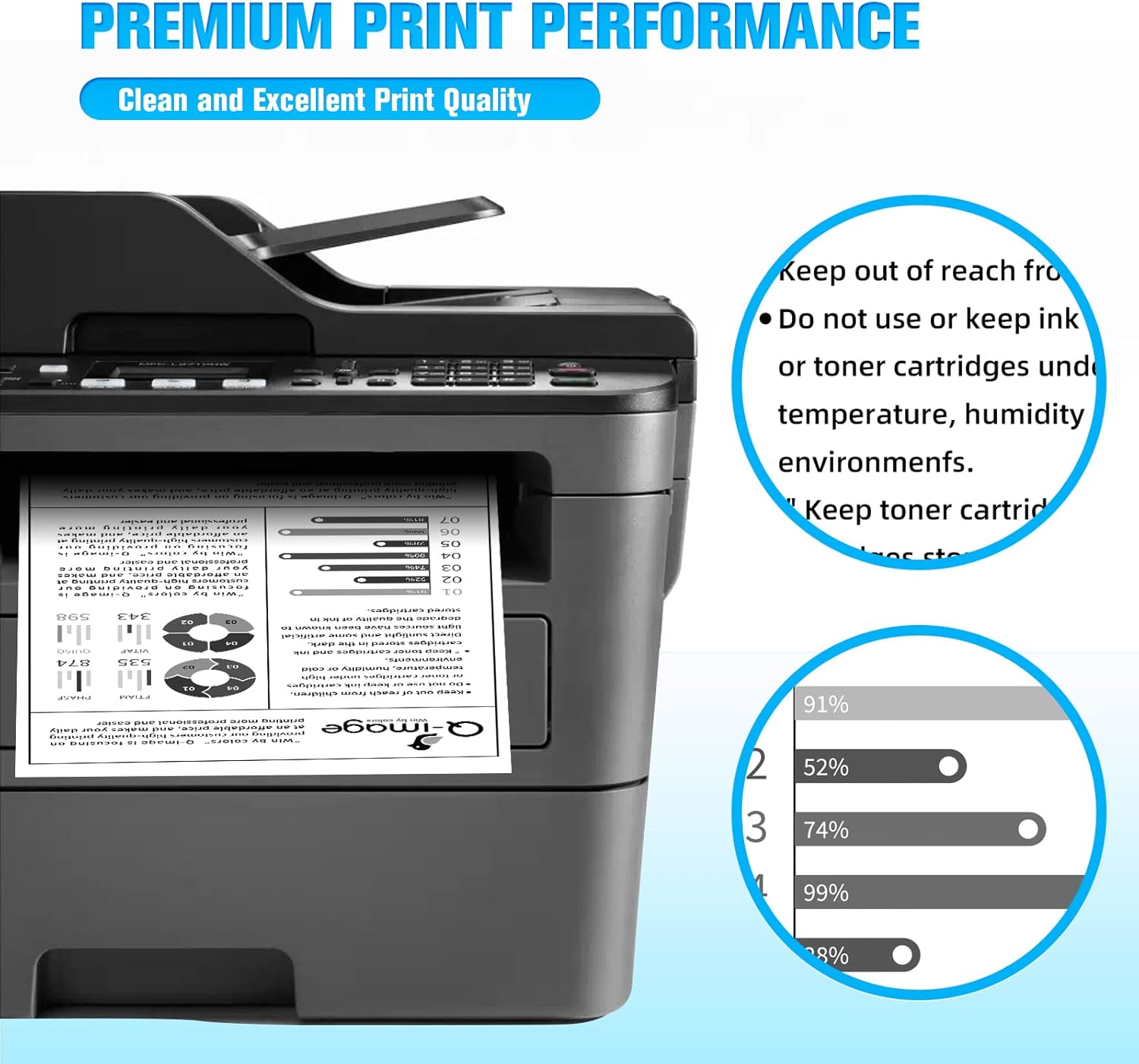
Drum units are a maintenance consumable in laser printers. Replacing the drum helps to maintain print quality as pages accumulate and can prevent issues such as faint text, streaks or misalignment. This product is aimed at users who regularly print in monochrome and want a cost-conscious option to keep their Brother printers performing.
Compatibility and suitability
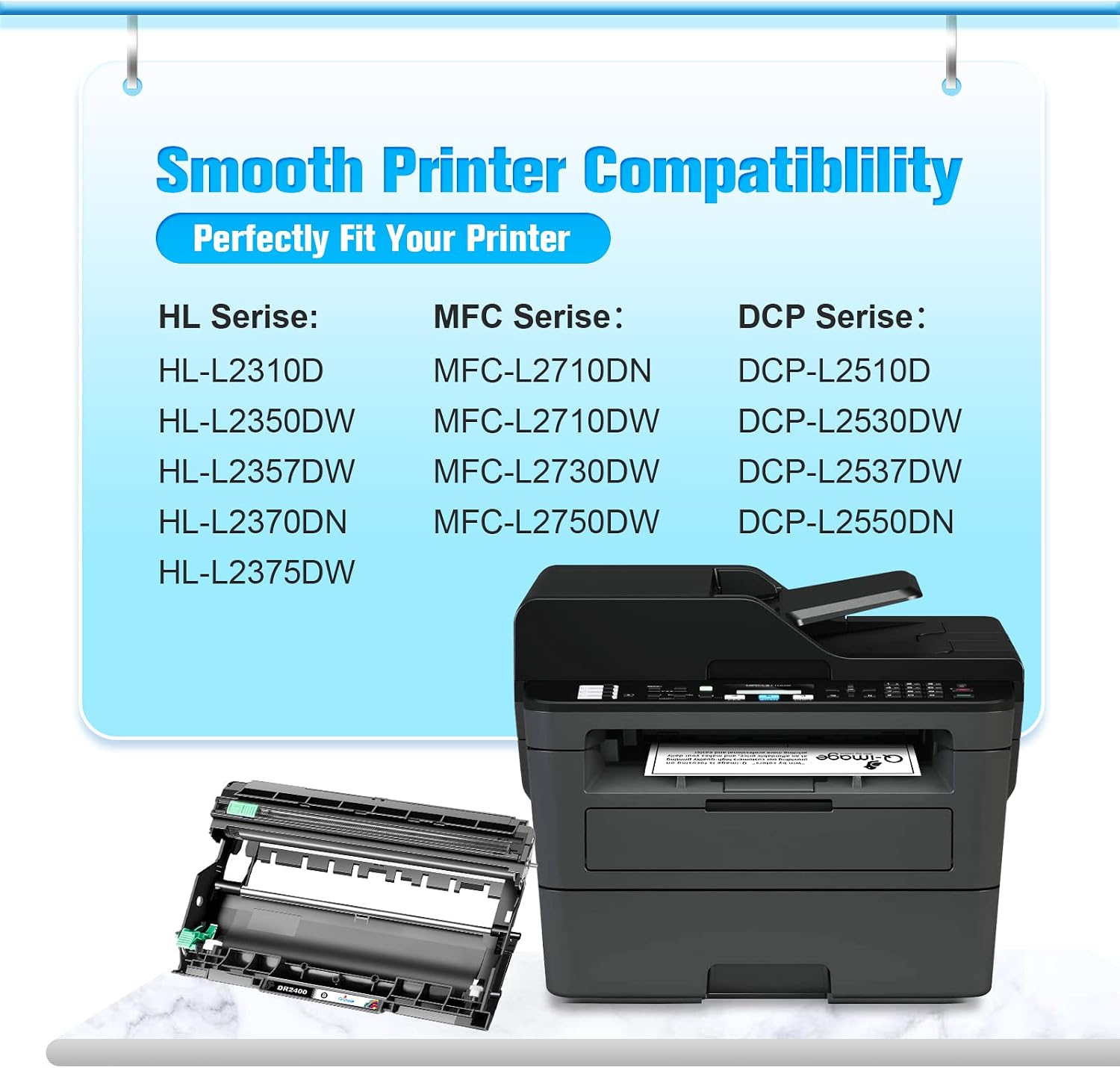
On the paper, these DR2400 drums are listed as compatible with many Brother models, including HL-L2395DW, HL-L2310D, HL-L2350DN, HL-L2370DN, HL-L2375DW and multiple DCP and MFC models. If your device relies on a DR2400 drum, this two-pack could offer value by reducing per‑page costs and minimising downtime from replacing components.
Page yield and expectations
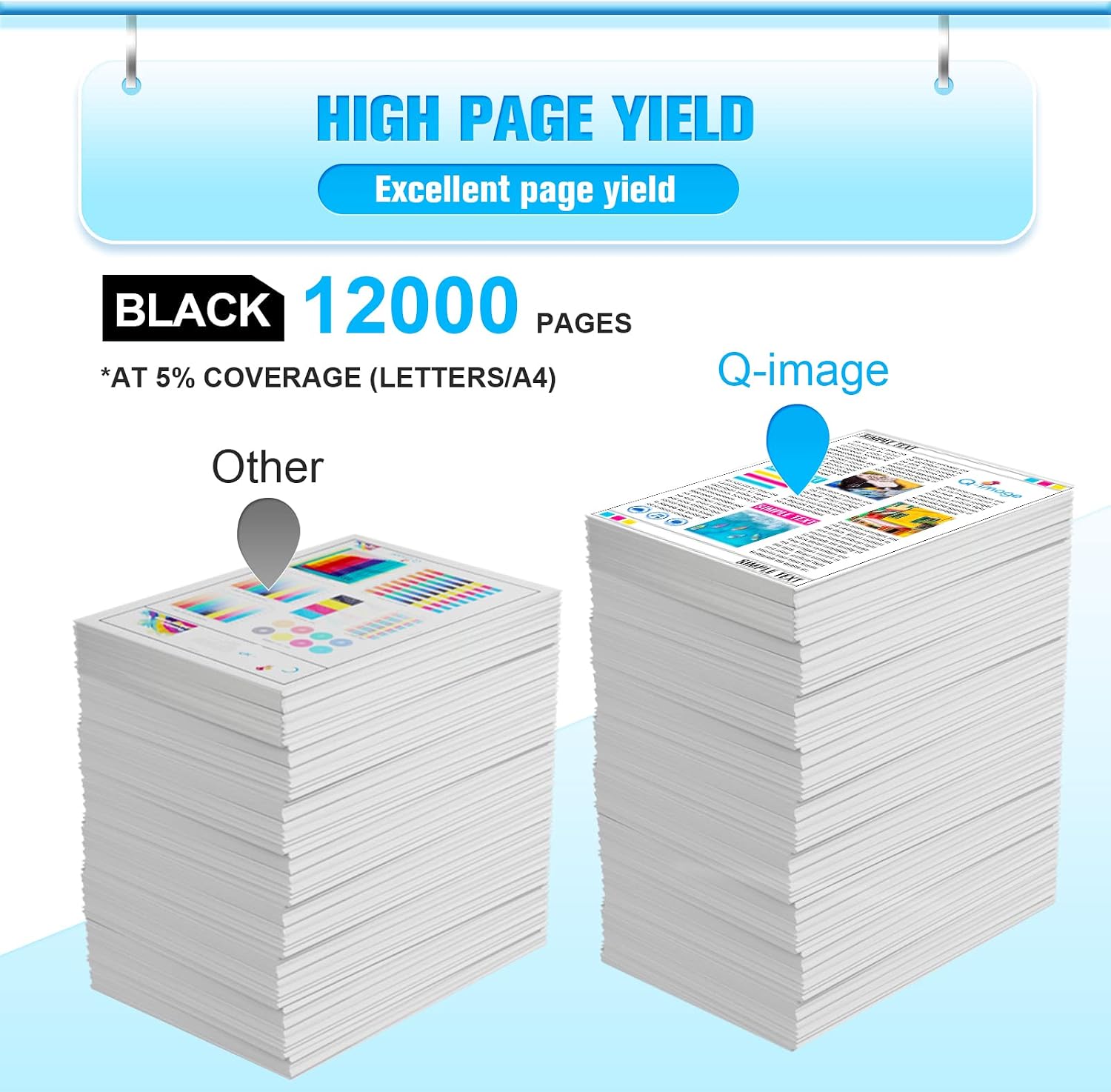
The stated yield is 12,000 pages for black DR2400 drum units at 5% page coverage on Letter/A4. Real-world results will vary with print density, patterns and content. If you print more heavily or with graphics, you may reach the stated figure more slowly.
What stands out (on the surface)
- 2-pack gives a predictable cost-per-chip approach for office or home use.
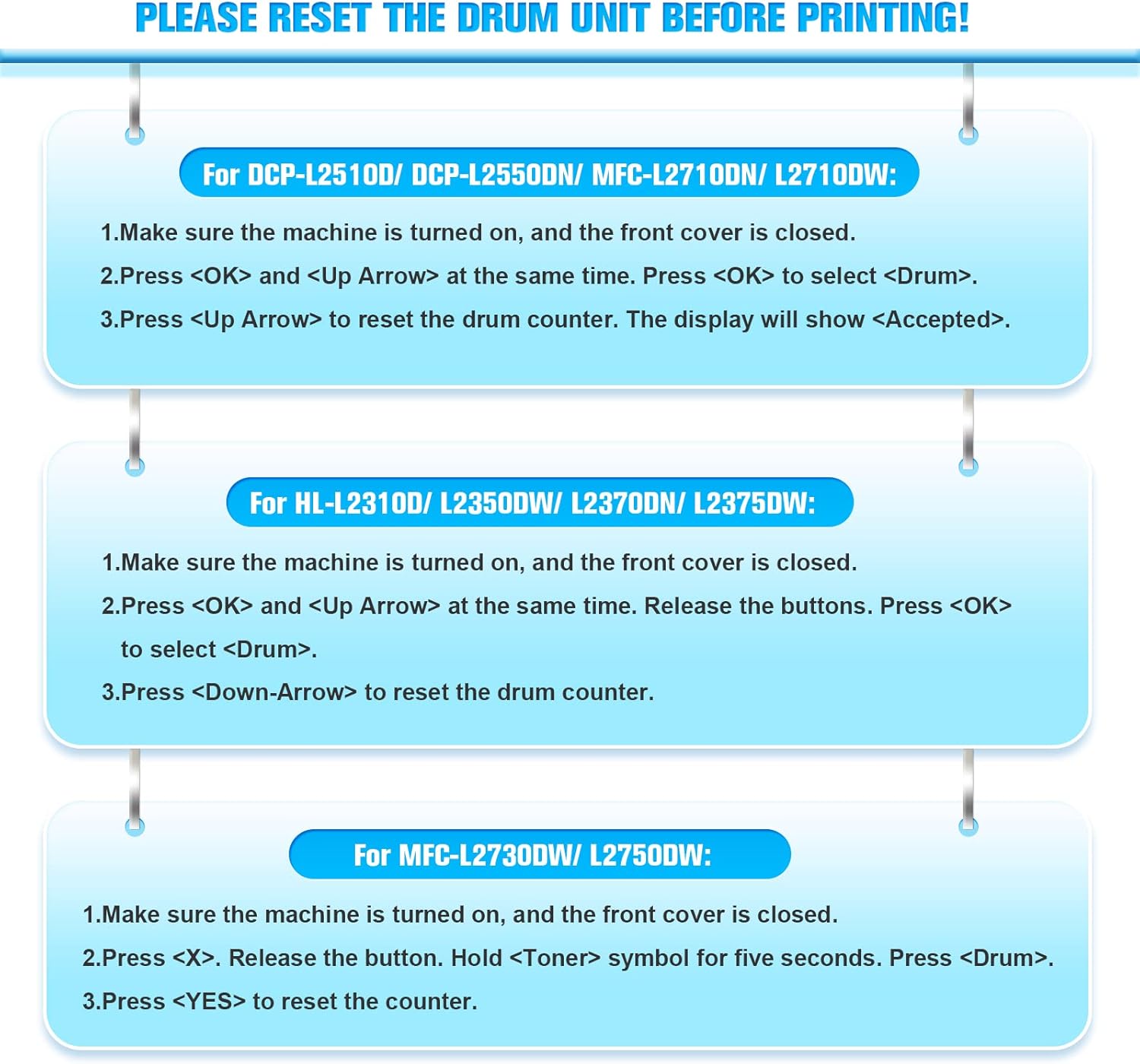
- Clear guidance to reset the printer’s drum counter before printing, which can help avoid waste or error messages.
What may not convince everyone
- The packaging explicitly notes that toner is not included and that these are compatible, not original drum units. If you prioritise guaranteed OEM compatibility or exact testing by the manufacturer, this might feel less reassuring.
- Compatibility is listed on paper, always double-check your exact model and firmware, as a few lineups can be sensitive to sequencing or counter issues.
Who it’s for
This option is sensible for small to medium offices or households that need to refresh a Brother monochrome printer’s drum while keeping costs in check. It’s more suitable for users who are comfortable with compatible third-party consumables and who do not require a guaranteed OEM warranty tied to drum components.
Who it isn’t for
If you rely on premium manufacturer guarantees or have a device outside the listed compatibility, or if you print heavy graphics where a higher-duty drum might be warranted, you may want to consider alternatives specified by Brother or a higher-yield option.
When it makes sense to buy
- Your printer model matches the compatible list and you want a lower per-page cost for a steady workflow.
- You’re comfortable with third-party drums and understand the need to reset the drum counter before use.
- You value a 2-pack to spread costs over time.
What to check before buying
- Confirm your exact Brother model is in the compatibility list.
- Note that the package contains only drums, not toner, and that the toner needs to be purchased separately.
- Plan for a potential reset requirement at the printer or software level to avoid page mis-count or error prompts.
Practical usage example
In an everyday office scenario, you replace the DR2400 drum when you notice diminishing print clarity or when the drum counter indicates replacement is due. You print a mix of text documents and spreadsheets, and the two-pack helps you stagger usage without buying single units repeatedly.
What this implies about alternatives
If you want OEM certainty, you might opt for genuine Brother drums. If you’re prioritising value and a ready-made supply, a compatible 2-pack like this can be a sensible middle ground, provided compatibility is confirmed for your printer and you’re prepared to handle a non-original warranty context.
FAQ
- Do I need to replace the toner when I replace the drum? No, toner is separate, you’ll need to source toner cartridge separately.
- How do I reset the drum counter? The listing notes resetting the Q-image DR-2400/DR2400 drum unit counter before printing. Refer to your printer’s guidance for the exact steps.
- Will this work with all Brother laser printers? It lists a wide range of models, always verify your exact model number and firmware compatibility before purchasing.
Final buying decision
Is it worth it? Worth considering if your Brother model is on the compatibility list, you want a cost-effective drum option, and you’re comfortable handling a third‑party component and the drum-counter reset. If you prioritise origin-brand assurance or your model isn’t clearly listed, you may want to review official Brother drums or double‑check compatibility details.