


Elgato Wave XLR MK.2 USB Audio Interface and DSP Mixer
Reviews
Price
Product description
What it is
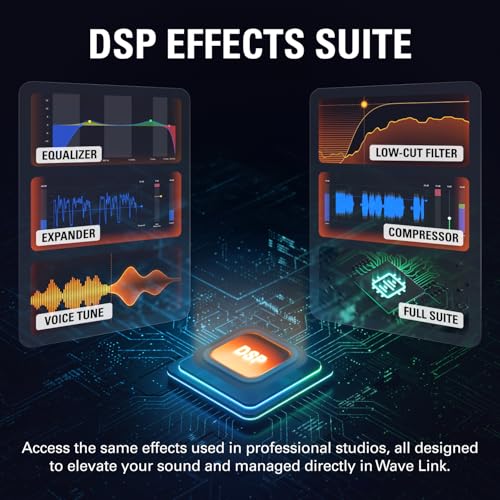
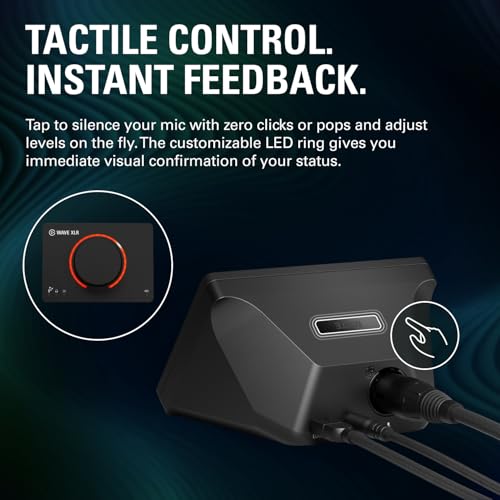
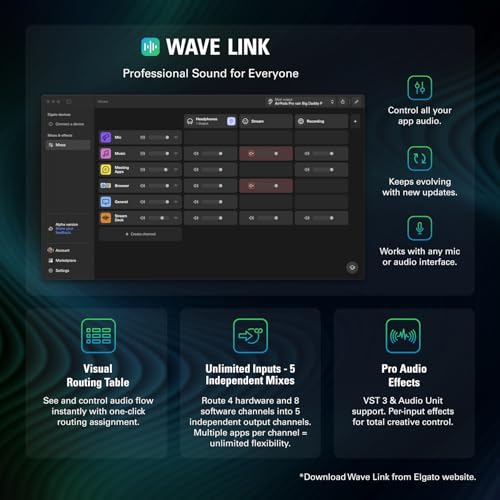
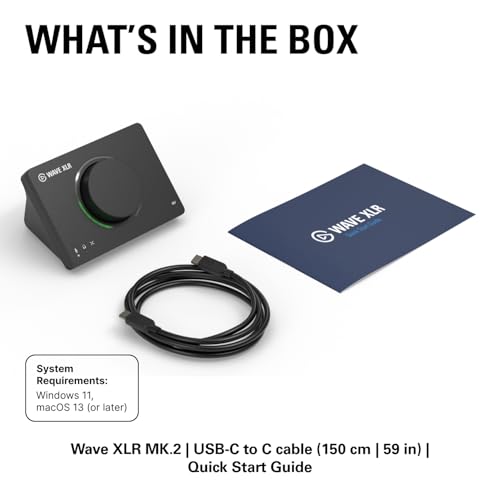
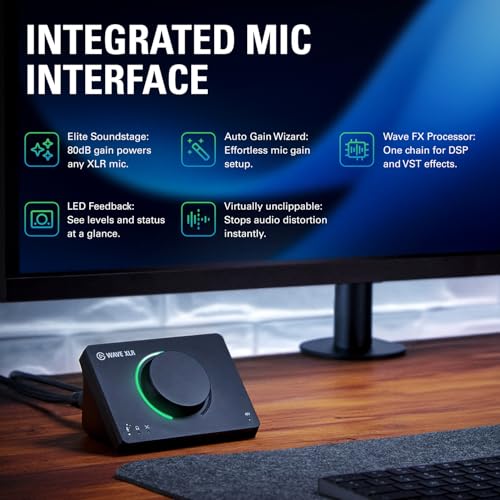
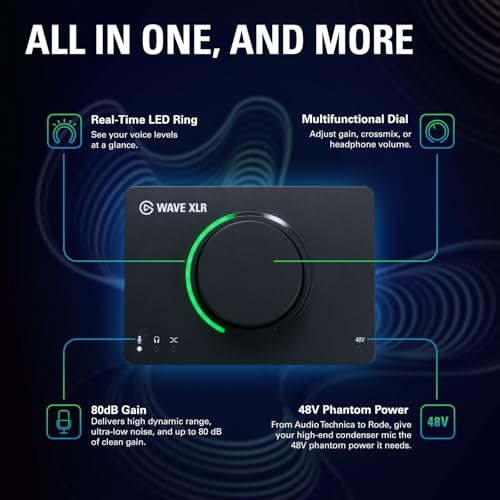
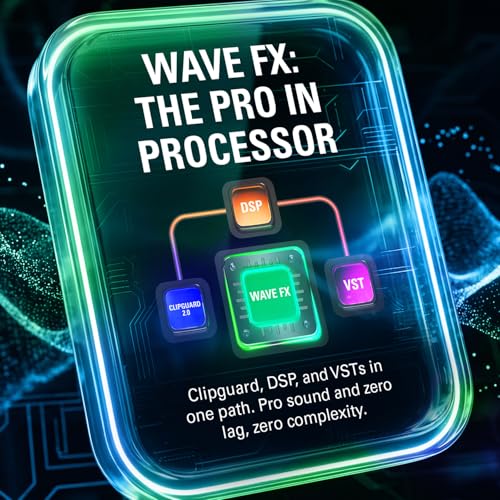
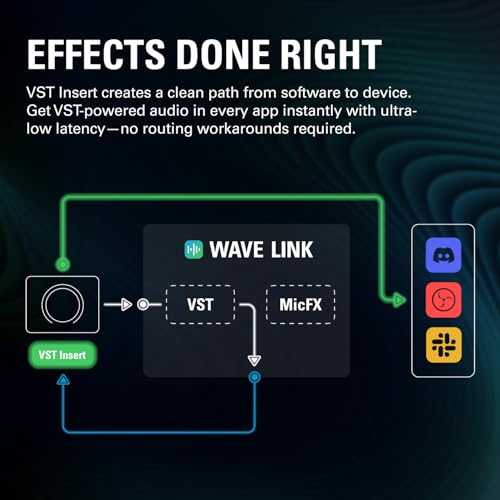
The Elgato Wave XLR MK.2 is a USB audio interface and DSP mixer designed to drive any XLR microphone with a substantial 80dB gain without the need for a separate booster. It integrates a Wave FX Processor for on‑signal DSP like Voice Tune, Compressor, EQ, Expander and Low Cut, all in a single signal chain. The interface also includes tactile controls for muting and level adjustments, with customisable LED feedback to keep you in the know at a glance. It’s paired with a robust headphone amp for loud, clear monitoring and ultra‑low latency, aiming to streamline both recording and live streaming workflows.
How it’s used in practice
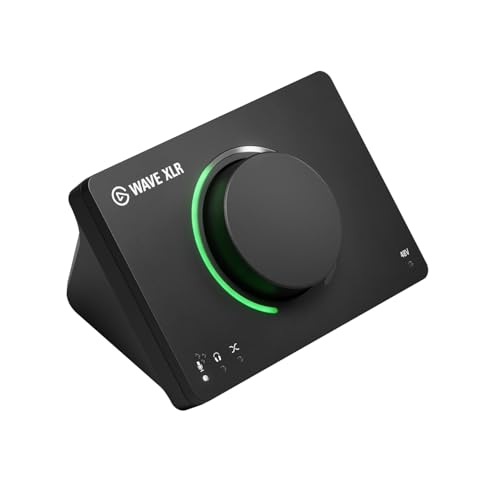
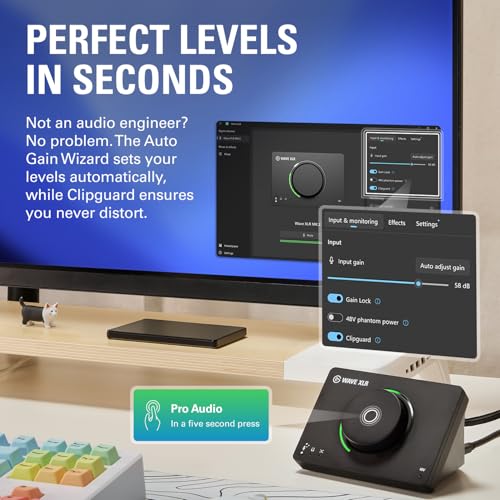
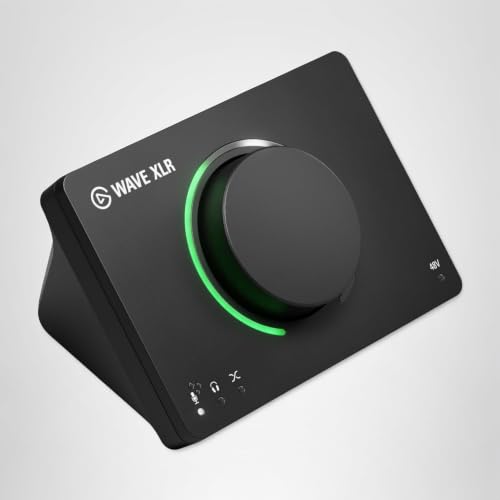
If your setup involves a dynamic or condenser mic, the Wave XLR MK.2 can simplify routing and voice shaping without extra gear. The Auto Gain Wizard attempts to set mic gain automatically, which can save time during a live stream or multi‑scene podcast. The on‑device controls let you mute or tweak levels on the fly, which is handy when you’re talking to guests or changing scenes in a stream. Expect a compact, all‑in‑one solution that keeps most essential features within arm’s reach.
What stands out on paper
On the strength side, the 80dB gain is notable in this form factor, and the built‑in DSP chain covers common voice processing needs without requiring a PC plugin rack. The Wave FX Processor consolidates several effects in a single path, potentially reducing latency and CPU usage in modest setups. The tactile controls plus LED feedback can help when you’re not staring at your screen, and the auto gain feature can be convenient for quick setups.
Potential limitations to consider
What to watch for is that this is a compact, feature‑rich interface. If you need advanced, studio‑grade processor capabilities or extremely custom signal chains, you may outgrow the built‑in DSP quickly. Some users may prefer separate preamps or an external mixer for larger, multi‑mic configurations. The effectiveness of Voice Tune and other DSP effects will vary with voice characteristics and room acoustics, so results aren’t guaranteed as a one‑size‑fits‑all solution.
Who it’s for
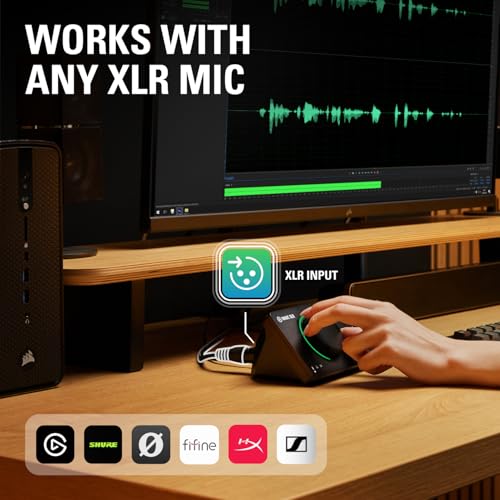
This device suits streamers, podcasters, and solo creators who want a single box to handle mic gain, basic voice processing and monitoring without a cluttered desk. It’s particularly appealing if you value quick setup, integrated effects, and real‑time visual feedback for level monitoring.
Who it isn’t ideal for
If you rely on a large number of simultaneous mic inputs, or you’re chasing very granular, studio‑grade processing, you might find the built‑in DSP less flexible than dedicated hardware or a more expansive audio interface. It’s not the best option if you require extensive routing options or very high channel counts.
Before you buy
Check that your mic is compatible with the given gain range and that your streaming or recording software supports the DSP chain you plan to use. Consider whether you’ll benefit from the auto gain feature or whether manual gain control fits your workflow better. Also think about your headphones’ impedance and listening environment to assess whether the amp offers enough headroom for your monitoring needs.
How it compares to alternatives
In practice, an all‑in‑one interface with built‑in DSP can be more convenient and space‑saving than pairing separate preamps, a mixer and a plug‑in suite. If you want fewer cables and a straightforward setup, this model is compelling. If you prioritise maximum DSP depth or multi‑mic routing, a larger interface or dedicated processor might be more suitable.
Real‑world use case
A typical desk scenario: you’re recording a solo podcast with a USB mic preamp built in, but you want light voice processing and easy muting during interviews. You connect your XLR mic, enable Voice Tune and a touch of EQ, monitor with low latency, and use the Auto Gain Wizard to dial in the mic level so guests can join without fiddling with knobs.
FAQ
- Do I need extra boosters for high‑gain mics? No, the unit advertises up to 80dB gain without a boost pedal.
- Can I use DSP effects while monitoring? Yes, the Wave FX Processor is designed to run in the signal chain along with monitoring.
- Is it suitable for live streams with on‑the‑fly changes? The tactile controls and visual LED feedback are aimed at making quick adjustments easier during live use.
Final verdict
Final verdict: worth considering if you want a compact, single‑box solution that combines mic gain, basic voice processing, and real‑time monitoring. It suits workflow‑driven creators who value ease of use and space efficiency, while recognising it may not replace a dedicated multi‑mic studio rig for those requiring extensive external processing or high‑channel scalability.
What to know next
If you prioritise a neat, all‑in‑one setup for solo or simple‑duo recordings and live streams, this model provides practical features without heavy additional gear. If your needs extend to complex routing or premium DSP depth, you may prefer a larger interface or separate processors.
Metaspotlight
Is it worth it? It makes sense for streamers and podcasters seeking simplicity and integrated voice processing in a compact package, provided you’re comfortable with the built‑in DSP scope and gain range.