

Elgato Stream Deck +: Audio Mixer, Production Console and Studio Controller for Creators
Reviews
Price
Product description
What is it and who’s it for
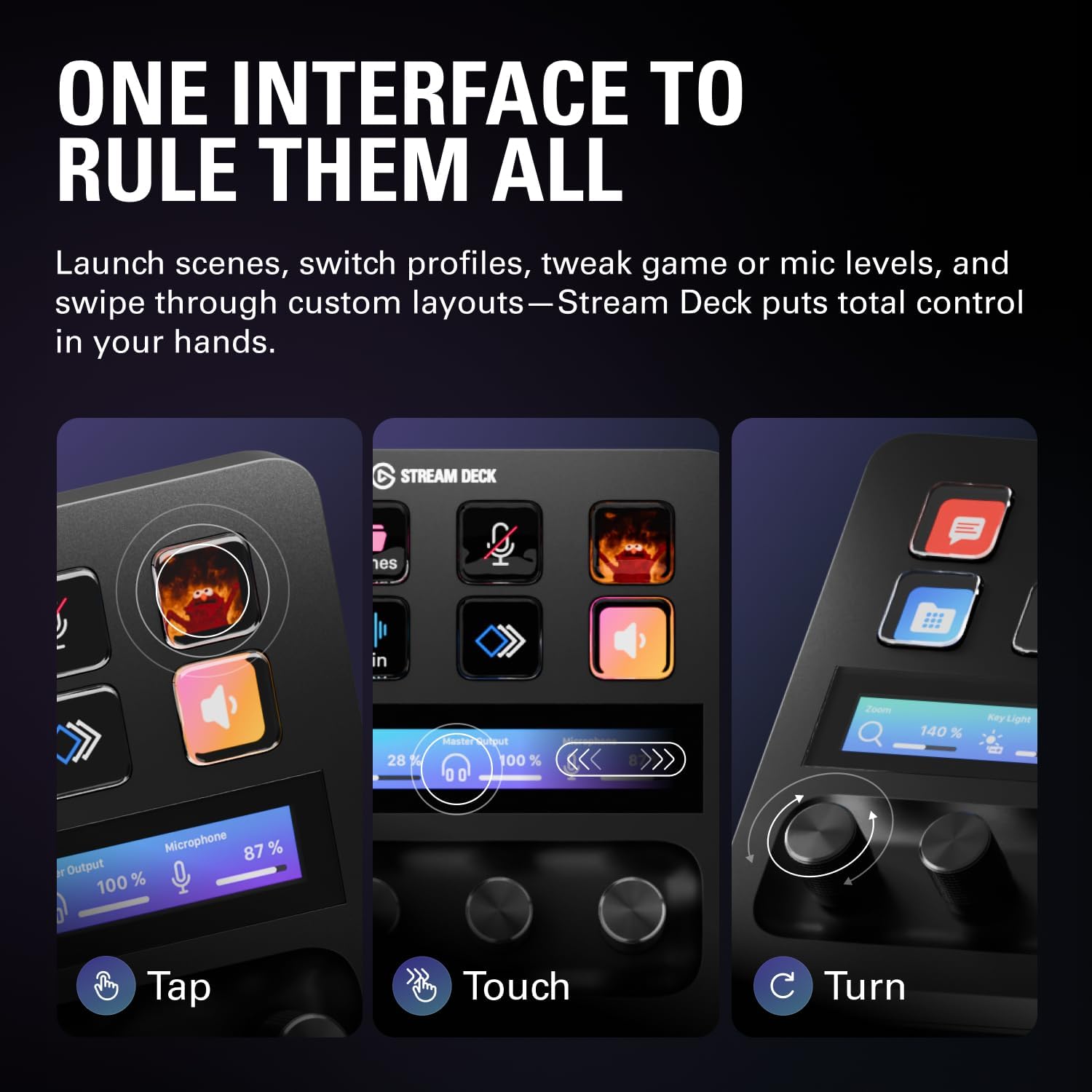
The Elgato Stream Deck + combines tactile control with LCD keys, a touch strip and dials to manage audio, video, lighting and more. Designed for content creators, streamers, gamers and small studios, it aims to simplify complex workflows by letting you launch actions, switch profiles and confirm actions at a glance.
Core capabilities that matter
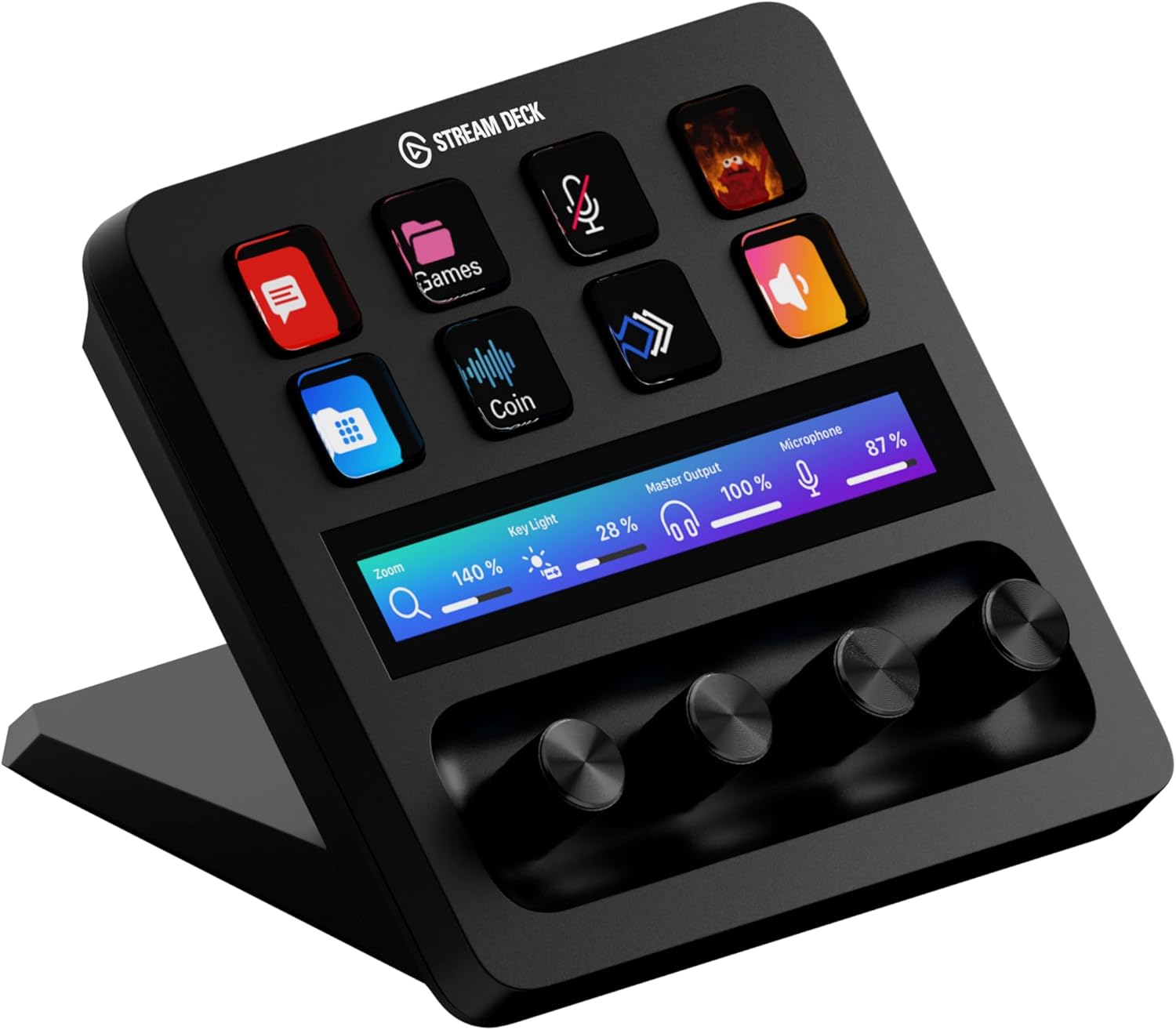
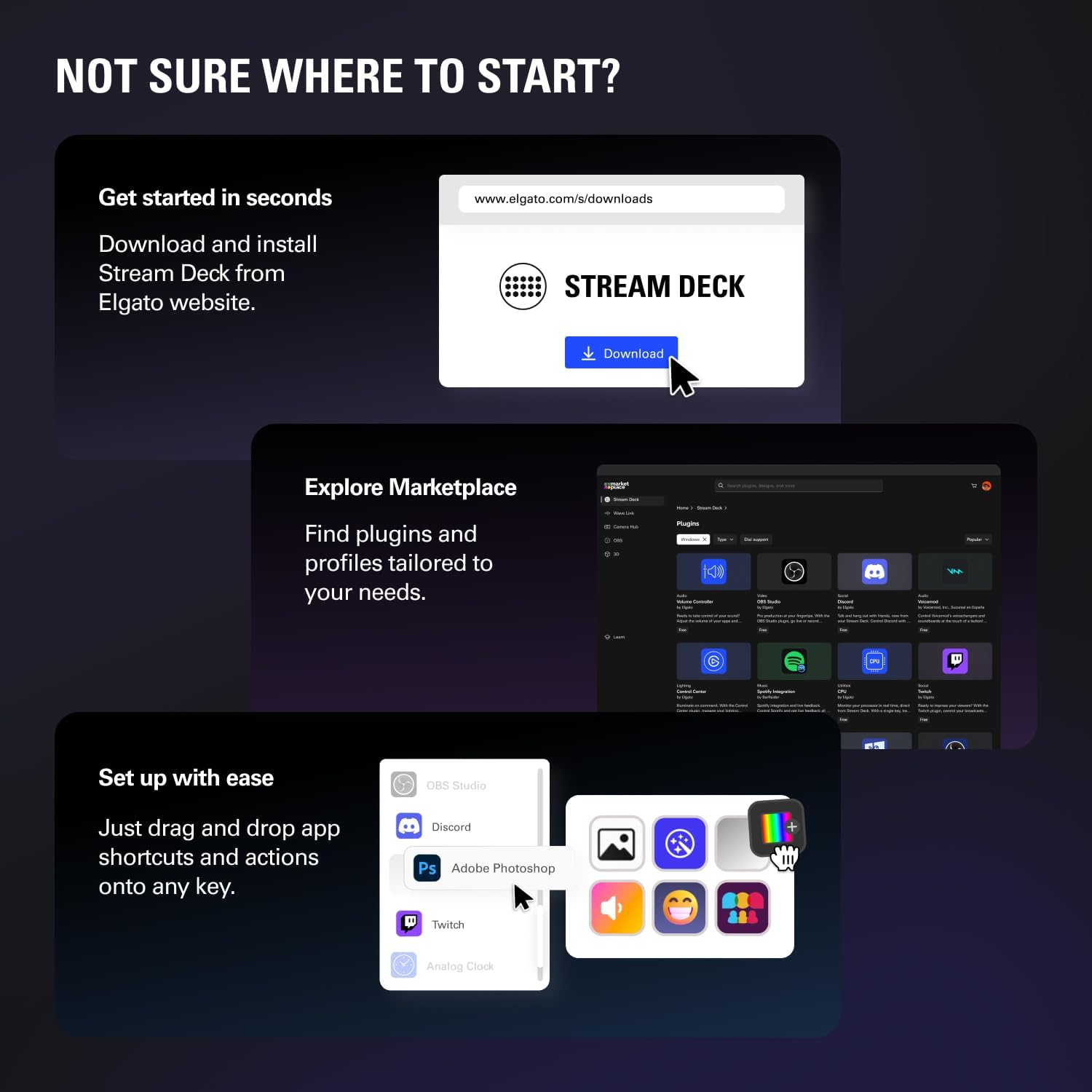
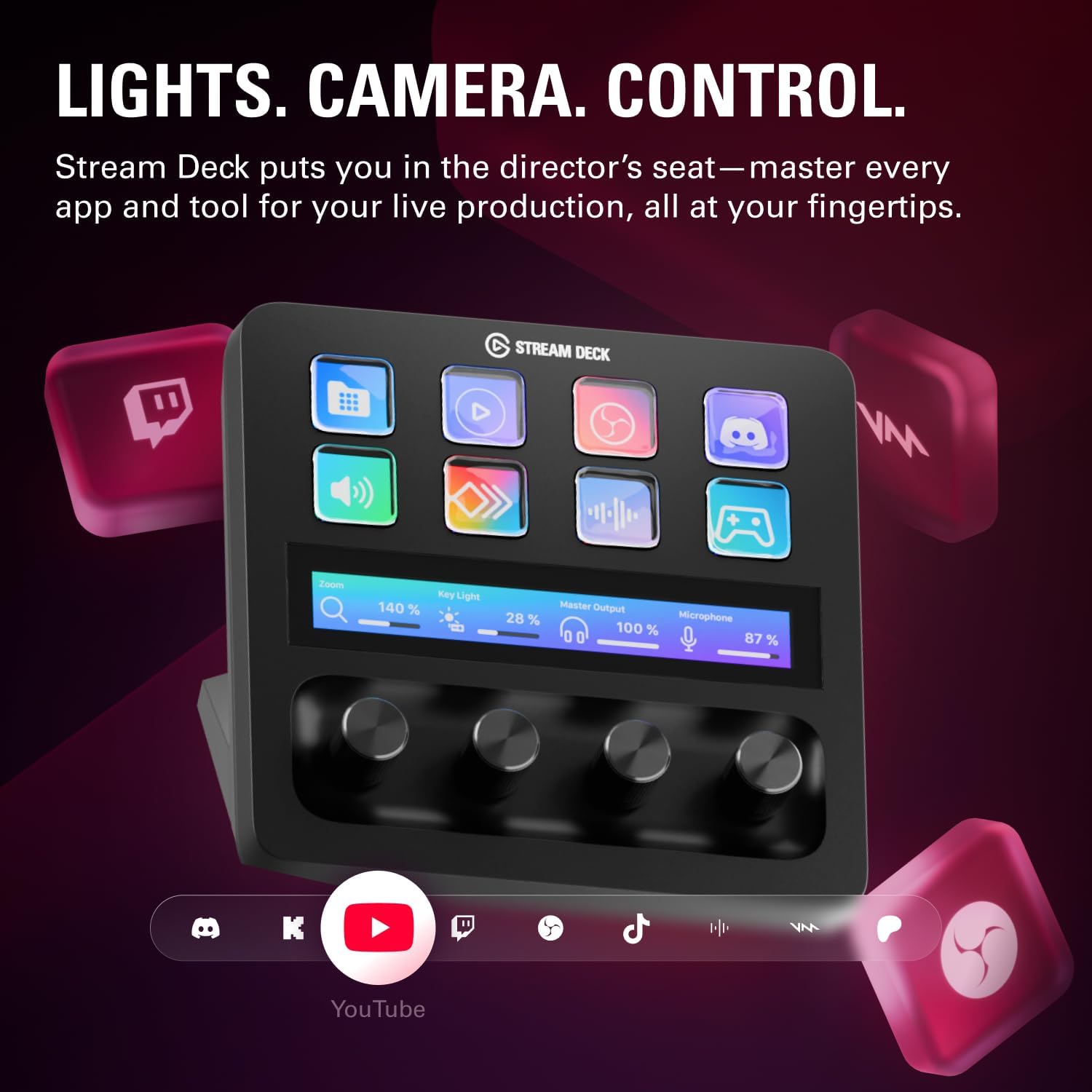
On the surface, it’s a programmable control surface that can function as an audio mixer, studio controller and production console. The visual feedback from LCD keys helps you verify actions in real time, while the tactile band and dials give you physical, nuanced control over levels and parameters. It’s compatible with a broad software ecosystem via Stream Deck plugins, including Wave Link for audio mixing, Camera Hub, OBS, Twitch, YouTube, Spotify and more. The device is designed to work across Mac and PC setups.
What stands out in day-to-day use
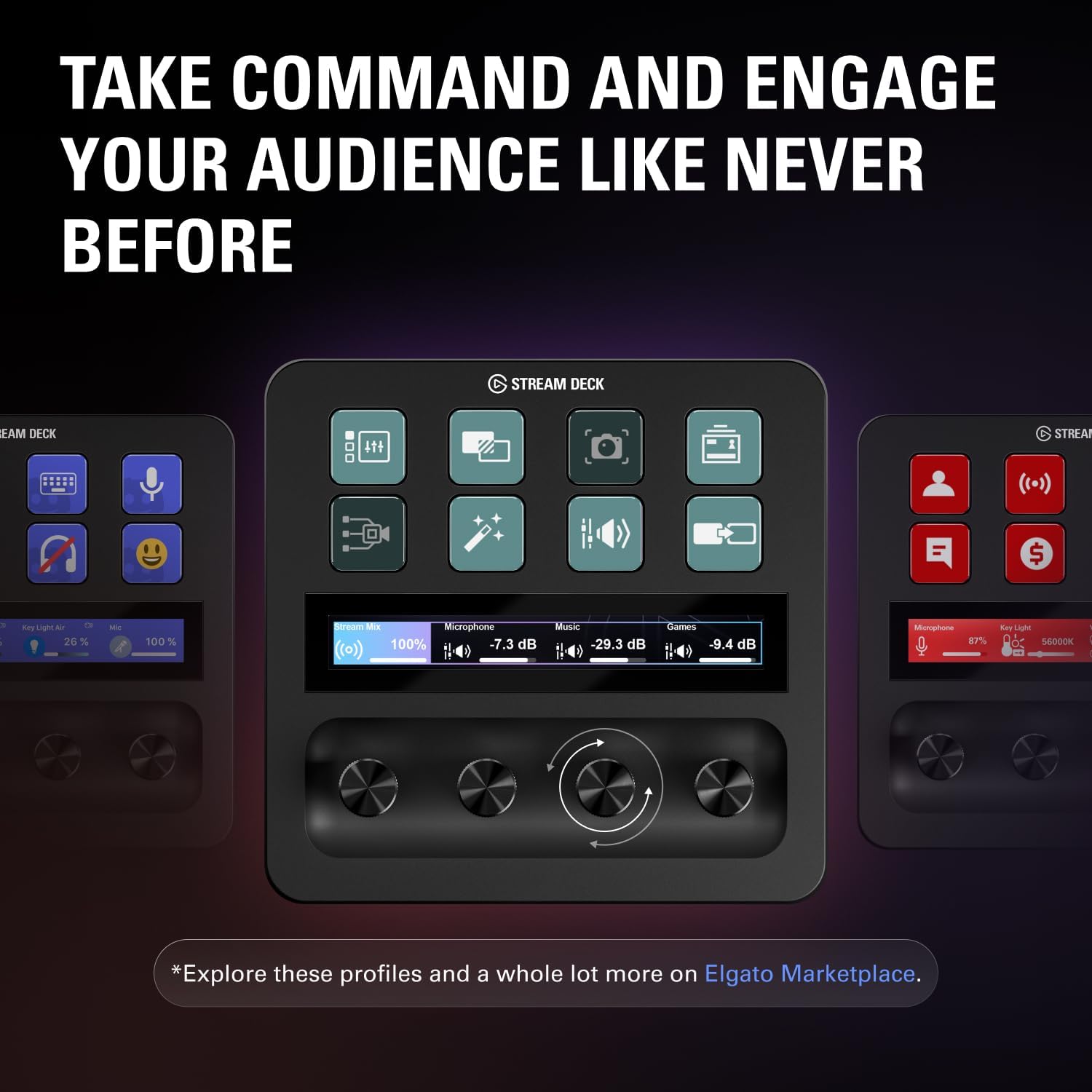
If you juggle multiple apps or scenes, the ability to launch several actions at once or in sequence can save time and reduce switching between screens. Profiles can auto-switch to suit different apps, which is useful if you stream, edit, record or game and need varying layouts without reconfiguring manually.
Strengths
- Highly customisable: you can tailor the buttons, dials and touch strip to fit your workflow.
- Visual and tactile feedback: LCD keys plus physical controls help you monitor actions and adjust parameters without looking away from your primary task.
- Broad plugin ecosystem: integration with Wave Link, Camera Hub, OBS and streaming platforms expands potential uses.
- Cross-platform: works with both Mac and PC environments, which is convenient for mixed workflows.
Limitations and what it might not excel at
On paper, the system relies on software plugins and user configuration. If you prefer a plug-and-play hardware mixer with dedicated controls and no setup, this may feel more involved. Some workflows may require ongoing plugin management and occasional updates, which can be a minor ongoing maintenance task. It may also be less suited for those who don’t need multiprofile or multi-action capabilities.
Who it’s for and who may want to skip it
Conviene if you regularly manage audio, video and lighting across multiple applications and want quick, visual control alongside automation. If your setup is minimal or you don’t use streaming/production software extensively, the value may be narrower. If you prioritise simple, single-app control or a hardware mixer without digital integration, you might prefer a dedicated device rather than a programmable panel.
What to check before buying
- Your current Mac/PC setup and your primary production apps (OBS, Wave Link, etc.) and how you plan to use profiles.
- Whether you’ll benefit from the visual LCD feedback and the touch strip/dials for real-time adjustments.
- Availability of updates and plugins, since ongoing development can expand functionality but also introduce changes.
Practical example of use
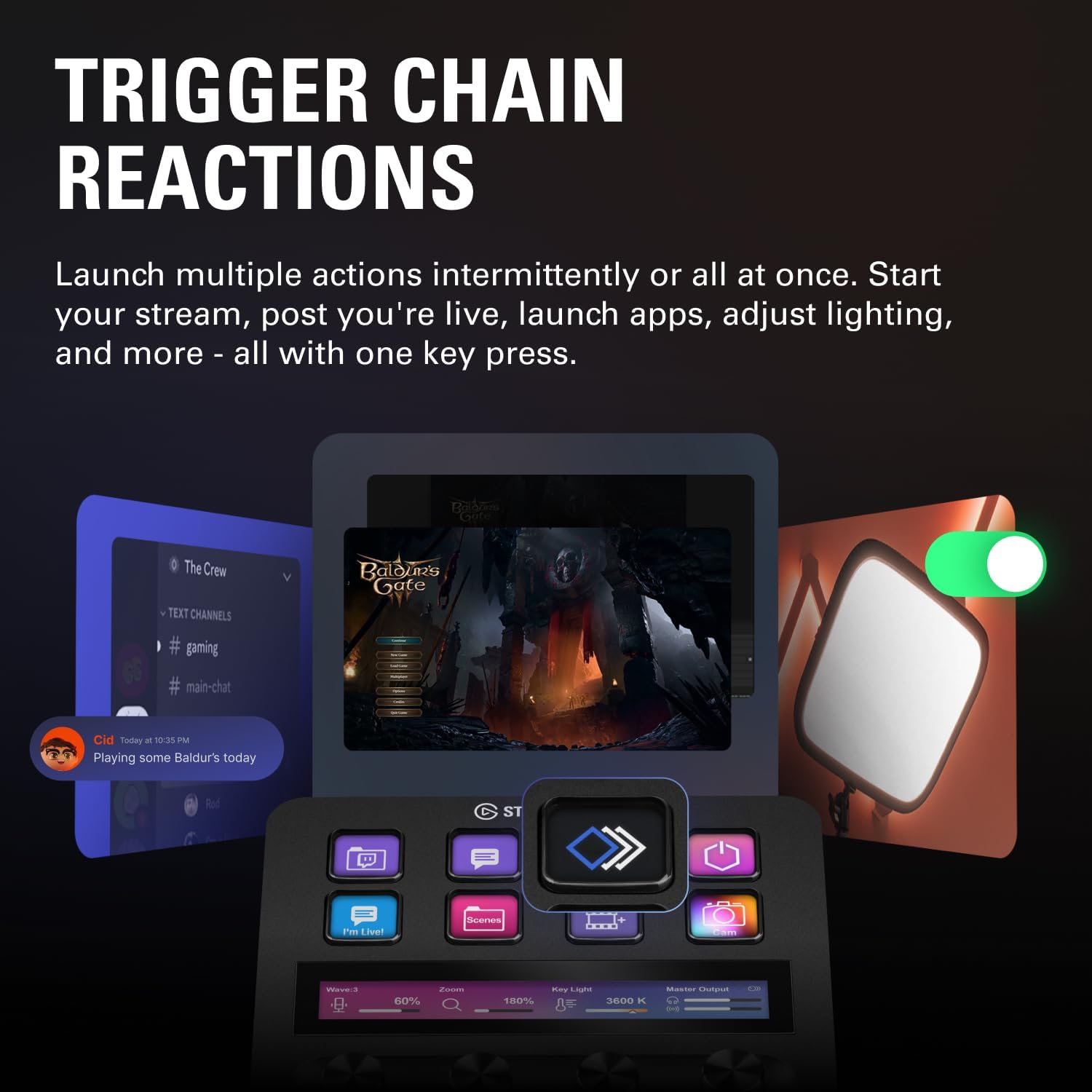
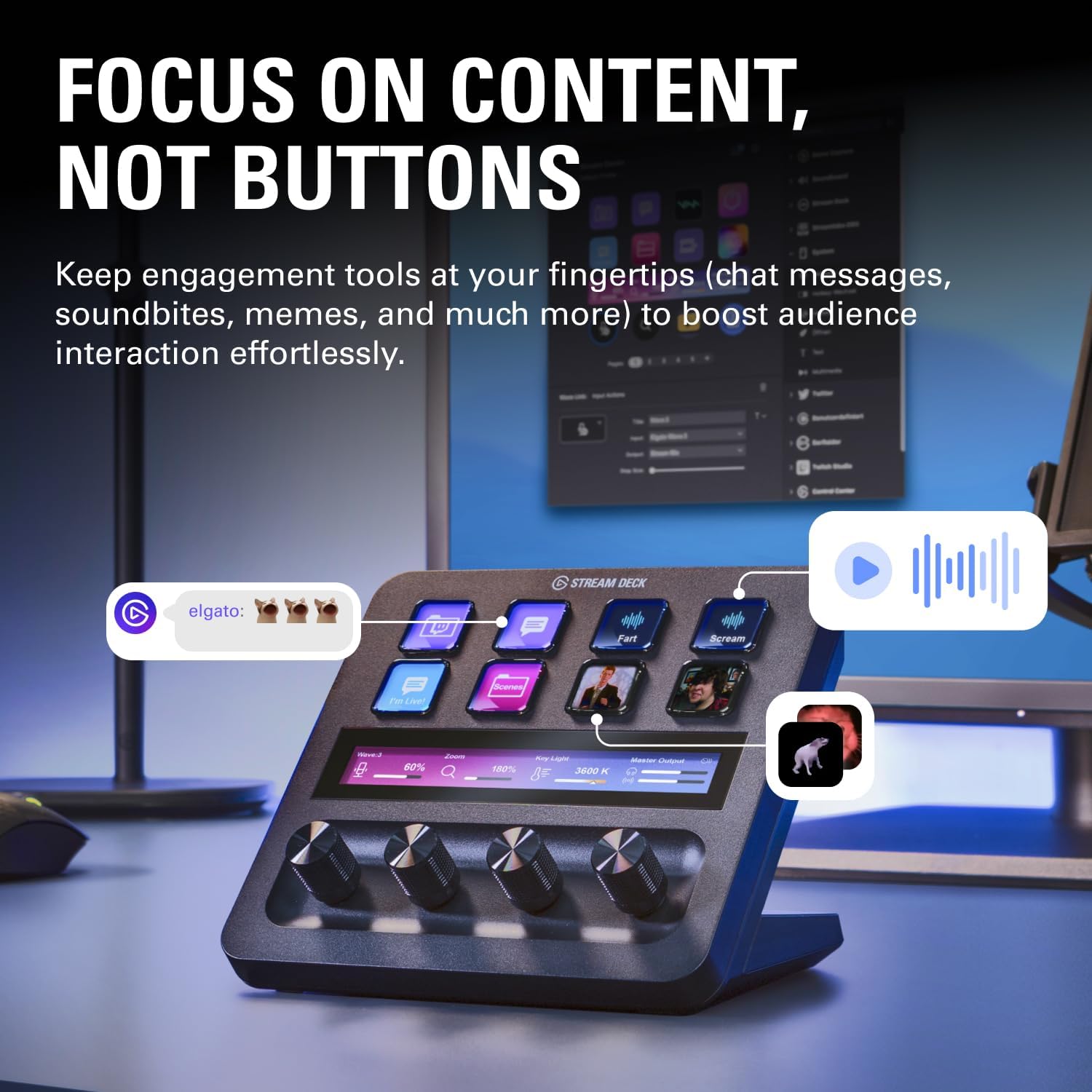
Imagine you’re live streaming a game while adjusting audio levels and switching scene layouts. With Stream Deck +, you could have a dial controlling overall volume while a set of keys toggles mic input, game sound, and a scene change, all in a single glance. It’s a workflow that may reduce mid-stream distractions and keep your hands on the keyboard and mouse.
Final thoughts
Is it worth it? Worth considering if you value customisation, multi-app workflows and a unified controller for audio, video and lighting. It isn’t a guaranteed match for every creator—if your needs are simple or you don’t rely on multiple plugins, the investment might be harder to justify. Consider how often you’d use the automation, how much you value real-time visual feedback, and whether your software environment aligns with the Stream Deck + plugin ecosystem.
FAQ
- Can I use Stream Deck + on both Mac and PC? Yes, it’s designed to work across Mac and PC setups.
- Do I need to install plugins to get basic functionality? Core features work with the built-in Deck ecosystem, but plugins like Wave Link and OBS expand capability.
- How easy is it to update or add new profiles? Profiles can be auto-switched between apps, and Elgato frequently updates and adds plugins.
Is it worth it?
Final verdict: It makes sense if you regularly orchestrate audio, video and lighting across multiple apps and want streamlined, customisable control, if your needs are modest or you prefer a simple, single-app setup, explore whether the baseline features suffice before committing.