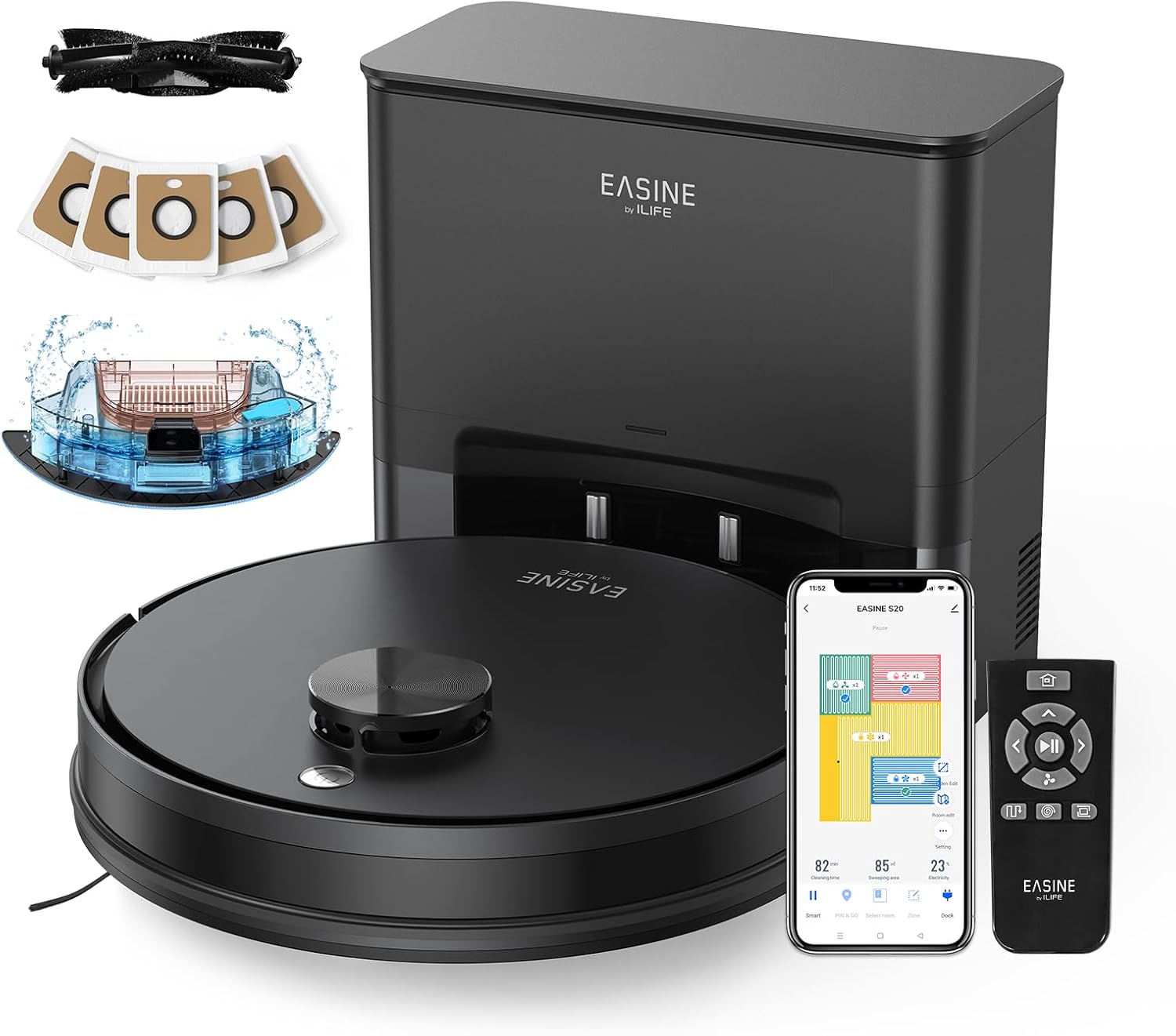
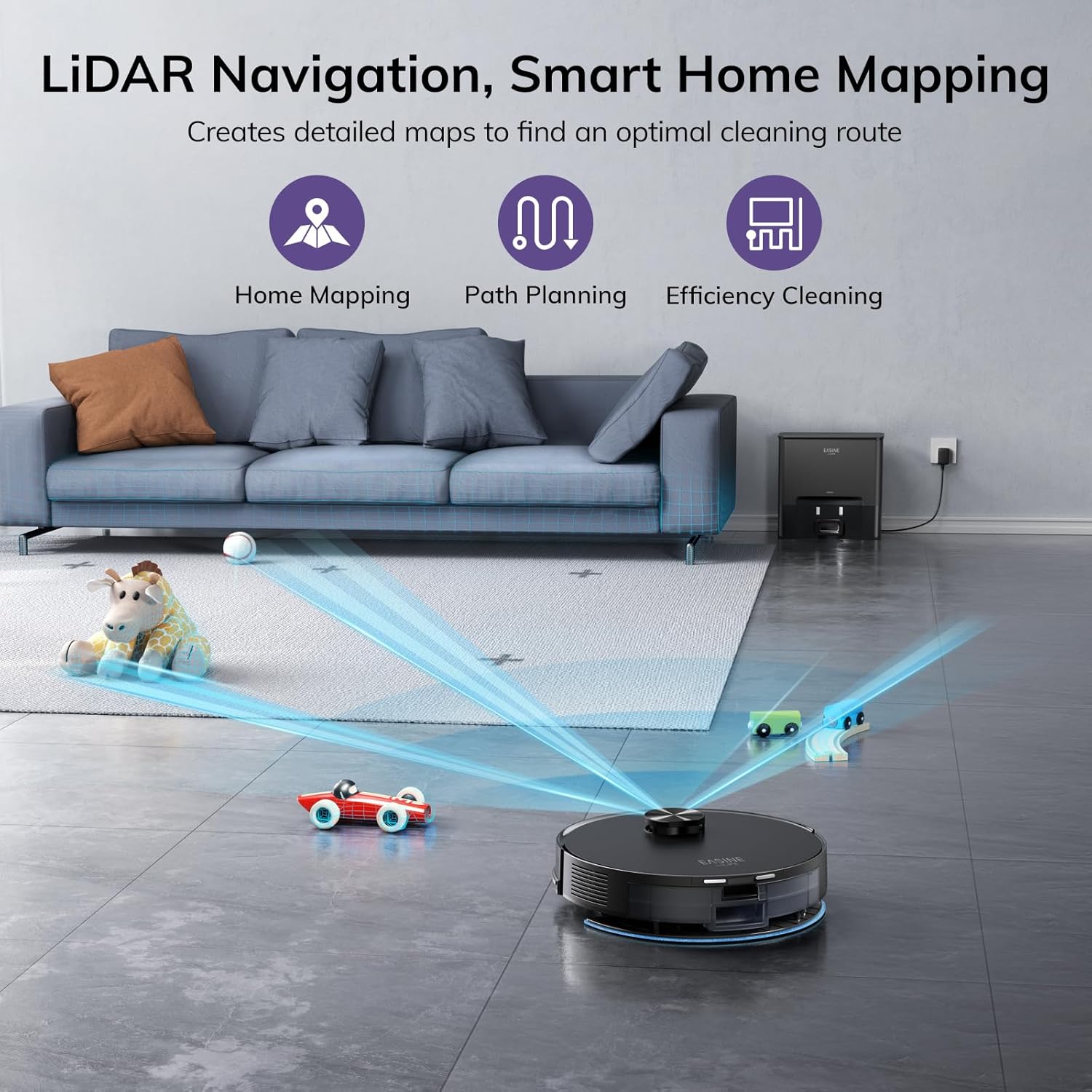
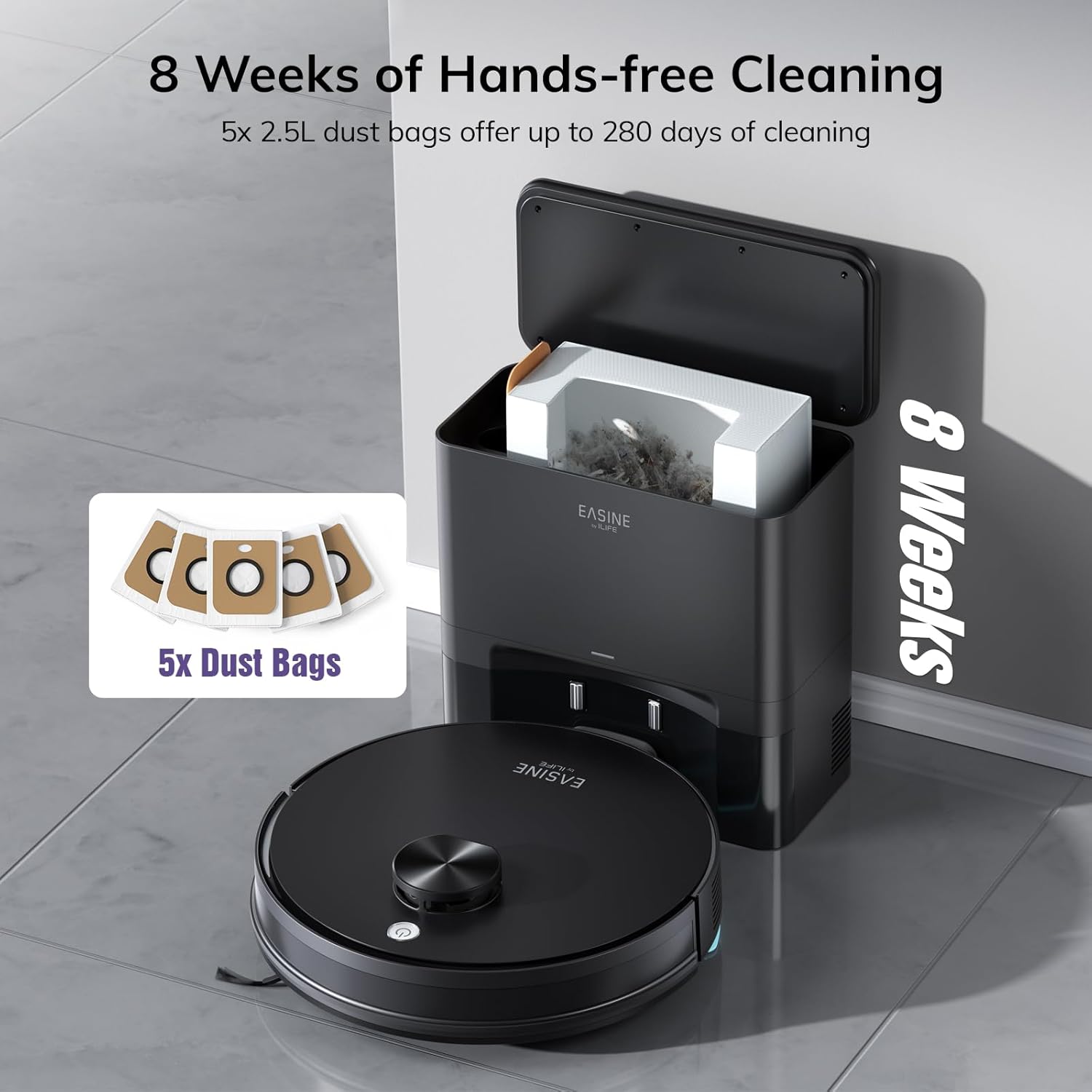
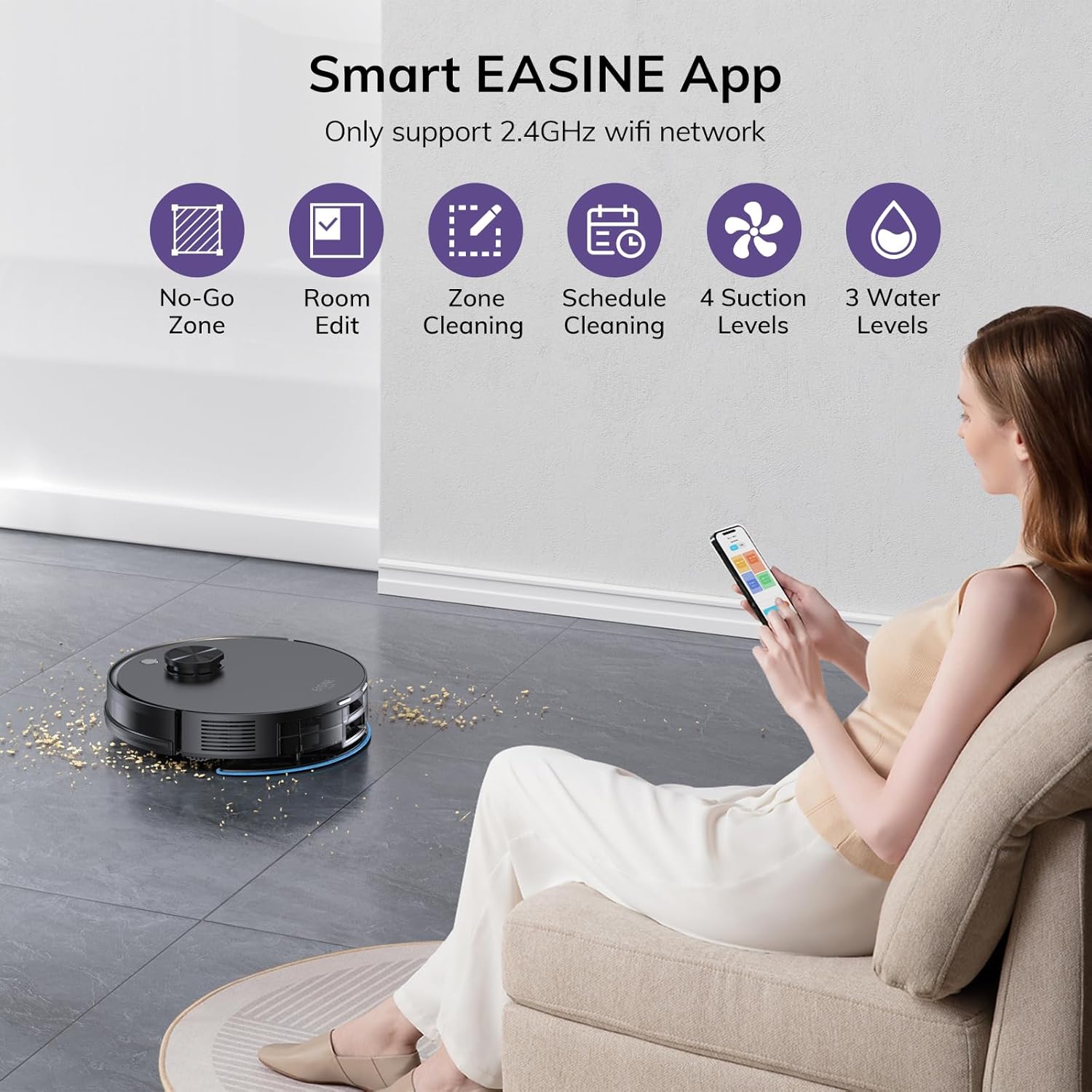
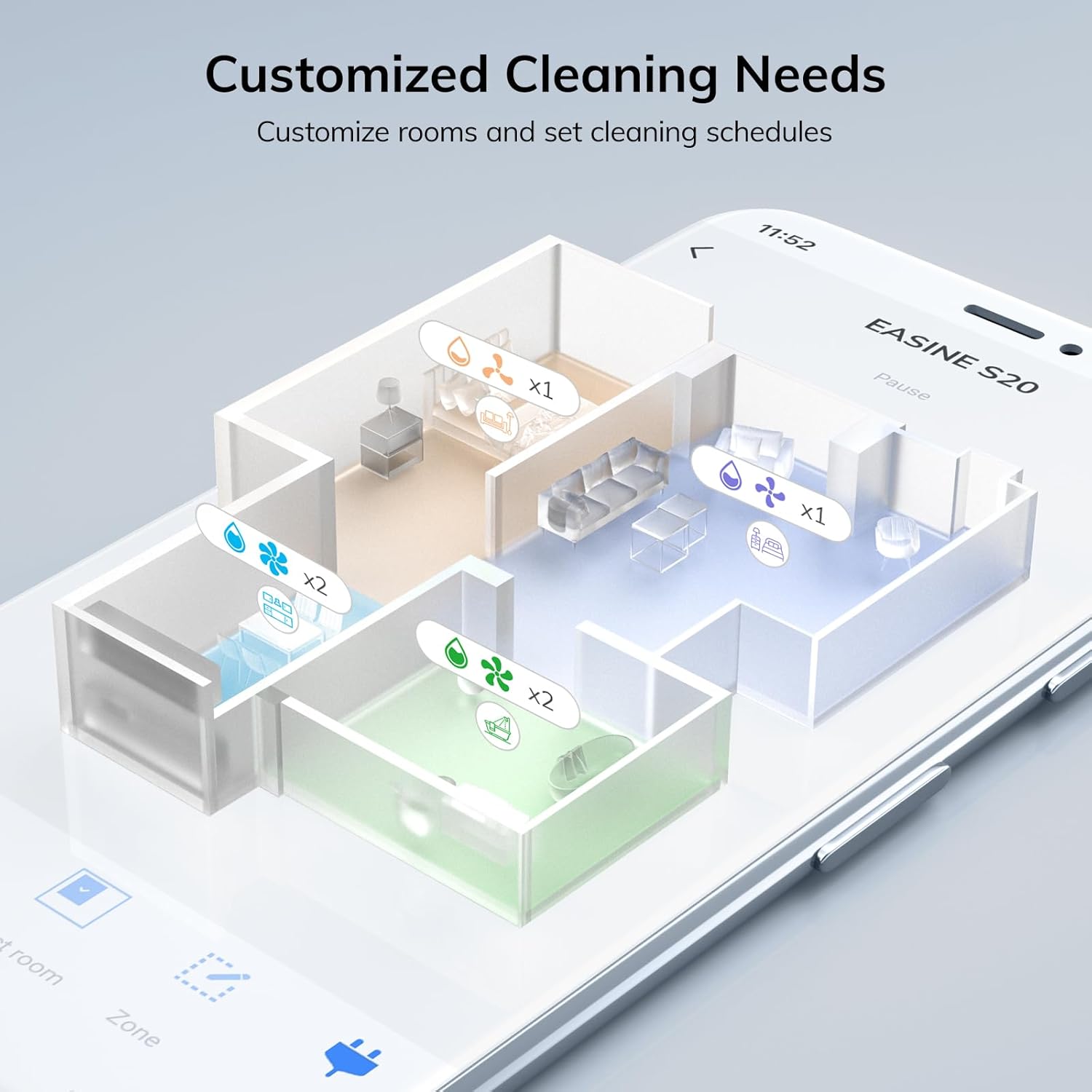
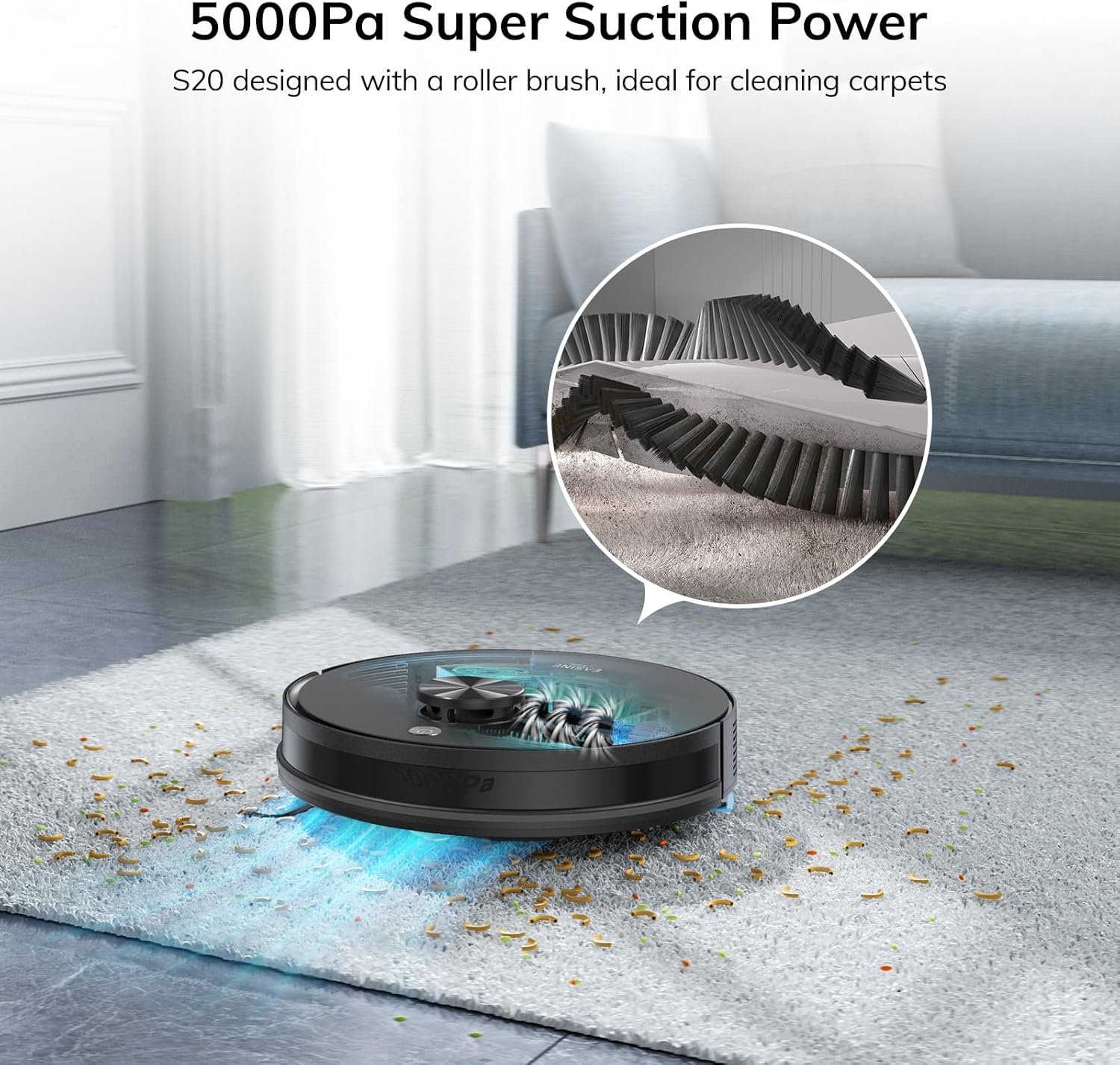
What this is and the problem it solves\nThe EASINE S20 is a 3-in-1 robot vacuum and mop that aims to keep floors free of dust, debris and pet hair with minimal user input. It uses precision LiDAR navigation and SLAM to map rooms, plan efficient cleaning routes and extend floor coverage. If you want a device that reduces daily housekeeping workload and can maintain cleaner carpets and hard floors with regular scheduling, the S20 is worth considering.\n\n## How it cleans and adapts to different floors\nOn carpet and hard flooring, the S20 switches between cleaning modes to balance power and quiet operation. It offers four suction levels—Quiet, Standard, Strong, and Max (up to 5000Pa)—so you can tailor cleaning intensity to mess level and room type. A tangle-resistant roller brush helps collect ground-in dirt and pet hair, while a 200ml dust bin and 200ml water tank support simultaneous sweeping, vacuuming and mopping when used with the integrated system. If you’d rather vacuum-only cleaning, you can remove the mop holder easily.\n\n## Self-emptying station: convenience with limits\nThe included self-empty station uses five 2.5L dust bags and is designed to dramatically cut manual maintenance, reportedly enabling up to 280 days of hands-free operation under typical use. After each cleaning cycle, the robot dumps contents into the bag, reducing the frequency of bin emptying. It’s important to note that the efficiency of this feature depends on how dirty a home is and how often you schedule cleans.\n\n## Control and smart features\nYou can direct the S20 via the EASINE app, supporting no-go zones, virtual walls, room-specific cleaning and custom water/suction settings. The app requires a 2.4GHz Wi‑Fi network. Voice control via Alexa and a remote control are also available for hands-free operation, which can be handy if you’re near the device but away from your phone.\n\n## Practical use and a typical home setup\nFor a family home with pets or daily foot traffic, the S20 offers a good balance of suction power and automation. The LiDAR navigation helps it avoid obstacles and map layouts with reasonable accuracy, which matters when you have multiple rooms and varying floor types. In daily use, you might notice the self-empty feature excels in reducing maintenance but shows its limits if the dust bags fill quickly or there’s heavy debris accumulation.\n\n## When it makes sense to buy\nIf you prioritise floor hygiene with minimal weekly effort, and you have a layout that benefits from systematic mapping and scheduled cleans, the S20 makes sense. It’s also attractive if you’d like a combined vacuum and mop experience without swapping tanks mid-clean. On the other hand, if you have very large spaces, high dust throughput, or a preference for stand-alone mop-only setups, you may want to weigh whether the 280‑day claim aligns with your real-world usage.\n\n## What to check before buying\nEnsure your Wi‑Fi is 2.4GHz and consider how often you’ll rely on the self-emptying feature. Review whether your space contains delicate cords or obstacles that could interfere with LiDAR mapping, and confirm the floor plan is compatible with room-by-room cleaning. Also think about the dust bag availability and the long-term running costs associated with replacing bags.\n\n## Alternatives and what to expect\nCompared with basic robot vacuums or mop-only devices, the S20 sits in the mid-to-upper tier for convenience and automation. If you want more aggressive carpet tackling or higher capacity dust storage, you might explore devices with larger onboard dust bins, different navigation systems or more robust mop mechanisms. If you value hands-off maintenance and a streamlined routine, the S20’s self-emptying station represents a meaningful time saver, provided the initial investment aligns with your budget.\n\n## What you’ll notice in everyday use\nIn practice, you’ll see a tidy floor more consistently, less daily handling of dust and debris, and a straightforward night-time or daytime cleaning schedule. A practical quirk is that the system relies on bags, depending on household activity, bag replacements will be part of ongoing maintenance.\n\n## Is it worth it?\nYou’ll like it if you want a capable 3‑in‑1 model with mapping, self-emptying convenience and app/voice control. It may not be the best option if you prioritise raw mop-depth or ultra-large-area cleaning without frequent bag changes. If you value a pragmatic balance of automation and control, the S20 offers a compelling route into higher-end robot cleaning without reaching into premium-price territory.\n\n## FAQ\n- Can I mop and vacuum at the same time? Yes, the S20 features a 2-in-1 tank that handles both tasks simultaneously, but you can disable the mop if you prefer vacuum-only cleaning.\n- What about multi-story homes? The current information focuses on single-floor use with mapping, if you have multiple levels, you’ll need to move the unit between floors or rely on manual scheduling.\n- How long does the self-emptying bag last in typical use? The system is designed to reduce manual emptying, with five bags claimed to support weeks of use, actual duration depends on cleaning frequency and debris load.