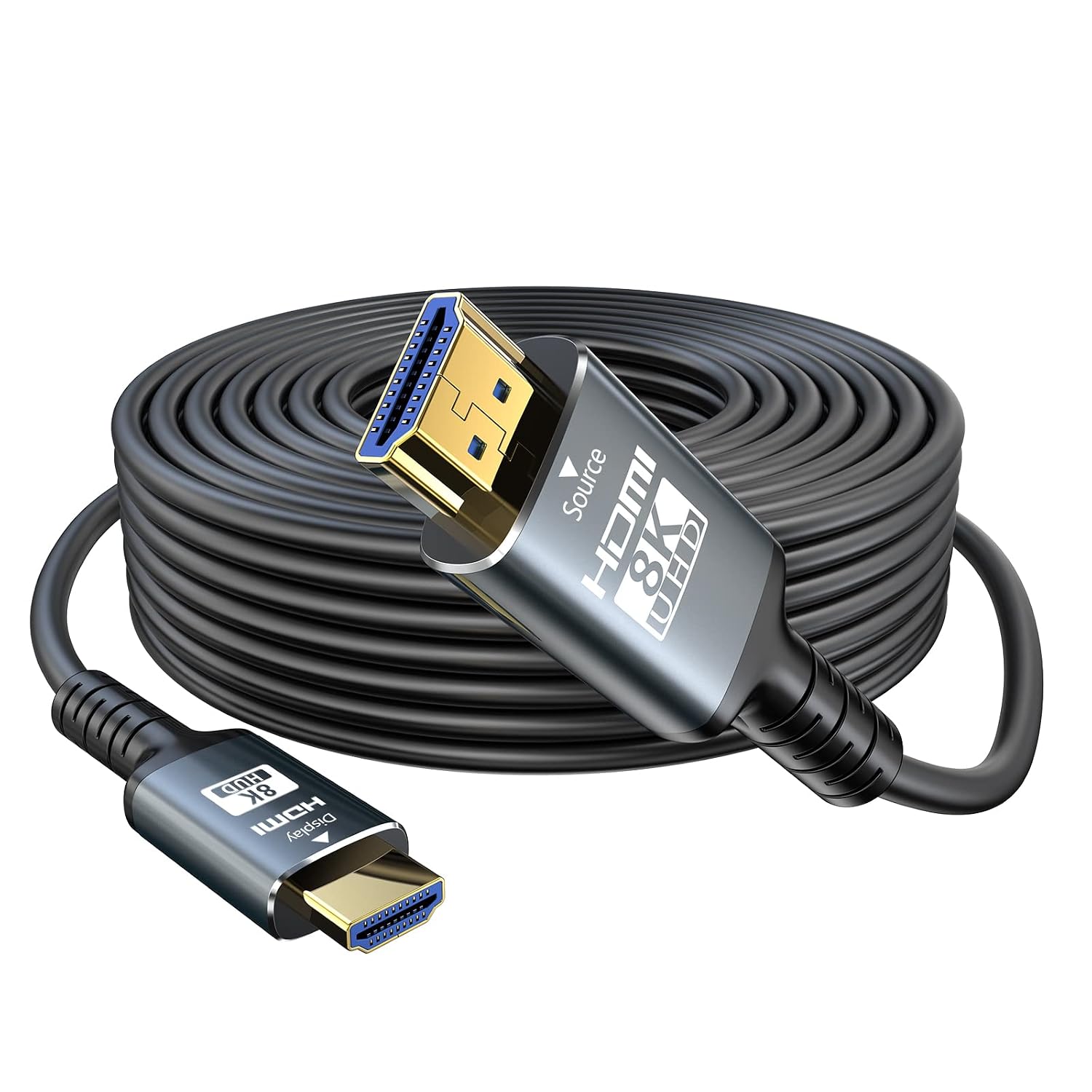
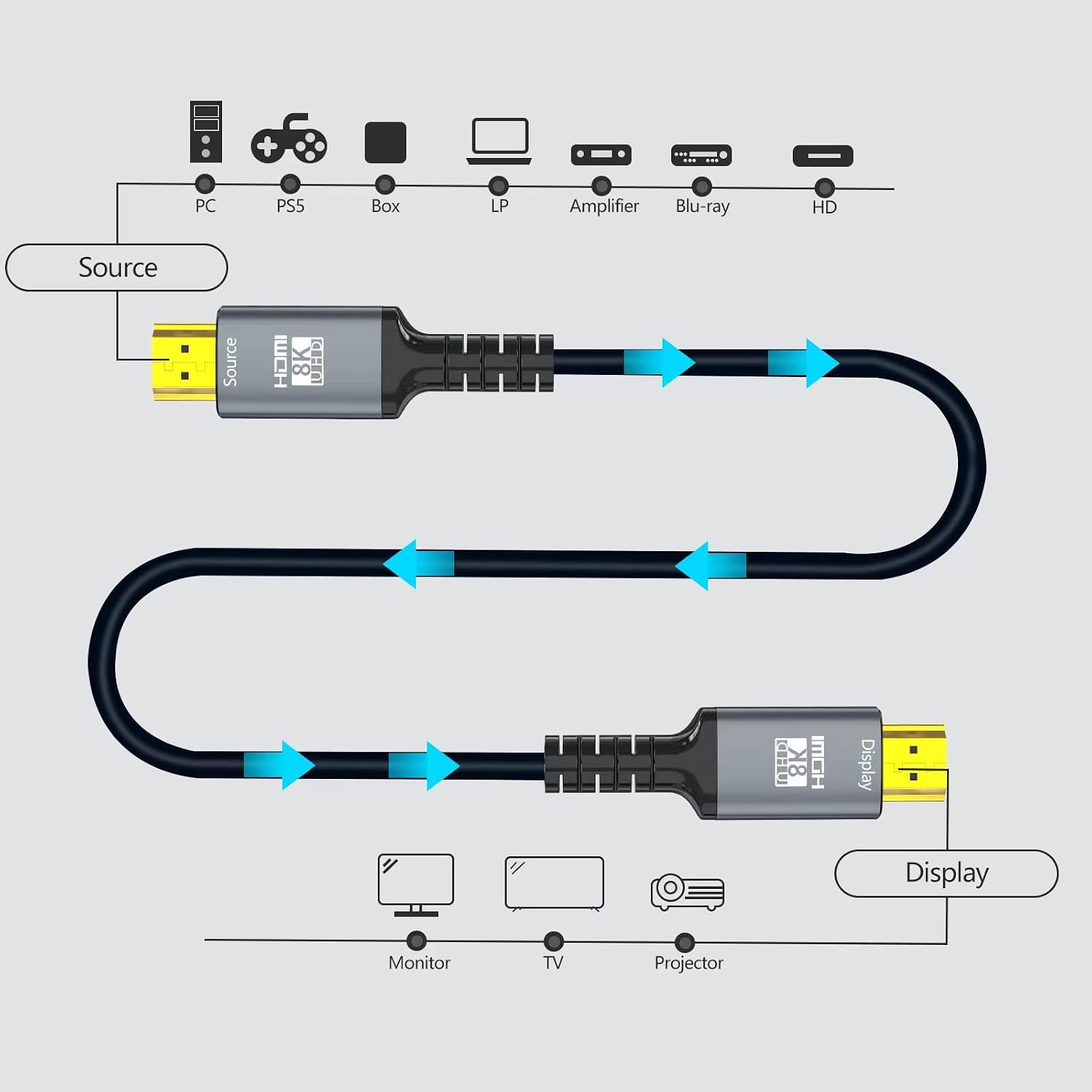
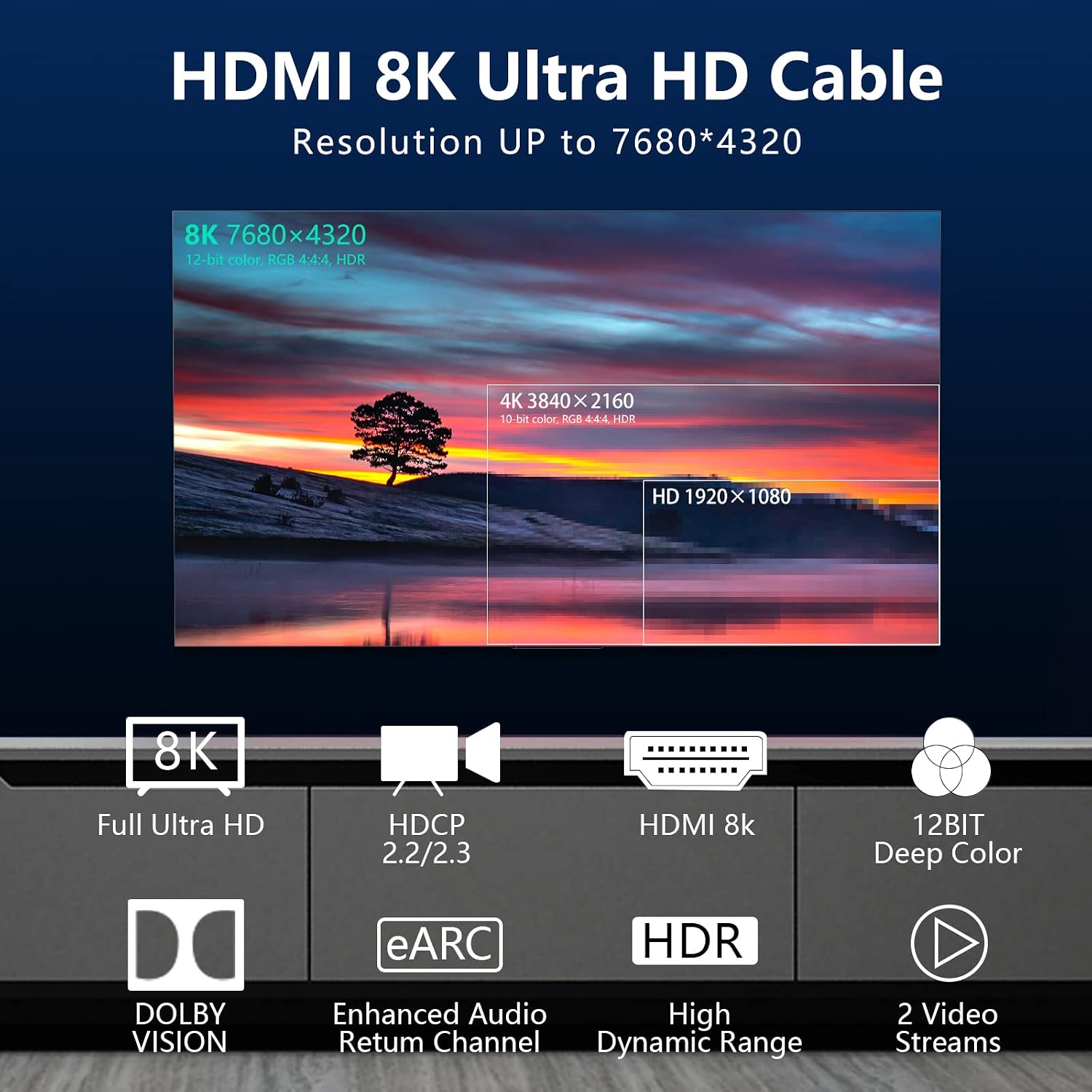
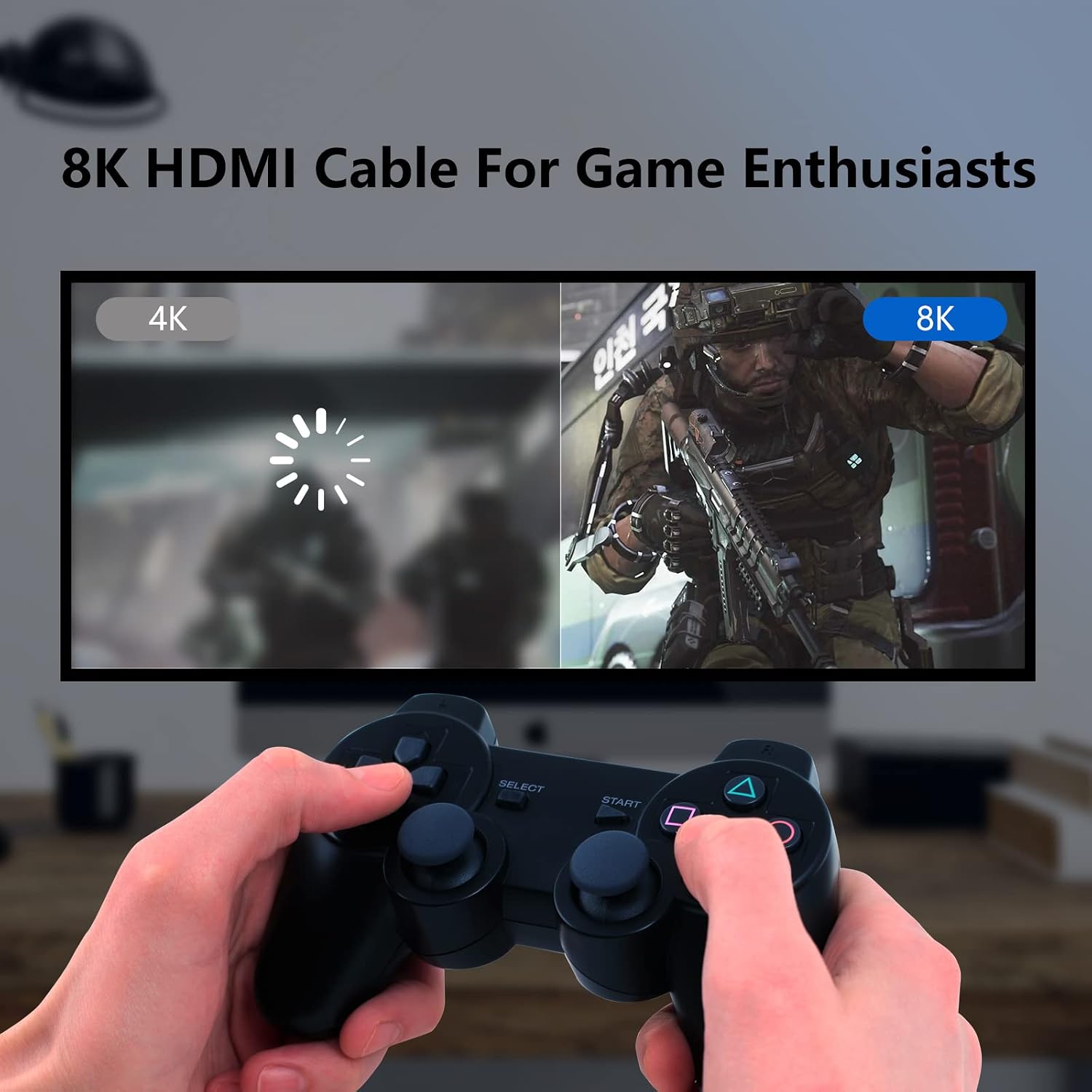
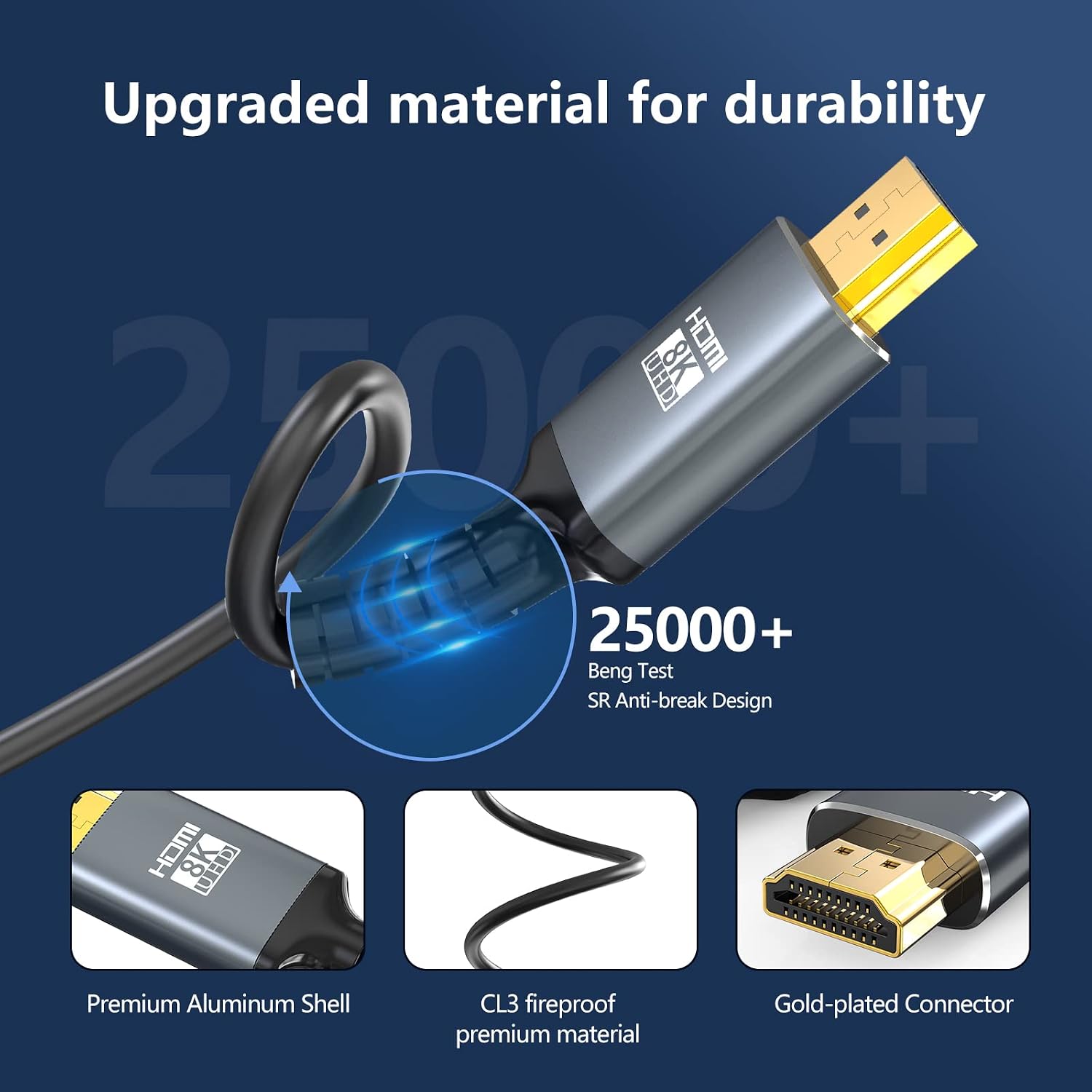
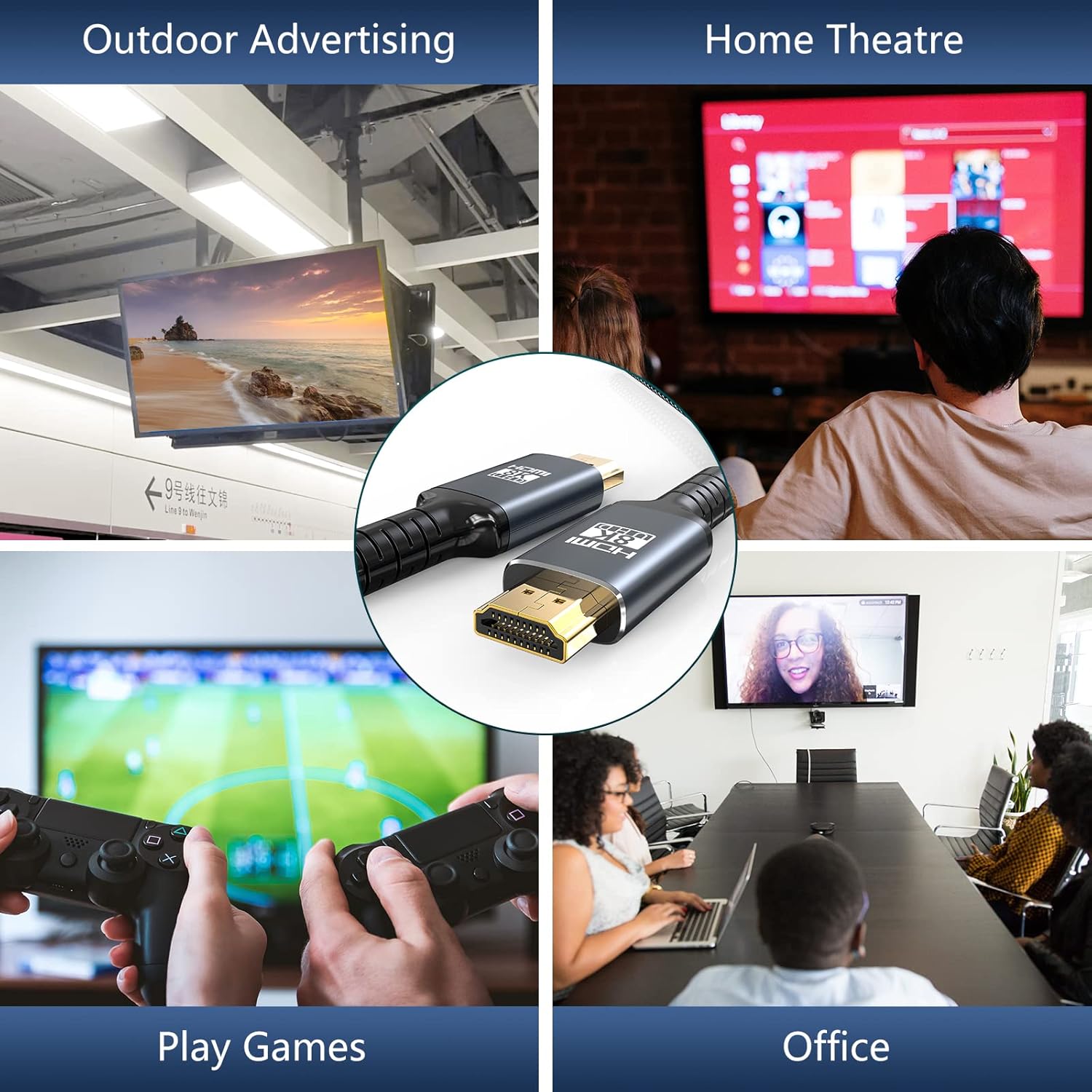
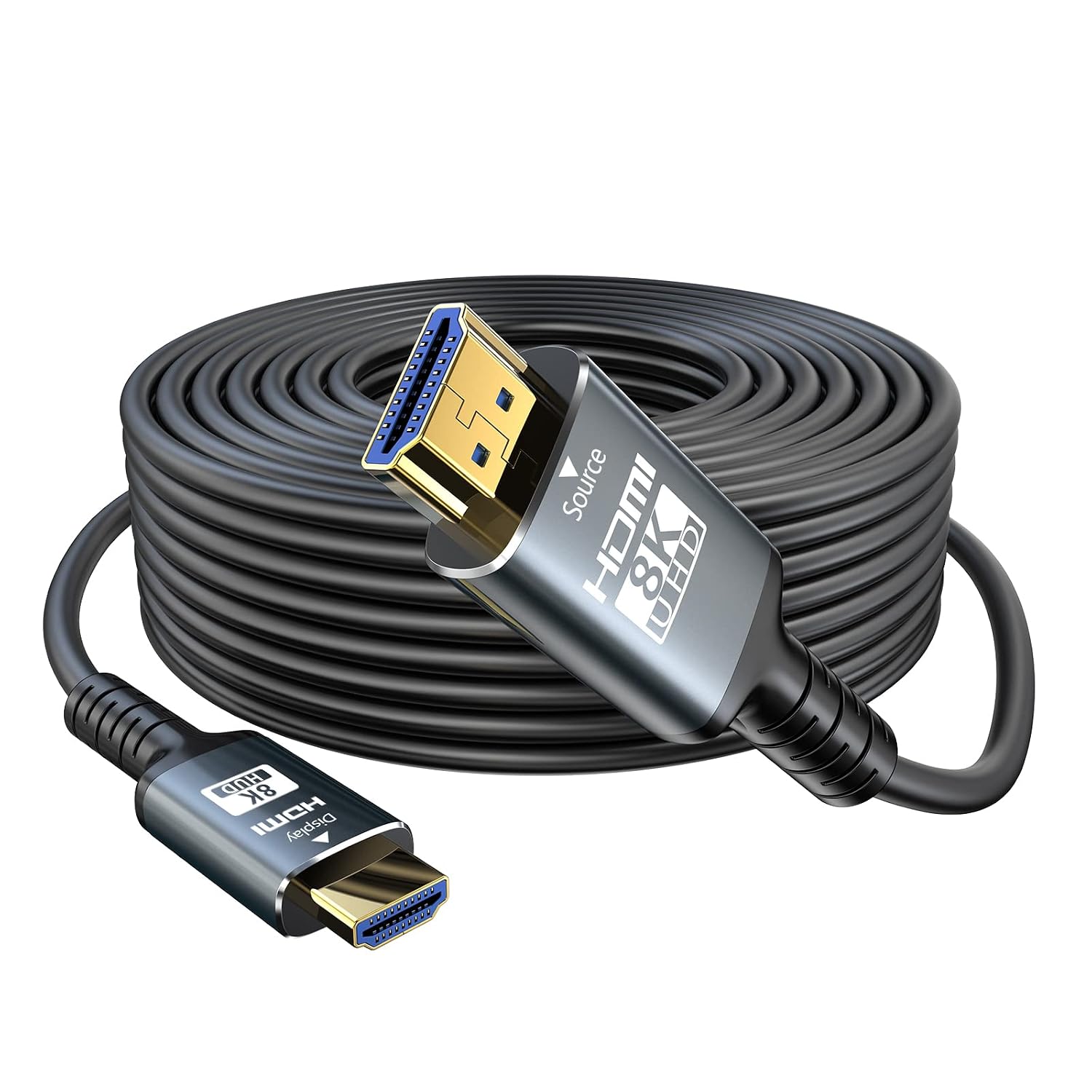
What it is and who it’s for\nThe Eareyesail 8K HDMI Cable is a long, in-wall rated HDMI 2.1 fibre cable designed for serious home setups that require reliable signal transmission over a long distance. With 15m of length and CL3 in-wall rating, it targets installations where the cable runs through walls or ceilings to connect a source (like a games console or Blu-ray player) to a display without noticeable compression or lag. If you’re wiring a living room media setup, a home theatre or a dedicated gaming corner and need a sturdy, less bulky lead that can handle modern formats, this cable presents a practical option. The key selling point on paper is the switch from traditional copper to fibre guidance, aiming to preserve bandwidth and reduce signal loss over distance.\n\n## What stands out in its design\nOn the hardware side, the connectors are plated with 24K gold and housed in an aluminium alloy shell to resist wear at the plug points, which helps longevity in busy living spaces. The cable includes four shielding layers to protect against interference, a useful feature when you’re routing near power lines or other AV gear. The “source” and “display” plugs are oriented to support one-way transmission, which helps with installation planning in-wall. For those fitting a wall cavity, the CL3 rating provides a baseline level of fire safety.\n\n## Key specifications and what they mean in practice\n- HDMI 2.1 compatible with 48Gbps bandwidth enables 8K@60Hz and 4K@120Hz. In practical terms, you’re less likely to encounter frame drops when gaming or watching high-refresh-rate content, assuming your source and display can meet those formats.\n- eARC is supported, which means you can route high-quality audio back to a compatible AV receiver or speaker setup without extra cables, subject to using the labeled eARC HDMI port.\n- Dynamic HDR and 12-bit colour processing are aimed at richer tones and better gradations, though the perceptible impact will depend on the content and your display’s capabilities.\n- Fibre construction is intended to minimise signal degradation over long runs, but it’s important to note the product description emphasises directional use: the “Source” plug is for the HDMI source and the “Display” plug is for the display.\n\n## Before you buy: considerations and limits\nIf your setup includes devices that truly output 8K@60Hz or 4K@120Hz, this cable can carry the required bandwidth, provided the connected hardware (source, receiver/TV, and any intermediate switches) supports those modes. A practical caveat is that you’ll want to ensure you’re plugging into the correct labeled ports to access eARC and other capabilities. The cable is long, which is great for certain room layouts, but it also means you should measure carefully to avoid tension or kinks that could affect longevity.\n\n## How it performs for everyday use\nIn gaming or streaming scenarios, you might notice smoother motion and more consistent visuals when the chain supports the required refresh rates. The inclusion of QMS-like source switching and ALLM concepts in the description suggests smoother transitions between devices and sources, however, the real-world impact depends on your exact chain and content. For those prioritising immersive audio, the eARC feature can be a meaningful upgrade if your receiver or soundbar supports it.\n\n## Practical use case example\nImagine a living room where a PS5 or Xbox Series X sits on one side of the room, with a large 4K/8K display mounted opposite. The 15m fibre HDMI 2.1 cable lets you run a clean line through a wall or ceiling without visibly compromising signal quality, while still offering the potential for high-fidelity audio across the system.\n\n## What you should check before purchasing\n- Confirm your devices actually support 8K@60Hz or 4K@120Hz to justify the bandwidth.\n- If you intend to use eARC, verify both the source and display ports are correctly labelled and that your audio chain (TV, AV receiver, soundbar) supports the feature.\n- Plan cable routing to minimise bending radii and avoid interference with power lines, particularly in-wall installations.\n\n## Tech notes (brief)\nThis cable aligns with HDMI 2.1 in theory and is designed for high-bandwidth video paths. The four-layer shielding and robust connector design are aimed at durability, while the in-wall CL3 rating supports safer installation. The product description stresses directional use, which is a practical note for setup but doesn’t change the need for compatible hardware.\n\n## FAQ\n- Q: Can I use this for 8K@60Hz with any screen? A: It supports 8K@60Hz if both source and display deliver that format and the HDCP/EDID chain allows it.\n- Q: Do I need to use eARC? A: eARC is supported, but you must connect to the eARC-labelled HDMI port to realise enhanced audio features.\n- Q: Is it prone to signal loss over 15m? A: The fibre design aims to minimise loss, however, actual performance depends on device compatibility and proper installation.\n\n## Is it worth it?\nWorth considering if your setup requires a relatively long, in-wall HDMI 2.1 path and you want to preserve bandwidth for high-frame-rate content, including gaming and dynamic HDR. If your devices are older or you don’t require 8K/4K at 120Hz, you might opt for a shorter or simpler cable. If you prioritise durability and a clean wall installation, it makes sense to compare this against other in-wall options that match your wall layout and electrical considerations.