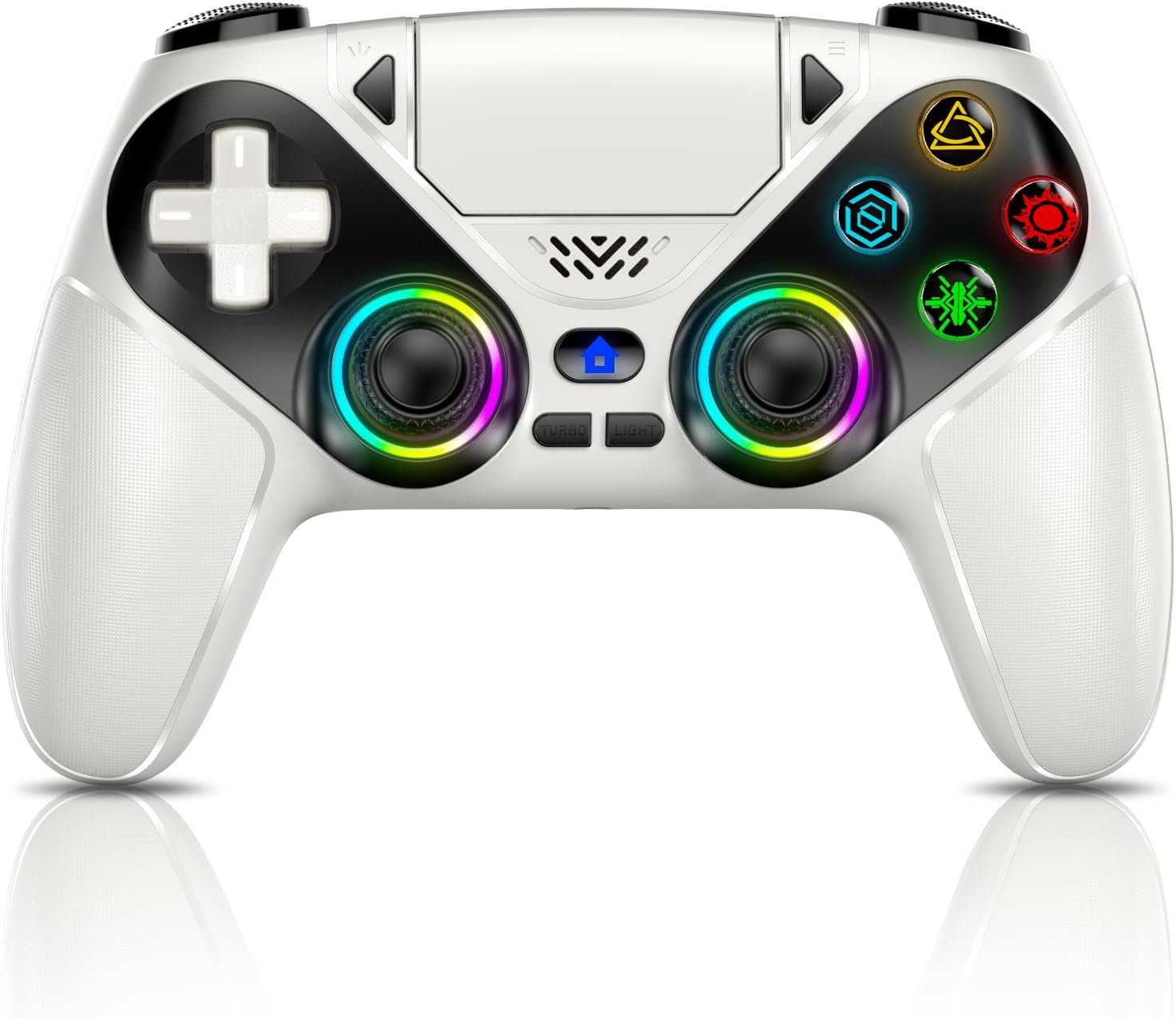
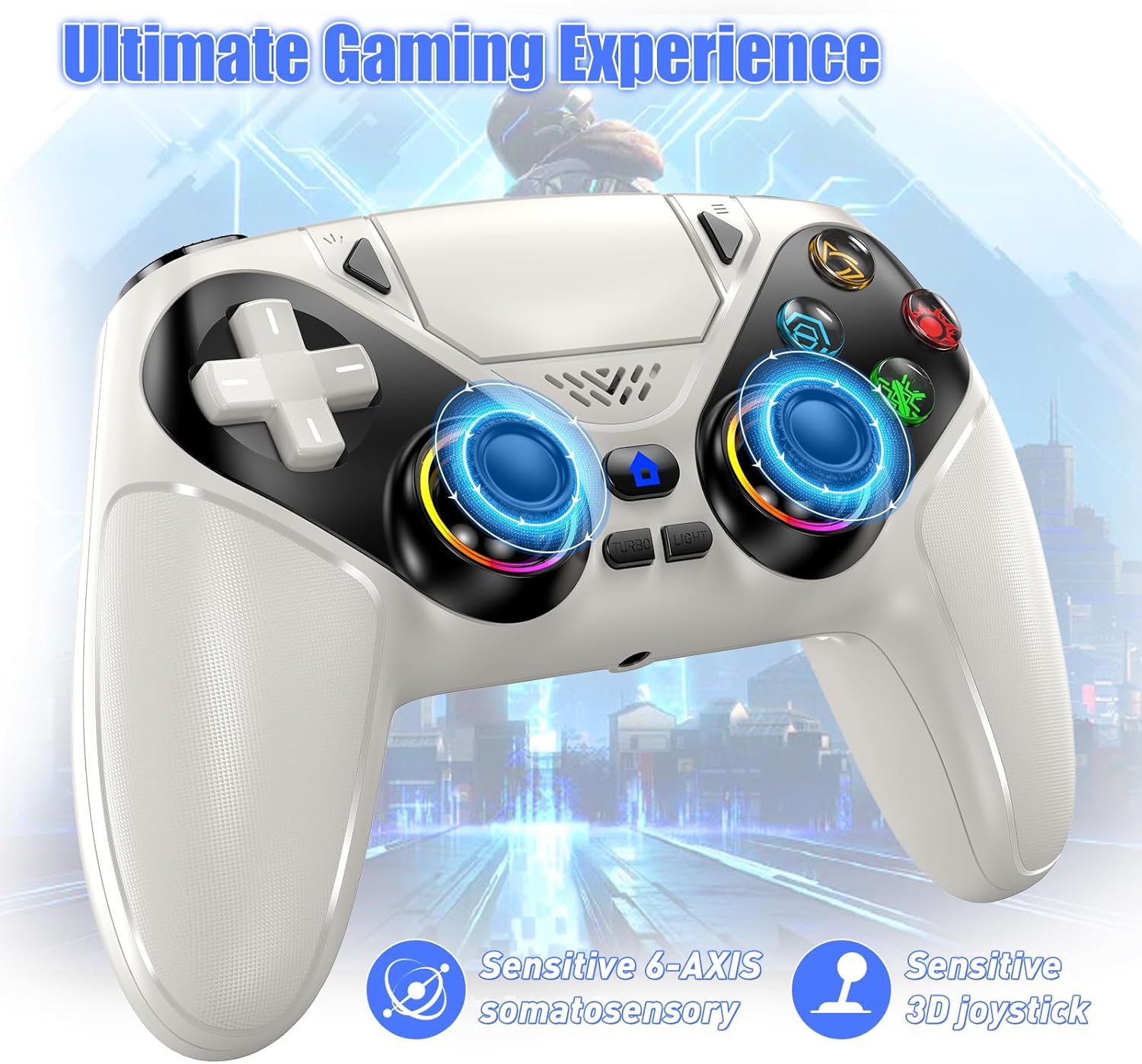
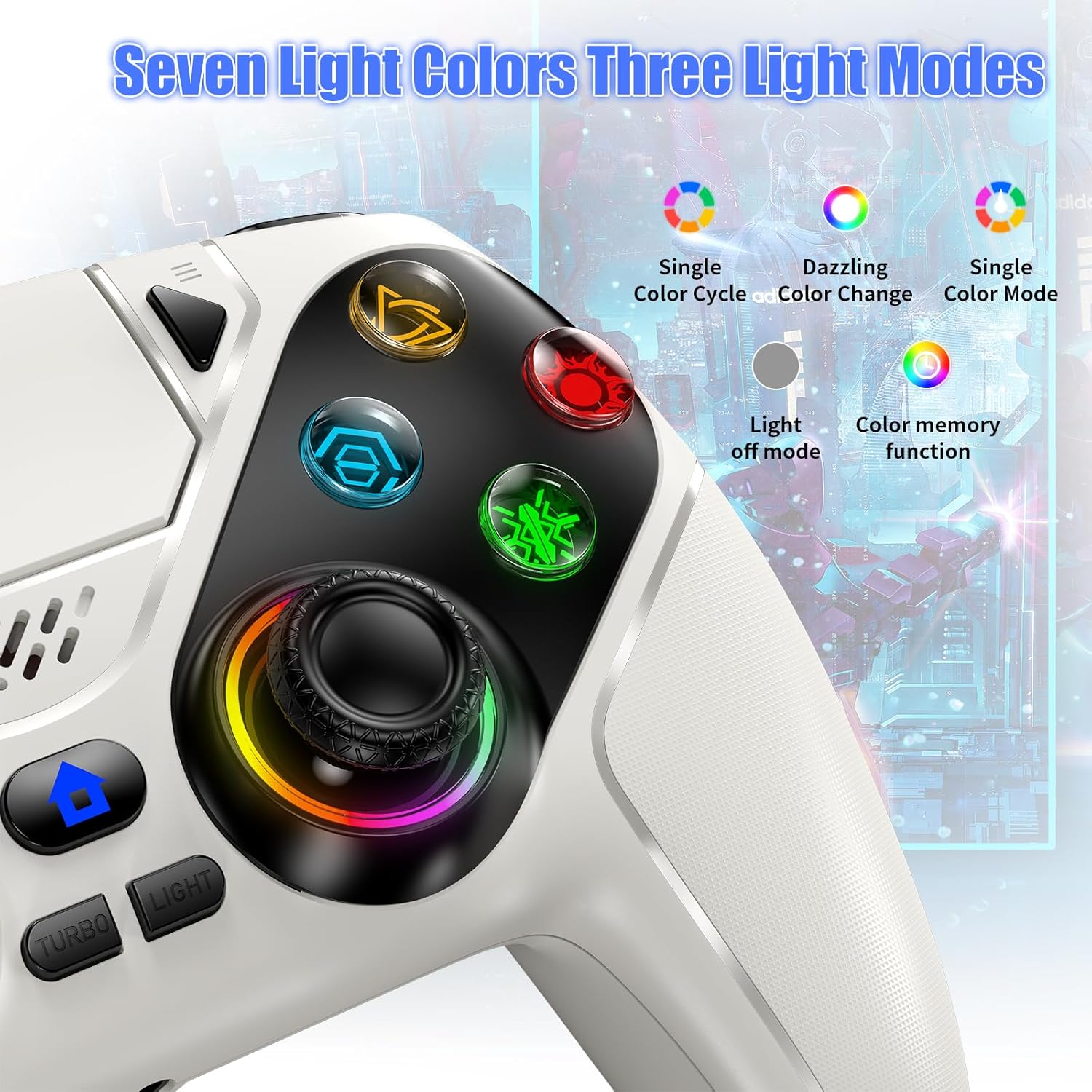
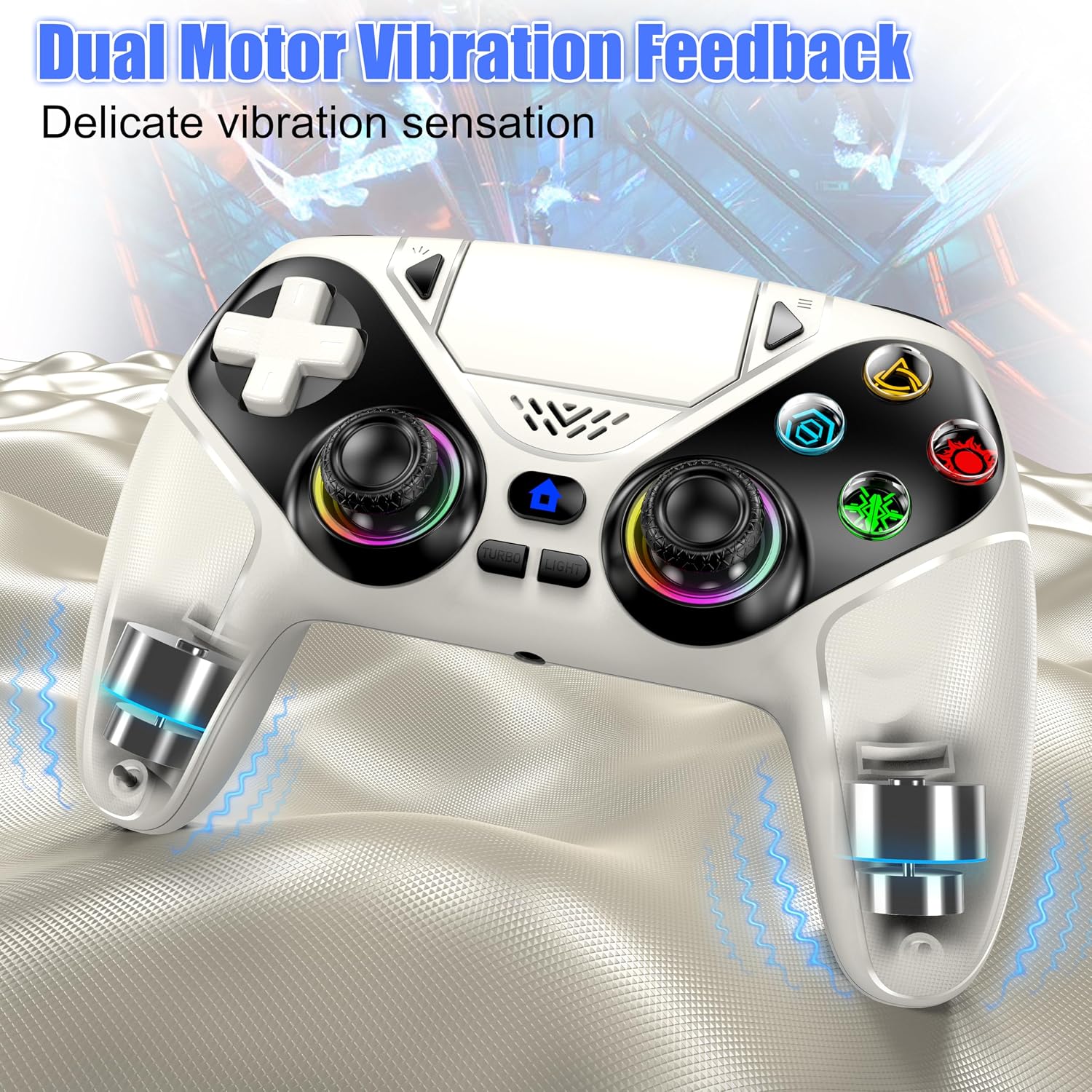
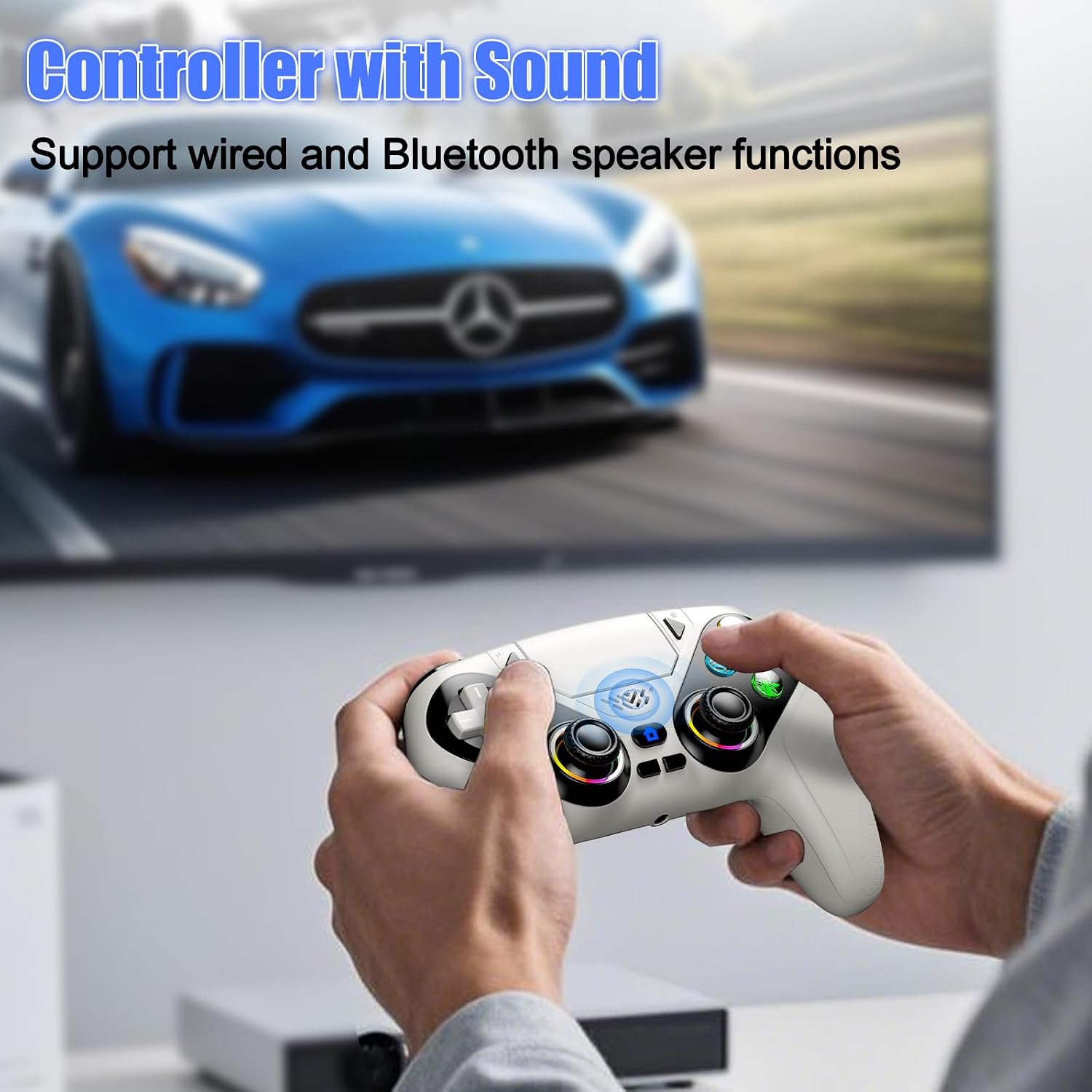
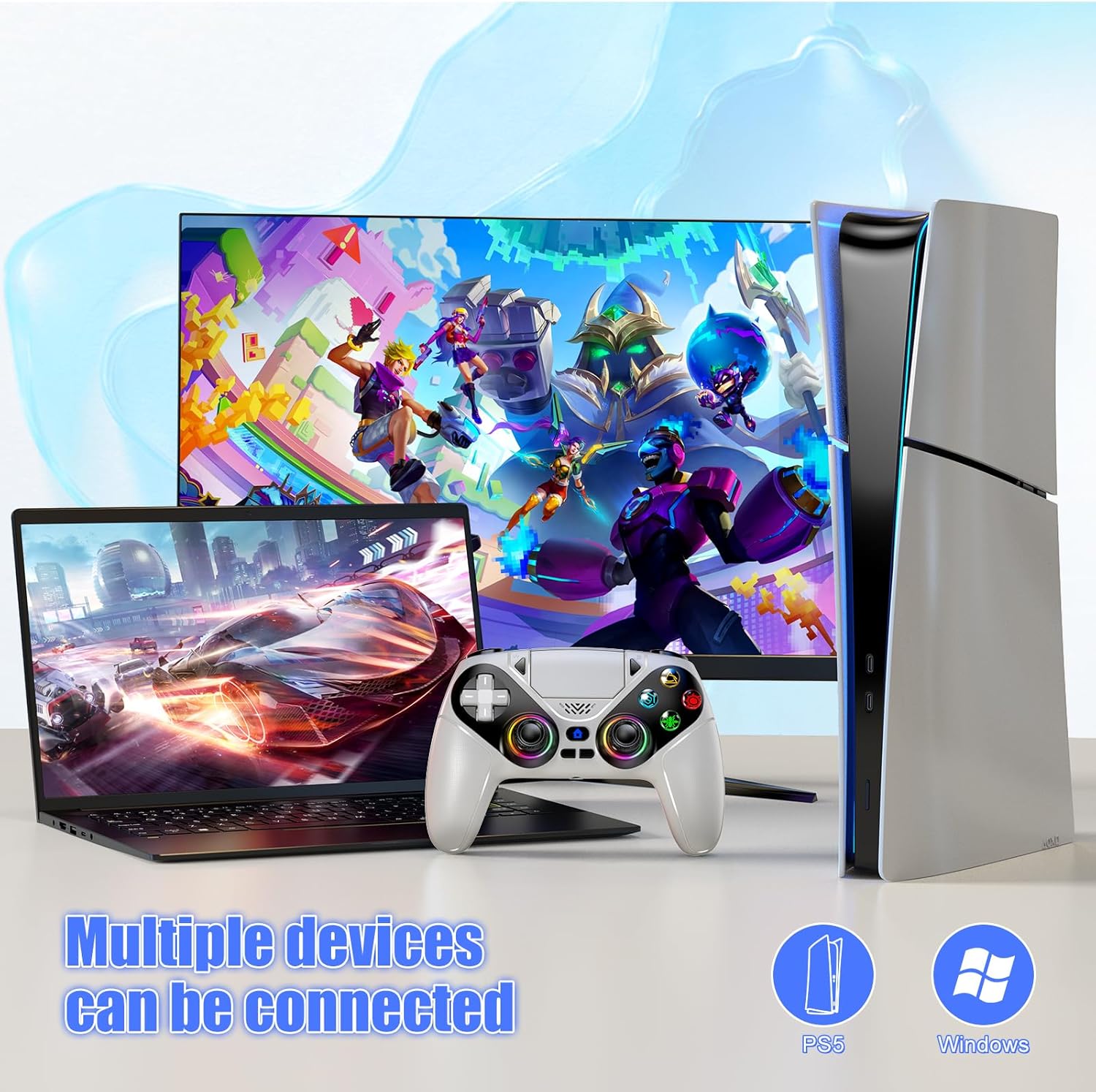
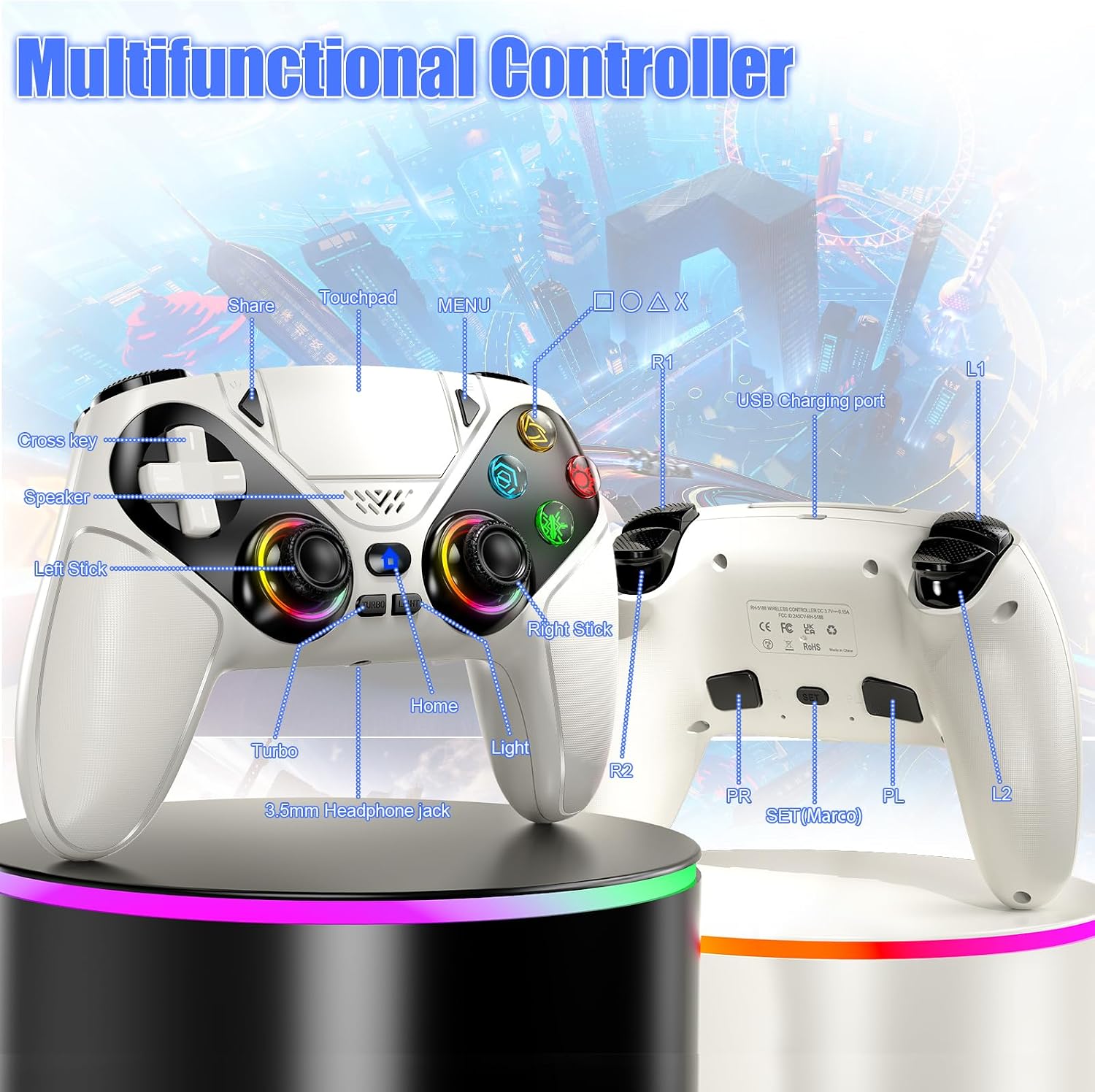
What it is and who it’s for\nThe Dinosoo RGB Wireless Controller is a multi‑device gamepad designed to expand your control across PlayStation 5 family consoles and PCs. It’s aimed at gamers who value extra inputs (back buttons, macro programming) and features like a touchpad, built‑in speaker, 6‑axis sensor and RGB lighting. If you play across multiple platforms and want a single controller that can bridge between PS5 consoles and PC games, this model positions itself as a pragmatic option.\n\n## How it connects and what you should know\nInitial setup uses the USB‑C cable included in the box, after which you can switch to wireless Bluetooth. It’s compatible with PS5, PC, Steam, iOS and Android, but it isn’t listed as compatible with PS4. The pairing flow is straightforward for multi‑device players, though you’ll still need to manage Bluetooth connections across devices if you regularly switch between them.\n\n## Design, feel and reliability\nThe joysticks have been upgraded with reduced dead zones and a longer service life, and the product uses Hall sensor technology to help minimise drift over time. The ergonomic shape is intended for longer sessions, but as with any gamepad at this price point, comfort can be subjective depending on hand size and grip preference.\n\n## Immersive features you’ll notice\nDual vibration motors and a 6‑axis gyroscope enhance motion and haptic feedback. A built‑in speaker adds a layer of game sound (no microphone is included). For headsets or head‑mounted audio, the 3.5mm TRRS jack can carry audio, though it isn’t compatible with Apple‑branded 3.5mm headphones. The LED array offers 7 colours with modes for solo colour, off, or breathing, it also remembers your last choice for convenience.\n\n## Customisation for fast‑paced gameplay\nTurbo mode supports up to 10 taps per second, and there are 16 programmable buttons via macro programming. This makes it appealing for shooters and fighters where rapid input sequences matter, though real‑world macro performance will depend on the game and how you map actions.\n\n## What to expect in practice\nIf you prioritise a flexible setup across devices and appreciate back‑button input plus macro options, this controller can streamline complex button combos. It won’t replace every premium feature found on higher‑end devices, and it may not be ideal if you rely on native mic capture or require PS4 compatibility. A practical use case is assigning a critical sequence in a shooter to a back button and triggering it with a single press, saving cognitive load during intense moments.\n\n## What to check before buying\n- Verify you’re using it with supported platforms (not PS4).\n- Consider room for preference in grip and shoulder comfort over long sessions.\n- If you rely on native mic input, this controller omits a built‑in microphone.\n- If you don’t need extensive macros, you might not utilise all programmable buttons.\n\n## Quick comparison in context\nCompared with standard wireless PS5 controllers, this model adds back buttons, macro capabilities and a touchpad, which can be advantageous for certain genres and playstyles. It sits between basic off‑the‑shelf controllers and higher‑end multi‑feature pads, offering a practical middle ground for players who want extra features without paying top‑tier prices. If you mainly play on PS5 with casual PC gaming, you may find it a convenient, value‑driven option, if you want console‑native mic support or PS4 compatibility, you’ll want to look elsewhere.\n\n## Is it worth it?\nThis takes a sensible approach for multi‑device gamers who want extra inputs and macro options without venturing into premium price brackets. It may not be the best choice if you prioritise built‑in microphone support, console exclusivity, or PS4 compatibility.\n\n## FAQs\n- Q: Is it compatible with PS4? A: No, it’s listed for PS5 series consoles and PCs/Steam/iOS/Android.\n- Q: Can I use it with a microphone? A: It does not include a microphone, audio can be routed via the 3.5mm jack to compatible headsets.\n- Q: Do the back buttons come pre‑mapped? A: You can programme macros, but mapping specifics depend on the game and system.\n