

Dinosoo RGB Wireless Controller for Xbox Series X|S, One & PC
Product description
What it is and who it’s for
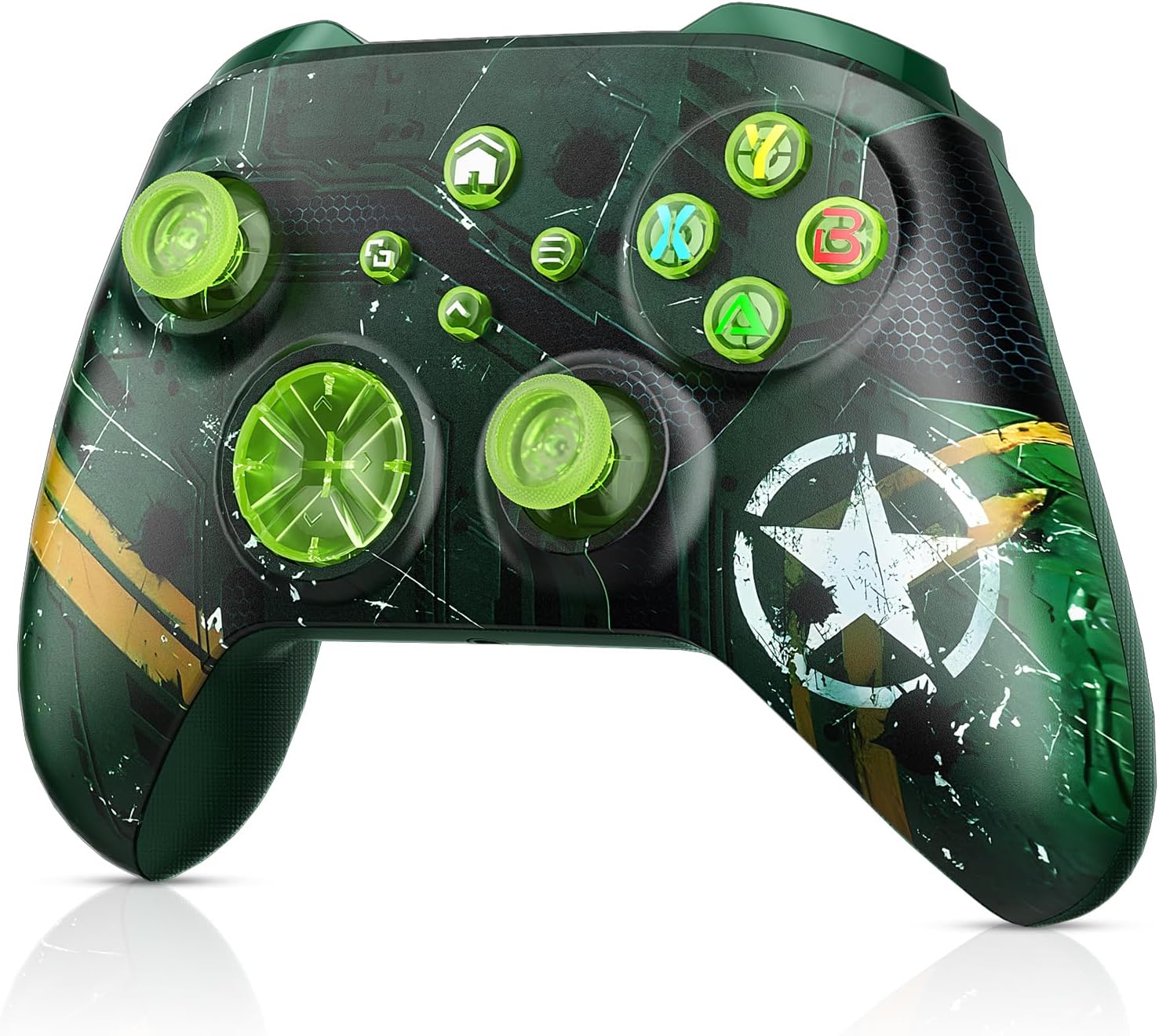
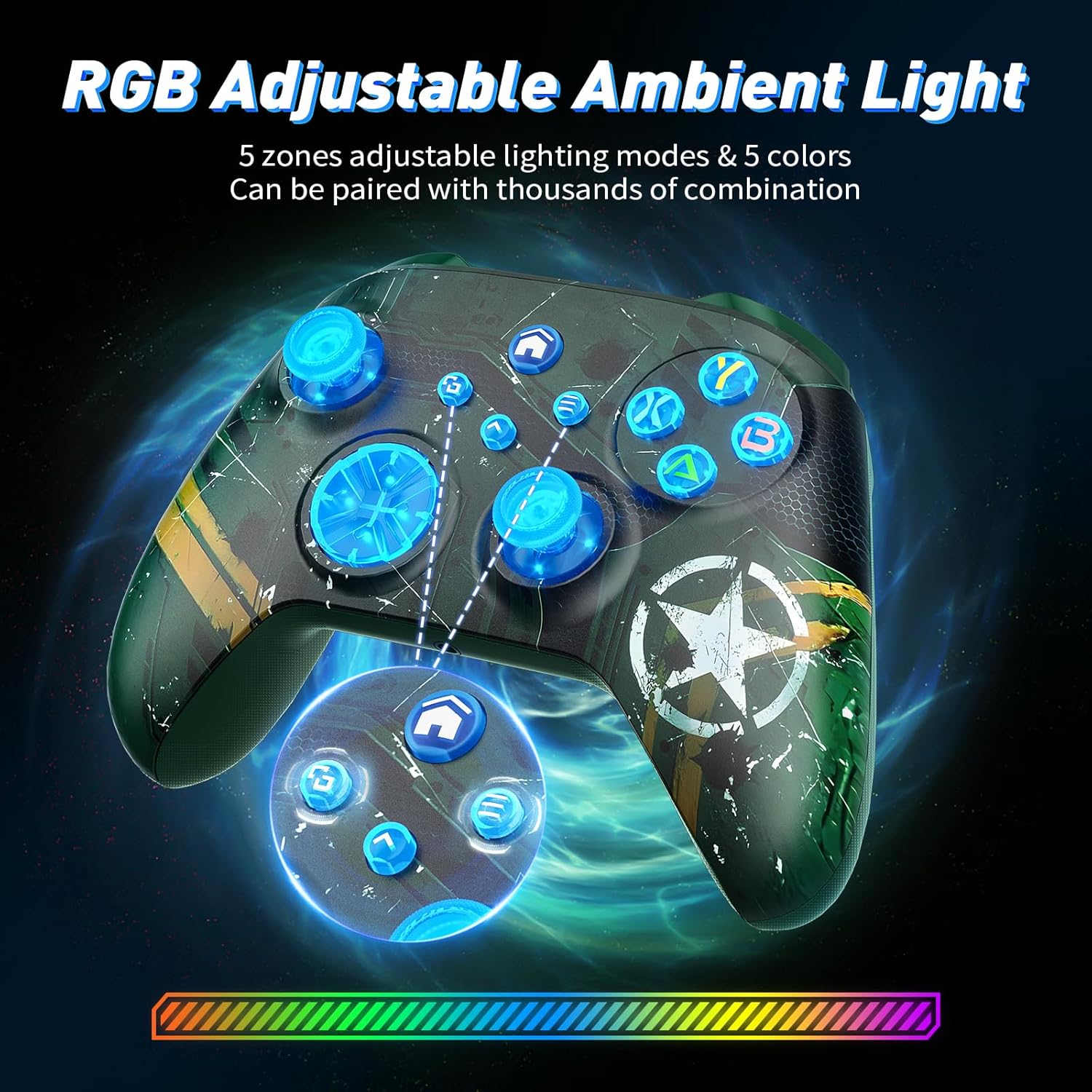
The Dinosoo RGB Wireless Controller is engineered for multi‑platform use, aiming to deliver a wireless gaming experience on Xbox Series X|S, Xbox One, and PC, with Bluetooth connectivity and a 3.5mm audio jack. If you value a customised set‑up and a more immersive feel during play, this model positions itself as a budget‑friendly option that wants to bridge console and PC gaming without sacrificing features.
Setup and initial considerations
On first use, there’s a notable setup step: the controller needs to be upgraded using a Windows PC before it can connect to the Xbox. The upgrade process is described as taking 2–3 minutes and requires downloading the upgrade program via a provided link. If anything isn’t clear, the seller offers support. This means the device isn’t a plug‑and‑play purchase for immediate Xbox use out of the box.
Connectivity and range
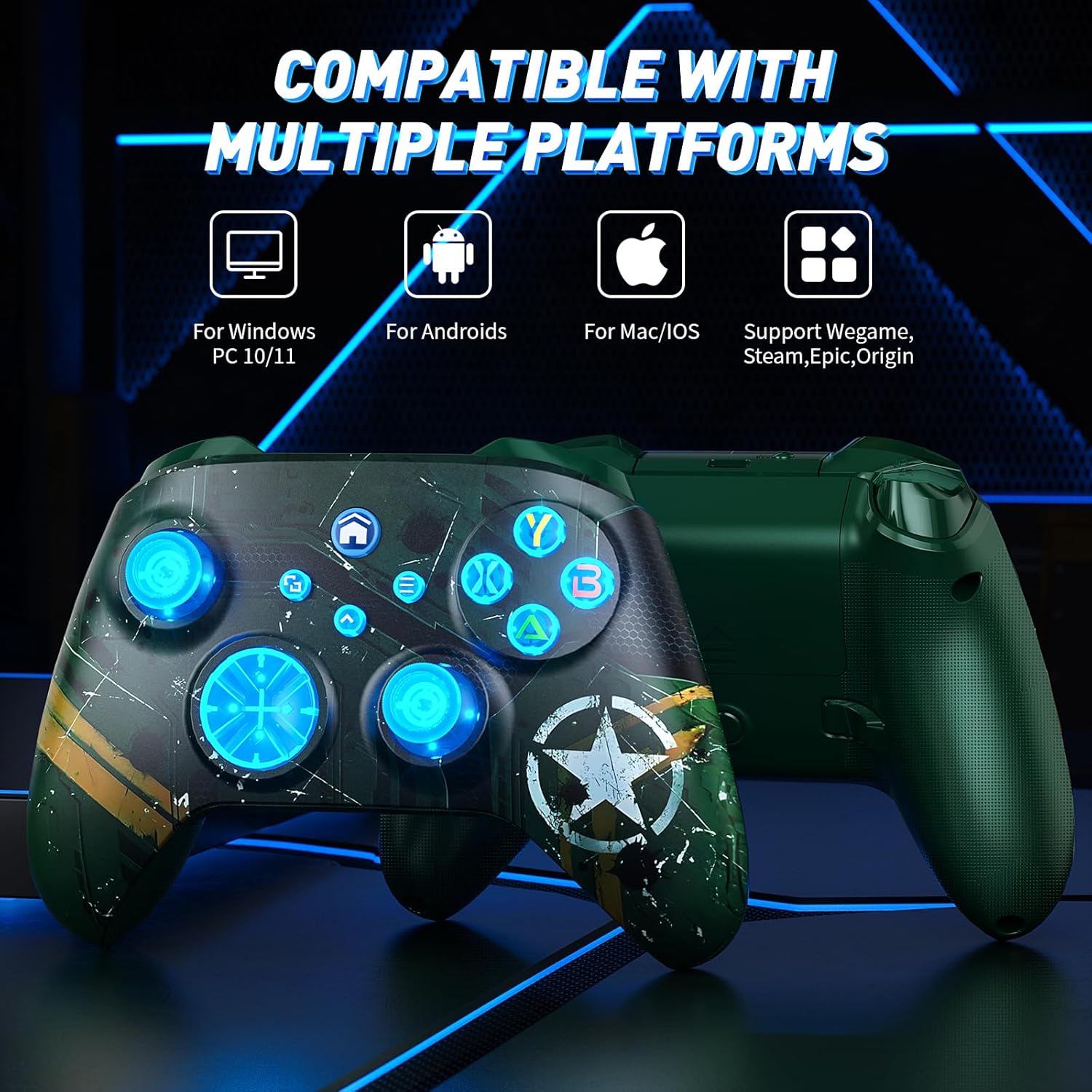
The controller is designed for flexibility, with Bluetooth/WIFI/wired connectivity intended to reduce reliance on cables and offer a wireless range claimed to exceed 30 feet. It’s compatible with Xbox One, Xbox Series X|S, Android, iOS, and Windows 11/10/8/7. Do keep in mind that the battery is not included and a Bluetooth adapter may be required if your setup relies on older hardware.
Core features that matter in play
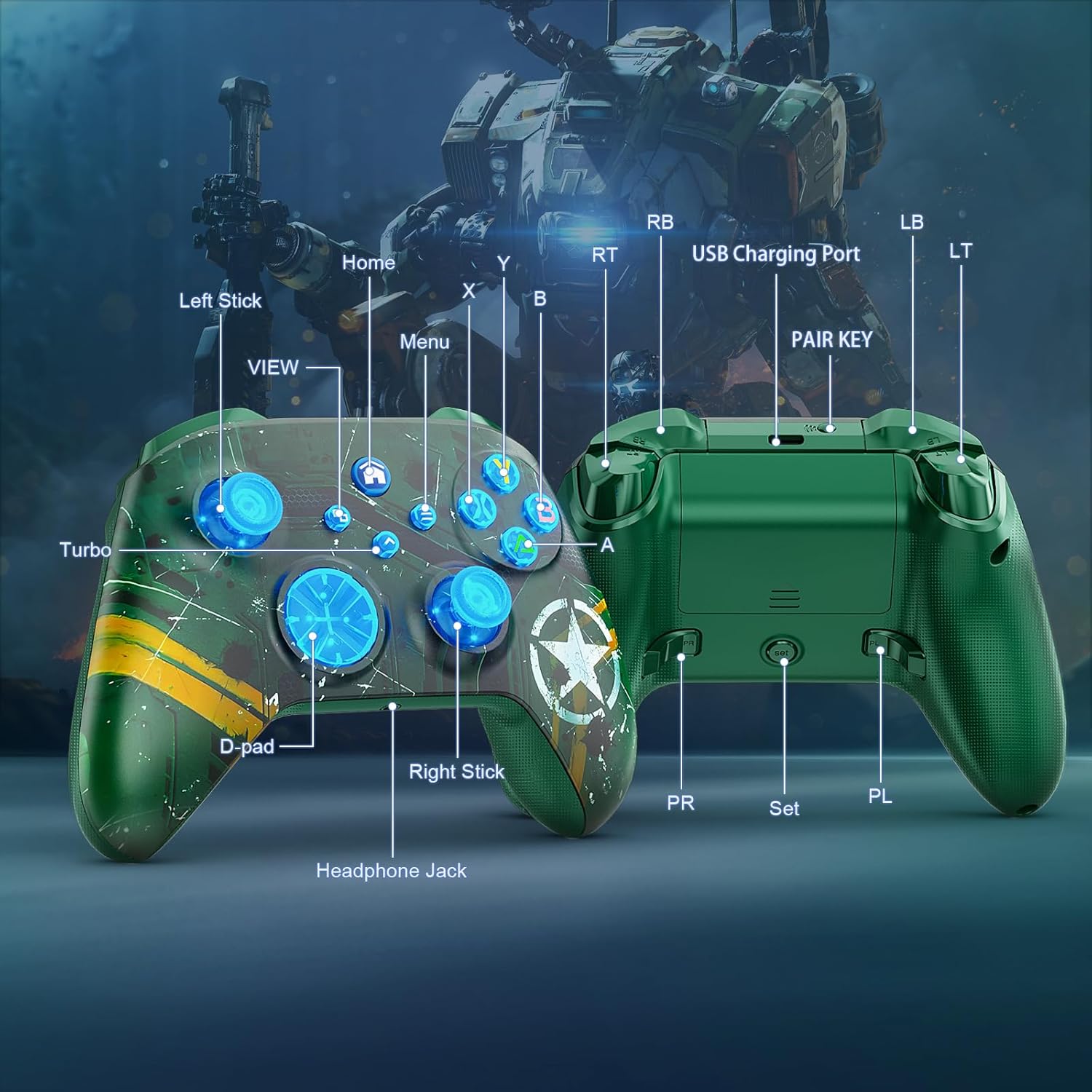
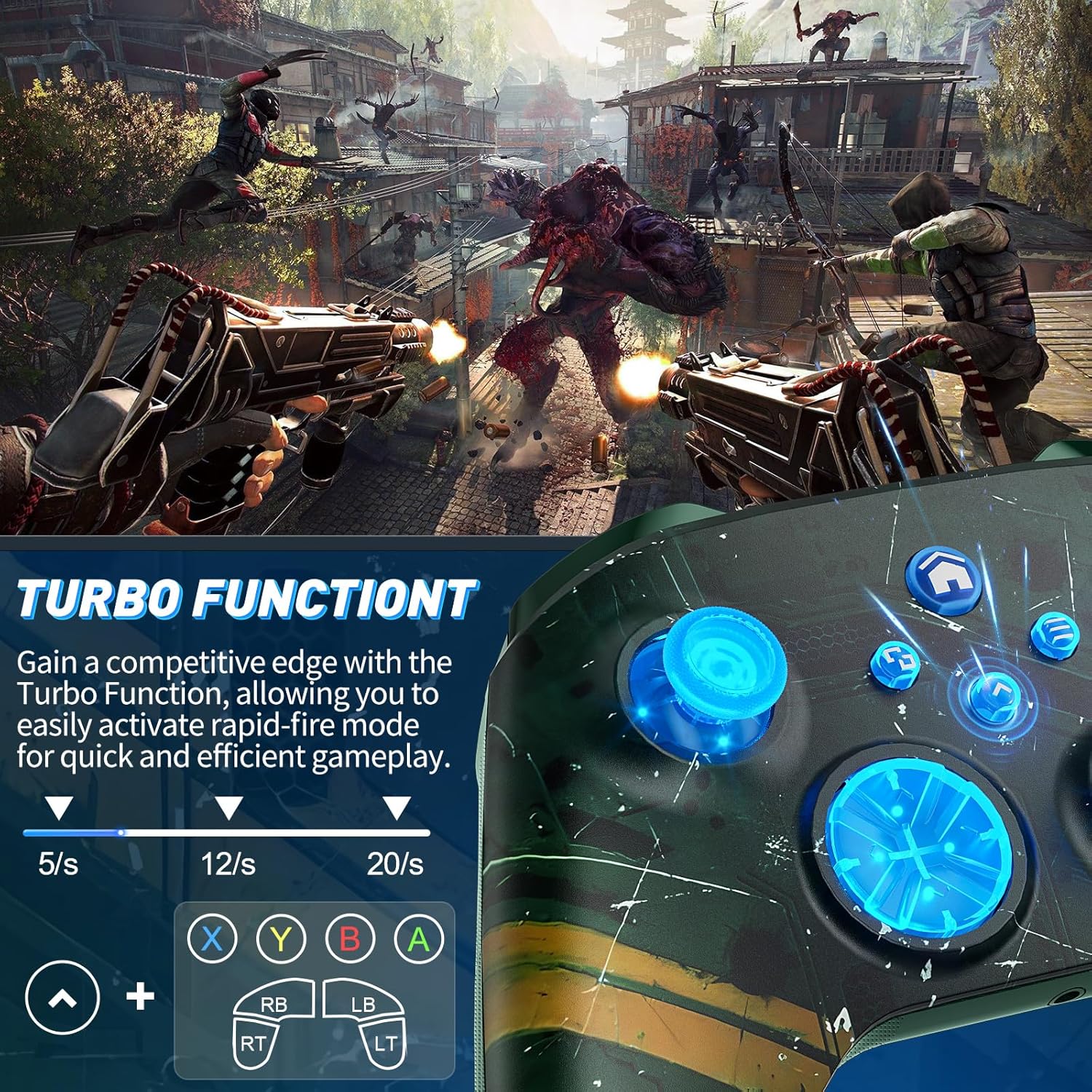
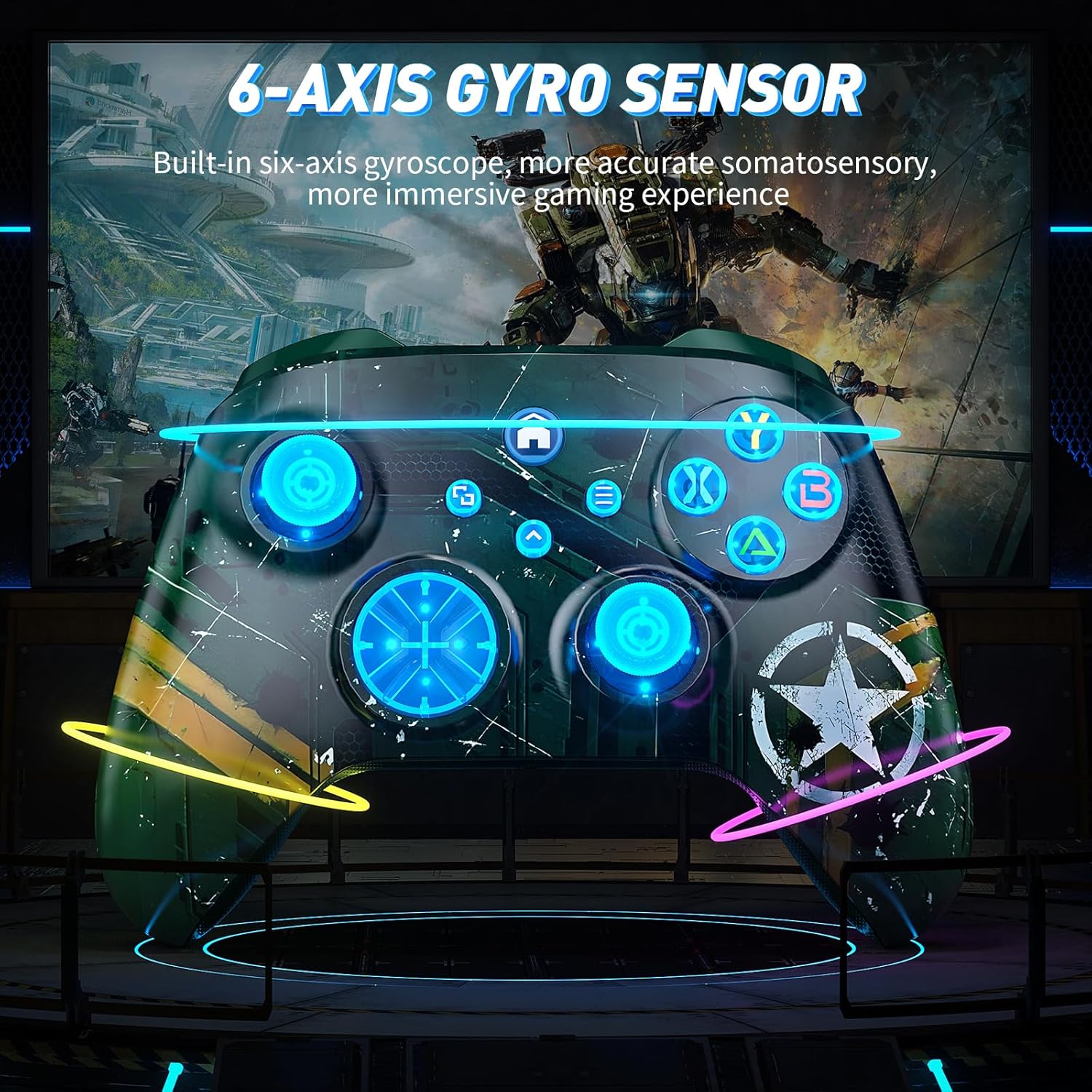
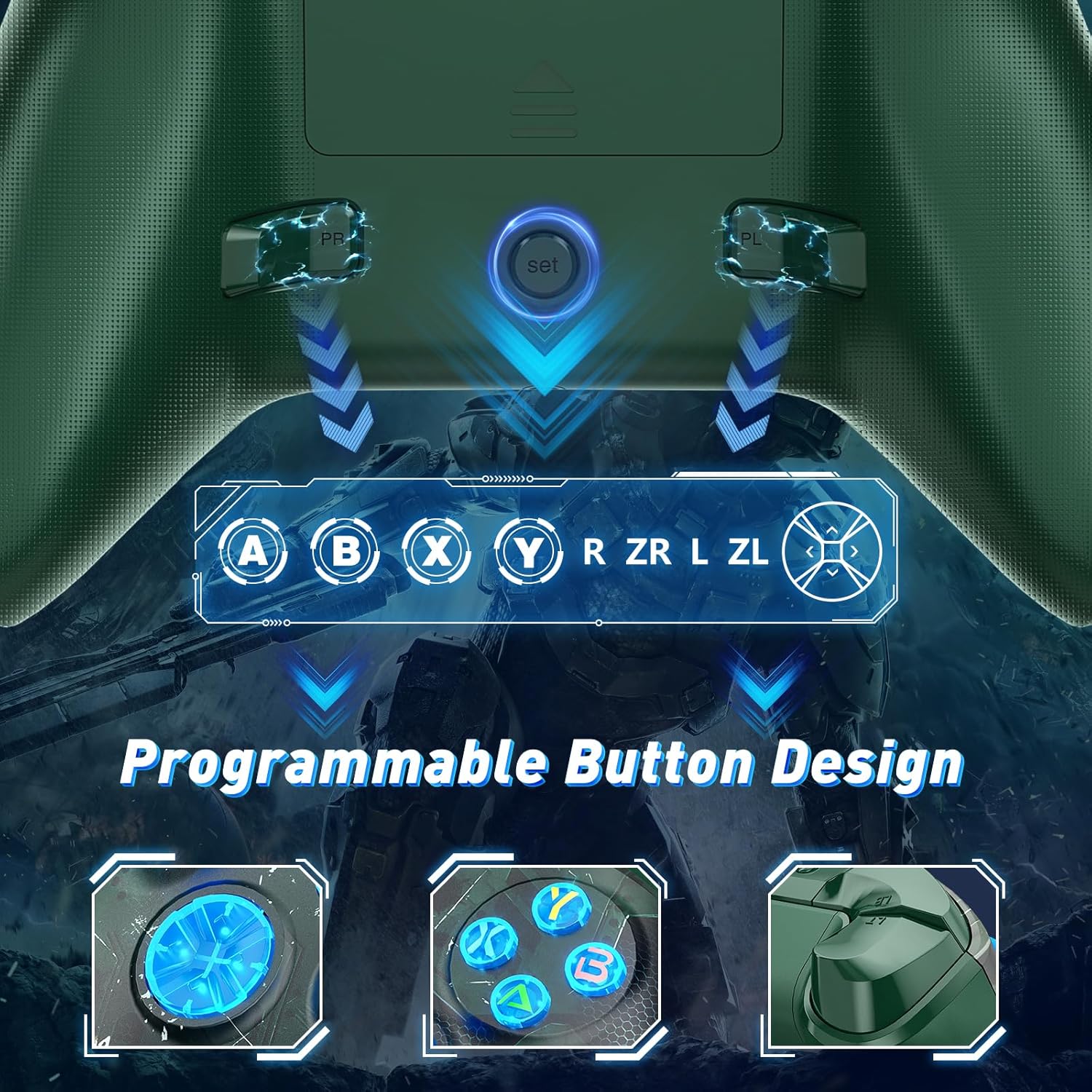
This is not a minimal controller. It includes four vibration motors embedded in the side grips to deepen immersion, a six‑axis gyro for motion input, and rapid reaction triggers to convey weapon discharges and impacts with haptic feedback. The TURBO function and PL/PR programmable buttons offer avenues to tailor control layouts for quicker reactions and customised combos. A 3.5mm headphone jack adds convenience for headset users, allowing for in‑game audio without adding clutter.
Performance notes and caveats
On paper, the controller promises reduced input delay thanks to a new chip claimed to increase joystick sensitivity by about 90% and reduce drift. Real‑world results can vary depending on firmware, platform, and the quality of the Bluetooth connection. It’s reasonable to expect the extra motors to affect battery life and keep the form factor comfortable, but the actual feel can depend on grip size and personal preference.
Who should consider this and who shouldn’t
It suits players who want a cost‑effective, feature‑rich controller that can span console and PC gaming with wireless flexibility. It may appeal if you appreciate programmable buttons for quick mappings and if you value immersive rumble and trigger feedback. If you prioritise a truly plug‑and‑play Xbox‑only experience, or if you don’t want to navigate an upgrade step, this model might feel less convenient.
What to check before buying
- Confirm you’re comfortable completing the Windows upgrade process to enable Xbox connection.
- Ensure your PC or console supports Bluetooth or has an appropriate adapter if needed.
- Consider whether you’ll use the 3.5mm audio jack or rely on wireless audio options.
- Remember that the battery isn’t included, so plan for a compatible battery solution.
- Review the firmware and any software tools for mapping and macros, and be aware that complex mappings may require occasional reconfiguration after updates.
How this compares with other approaches
If you’re deciding between a budget universal controller and a higher‑end option, this Dinosoo model emphasises multi‑platform versatility and in‑hand customisation at a lower price point. It won’t deliver premium build materials or edge‑case optimisations you might find in top‑tier devices, but for everyday gaming across Xbox and PC, it offers a practical balance of features and value.
Practical usage note
Imagine jumping into a co‑op shooter on Xbox while also using the same pad to jump into a racing sim on PC. The four‑motor rumble can make a difference in vehicle impacts and gunfire, and the programmable PL/PR buttons can speed up weapon swaps or evasive actions when you’re pressed for time in a heated moment.
Should you buy it?
Is it worth it?
You’ll like it if you want multi‑platform wireless play with customisable controls and solid rumble. It makes sense if you value a feature set that includes a 3.5mm jack and a TURBO button for faster input sequences. Not the best fit if you need immediate Xbox plug‑and‑play setup with no upgrade step, or if you prioritise the most compact form factor and the longest battery life on the market.
FAQ
- Do I really need to upgrade the controller before using it on Xbox? Yes, the provided guidance indicates an upgrade via a Windows PC is required before Xbox connection.
- Can I use this with Windows without Xbox any time I want? It supports Windows 11/10/8/7 and uses Bluetooth/WI‑FI/wired connections, so it can function as a Windows controller even if Xbox isn’t involved.
- Is the battery included? No, the battery is not included.
- What if the mapping doesn’t behave as expected after an upgrade? The PL/PR button helps with mapping, you can press Set for 3 seconds and then PL/PR to clear mappings if needed.