

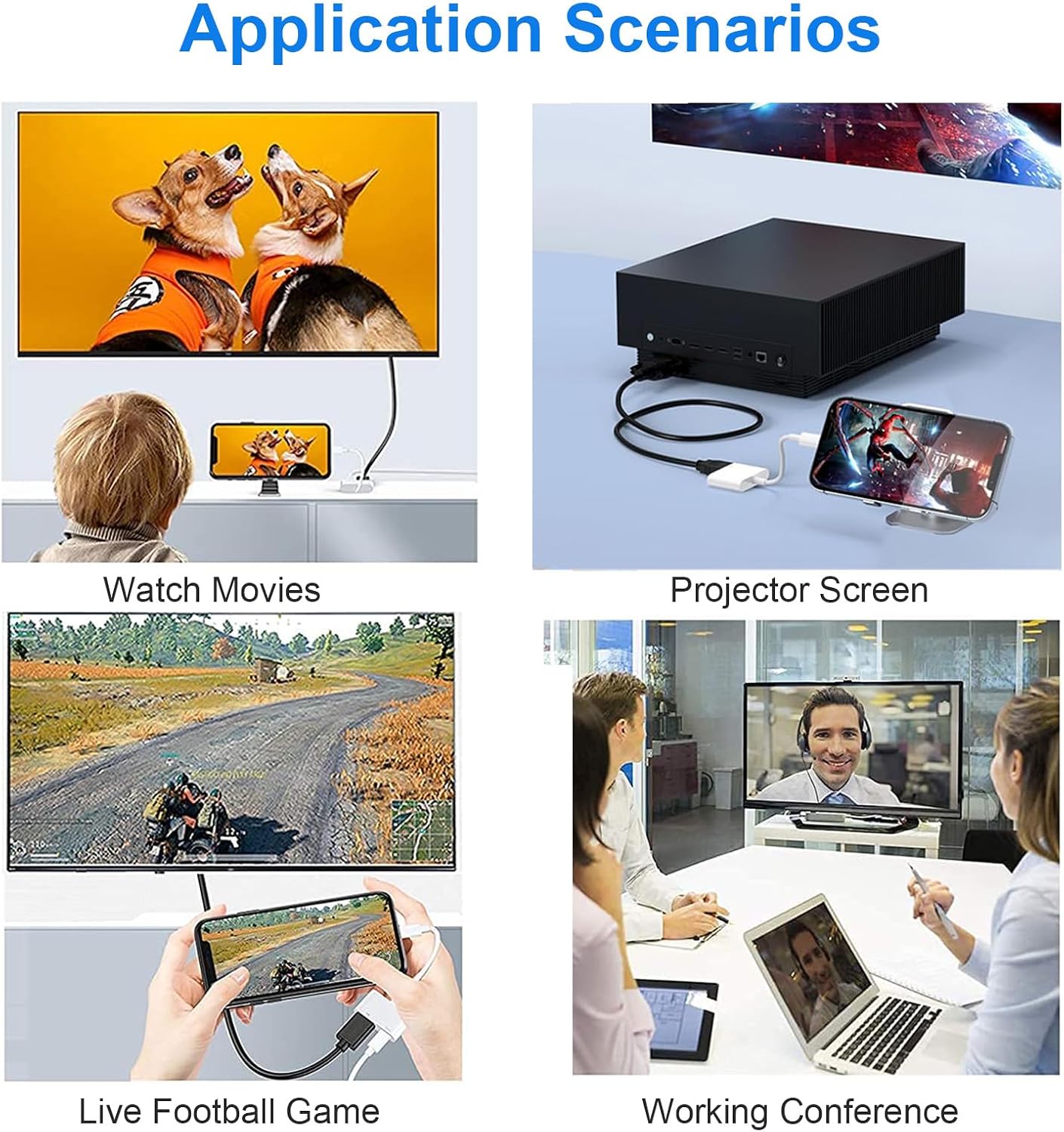
Denlane HDMI Adapter for iPhone & iPad — 1080p HDMI 2-in-1 Digital AV Converter
Product description
What it is and what it does
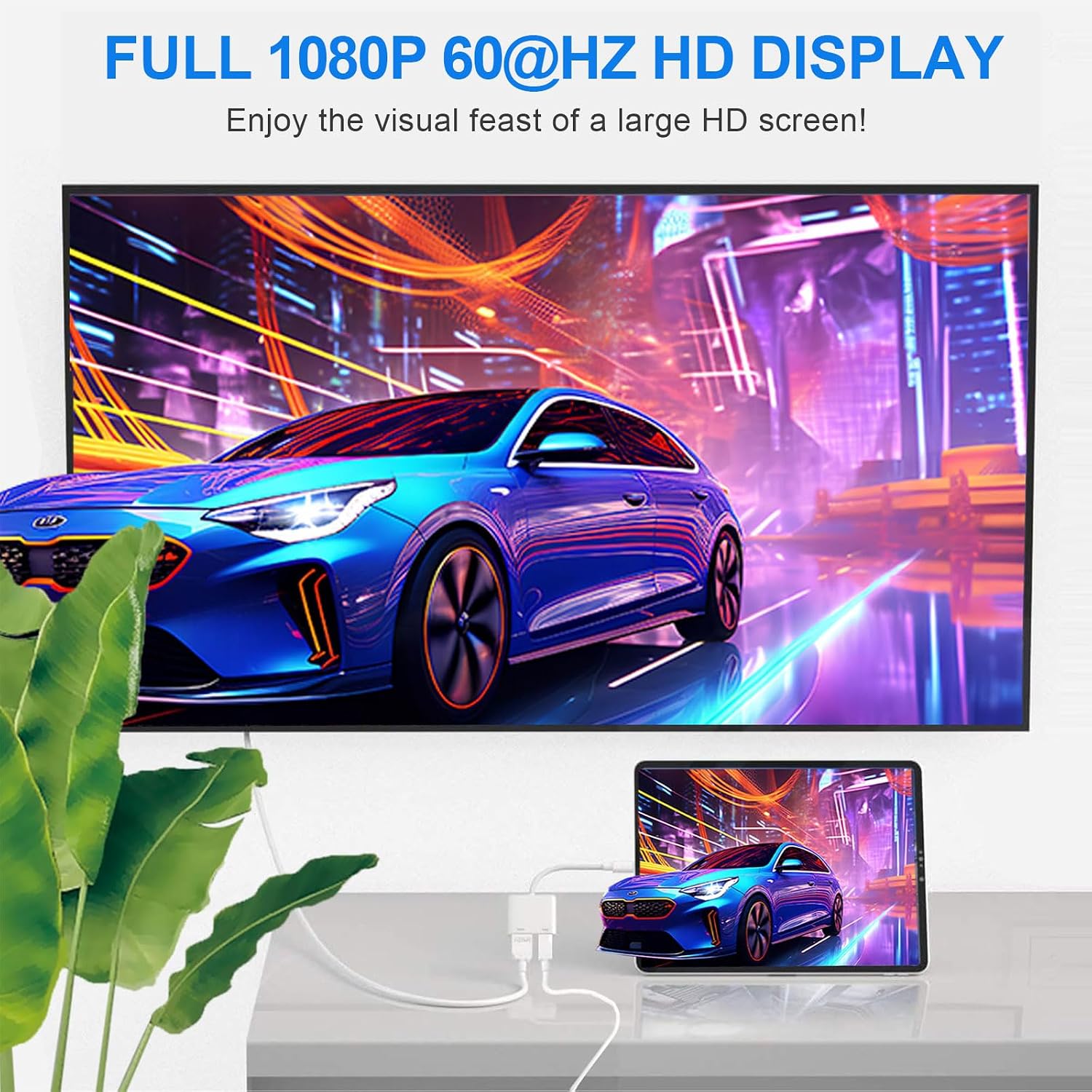
The Denlane HDMI Adapter is a compact 2-in-1 solution that mirrors your iPhone or iPad screen to a TV, monitor or projector via HDMI. It supports 1080p at 60Hz for video and general screen sharing, making it handy for YouTube, slideshows, presentations or streaming from your device. It’s designed to be plug‑and‑play, so there’s no extra software to install and the connection is intended to be quick and straightforward.
How it performs on paper
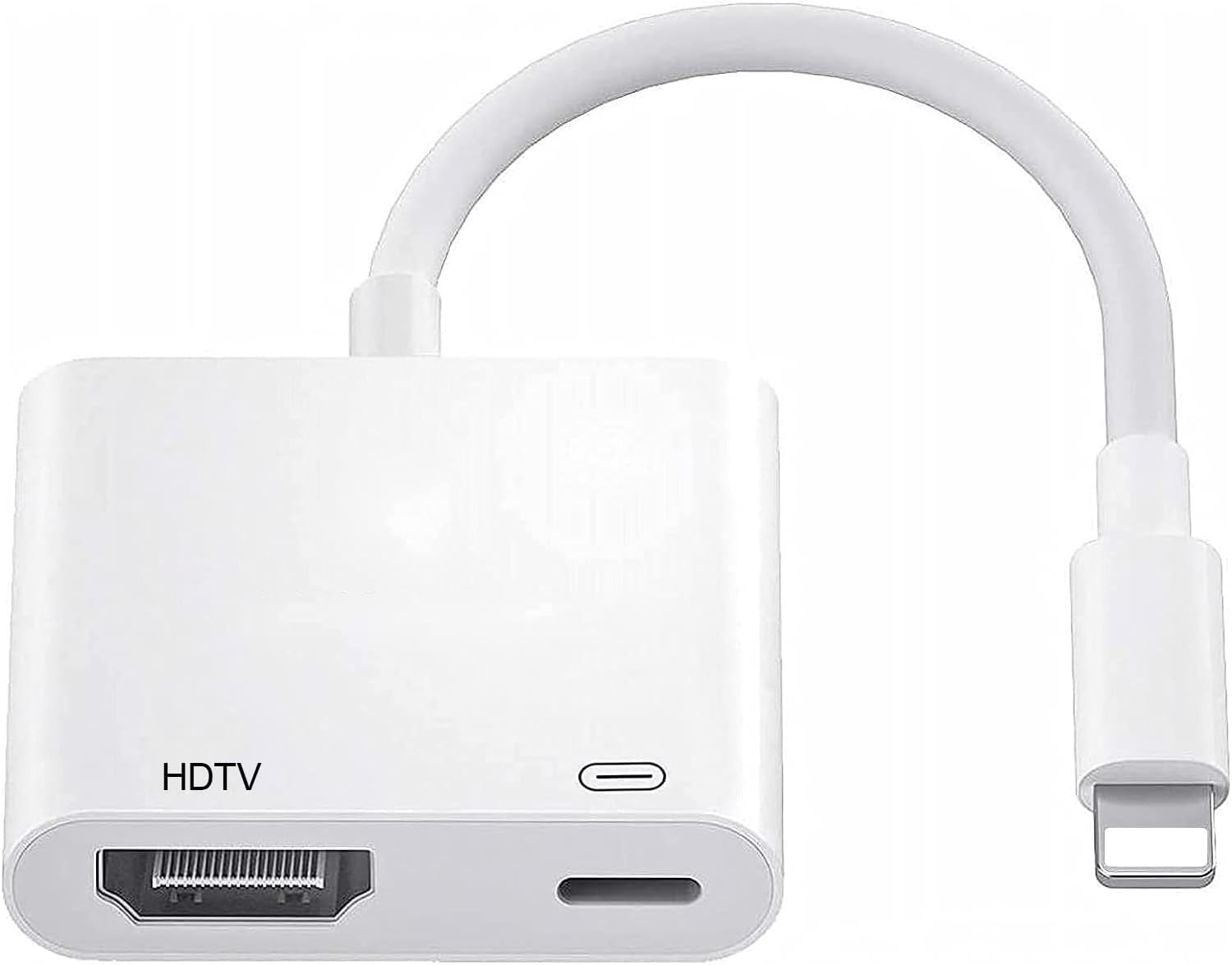
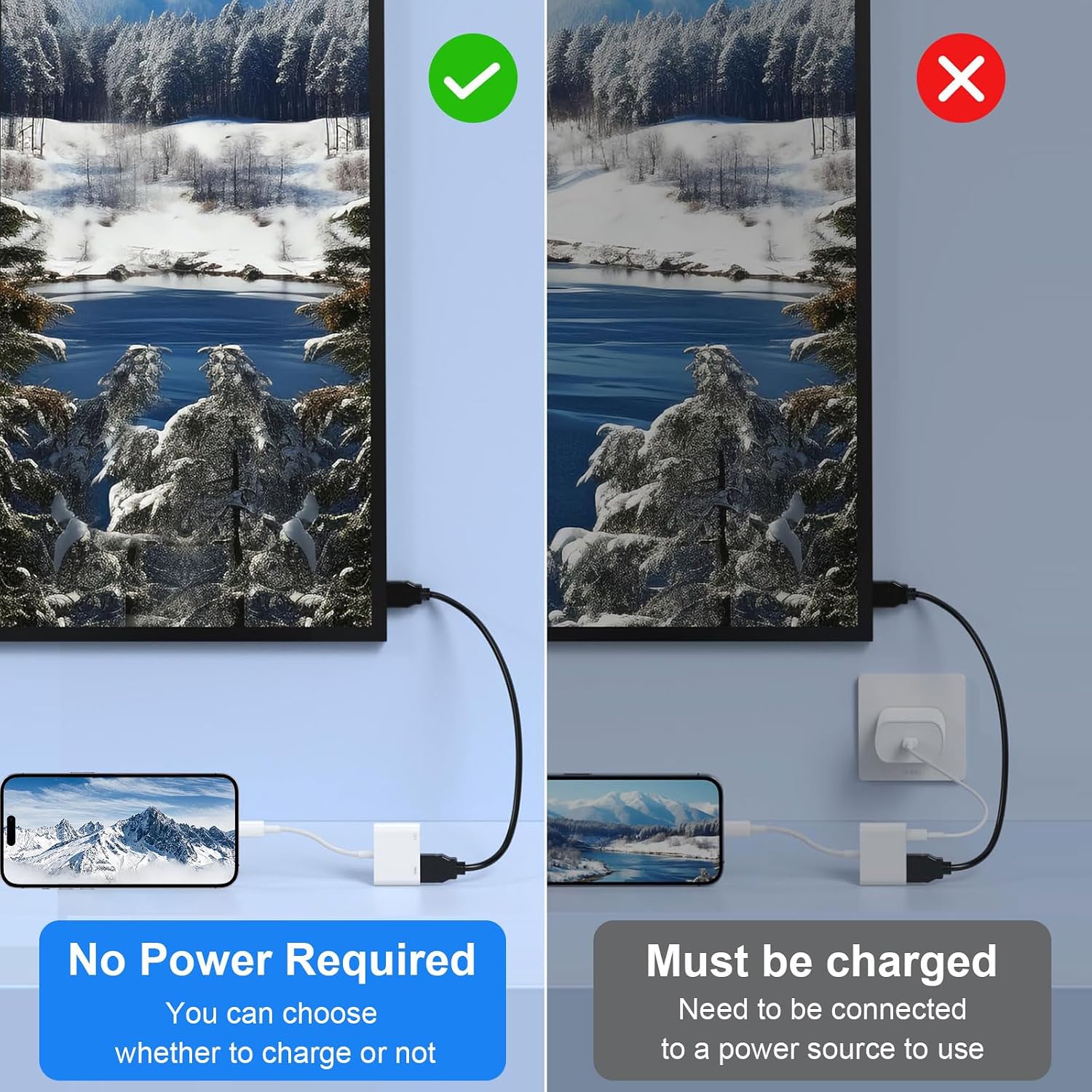
On the hardware side, you get a Lightning to HDMI output with an additional Lightning charging port. Notably, it can operate with or without a power connection, depending on your needs, which helps when you’re away from a power outlet. It’s compatible with a wide range of iPhone and iPad models that use the Lightning connector, and it mentions support across iOS versions where the device presents a compatible output. The advertised screen capabilities include up to 1080p@60Hz, which is sufficient for most home, office and classroom tasks.
What stands out
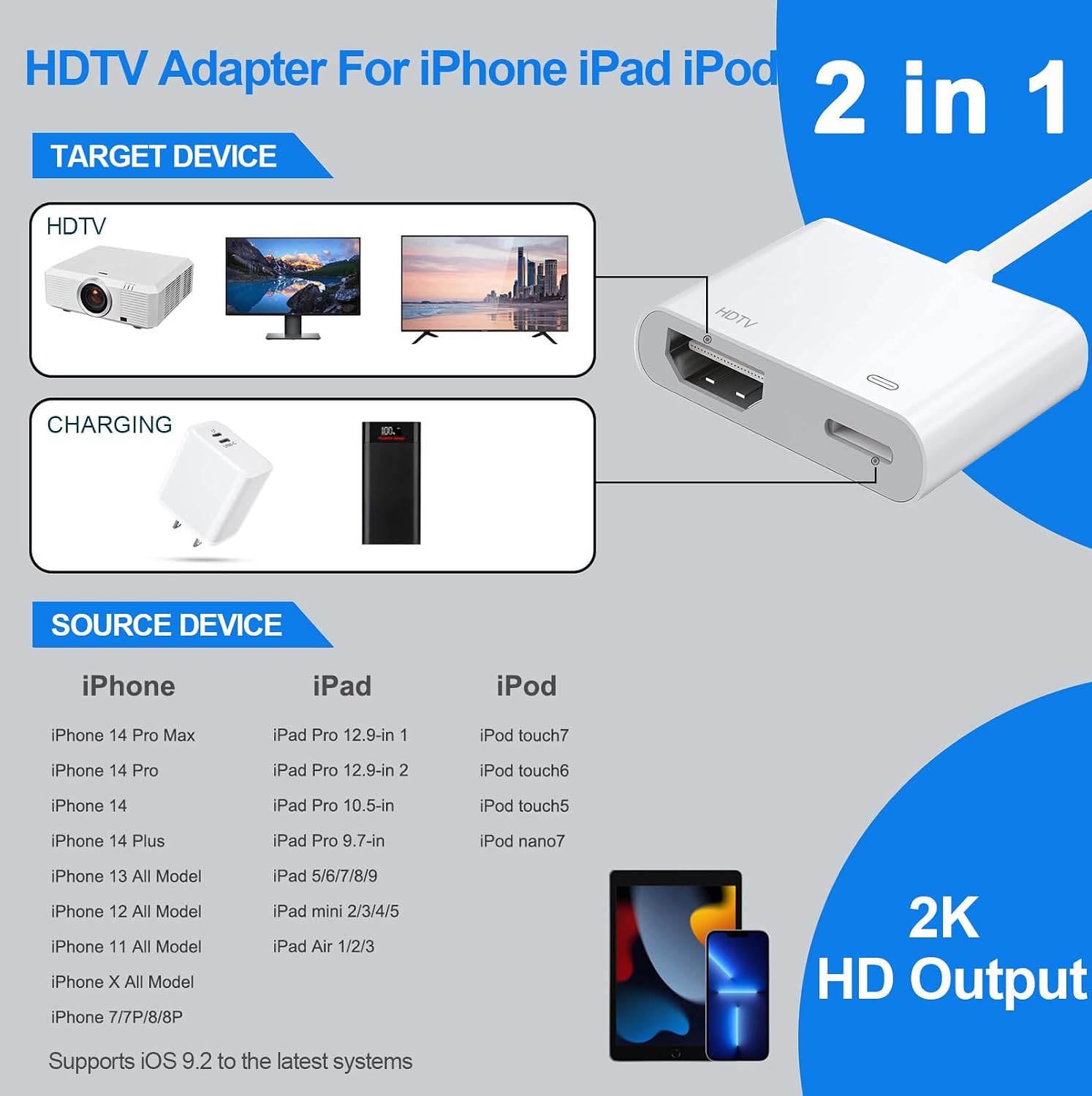
The main advantages are the simplicity (plug & play), the ability to mirror or extend to a larger display, and the built‑in charging port that helps in longer sessions without stopping to recharge. It also notes broad app compatibility for popular streaming and local media, though with an important caveat around HDCP‑protected services.
Where it may fall short
If you rely on apps with HDCP protection (for example certain paid streaming services), you may find some content not available due to copyright protections. The device doesn’t claim support for those HDCP‑protected apps, which is a meaningful limitation for some users. As with any wired adapter, performance can depend on the source device, cable quality and the destination display, so real‑world results may vary.
Who it’s for
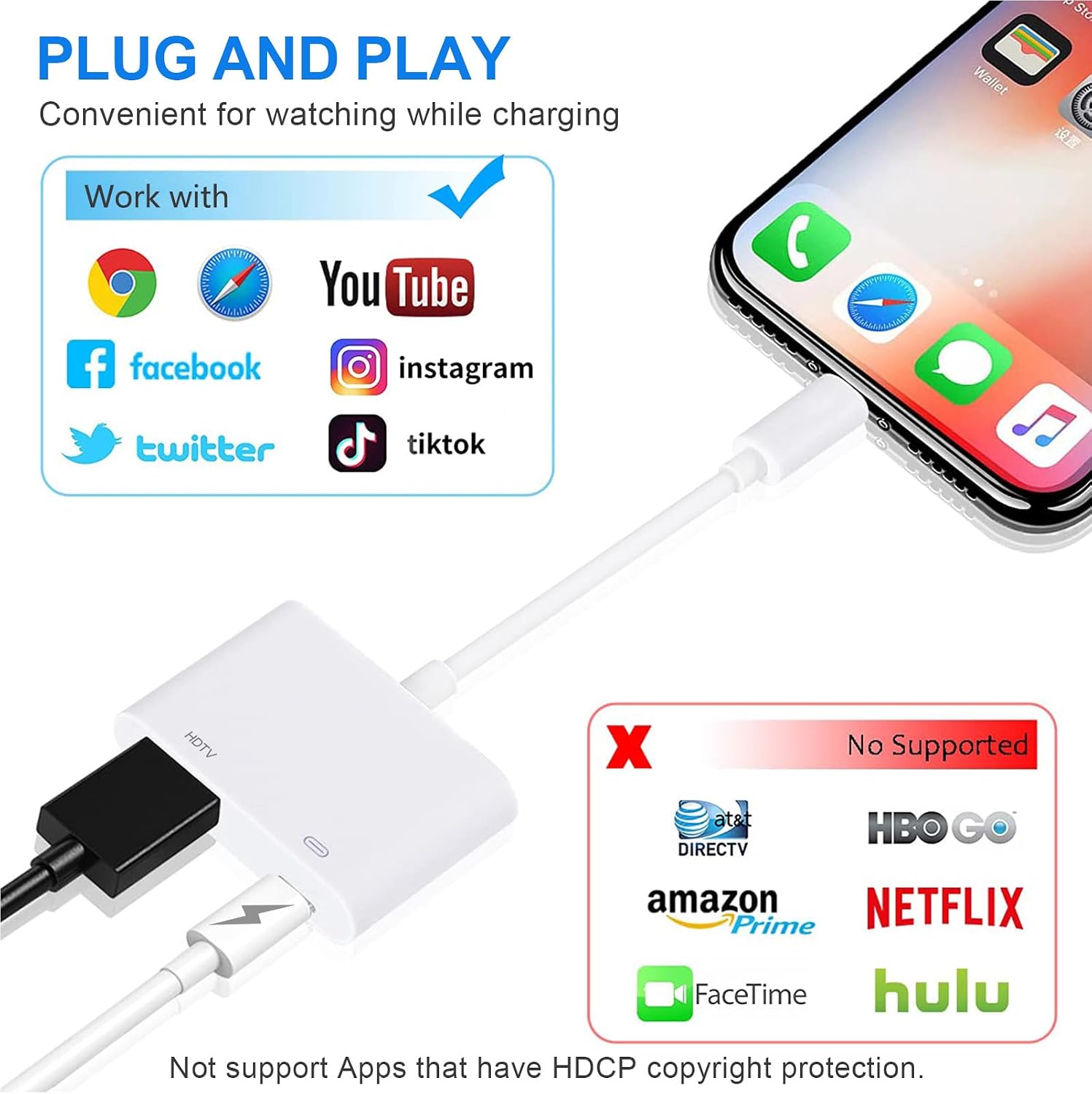
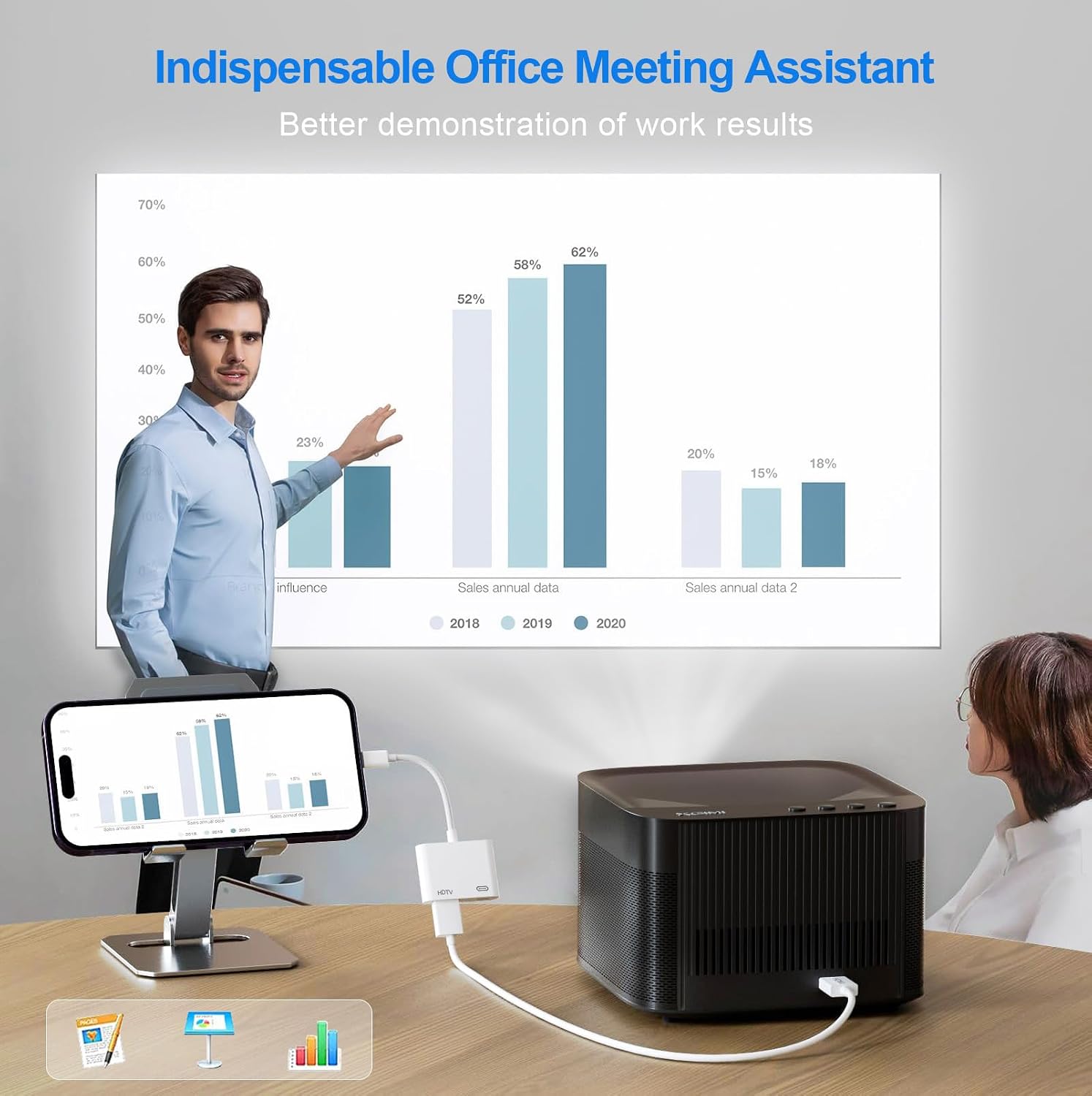
This adapter is likely to appeal to anyone who wants quick screen mirroring from iPhone or iPad to a larger display for home cinema, presentations, or shared viewing. It’s particularly useful if you want to show apps, websites, slideshows or local video without installing software or relying on wireless streaming.
Who it isn’t ideal for
If your primary need is streaming from HDCP‑protected services (Netflix, amazon Video, Hulu, etc.), this adapter may not deliver the content you expect. If you require wireless flexibility or the latest HDMI features beyond 1080p@60Hz, you might want to consider alternative setups.
When it makes sense to buy
Consider this adapter if you want a straightforward, wired mirroring setup with reliable compatibility across older and recent iPhone/iPad models that use Lightning, and you don’t need 4K. It’s a practical option for classrooms, small meetings or casual home use where simple connectivity matters.
What to check before buying
- Confirm your intended destination display supports 1080p at 60Hz for the best motion quality.
- If you rely on streaming apps, be aware of HDCP restrictions that may block certain services.
- Check that your iPhone/iPad model is listed as compatible with the Lightning interface.
- Understand that power is optional, use the integrated charging port if you anticipate longer playback sessions.
Practical use example
Imagine giving a short presentation from an iPad to a projector in a classroom. You connect the adapter, plug the iPad into HDMI, and optionally connect the lightning charger to keep the device from running out of juice. A few taps and you’re presenting slides, videos and websites on the big screen without fiddling with settings or installing drivers.
What’s included
You’ll receive a boxed 2‑in‑1 Lightning to HDMI adapter with a Lightning charging port and an instruction manual. The seller also notes 24‑hour after‑sales service and a 24‑month warranty, which adds a layer of confidence beyond the basic hardware.
FAQ
- Will it work with Netflix or Hulu? Not always, due to HDCP restrictions on certain apps.
- Do I need to install any software? No, it’s advertised as plug‑and‑play with no drivers required.
- Can I charge my iPhone while using it? Yes, the charger port can be used or left unused depending on your needs.
Is it worth it?
Worth considering if you prioritise a simple, wired mirroring solution for standard HD content on iPhone/iPad, and you don’t need 4K or ongoing access to protected streaming apps. If you value minimal setup and a flexible charging option, this adapter can be a sensible addition to your AV kit. If your use case hinges on 4K output or unrestricted access to all streaming services, you may want to explore higher‑spec options or alternative setups.