

UGREEN USB-C to HDMI Cable (Type C to HDMI) with 4K@60Hz support — Thunderbolt 3/4/5 compatible
Product description
What it is and what it’s for
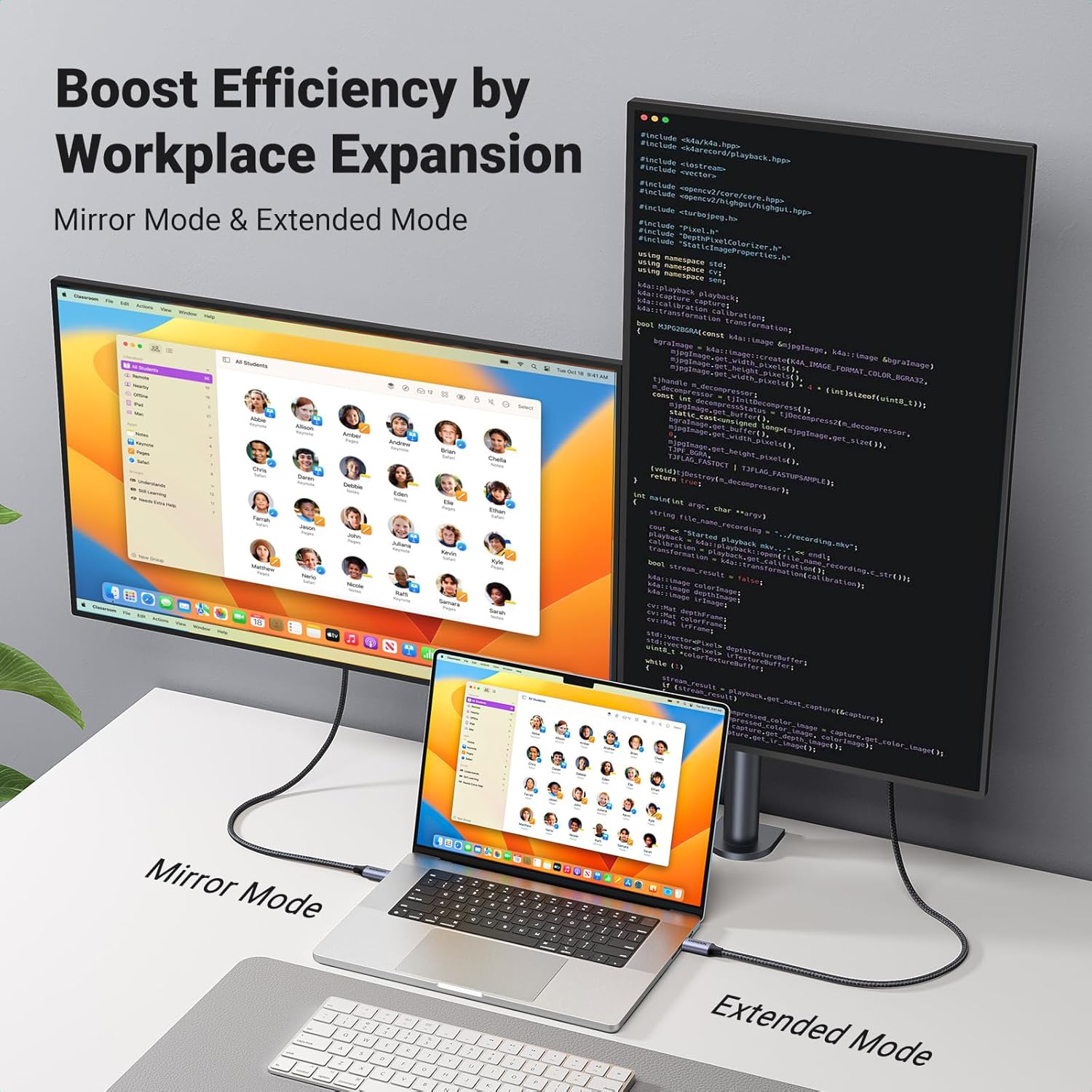
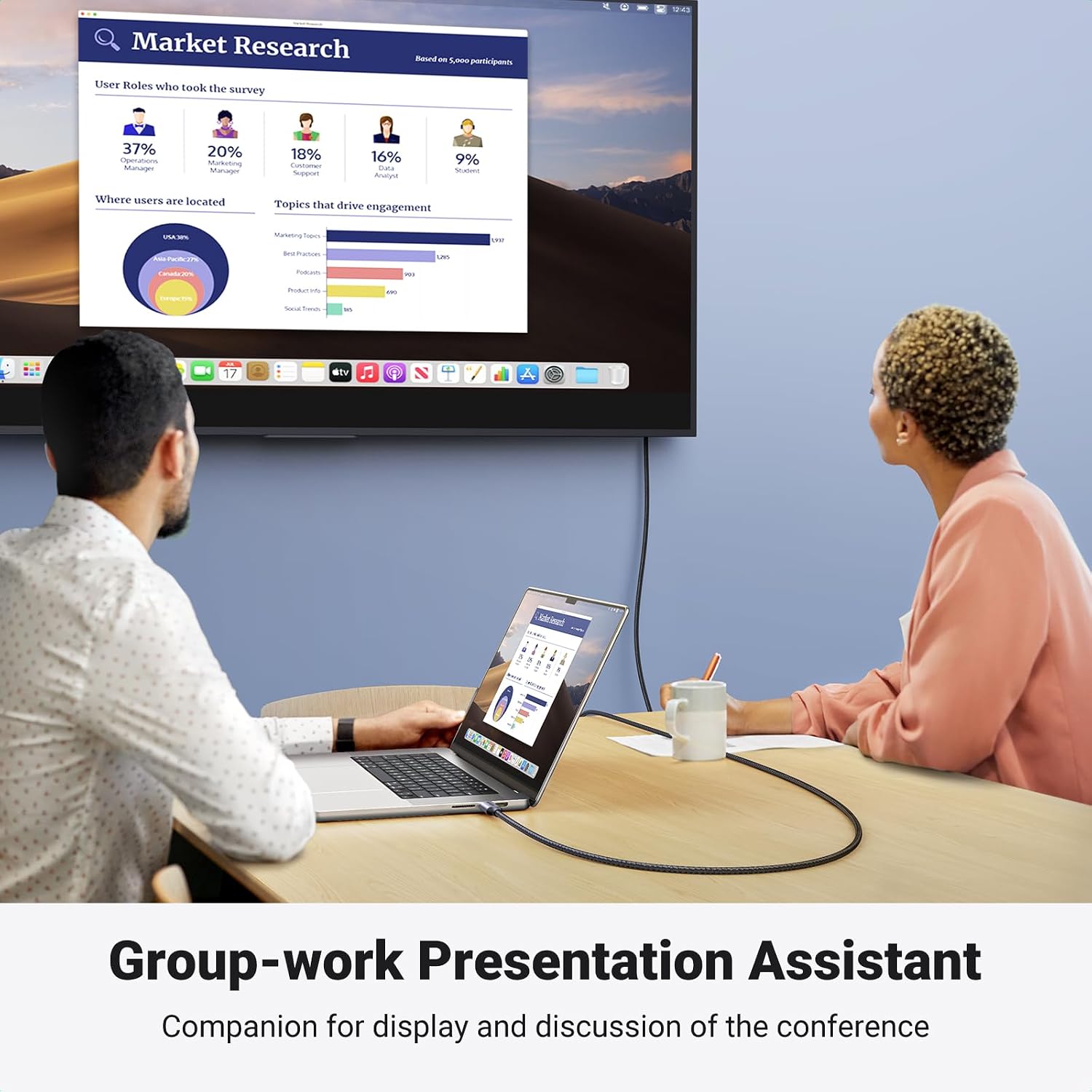
This UGREEN USB-C to HDMI cable is a straightforward way to mirror or extend your phone/tablet/laptop onto an HDMI display such as a TV, monitor or projector. On paper it’s built for people who want a simple “plug in and go” setup for home office screens, films on a larger display, or quick presentation-style use without faffing about with extra adapters.
It’s also positioned around higher refresh-rate support compared with basic 4K@30Hz USB-C/HDMI leads. That matters if your source supports it, because smoother motion can make games and fast-moving video feel less juddery. Still, it’s not a magic wand: if your devices don’t support the relevant modes, you’ll be limited by what they can actually output.
Key features that matter in daily use
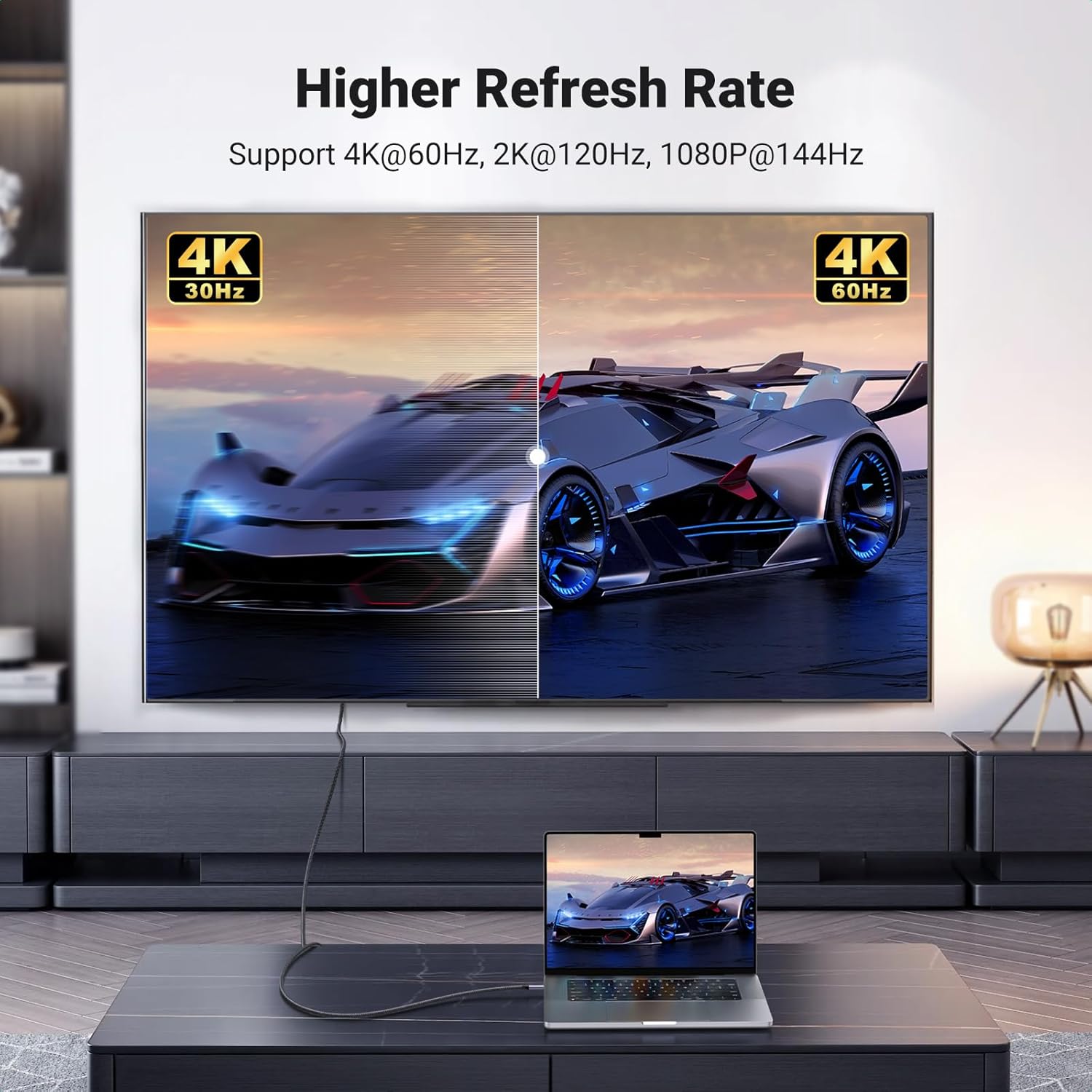
The headline spec is 4K UHD at 60Hz (3840×2160). UGREEN also states backward compatibility for higher refresh options at lower resolutions, including 2560×1440 at 120Hz and 1920×1080 up to 240/144Hz. In practice, this kind of range is useful because it gives you options: you can run the “best possible” mode your connected devices will allow, rather than always being stuck at the most basic setting.
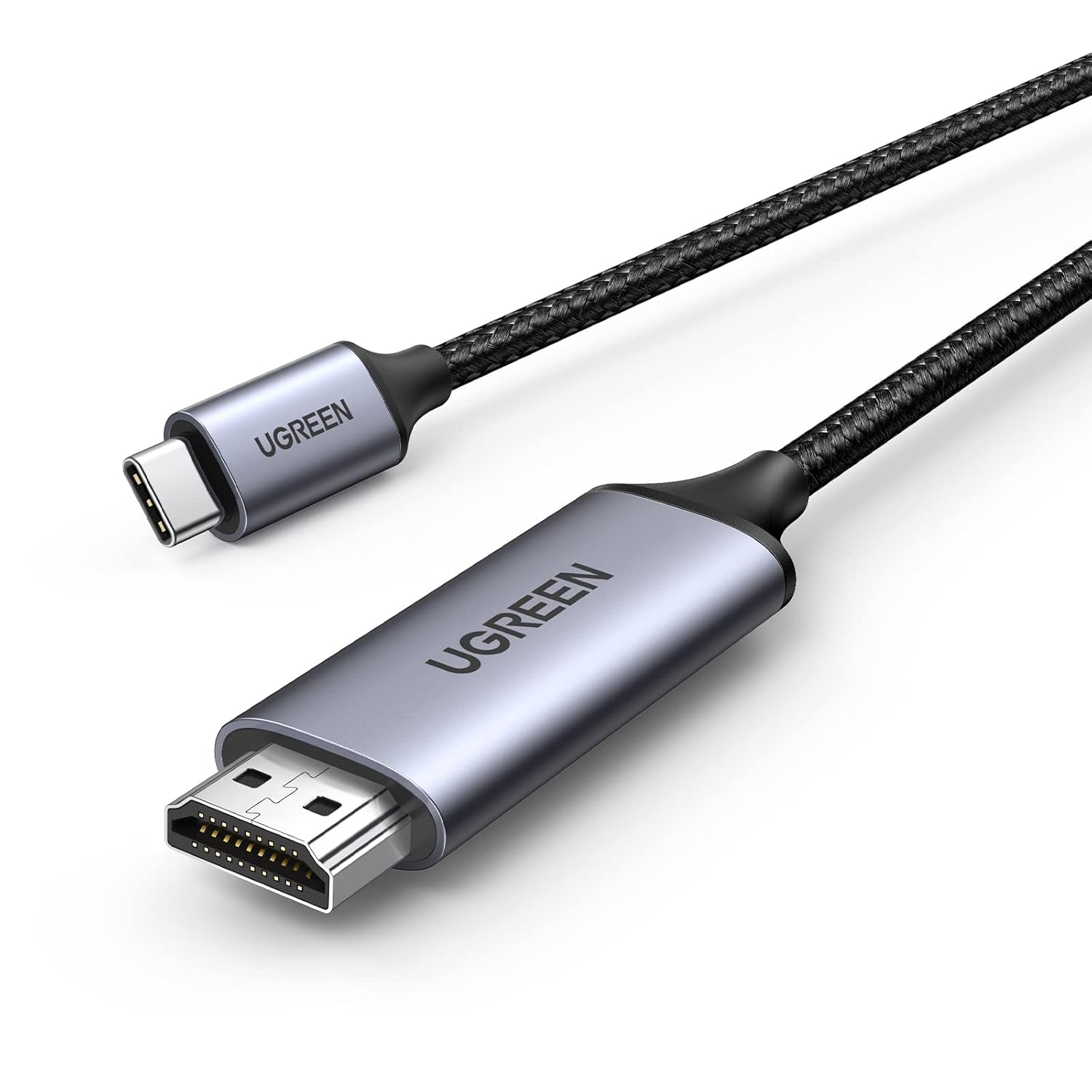
There’s also a clear one-way design: it carries audio and video from the USB-C source to the HDMI output device. That means you can’t use it as a reverse-direction HDMI-to-USB-C capture lead.
For build and durability, the cable uses triple-layer shielding and tinned copper wire (aimed at more reliable signal transmission), plus a nylon-braided jacket. UGREEN also mentions the jacket resists a very high number of plug and bend cycles, and an aluminium case designed to help with heat and corrosion resistance.
The essentials: compatibility and requirements
UGREEN is fairly specific about what you need on the input side. The USB-C port on your laptop/phone/tablet must support DP Alt Mode. The cable is described as fitting Thunderbolt 3/4/5 as well.
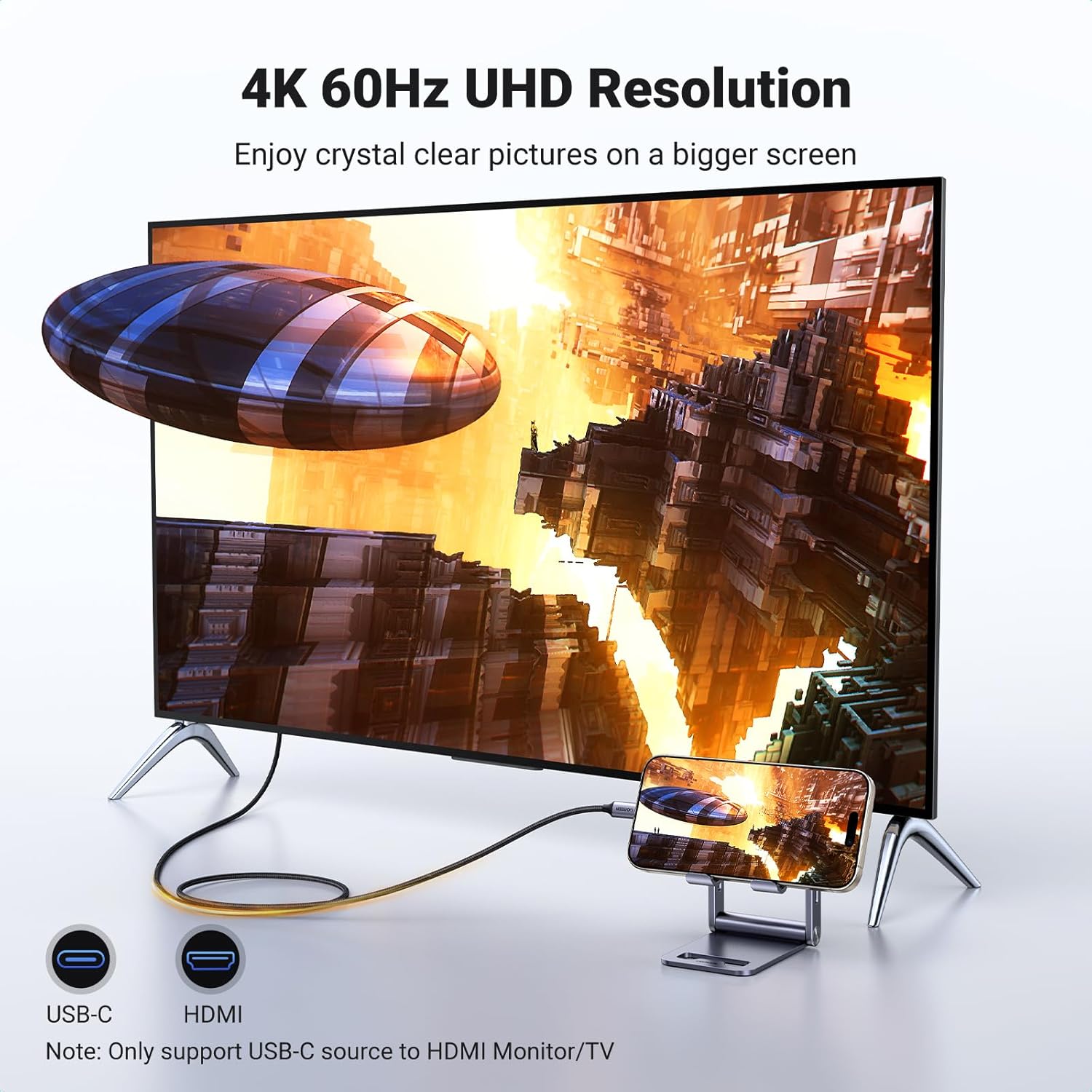
The “Thunderbolt fit” wording will be reassuring if you own Thunderbolt-equipped devices, but the key requirement still comes down to DP Alt Mode support on the USB-C host. If your device doesn’t support it, you may end up with no signal.
Another important limit: the maximum supported resolution is stated as 4K@60Hz. To get 4K@60Hz specifically, both the input and output devices must support 4K@60Hz—otherwise you’ll fall back to what the HDMI display and source can agree on.
What you’ll notice with video, games, and home viewing
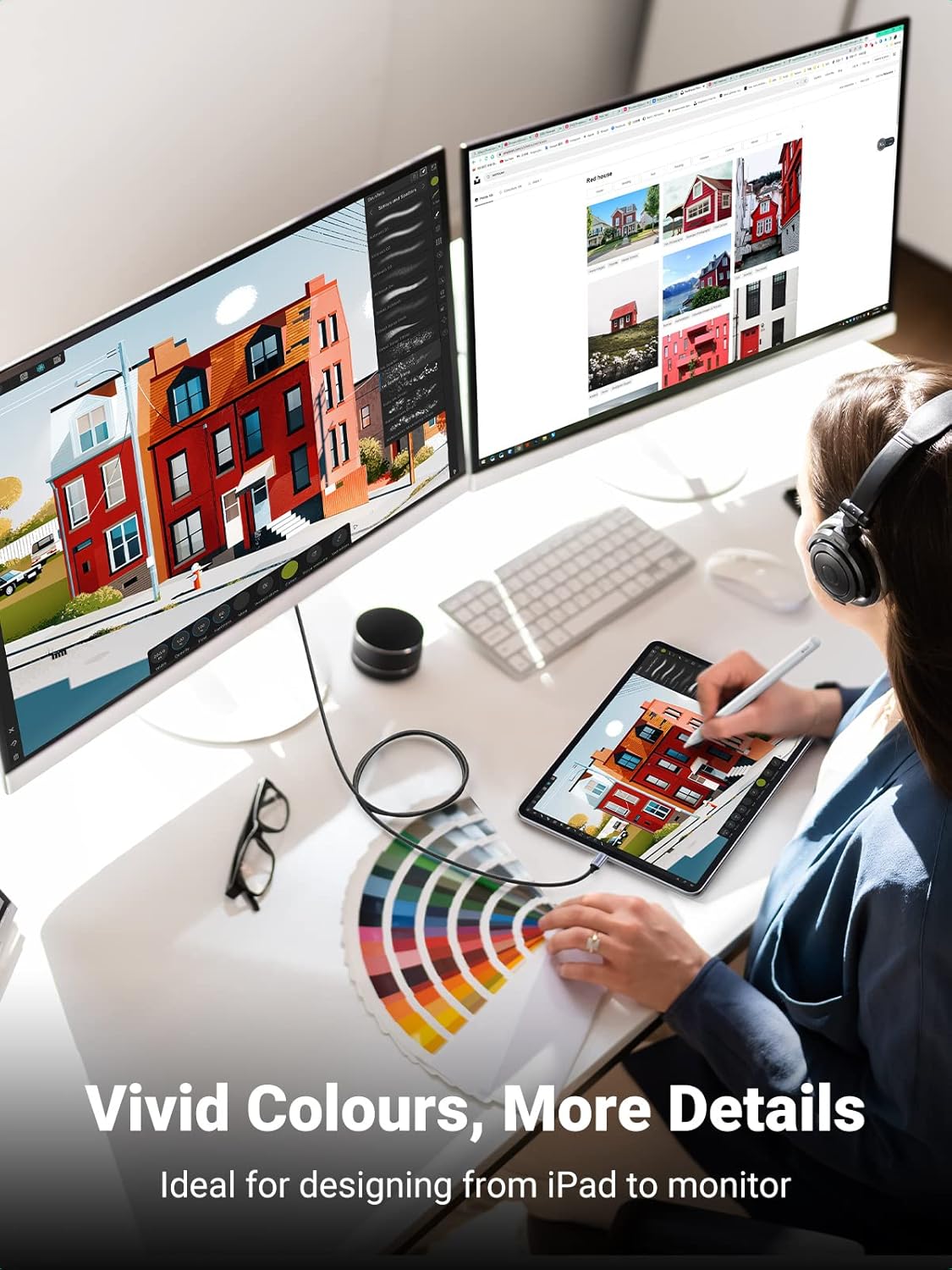
If you’re watching films or streaming video from a phone or laptop, the move from 30Hz to 60Hz can feel smoother because the image updates more often. It won’t turn a low-quality panel into a different class of display, but it can reduce the “choppy” feeling you might notice when motion is fast.
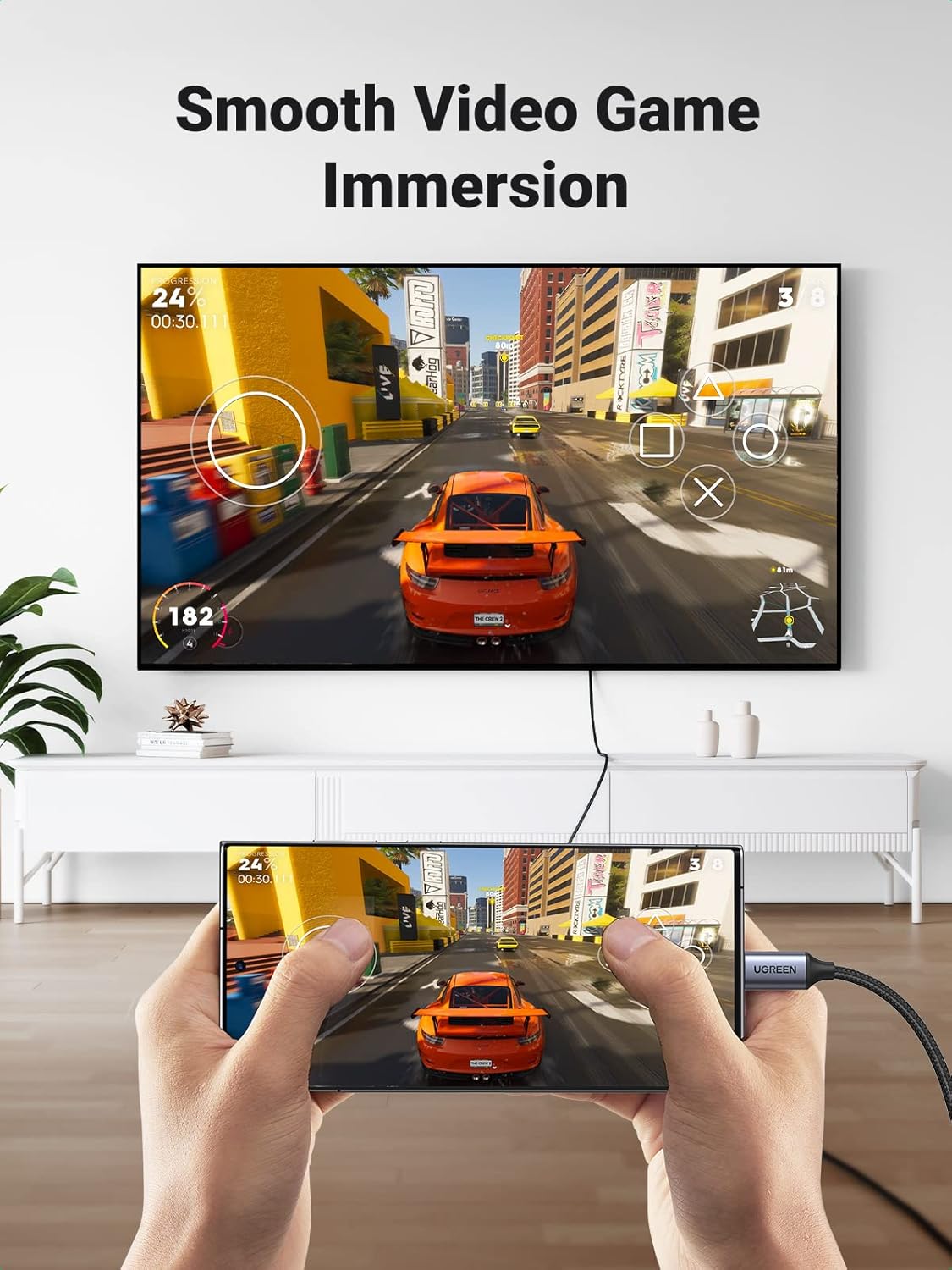
For gaming or handheld PC use, the higher refresh-rate support at 1080p/1440p is the part that stands out. However, don’t assume it automatically reaches those numbers. You’ll only get the higher refresh modes if your source outputs them and your HDMI display accepts them.
A practical example: imagine you’ve got a laptop running a game at 1080p, and you connect this cable to an HDMI monitor. If both devices negotiate high refresh and your laptop supports the relevant mode, you should get a noticeably smoother motion experience compared with a more basic cable that only supports lower refresh rates.
Tech specs (as stated by the manufacturer)
- Name: UGREEN USB C to HDMI Cable
- Type: USB-C to HDMI cable (one-way audio/video)
- Format: DP Alt Mode / Thunderbolt 3/4/5 support from the USB-C source to HDMI output
- Size: 3M
- Resolution and refresh rate: 4K UHD (3840×2160) at 60Hz
- Backward compatible modes: 2560×1440 at 120Hz, 1920×1080 up to 240Hz / 144Hz
- Max resolution: 4K@60Hz
- Audio/video direction: USB-C source to HDMI display only
- Signal protection: triple-layer shielding and tinned copper wire
- Jacket: nylon-braided
- Case: aluminium case
Pros, cons, and who it suits
What stands out: - Higher refresh-rate support options (useful if your devices support them). - One-cable plug-and-play approach for connecting a USB-C device to an HDMI TV/monitor/projector. - Cable design aimed at steadier signal transmission and better durability (shielding, braided jacket, aluminium case).
Where it may fall short: - It’s one-way only, so it won’t work for HDMI-to-USB-C style reverse use. - You must have DP Alt Mode support on the USB-C port, without that, you may not get a working connection. - The stated top modes depend on both source and display—so if your monitor/TV or device can’t do 4K@60Hz, you won’t reach the headline figure.
It’s a sensible pick if you already have Thunderbolt/DP Alt Mode compatible devices and you want a durable USB-C to HDMI lead for everyday mirroring, home movies, and smoother playback.
When it makes sense
It’s worth buying this UGREEN USB-C to HDMI cable if: - You want to connect a compatible USB-C laptop/phone/tablet to an HDMI TV or monitor and get audio + video from USB-C to HDMI. - You care about smoother motion and you know your source and display support the relevant refresh modes (at least 4K@60Hz, or higher refresh at 1080p/1440p). - You’re after a cable designed for frequent plugging and bending, rather than a short-lived alternative.
When you may want to skip it
You may want to avoid this cable if: - Your USB-C port doesn’t support DP Alt Mode (this is the big one). - You need reverse direction (HDMI input to USB-C output). This model is explicitly one-way. - Your goal is to run a specific refresh rate that your devices can’t actually negotiate—then you’ll be limited regardless of the cable’s spec.
Final verdict
Is it worth it? This UGREEN USB-C to HDMI cable looks like a practical, refresh-rate-friendly option for people who already have DP Alt Mode / Thunderbolt-capable devices and want reliable day-to-day connections to HDMI displays. It’s not ideal if you need two-way functionality or if your USB-C port isn’t DP Alt Mode supported, because the cable can’t fix that.
Mini FAQ
Can this cable send video from HDMI back to my USB-C device?
No. It’s one-way and only delivers audio/video from the USB-C source to the HDMI output device.
Do I need DP Alt Mode on my laptop or phone?
Yes. The USB-C port on the source device must support DP Alt Mode for it to work.
What’s the maximum resolution it supports?
UGREEN states the maximum supported resolution as 4K at 60Hz.
Will I automatically get 4K@60Hz?
Not automatically. To realise 4K@60Hz, both your input device and HDMI display need to support 4K@60Hz.
Is it good for gaming?
It can be, particularly if your devices support the higher refresh-rate modes (for example 1080p at up to 240Hz, or 1440p at 120Hz). If your devices don’t support those modes, you’ll be limited by what they can output and display.