

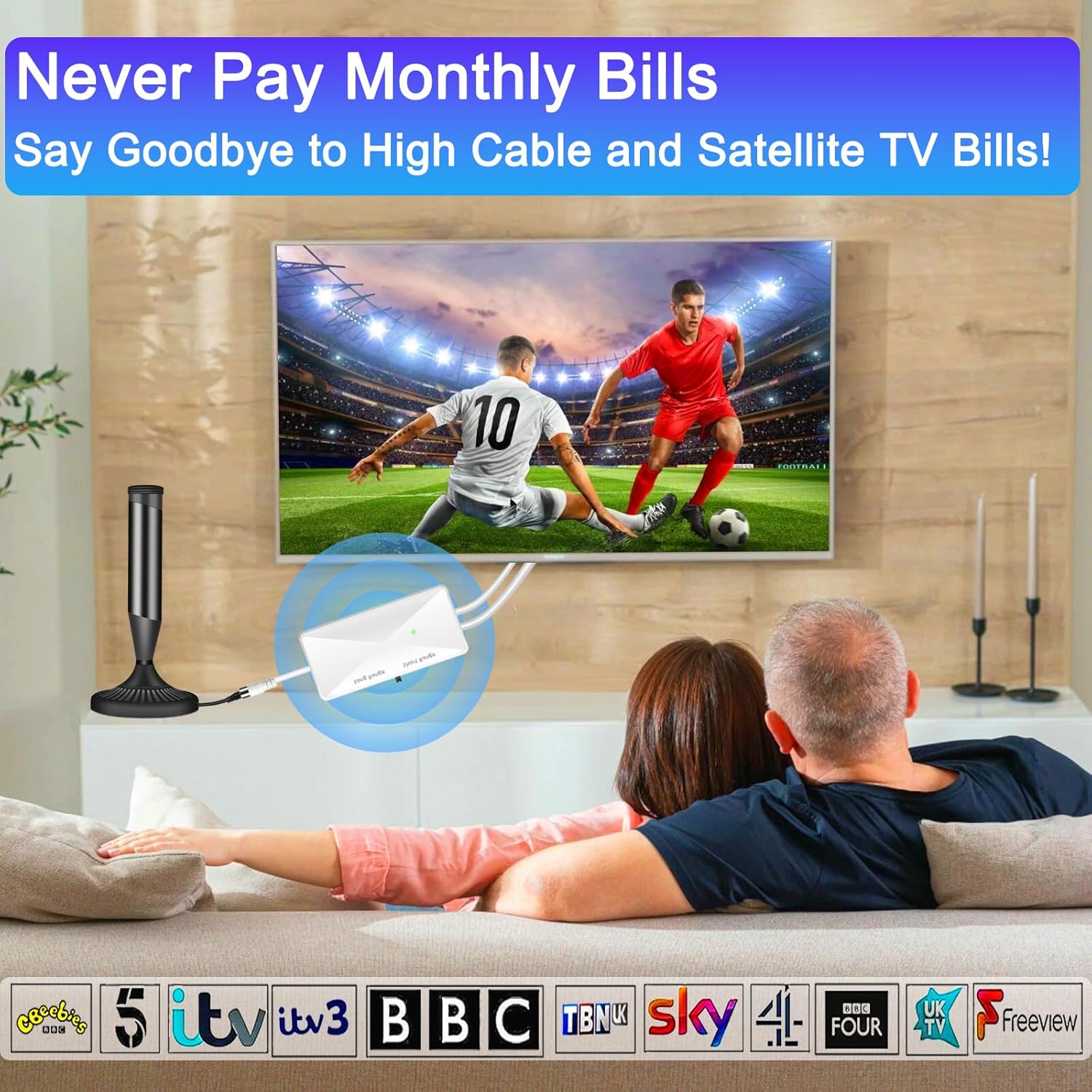
CSUXYD TV Aerial Booster High Gain Amplifier (Off-White) with Adjustable 5dB–25dB Gain
Reviews
Product description
What it’s for (and when you’ll actually notice it)
A TV aerial booster like the CSUXYD High Gain TV Signal Booster is meant for one fairly specific problem: weak or unstable reception that leads to issues such as pixelation, freezing, or drop-outs. On paper, this kind of device sits between your TV aerial and your TV (or STB box) to strengthen the incoming signal so your TV can deliver a more reliable picture.
That said, aerial boosters are a bit like heating controls: if your signal is already strong, adding amplification can be unnecessary at best, and counterproductive at worst. The product guidance included here is clear on that point—if you have lots of green channels available, you do not need to use a booster. If you mainly see yellow or orange channels, it suggests adding one.
A practical way to think about it: if you’ve ever been annoyed that some channels look fine one minute and crumble the next, this is the sort of fix people try before changing aerials or subscription setups.
Key features that matter in day-to-day viewing
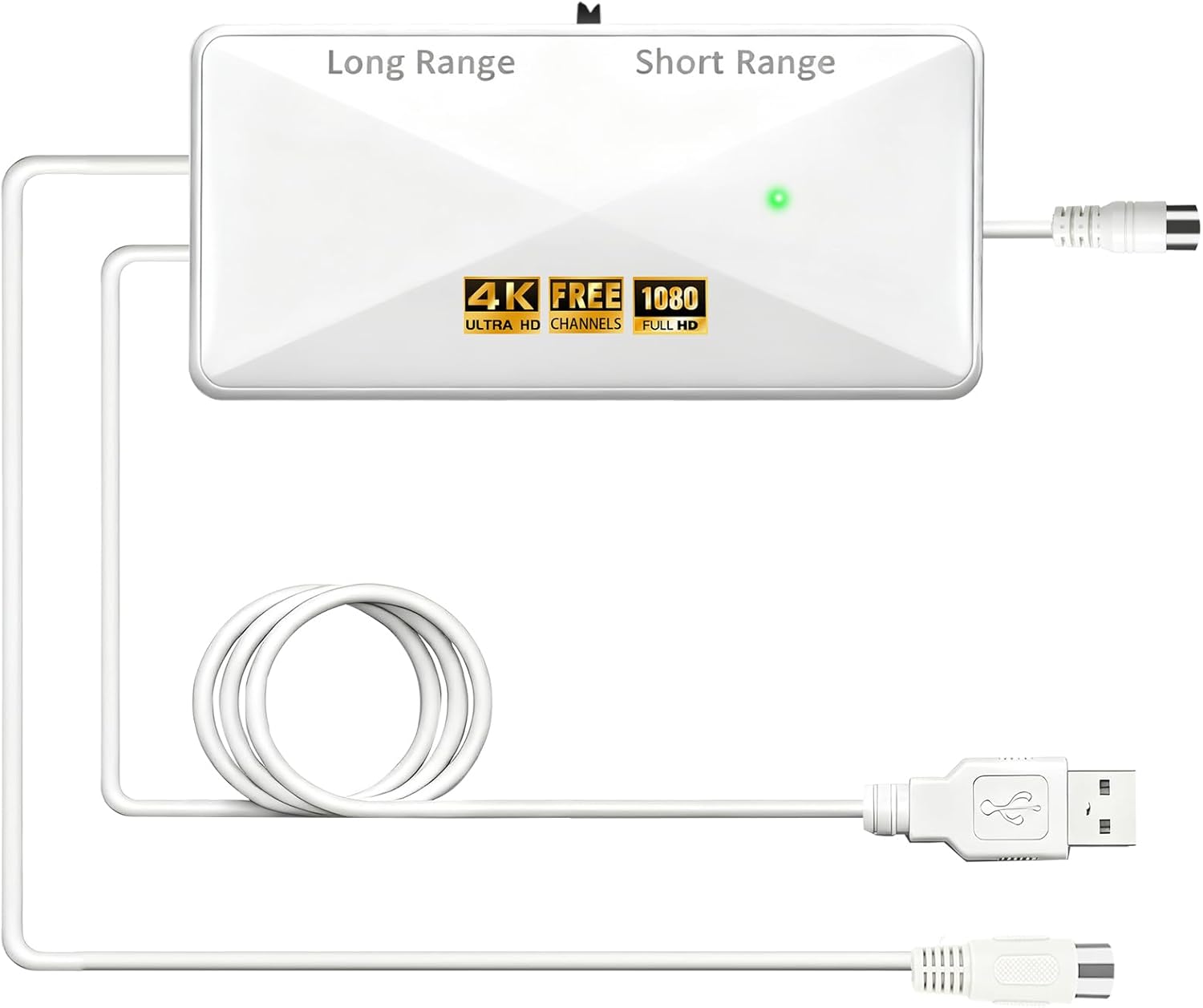
The booster is positioned as a “high gain” amplifier, with an adjustable gain range of 5dB to 25dB using a left/right adjustment. There’s also mention of an in-built 4G/5G LTE filter designed to block unwanted wireless signals—useful in real life because interference isn’t always obvious, but it can show up as those frustrating picture problems.
It’s described as improving 4K, HD and standard TV picture quality for a more immersive viewing experience, and it’s also said to help your TV find the best reception by tuning for signal strength. One detail worth keeping realistic expectations about: the “number of channels reception will vary depending on how far away you are from [the] broadcast tower”. So it’s not a magic universal unlock for every area.
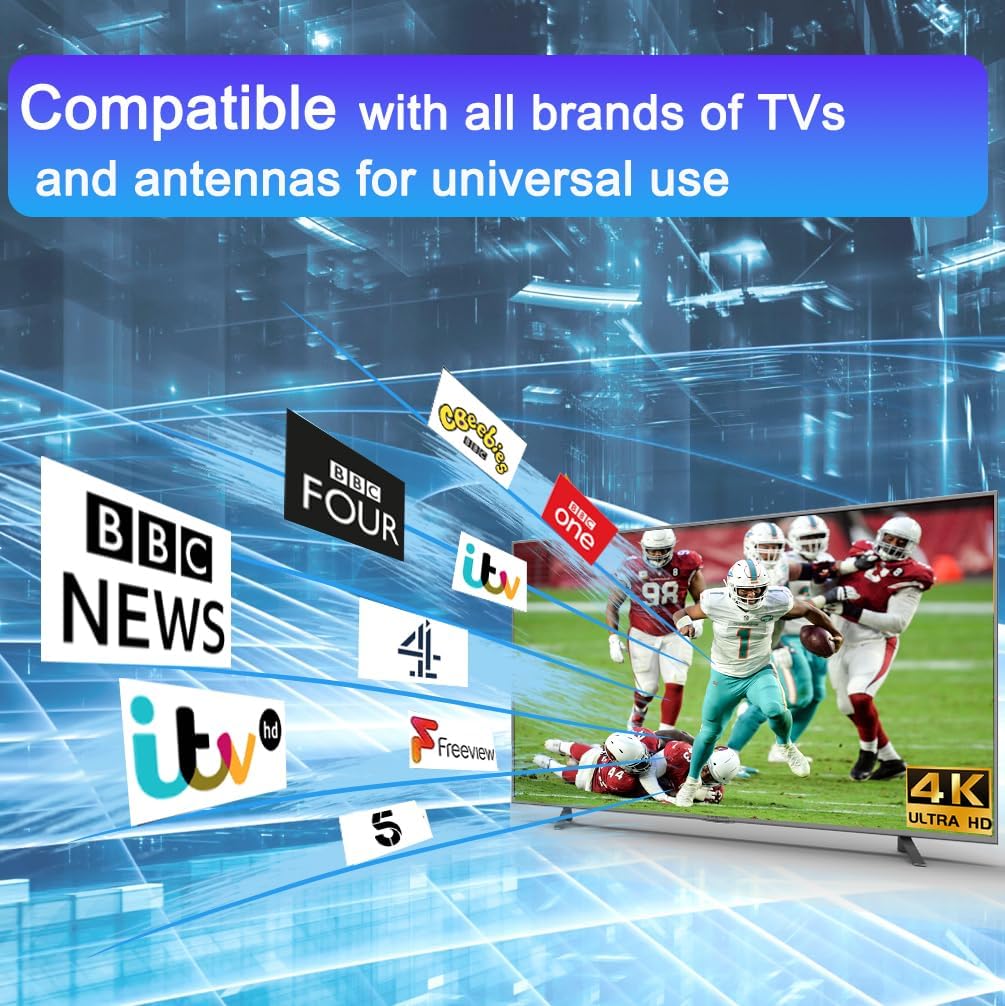
Also, the booster is marketed as “works with any antennas” and follows a simple plug-and-play installation approach.
Installation: simple, but do it in the right spot
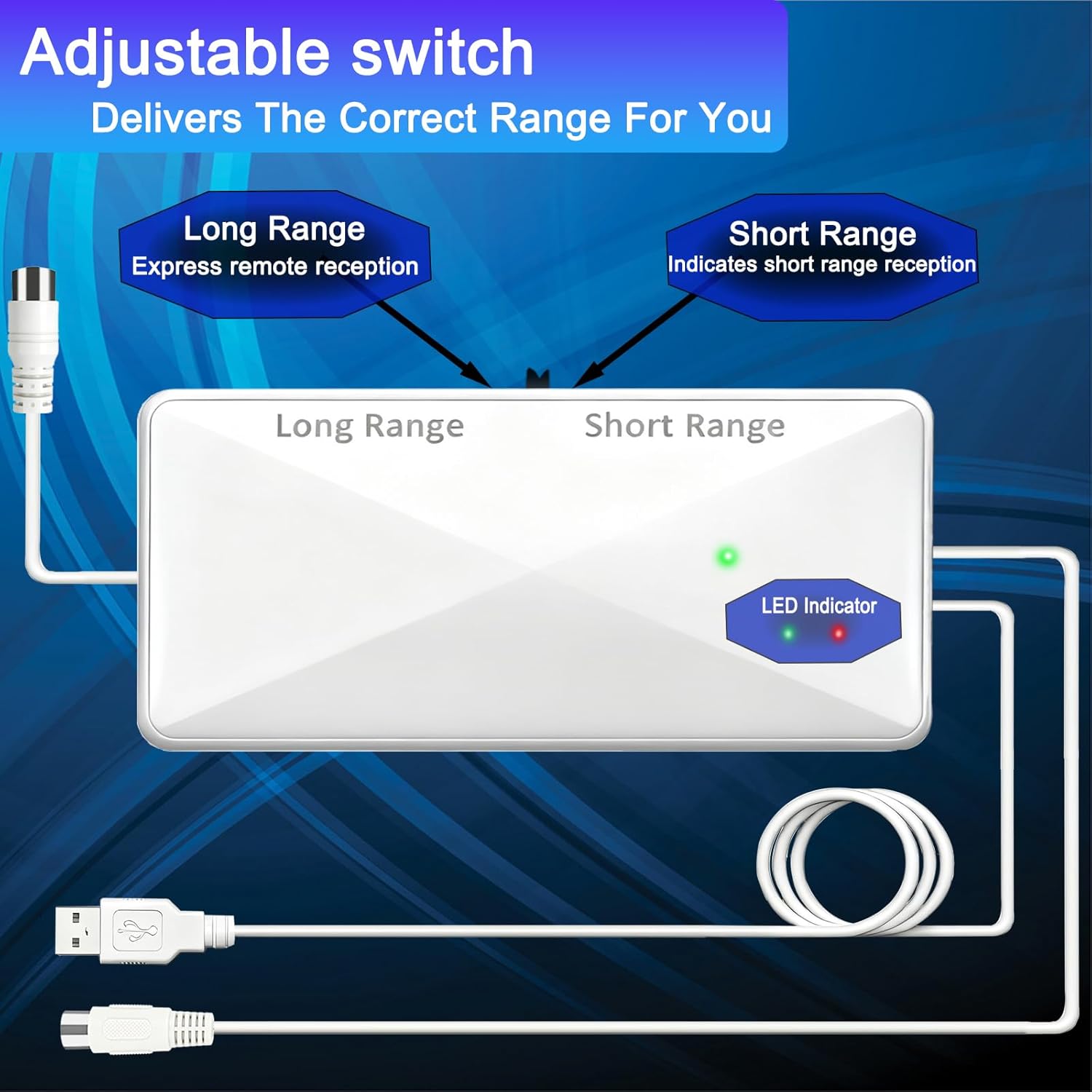
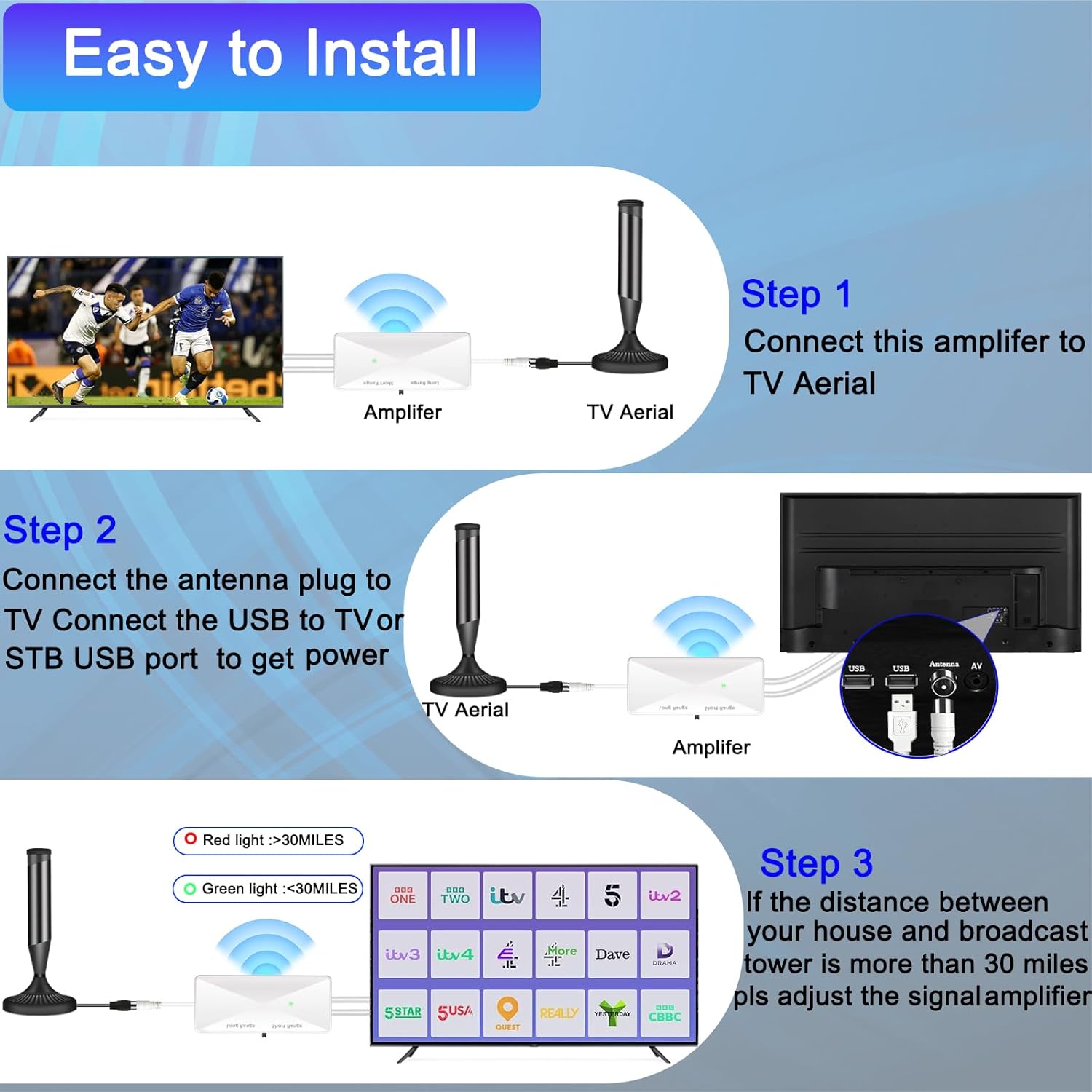
The instructions provided are straightforward: connect the TV aerial booster between the TV aerial and your TV (or STB box). In other words, it’s in-line—so the sequence matters. If it’s positioned incorrectly, you may end up with no improvement, or at least not the one you expected.
Because this is an in-line amplifier, you’ll usually want to treat your setup like a small system: aerial → booster → TV/STB. The product is described as easy to install, so you shouldn’t need specialised tools.
Where people can still trip up is the “when you don’t need it” scenario. If your antenna already has an amplifier built in, the guidance says you do not need another aerial booster amplifier. If you’re not sure whether your aerial is already amplified, it’s worth checking before buying.
Adjusting the gain: the useful part, and the one limitation
The adjustable gain (5dB to 25dB) is the feature that gives you control rather than leaving everything to chance. The idea is that you can turn left and right to choose a gain level that suits your signal conditions.
However, there’s a built-in limitation implied by the same logic: if your area signal is already strong, you may not get any benefit from boosting further. The included note explicitly advises against using it when your house is close to the broadcast tower and the signal is strong.
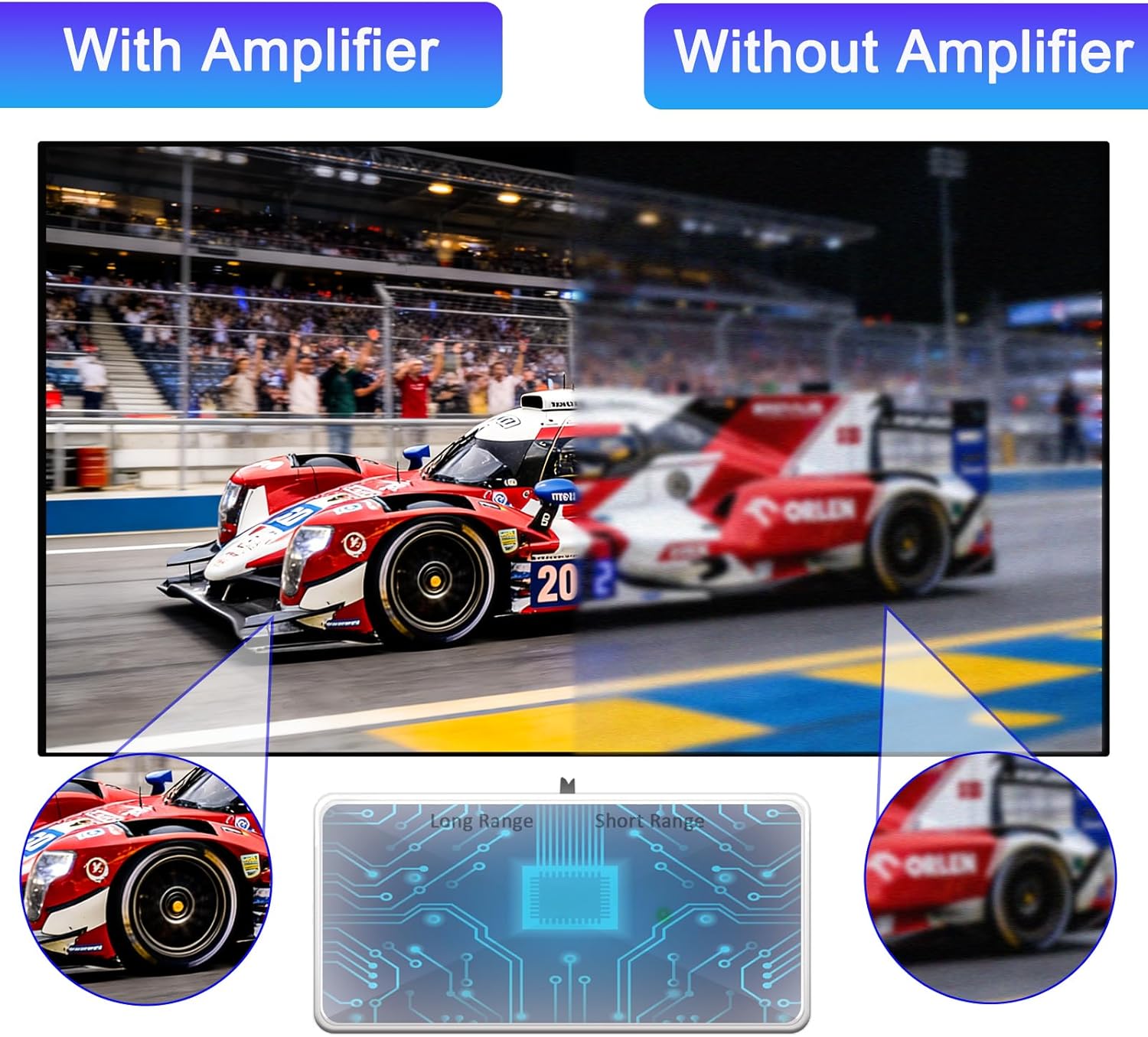
So, if you’re the sort of buyer who wants a “set and forget” solution, you might find yourself doing a bit of experimenting—typically adjusting the gain, rescanning channels, and seeing whether freezing or drop-outs improve.
Key points to check before you buy
This is where it pays to be a little careful. Based on the guidance provided:

- If your area has many green channels, you’re likely better off skipping a booster.
- If your area has mainly yellow or orange channels, a booster could help.
- If your current TV antenna is already equipped with an amplifier, you probably don’t need this.
- Your results can vary depending on distance from the broadcast tower.
- The booster includes a 4G/5G LTE filter, but it can’t solve every possible setup issue—like damaged cabling or physical aerial misalignment.
In short: it’s aimed at reception improvement, not a full troubleshooting replacement for a poor aerial placement.
Who it suits (and who should be cautious)
It makes sense if you’re getting the sort of reception problems described in the product notes—pixelation, freezing, or signal drop-outs—and you suspect your aerial feed is simply too weak.
It may not be a great match if: - Your local reception is already strong (lots of green channels). - Your aerial system already has an amplifier. - You expect it to compensate for an aerial that’s poorly positioned or faulty cabling.
If you’re in a rural or fringe area—where signal strength can be borderline—it’s the kind of accessory people consider before going to bigger changes.
Final verdict
Buying verdict
Worth considering if your channels are unstable and your area doesn’t look “green” for reception, and you’re willing to adjust the gain (5dB–25dB) until it feels right. The built-in 4G/5G LTE filter and the in-line plug-and-play design are practical touches on the way this type of booster is meant to work.
But skip it if your aerial setup is already amplified or your signal strength is already good. In those cases, you may be paying for something you don’t need, and the adjustment effort may not translate into a clear improvement.
Mini FAQ
Can I use it with any TV aerial?
The product guidance says it works with any antennas, and the connection is described as in-line between your aerial and your TV (or STB box).
How do I know what signal level I need it for?
Use the colour-channel guidance mentioned: if you see lots of green channels, you do not need it, if you mainly see yellow or orange channels, it suggests adding a booster.
What’s the adjustable range?
It’s described as offering a gain range from 5dB to 25dB that you can adjust left and right.
Does it help with 4K and HD?
It’s described as improving 4K, HD and standard TV picture quality, though real results will depend on your signal conditions.
What should I do if I’m still getting issues after fitting it?
The product notes say to contact for full technical support if you have issues, so it’s worth getting help rather than assuming the booster “should” solve everything.