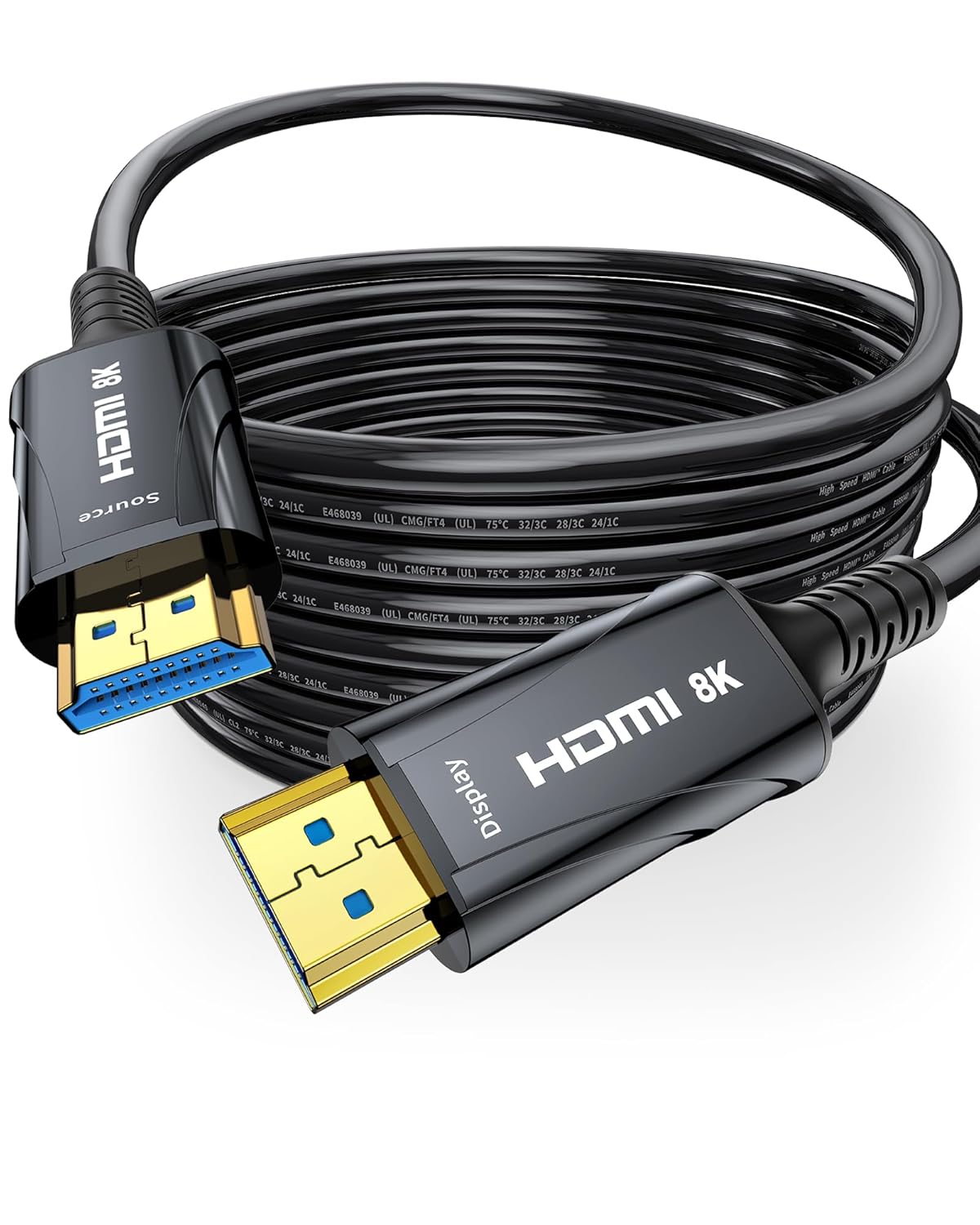
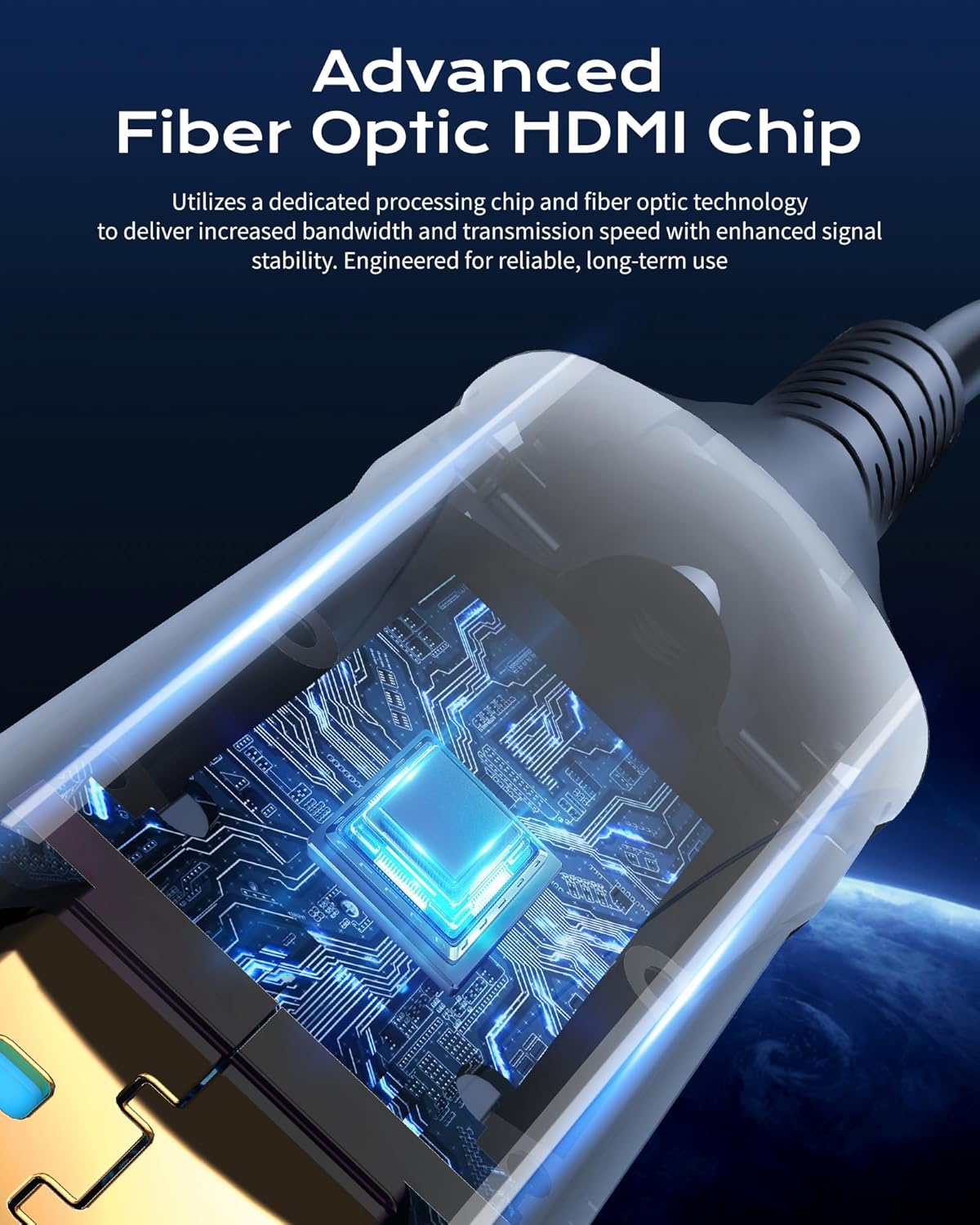
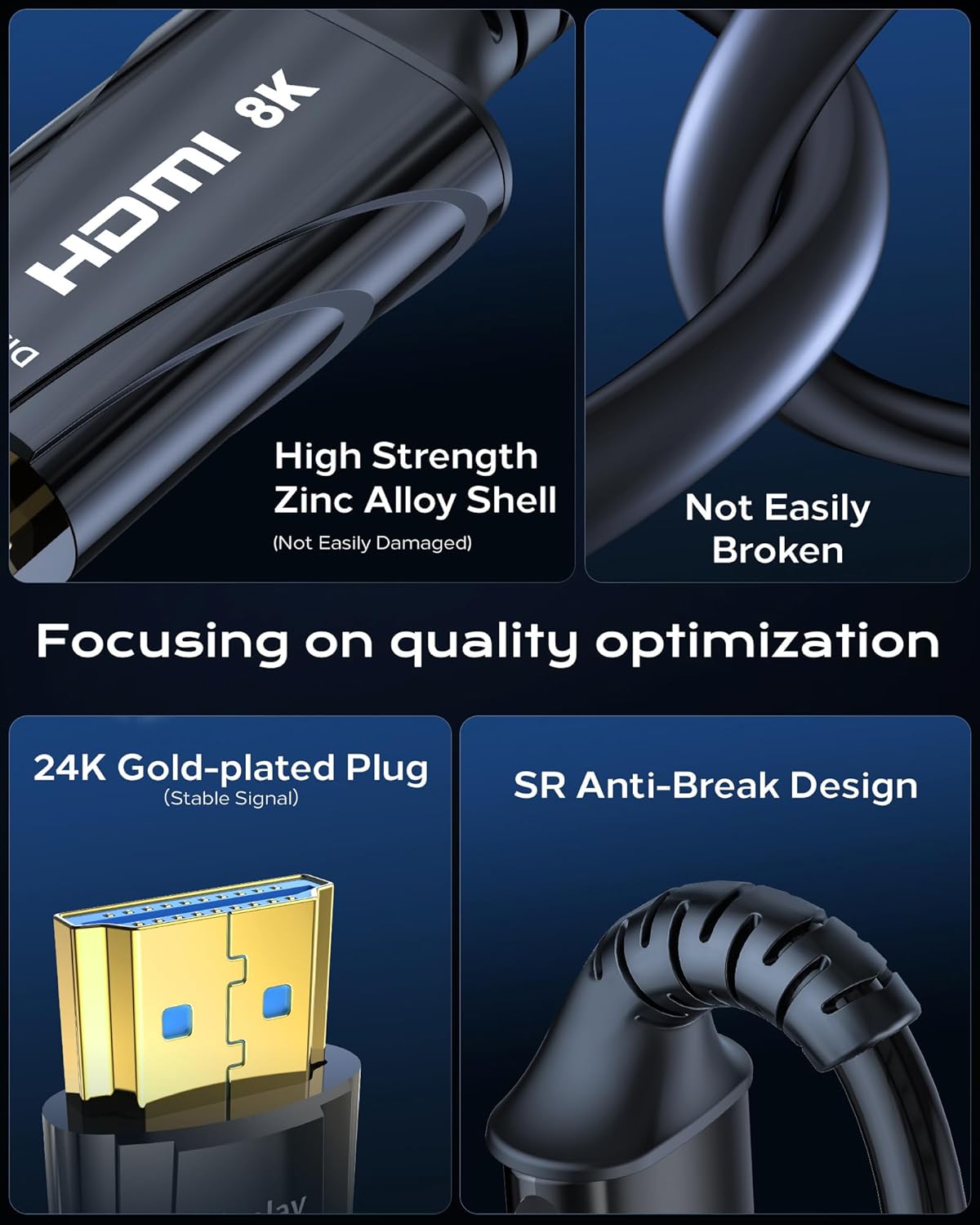
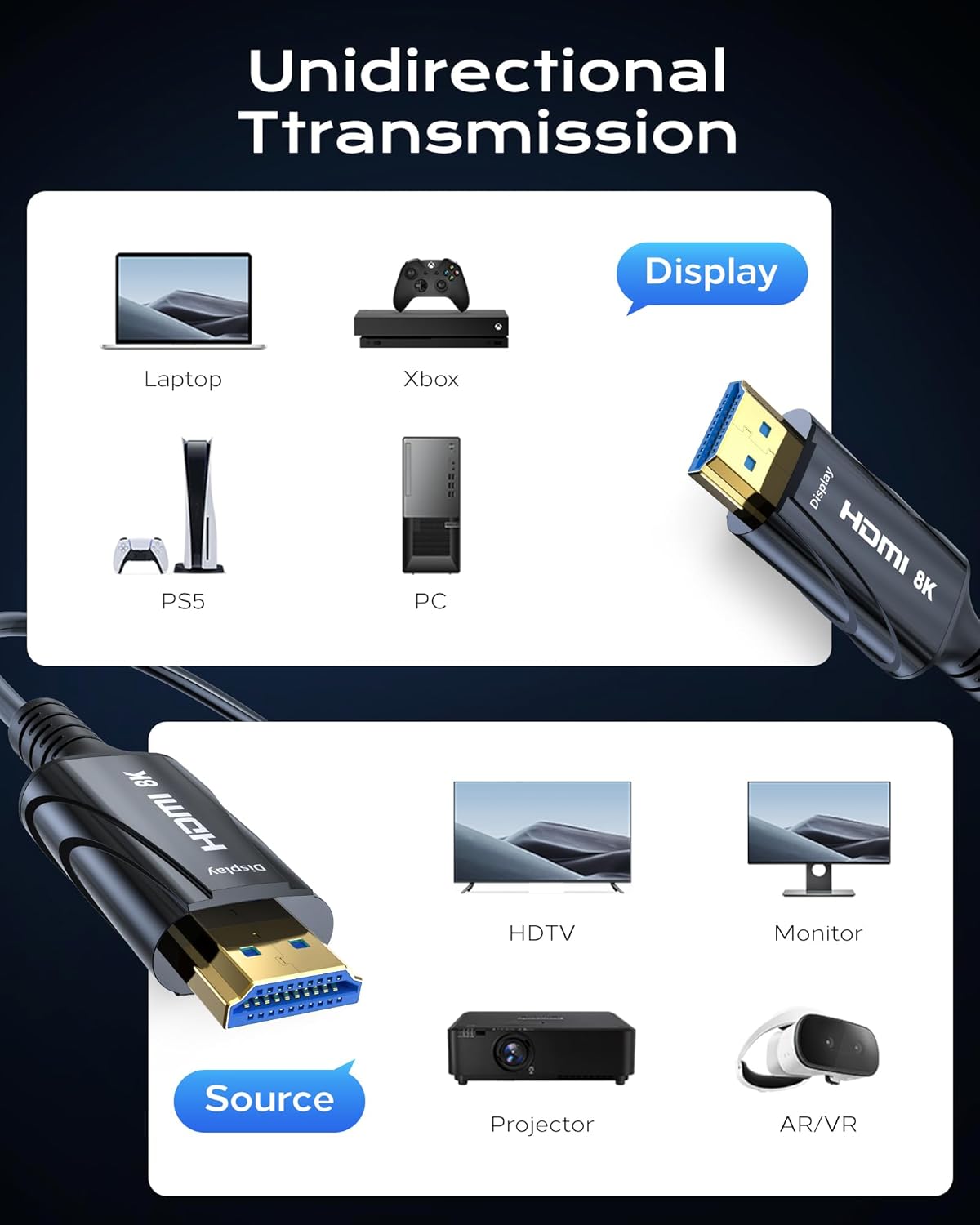
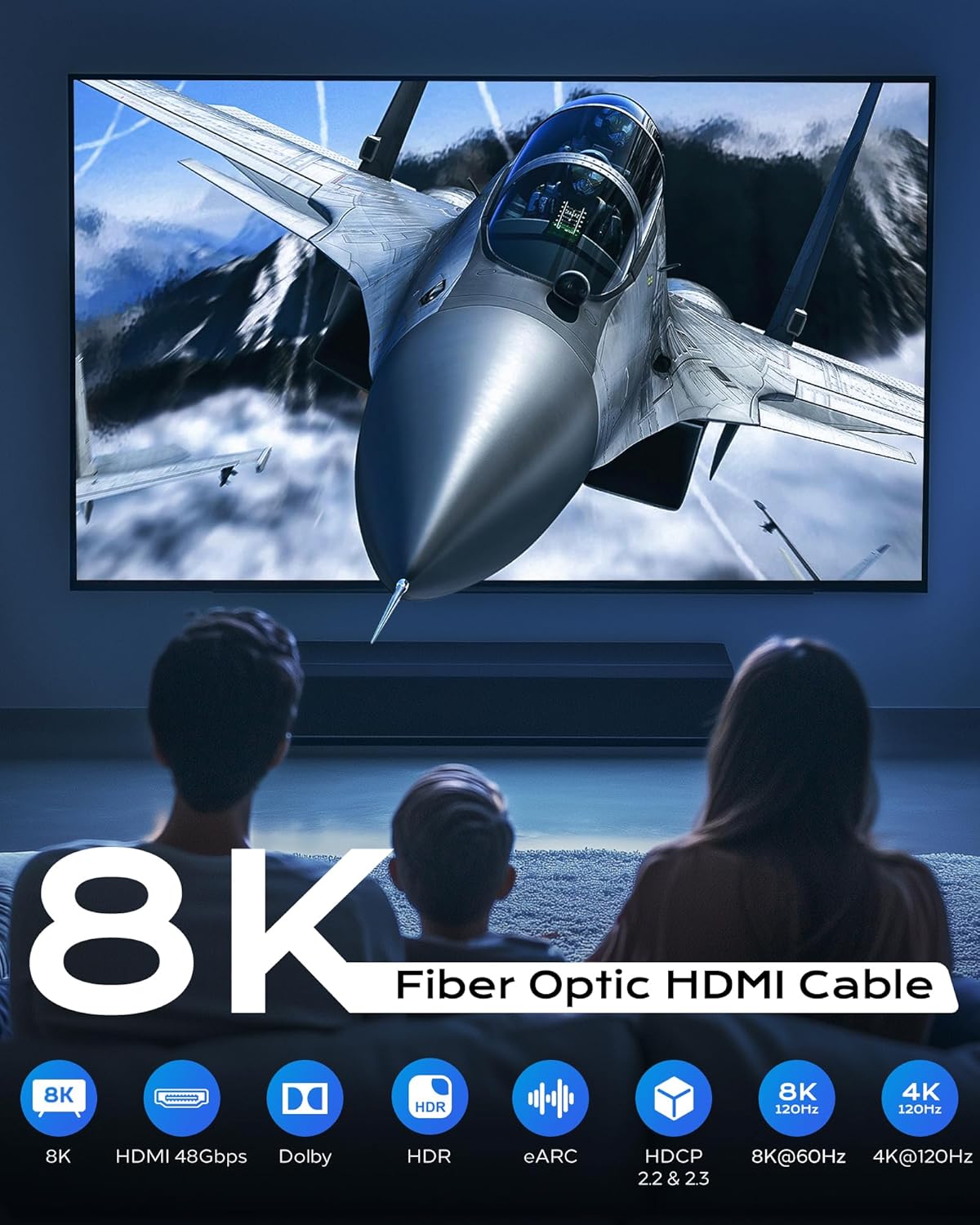
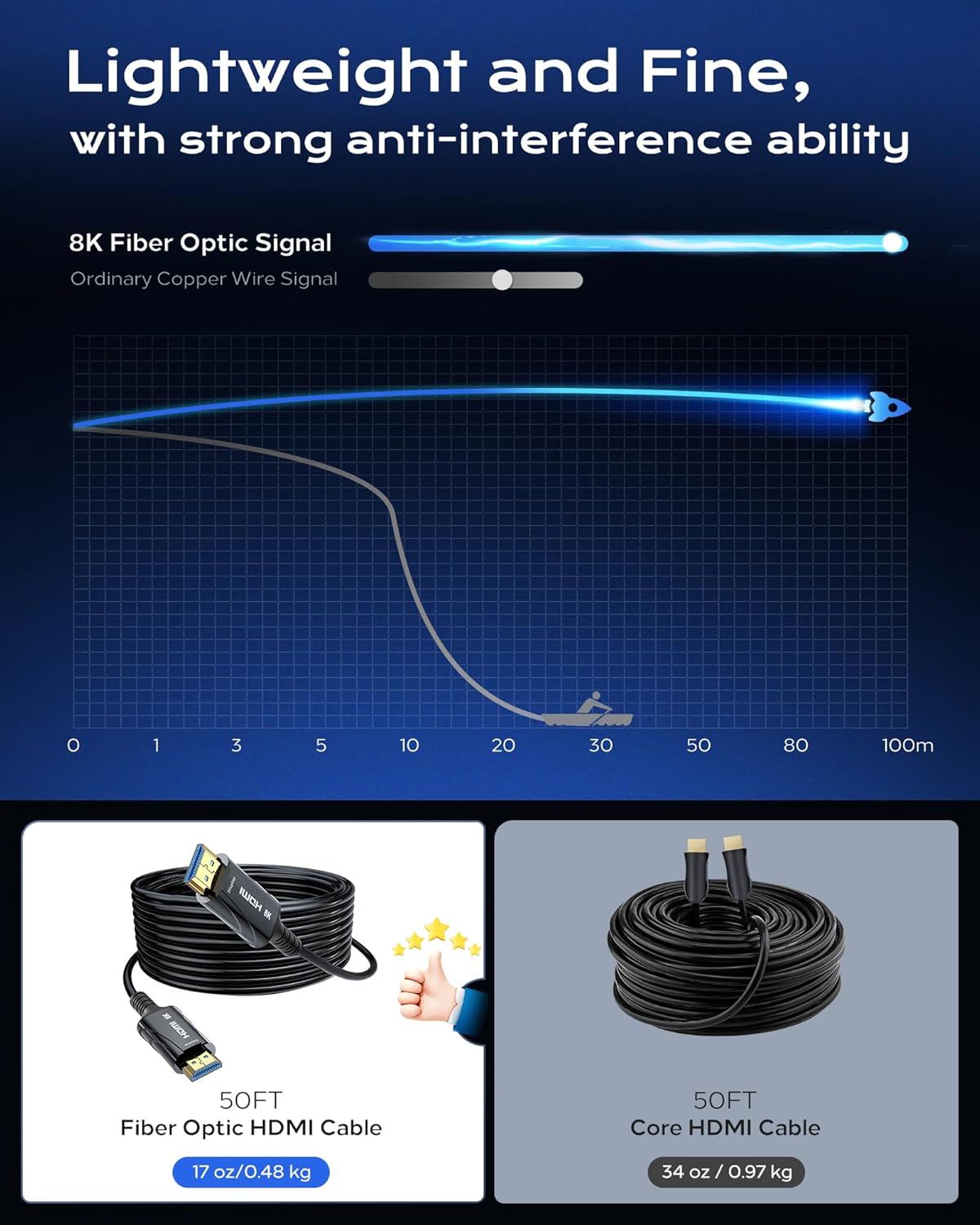
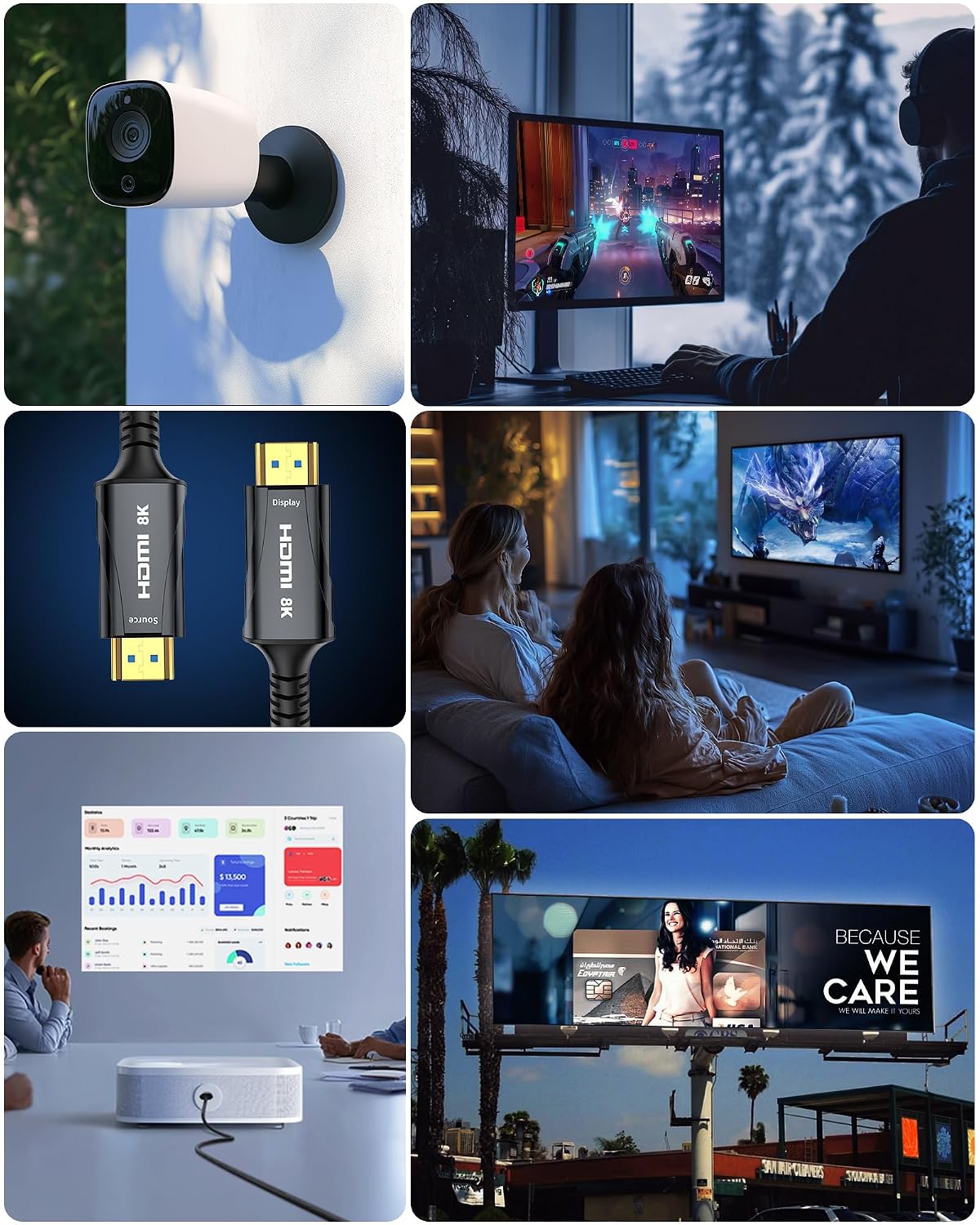
What this is and what it’s for\nCratree’s 8K Fiber Optic HDMI Cable is a long-run HDMI solution designed to carry high-bandwidth video and audio signals over fibre. With support claimed for 8K at 60Hz and 4K at 120Hz, it targets setups where long cable length would otherwise compromise signal integrity, such as home theatres, conferences, or larger display arrangements. The claim is that plug-and-play operation avoids noticeable delay or frame drops, which can be important in gaming or real-time demonstrations.\n\n## How it’s built and what to expect\nThe cable uses an optical HDMI approach, paired with 24K gold-plated connectors and a zinc alloy housing. The design includes a multi-layer shielding strategy intended to minimise signal loss and guard against external interference. It’s marketed as backward compatible with HDMI standards 2.0 and earlier (1.4, 1.3, 1.2, 1.1), which matters if you’re connecting older devices. Note the emphasis on correct orientation: one end is marked SOURCE and the other DISPLAY, and you must connect them accordingly to ensure a signal path from source to screen.\n\n## What stands out in use\nIf you’re wiring a living room display, a projector in a den, or a conference room, the fibre design aims to maintain picture quality over a 30 m run where copper HDMI might struggle. The feature set suggests compatibility with advanced HDR formats (Dynamic HDR) and high-bandwidth features like eARC, variable refresh rate and other modern audio/video capabilities. Practically, this could help with clean 8K/60 Hz or 4K/120 Hz output when the source and display support it.\n\n## Limitations and what to consider\nOn the downside, the description emphasises installation direction, misplacing the SOURCE and DISPLAY connections could disrupt the signal. Real-world performance can depend on the exact source device capabilities, the display’s input options, and any intermediate equipment (switchers, adapters, splitters). Without independent testing data, it’s prudent to recognise that the “no delay or frame drop” claim is contingent on full compatibility and correct setup. If you’re working with devices that don’t support 8K/60 Hz or 4K/120 Hz, benefits may be less noticeable.\n\n## Who this is for\nIt’s likely most appealing to users planning long cable runs between high-end sources (laptops, Blu-ray players, game consoles) and large displays (HDTVs, projectors, monitors) who want to preserve signal quality without copper cabling compromises. It sits in a mid-to-high-end positioning, focusing on durability and future-proofing rather than inexpensive, short-distance HDMI needs.\n\n## When it makes sense to buy\nIf your setup requires a 30 m run and you value stable high-bandwidth performance, this fibre option could be sensible. In environments like home cinema or exhibition spaces where long distances are unavoidable, investing in a cable designed for higher resolutions and modern audio formats may be justified.\n\n## What to check before buying\n- Confirm your devices support the target resolutions and refresh rates (8K60/4K120) and HDR formats.\n- Ensure you can physically route a 30 m fibre HDMI cable in your space, accounting for bends and grounding.\n- Verify source and display ports are correctly labelled and compatible with HDMI 2.x features you intend to use, such as eARC or VRR.\n- Consider your environment and potential interference, the shielding should help, but practical results vary with installation.\n\n## Practical use case\nImagine connecting a 8K-capable media PC to a 100-inch display across a living room, with minimal lag and strong HDR performance. The long fibre path would ideally keep picture fidelity intact while allowing flexibility in room layout.\n\n## Quick comparison of approaches\nCompared with standard copper HDMI cables for long runs, fibre optics are designed to reduce signal attenuation over length. If your priority is a neat single-cable solution across a sizeable room or hall, this Cratree option leans into that use case rather than short-distance, budget-friendly copper cables. If your needs are modest—shorter runs and basic HD setups—a more economical copper option could be more appropriate.\n\n## What you’ll notice in use\nIn daily use, you’ll notice whether your devices actually push the claimed 8K/60 Hz or 4K/120 Hz outputs and whether HDR formats are preserved through the chain. The real-world impact depends on device compatibility and the content you’re playing.\n\n## Final decision\nIs it worth it? If you need a reliable long-length HDMI link for high-resolution video with modern audio capabilities, and you’re prepared to verify device compatibility and correct orientation, this Cratree fibre HDMI cable presents a credible option for 30 m deployments. It may not be the best pick if you operate on a tighter budget or only require shorter, simpler HDMI runs.\n\n## FAQ (practical, minimal)\n- Does it work with older HDMI devices? Yes, it’s described as backward compatible with HDMI 2.0 and earlier, though performance depends on the source/display capabilities.\n- Is the orientation truly important? Yes, connect SOURCE to the signal source and DISPLAY to the display.\n- Can I expect 8K at 60 Hz reliably over 30 m? The cable is designed for that possibility, subject to device support and proper setup.\n