

Corsair NAUTILUS 360 RS LCD Liquid CPU Cooler with 2.1" IPS LCD – 360mm AIO (White)
Product description
What it is and why people buy it
The Corsair NAUTILUS 360 RS LCD is a 360mm liquid CPU cooler that targets two things at once: keeping cooling performance calm and consistent, and adding an onboard display you can actually personalise. It’s an AIO (all-in-one) system, so you’re not dealing with coolant changes or complex custom loops. On the practical side, the bundle is built around “low-noise” operation and strong airflow through a radiator, while the LCD screen brings a bit of personality to your setup.
On paper, this kind of cooler suits builders who want a cleaner, more premium look than plain air cooling, and who care about acoustics as much as raw temperatures. The “daisy-chain” mention also points to a more streamlined approach to controlling multiple components together, which matters if you like tidier wiring and less faff during installation.
The LCD screen and the look you’ll notice
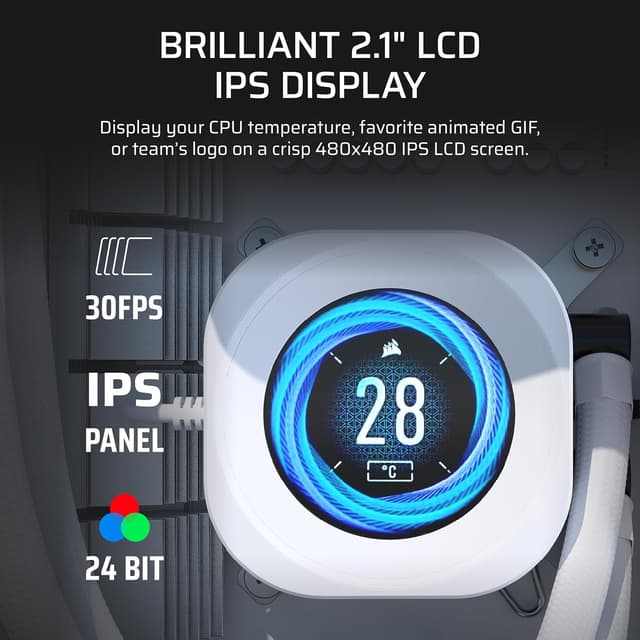
The headline visual feature is the 2.1-inch IPS LCD screen. A customised display is the obvious reason to consider this model, because most CPU coolers in the same broad category simply don’t offer a screen you can make your own.

If you’re the sort of person who wants a subtle status display (or something more playful) rather than another block of black or white metal, this is where the NAUTILUS 360 RS LCD earns its keep. The screen won’t automatically cool your CPU better, of course, but it can make the whole build feel more intentional.
Cooling approach, noise, and what Corsair is claiming
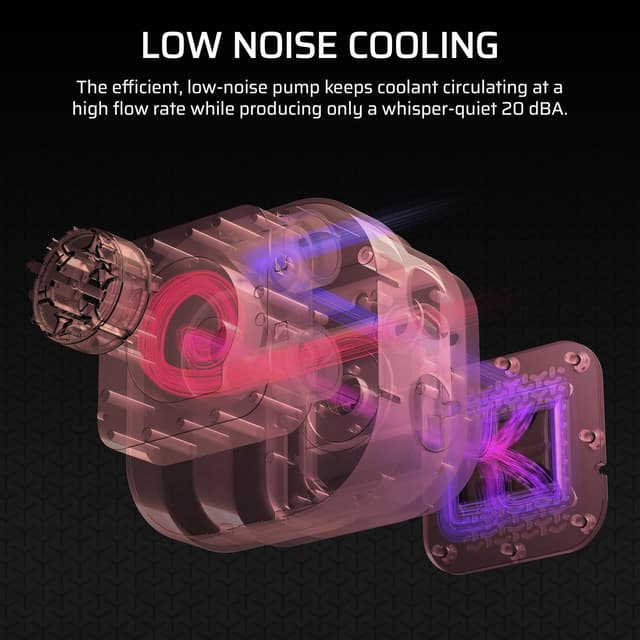
Corsair’s messaging here is consistent: efficient coolant flow, low noise, and solid contact with the CPU heat spreader. The pump is described as keeping coolant moving at a high flow rate while staying very quiet at 20 dBA. That’s a specific number, so it’s the kind of detail you can sanity-check against your own tolerance for fan/pump noise.
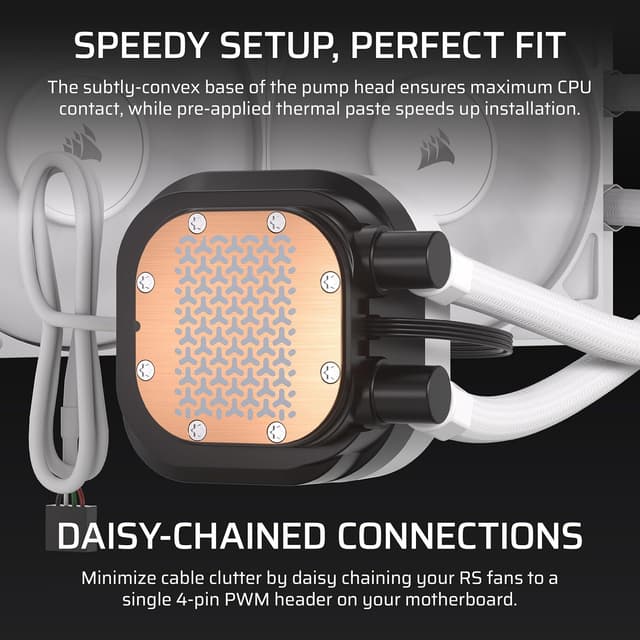
The cold plate design is convex with pre-applied thermal paste. The main idea is straightforward: a slightly convex layout can help maximise contact with a CPU’s integrated heat spreader, and having paste pre-applied reduces one of the more fiddly parts of installation.

Fans and radiator airflow (where performance is won or lost)
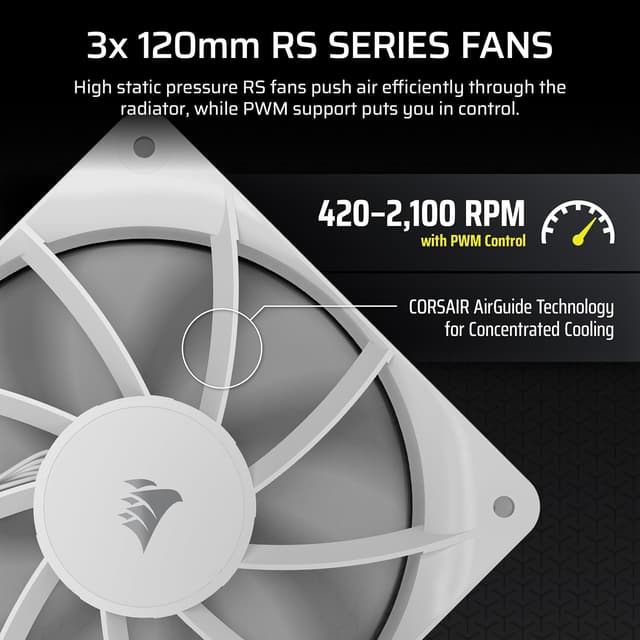
Cooling performance isn’t only about the pump, the radiator and fans do a lot of the work. The included RS120 fans are designed for higher static pressure, which is what you generally want when pushing air through a radiator fin stack.
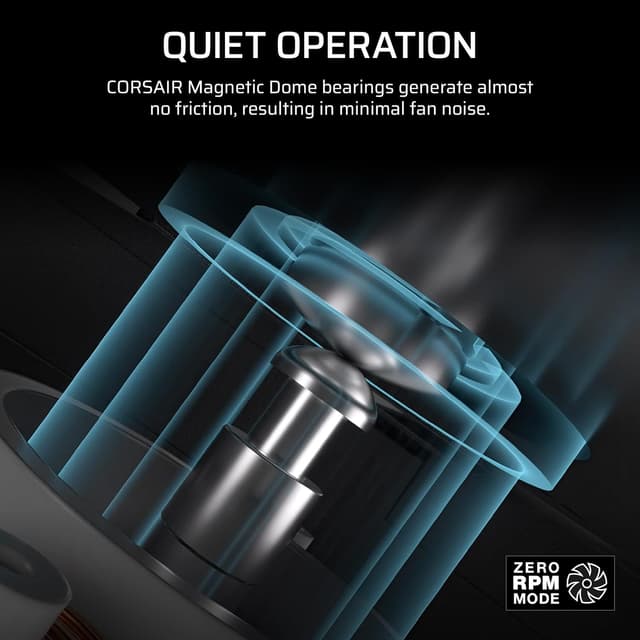
Corsair also references AirGuide technology and Magnetic Dome bearings. Those are the sort of features aimed at maintaining strong cooling while keeping noise down over time. This is the model you’d lean towards if you’d rather hear a gentle baseline than a constant, high-pitched hum.
A small “keep it real” note: low noise claims are promising, but real-world sound depends on your fan curve, case airflow, and how you mount the radiator. So if you’re extremely sensitive to noise, it’s worth planning your setup rather than assuming the quiet number automatically applies in your exact build.
Tech specs in plain English
- 360mm AIO liquid CPU cooler with a 2.1-inch IPS LCD screen
- Low-noise pump design rated at 20 dBA (as stated)
- Convex cold plate with pre-applied thermal paste
- Included 3x RS120 radiator fans
- Daisy-chain support (as mentioned in the product description)
- Intended compatibility listed as Intel LGA 1851/1700 and AMD AM5/AM4
Is it a good fit for your build?
It makes sense if you’re building a CPU-focused system and you want both cooling performance and visual customisation. This cooler feels aimed at people who plan on fitting a 360mm radiator and care about keeping noise levels down while maintaining strong airflow through the rad.
It may not suit you if you don’t have space for a 360mm radiator, or if your case choice is more “compact-first” than “radiator-friendly”. It can also be a bit of an overreach if you don’t care about the LCD at all—at that point, the extra screen and included fan bundle may not add much value for you.
Installation and everyday use tips
With a pre-applied thermal paste and a convex cold plate, the day-to-day difference is largely about reducing installation mistakes. A practical approach is to dry-run the radiator and hose routing in your case before fully tightening anything, so you don’t end up fighting the tubing once the cooler is in place.
For everyday use, the key is fan control. The quiet pump and low-noise intent work best when your system isn’t constantly ramping up aggressively. If your motherboard offers sensible fan curves, you’ll likely get the calm experience this model is trying to deliver.
Also, think about the visual side: if you’ll actually use the LCD to show something (rather than leaving it static), it adds real satisfaction during daily use—booting up and seeing that small personalised touch.
Quick overview of what to double-check before buying
Before you commit, it’s worth confirming the compatibility list matches your CPU socket (Intel LGA 1851/1700 or AMD AM5/AM4, as stated). You’ll also want to be sure your case can physically accommodate a 360mm AIO radiator. Finally, check your wiring and fan layout expectations, especially if you want the “daisy-chain” approach to keep things tidy.
Buying verdict
It’s a solid pick if you’re after an AIO with a 2.1-inch IPS LCD screen, want the included 3x RS120 fans for strong radiator airflow, and care about low noise (20 dBA is stated) as part of the experience. It suits builders aiming for a cleaner look and quieter day-to-day operation, and it makes the most sense when you actually have room for a 360mm radiator.
You may want to skip it if your case can’t take a 360mm radiator, if you’re not interested in the LCD feature, or if you prefer a simpler, fuss-free cooling route where the display aspect isn’t worth paying for.
Mini FAQ
Does the cold plate come with thermal paste already applied?
Yes. The product description says the cold plate has pre-applied thermal paste, which should make installation quicker.
How quiet is the pump?
Corsair states the pump is designed to stay whisper-quiet at just 20 dBA.
What radiator size is included?
This is a 360mm AIO, and it includes 3x RS120 fans.
Which CPU sockets does it support?
The compatibility list provided is Intel LGA 1851/1700 and AMD AM5/AM4.
Is the LCD mainly for looks?
Based on the description, the LCD is for customisation and style, the cooling benefits come from the pump, cold plate contact, and radiator fan setup.