

Corel PaintShop Pro Ultimate: Photo Editing & Graphic Design
Product description
What it is and who it’s for
Corel PaintShop Pro Ultimate is a subscription-free digital download that combines photo editing and graphic design in one package. It’s positioned as a versatile toolkit for photographers and creatives who want full editing control without recurring fees. If you value an integrated suite that covers RAW processing, HDR, and creative design tasks, this product aims to align with those needs in a single licence.
Core features and what they mean in practice
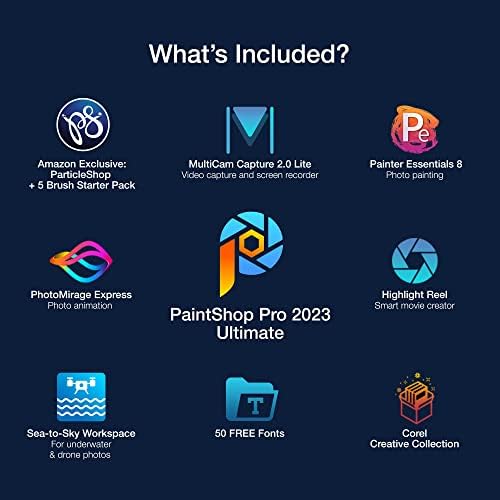
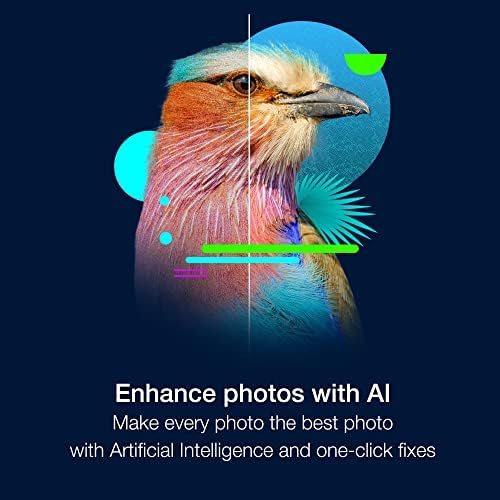
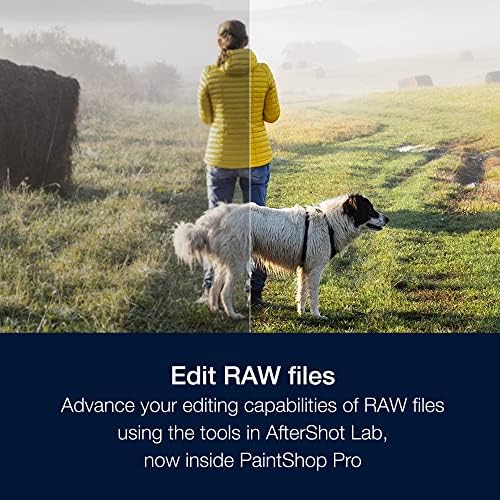
On the photo editing side you get full-featured tools to correct and adjust images, remove unwanted objects, and change backgrounds. It includes AI-powered capabilities, and a new AfterShot Lab for RAW image editing, plus HDR creation and batch processing to speed up repetitive tasks. The suite also ships with extras such as MultiCam Capture 2.0 Lite for screen capture needs, and Painter Essentials 8 for painterly experimentation, which broadens the creative scope beyond standard photo edits.
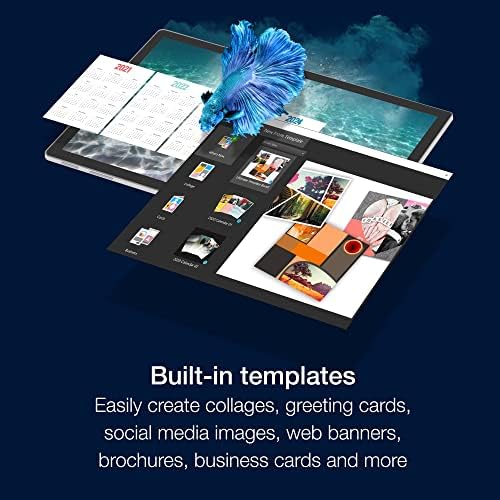
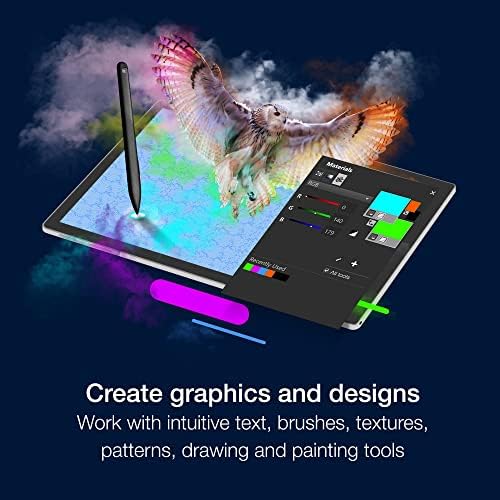
In terms of design, the software offers layers, masks, selection tools, text, brushes, and painting tools, with hundreds of creative filters and built-in templates. The Frame Tool is included and expanded to support a variety of layouts, while the Corel Creative Collection opens up additional resources for textures and effects.
How the workspaces and workflow feel on the desk
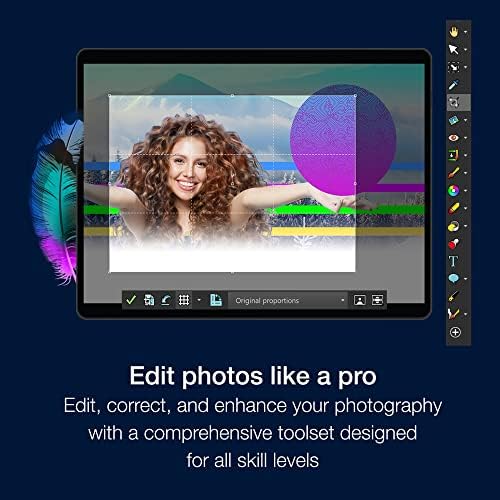
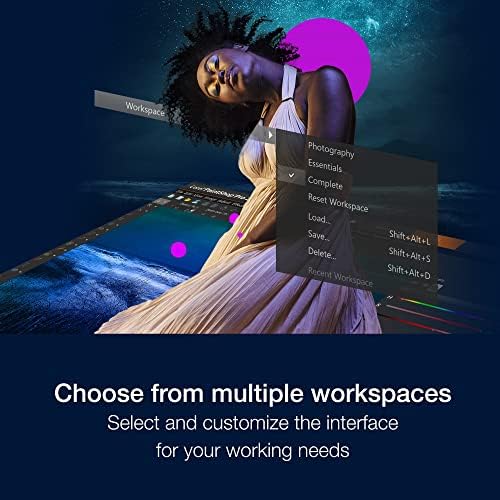
You can choose from multiple customisable workspaces to suit your editing style, which helps when juggling photo editing with graphic design tasks. The Sea-to-Sky Workspace, an Ultimate-exclusive feature, is pitched as a way to elevate underwater and drone photography editing, though the practical impact will depend on your subject matter and capture quality.
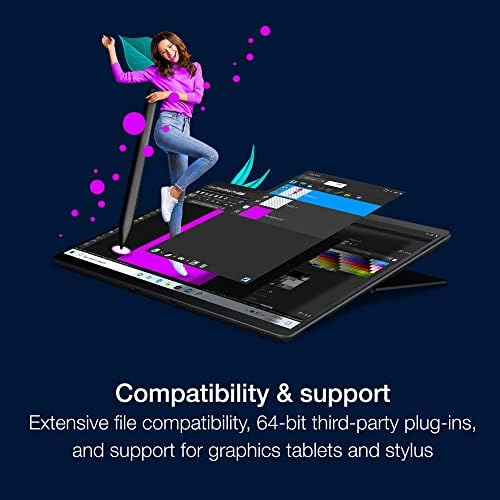
Importing and exporting support is broad, including compatibility with PSD files and 64-bit third-party plug-ins and graphics tablets. For learning, there are in-product resources to help you get up to speed, which can be useful if you’re transitioning from another editor.
What stands out and where it may fall short
On the positive side, the all-in-one approach reduces the need to juggle multiple licences. The inclusion of a dedicated RAW workflow, HDR, and batch processing can save time for serious editors. The additional creative tools—like PhotoMirage Express and Highlight Reel—offer quick paths to engaging outputs without extra software.
However, the breadth comes at the cost of complexity. If you mostly need a simple, single-task editor, PaintShop Pro Ultimate may feel heavier than some niche alternatives. The value hinges on how much you’ll use the extra design features and the Royalty-free fonts and extras included, which aren’t quantified here.
What it’s best for and who should consider alternatives
If you’re a creator who does both photo editing and graphic design, and you want a single purchase rather than a subscription, this product is worth considering. It can suit hobbyists stepping up to more advanced editing as well as semi-professional creators who value batch processing, RAW workflow, and creative templates.
It may not be the best fit if your work is dominated by a streamlined workflow with a lighter footprint or if you rely on specialist plug-ins not supported in this suite. Those who prioritise a minimal interface or a lighter system load might look for a simpler toolset.
Practical buying considerations
Before purchasing, check how much you expect to use the non-photo design features and whether you already have workflows that align with the included extras. Consider your hardware—64-bit plug-ins and graphics tablets are supported, but performance will depend on your system, especially for RAW editing and batch processing tasks.
If you’re deciding between this and a more pared-back editor, think about the value of bilingual features like the Sea-to-Sky Workspace and the Corel Creative Collection. Do these extras genuinely align with your usual subjects and design outputs, or would a more focused editor suffice?
How it compares to practical approaches

In practice, PaintShop Pro Ultimate sits between basic, user-friendly editors and high-end professional suites. It offers more design flexibility than entry-level tools and a broader feature set than many single-purpose editors, without requiring ongoing subscription costs. For users who want to experiment with effects, textures and composites alongside photo edits, this package can provide a cohesive platform to grow into.
What to look for before you buy
- Confirm you have space and performance headroom for RAW editing and HDR processing.
- Consider how often you’ll use the non-photo features (Painter Essentials, MultiCam Capture, PhotoMirage Express) and whether they justify the overall value.
- Check your workflow compatibility with PSD import/export and any third-party plug-ins you rely on.
- Review the availability of in-product learning resources if you’re upgrading from a more basic tool.
Final decision: Is it worth it?
If you need an all-in-one solution for both photo editing and graphic design, and you prefer a one-off purchase over a subscription, PaintShop Pro Ultimate can be a sensible choice. It makes sense for creators who benefit from RAW processing, HDR capabilities, and a rich set of design features within one licence. It may not be ideal if you want a lean, ultra-simple editor or if your primary needs are limited to one or two specific tasks.
Frequently asked questions
- Can I import my existing PSD files and continue editing? Yes, the software supports PSD import/export.
- Does it include video or screen capture features? It includes MultiCam Capture 2.0 Lite as part of the package.
- Are there learning resources inside the program? Yes, learning resources are available in-product to help you get started.
- Is it suitable for beginners? It offers a broad feature set, beginners may benefit from the in-product resources, but there is a learning curve to leverage advanced editing and design tools.
Quick use example
Imagine you’ve taken a drone shot of a seaside town. You can RAW-edit the image to recover detail, apply HDR to balance skies and water, then use masks and brushes to blend a coastal texture. If you want to create a promotional flyer, you can switch to a design workspace, drop in text with a few template options, and finish with a frame to present to a client. All within one suite.