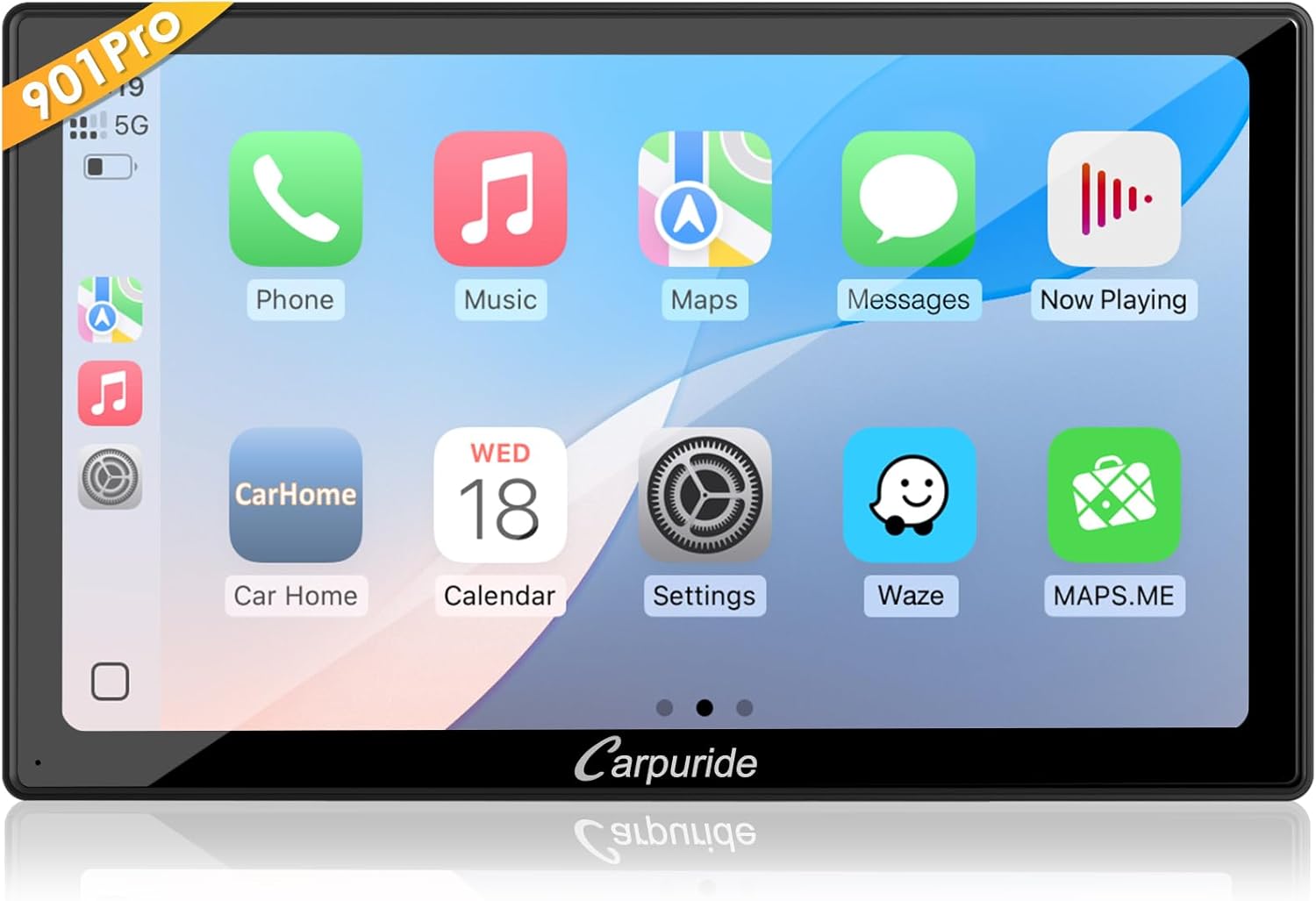
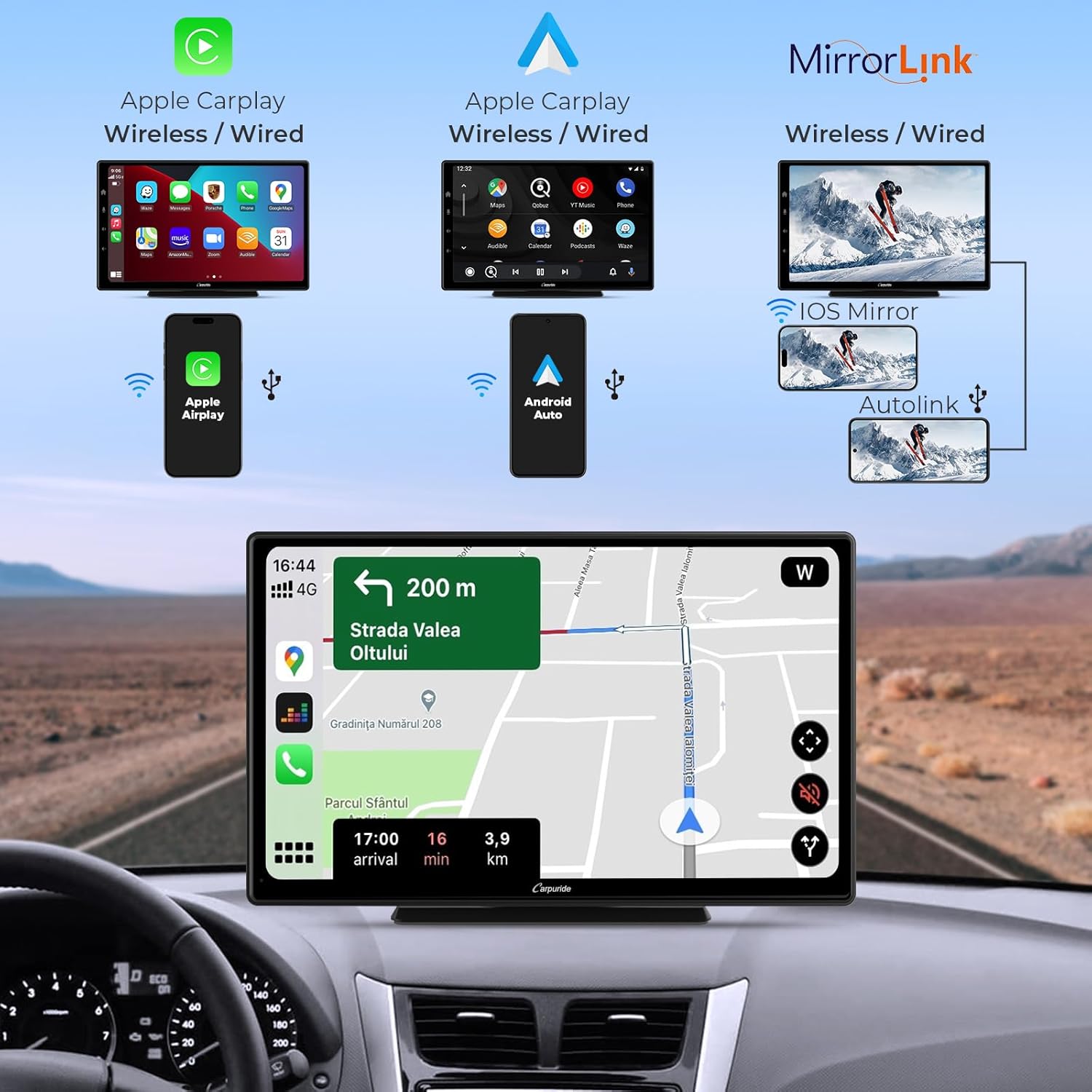
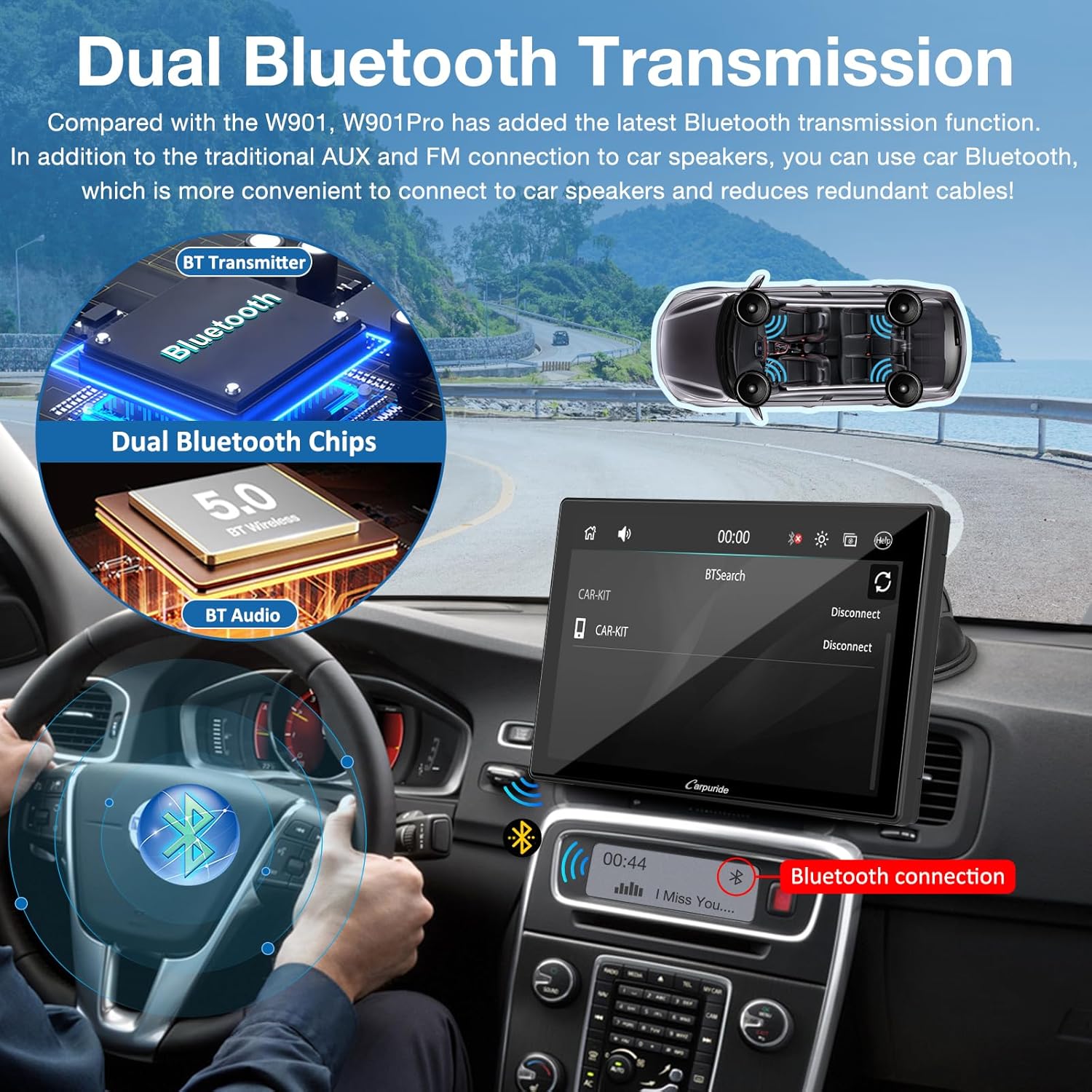
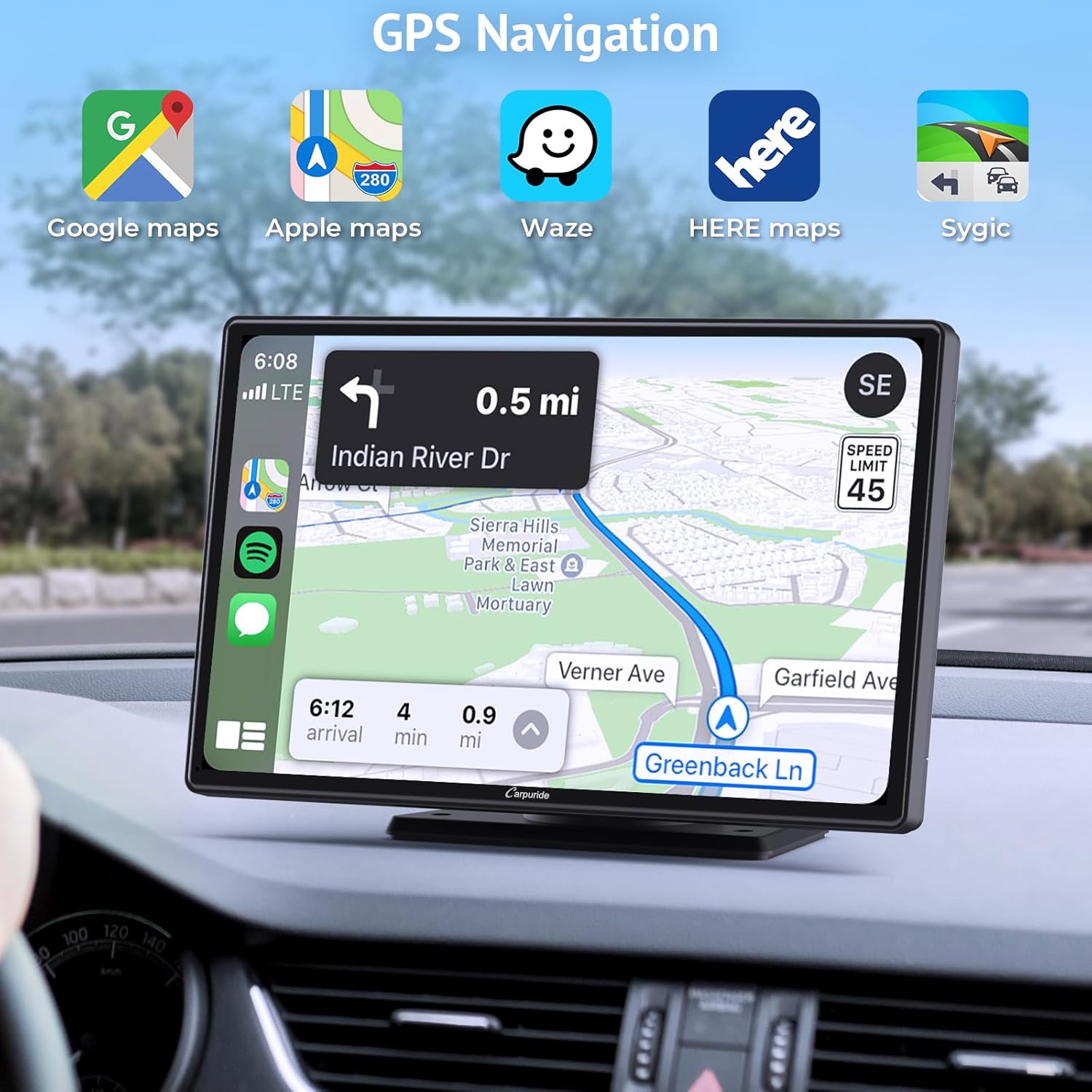
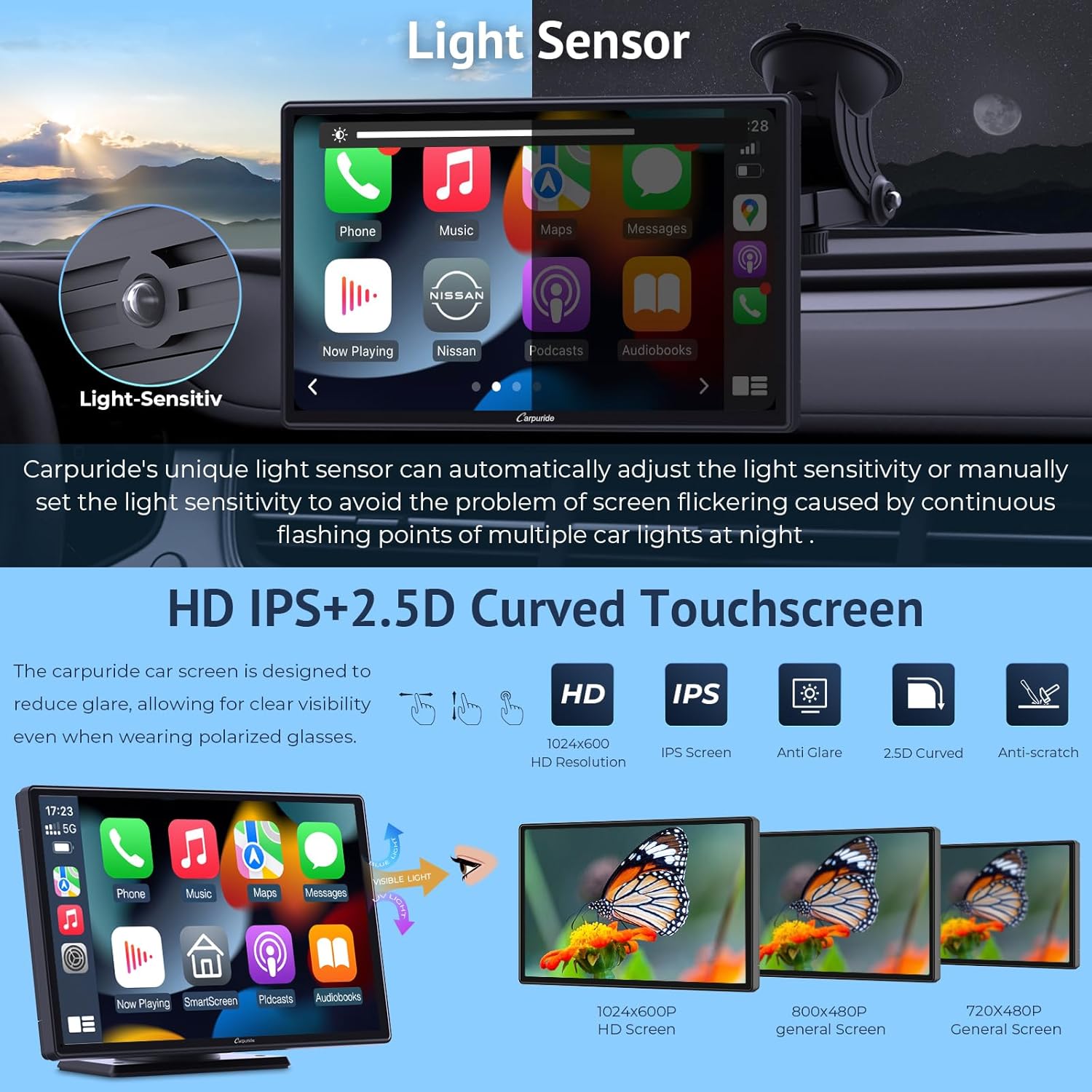
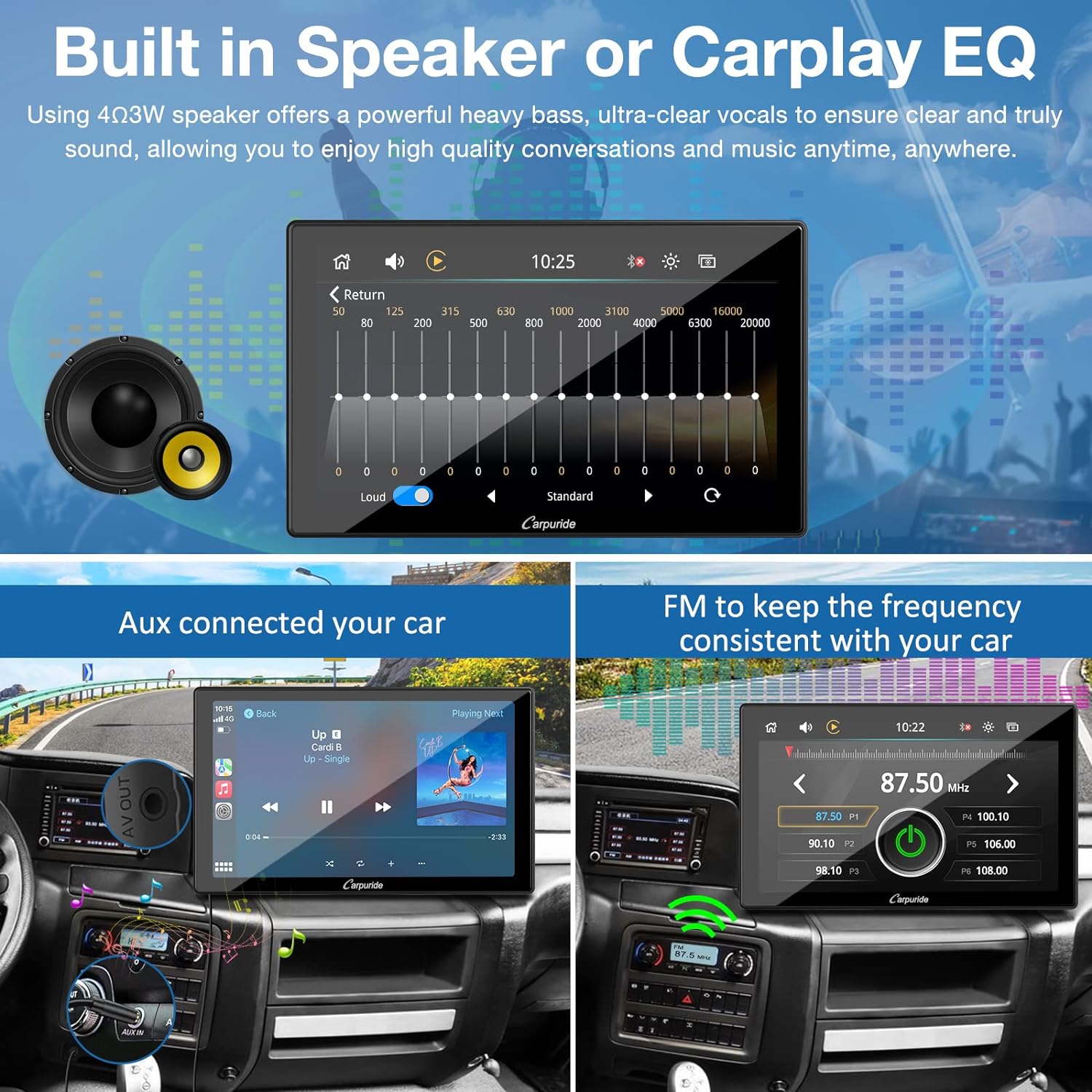
What it is and what problem it solves\nThe CARPURIDE W901 Pro is a 9-inch IPS portable car stereo that blends wireless CarPlay and Android Auto with a responsive touch screen. It aims to provide a safer, more convenient way to access maps, messages and music from your phone while driving, without needing a full dashboard replacement. On paper, it supports wireless or wired connections, plus dual Bluetooth for bridging between your phone and the car’s speakers. If you prioritise keeping essential smartphone features within arm’s reach, this device offers a compact upgrade rather than a full-head unit.\n\n## How it works in practice\nAfter pairing, you can access GPS navigation, messages, calls and Bluetooth music through the car speakers or built‑in mic for hands‑free calls. There’s mirror‑link for most Android and iOS devices, so navigation maps, videos and music can be viewed on the 9‑inch touch display. The system also supports voice control via Siri and built‑in microphone, with options to use an external 3.5mm mic if you prefer. Compared with a standard dash radio, it’s more about extending your phone’s capabilities rather than replacing the car’s original entertainment.\n\n## Key strengths you’ll notice\nThe W901 Pro upgrades to dual Bluetooth, enabling a connection to the car’s Bluetooth system for playback through the car speakers in certain modes. The screen is anti‑glare and capacitive, with a 1024×600 resolution that should remain legible under typical daylight. Sensor‑based dimming helps reduce eye strain in tunnels, and brightness has ten levels plus manual control. The unit includes a built‑in speaker and microphone, delivering clearer calls and music, and it also supports external mic options for flexibility.\n\n## What you’ll notice in everyday use\nIt works as a plug‑and‑play accessory that you mount on the dashboard with a suction cup, then adjust the position to suit your view. Its base rotates 360 degrees, allowing a quick setup without professional installation. The system supports multiple audio routes: Bluetooth streaming from the phone, Bluetooth input to car speakers, or using the car’s AUX/FM transmission to play through the car system.\n\n## Who it’s for (and who it isn’t)\nThis is useful if you want seamless smartphone integration for navigation, calls and music without committing to a full multimedia head unit. It’s particularly appealing if you value a straightforward install and the flexibility of wireless CarPlay/Android Auto. It isn’t ideal for you if you rely on HarmonyOS devices, as compatibility with HarmonyOS phones isn’t stated. It also may not be the best choice if you expect unlimited app support or deeper vehicle‑system integration.\n\n## Before you buy: what to check\nConfirm your phone’s OS compatibility (iOS 6+ and Android 11+ are noted). Consider your car’s current Bluetooth setup and whether you want music playback through the car speakers via Bluetooth or via AUX/FM transmission. Review installation space on the dashboard and ensure you’re comfortable with a suction‑cup mounting rather than a built‑in install.\n\n## Practical use example\nImagine navigating to a destination with the phone tucked away, Siri handling voice commands, and music playing through the car speakers while you keep both hands on the wheel. The mirror‑link feature lets you view alternative routes or video playlists on the same display without switching devices.\n\n## Quick comparison of approaches\nIf you prioritise a non‑permanent upgrade and simple setup, a portable CarPlay/Android Auto display like this is a sensible middle ground between a basic stereo and a full head unit. It won’t offer the same level of integration or system‑level controls as an OEM‑style solution, but it suits those who want smartphone features in the moment with flexible mounting.\n\n## FAQ (practical answers based on available data)\n- Does it work with iOS and Android? Yes, with iOS 6+ and Android 11+ noted. HarmonyOS compatibility isn’t stated.\n- Can I use the car speakers for calls and music? Yes, via Bluetooth in some modes or through the built‑in mic when connected to the car’s system.\n- Is it easy to install? Yes, it’s designed for dashboard suction mounting with 360° rotation and plug‑and‑play setup.\n\n## Final decision — Is it worth it?\nWorth considering if you want a portable, less invasive way to access CarPlay/Android Auto features and mirror‑link on the road, with the benefit of dual Bluetooth for flexible audio routing. If your car already has a high‑end head unit or you need HarmonyOS support, this may be a secondary option.\n