

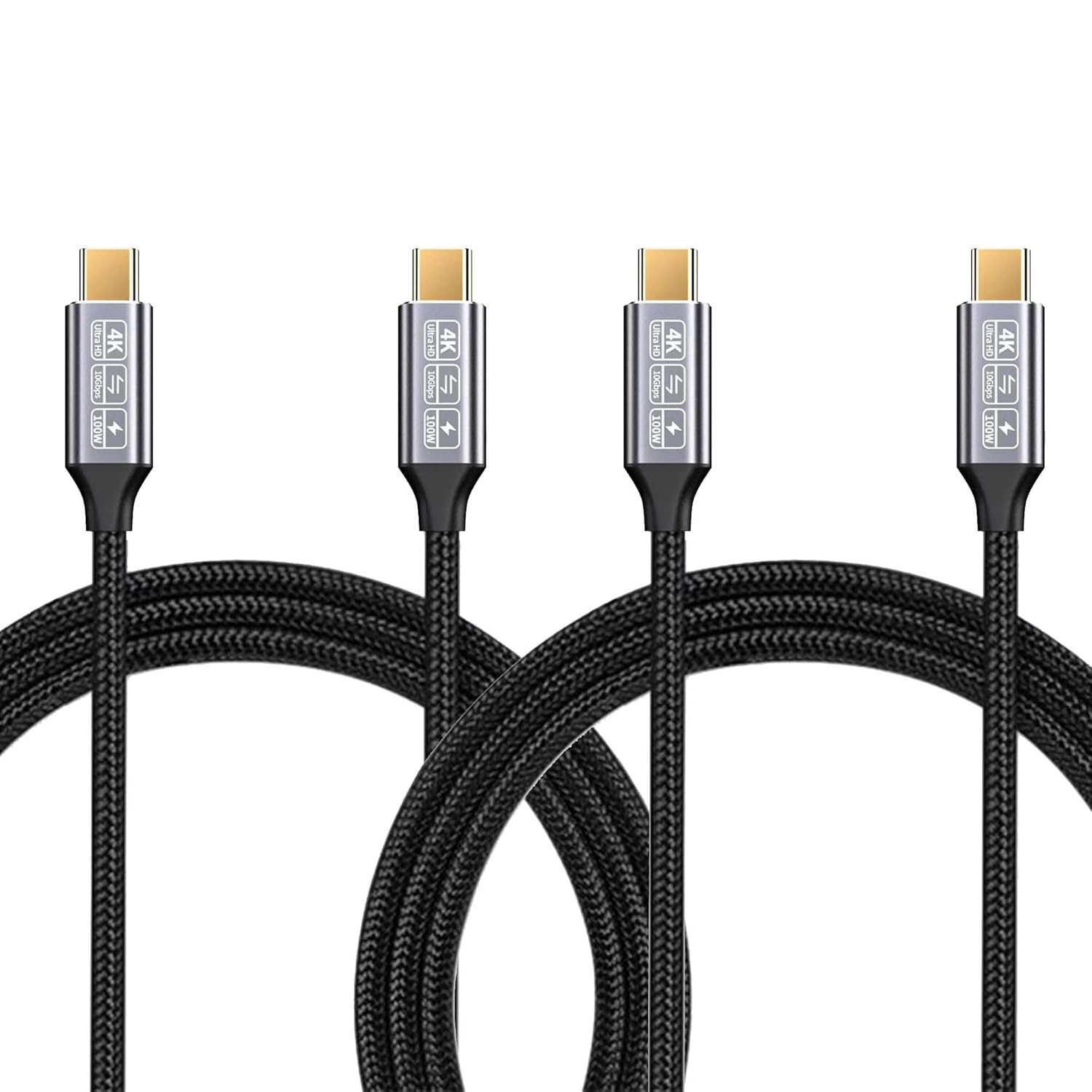
CAKOBLE USB-C to USB-C Data Cable 2m (2-Pack) with 10Gbps, 100W charging and 4K@60Hz video
Product description
The essentials
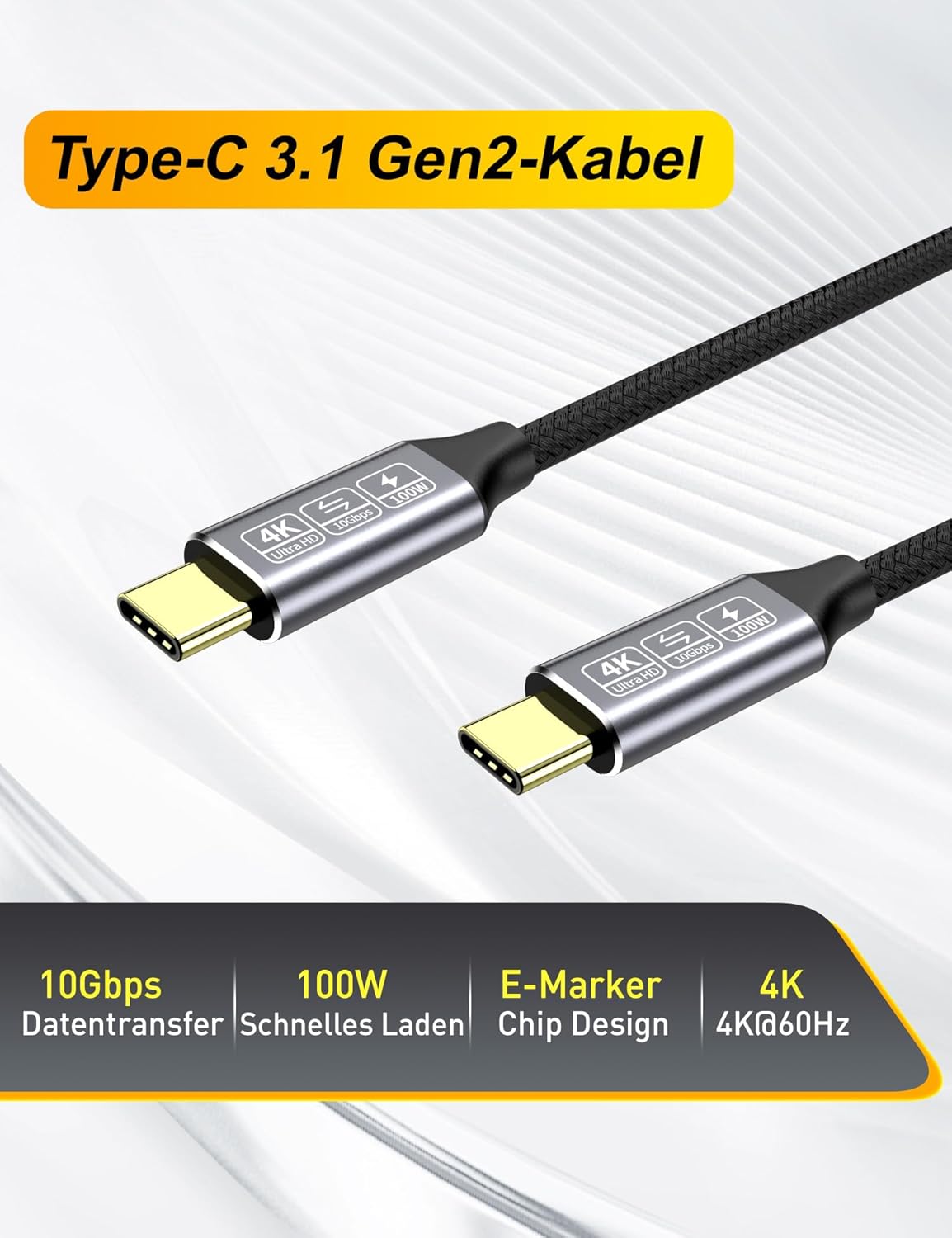
If you want one USB-C cable that can do more than just charge, this CAKOBLE USB-C data cable (2m, 2-pack) is aimed at day-to-day setups where you’re regularly moving files and occasionally sending video to a USB-C display. On paper it ticks the boxes: 10Gbps SuperSpeed data transfer, up to 100W charging power, and support for video output up to 4K@60Hz when you’re using compatible ports.
The “2m + 2m” format is also practical. It suits typical desk layouts where you need a little slack between laptop, dock, monitor, or a charging point—especially if you don’t want to wrestle with a short cable every time you switch between a monitor and a handheld device.
That said, cable claims can be optimistic depending on what you’re plugging into. Your exact charging speed and video output will still depend on the device and the port capabilities, so it’s worth checking compatibility before you commit.
What it’s for (and what it does best)
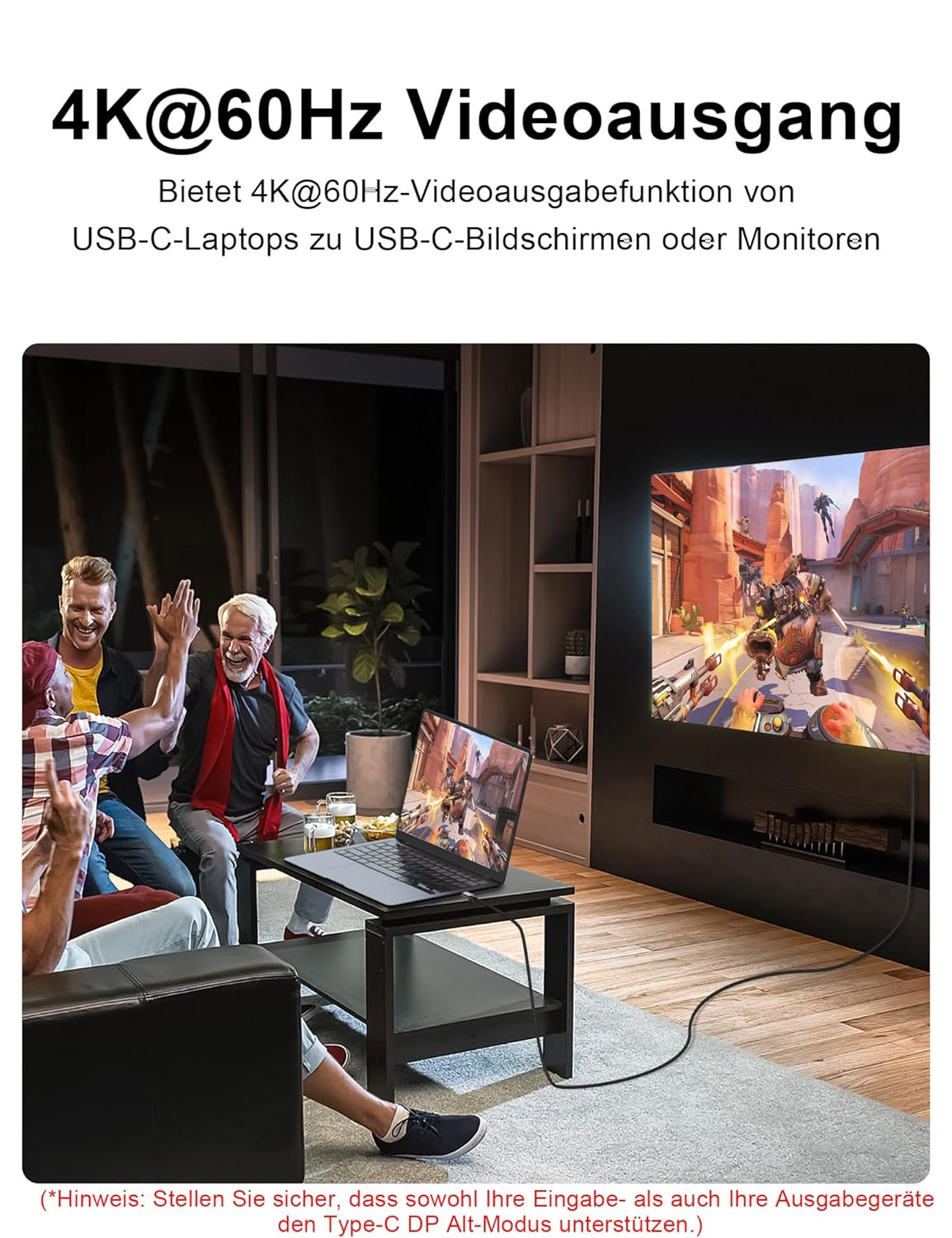
This cable is positioned as a USB-C to USB-C connection built around three main jobs: - Fast data syncing so you can move larger files (the listing quotes up to 10Gbps). - High-power charging using an E-marker chip, claimed up to 100W (5A). - Video output using DisplayPort Alternate Mode (DP Alt Mode) for 4K@60Hz output (not every USB-C port supports this in the same way).
A micro example: imagine you’ve got a laptop on a stand and a USB-C monitor at home. You’d run the CAKOBLE cable from the laptop to the monitor so you can both charge and send video, then plug an external SSD into the appropriate port for file transfers when you’re working. It’s the sort of “one cable for the routine” approach that can reduce clutter.
Key takeaways for buyers
Where this cable looks particularly useful is if you’re building a simple USB-C workstation without wanting to buy separate specialist cables.
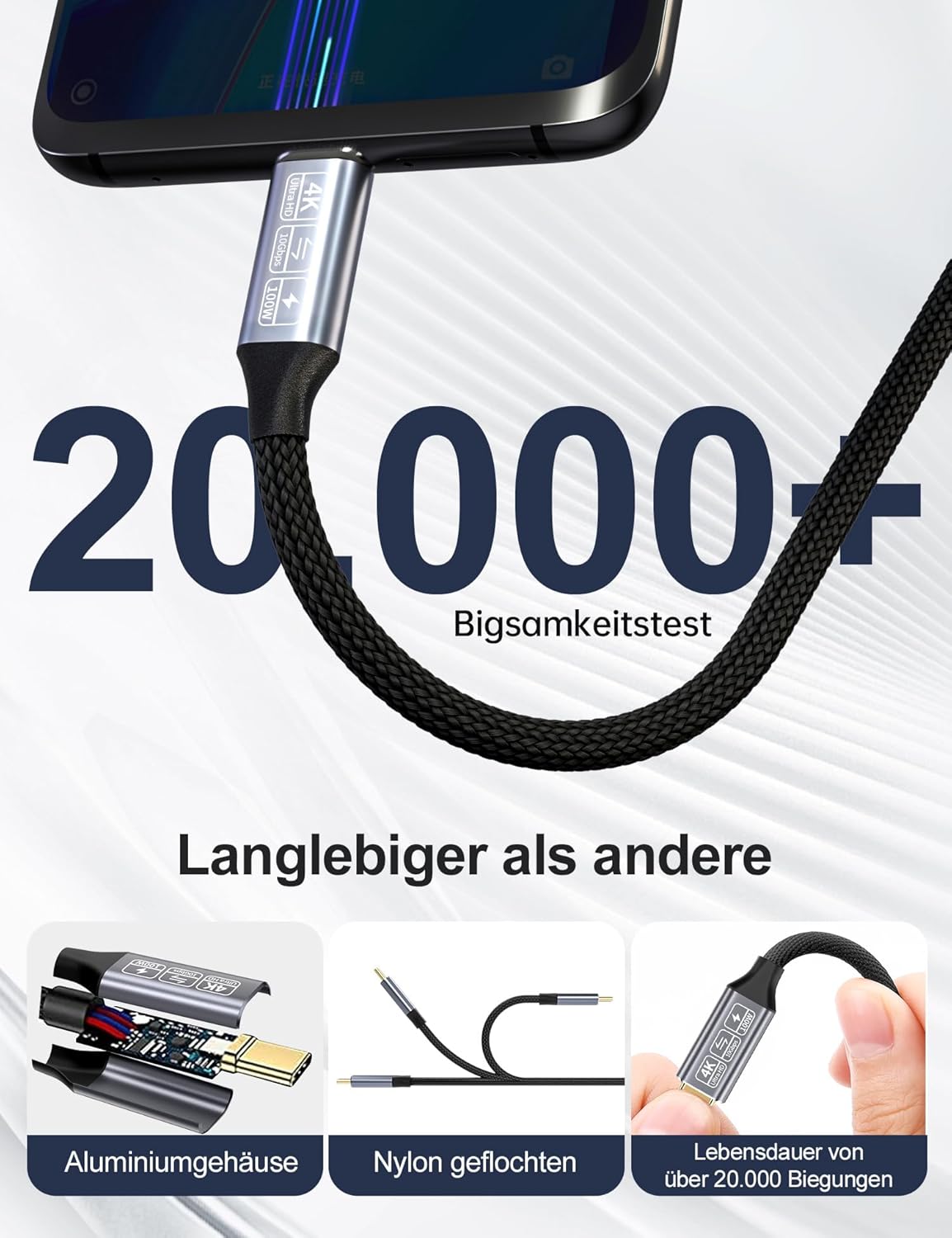
You also get a couple of quality signals in the materials and design notes: it uses oxygen-free copper (listed as 30AWG copper wire) with multiple aluminium foil shields, and the connectors are described as 24k gold plated for corrosion resistance.
The less convincing bit is that cable performance for video and charging is always conditional. If your display or laptop port only supports lower video modes, or if the charger/power path isn’t aligned with the cable’s up-to-100W potential, you won’t “unlock” the headline numbers.
Tech specs (from the listing)

- Name: CAKOBLE USB-C data cable (2m, 2-pack)
- Type: USB-C to USB-C
- Format: USB 3.1 Gen 2 / SuperSpeed
- Data transfer rate: up to 10Gbps
- Charging power: up to 100W (5A), via E-marker chip
- Video output support: 4K@60Hz (DP Alt Mode)
- Video standard mention: Thunderbolt 3 port support
- Cable length: 2m (2-pack)
- Connector finish: 24k gold plated (as stated)
- Conductor/shielding: oxygen-free copper core, multiple aluminium foil shields (as stated)
Compatibility and requirements to double-check
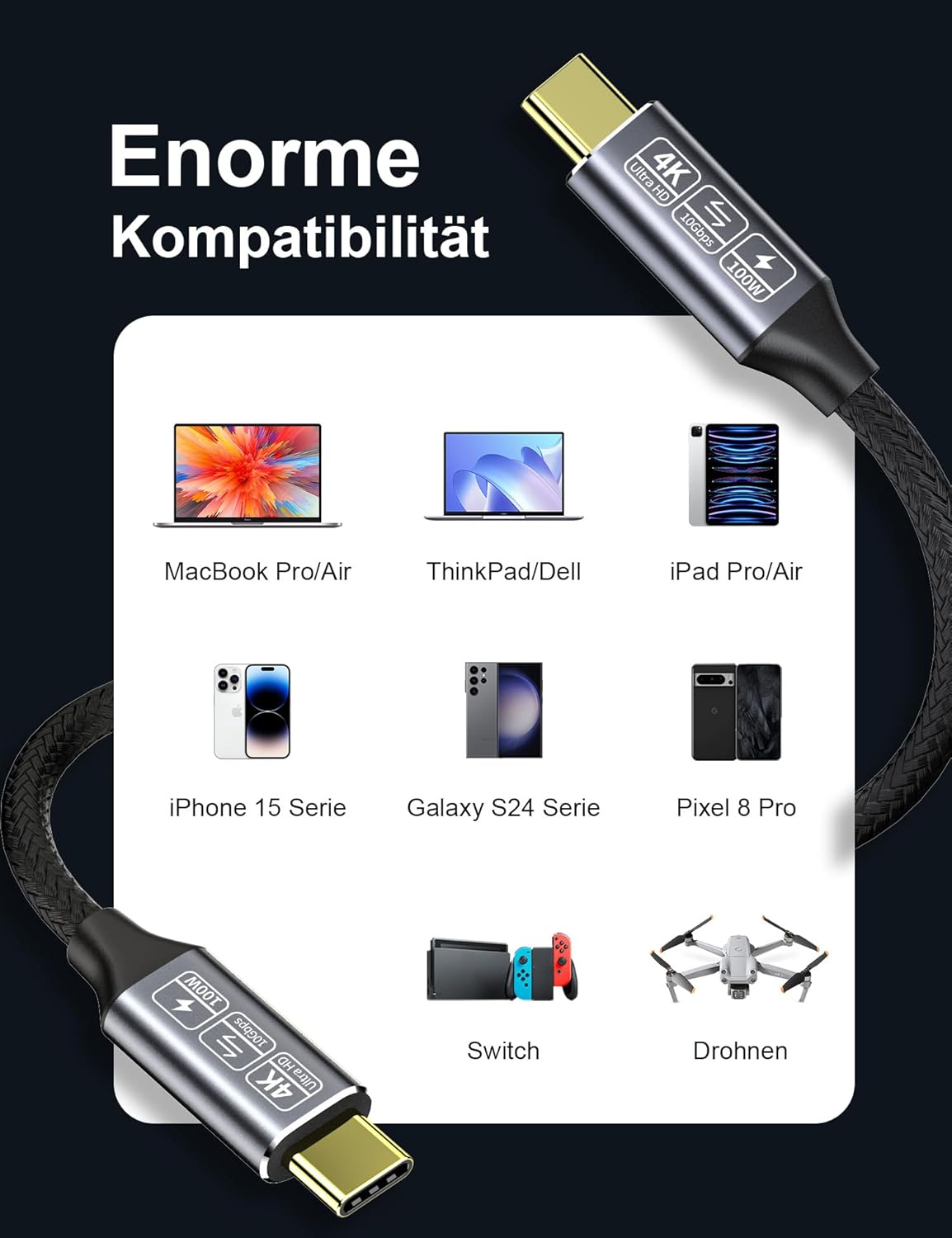
The listing claims “universal compatibility” with a range of USB-C devices and mentions both Apple and Android devices, plus USB-C charging. It also references monitor/dock use cases and Thunderbolt 3 style ports.
Still, the safe approach is to treat video output (4K@60Hz via DP Alt Mode) as something that depends on the exact USB-C port in your laptop/PC and the input on your display. If you’re buying for monitor output, you’ll want to confirm your device supports DP Alt Mode / the stated video switching on that specific port.
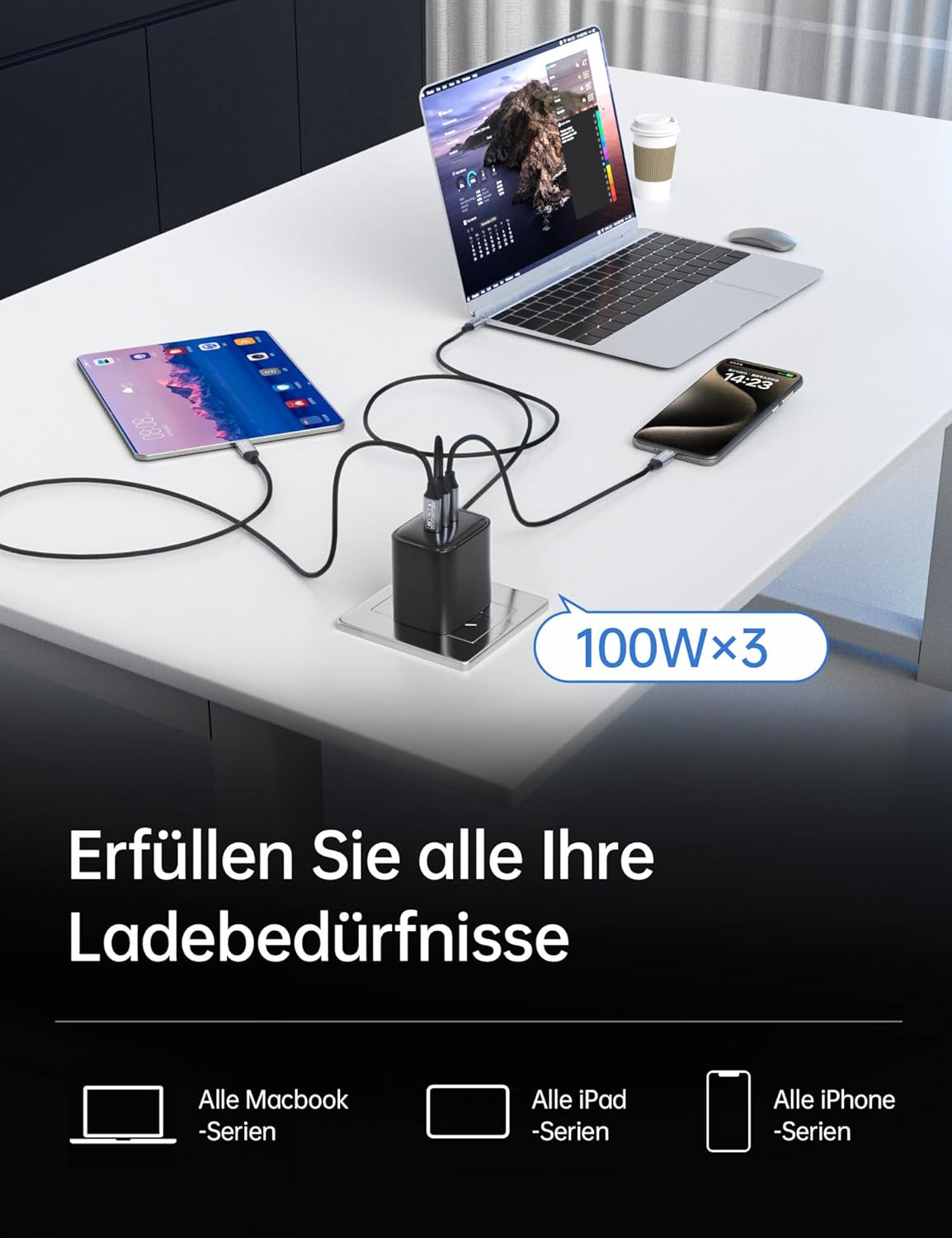
As for charging, the cable mentions up to 100W with an E-marker chip. If you’re pairing it with a lower-watt charger, you’ll likely charge at the power your charger and device negotiate—so the cable won’t magically override a small charger.
Care & maintenance
There’s not much to “maintain” beyond sensible cable care, but it’s worth treating it like a working cable rather than a casual lead. Avoid tight bends near the connectors and keep it free of dust where the ports meet, especially if it’s being plugged in and out on a desk.
The gold-plated connectors are aimed at corrosion resistance, which is helpful long-term, but that’s only part of the story—physical strain and repeated flexing will always matter.
Is it worth it?
This CAKOBLE USB-C data cable is worth considering if you want a single USB-C to USB-C cable that can plausibly cover everyday charging, fast file transfer, and occasional monitor video—especially in a setup where 2m length makes life easier.
It’s not the best choice if you’re expecting guaranteed 4K@60Hz video in every situation. Video output depends heavily on whether your laptop/PC port and your monitor input both support the right modes. Likewise, if you only ever charge from a modest charger, the “up to 100W” headline won’t add much in practice.
Buy it if: you’re trying to streamline a home/office desk with one cable for power + data + DP Alt Mode video.
Skip it if: your main goal is one specific device connection where you can’t confirm DP Alt Mode/Thunderbolt-style video support, or if your use is mostly charging at low wattage.
Mini FAQ
Will this cable charge my USB-C devices?
It’s described as supporting up to 100W (5A) charging using an E-marker chip, but your real charging speed will depend on what your device and charger can negotiate.
Does it support monitor output?
The listing says it supports DisplayPort Alternate Mode (DP Alt Mode) with 4K@60Hz video output, so it should work for USB-C displays that support those modes. Checking your device’s port capability is still important.
What’s the data transfer speed?
The cable is rated at up to 10Gbps for SuperSpeed data transfer (USB 3.1 Gen 2).
Is 2m the right length?
2m is a convenient length for typical desks, monitor setups, and docking positions where you need a bit of slack. If your space is tight, a shorter cable may be more practical.