

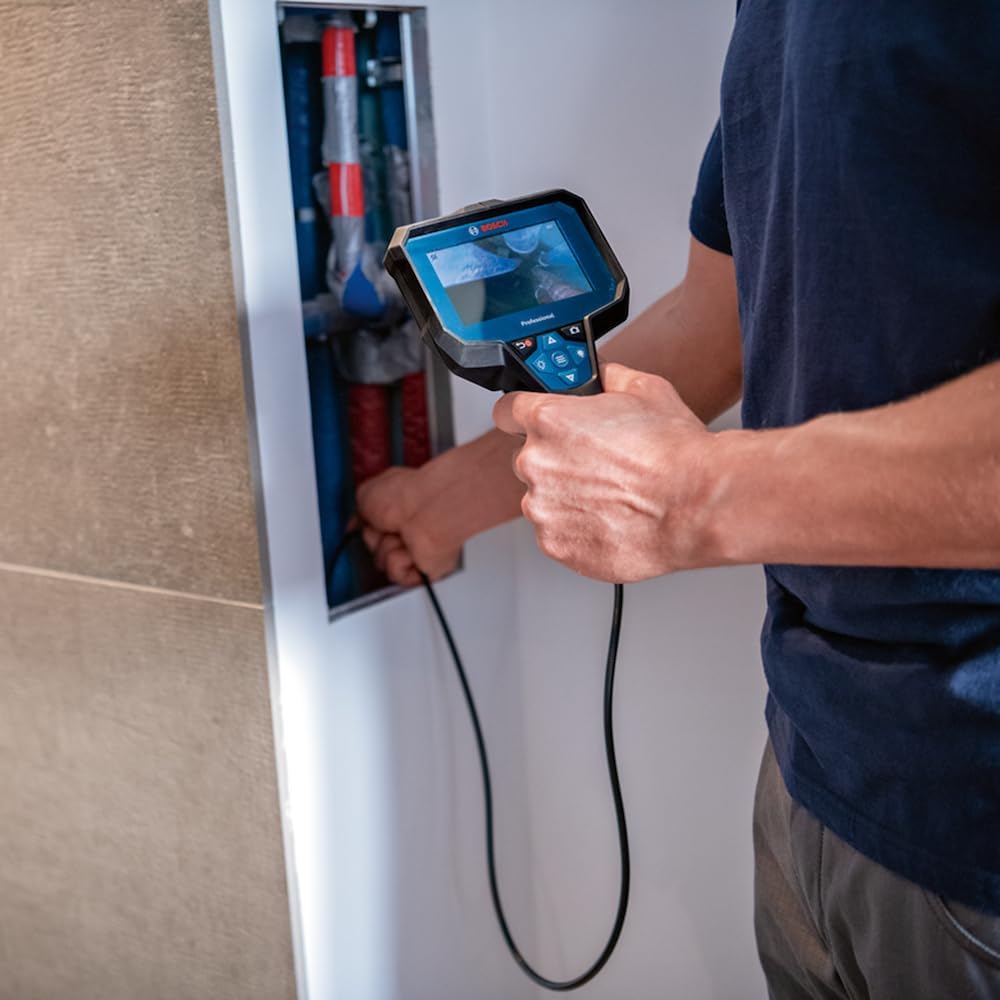
Bosch Professional GIC 12V-4-23 C Inspection Camera with 4.3" Screen, 150 cm Cable & Up Indication
Product description
What it is and what it’s for
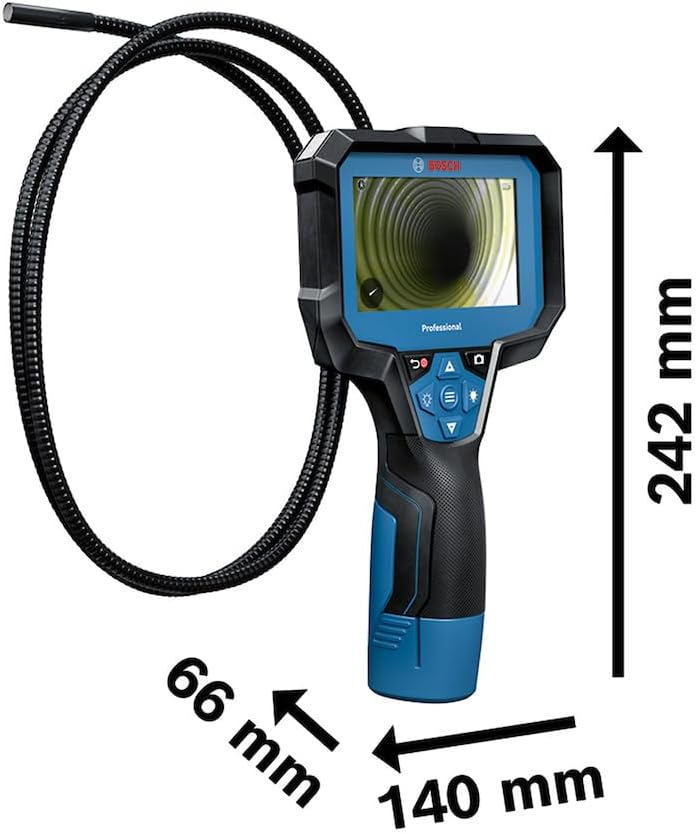
The Bosch Professional Inspection Camera GIC 12V-4-23 C is a hands-on tool for checking areas you can’t easily see — and for recording what you find so you can act on it later. It’s built around a 4.3-inch screen (800x480px) and a 150 cm camera cable with bright LED lighting, which makes it more than a quick look-around. On rough job sites, that combination helps you inspect hard-to-reach spots and keep a visual record.
This is the sort of inspection camera you pick when you regularly deal with tight spaces, hidden cavities, or “is there a problem in there?” moments. It’s also geared towards people who need orientation handled for them, not guessed.
The essentials in plain English
A key feature here is the orientation function called “Up indication”. In practice, it aims to keep the display aligned with what “up” means, so you can focus on the task instead of mentally rotating the camera feed while you’re working. That’s the kind of detail that can feel small until you’re mid-job and the cable is wrapped awkwardly.
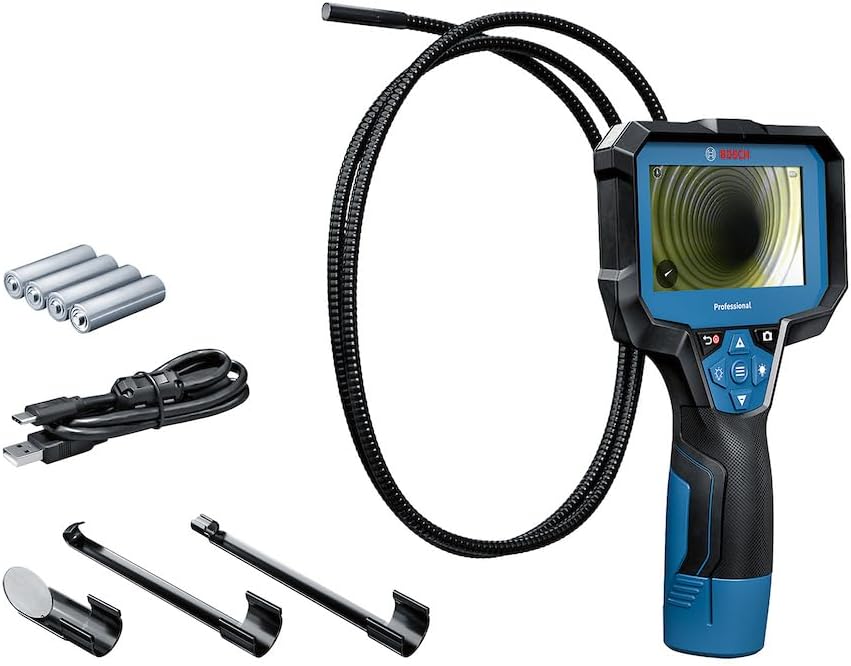
The other practical piece is documentation. The camera includes internal memory (up to 30 pictures, as stated) and you can transfer files via USB-C. So you’re not stuck relying on memory or notes when the customer (or your own next step) needs proof.
What stands out on the job
The 150 cm cable length is the obvious headline, but it matters because it affects how much you can reach without constantly repositioning. Pair that with bright LEDs and you get a clearer view in dark or enclosed spaces — think behind panels, along service routes, or around equipment where there’s little ambient light.
There’s also mention of IP ratings for protection against dust and water. That doesn’t automatically make it indestructible, but it does suggest the camera is meant to handle tough working conditions more confidently than basic indoor-only tools.
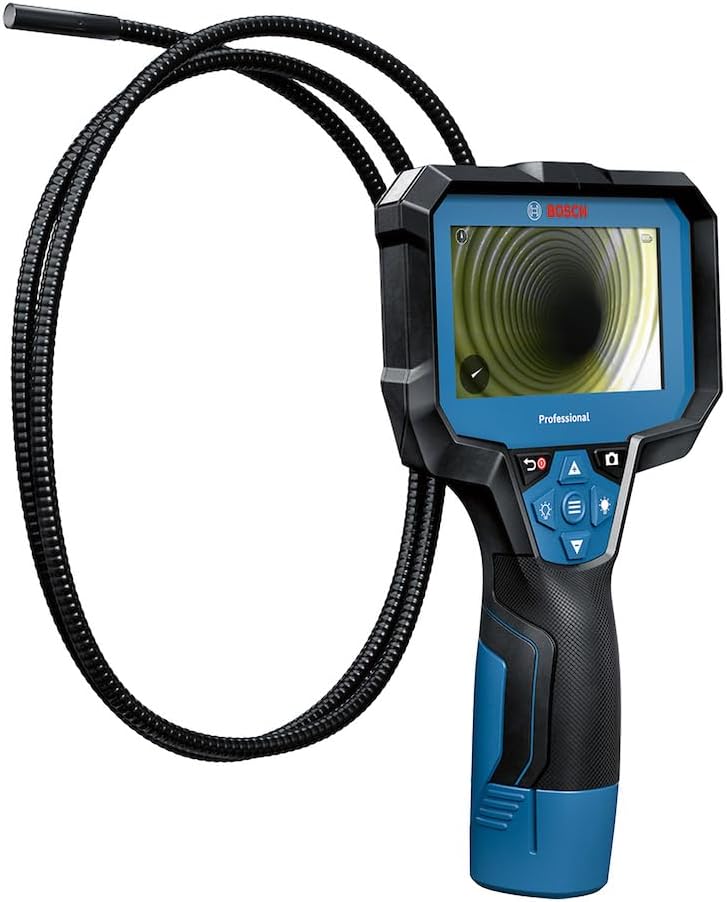
And the “Up indication” is not just a marketing phrase. If you’ve ever used an inspection camera where the image orientation becomes guesswork, you’ll understand why this is a real-world improvement.
Tech specs you’ll care about
- Screen size: 4.3-inch display
- Resolution: 800x480 px
- Camera cable length: 150 cm
- Storage: up to 30 pictures on internal memory
- Orientation: Up indication function
- Connections: USB-C for file transfer
- Power: 4x alkaline batteries (AA)
Usage tips and everyday workflow
A simple way to get the most out of this type of inspection camera is to treat it as a mini “evidence” step: switch on, position the camera where you want the view, use the screen to confirm what you’re seeing, then capture a few photos rather than taking a single shot and hoping.
With the 150 cm cable, it helps to plan your route first. Feed the cable into the space, then adjust slowly until the LEDs and viewing angle give you a readable frame. The Up indication is particularly useful here — it’s meant to make it easier to keep the orientation consistent as you move.
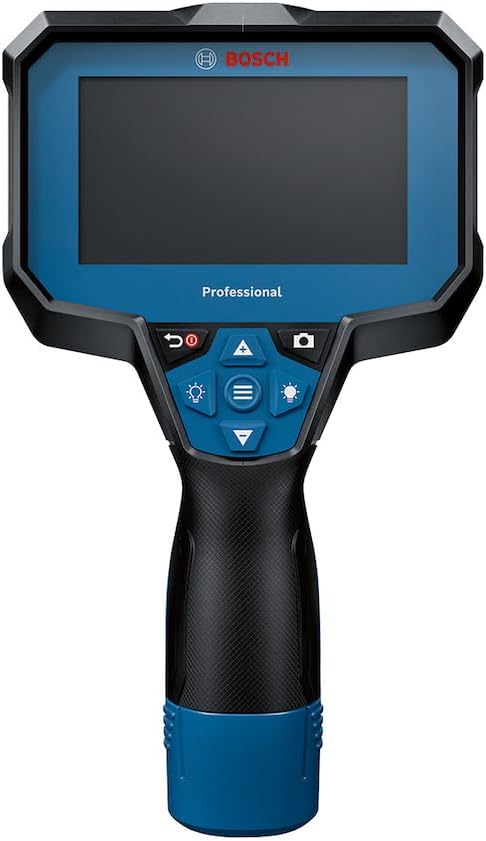
If you’re documenting work for later, use the internal memory during the inspection and transfer via USB-C when you’re done on that section. That keeps your process tight instead of bouncing between tasks.
What to know before you buy
This model looks like a practical, job-site-focused camera with a mid-range screen and a straightforward documentation workflow. However, there are a couple of points to keep in mind.
First, the internal memory is described as supporting up to 30 pictures. If you expect long inspection sessions with lots of captures, you’ll likely want to transfer data sooner rather than later.
Second, you only get the “Up indication” benefit if it fits the way you work. If your job often requires very unusual angles or you’re mostly inspecting in one fixed orientation, the advantage may feel less dramatic.
What’s included in the pack
The scope of delivery listed is: - GIC 12V-4-23 C - Camera cable - 4x alkaline batteries - AA1 adapter - USB-C cable - Hook - Mirror - Magnet - Carton box
The hook, mirror and magnet are the sort of extras that can save time when you need to position the camera or retrieve small parts, rather than improvising with tools you already have.
Should you buy it?
It’s worth considering if you want a professional-style inspection camera with a 4.3-inch screen, a 150 cm cable for reaching awkward areas, bright LEDs, and the “Up indication” feature to make orientation less of a headache. If you regularly need to inspect and document what you find — and you’re happy with saving up to 30 pictures on internal memory before transferring via USB-C — this fits the use case.
You may want to skip it if you’re expecting very large amounts of storage for extended sessions, or if you mainly use inspection cameras for quick, occasional looks where the documentation workflow won’t matter much.
Buying decisions often come down to how you’ll work day to day: if you value clear framing (big screen), practical reach (150 cm), and easier orientation, this Bosch model makes sense. If you only need a basic view and minimal recording, you could find simpler options that do the job without the documentation emphasis.
Mini FAQ
How does the “Up indication” help?
It’s designed to keep the image orientation consistent by always pointing “up”, so you can focus more on inspecting rather than rotating the view in your head.
Can I transfer photos to a computer or device?
Yes — the information provided states you can transfer files via USB-C.
How many pictures can it save internally?
It’s stated to store up to 30 pictures on internal memory.
What’s the camera cable length?
The cable length is 150 cm, intended to help you inspect hard-to-reach places.
Is it suitable for messy job sites?
It mentions IP ratings for protection against dust and water, suggesting it’s built with tougher environments in mind — though exact IP details aren’t included here.