


BONTEC Wood Monitor Stand Riser 420mm
Product description
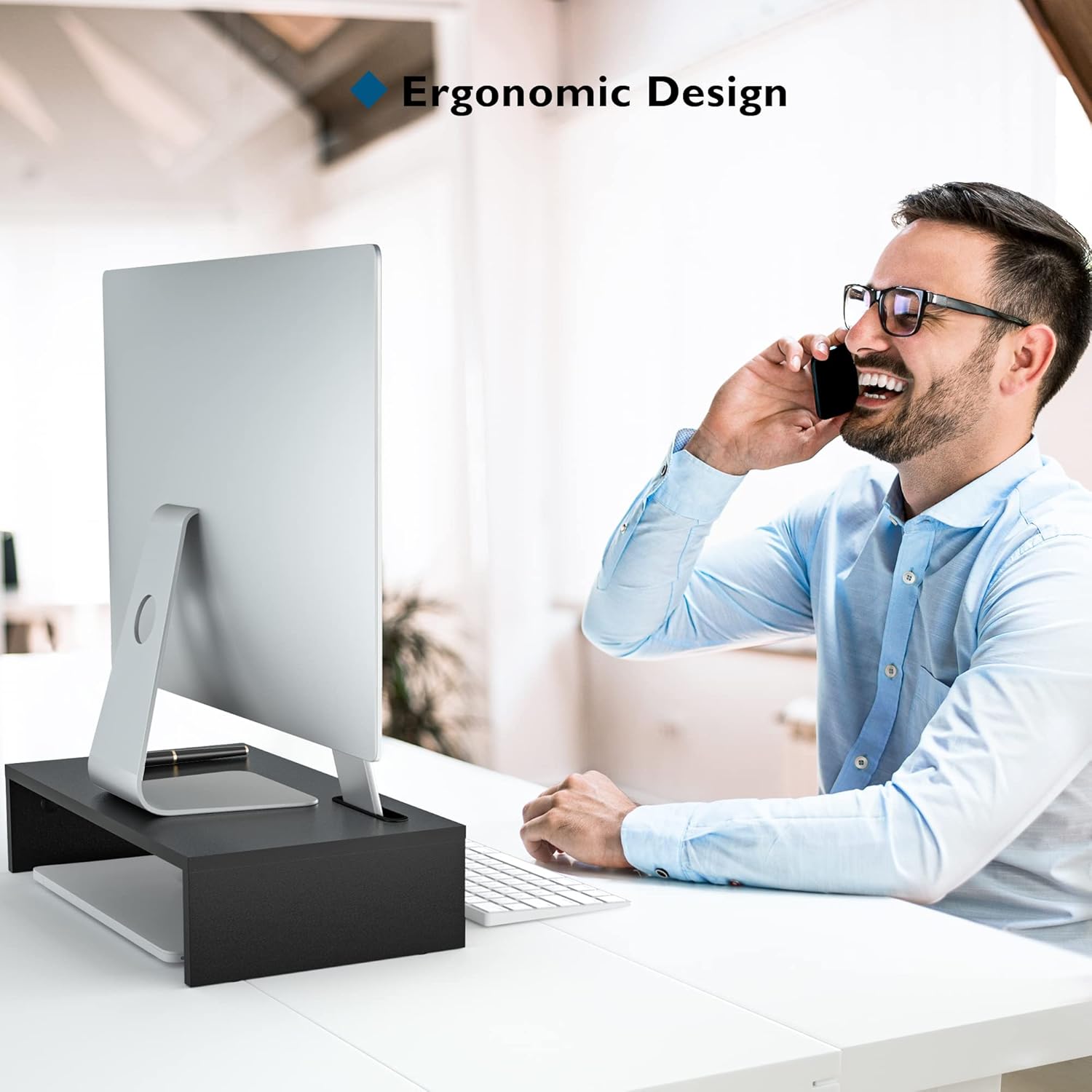
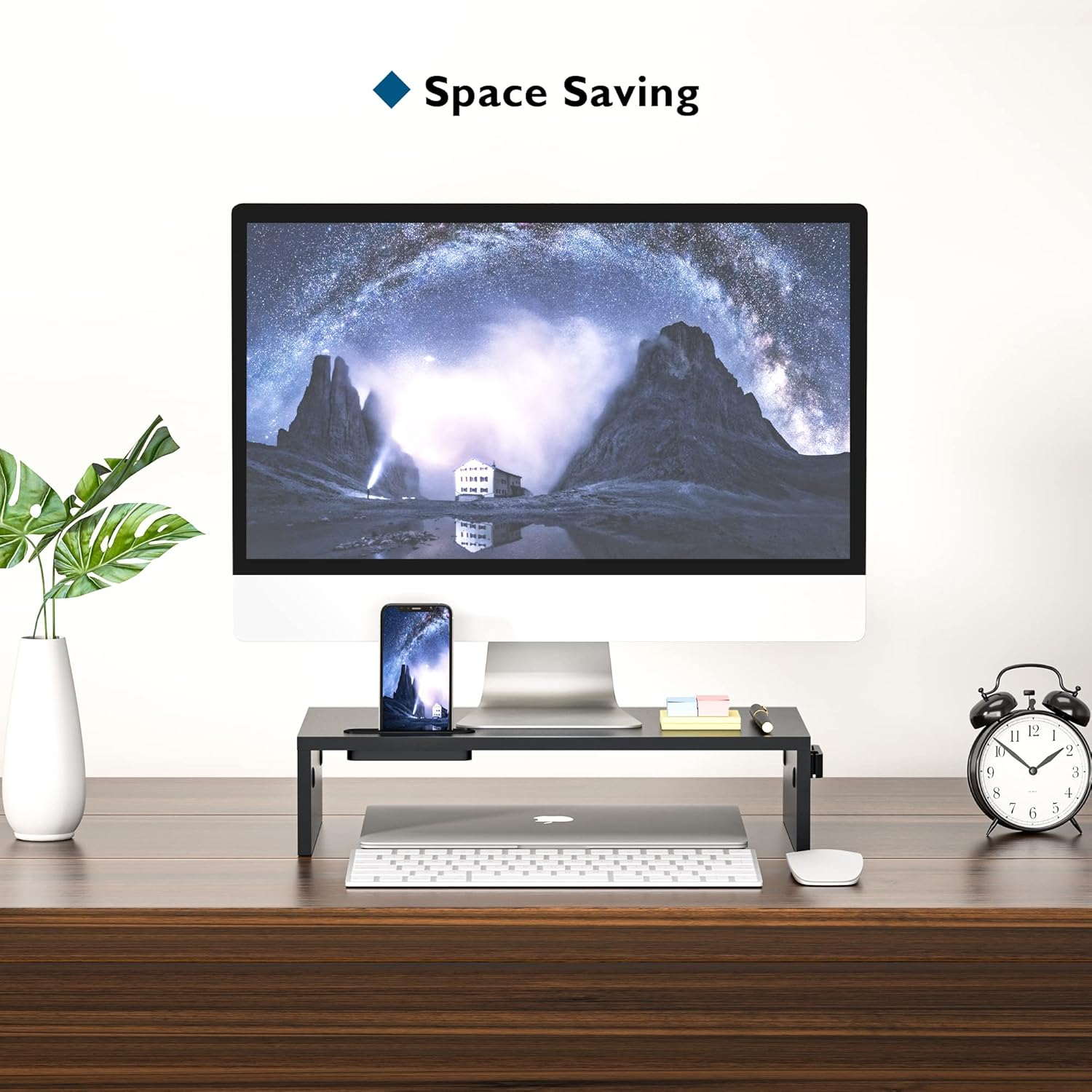
This wooden monitor riser brings your screen up to a more comfortable eye level while clearing desk space for a keyboard or notebook, helping reduce neck and eye strain during long work sessions. The BONTEC Wood Monitor Stand Riser suits home and office setups that need a simple, sturdy lift and built-in organisation for cables and a smartphone.
Key Points
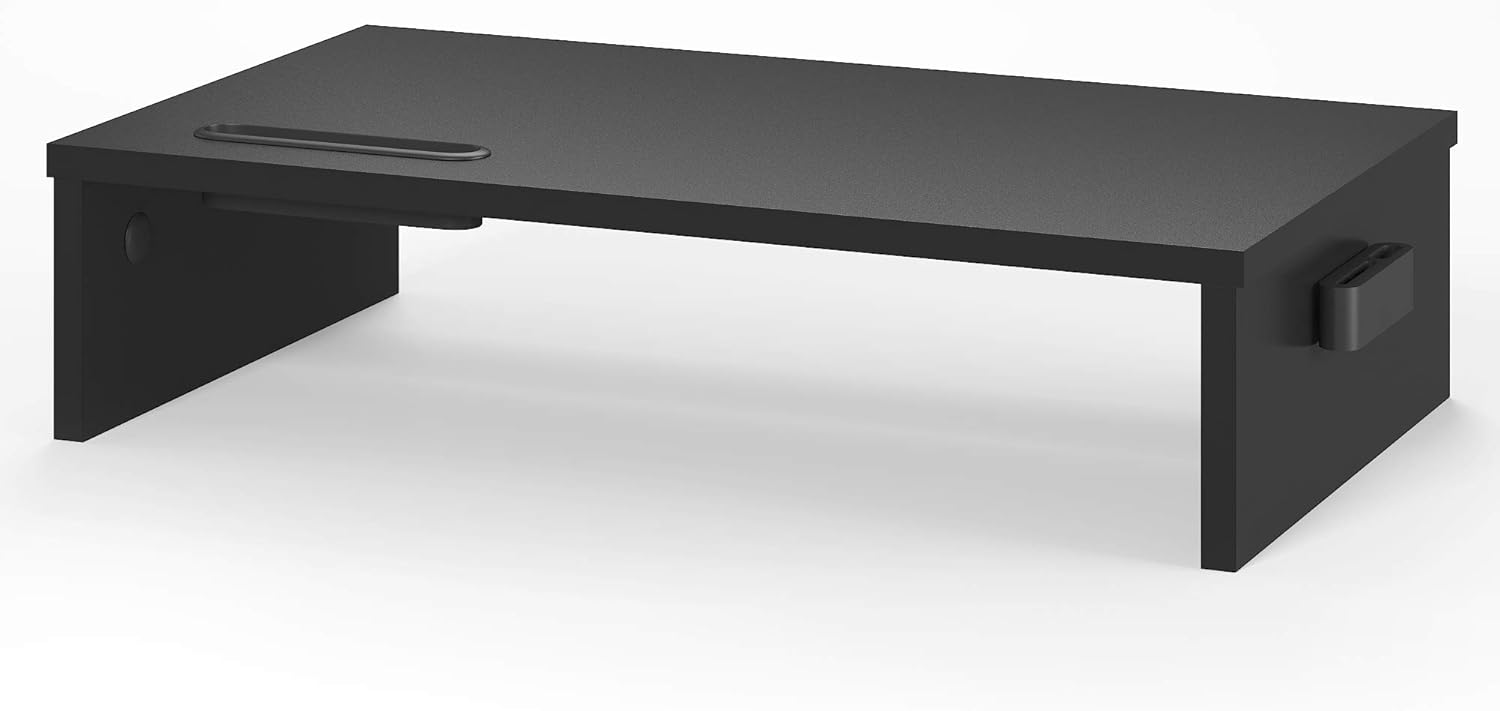
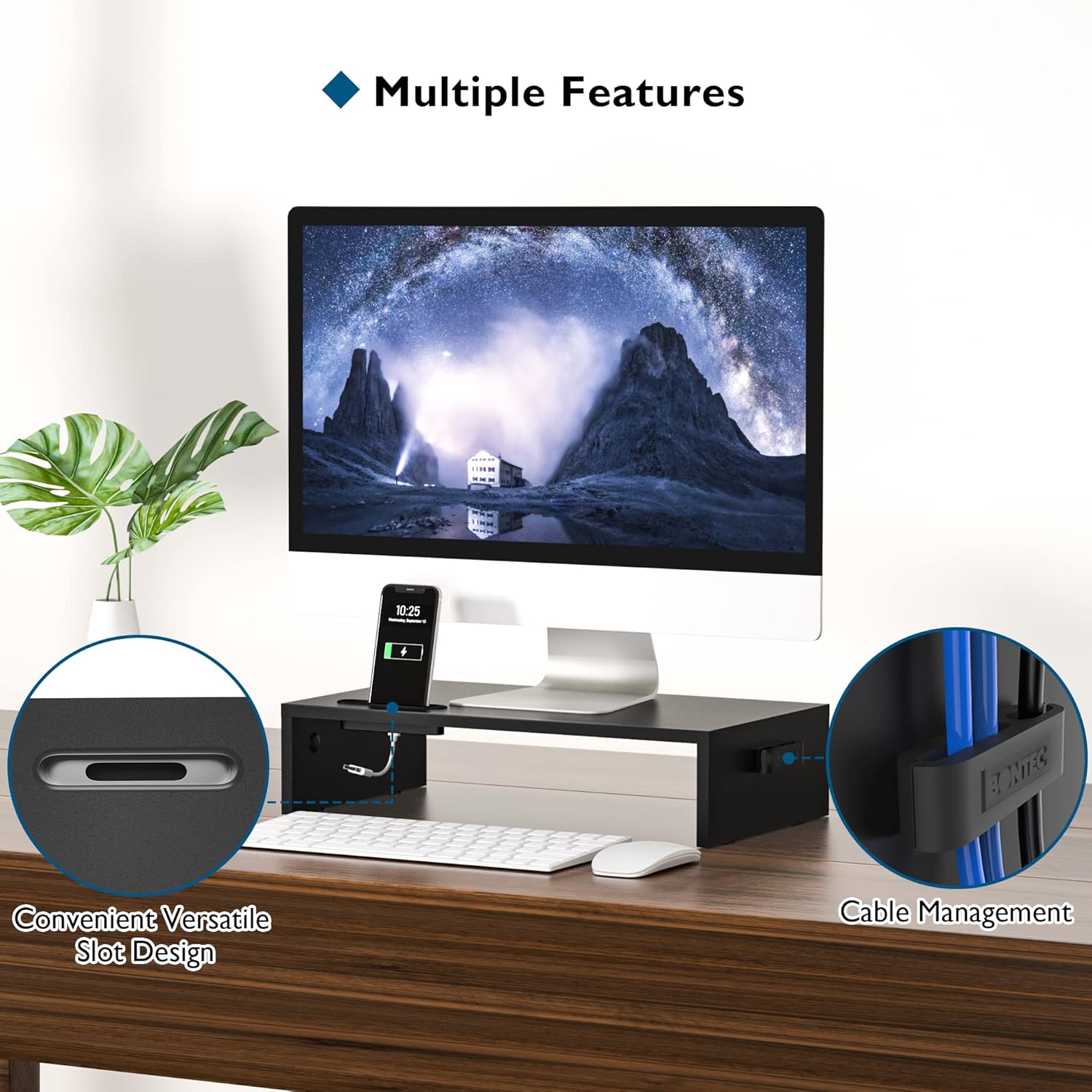
The riser is made from matte MDF with a 12mm thickness, offering a smooth, odourless surface and flat edges that fit a variety of interior styles. It stands 104mm high to position monitors at a more ergonomic viewing angle and may help improve posture during extended computer use. 📱 There is an integrated slot for a smartphone and a channel that assists with cable management, which keeps the desktop looking tidier and reduces clutter around your workstation.
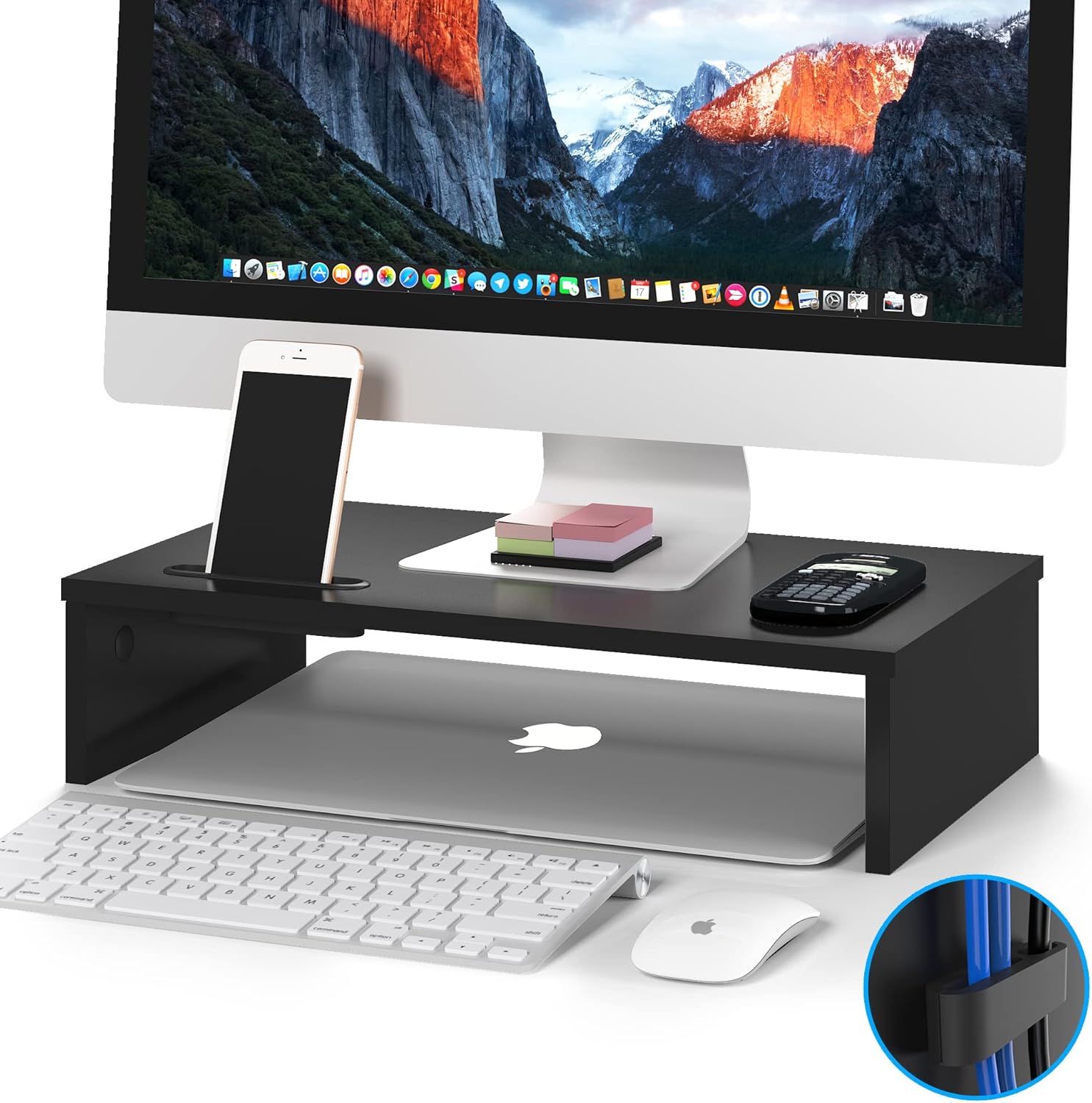
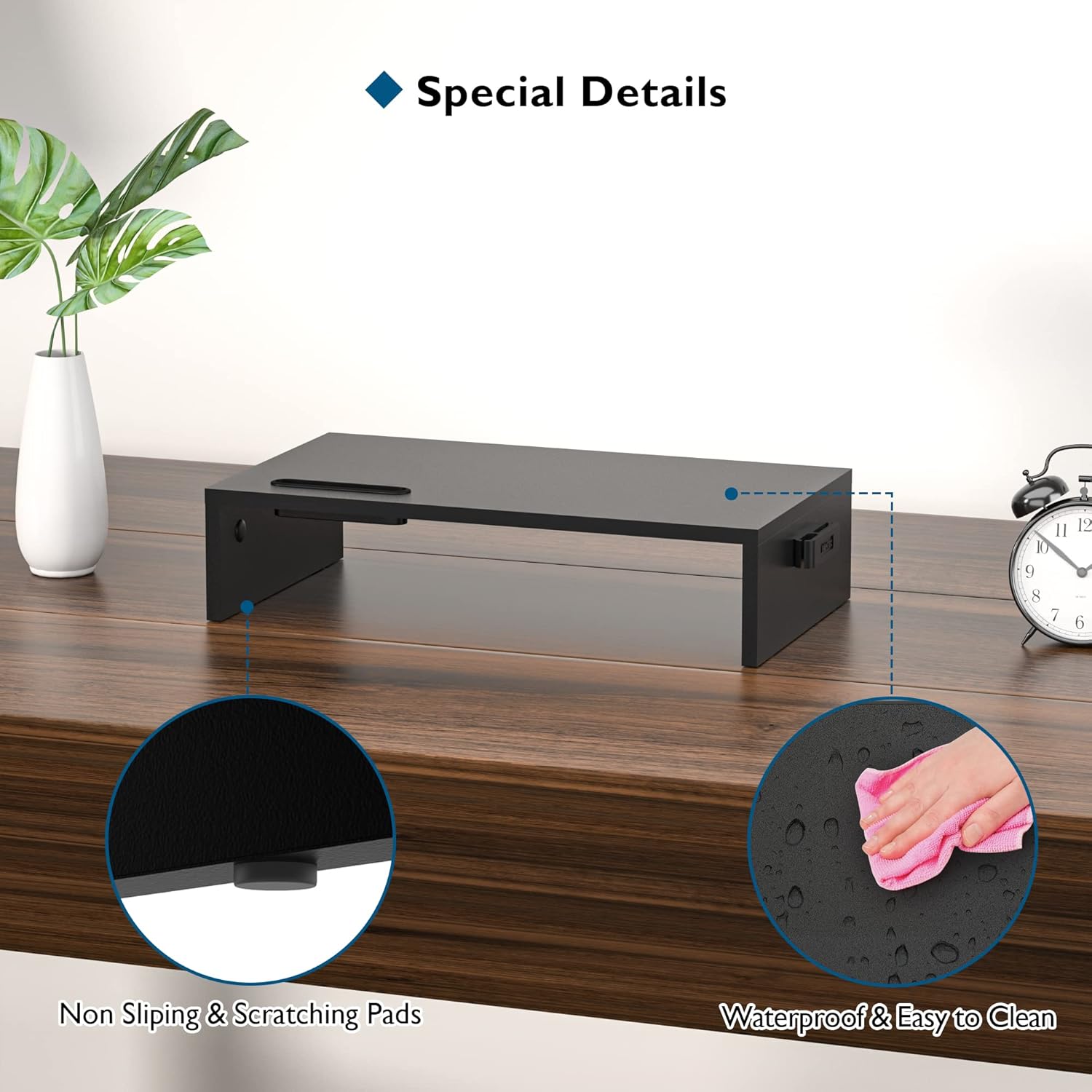
Stability is emphasised by four enhanced non-slip pads under the structure, and the single-tier design supports heavier displays or laptops up to the specified load capacity. The assembly is straightforward, requiring only a few screws and basic steps, so it can be put together in minutes without specialised tools. 🧰 The riser also provides a space underneath suitable for sliding in a compact keyboard or small accessories when not in use.
Technical Specifications
- Name: BONTEC Wood Monitor Stand Riser
- Dimensions: W420 x D235 x H104 mm
- Material: MDF, 12 mm thickness
- Load capacity: 30KG
- Colour: Black
Usage Recommendations
Place the riser on a level desk surface and centre the monitor to maintain balance and sightline alignment. For cable routing, thread leads through the rear channel and secure them with clips or ties to prevent tugging on connected devices. Consider using the underneath space for a compact keyboard or notepad to free up main desk area. Note that MDF performs best in stable indoor environments, so avoid prolonged exposure to damp conditions according to the manufacturer. 🎛️
Practical Tips
If your monitor has a very wide base, check clearance against the riser width before installation. For heavier desktop items, use both hands when lifting to position the stand and add small rubber pads beneath heavier loads for extra grip. Cleaning is easiest with a soft cloth; abrasive cleaners are not recommended as they may affect the finish.