


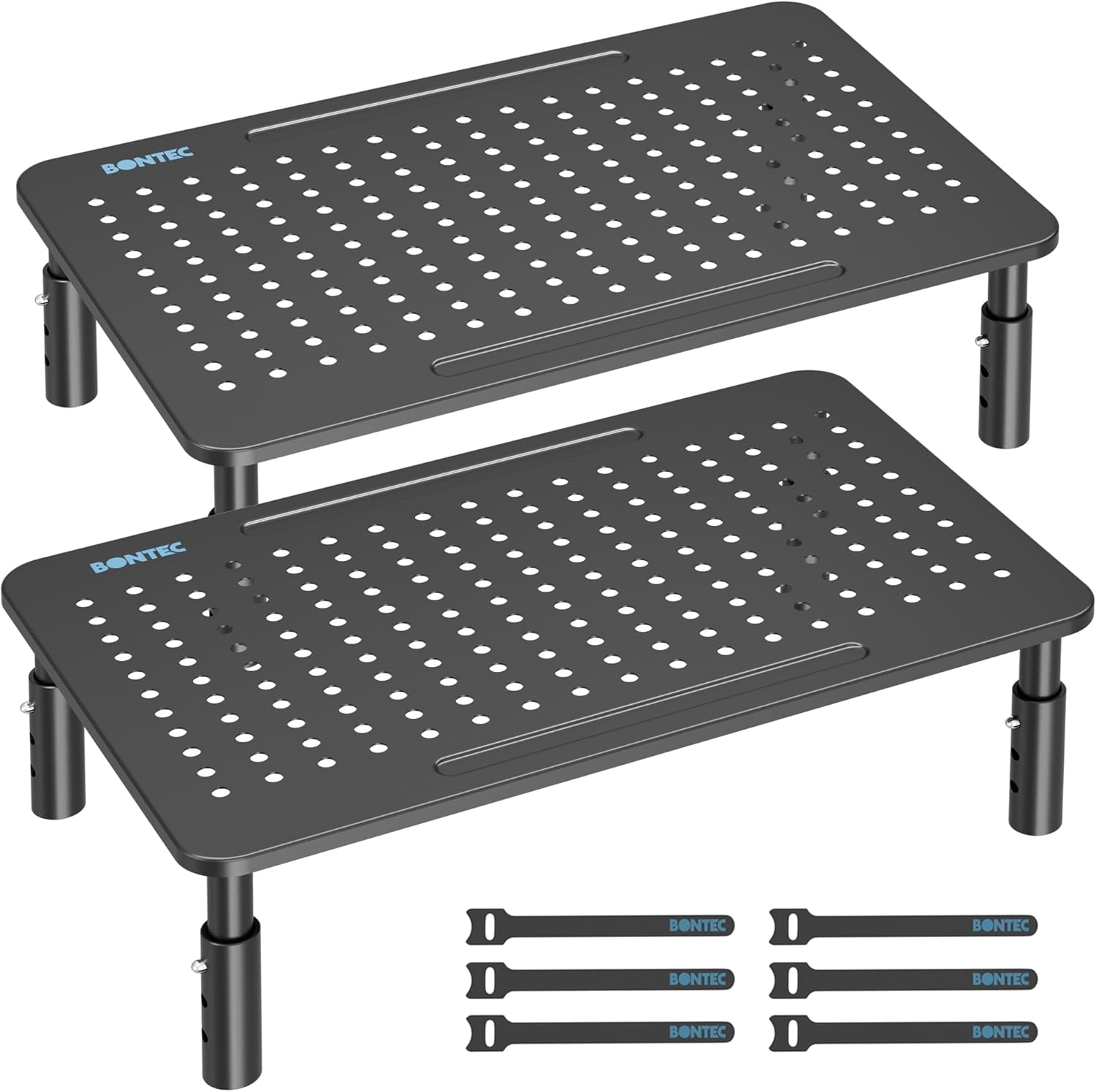
BONTEC Metal Monitor Stand 20 kg desk riser
Product description
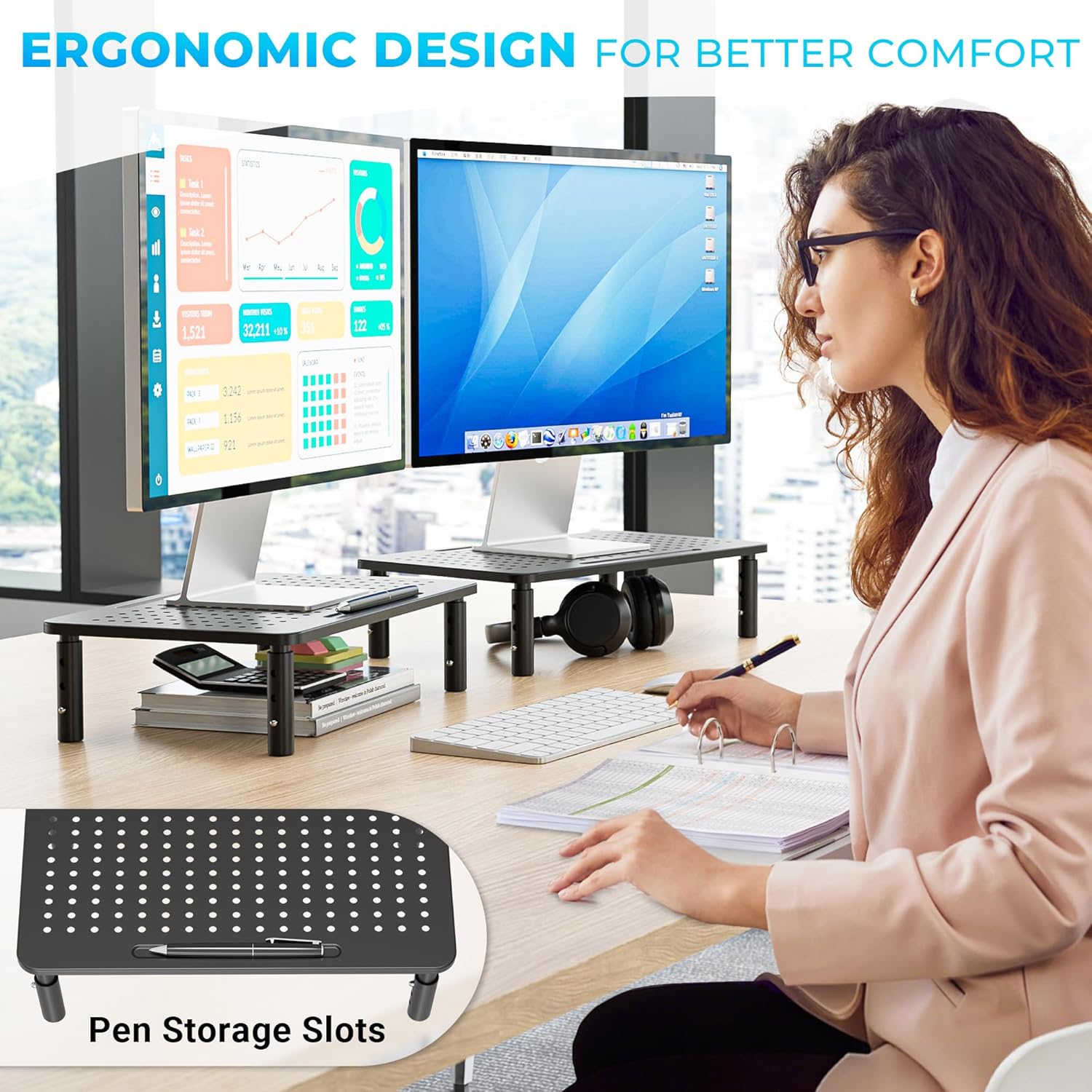
This metal monitor stand raises your screen to a more comfortable viewing height, helping reduce neck strain during long sessions at a desk. The two-pack of risers works well as a simple ergonomic solution for home offices, study areas or gaming setups and serves as an adjustable monitor stand for variability between tasks.
Key Points
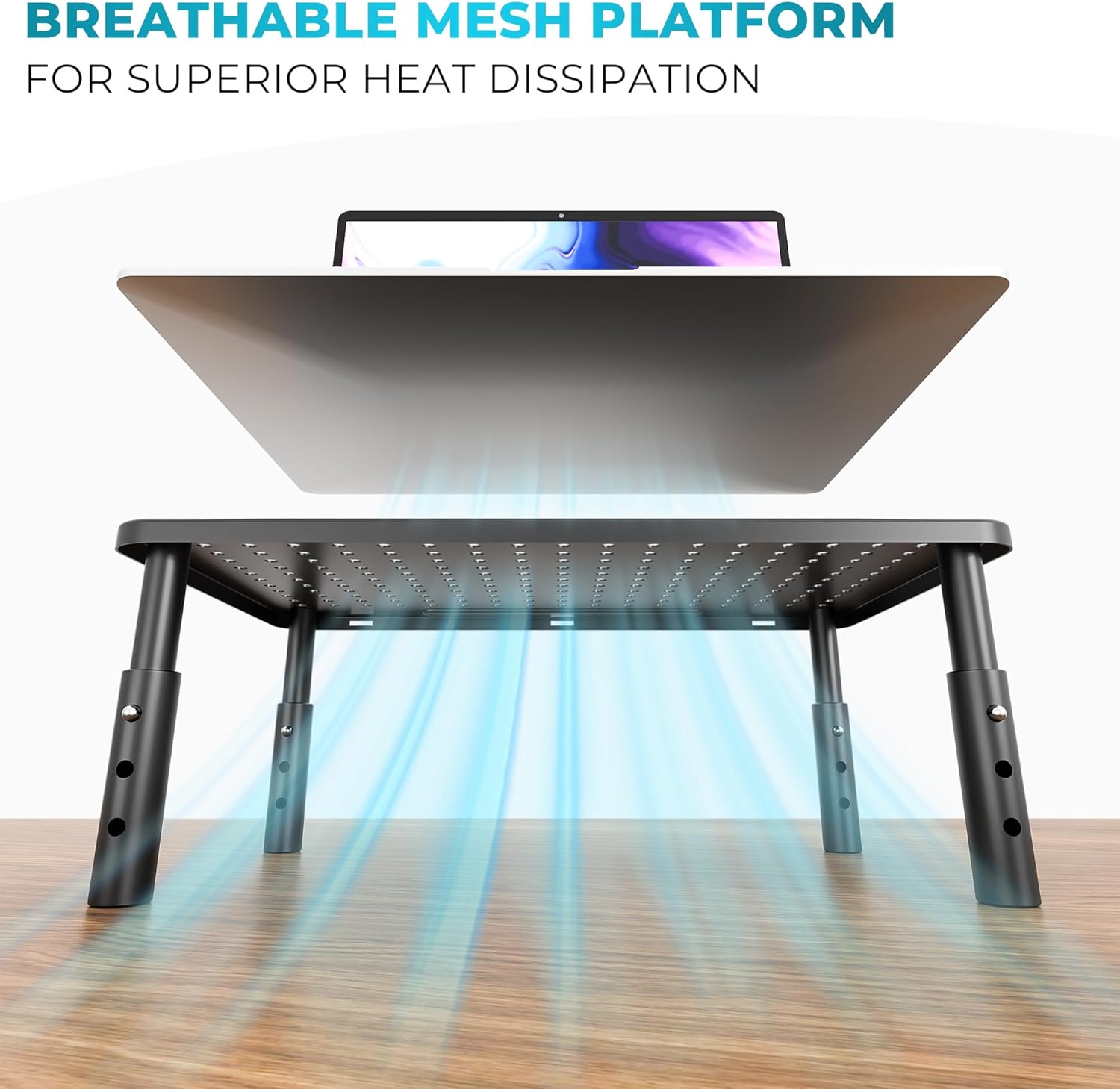
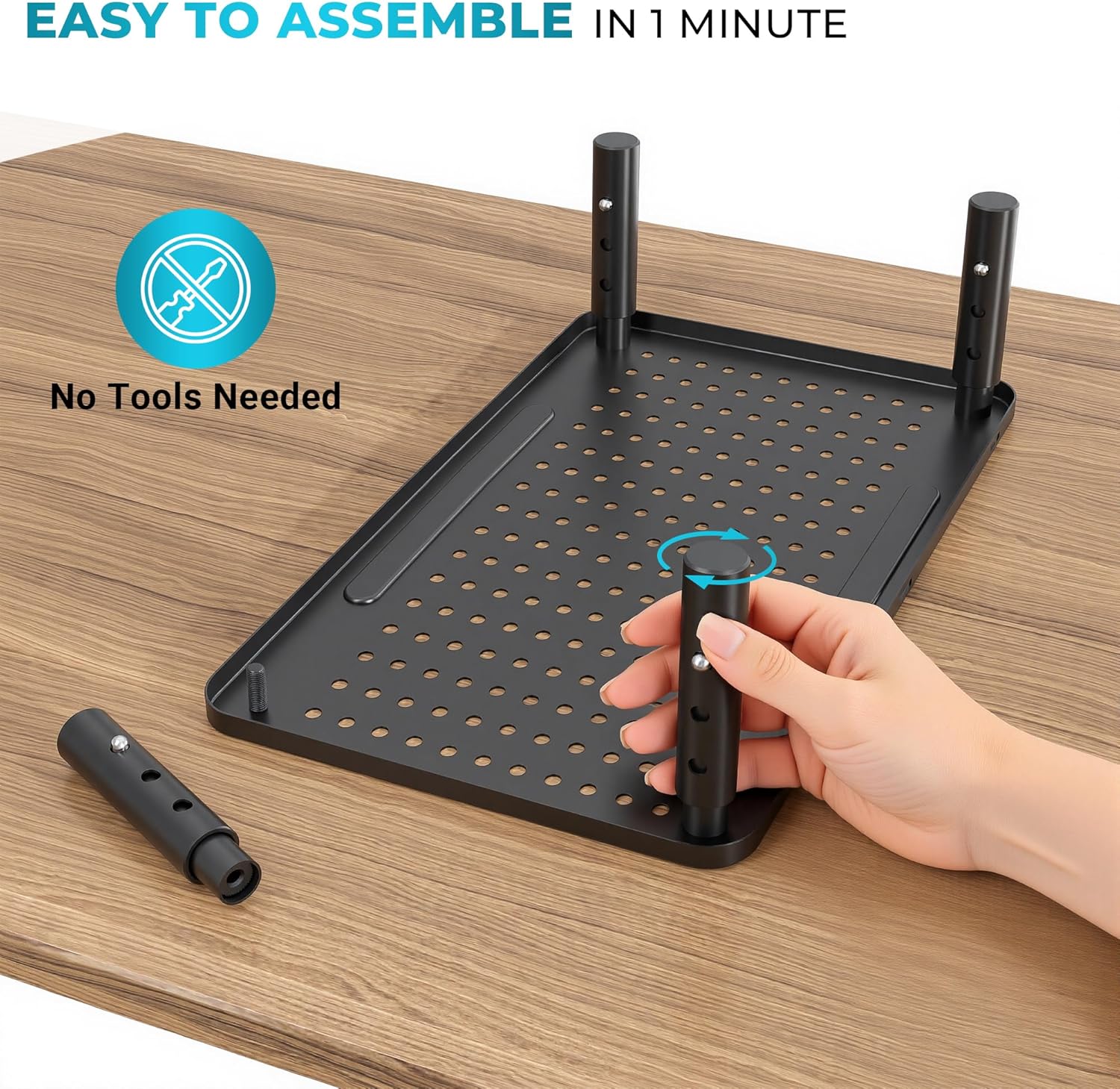
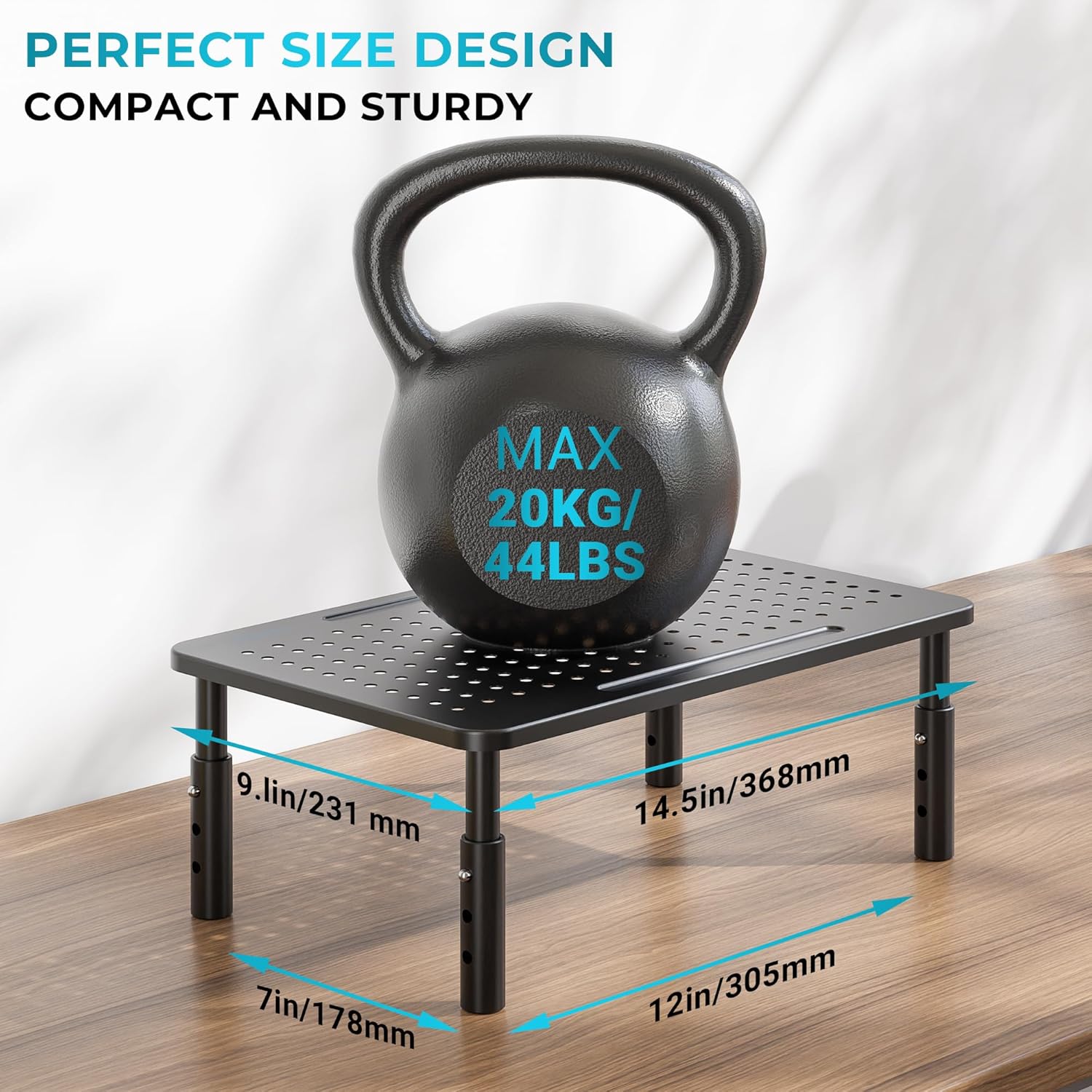
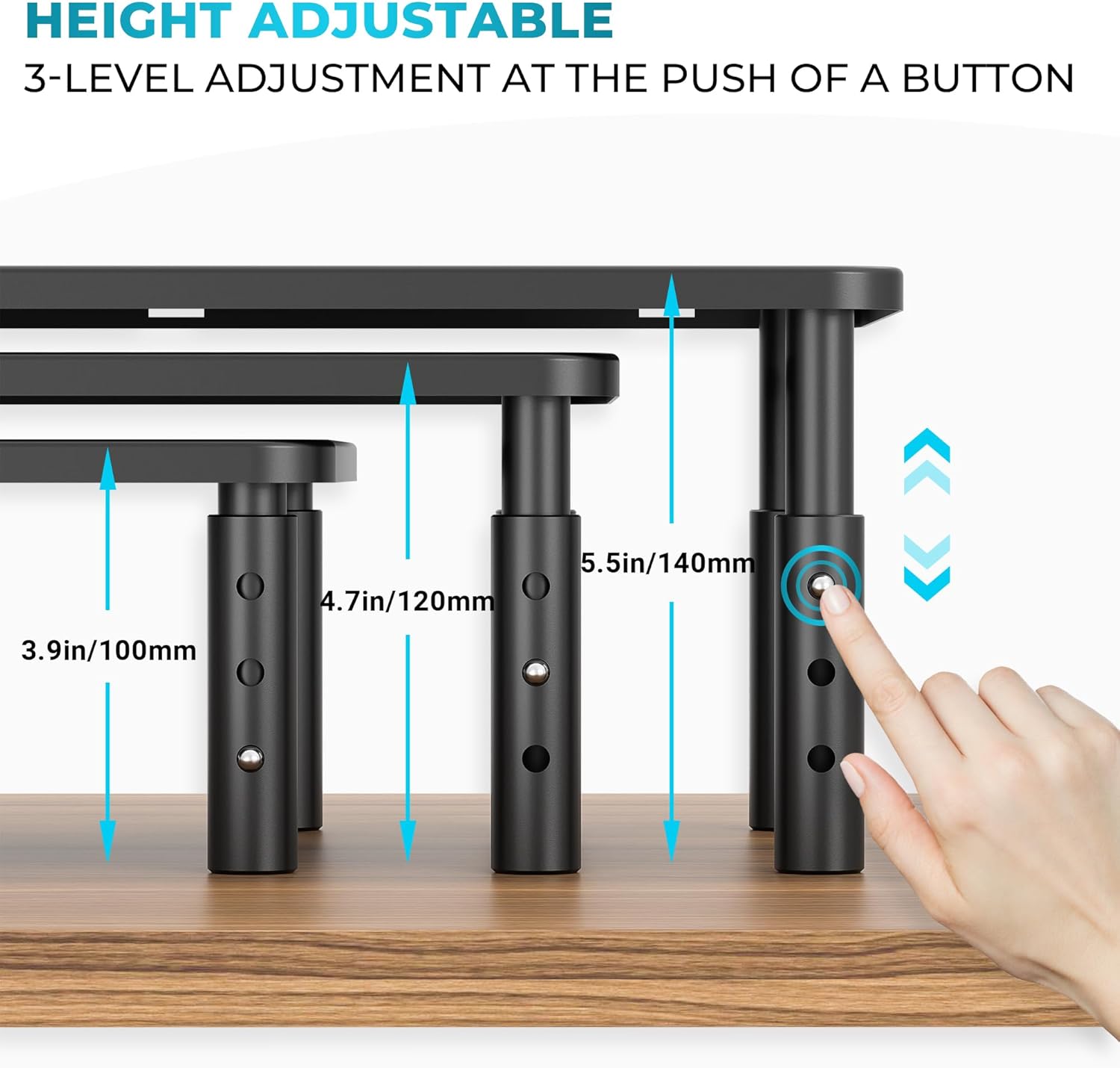
The riser offers three height settings at 10 cm, 12 cm and 14 cm so you can position a laptop or monitor closer to eye level and improve posture. The perforated mesh platform encourages airflow under laptops while the built-in cable management keeps power and data leads tidier on a crowded desk. Stability is emphasised through four anti-slip rubber feet and a stated maximum load of 20KG per unit, which should cover most monitors and many laptops. Assembly is tool-free and quick, requiring only that the legs are screwed into the platform, so it can be set up in moments. 🖥️
Benefits
Raising the display reduces downward gaze and can help lessen eye and neck discomfort during extended use. The open mesh platform supports cooling for computing devices and prevents heat build-up while working. Because the unit stores small peripherals beneath the platform, you reclaim useful desk surface and create a neater workspace. The compact footprint also makes the stands easy to move between workstations when needed. Consider that very large ultrawide screens or heavy professional displays may exceed the 20KG limit, so check your monitor’s weight before relying on the stand for heavier equipment. 🔧
Technical Specifications
- Name: BONTEC Metal Monitor Stand, Adjustable Height Riser (2 Pack)
- Heights: 10 cm, 12 cm, 14 cm
- Maximum load: 20KG per stand
- Material: Powder-coated steel with perforated mesh platform
- Feet and stability: Four anti-slip rubber feet
- Extras: Built-in cable management, tool-free assembly
Usage Recommendations
Place each riser on a flat, stable desk surface and pick the height that aligns the top third of the screen with your eye level for a neutral neck posture. Use the lower heights for casual browsing and the higher settings when typing or using reference documents alongside the screen. For dual-monitor or multi-screen arrangements, use one riser per display to keep heights consistent. If you regularly shift between a laptop and a separate monitor, the ventilated surface helps when running demanding applications by allowing better airflow beneath the device.