


BIWIN M350 2TB PCIe 4.0 NVMe M.2 SSD
Product description
What it is
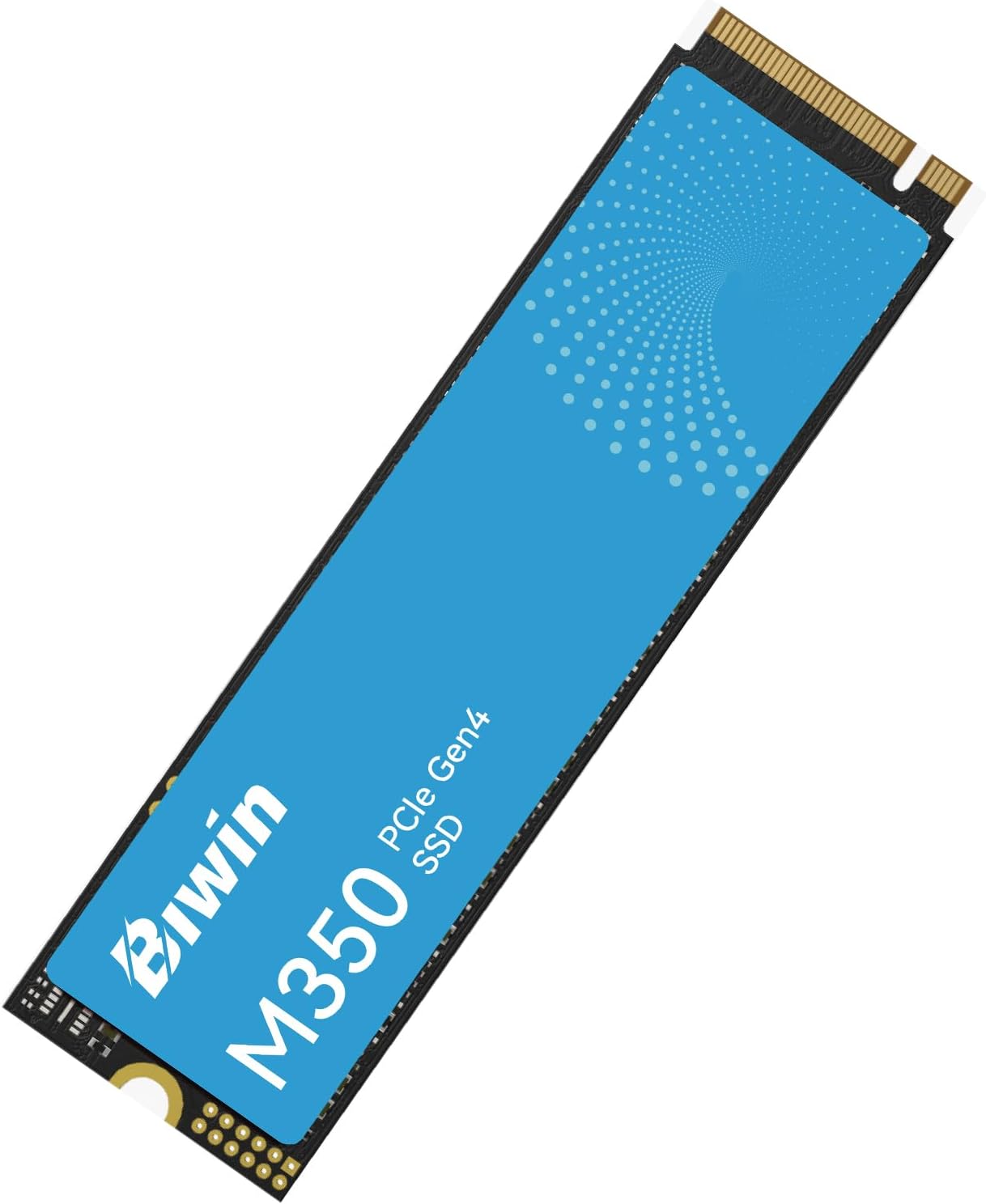
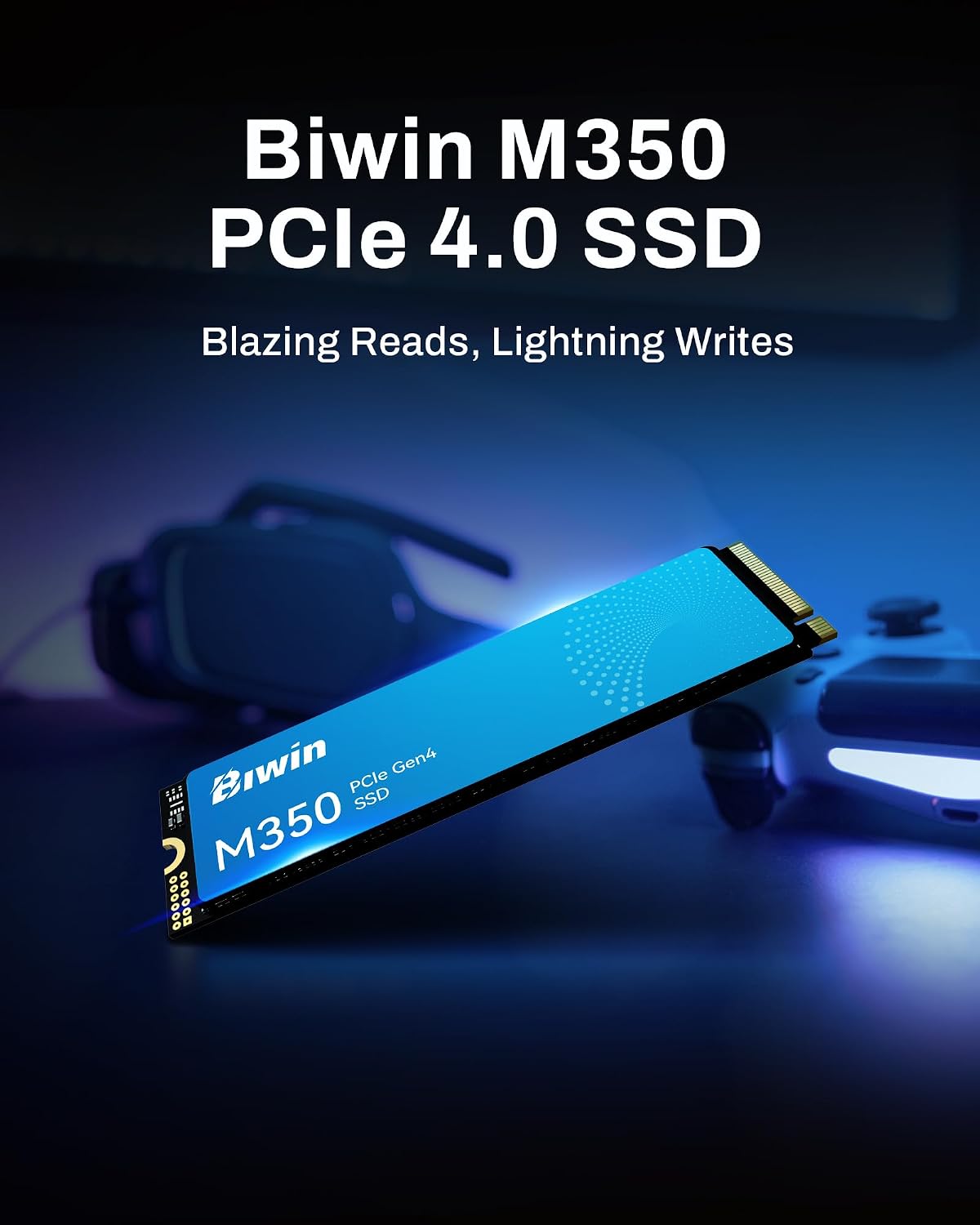
The BIWIN M350 is a 2TB PCIe 4.0 NVMe M.2 solid state drive designed to boost boot times, game loading and general responsiveness in modern laptops, desktops and compact systems such as mini-PCs and PS5.
Why it matters
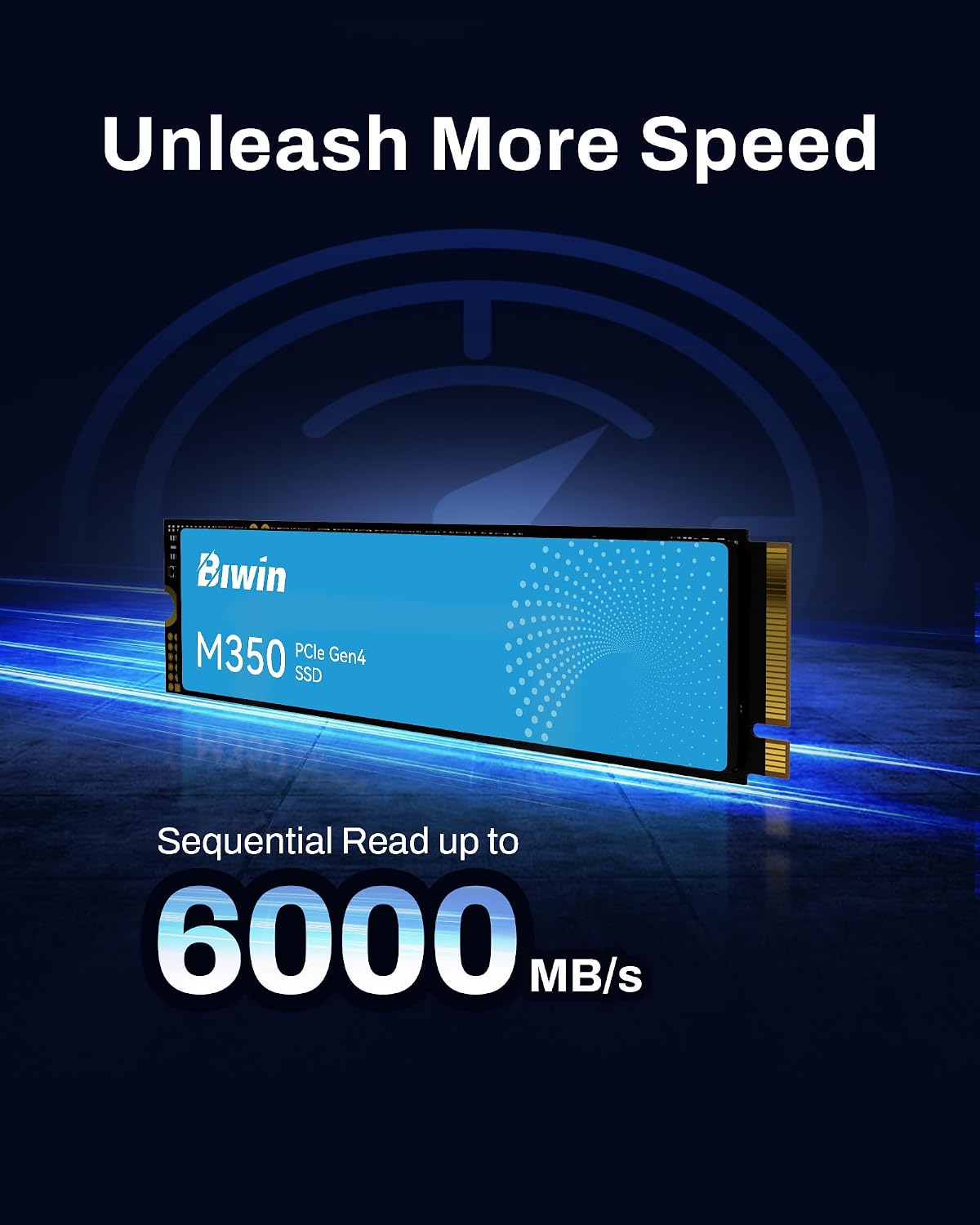
On paper, the drive can reach up to 6,000 MB/s, thanks to the Gen4x4 interface and the NVMe protocol. If you’re upgrading an aging system or building a compact setup, the M350 promises faster access to large game libraries or media collections without needing extra cooling in many configurations.
Core technologies
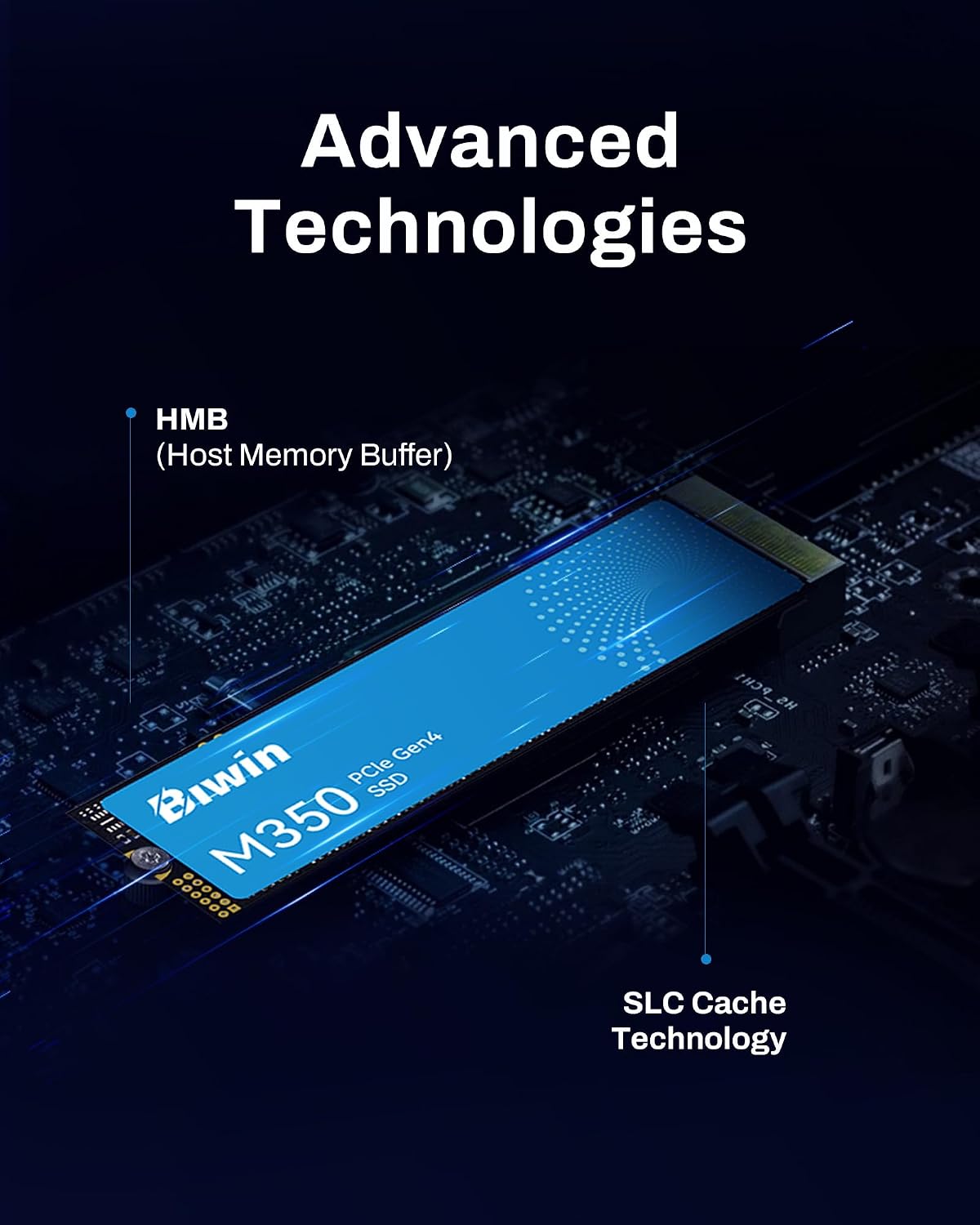
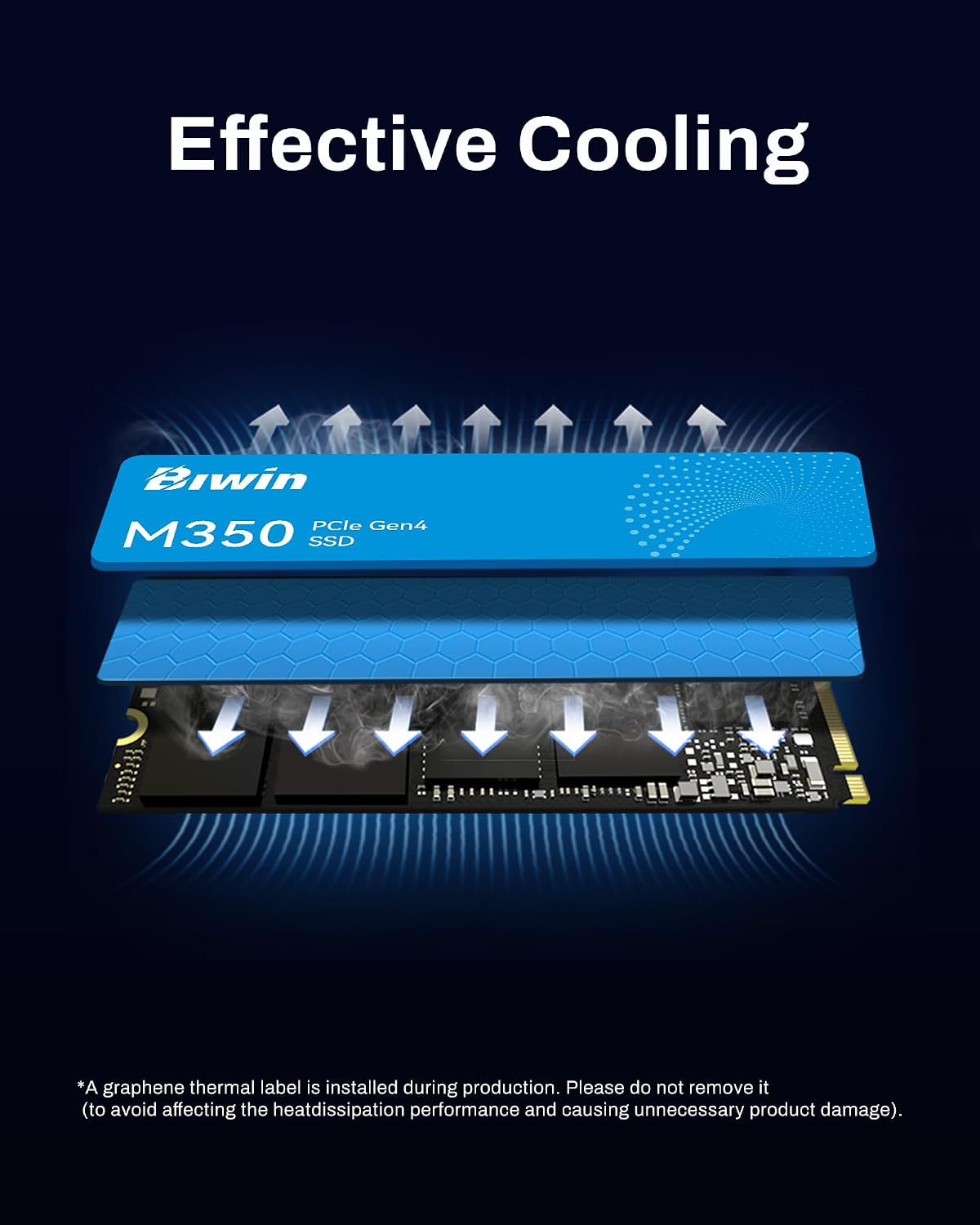
Two features stand out here. First, Smart Graphene Thermal Management uses a graphene pad and a temperature control algorithm to help prevent throttling during sustained workloads like gaming or video editing. BIWIN claims this delivers improved heat dissipation—about double that of copper in similar forms—to keep performance steady in laptops and mini-PCs that may not have dedicated heatsinks. Second, the Host Memory Buffer (HMB) and Smart Cache aim to provide DRAM-like responsiveness without a separate DRAM module, potentially smoothing performance during longer sessions.
Design and compatibility
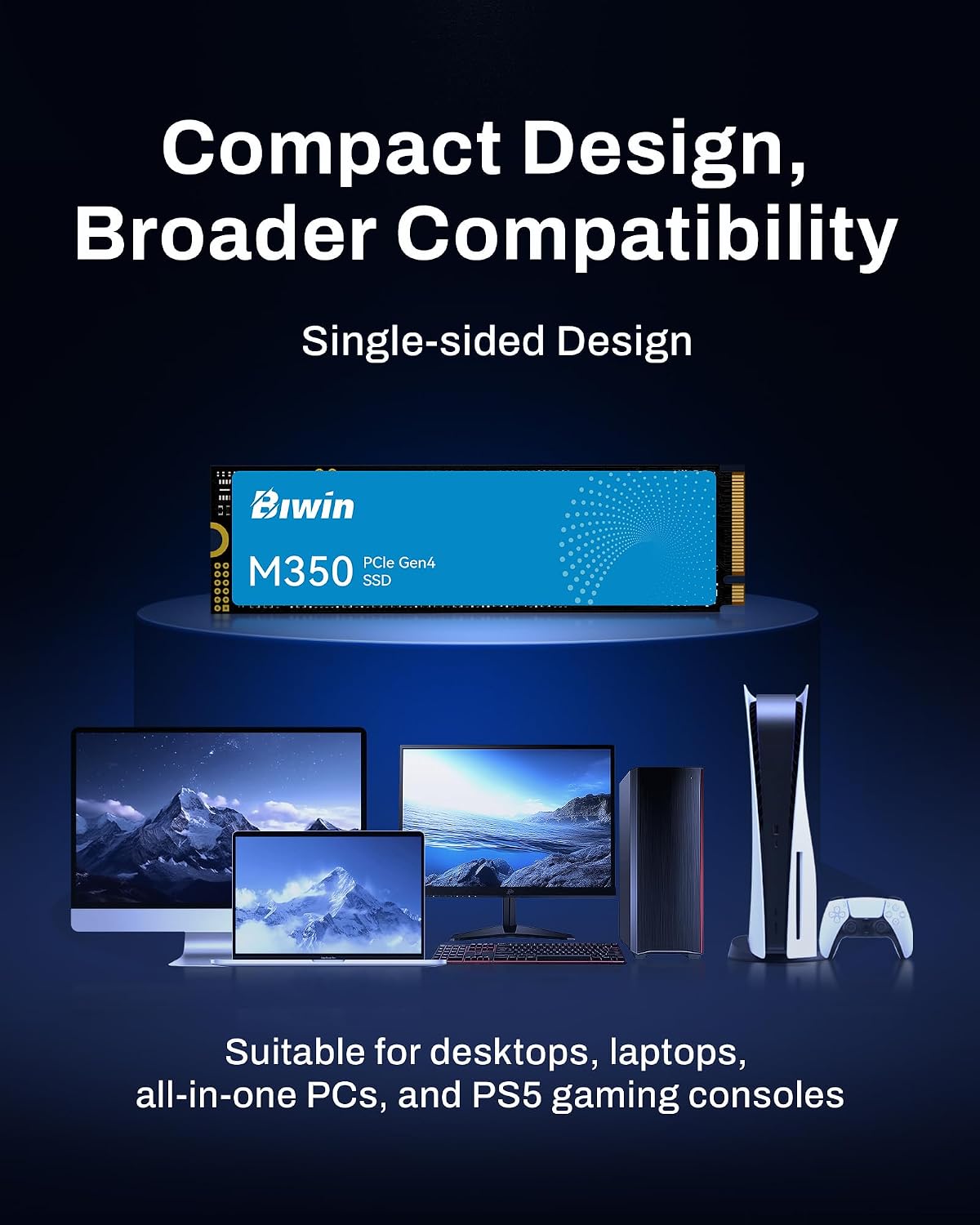
The drive uses a single-sided PCB, enabling a slim profile that fits many portable NVMe enclosures and compact devices. It’s positioned as suitable for thin laptops, mini-PCs and consoles such as PS5. While the base description notes broad compatibility, you should confirm your system supports PCIe 4.0 NVMe M.2 drives and that your enclosure or motherboard has the appropriate M.2 slot.
What you get for the capacity
With 2TB, it offers substantial space for a sizeable game library, media collection or work files in a single drive. If you’re juggling file sizes and project assets, that capacity is convenient, but real-world gains depend on how you use the drive and other system bottlenecks.
Reliability and warranty
The product is backed by a 5-year warranty, which is a sensible cushion for a storage upgrade used in daily computing tasks and gaming alike. As with any consumer SSD, durability under sustained heavy use can vary by workload and cooling conditions.
What stands out in use
If you prioritise a compact, heat-conscious Gen4 upgrade that doesn’t require extra heatsinks on a laptop or small form factor PC, the BIWIN M350 offers an attractive package. The graphene-based cooling and HMB could translate into steadier performance during prolonged gaming or editing sessions, rather than brief bursts.
Limitations and caveats
Not every system will realise the same thermal benefits, laptops with aggressive power management or poor airflow may still throttle under heavy load. The real-world read/write speeds depend on the rest of your hardware, including your CPU, RAM, and thermal design. Also, while the 2TB figure is appealing, the price-per‑GB is something to compare against other Gen4 options to ensure value for money.
Practical use case
A practical setup would be upgrading a mid-range ultrabook or mini-PC that handles modern titles or large media libraries. You could install the OS or a large game library on the M350 to cut load times and improve responsiveness when moving between scenes or assets.
What to check before buying
- Ensure your motherboard or enclosure supports PCIe 4.0 NVMe M.2 drives and that there’s a suitable slot available.
- If you’re replacing an existing drive, back up data and verify the new drive shows as bootable if you intend to run the OS from it.
- Compare thermal environments: in thinner devices, good airflow or a heat spreader helps maintain the claimed benefits.
- Consider your needs: if your workloads are light or you don’t need high sustained throughput, a slower Gen3 or lower-capacity drive might suffice.
Quick comparison angle
Compared with basic SATA or older Gen3 NVMe options, the M350 aims to deliver noticeably faster load times and smoother long-running tasks. If you’re weighing between upgrading to Gen4 or sticking with current hardware, think about your typical use: heavy gaming, video editing, or large file workflows tend to gain more from Gen4 and graphene cooling.