

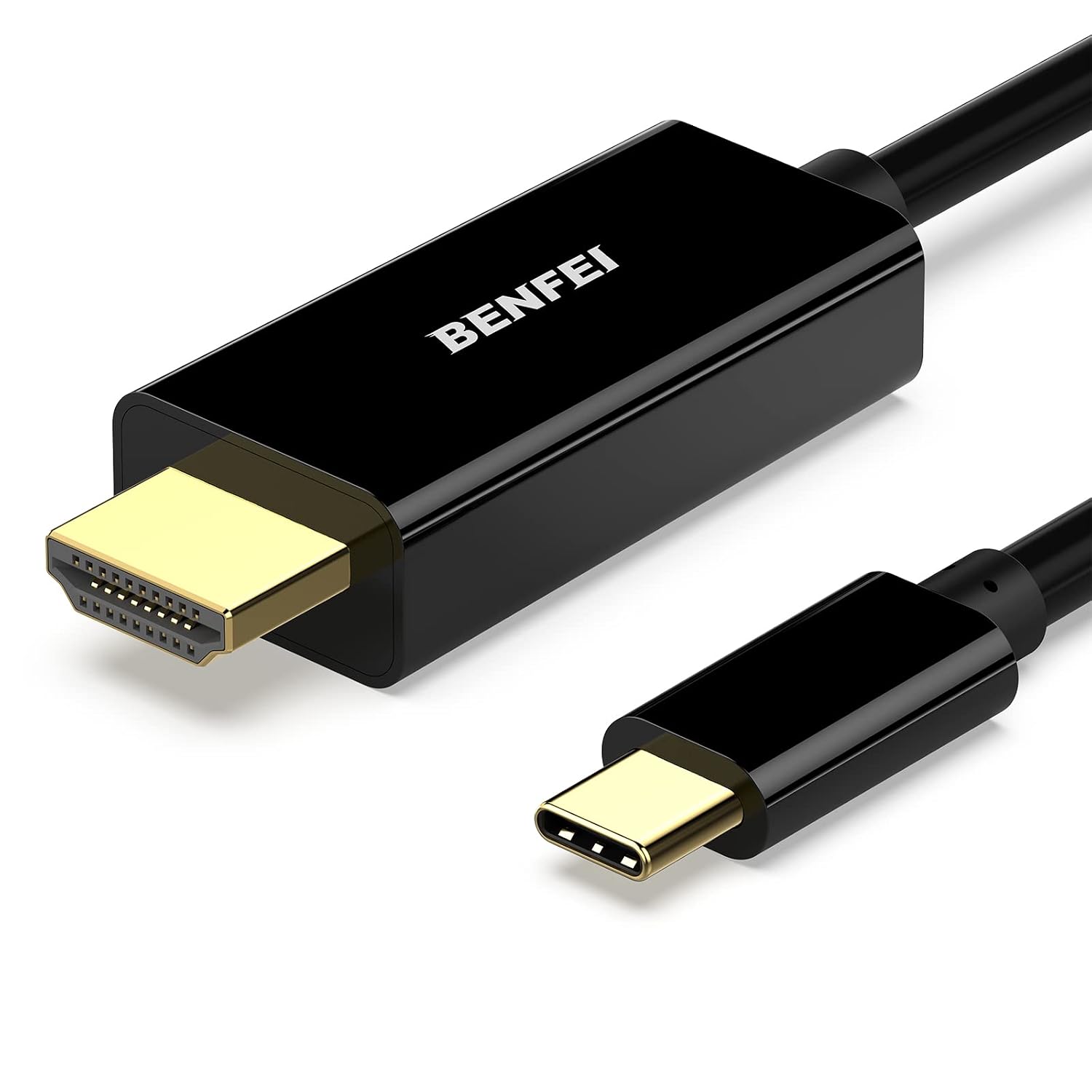
BENFEI USB-C (Thunderbolt 3) to HDMI 4K Cable (0.9m) – USB-C to HDMI Adapter, Gold-Plated
Reviews
Price
Product description
What it is and what it solves
The BENFEI USB Type C to HDMI cable is a plug‑and‑play solution designed to mirror video and audio from certain USB‑C devices to HDMI displays. It aims to simplify the setup for users who want to connect a USB‑C equipped laptop or device to a TV, monitor or projector with a single cable. On paper, it supports 4K at 30Hz and is built to work with a wide range of computers and some Samsung mobile devices, offering a direct USB‑C (Thunderbolt 3) to HDMI connection without extra adapters or drivers.
How it’s built and what to expect
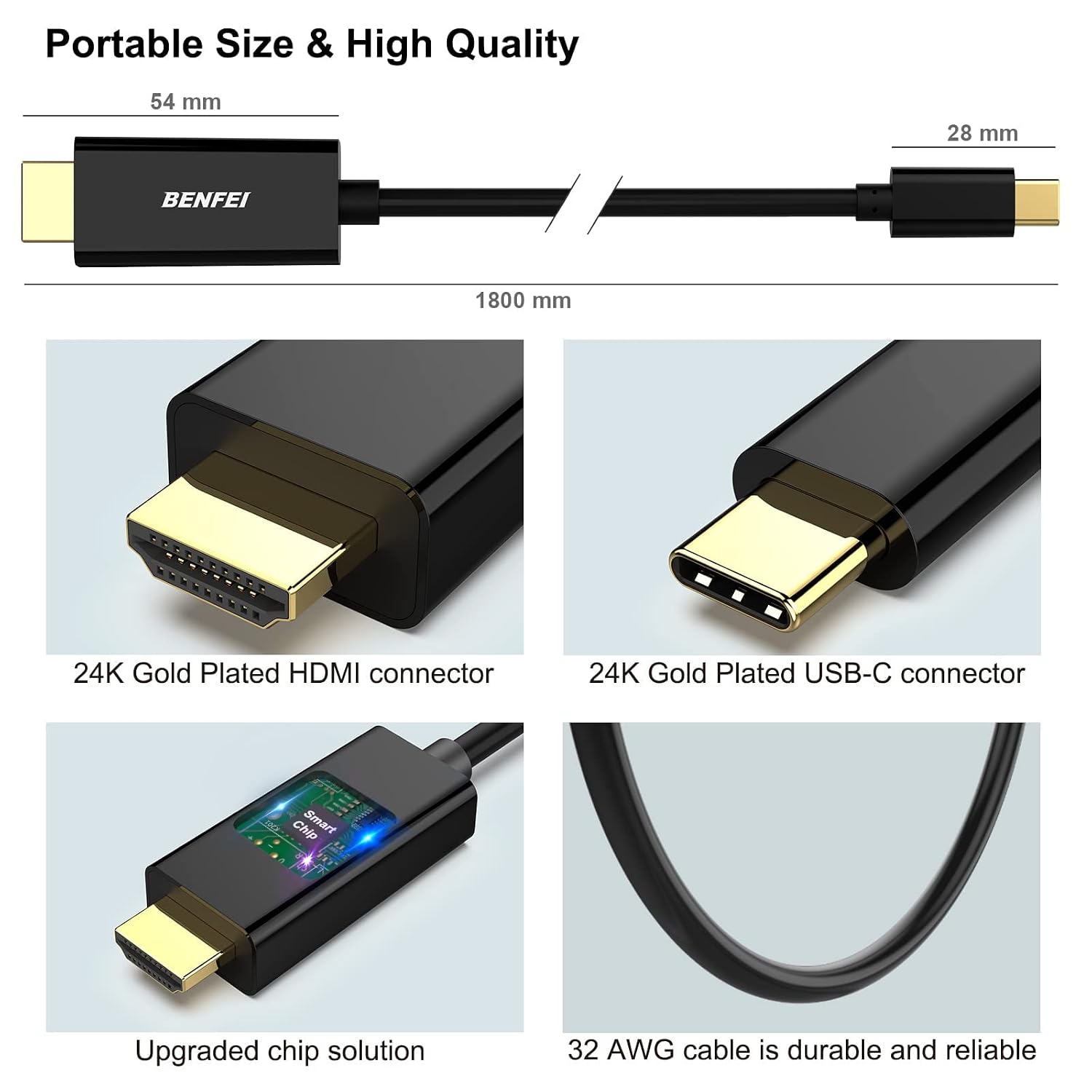
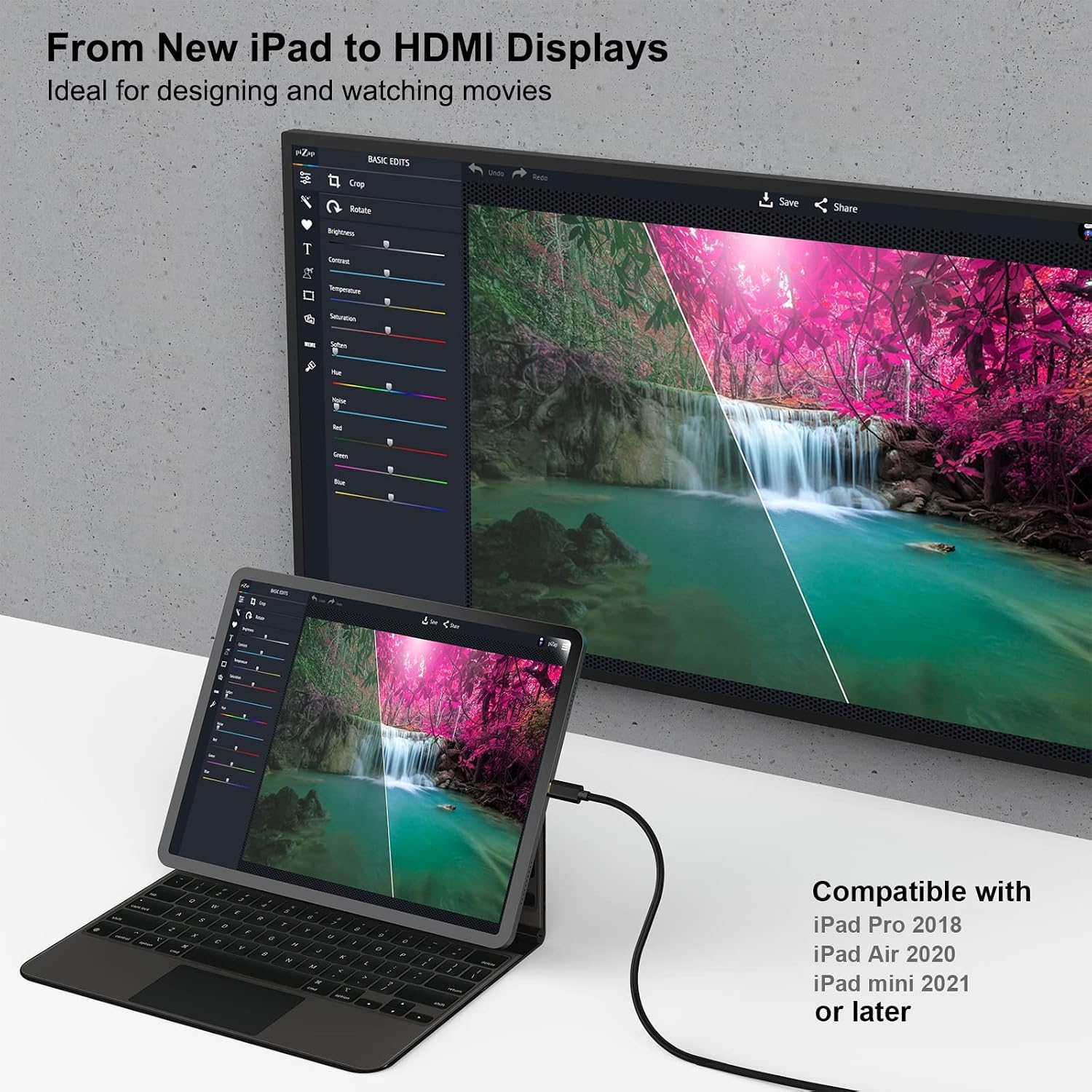
The cable uses a built‑in IC to convert USB‑C video output to HDMI, with a gold‑plated DisplayPort connector on the HDMI side to resist corrosion and improve signal transmission. It is described as a durable, braided lead with moulded strain relief for better longevity. Note the device compatibility caveat: it’s designed primarily for computers and not for charging, tablets or most smartphones, with a few specific Samsung and other models listed as exceptions. Expect a straightforward, wired connection rather than wireless casting.
Performance and limits
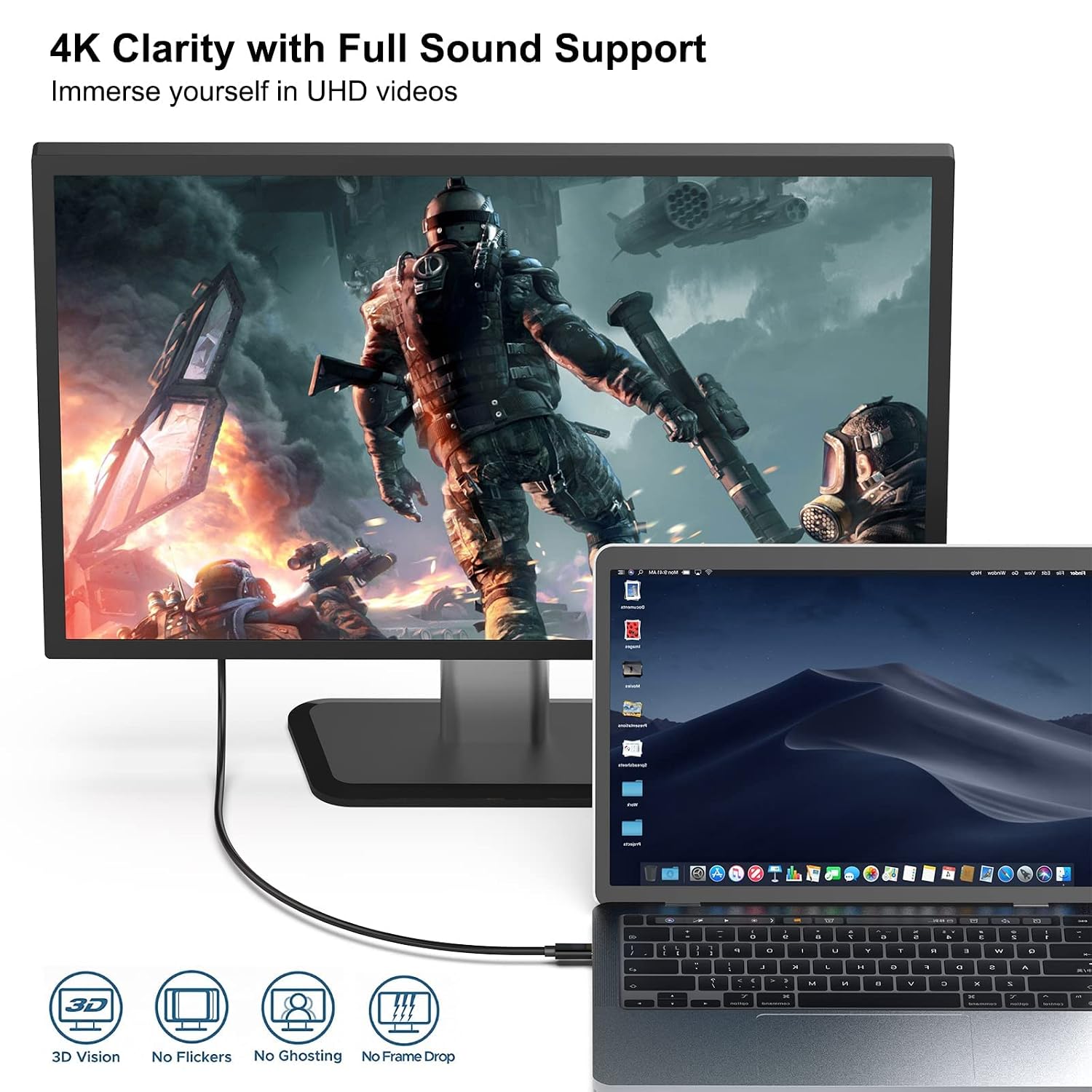
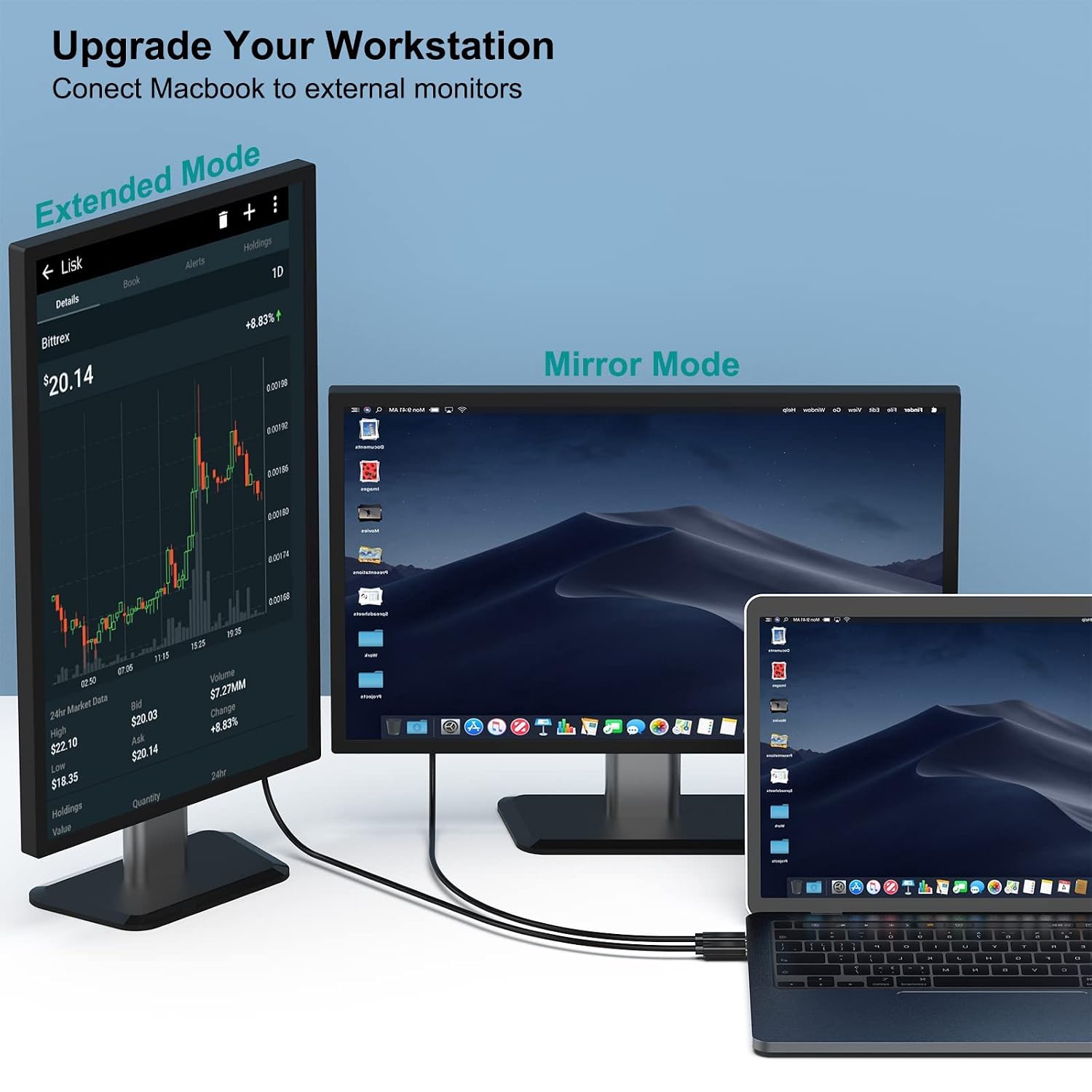
Specification-wise, you can drive one or two HDMI displays at up to 4K@30Hz, subject to what the source device and HDMI sink support. The setup depends on the source hardware supporting USB‑C DisplayPort Alt Mode, not all USB‑C ports carry this alternate mode, so the adapter won’t work universally. Some devices, particularly those with USB 3.1 Gen 1, may need a little extra patience during initial sync, but the product notes suggest it will settle with time. Importantly, there is no charging pass‑through on the adapter, so expect to power the device separately if needed.
Who it’s for
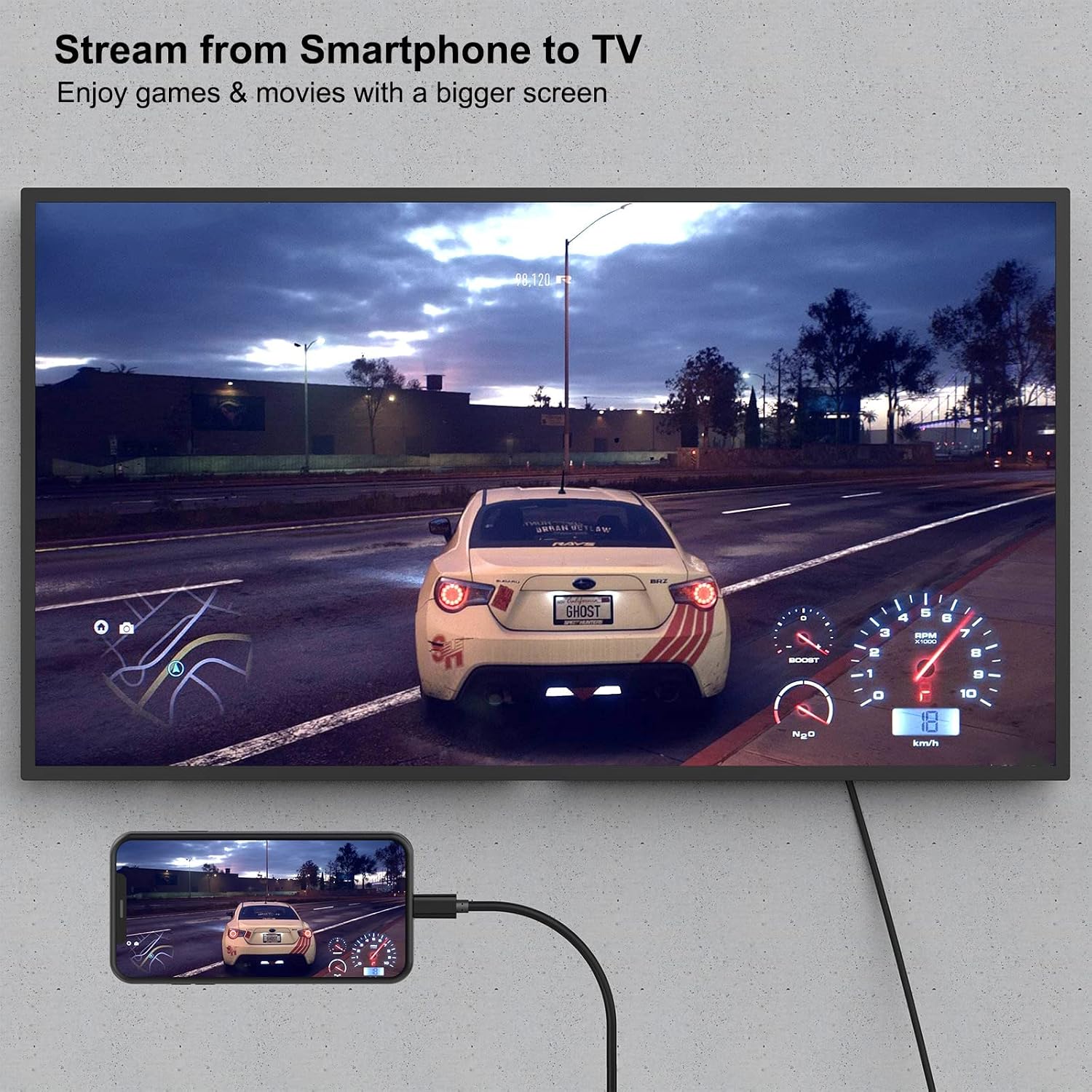
If you’re using a USB‑C laptop or notebook that supports DisplayPort Alt Mode and you want to connect to an HDMI display for video and audio, this cable offers a tidy, portable option. It is commonly pitched for compatible MacBooks, some Dell/XPS models, Chromebooks, and similar computers, plus certain Samsung phones and tablets noted in the description. If you prioritise a simple, direct cable to extend your display to a larger screen while on the move, this could fit your needs. However, if your device is not listed as compatible, or you rely on charging through the display, this cable may not meet expectations.
When it makes sense to buy
Consider this cable if you need a straightforward, low‑fuss connection from USB‑C to HDMI with a compact form factor (0.9m). It makes sense when your source device explicitly supports DisplayPort Alt Mode and you’re aiming to drive an HDMI display at 4K resolution at 30Hz, without extra adapters. If you mostly work with devices outside the compatible list or require higher refresh rates (e.g., 60Hz) or charging capability through the adapter, you’ll likely want to look elsewhere.

What to check before purchasing
- Confirm your USB‑C port supports DisplayPort Alt Mode, otherwise, video may not transmit.
- Check the HDMI display’s capabilities to ensure it can handle 4K at 30Hz from a source device.
- Note the note that this adapter is designed primarily for computers, if you plan to use with tablets or smartphones, verify compatibility for your specific model.
- Expect potential variation in sync time with devices using USB 3.1 Gen 1, and be prepared to allow a moment for the connection to stabilise.
Practical usage example
Imagine you’re working on a thin ultrabook and want to present a slide deck with video to a conference projector. You attach this BENFEI cable, select the HDMI input on the projector, and you’re up and running without installing drivers. If you’re streaming sports or a movie from a compatible phone, you’ll benefit from a tidy, wired link rather than relying on wireless casting, provided the device is within the supported list.
What stands out and where it may fall short
On the upside, the direct USB‑C to HDMI design reduces clutter and keeps a slim profile, with a robust build and gold‑plated connectors that may help signal integrity. On the downside, the capabilities are constrained to 4K@30Hz and a primary focus on computers, it won’t charge devices and might not work with all USB‑C ports lacking Alt Mode. For buyers needing higher refresh rates, power delivery or broader device compatibility, this is not the best match.
Final decision: Should you buy it?
Should you buy it? It makes sense if you have a USB‑C notebook or workstation that explicitly supports DisplayPort Alt Mode and you want a compact, plug‑and‑play HDMI link to a monitor or TV, with reliable build quality for everyday use. It is less suitable if you rely on higher refresh rates, USB‑C charging through the adapter, or you’re using devices outside the listed compatibility. If you prioritise a straightforward cable with minimal setup and value‑for‑money, this could be a sensible addition to your accessory kit.
FAQ
- Will it work with my phone to mirror the screen? The adapter is designed mainly for computers, only certain Samsung devices and a few others are listed as exceptions. Check your device’s compatibility with DisplayPort Alt Mode first.
- Do I need drivers or software? No, it’s described as plug‑and‑play.
- Can I charge my device while using this? No charging port is available on the adapter.
- What if I need 60Hz or more than 4K? This cable supports up to 4K at 30Hz according to the spec, so higher refresh rates aren’t supported.
- How durable is the lead? It features a moulded strain relief and gold‑plated connectors intended to enhance durability and signal transmission.